
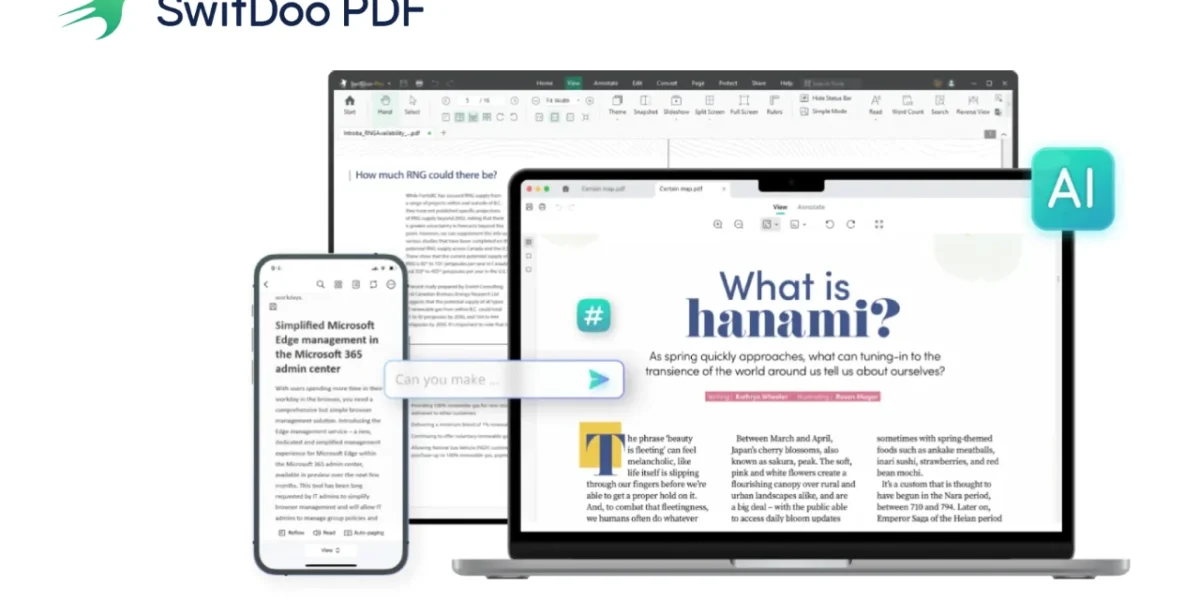
SwifDoo PDF positions itself as an all-in-one PDF solution for users who handle frequent document editing, conversions, or form processing. After spending time with the software, we found it to be a practical and efficient tool that focuses on speed, accessibility, and everyday usability without unnecessary complexity.
Despite being much smaller in size than most competing PDF suites—around 30MB—the application offers a full set of features that cater to small businesses, students, and professionals who manage large volumes of digital paperwork.
Installation & User Interface
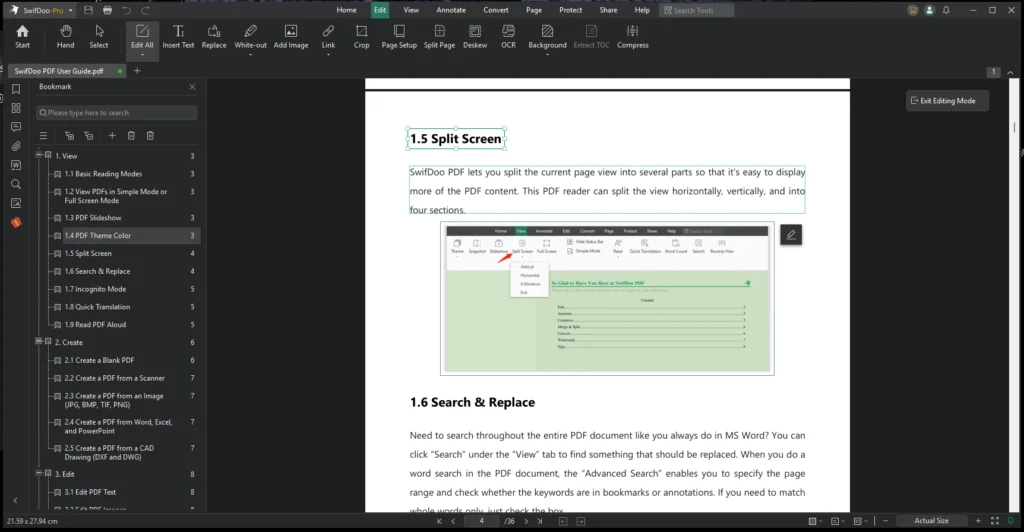
Installation is straightforward and takes less than a minute. Once launched, SwifDoo presents a clean and uncluttered interface with clearly organized tabs such as Home, Edit, Annotate, Convert, View, and Protect. Each tab reveals tools relevant to its function, making navigation intuitive even for first-time users.
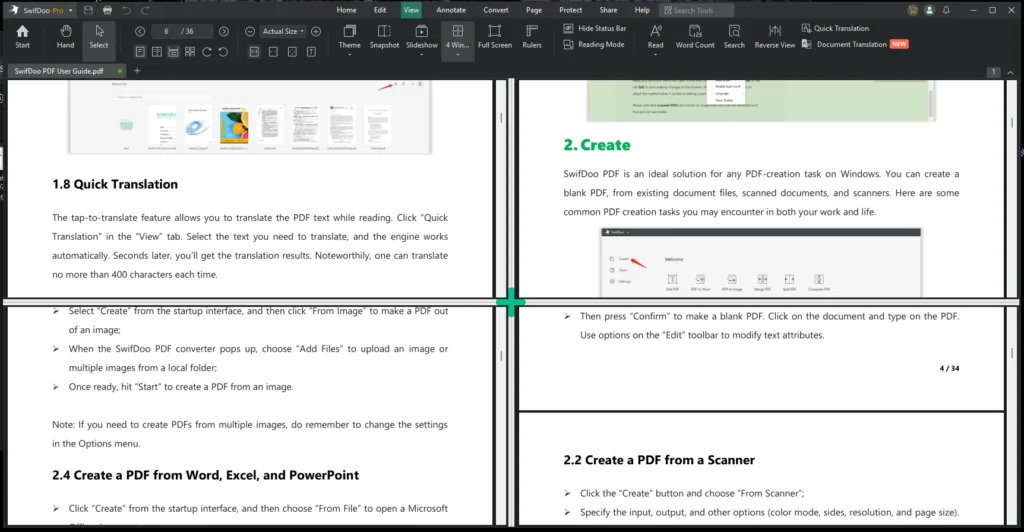
The software supports split-screen viewing, allowing documents to be displayed horizontally, vertically, or in four separate panes. This setup is particularly helpful when comparing versions or reviewing multiple sections at once. A dark mode option is also available for extended work sessions.
Editing & Annotation Tools
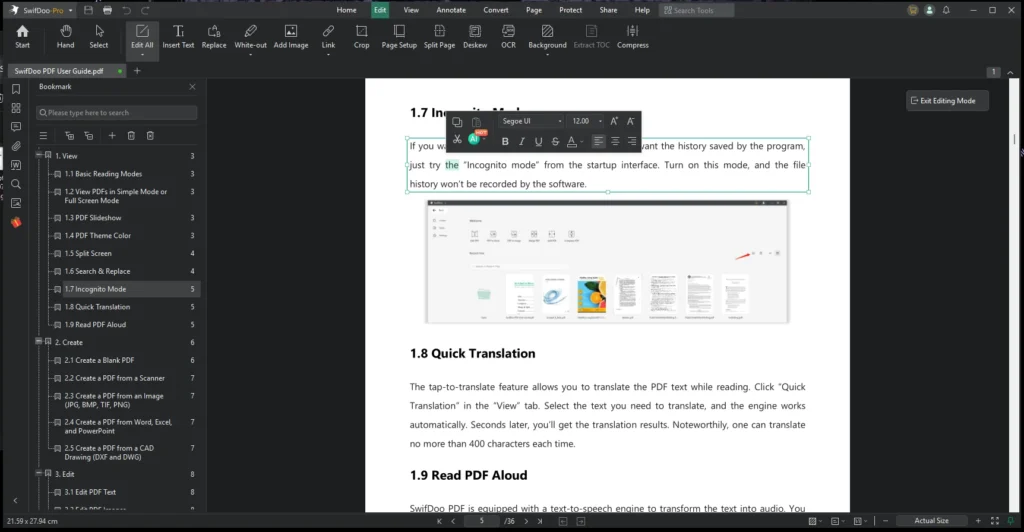
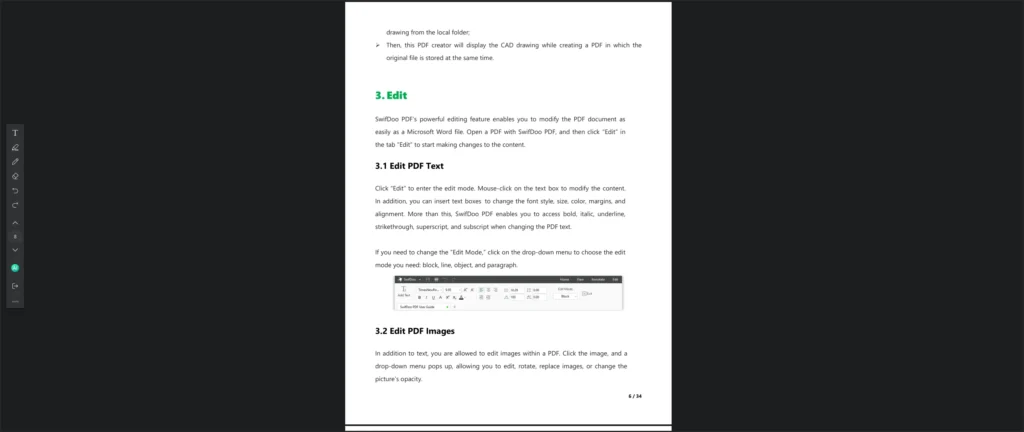
Working with PDFs in SwifDoo feels similar to editing a standard Word document. Selecting the Edit tab instantly makes text and images interactive. Users can modify fonts, adjust alignments, insert new text, or drop in images with precise placement. The software handles layout adjustments smoothly, maintaining formatting even when editing dense or complex files.
For annotations, SwifDoo provides a comprehensive set of tools including highlighters, sticky notes, stamps, shapes, and a pencil tool. These features make it suitable for reviewing reports, collaborating on teaching material, or marking up contracts. Notes and comments are easy to track via the left-side panel.
OCR & Advanced Text Handling
SwifDoo includes an OCR engine capable of converting scanned documents into searchable or fully editable text. Users can also specify which portions of a page should undergo OCR processing, improving accuracy and reducing unnecessary scanning.
The OCR performance is reliable for everyday documents, making it useful when converting scanned contracts or digitizing archived paperwork.
Conversion, Merging & File Management
The Convert tab offers a wide range of export formats, including Word, Excel, PowerPoint, JPG, PNG, HTML, and plain text. Batch conversion is supported, enabling multiple files to be processed in one operation. In testing, converted documents retained formatting well, especially when moving from PDF to Office formats.
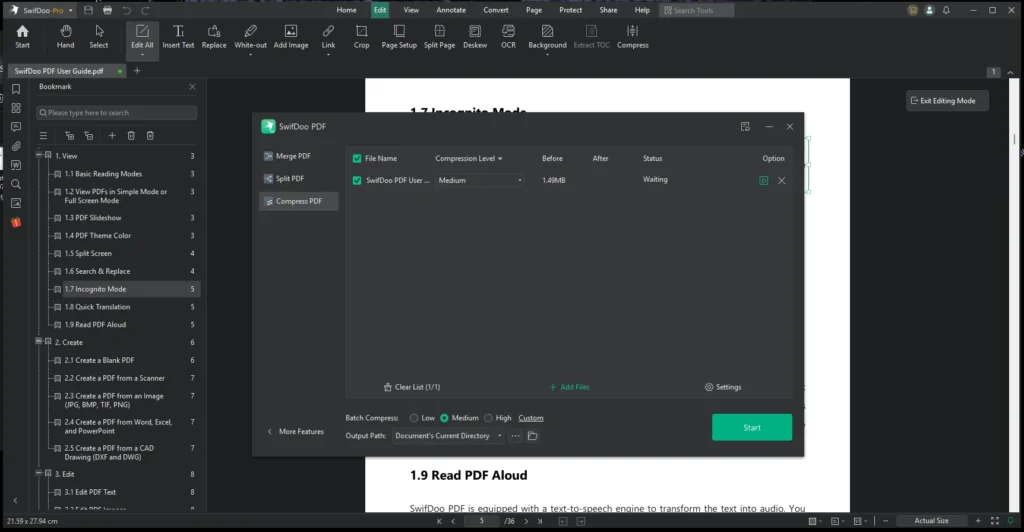
SwifDoo also handles merging and splitting efficiently. Users can combine multiple PDFs or select specific pages from each file before merging, which is useful when assembling reports or consolidating scanned pages.
Security, Watermarking & e-Signatures
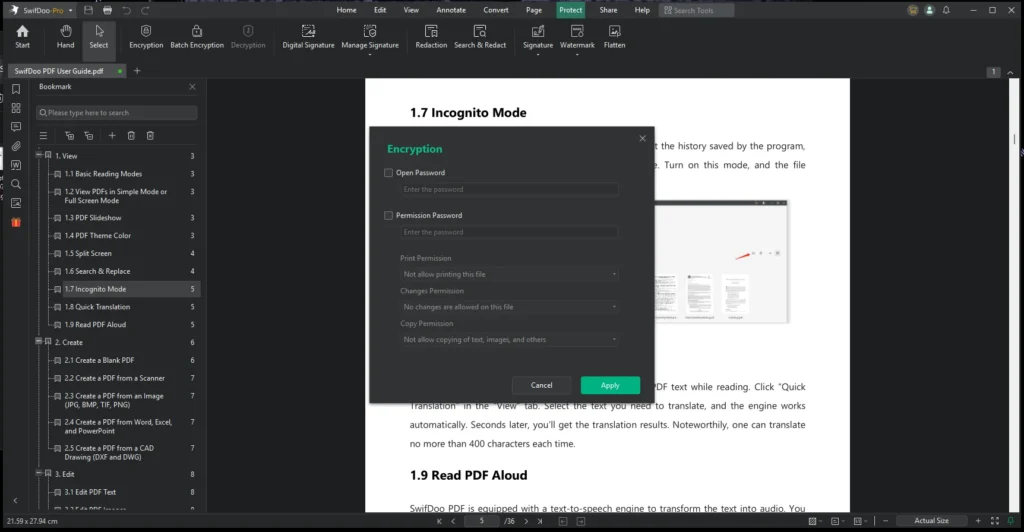
The Protect tab provides essential security features suited for sensitive or business-related documents. Users can apply open passwords to control who can view a PDF, or permissions passwords to limit printing, copying, or editing. Existing restrictions can also be removed, provided the user has the proper authorization.
Electronic signatures can be added through typed text, image uploads, or handwritten drawing. Once created, signatures are saved for reuse. Watermarking tools are also available for branding or copyright protection, with options for custom text, logos, and adjustable transparency.
AI-Powered Features
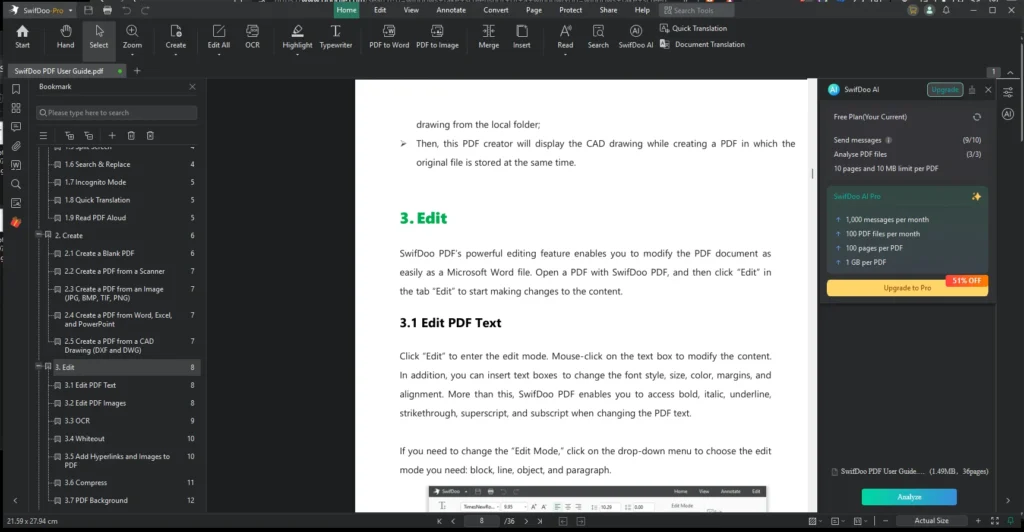
One of SwifDoo’s more modern additions is its integrated AI assistant, which can summarize content, translate text, explain terms, proofread, and rewrite selected text. Users can also interact with the PDF through AI-powered chat, making it easier to locate information or clarify dense material.
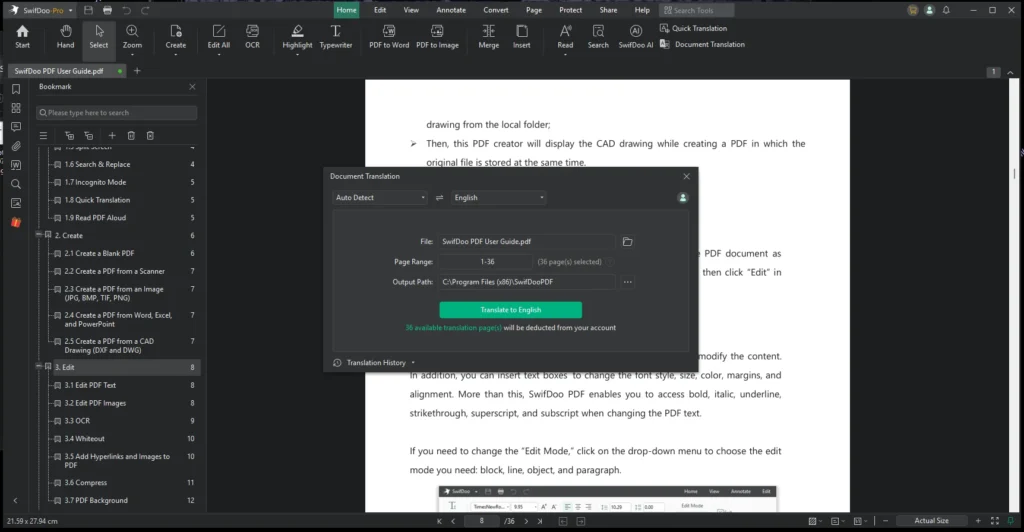
These features are accessible with a simple right-click after highlighting text. For users dealing with long reports or multilingual documents, the AI tools provide meaningful productivity benefits.
Cross-Platform Support
SwifDoo PDF works across Windows, macOS, iOS, iPadOS, and Android. Cloud syncing allows users to access recent files across devices, and a fully web-based version is available for those who prefer not to install software locally. The cross-platform availability enhances flexibility for users who frequently switch between desktop and mobile environments.
Performance
Throughout our testing, SwifDoo remained lightweight and responsive. Editing, navigation, and conversions performed without lag, even on older hardware. The small installation footprint and low resource usage make it suitable for users who need a capable PDF tool without the overhead of larger, enterprise-focused applications.
Verdict
SwifDoo PDF delivers a well-rounded set of tools in a compact and user-friendly package. It covers all essential PDF workflows—editing, annotation, conversions, signing, OCR, and security—while adding modern AI-powered convenience features.
For small businesses, freelancers, educators, and general users who frequently handle digital documents, SwifDoo offers strong value with a smooth learning curve and reliable performance. While it may not have the brand recognition of larger competitors, its versatile feature set and lightweight design make it a compelling alternative for everyday PDF tasks.
If you need a simple, efficient, and cost-effective PDF solution without unnecessary bloat, SwifDoo PDF is a tool worth considering.