Want to build and/or buy a new PC that’s perfectly made just for you and your gaming habits? Then you’re going to need a quick rundown of the kind of specs you should look into. Because not all gaming is built the same.
Some require barely any CPU power or RAM, and others can be installed on the most top of the range PC ever made and still stutter and lag in places. And it’s this variance that makes shopping for a new PC or PC parts really quite difficult.
We’re not here to tell you how to build a PC – although we do have a guide for that, if you need it. Instead, we just want to give you a more solid idea of what kind of processing and GPU power you’ll need for the kind of games you plan to play. It’s hard to lay those out as clearly as possible, but we’re going to give it a go!
So, let’s try and simplify those details a little. Depending on the kind of games you want to play, here are the sort of PC specs you should keep an eye out for when you’re in the market.
Want To Play Casual and ‘Lite’ Games?
Maybe a sweet, 2GB farming sim is the game you dream of playing for hours on end? Or you might just enjoy loading up a game of hearts online, and you’re in need of a computer that’ll have room for the browser to take up a bit of space?
It’s all good, because your needs are pretty simple either way! Indeed, you don’t need to get yourself a high end PC here. If casual and lite gaming is all you’re really interested in, you can stick to the budget friendly side of the PC store.
For example, any entry in the Intel Core i5 series will do the trick here – and that’s the CPU covered.
As far as your GPU goes, an Nvidia GeForce RTX 5060 is probably the most sensible choice for you. But, if you’re on a super strict budget, you can comfortably go a couple generations earlier here as well.
Want a PC That Can Handle In Depth Sims and Moddability?
This is where the more medium level CPUs, GPUs, and misc tech comes in. Because when you’re wanting to simulate with a gaming experience, you’re going to need a good punch of processing and graphics power on your side.
You still don’t quite need something top of the range, but you could quickly veer into that territory if you’re interested in making mods, or even just adding mods and custom content to your games.
To that end, make sure you have a high amount of storage on your PC. We recommend investing in external hard drives that you can add on, as this tends to be cheaper than trying to upgrade from the inside out.
Want to Spend Hours on Online Multiplayers?
This is where top tier gaming specs are required. If you want to keep up with the rest of the team, you’re going to want the kind of PC that livestreamers use in their set ups. And this usually means you’re going to have to stump up $2000+ to get everything you want in one case.
Of course, some online multiplayers are pretty decent at keeping their games small and easy to run. Anyone using pre-built infrastructure for their servers will be able to keep the impact of hosting or joining games off of your PC.
But you should still look into a CPU core that has the latest in optimization built in.
Optional Extras Everyone Should Consider
Now we’ve gone through the meat of the meal, it’s time to consider what veggies and side dishes you might want as well.
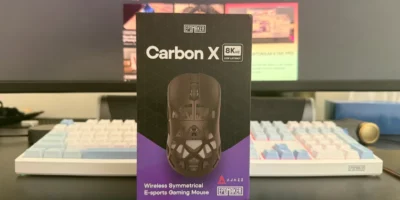
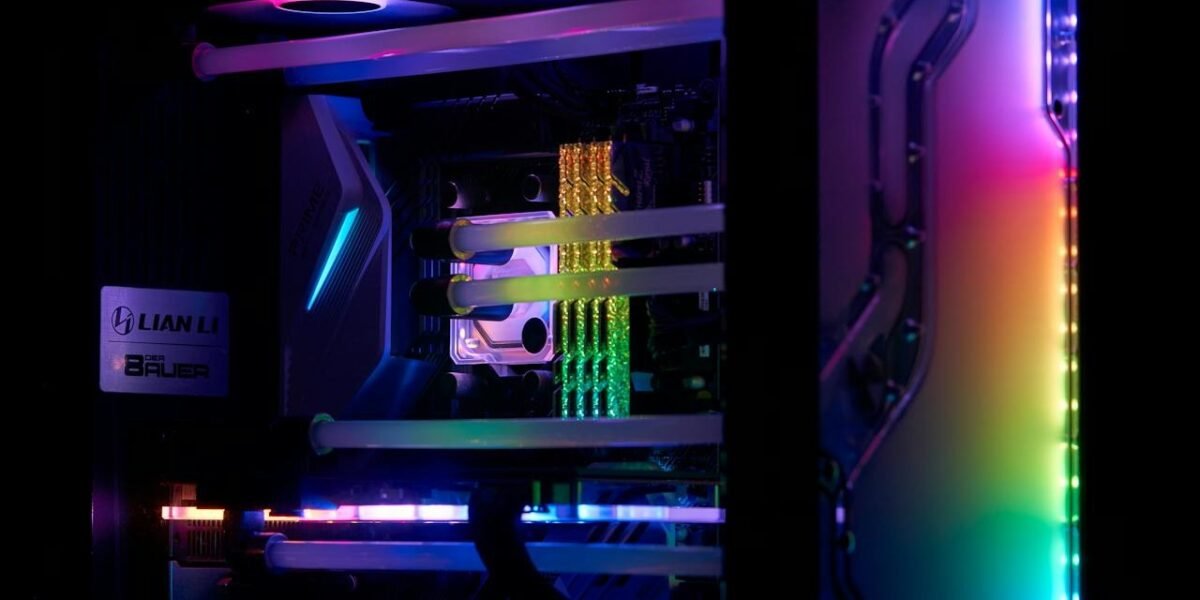
And in the gaming world, there’s quite a few to consider. From RGB lighting inside your computer case, to using ergonomically designed keyboards and mouse.
But some extras, while totally optional and up to you, are actually savvy tech add-ons everyone should consider in their gaming PC set up.
Here’s a few to think over if you’ve still got a bit of budget left and want as much ‘oomph’ as possible out of your new computer.
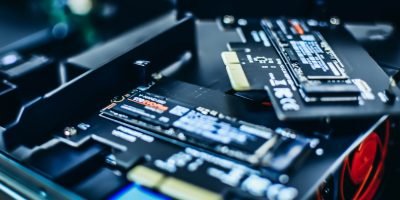
SSDs
Solid state drives make everything much speedier! If you install a game on an SSD, it’ll knock quite a few seconds off of the load times, which is good for larger, open world games like Assassin’s Creed or Fallout.
Water Cooling
It’s pretty efficient, and can work to cool your system much harder than a set of fans. However, it’s not essential – it’s just something to think about if you have a highly optimized PC spec and need a more in depth, customizable cooling system to keep everything running.
A New Monitor
And finally, why not consider getting a new monitor to go along with your new PC? An older, out of date unit may not be able to keep up with refresh rates or graphics quality. You may even notice discoloration in certain parts of your gaming experience.
And if the monitor you plan to plug in is already 5+ years’ old, it’s time to get a new one that has the pixel quality you really can rely on.
Get the Gaming PC You Need
Whether you want to play The Sims 4 and load on a tonne of custom content, or you want to play as many Warzone matches in a row as is humanly possible, you’re going to need some specialized PC tech on your hands.
As such, keep the tips above in mind. If you’re more of a casual gamer, you can comfortably stick to a budget and get a PC that’ll run your favorite games no matter what.
And if you want something more powerful, you might have to go beyond the price point you like, but it’s more than possible to get a PC build that’ll carry you through.