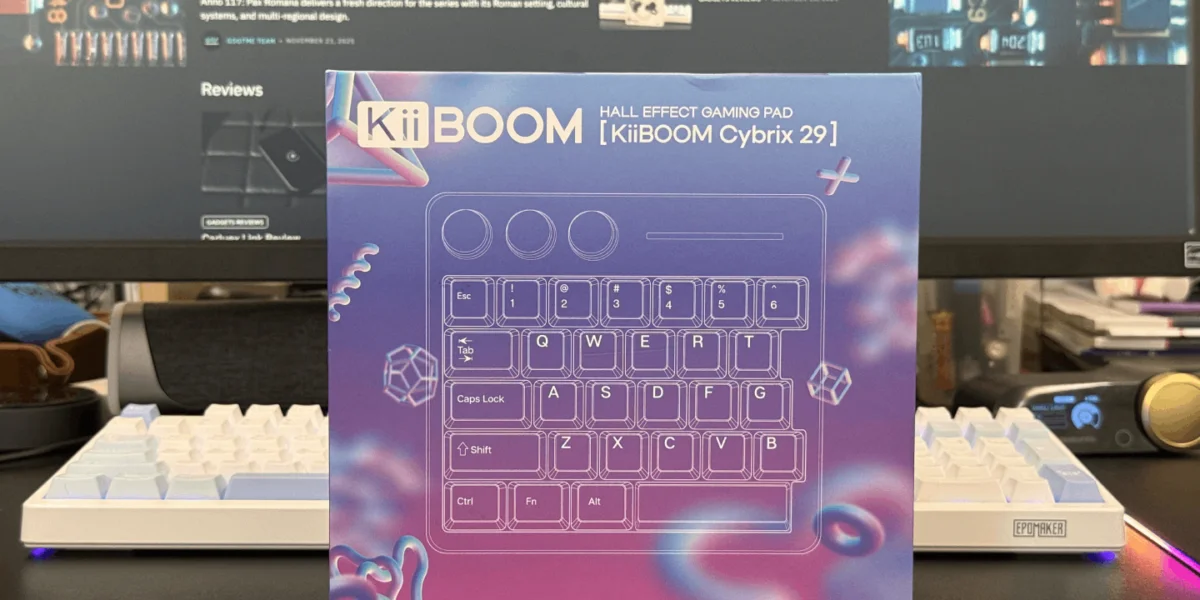
The KiiBOOM Cybrix 29 is a compact 29-key mechanical keypad designed for gamers, creators, and users who want quick access to essential commands without relying on a full keyboard. Despite its small size, it aims to deliver the build quality, customization, and performance expected from a dedicated desktop accessory.
Design & Build Quality
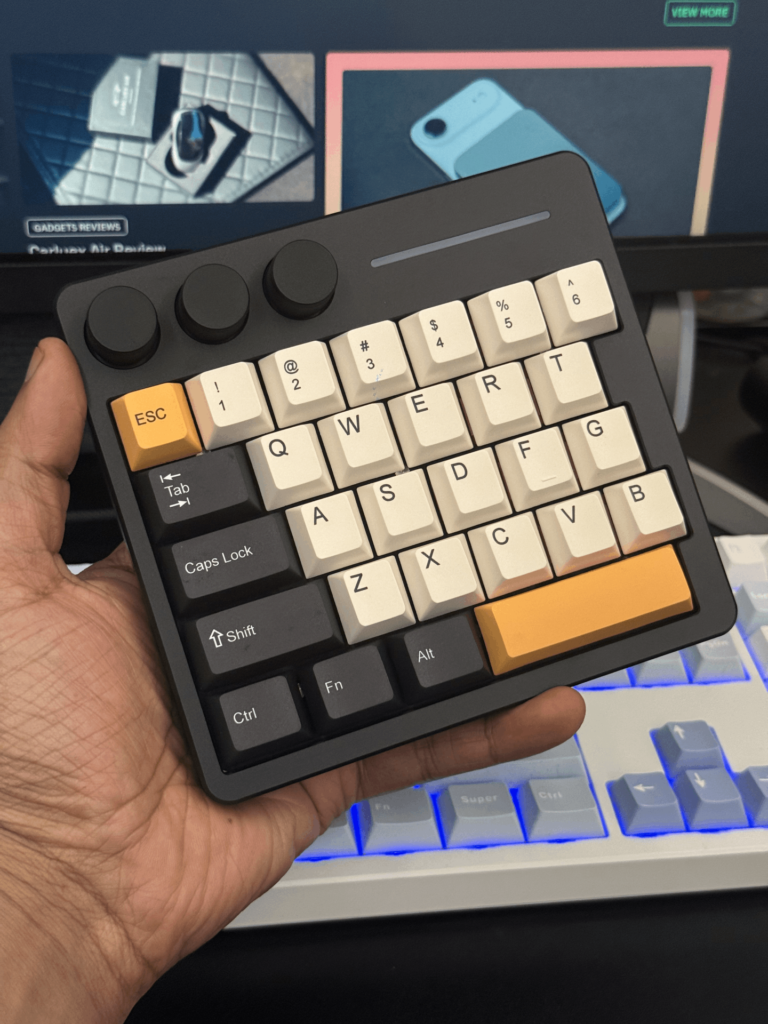
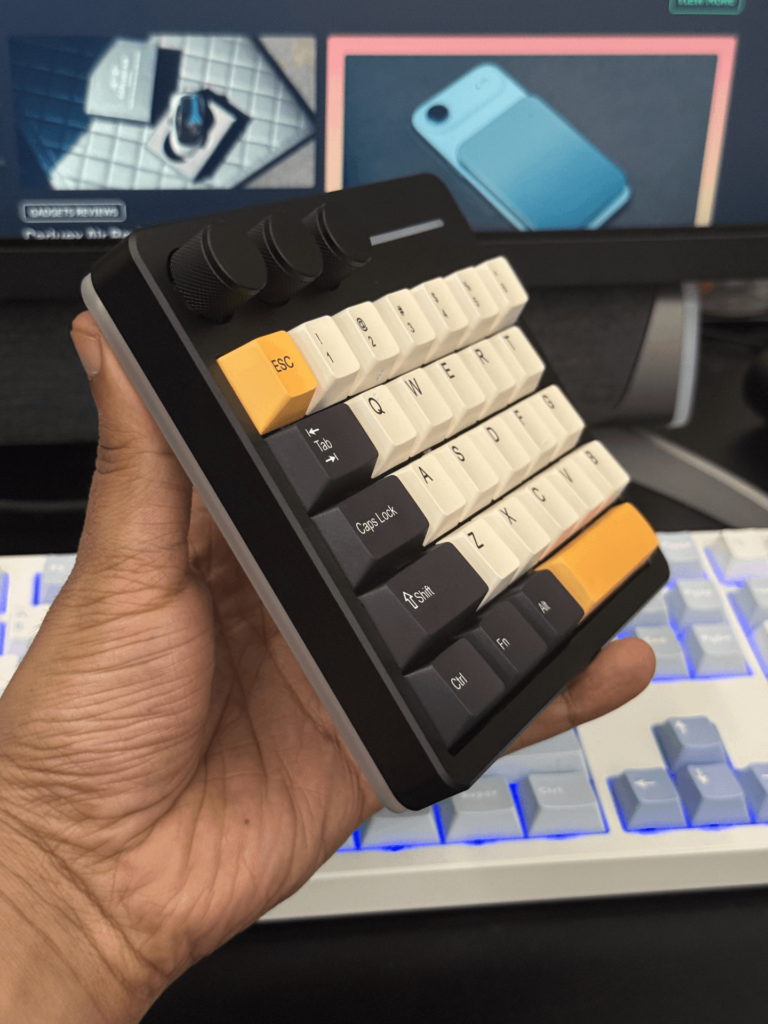
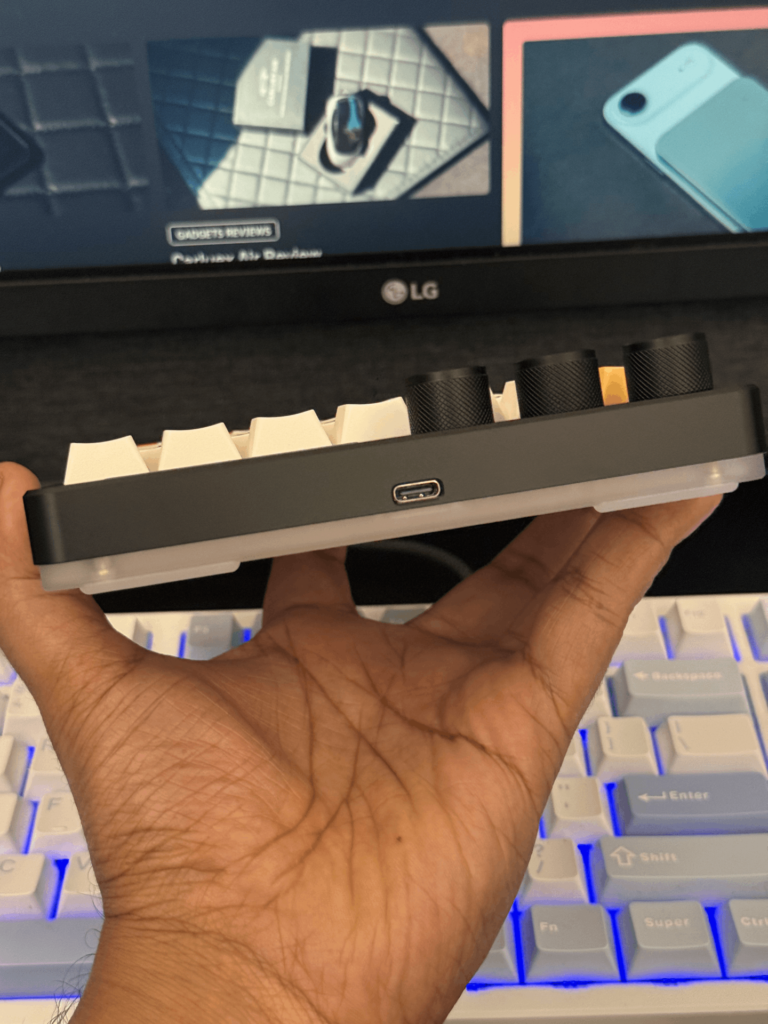
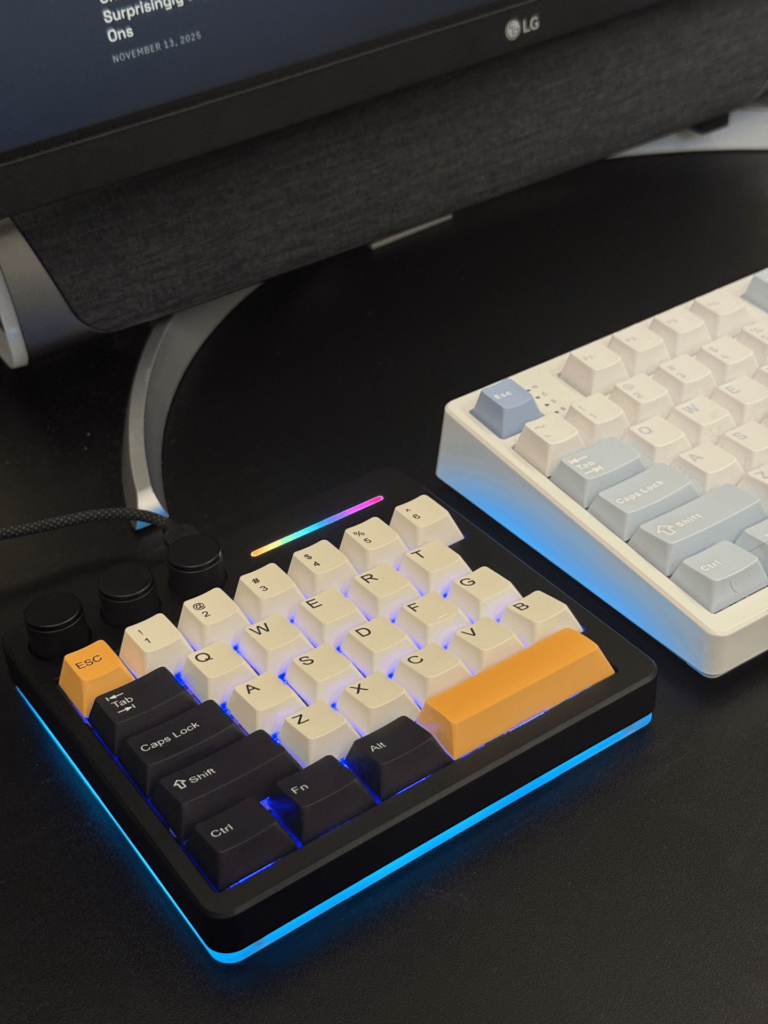
The Cybrix 29 arrives in well-presented packaging and includes a full set of accessories: a fabric-braided USB-A to USB-C cable, a keycap and switch puller, two extra Mac-specific keycaps, and a microfiber cloth. The keypad itself is compact at 150 × 134 × 30 mm and weighs around 420 g, giving it a solid feel on the desk.
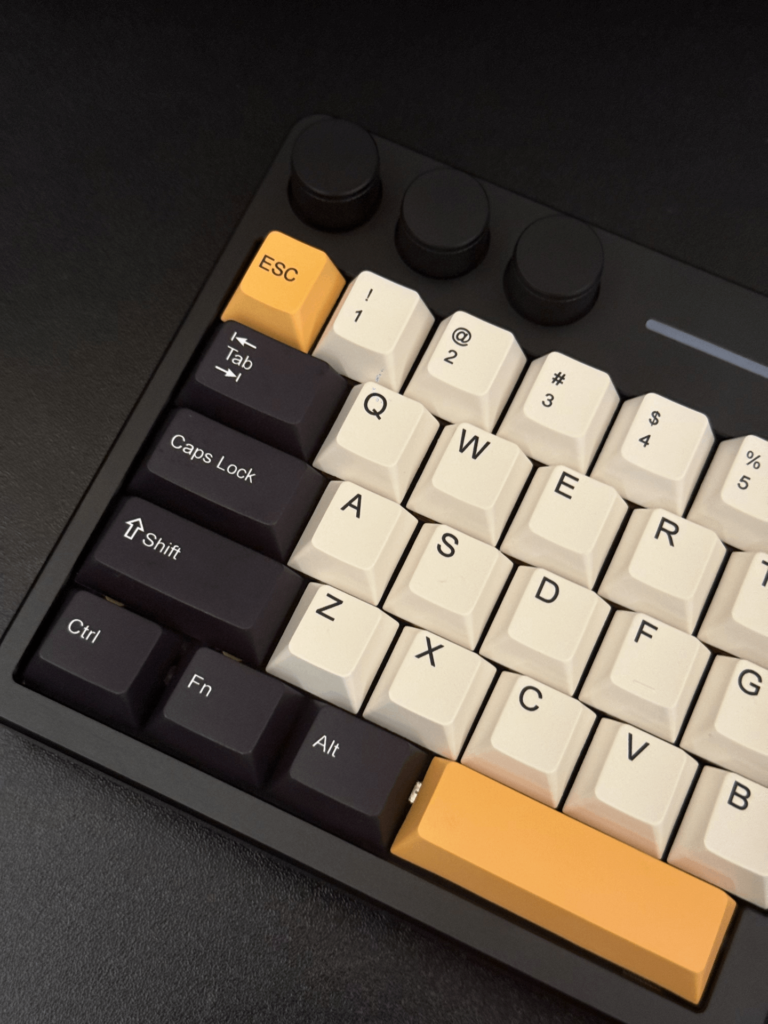
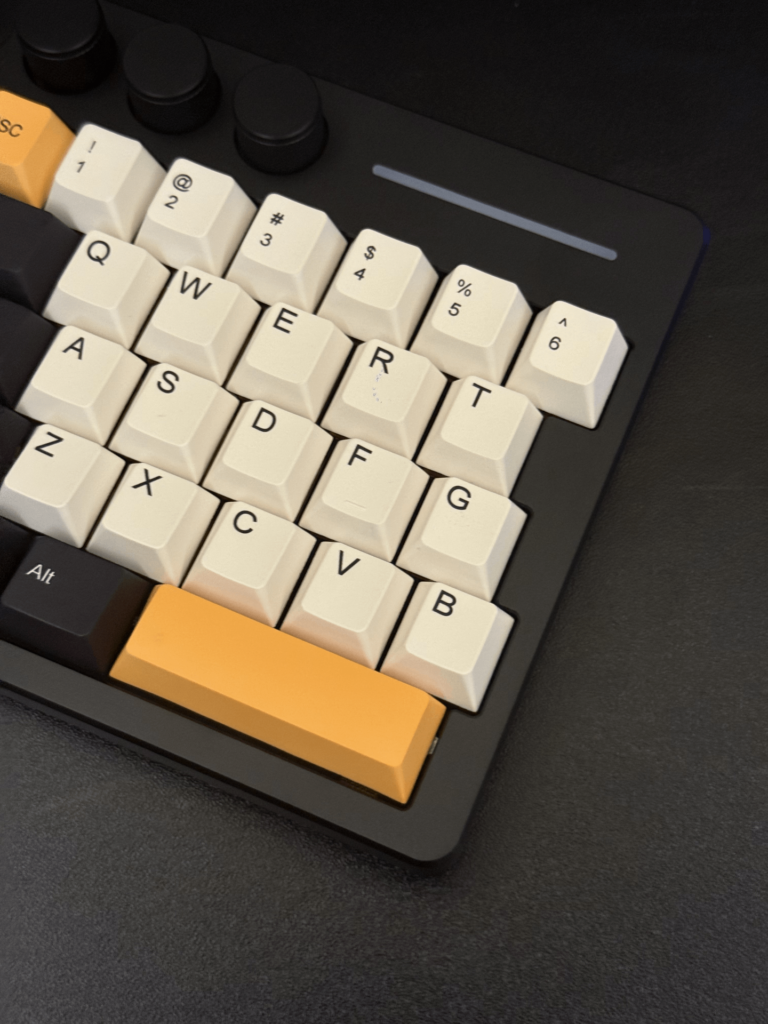
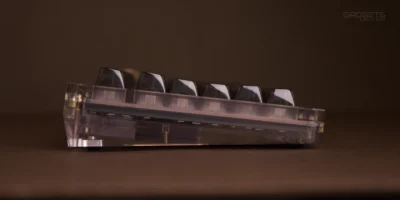
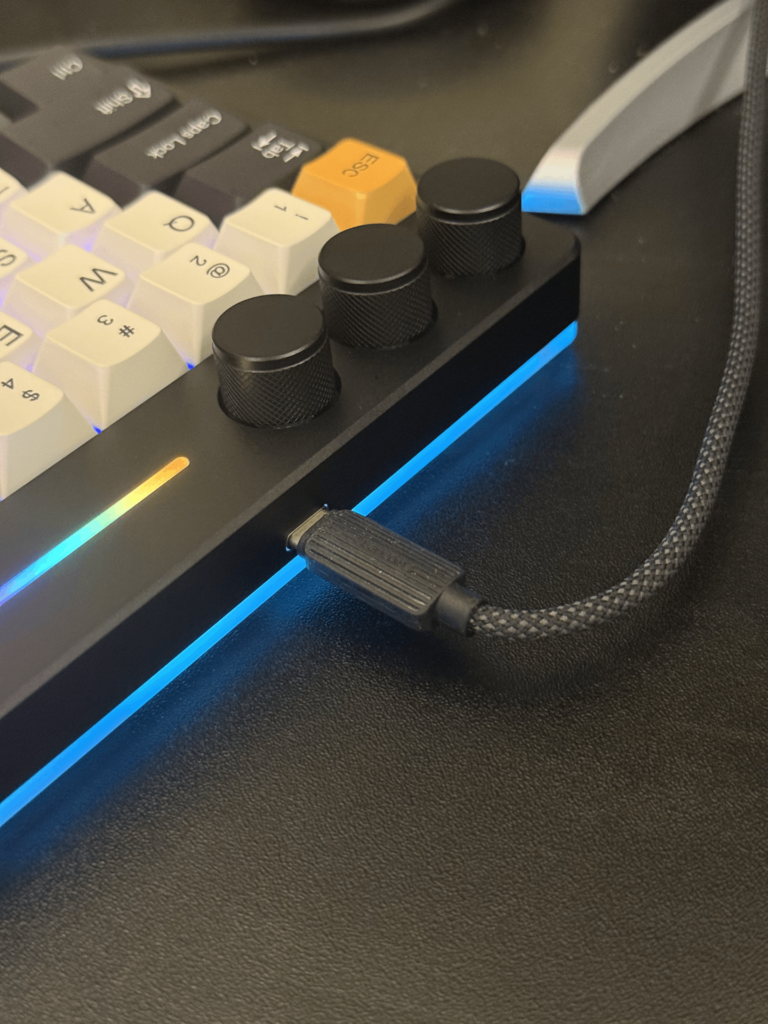
KiiBOOM uses a CNC aluminum top frame paired with an acrylic bottom layer, which allows the RGB lighting to diffuse around the edges. The finish is clean and consistent, with no flexing or loose components. Rubber pads on the underside help keep the device firmly in place during gaming.
KiiBOOM offers the Cybrix 29 in three colorways:
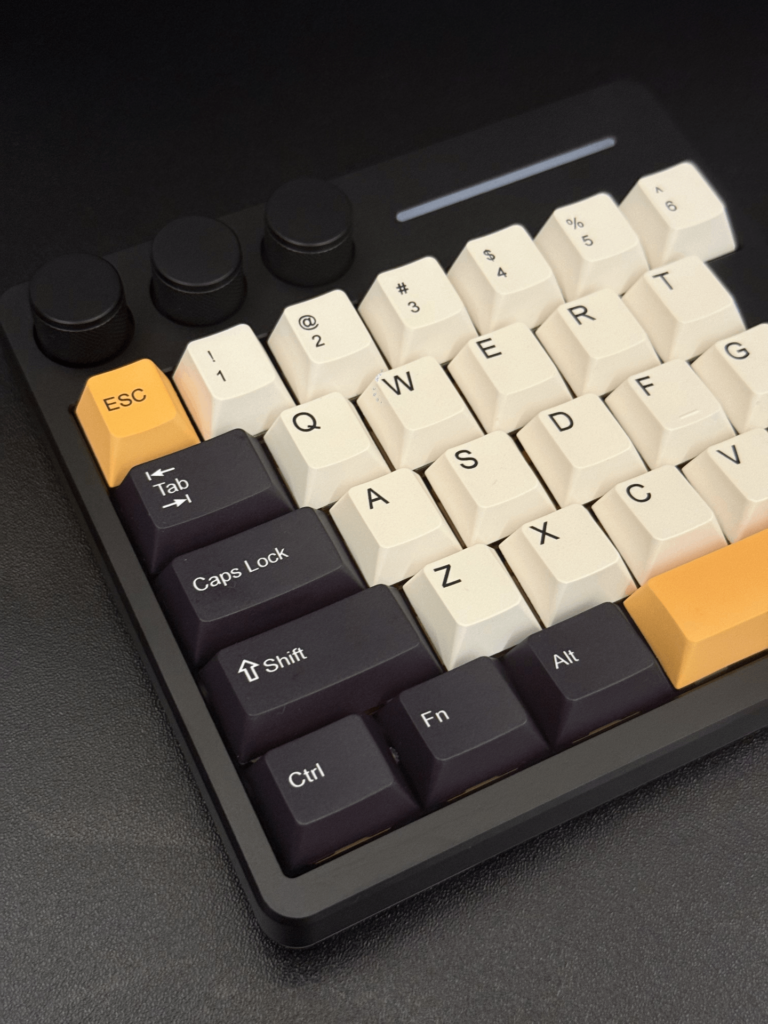
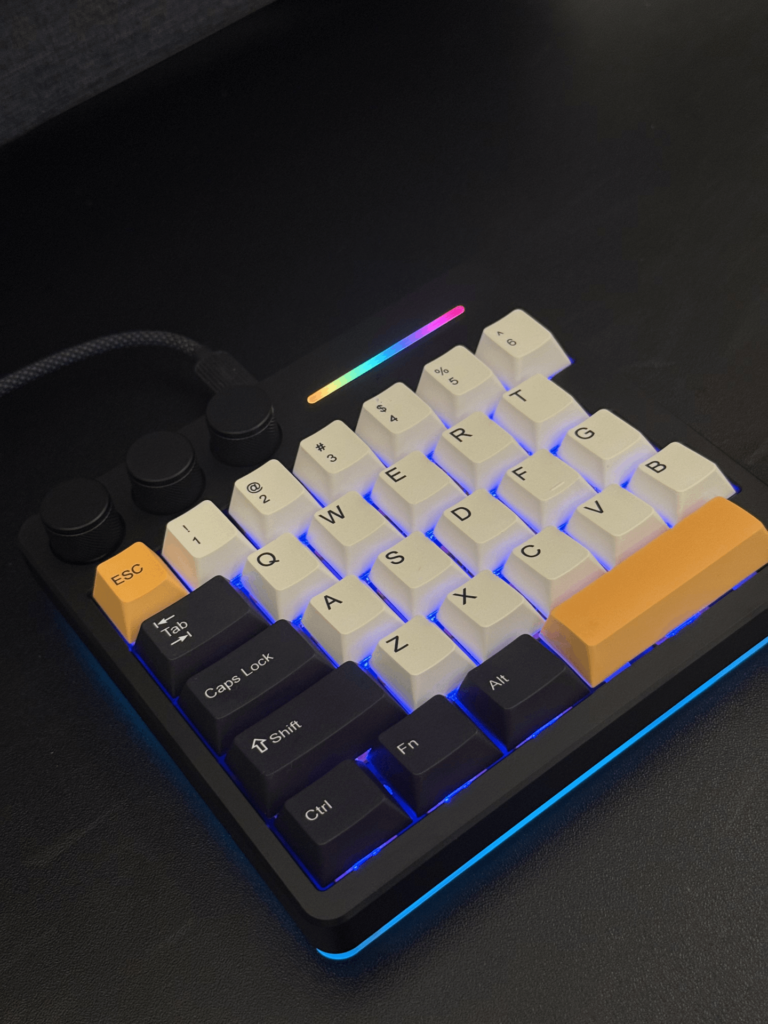
- Black – with white/orange/black keycaps
- Silver – with grey/blue keycaps
- Pink – with light pink keycaps
The included PBT keycaps use the Cherry profile, and the unit ships with KiiBOOM Duskrise Hall Effect switches. These switches feel smooth and linear, producing a soft sound that suits both gaming and productivity.
On the top-left edge, three aluminum knobs offer control for volume, media playback, scrolling, and lighting. The rear side houses its single USB-C port — this model is wired only.
Features & Customization
Although compact, the Cybrix 29 is feature-rich. It supports hot-swappable switches, NKRO anti-ghosting, and an 8,000 Hz polling rate. RGB lighting is bright and customizable across the keys, side strip, and acrylic base. Users can cycle through effects, adjust speed and brightness, or switch everything off directly from the keypad.
For deeper customization, KiiBOOM’s macOS and Windows software allows full remapping of keys and knobs, macro assignment, lighting control, and per-profile configuration. During setup, the only inconvenience is that the driver initially loads in Chinese, requiring users to switch the interface to English manually.
The keypad also supports basic onboard controls via the Function key for users who prefer not to install additional software.
Performance & User Experience
Gaming
The Cybrix 29 performs exceptionally well in fast-paced titles thanks to its Hall Effect switches and high polling rate. Movements and inputs feel immediate and consistent, making it suitable for first-person shooters, action titles, and precision-based modes such as surf maps in Counter-Strike. The compact layout keeps all essential controls within reach, and the knobs add convenient access to volume or menu navigation.
Creative Workflows
The device works equally well as a macro pad for editing applications. Setting up shortcuts for timeline scrubbing, tool selection, and zoom controls in CapCut and Photoshop considerably speeds up workflow. While it cannot replace a full keyboard for typing-heavy tasks, it is highly effective as a dedicated shortcut controller, especially for drawing tablets.
Everyday Use
The small footprint and lightweight build make it suitable for portable or console gaming setups. It fits easily into a bag and can be quickly connected to laptops, desktops, and compatible consoles.
Limitations
While the Cybrix 29 delivers strong performance, two limitations stand out:
- Wired-only connectivity: There is no Bluetooth or 2.4 GHz wireless option, which adds another cable to cluttered desks.
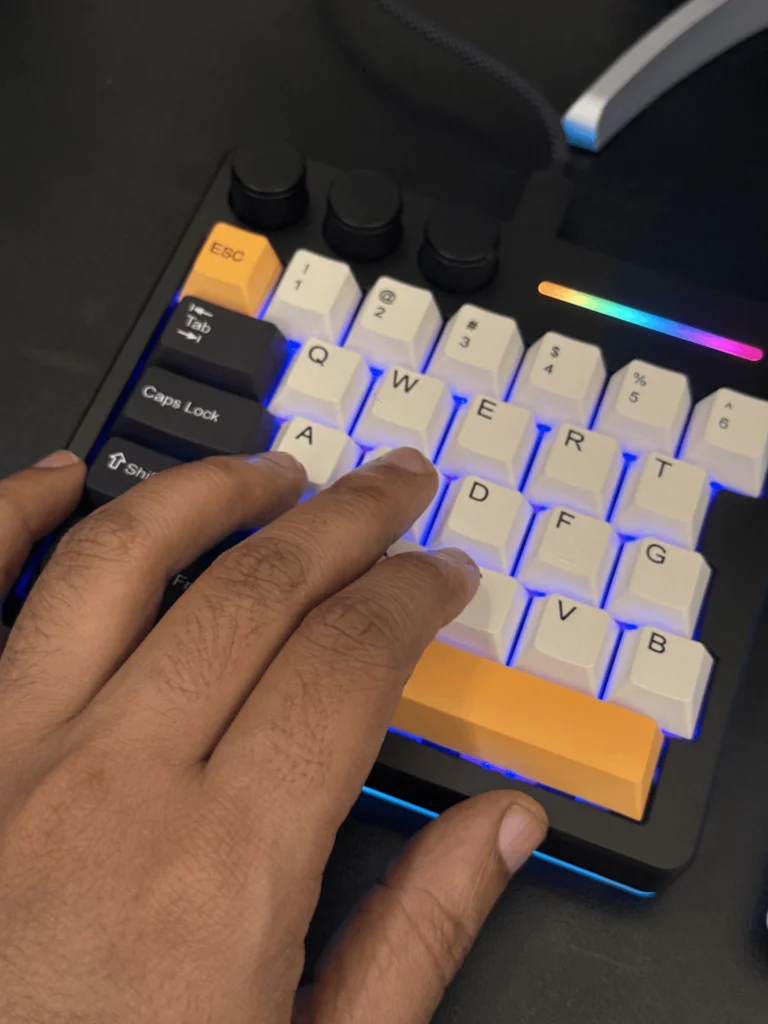
- Right-hand–only layout: The keypad is designed for left-hand use. Left-handed mouse users will find it intuitive, but right-handed users may struggle. A mirrored version would improve accessibility.
Additionally, accessing internal screws requires removing the anti-slip pads, which can be inconvenient for users who frequently mod their keyboards.
Verdict
The KiiBOOM Cybrix 29 is a well-built, highly customizable keypad that serves both gamers and creators exceptionally well. From its Hall Effect switches to its extended software controls and compact aluminum construction, it feels more premium than its price suggests. While the lack of wireless connectivity and absence of a mirrored layout limit its versatility, the overall experience remains excellent.