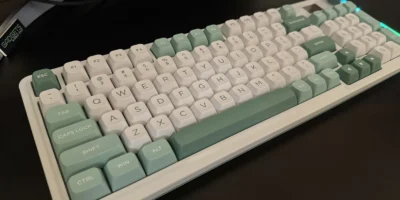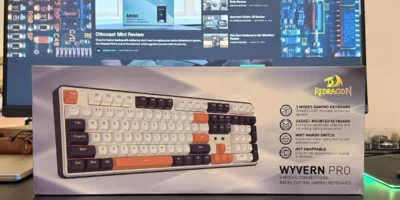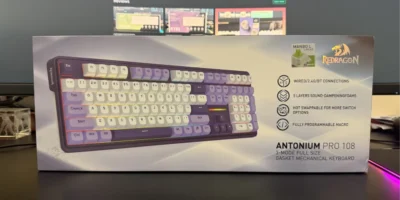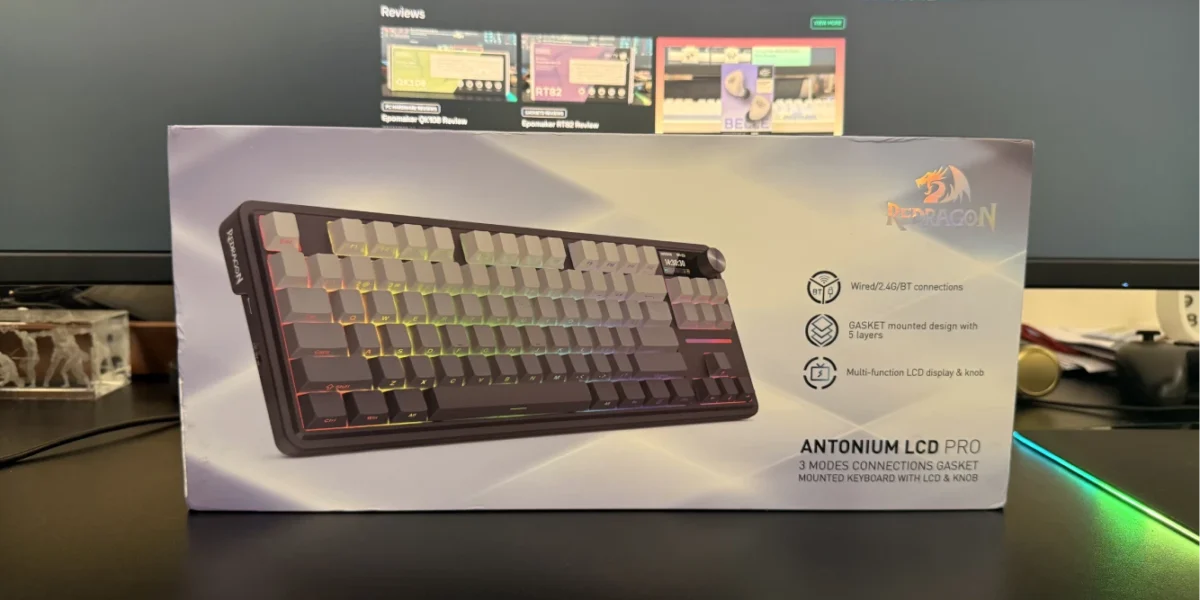
The Redragon ANTONIUM K743 PRO is a 75% mechanical keyboard that aims to balance productivity, gaming performance, and everyday comfort. With an 84-key layout, tri-mode connectivity, a built-in LCD screen, and a multifunction knob, it targets users who want modern features without moving into premium pricing. After extended use, the K743 PRO presents itself as a practical and well-rounded option in the mid-range mechanical keyboard segment.
Design and Build Quality
The K743 PRO adopts a compact 75% layout with 84 keys, retaining the function row, arrow keys, and navigation cluster while reducing overall desk footprint. Instead of the traditional top-right navigation keys found on standard TKL keyboards, Redragon replaces them with a small LCD display and a rotary knob. This change feels functional rather than gimmicky, freeing space while adding real usability.
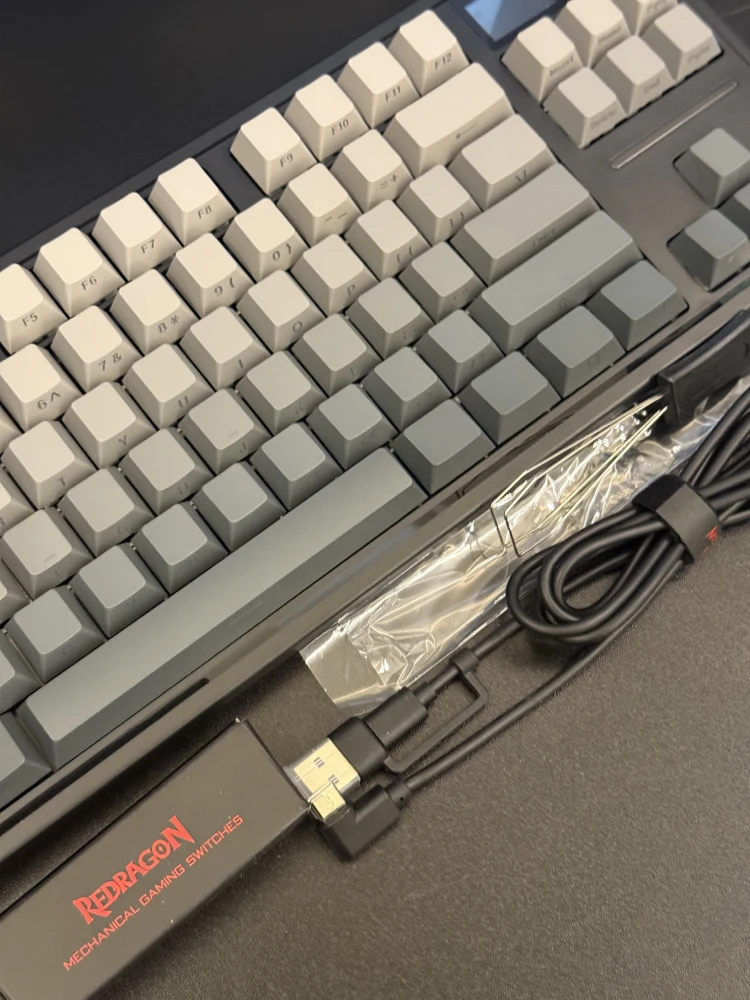
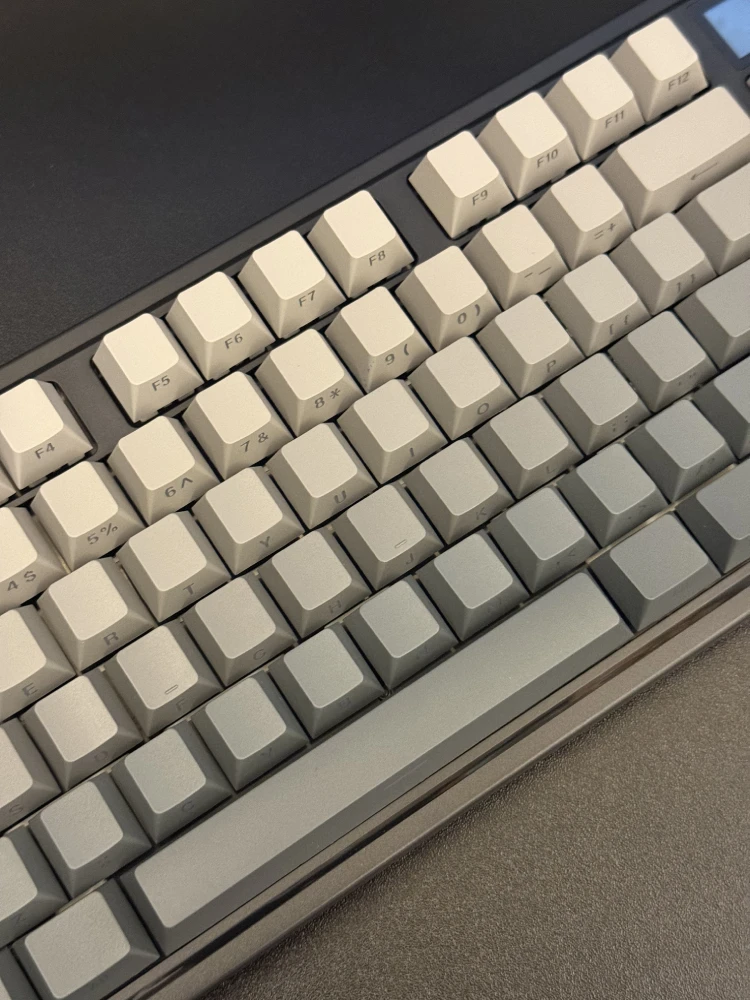
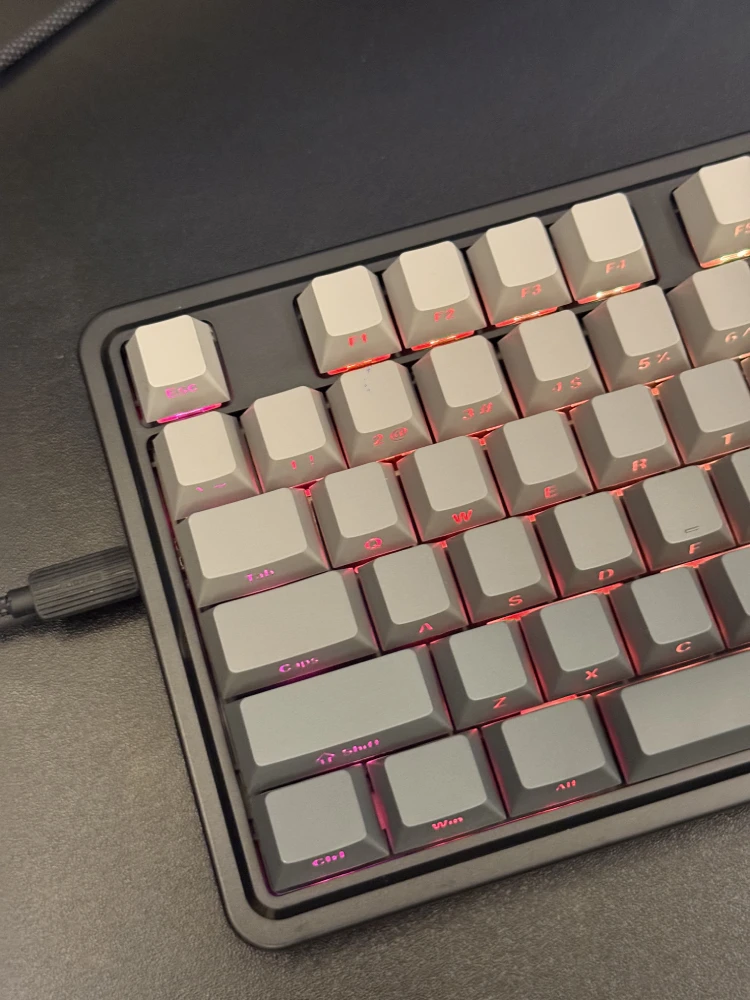
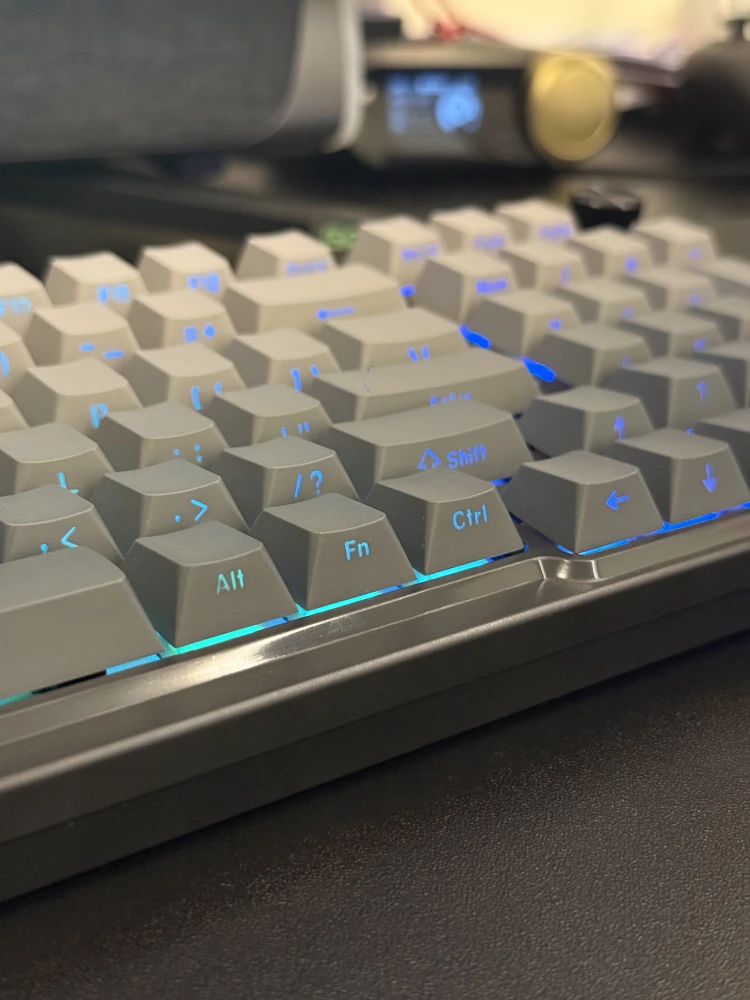
The keyboard features a subtle grey gradient across the case, giving it a clean and modern appearance that works equally well in office and gaming environments. The plastic chassis keeps weight manageable while still feeling solid on the desk. Rubber pads on the underside, along with dual-stage adjustable feet, provide good stability and allow users to fine-tune typing angles. Importantly, both adjustment levels include rubber padding, preventing slipping during extended use.
Key legends are front-facing (south-printed), which contributes to a minimalist look when RGB lighting is off and reduces long-term wear compared to top-printed legends.
Switches, Keycaps, and Typing Experience
The ANTONIUM K743 PRO uses Redragon’s Mint Mambo linear switches. These switches are factory-lubed and deliver a smooth, light keystroke with consistent actuation. In daily use, typing feels soft, controlled, and fatigue-free, making the keyboard suitable for long writing sessions as well as gaming.
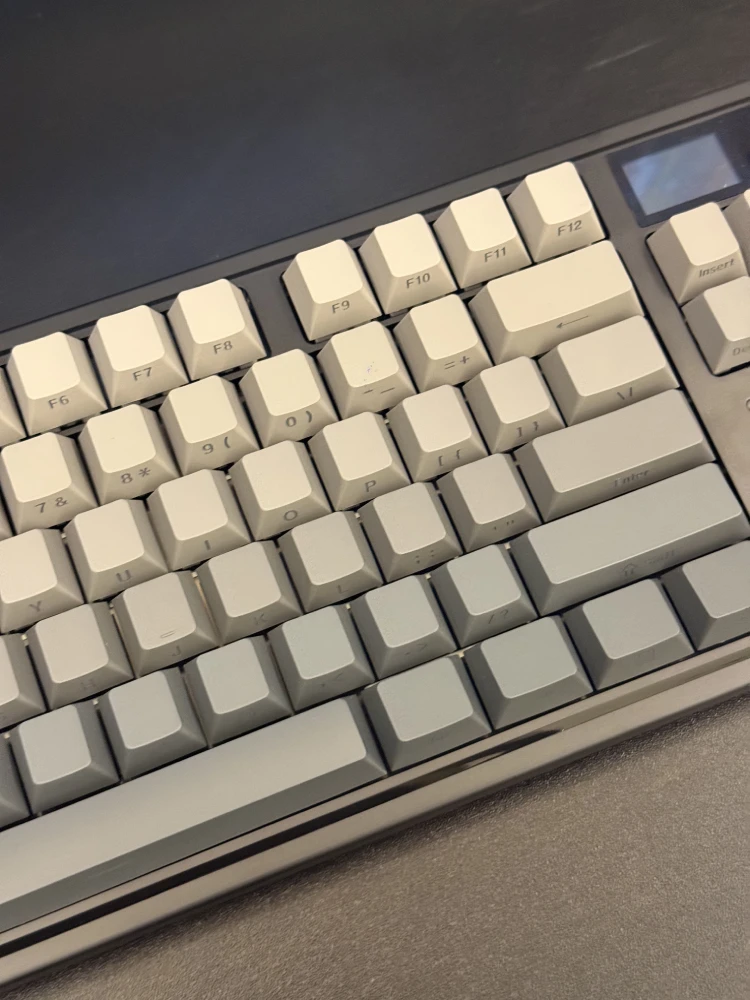
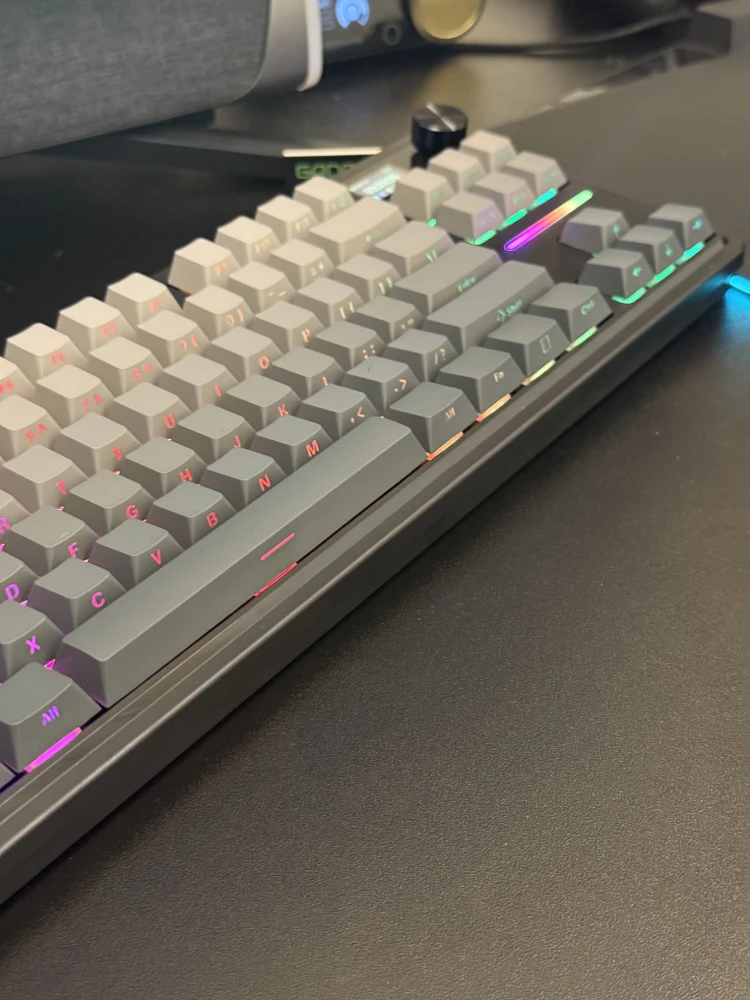
The keyboard employs a gasket-mounted structure with five layers of internal dampening, including foam and a silicone bottom pad. This construction significantly reduces hollow sounds and results in a muted, clean acoustic profile. The keyboard is notably quiet for a mechanical model, making it suitable for shared workspaces or home offices where noise matters.
Stabilizers come pre-lubed and perform well out of the box, with minimal rattle on larger keys. The PCB is hot-swappable and supports both 3-pin and 5-pin switches, allowing users to customize the typing feel if desired.
Connectivity and Performance
One of the K743 PRO’s strengths is its tri-mode connectivity. Users can switch between wired USB-C, 2.4GHz wireless, and Bluetooth with a physical toggle on the side of the keyboard. Pairing is quick and reliable across all modes.
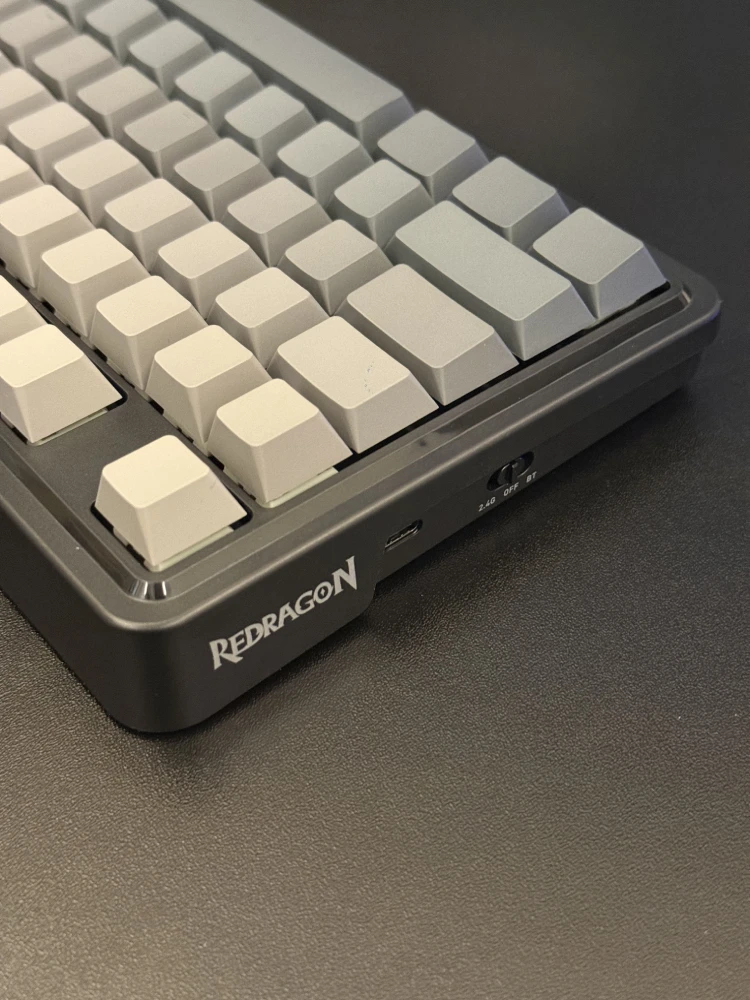
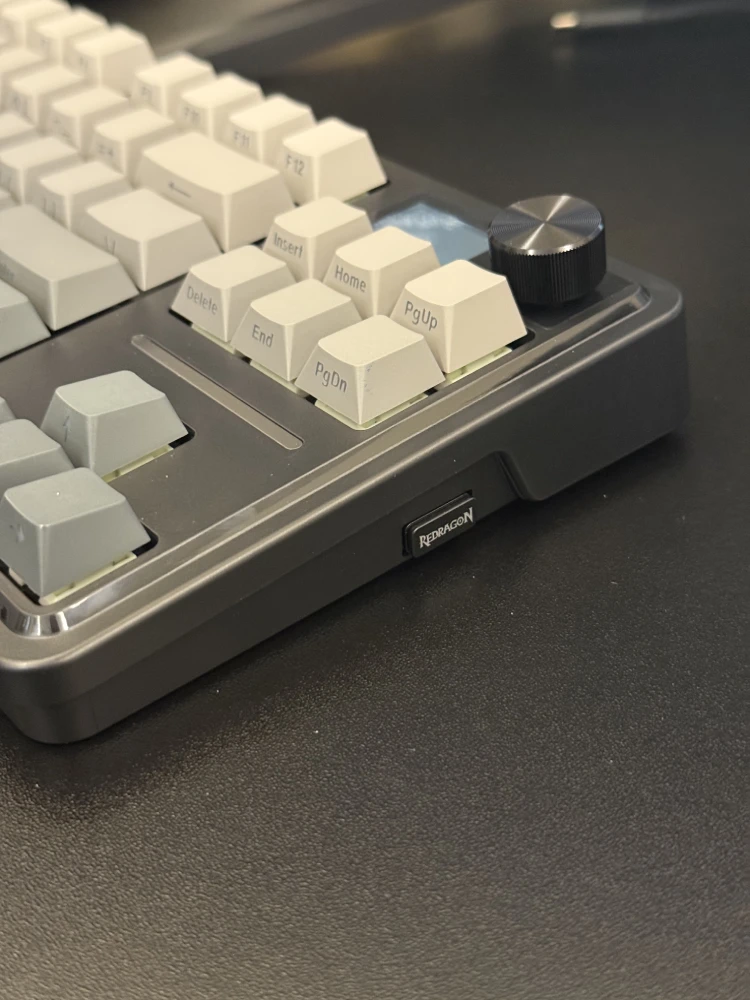
In testing, the wired and 2.4GHz wireless modes deliver instant response with full anti-ghosting and no noticeable latency, making them suitable for gaming. Bluetooth performance is also stable and responsive, and the keyboard supports up to three paired Bluetooth devices, which can be switched using function key combinations. For most users, Bluetooth latency is low enough for casual gaming and everyday productivity.
The included USB-C cable supports both USB-A to USB-C and USB-C to USB-C connections, adding flexibility for different setups.
LCD Screen and Knob Functionality
The integrated 1.14-inch LCD screen and rotary knob are among the keyboard’s most distinctive features. By default, the screen displays useful information such as time, date, battery level, and status indicators like Caps Lock. It can also display simple animations or GIFs, which can be customized through Redragon’s software.
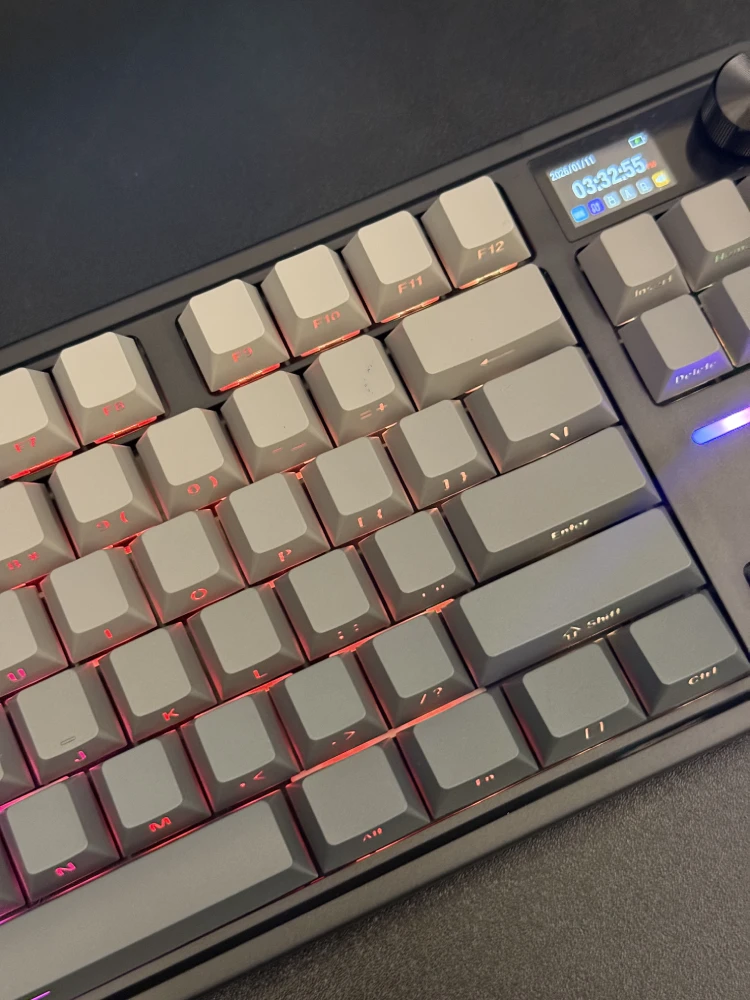
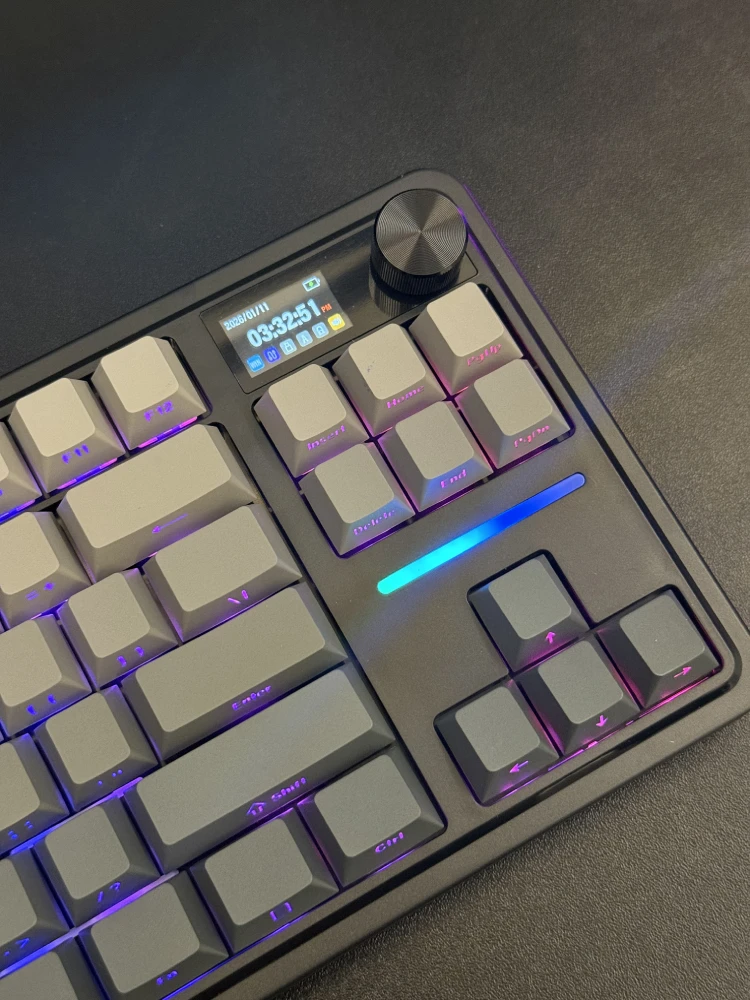
The knob serves as a volume controller by default, allowing quick and precise audio adjustment. When pressed, it opens a menu system on the screen, enabling users to control RGB effects, brightness, animation speed, keyboard layout (Windows or macOS), language settings, and time format. Navigation is intuitive, and most adjustments can be made without relying on software.
In daily use, the knob proves genuinely useful, particularly for volume control and quick RGB changes, rather than feeling like a purely decorative feature.
RGB Lighting and Software
RGB lighting is vibrant and evenly distributed, with both per-key illumination and an additional RGB strip above the arrow keys. The keyboard includes multiple preset lighting modes, including static, reactive, and animated effects, all adjustable via function shortcuts or the knob.
Redragon’s companion software allows deeper customization, including key remapping, macro creation, RGB customization, and screen content management. Users can upload images or GIFs to the display and fine-tune lighting effects beyond the onboard controls. While the software is functional and easy to use, it remains Windows-only, which may limit customization for macOS users.
Battery Life
The K743 PRO is powered by a 4,000mAh battery. In real-world use, battery life is strong, lasting several days with RGB lighting enabled and significantly longer with lighting disabled. Charging is handled via USB-C and can be done while the keyboard is in use.
Daily Use and Practicality
In everyday use, the ANTONIUM K743 PRO performs well across a wide range of tasks. The compact layout saves desk space without sacrificing essential keys, while the quiet typing experience makes it comfortable for long sessions. For gaming, the smooth linear switches and low-latency wireless modes deliver reliable performance, even if the keyboard is not aimed at competitive esports users.
Overall, it works best as a hybrid keyboard—equally capable for work, casual gaming, and general home use.
Verdict
The Redragon ANTONIUM K743 PRO is a thoughtfully designed 75% mechanical keyboard that offers strong value for its price. Its smooth typing experience, effective sound dampening, flexible connectivity options, and genuinely useful LCD and knob set it apart from many competitors in the same category.
While it does not replace high-end custom keyboards or dedicated esports models, it succeeds as a versatile all-rounder. For users looking for a compact mechanical keyboard that balances comfort, features, and practicality, the K743 PRO is a solid and well-executed option.
Also Read: Redragon EISA K686 PRO Review