
Redragon EISA K768 Review: A Compact Wireless Keyboard for Work and Gaming
Our Redragon EISA K768 review covers its 100-key layout, wireless connectivity, 8,000mAh battery, typing experience and gaming performance.
The Redragon K686 Pro SE is a compact 98-key mechanical keyboard that manages to deliver a full-size layout—including the number pad—without taking up too much desk space.
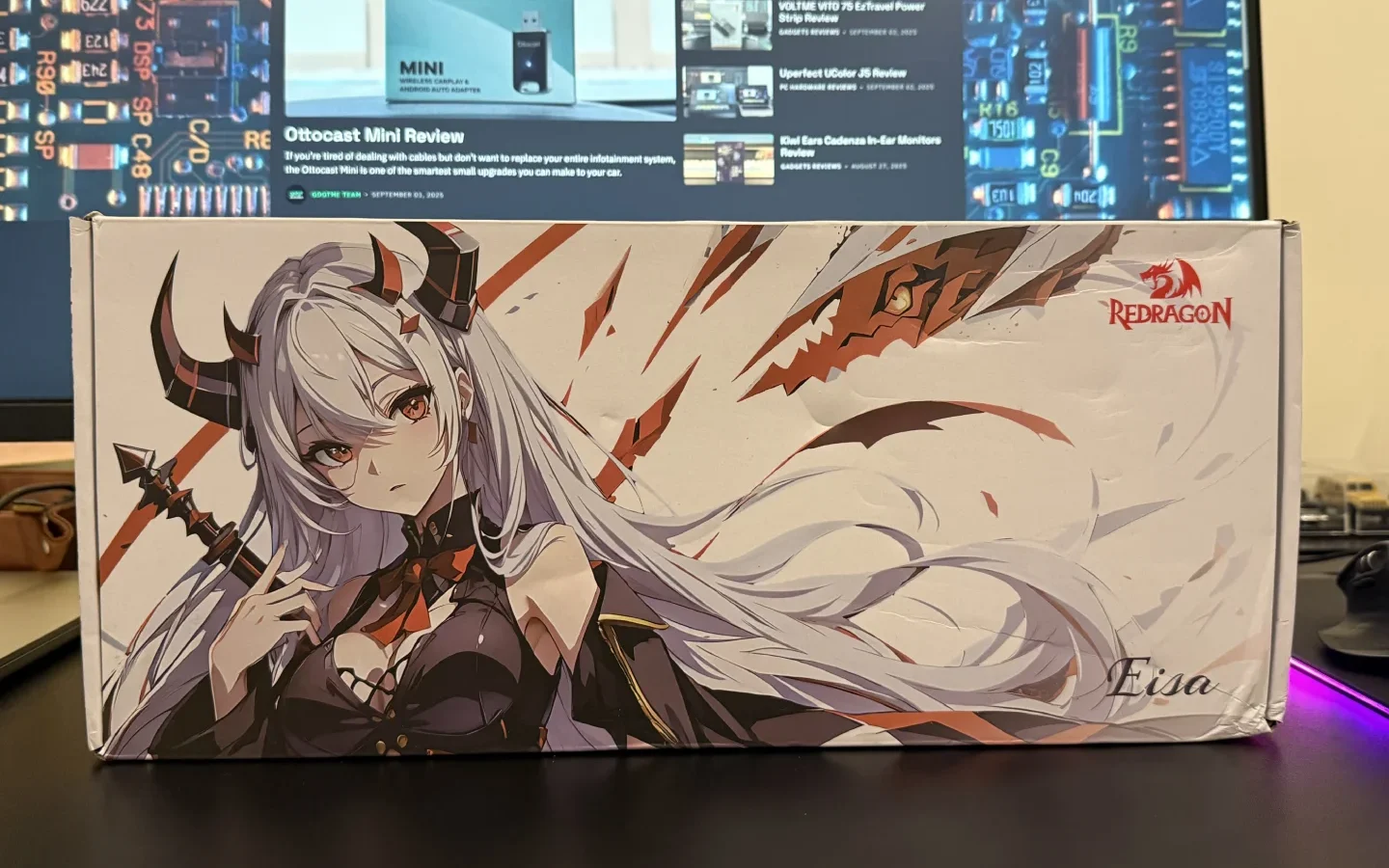
The Redragon K686 Pro SE is a compact 98-key mechanical keyboard that manages to deliver a full-size layout—including the number pad—without taking up too much desk space. It blends functionality, customization, and style in an affordable package that’s hard to overlook.
Inside the box, Redragon includes everything you’d need to get started: the K686 Pro SE keyboard, a dustproof cover, a Type-C to Type-A cable, a combined keycap and switch puller, a few spare switches, stickers, and the user manual. The inclusion of a hard plastic cover is a nice touch, especially for those who want to keep their keyboard clean when not in use.
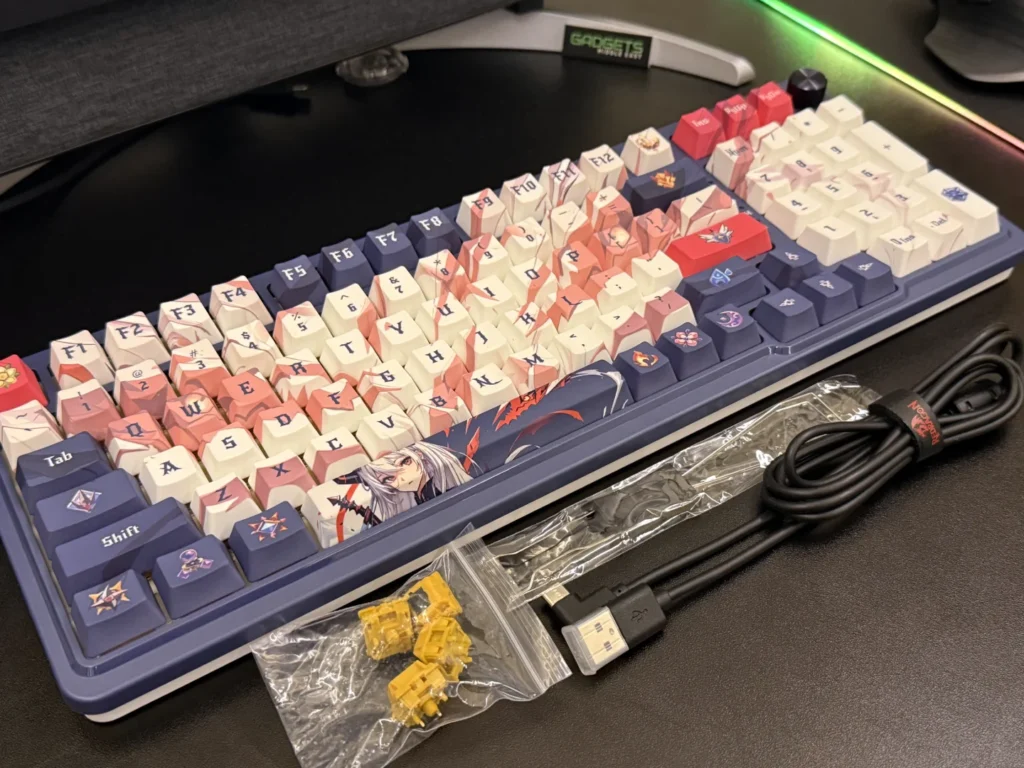
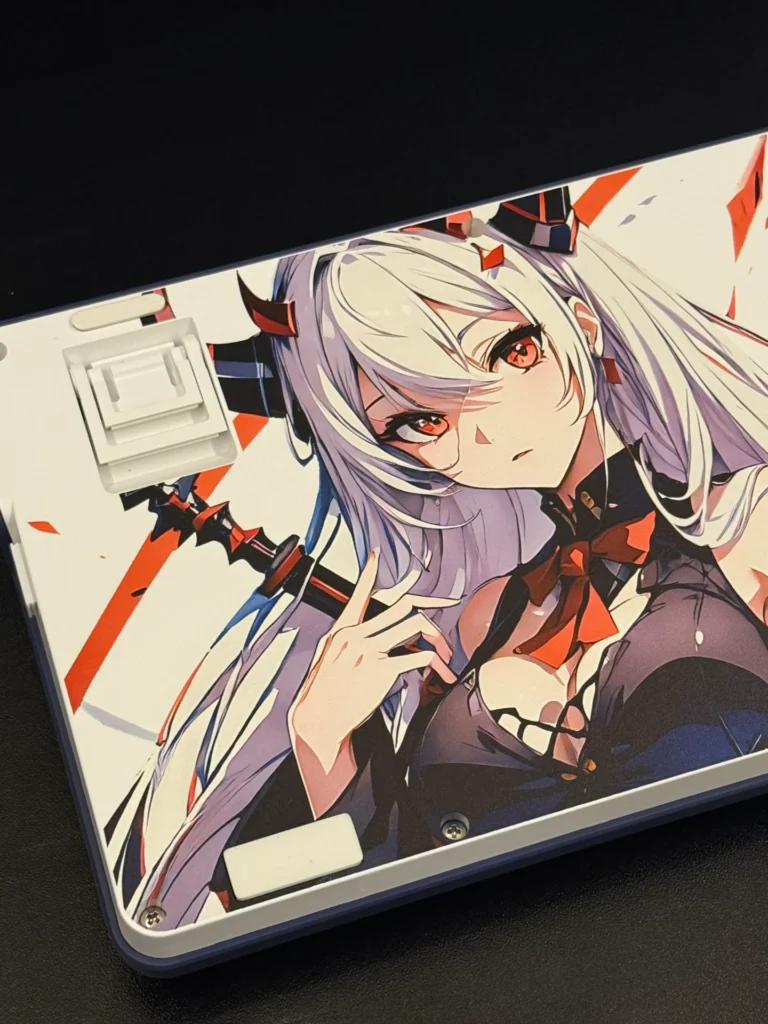
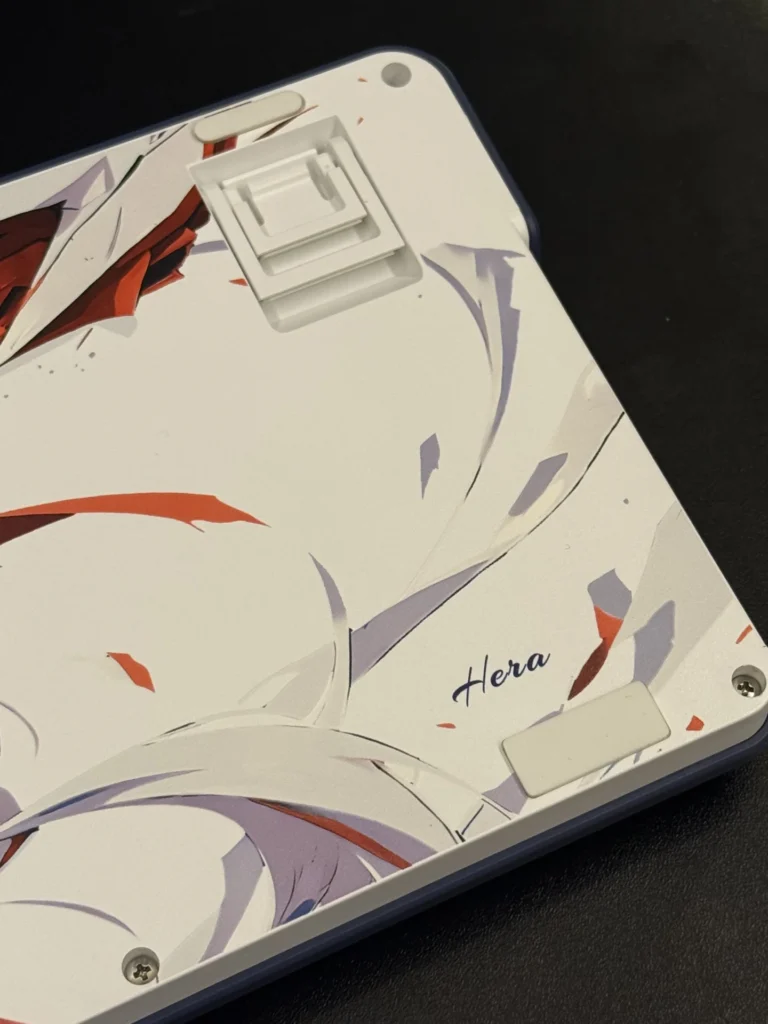
The K686 Pro SE comes in two versions—standard and the anime-themed edition featuring Redragon’s mascot, Eisa. The anime version adds themed dye-sub PBT keycaps and unique artwork, including a striking full design on the back of the board. While the styling may not appeal to everyone, it’s well executed and makes the keyboard stand out from typical gaming peripherals.
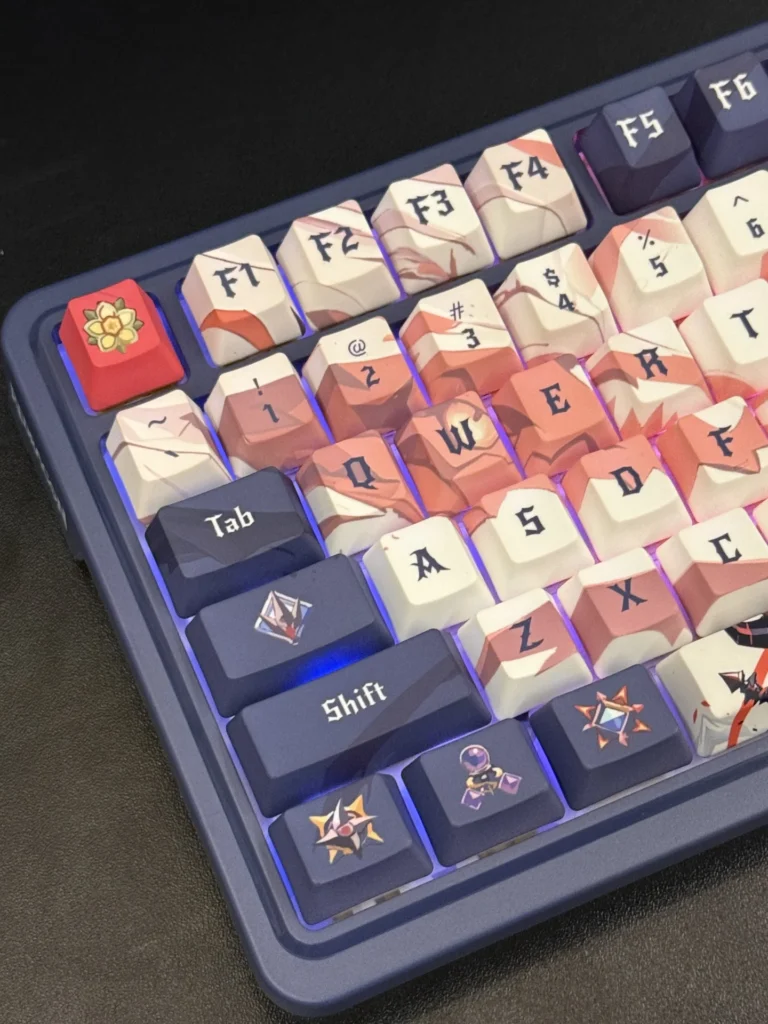
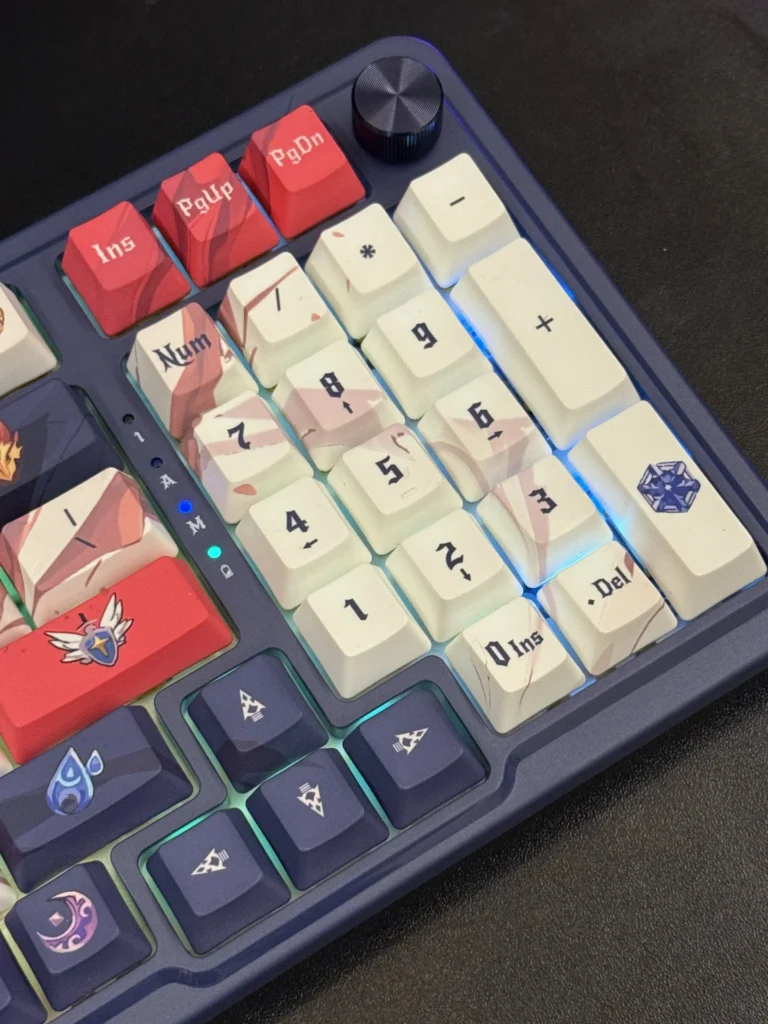
Despite being made of plastic, the build feels solid. Shaking the board doesn’t reveal any looseness or rattling, and the rubberized feet provide stability during gaming and typing. Two-stage adjustable feet allow you to tweak the typing angle to your liking. At around 900g, it’s lightweight for its size but still stable on the desk.
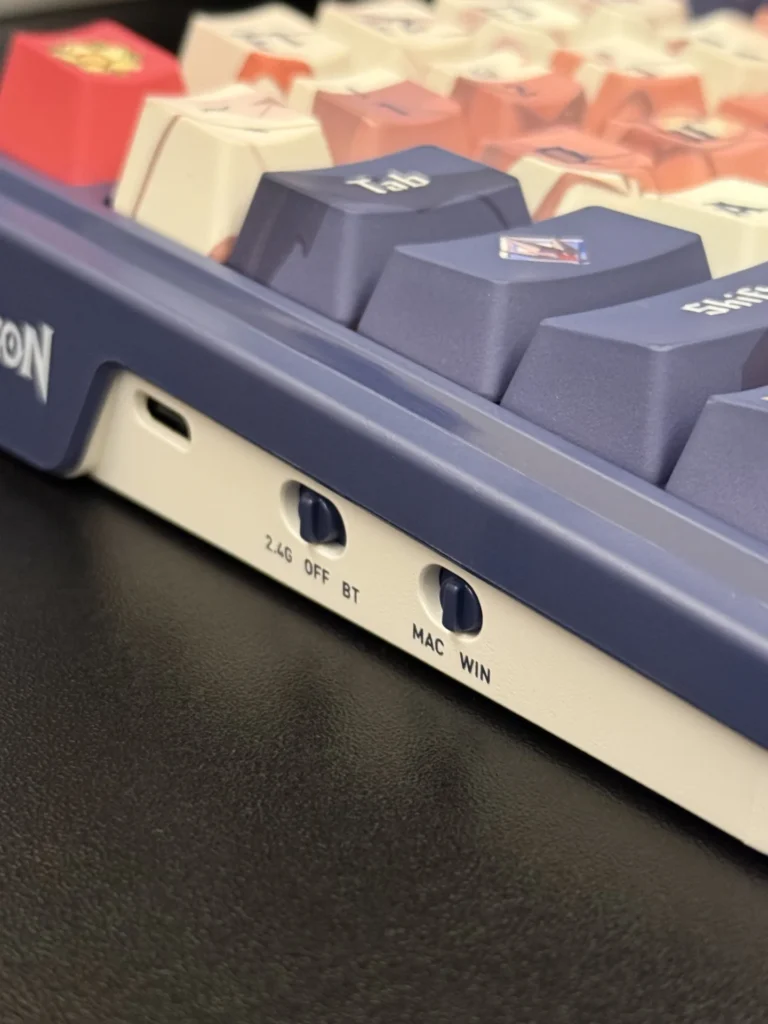
One of the K686 Pro SE’s biggest strengths is its versatility. It supports tri-mode connectivity:
Switching between devices is seamless, making it ideal for those who juggle multiple setups. A side toggle lets you easily switch between Windows and macOS layouts, which is great for cross-platform users.
Battery life is also impressive. With a 3000mAh battery, the keyboard can last weeks on a single charge with RGB lighting off. Checking battery status is as simple as pressing Fn + Delete, which lights up the number row to show remaining power.
Out of the box, the keyboard comes with Redragon’s Hi-Fi linear switches. Pre-lubed and paired with pre-lubed stabilizers, these switches deliver a smooth, quiet, and responsive typing experience. They’re hot-swappable, too—supporting both 3-pin and 5-pin switches—so you can easily customize the feel without soldering.
The gasket-mounted structure, along with multiple layers of dampening foam, contributes to a softer, more cushioned keystroke with minimal hollowness. Typing feels refined, and even during late-night sessions, the board stays quiet enough not to disturb others.
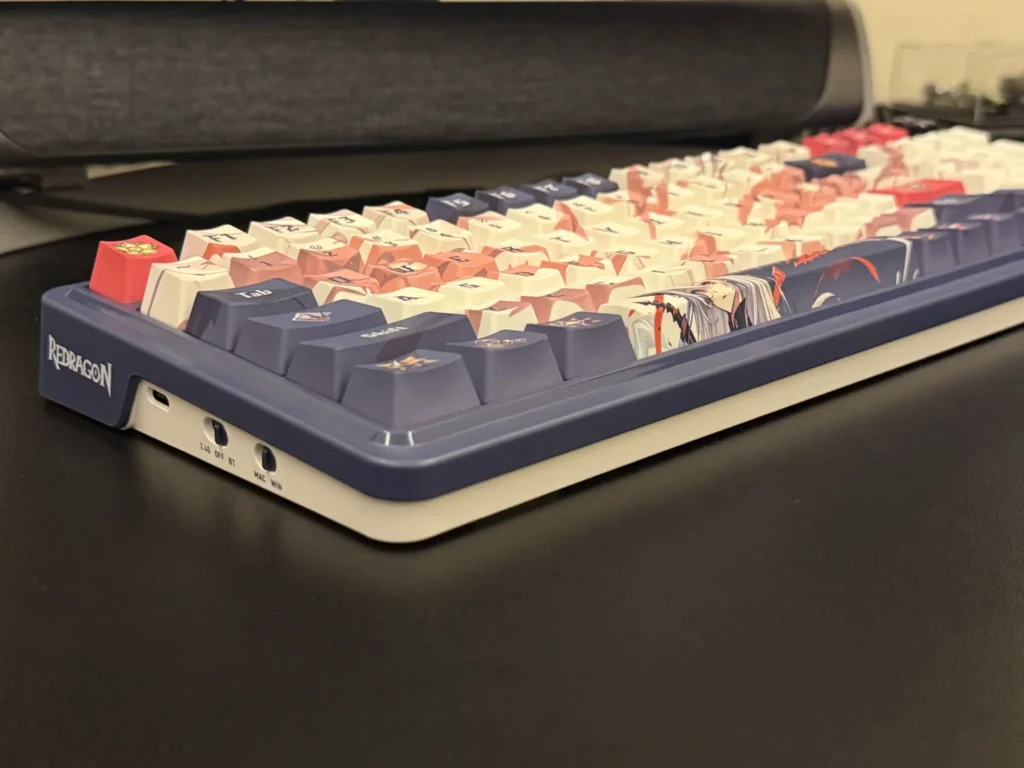
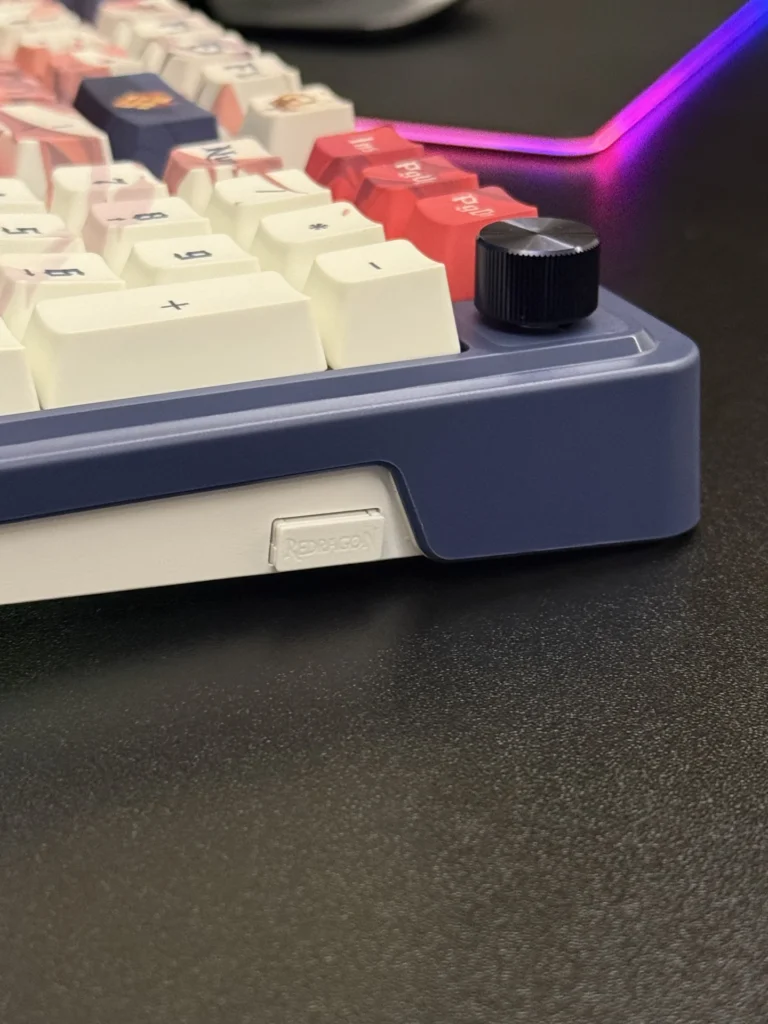
The per-key RGB backlighting is customizable with multiple effects accessible directly from the keyboard (Fn + Insert cycles modes). Brightness and speed can be adjusted via function shortcuts or even using the dedicated volume knob. Speaking of which, the knob is a welcome addition, offering quick control over both audio and lighting without cluttering the layout.
For deeper customization, Redragon’s Windows software allows key remapping, macro recording, and more advanced RGB programming. While the software isn’t the most polished, it’s functional once you get used to it. Mac users don’t get software support but can still access all core lighting and mode adjustments directly through key combinations.
In gaming, the linear switches and low latency across all three connection modes make for a responsive experience. The layout strikes a nice balance: compact enough to save desk space, but still offering the full functionality of a standard board. The dedicated number pad makes it practical for both work and play.
The Redragon K686 Pro SE offers a lot of value for under $80. With its gasket-mounted design, hot-swappable switches, tri-mode connectivity, and long battery life, it punches well above its price point. The anime edition adds unique flair, though for those who prefer a simpler look, the standard version is also available.
If you’re looking for a wireless mechanical keyboard that blends performance, comfort, and customization at a budget-friendly price, the K686 Pro SE is an excellent choice.
Also Read: Redragon Wyvern K689 Pro Review

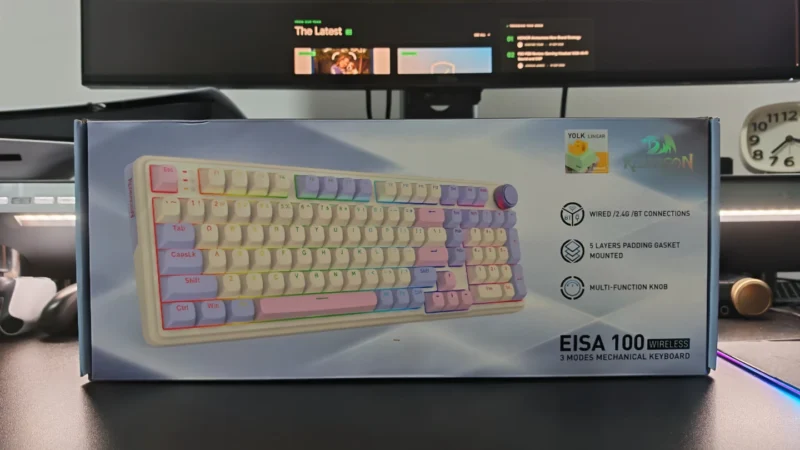
Our Redragon EISA K768 review covers its 100-key layout, wireless connectivity, 8,000mAh battery, typing experience and gaming performance.
EPOMAKER HE65 V2 TMR review covering its TMR switches, Rapid Trigger, 8,000Hz polling, hybrid hot-swap PCB, wireless connectivity and typing experience.
Our EPOMAKER HE75 V2 TMR review covers its TMR switches, Rapid Trigger, 8K polling, wireless performance, sound, software and battery life.
 Joshua James