
Redragon Terraflare K762 Pro Review
Read our Redragon Terraflare K762 Pro review to find out how this affordable full-size mechanical keyboard performs in design, typing experience, wireless connectivity, and overall value.
The AN1500 is built for those who want PCIe Gen4-like performance but lack the support on their current setup.
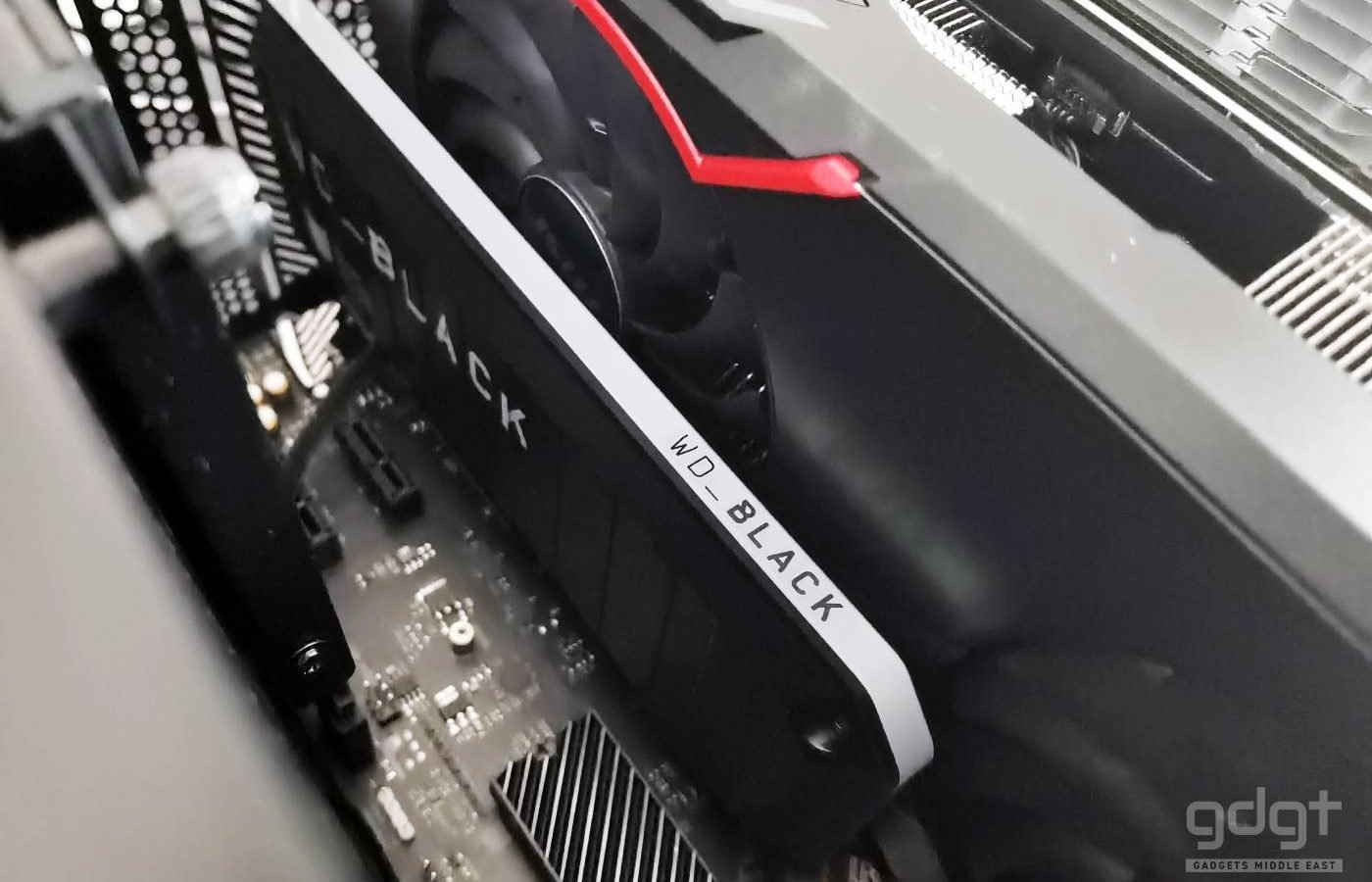
The latest addition to the WD Black lineup, the AN1500 is an SSD add-in card that pairs two NVMe SSDs on a RAID 0, using a total of eight PCIe Gen3 lanes, to offer up to up to 6500MB/s read and up to 4100MB/s write speeds.
Internally, it packs two WD Black SN730 SSDs in RAID0 mode. The AN1500 add-in-card simply connects into your PCIe expansion slot, requires no external power or cables, and features a fanless and silent heatsink for optimal performance.
The AN1500 comes in capacities of 1, 2 and 4TB with a stunning all-metal housing and RGB lighting.
| Model | WDBGMP0010BNC-WRSN |
| Capacity | 2TB (1.81 TB usable) |
| Interface | PCIe |
| Dimensions | 176 x 72 x 13 mm (LxWxH) |
| Warranty | 5 years |
The WD Black AN1500 comes in a glossy cardboard box with a photo of the SSD on the front and details, descriptions on the sides.
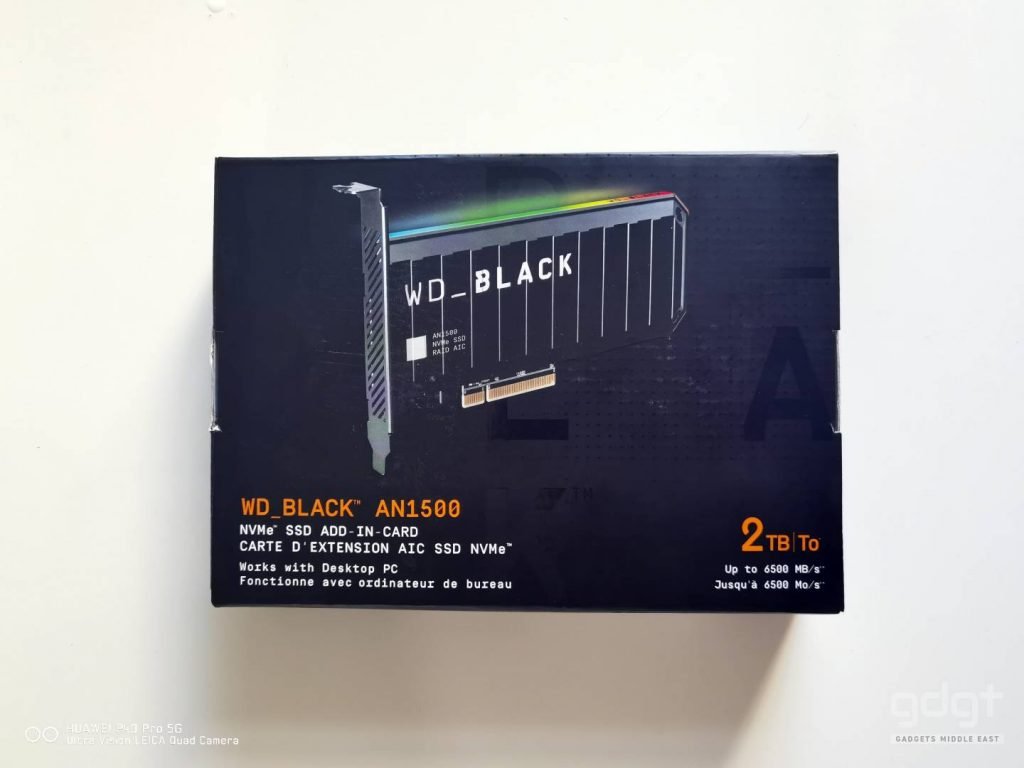
Inside the box, The AN1500 is protected by cardboard to prevent damage. The box also includes the warranty card and Acronis True Image WD Edition which can be downloaded via the WD website.
Being a PCIe add-in card, the AN1500 measures 176 x 72 x 13 mm (LxWxH) and weighs 210 g. At the front there is only a white WD logo and product name and product data at the back.
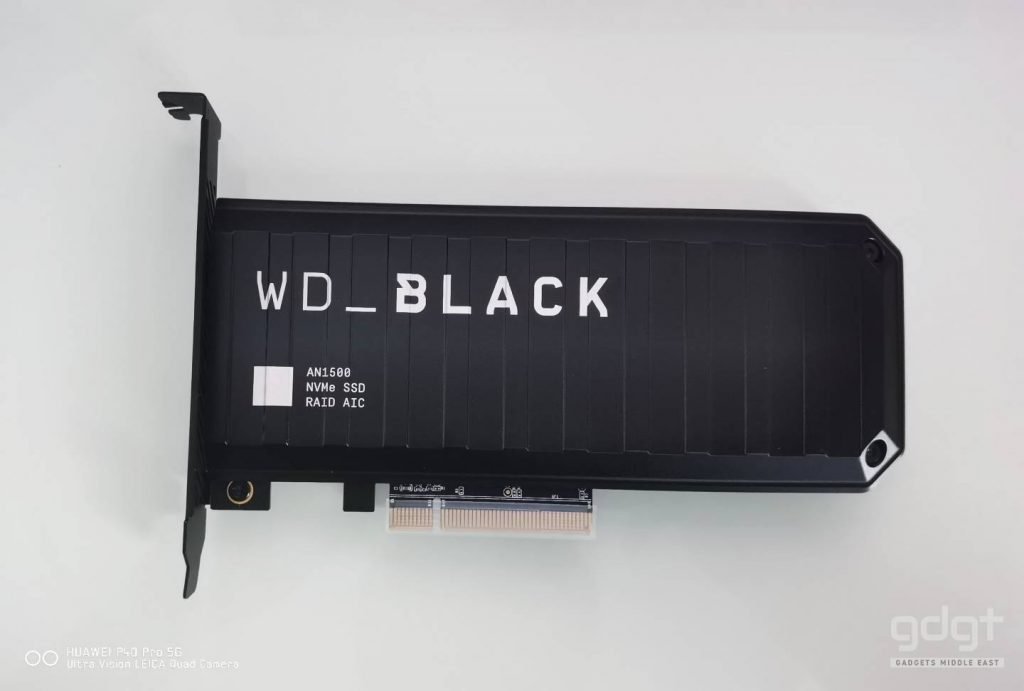
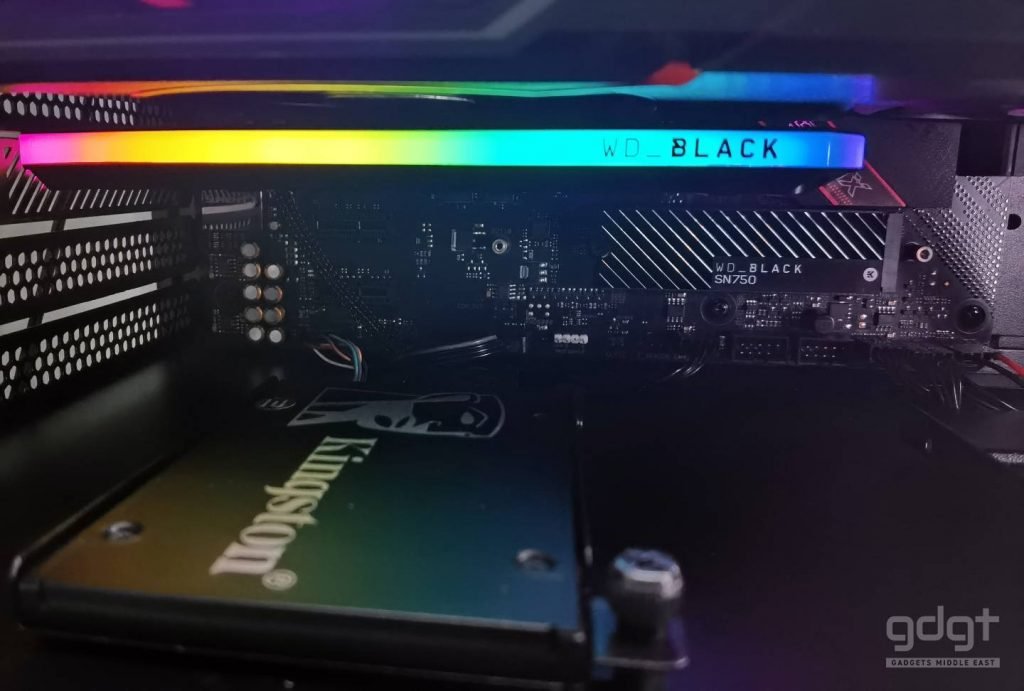
In terms of design the AN1500 looks like a miniature army container with its all black design and metal housing. When switched on, RGB LED strip lights up and separates the aluminum housing with colorful, high-quality lighting effects that look consistent in any PC case.
Inside the metal housing, the WD Black AN1500 consists of two WD SN730 M.2 SSDs and are cooled by two thermal pads which transfers their heat directly to the aluminum housing.
WD does not provide any information on the maximum write load. Since a single SN730 comes with a 400 TBW rating, the AN1500 should logically have 800 TBW.
In order to fully utilize the WD Black AN1500, it needs to be plugged into a suitable PCIe Gen3 slot with at least eight lanes. This can be an issue with some motherboards, as this is usually taken up by the GPU. Be sure to check your motherboard manual to avoid problems.
Test Bench
In our CrystalDiskMark benchmark, the WD AN1500 matches the speed advertised by WD and performs well with reading and writing operations, higher than most SSDs.
When copying files during everyday use, the speeds are in the range of 3000-3800 MB/s. The average bandwidth score during PCMark 10 tests were 318 MB/s.
| CrystalDiskmark Read | 6,315 MB/s |
| CrystalDiskmark Write | 4,310 MB/s |
| ATTODisk Read | 6,021 MB/s |
| ATTODisk Write | 4,215MB/s |
| PCMark 10 Bandwidth Score | 312 MB/s |
| PCMark 10 Full System Drive Benchmark | 1,915 |
In our Final Fantasy XIV StormBlood test, a benchmark that simulates game load time, the AN1500 came out with an impressive load time of 10.90 seconds.
The AN1500 maintained stable temperatures between 55-60 degrees during work tasks. And while gaming it went up to a maximum of 70 degrees, which is way above average but did not seem to affect performance.
The WD Dashboard app helps monitor storage status, temperature and remaining life.
The RGB lighting can be controlled via most motherboard software’s such as ASUS Armory Crate, MSI Dragon Centre and also via WD’s included Dashboard app.
WD also includes Acronis True Image WD Edition which can be downloaded via the WD website.
The AN1500 is an attractive SSD add-in card with the RGB lighting and the black metal chassis, which also works as an effective heatsink.
Offering Gen4-like extremely fast read speeds of up to 6.5 Gbps and write speeds of 4.1 Gbps, the WD Black AN1500 SSD expansion card is a good upgrade for your gaming or video rig setup.
Couple of the downsides here are the expensive price and lack of hardware encryption, which might be a deal-breaker for some. With that said, the WD BLACK AN1500 is an easy to use, plug and play solution, built for those who want PCIe Gen4-like performance but lack the support on their current setup.
Simply connect the card via the PCIe slot on your motherboard, without additional power cables or power supplies and you are ready to go.

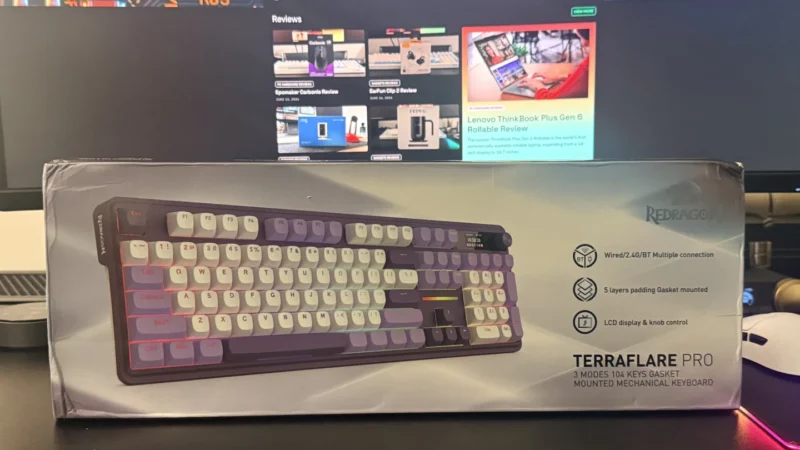
Read our Redragon Terraflare K762 Pro review to find out how this affordable full-size mechanical keyboard performs in design, typing experience, wireless connectivity, and overall value.
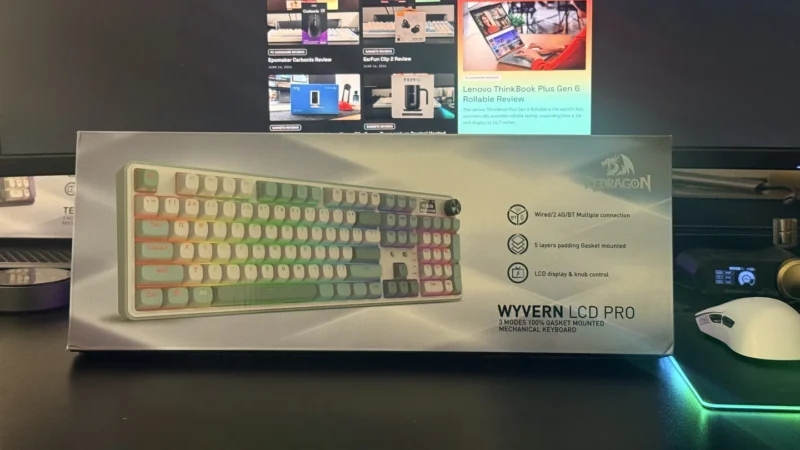
Our Redragon Wyvern K761 Pro review explores its design, typing experience, wireless connectivity, LCD display, RGB lighting, and overall value to see if it's worth buying.
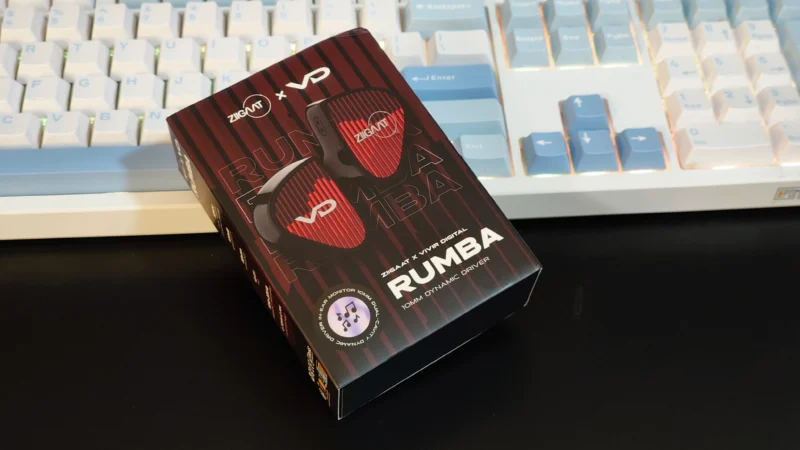
Read our ZiiGaat x Vivir Digital RUMBA review to discover its sound quality, comfort, gaming performance, and whether this affordable single dynamic driver IEM is worth buying.
 Joshua James