
Ring Familiar Faces Launches in the UAE to Identify Known Visitors
Ring Familiar Faces is now rolling out in the UAE, allowing users to identify known visitors and receive personalized notifications from compatible Ring devices.
Google Gemini can now create personalised images from your Google Photos library using Personal Intelligence, generating images of you and your family without manual uploads or detailed prompts.
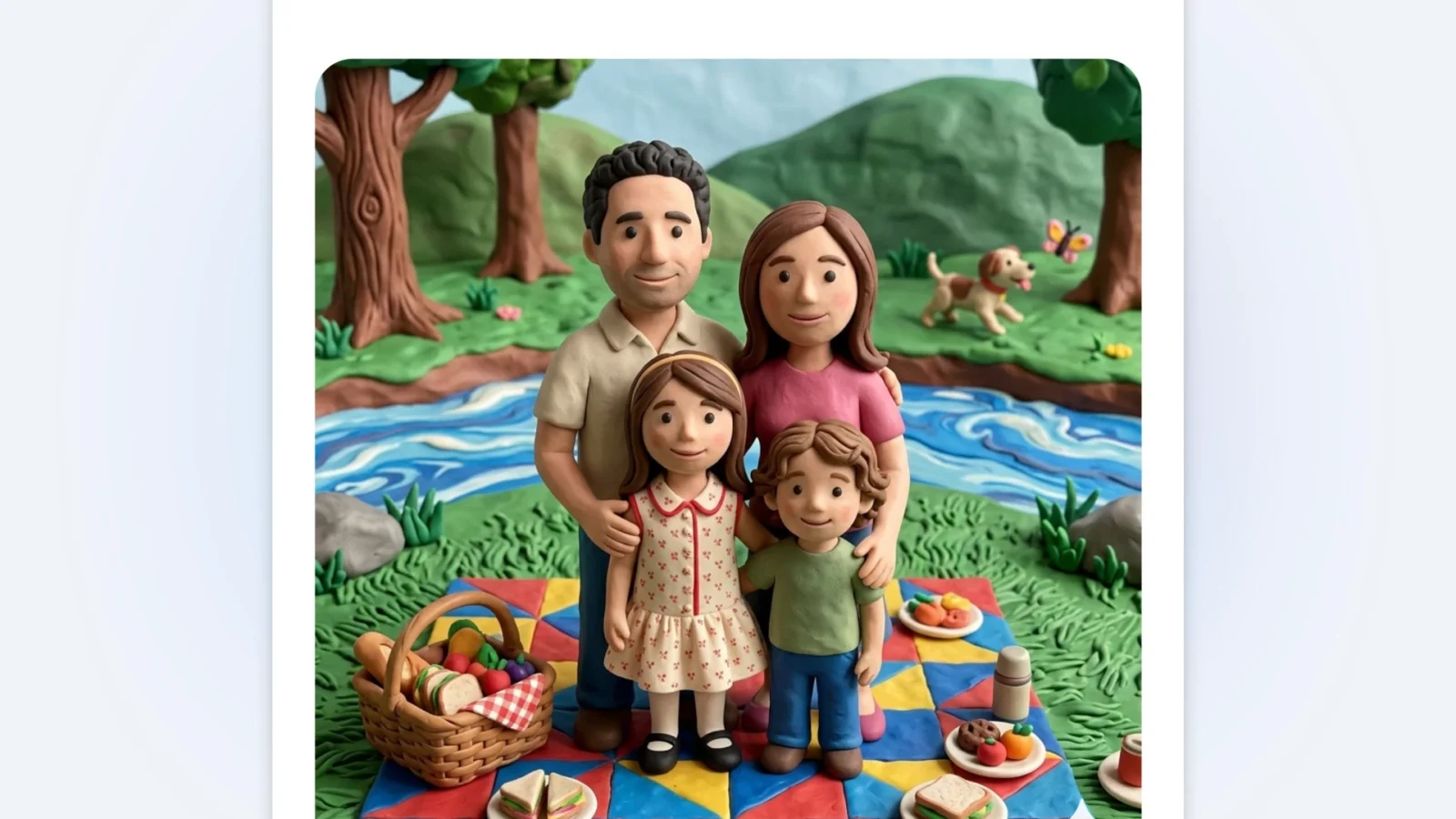
Google Gemini’s Personal Intelligence feature to include personalised image generation, allowing the AI assistant to create images based on a user’s connected Google Photos library without requiring manual photo uploads or detailed prompts.
The update integrates Gemini’s image generation capabilities with Personal Intelligence, which connects the assistant to a user’s Google apps to provide contextual awareness of their preferences, interests, and personal data. With Google Photos now part of that integration, Gemini can reference actual images of users, family members, and pets when generating new content.
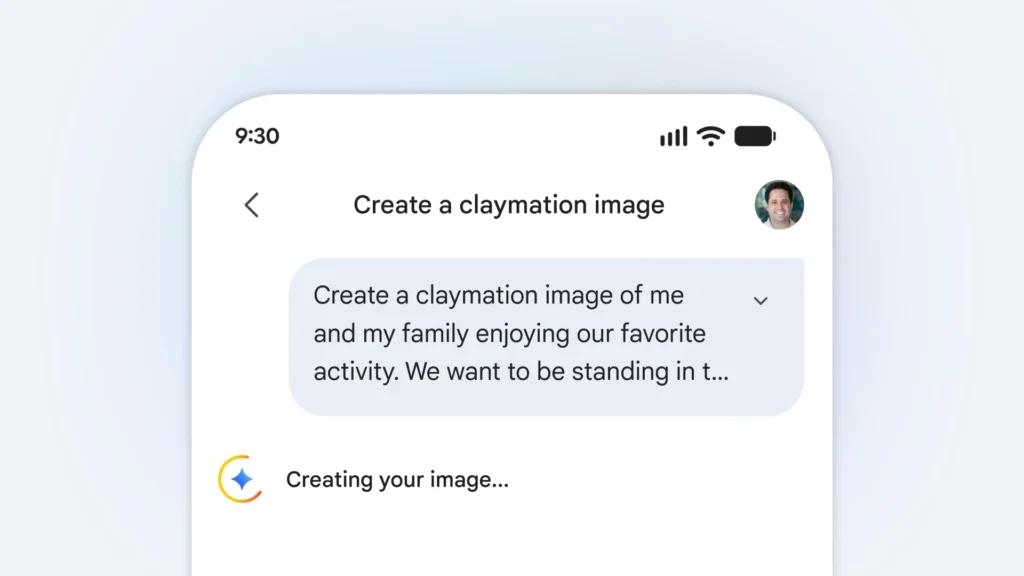
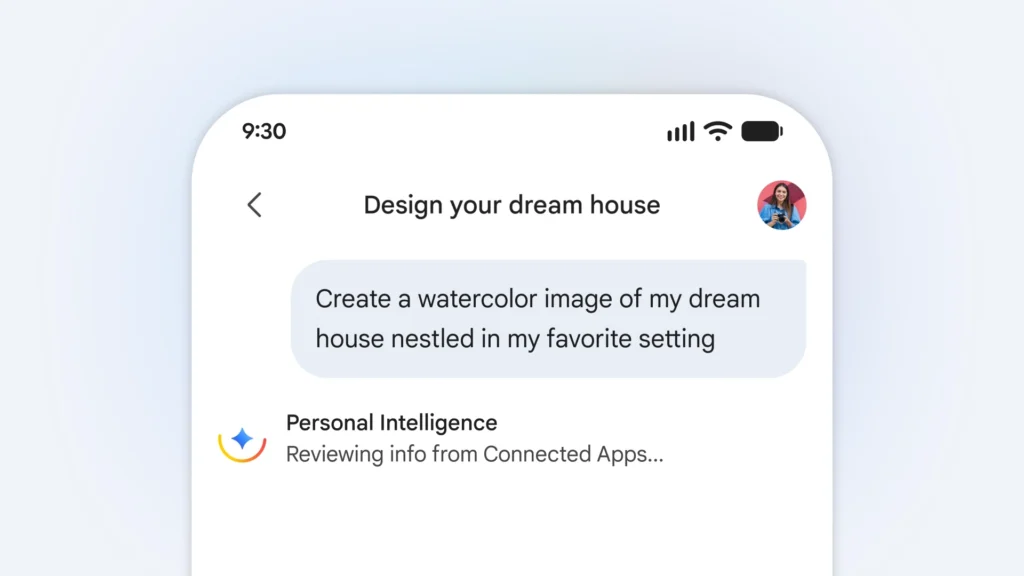
Users who have already linked their Google apps to Gemini do not need to perform any additional setup. Personal Intelligence provides Gemini with contextual understanding from the start, allowing simple prompts such as “design my dream house” or “create a picture of my desert island essentials” to produce results that reflect the user’s specific tastes and lifestyle automatically.
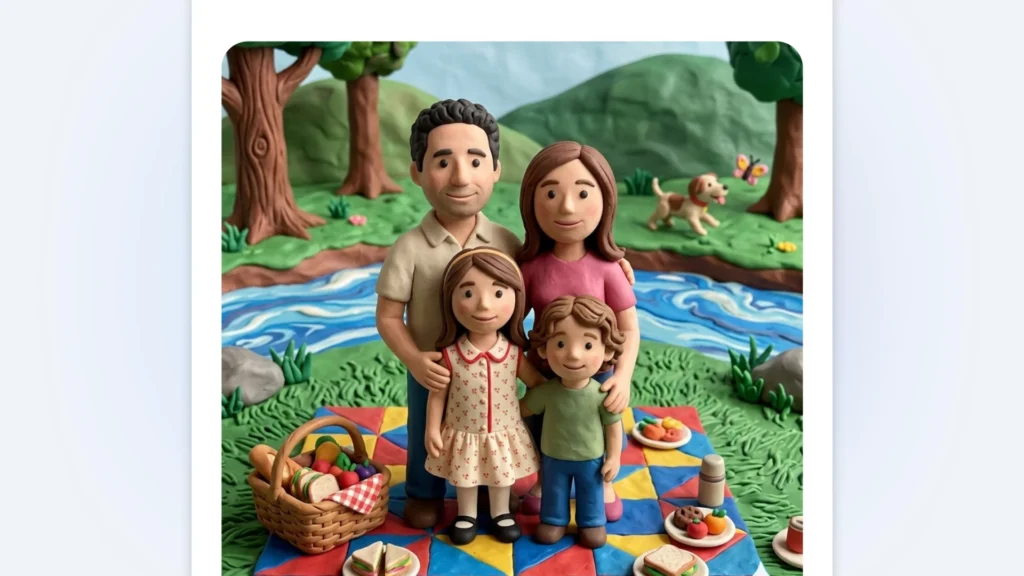
For image generation involving people, Google Gemini draws on the labels and groupings users have already created within Google Photos. Organised groups of people and pets provide the reference context Gemini needs to include specific individuals in generated images. A prompt such as “create a claymation image of me and my family enjoying our favourite activity” will generate that image automatically using the relevant photos from the connected library. Style variations including watercolour, charcoal sketch, and oil painting are also supported.
Google acknowledges that the feature may not always select the intended photo or detail on the first attempt. Users can provide follow-up instructions to correct the result, select an alternative reference photo from their Google Photos library using the plus icon, or check which image was automatically selected by tapping the Sources button. Attribution and sourcing details for any generated image can also be requested directly from Gemini.

Google has confirmed that the Gemini app does not train its models directly on a user’s private Google Photos library. Limited data, specifically prompts entered in Gemini and the model’s responses, is used to improve functionality over time. Connecting Google apps to Gemini remains an opt-in feature that can be adjusted or disabled in settings at any time.
| Access | Notes | |
|---|---|---|
| Google Photos library | Yes — opt-in | Used to reference images of users, family members, and pets for image generation |
| People and pet labels | Yes | Labels created by the user in Google Photos provide context for personalised image generation |
| Gmail | Yes — opt-in | Used for contextual awareness such as purchase receipts and preferences |
| Google Drive | Yes — opt-in | Referenced for relevant personal context |
| Google Maps | Yes — opt-in | Used for location-based preferences and recommendations |
| Google Calendar | Yes — opt-in | Used for scheduling context and personal activity patterns |
| Private Photos for model training | No | Google Photos content is not used to train Gemini’s underlying models |
| Personal data without consent | No | All Google app connections are opt-in and adjustable in settin |
The personalised image generation experience is rolling out over the coming days to eligible Google AI Plus, Pro, and Ultra subscribers in the United States. Google has confirmed plans to expand the feature to Gemini on Chrome desktop and additional users in the near term.
For users across the Middle East, availability is expected to follow the broader global rollout of Personal Intelligence features, which has already begun for paid subscribers outside the European Economic Area, Switzerland, and the United Kingdom.
No additional setup is required for users who have already connected their Google apps to Gemini. Personal Intelligence uses that existing connection to provide context automatically when generating images.
No. Google has confirmed that the Gemini app does not train its models directly on a user’s private Google Photos library. Only limited data such as specific prompts and model responses is used to improve functionality over time.
Yes. Users can select a specific reference photo from their Google Photos library using the plus icon if the automatically selected image is not suitable. The Sources button also shows which image was used to guide any generated result.
Currently, the feature is rolling out to Google AI Plus, Pro, and Ultra subscribers in the United States. Broader availability including Chrome desktop and additional regions is planned but not yet confirmed with a specific timeline.
No. Connecting Google apps to Gemini is entirely opt-in and can be adjusted or disabled in settings at any time.
Also Read: Google Gemini Personal Intelligence is now rolling out globally

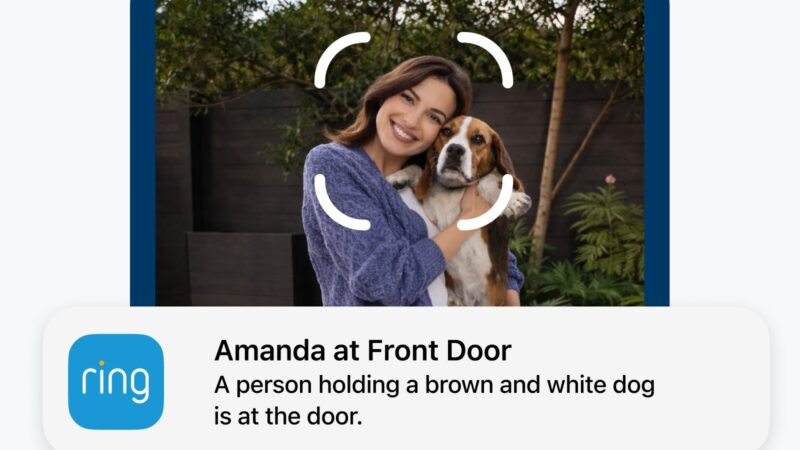
Ring Familiar Faces is now rolling out in the UAE, allowing users to identify known visitors and receive personalized notifications from compatible Ring devices.

Ring TAKE encryption announced as its future default, giving users greater control over video encryption while retaining access to cloud-based security features.

Sonos 27 launches with AI controls, ChatGPT integration, a redesigned app, Beam Ultra soundbar and Ace Ultra headphones.
 GDGTME Team
 Joshua James