
HONOR unveils UAE Back-To-School offers
HONOR has announced its Back-to-School campaign in the UAE bringing customers promotional prices, vouchers, complimentary accessories, trade-in benefits and service packages.
After resolving the issue, Google said the problem was limited to the M127 version of Chrome Browser on the Windows platform.
“We’re sorry….”
Most of us for the last few days woke up to this genuine apology by Google. The apology came following a vanishing password problem. The issue impacted about 15 million Chrome web browser users all over the world, erasing their saved passwords from the Password Manager. The newly saved passwords also disappeared into thin air and caused panic among the users who tried to fix the trouble on their own. This again added to the conundrum. Around 25% (750 million) of users witnessed the configuration change rolled out as per the estimates.
The glitch caused by a bug reportedly started on July 24 and was fixed on July 25 taking nearly 18 long hours. The tech giant in response to the issue said that it was due to a change in product behaviour without a proper feature guard. Google stated the problem was limited to the M127 version of Chrome Browser on the Windows platform. “We apologize for the inconvenience this service disruption/outage may have caused,” Google said. Google also prompted its users to contact Google Workspace Support if the issue is beyond repair.
It was not easy this time. But Google immediately provided interim support by launching the Chrome browser with a command line flag “—enable-features=SkipUndecryptablePasswords.” The full fix is a lot more satisfying. The only thing the users need to do is to restart their Chrome browsers.
Maybe, we as users should also think about the solutions. With these updates, strikes and outages coming day in and day out, better we maintain a dedicated password manager application. Or much better if we manually keep track of these passwords.
The renowned investigative cybersecurity reporter Brian Krebs has done a detailed study on the matter. He found that it was not just the passwords, but the email verification when creating a new Google Workspace account also vanished for some users. Even though this was also resolved by Google, Krebs shared his concern over the issue. According to him, the trouble gave a chance for some people to impersonate a domain holder at third-party services. This includes a Dropbox account. The issue might’ve also affected the free trials such as Google Docs. At the same time, the one relief we have is that Gmail is only accessible to existing users who can validate their control over the associated domain name. But these accounts can also be encroached upon by bypassing the validation process.
On discussing with Krebs, Anu Yamunan, the director of abuse and safety protections at Google Workspace, said that a few thousand such non-domain verified accounts had been created before the fix was applied. The fact that none of these domains were previously associated with Workspace accounts or services is threatening. “The tactic here was to create a specifically constructed request by a bad actor to circumvent email verification during the signup process,” Yamunan said.


HONOR has announced its Back-to-School campaign in the UAE bringing customers promotional prices, vouchers, complimentary accessories, trade-in benefits and service packages.
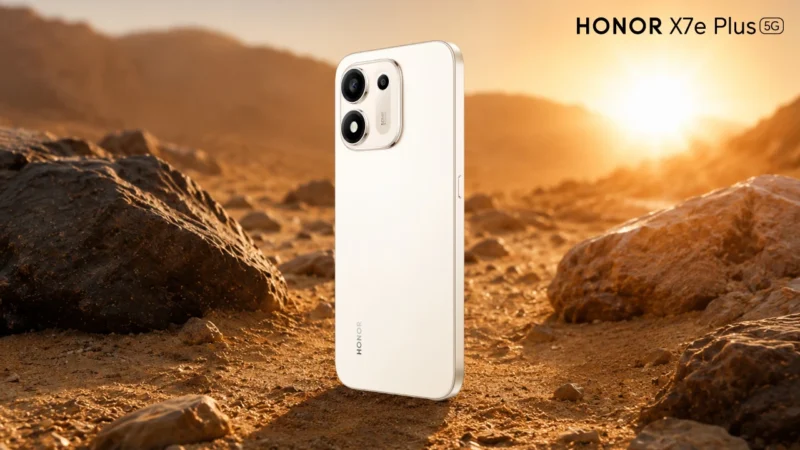
There are environments where smartphones are worn down long before they suffer a dramatic accident. Heat lingers for hours, dust settles into every exposed surface and water appears through splashes, humidity or sudden contact. None of these conditions needs to destroy a phone immediately. Their impact is often gradual, building through repeated daily exposure. This […]

HONOR introduces its AiMAGE chip-device-cloud imaging engine, announces a joint imaging technology lab with ARRI.
 GDGTME Team