
SteelSeries Apex Pro TKL Gen 3 Review
We review the SteelSeries Apex Pro TKL Gen 3, featuring OmniPoint 3.0 Hall Effect switches, adjustable actuation, Rapid Trigger, OLED display and RGB lighting.
For users who prefer ergonomic shapes and appreciate innovative additions such as the built-in display, the Epomaker Carbonis offers strong value and stands out as one of the more interesting gaming mouse releases in its category.
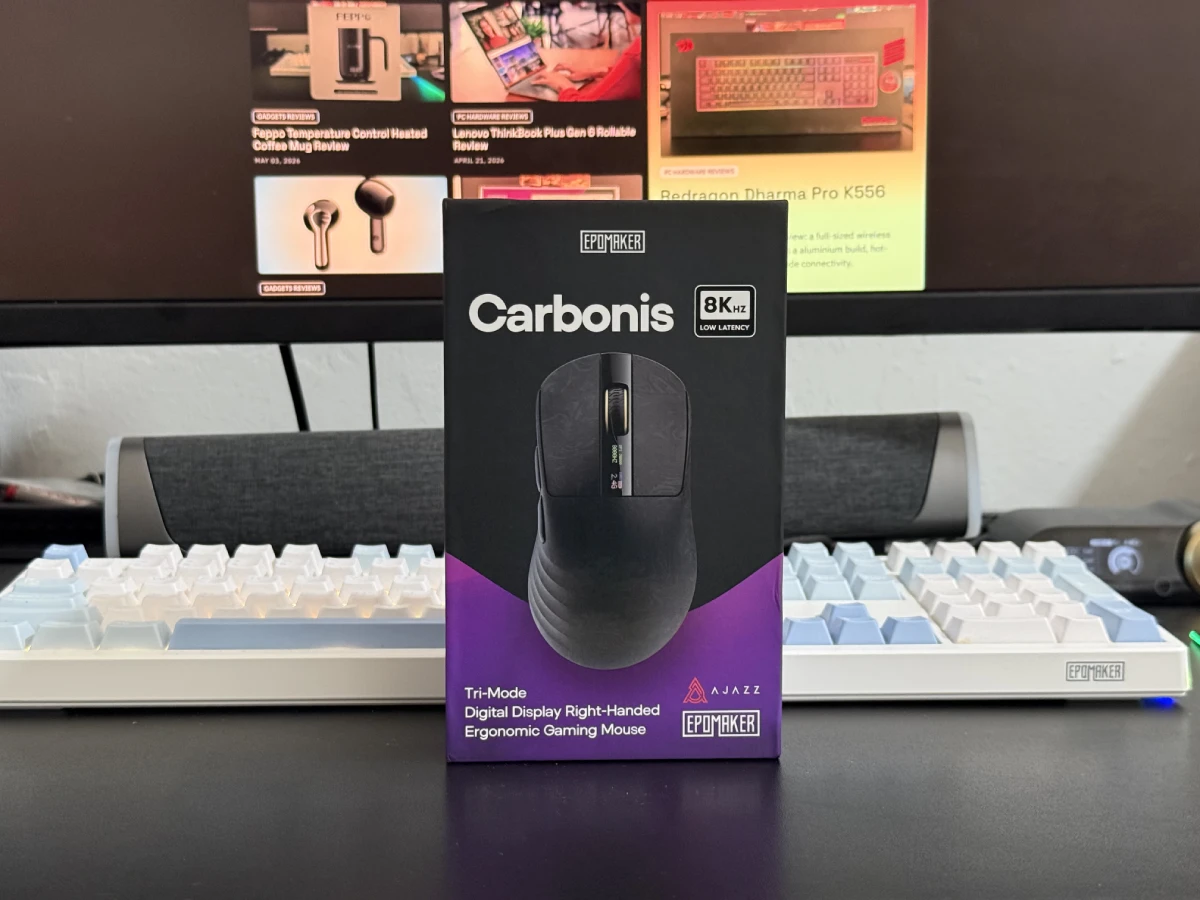
Epomaker Carbonis Review: For users looking for an ultra-lightweight ergonomic gaming mouse with modern features, the Epomaker Carbonis brings an interesting combination of a carbon fiber composite shell, high-end sensor, tri-mode connectivity, and a built-in display. Positioned in the premium gaming mouse segment, it aims to deliver competitive-grade performance while offering a unique design that stands out from the growing crowd of lightweight gaming mice.
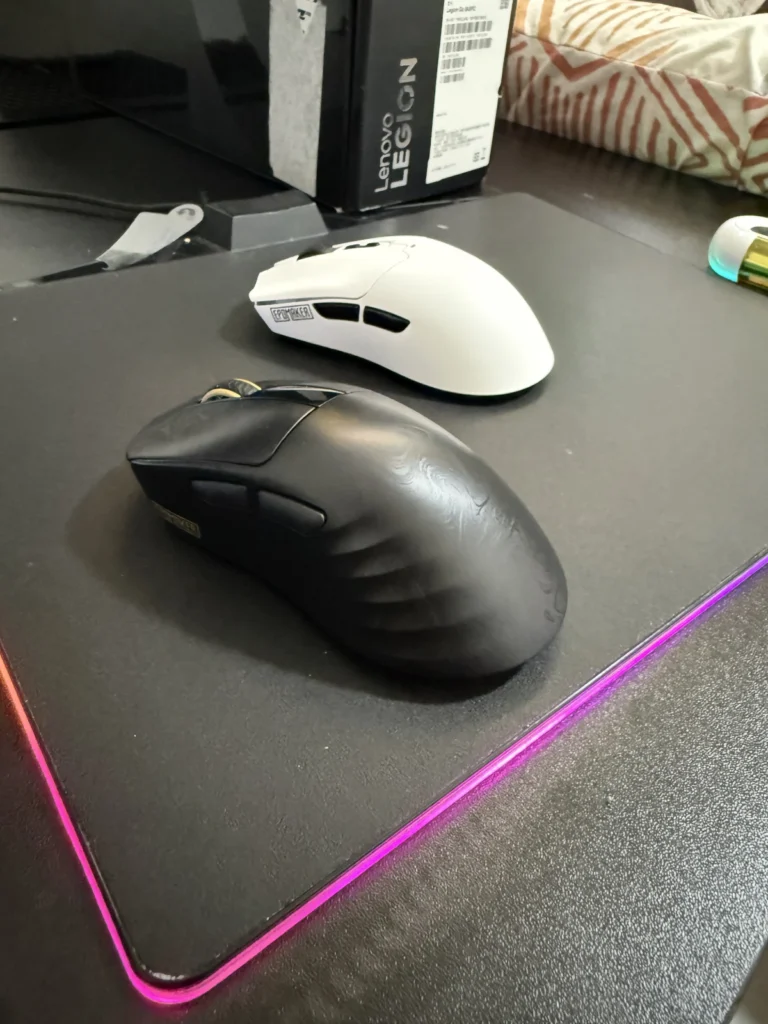
The Epomaker Carbonis immediately catches attention with its distinctive carbon fiber composite shell. Available in multiple color options, including Black Gold and Black Purple, the mouse features an eye-catching textured finish that gives it a premium appearance without relying on aggressive gaming aesthetics.
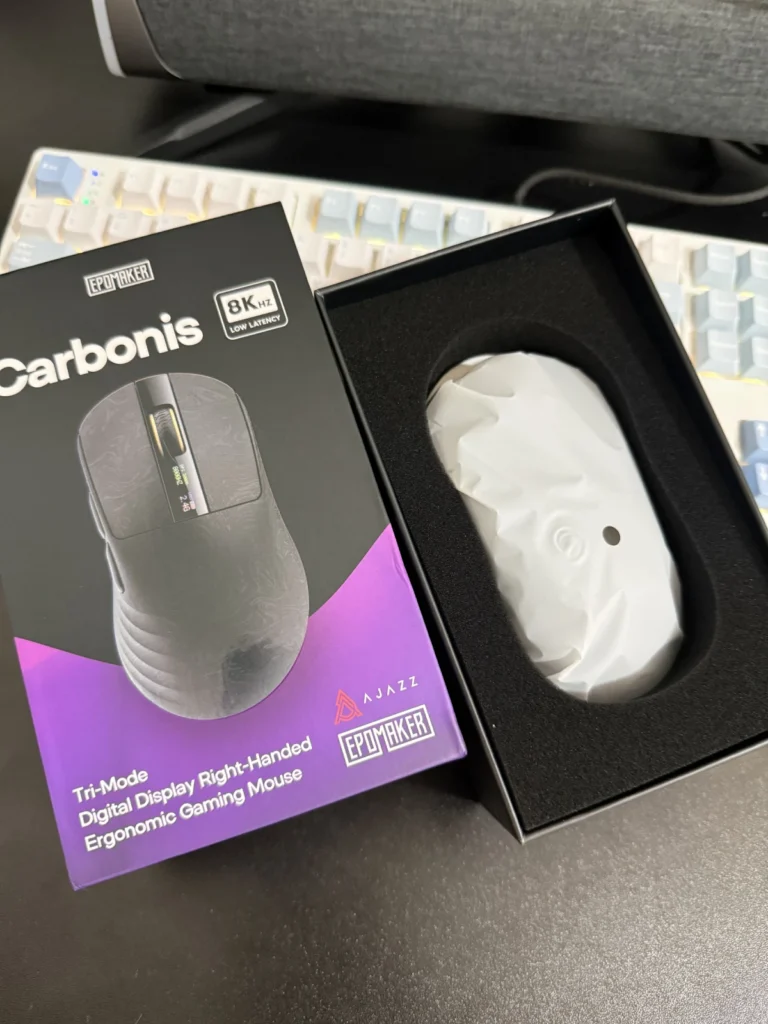
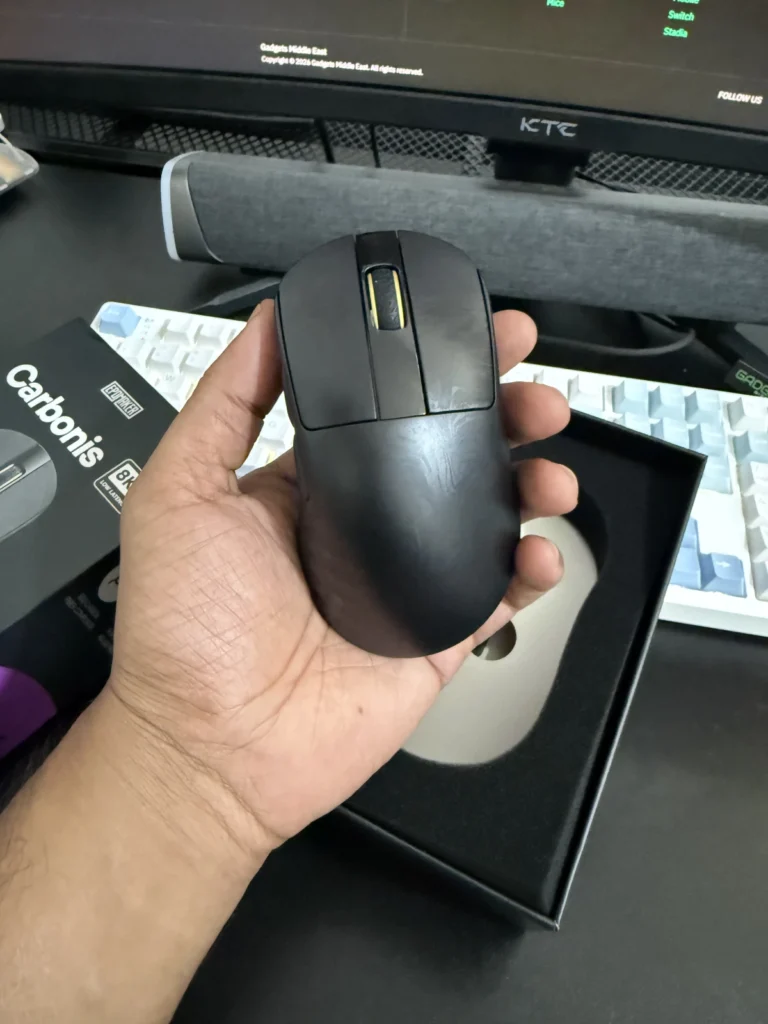
During our testing, the Carbonis felt exceptionally solid despite its lightweight construction. The shell exhibited minimal flex under pressure, with no noticeable creaking or structural weaknesses. At approximately 50g, the Carbonis remains impressively light for an ergonomic mouse, making it suitable for both casual and competitive gaming sessions.
One of the more unique additions is the integrated display located on the top shell. The screen provides useful information such as battery status, DPI settings, polling rate, and connection mode. While the display is not essential for everyday use, it adds convenience when checking settings without opening software.
The only area where the design could be improved is grip. While the matte coating feels pleasant to the touch, it does not provide the same level of grip as some competing gaming mice. Users with sweaty hands may benefit from adding aftermarket grip tape for additional control.
The Carbonis adopts a right-handed ergonomic shape designed primarily for palm and relaxed claw grip users. The shape features a moderately high rear hump and a well-defined thumb groove, providing comfortable hand support during extended gaming sessions.
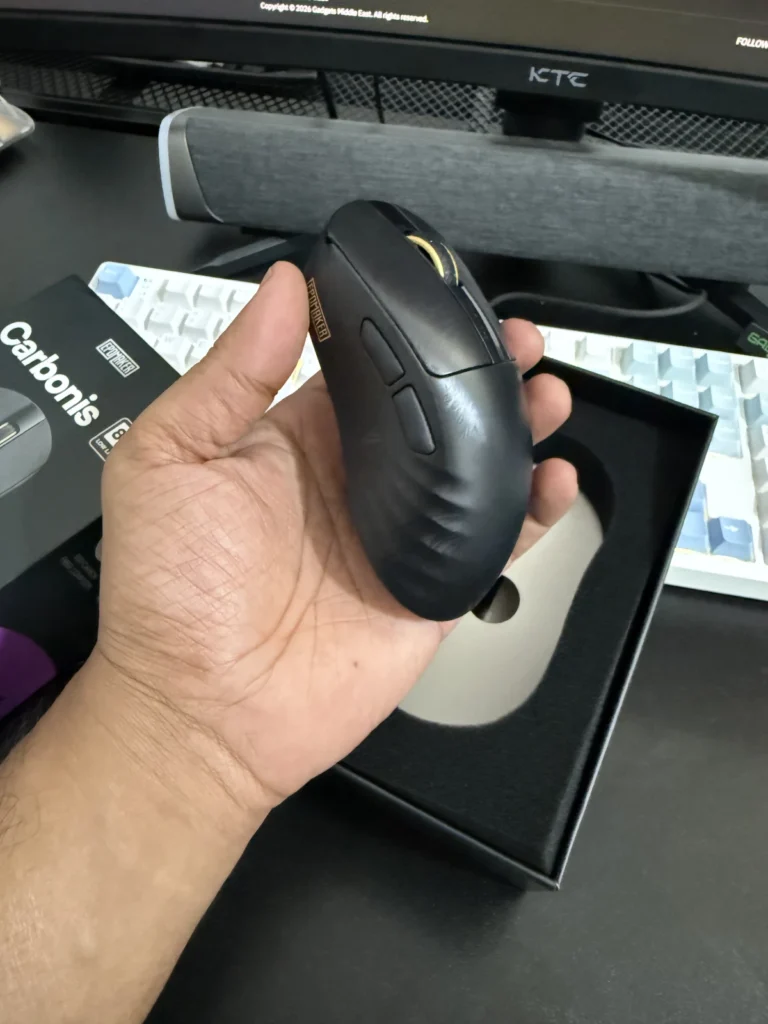
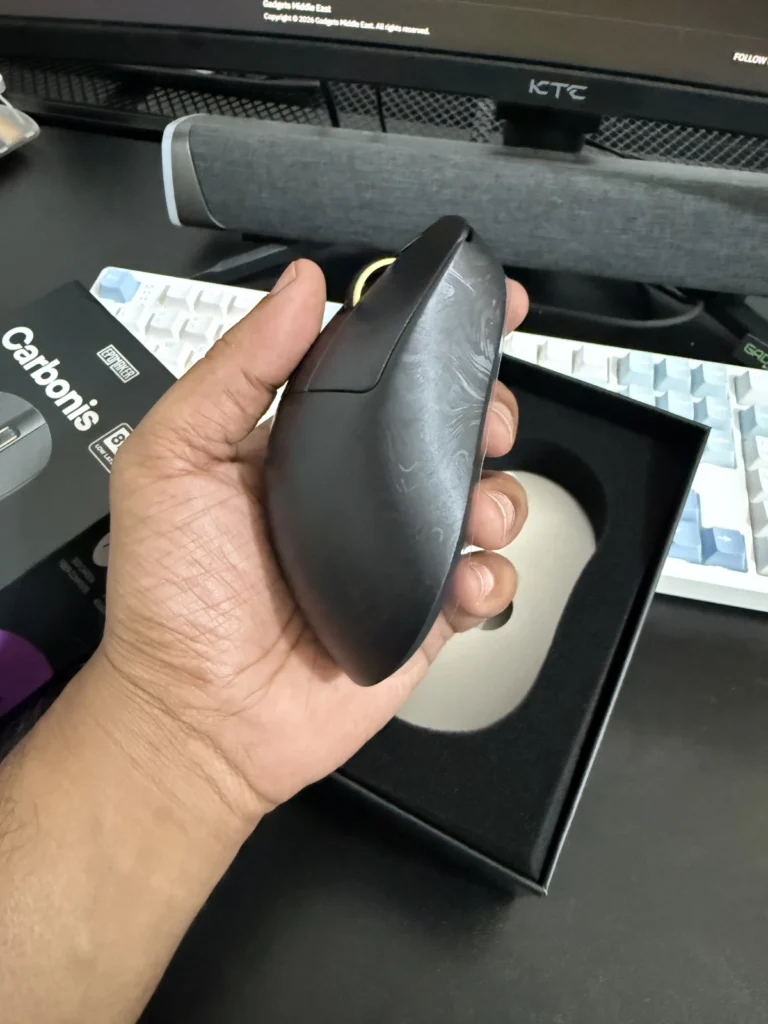
We found the mouse particularly comfortable for medium-sized hands, although larger-handed users should also find the shape accommodating. While fingertip grip remains possible, the overall design naturally encourages a more relaxed palm-oriented grip style.
The side contours help guide hand placement consistently, making the Carbonis feel secure and comfortable during long periods of use.
The Carbonis features five programmable buttons, including the primary clicks, side buttons, and scroll wheel.
The primary switches deliver responsive performance with minimal pre-travel and a satisfying click feel. While they may not be the sharpest or most tactile switches currently available, they remain fast and reliable for gaming use.
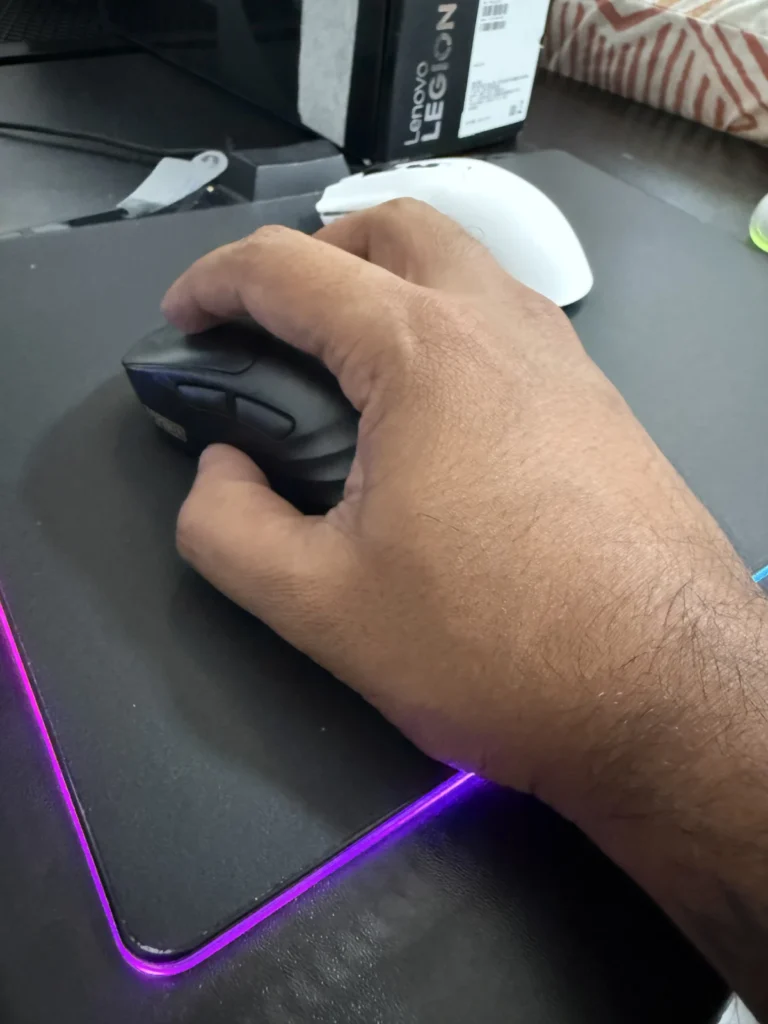
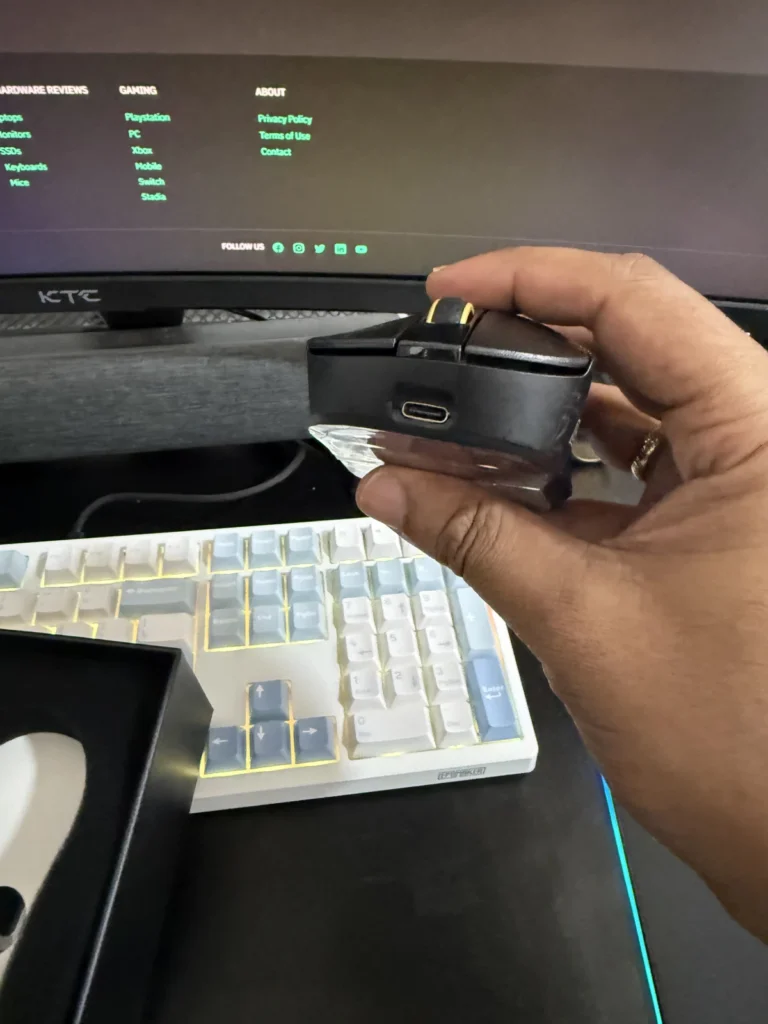
The side buttons offer decent feedback with only minor softness when pressed aggressively. They remain responsive in-game and are easy to reach without accidental activation.
The rubberized scroll wheel provides clearly defined scrolling steps with moderate resistance. The middle click requires slightly more force than some competitors but remains comfortable for regular use.
Under the hood, the Carbonis is equipped with the flagship PixArt PAW3950 sensor alongside a Nordic MCU, a combination commonly found in high-performance gaming peripherals.
The mouse supports polling rates up to 8000Hz in both wired and 2.4GHz wireless modes, ensuring minimal input latency. Throughout our gaming sessions, tracking remained precise and consistent, whether performing quick flick shots, fast target switching, or small micro-adjustments.
The Carbonis feels responsive enough for competitive titles while remaining comfortable for everyday productivity use. Sensor performance was flawless during testing, with no signs of tracking issues, acceleration inconsistencies, or wireless interruptions.
One observation is that the weight distribution feels slightly front-heavy. While this did not negatively affect gameplay in our experience, users who are particularly sensitive to balance may notice it.
Epomaker uses a web-based software platform rather than a traditional downloadable application. While some users may prefer offline software, the browser-based approach offers quick access without requiring installations.
The software includes a comprehensive feature set, including:
The interface is straightforward and easy to navigate, making customization accessible even for less experienced users.
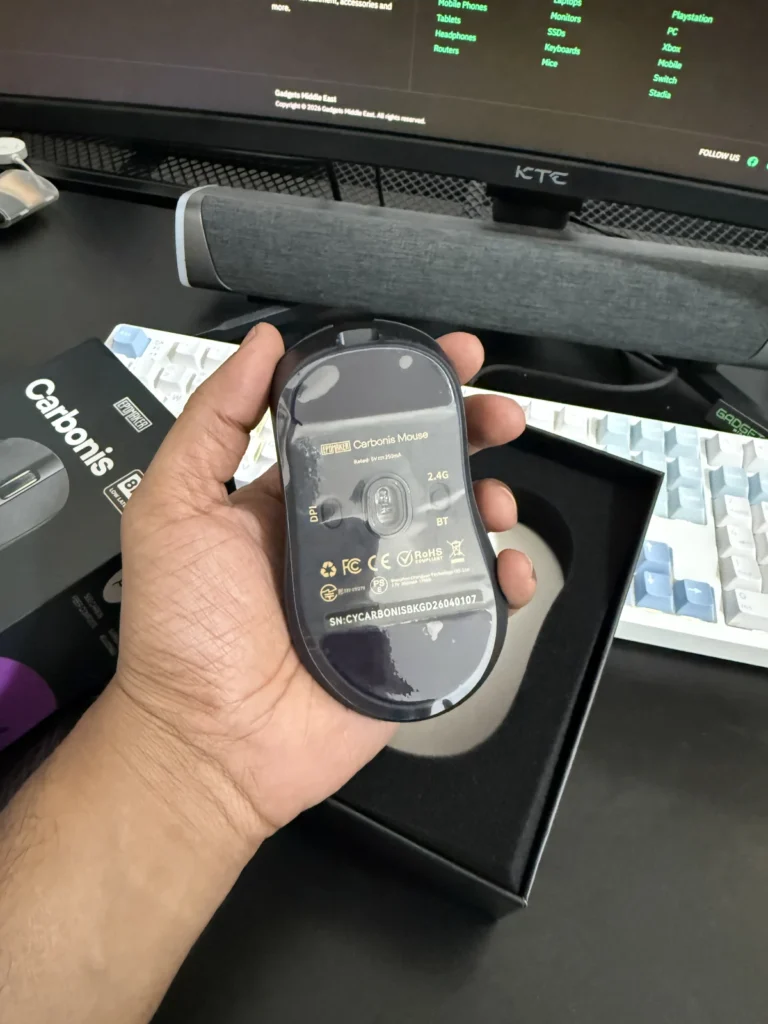
The Carbonis uses a 300mAh battery, which may appear modest compared to some competitors. However, battery performance proved better than expected during testing.
Even when operating at the demanding 8000Hz polling rate, the mouse delivered reliable endurance thanks to efficient power management and an effective sleep mode. The mouse enters sleep quickly when inactive and wakes instantly with movement, ensuring a seamless user experience.
Fast charging support further reduces downtime, making the battery capacity less concerning in day-to-day use.
The stock PTFE skates perform adequately and provide a smooth glide on most surfaces. However, they are not among the best available in this price range.
Users who prefer an exceptionally fast glide may eventually want to upgrade to aftermarket skates or glass skates. While this is not a major issue, improved stock skates would have enhanced the out-of-box experience.
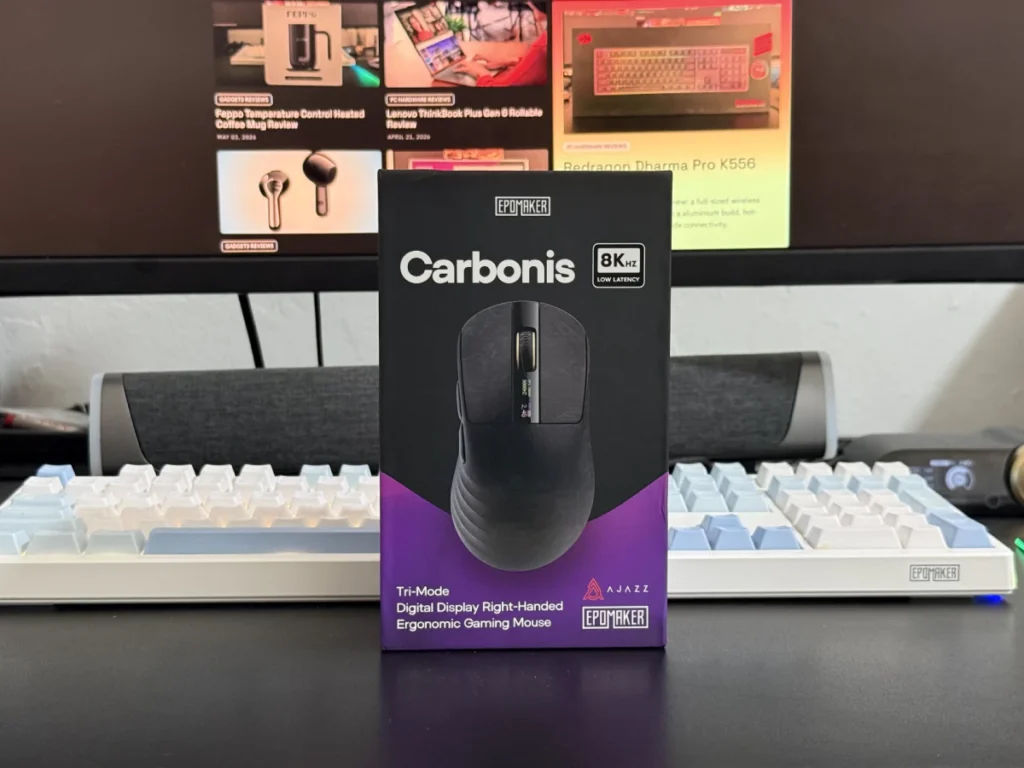
The Epomaker Carbonis successfully combines lightweight construction, ergonomic comfort, and high-end gaming performance in a distinctive package. Its carbon fiber composite shell feels exceptionally sturdy, the integrated display adds a unique touch, and the PAW3950 sensor delivers the level of responsiveness expected from a premium gaming mouse.
While there is room for improvement in grip texture, weight distribution, and stock skates, none of these issues significantly detract from the overall experience. The Carbonis remains a capable option for gamers seeking a lightweight ergonomic mouse with modern features and strong wireless performance.
For users who prefer ergonomic shapes and appreciate innovative additions such as the built-in display, the Epomaker Carbonis offers strong value and stands out as one of the more interesting gaming mouse releases in its category.
Also Read: Epomaker G84 Pro Review

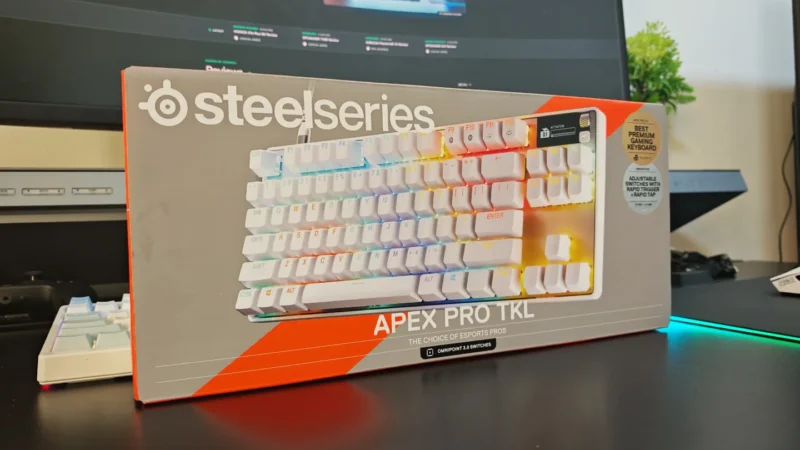
We review the SteelSeries Apex Pro TKL Gen 3, featuring OmniPoint 3.0 Hall Effect switches, adjustable actuation, Rapid Trigger, OLED display and RGB lighting.
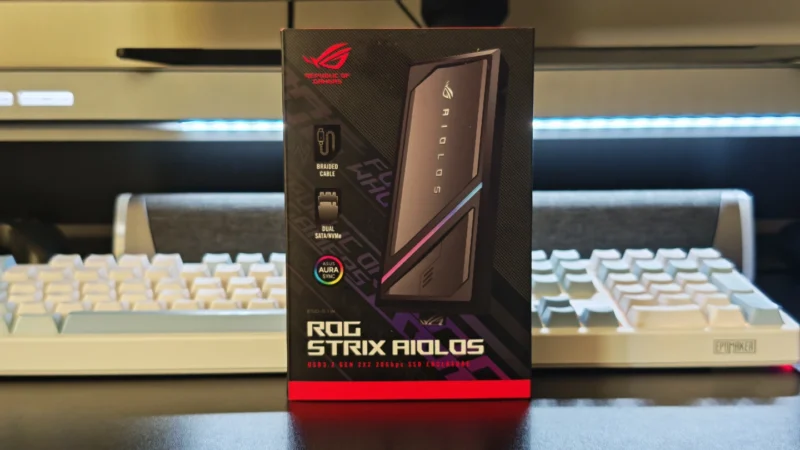
Our ASUS ROG Strix Aiolos review examines its 20Gbps USB 3.2 Gen 2×2 performance, design, cooling, tool-free installation, RGB lighting and value.
Our Hexcal Studio review examines its premium build, cable management, eight AC outlets, USB connectivity, wireless charging and integrated task lighting.
 Joshua James