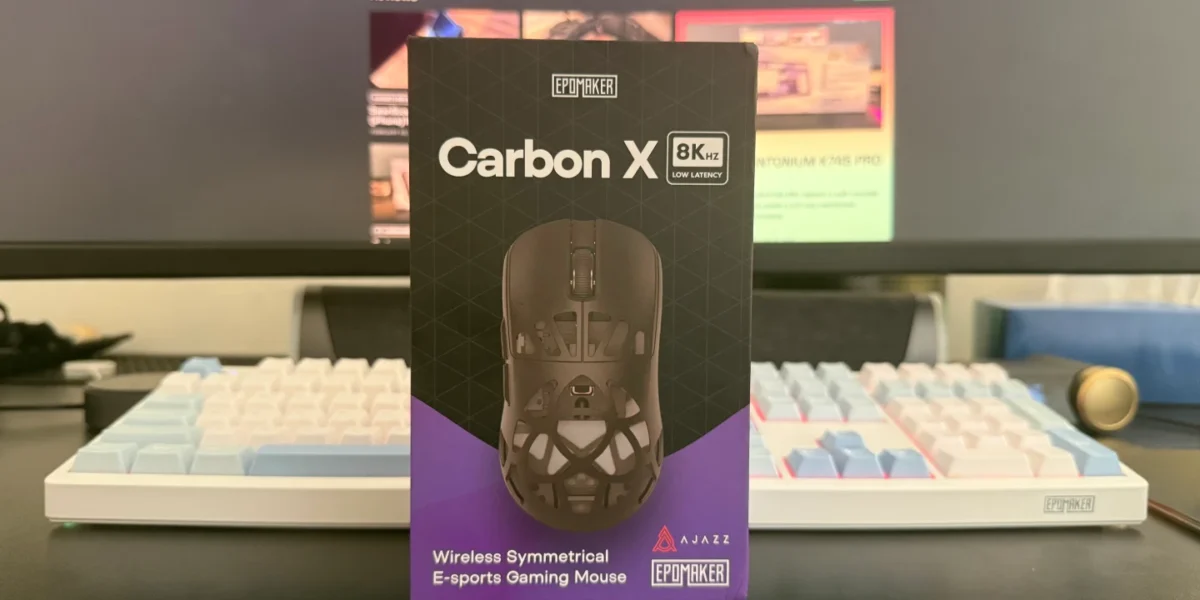
The EPOMAKER CarbonX represents a notable shift in the company’s gaming mouse lineup. Known primarily for producing reliable, mainstream peripherals, EPOMAKER takes a more performance-focused approach with this model. The CarbonX introduces a carbon fiber shell, an ultra-lightweight design of around 50 grams, and high-end hardware such as the PAW3950 sensor and up to an 8,000Hz polling rate.
After spending roughly one and a half weeks testing the mouse, it becomes clear that the CarbonX is designed with competitive and enthusiast gamers in mind. It delivers strong sensor performance, responsive optical switches, and flexible connectivity options. While there are a few design compromises, the CarbonX still manages to offer a compelling package in the lightweight gaming mouse category.
Introduction
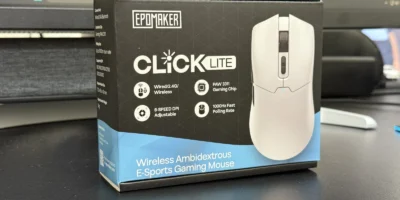
EPOMAKER has previously released gaming mice such as the Click and Click Lite, both of which focused on straightforward, reliable designs rather than experimentation. Those models delivered solid performance but did not stand out significantly in a competitive market.
The CarbonX takes a different approach. Instead of following the same design philosophy, EPOMAKER aims to compete in the lightweight esports segment with a carbon fiber construction, aggressive weight reduction, and flagship internal components. At approximately $79, it is also the company’s most premium mouse to date.
After extensive testing, we evaluated how well the CarbonX performs in real-world use and whether it can compete with established gaming mouse brands.

Packaging and Box Contents
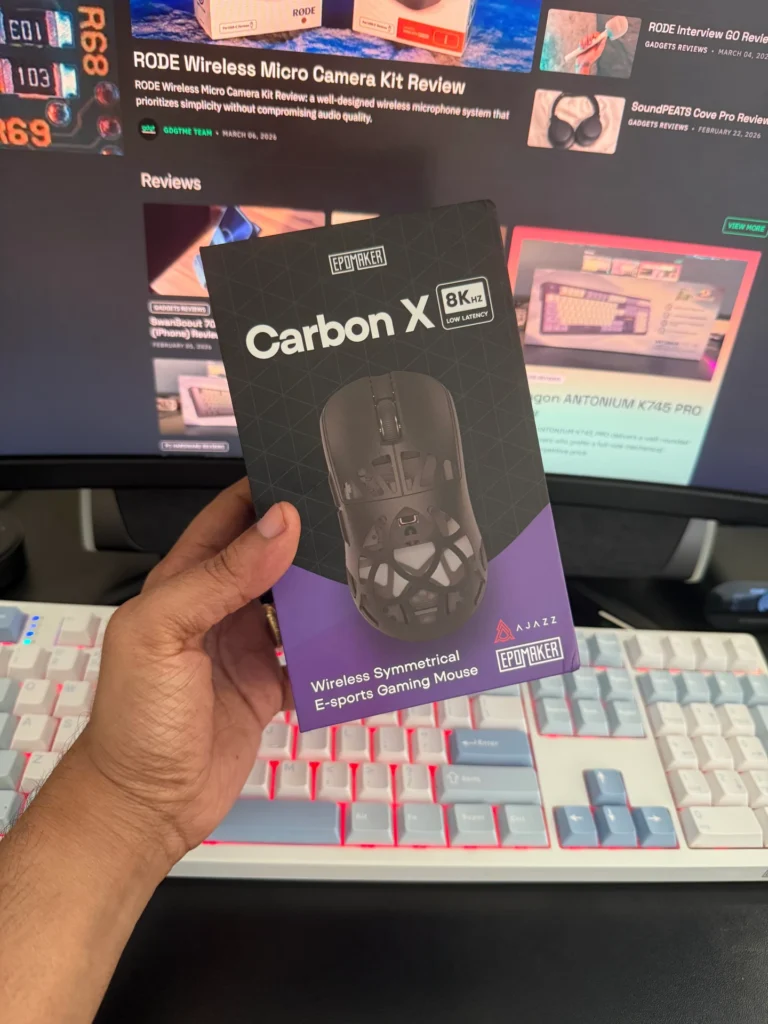
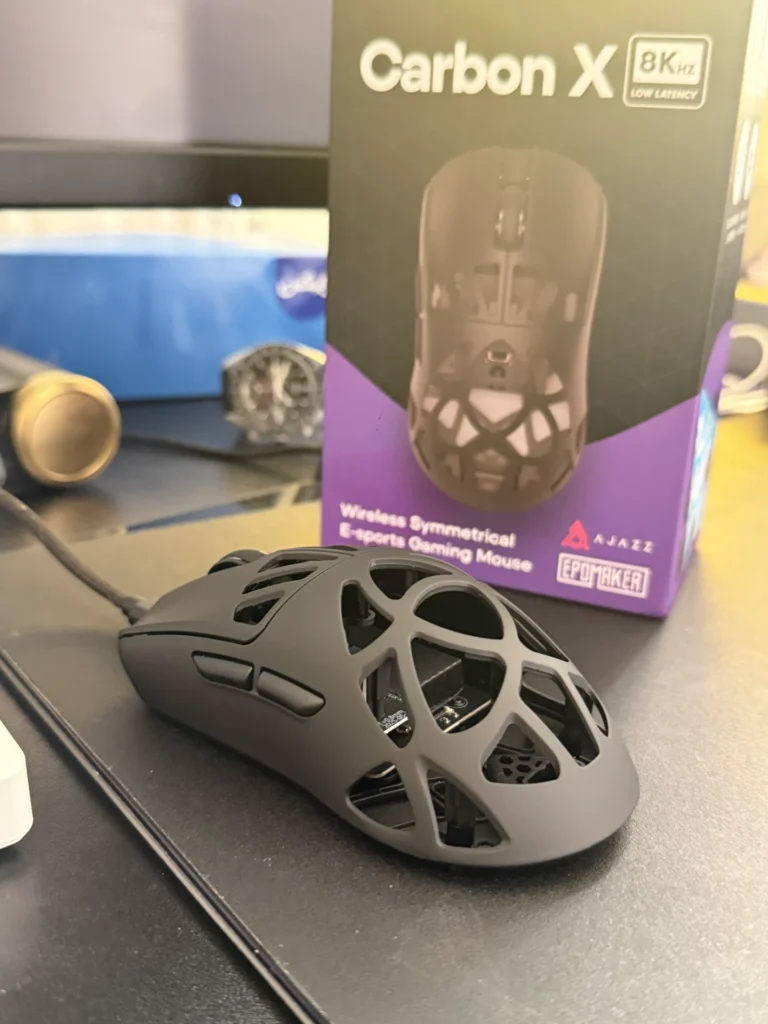
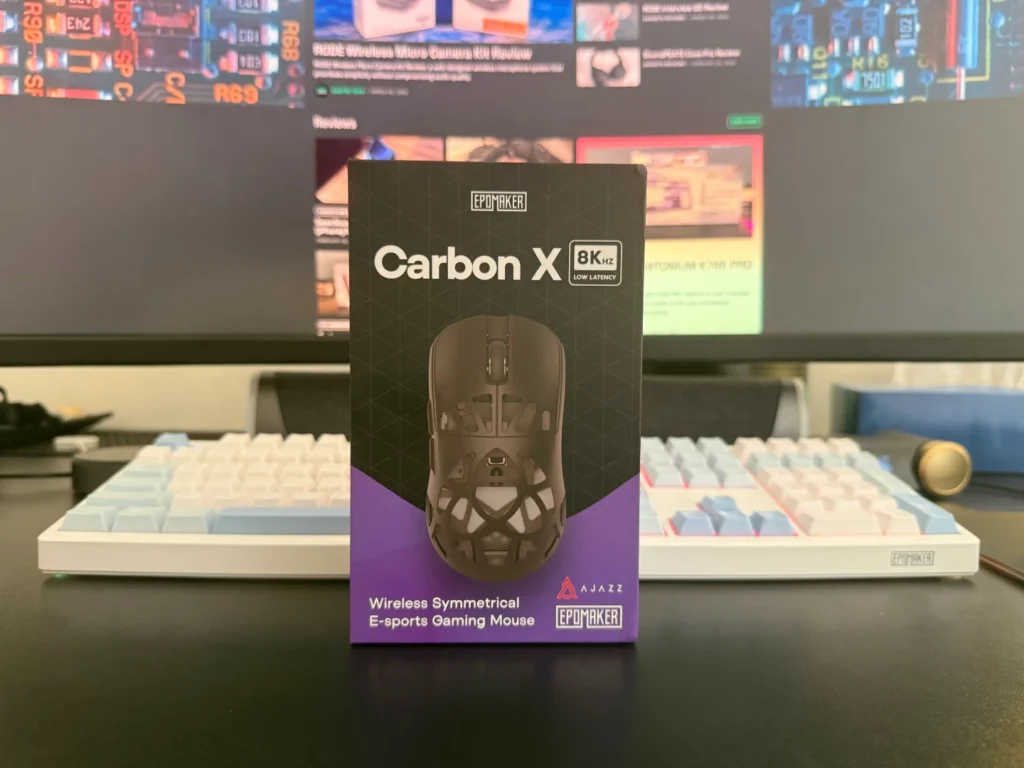
The EPOMAKER CarbonX arrives in a purple and black retail box with the mouse image displayed prominently on the front. Key features are highlighted along the sides, while the back lists technical specifications and system compatibility information.
The packaging itself is straightforward. Inside the box, the mouse sits securely in a foam cutout to prevent movement during shipping. A secondary compartment underneath contains the included accessories.
Box Contents
- EPOMAKER CarbonX Wireless Gaming Mouse
- 2.4GHz USB receiver
- USB-A to USB-C cable
- Spare skates
- User manual
Overall, the unboxing experience is simple but functional, with all essential accessories included.
Design
The CarbonX introduces a design that differs noticeably from EPOMAKER’s earlier mice. The company describes it as a symmetrical esports mouse, though the placement of the side buttons clearly favors right-handed users.
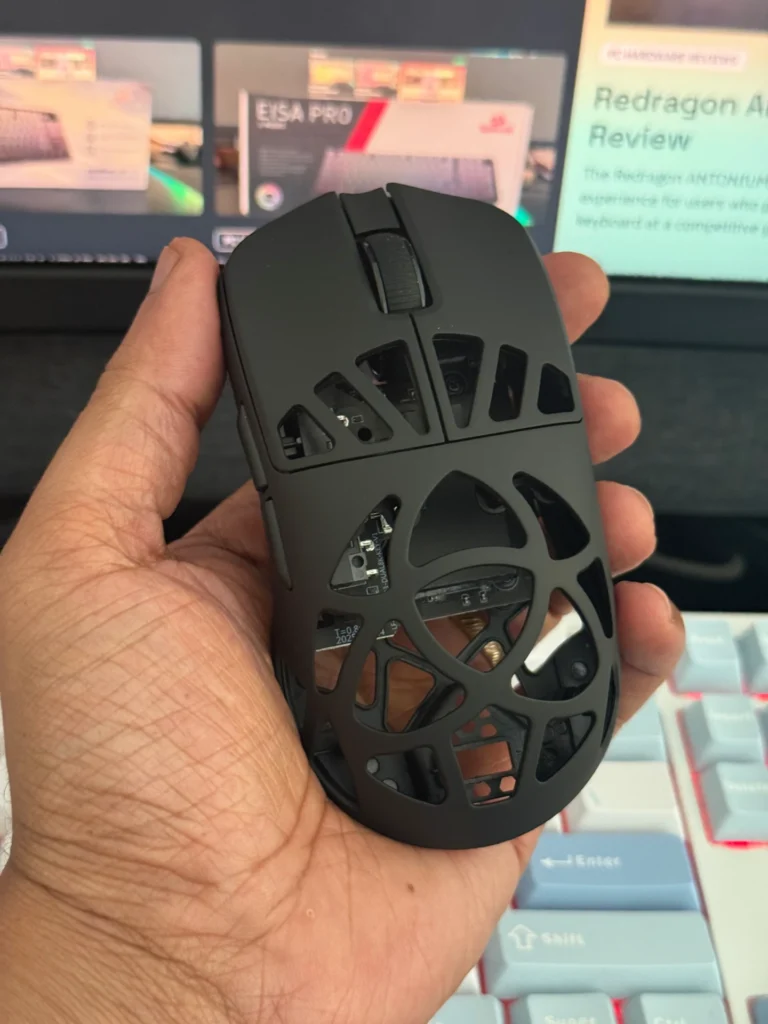
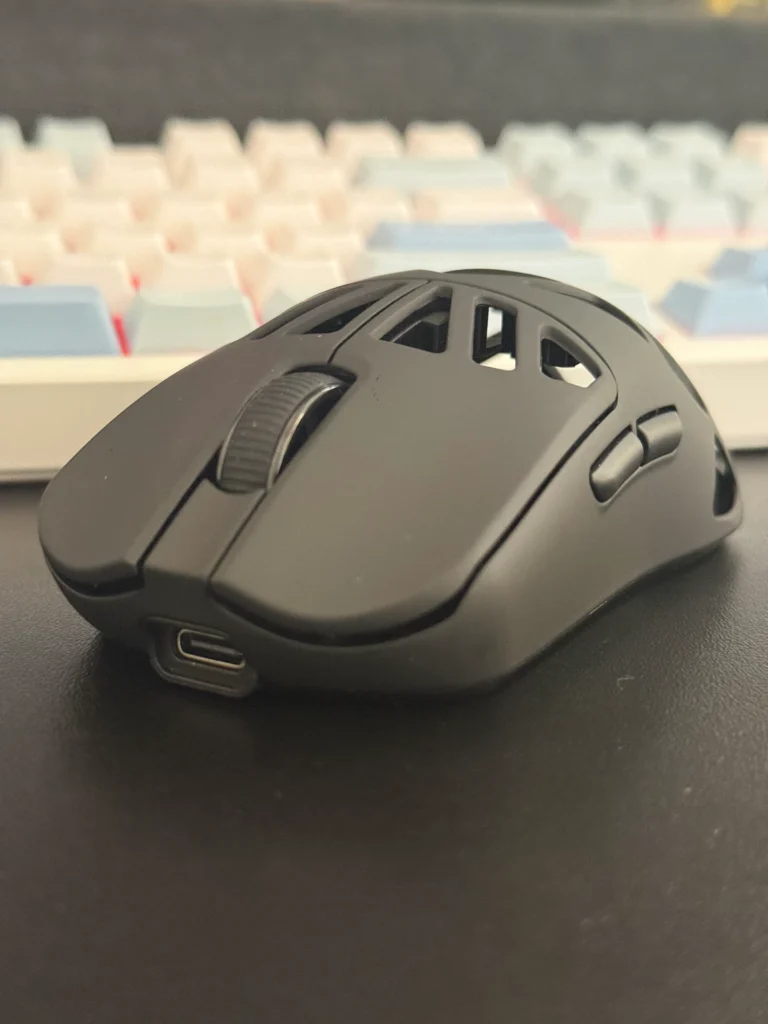
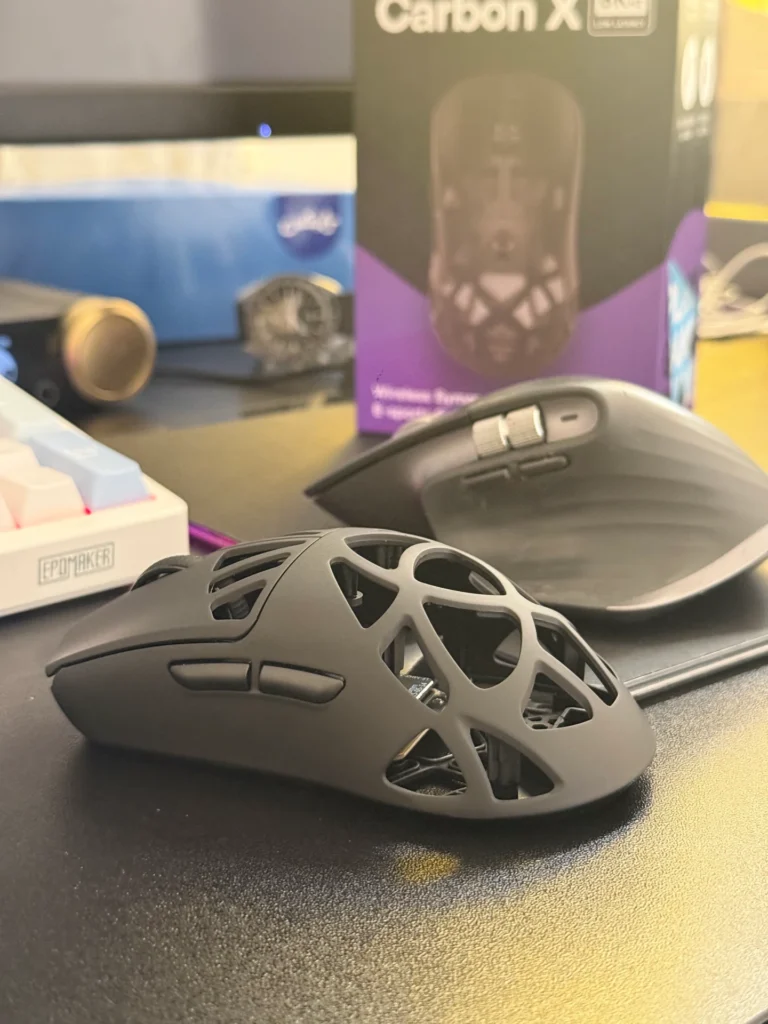
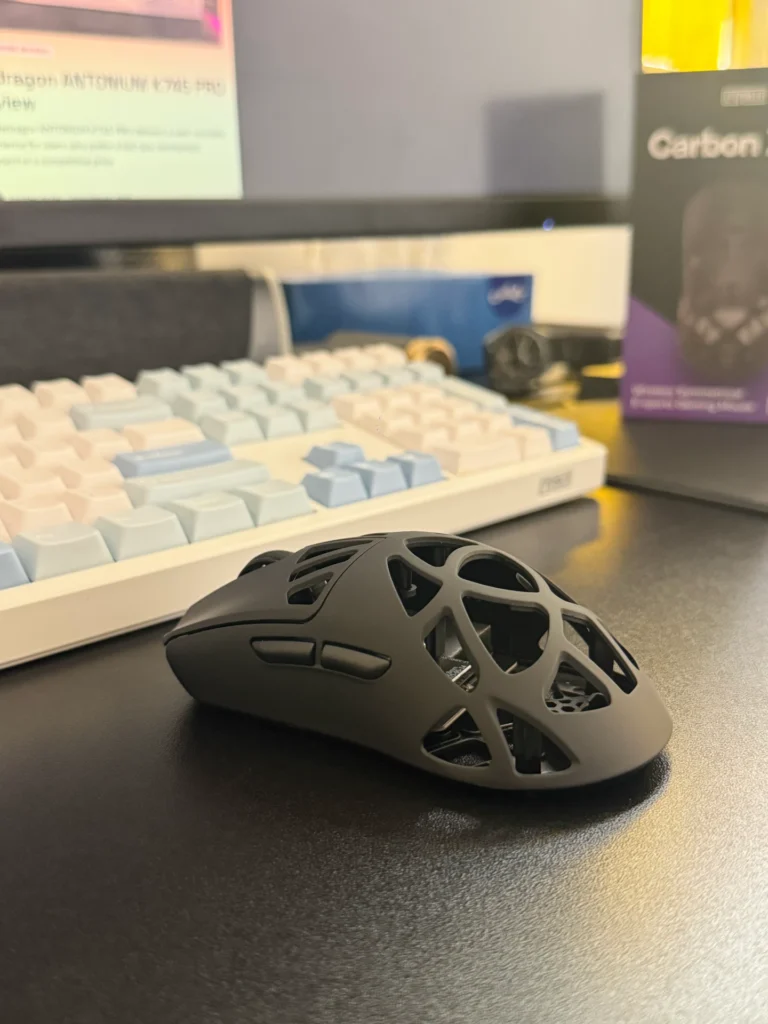
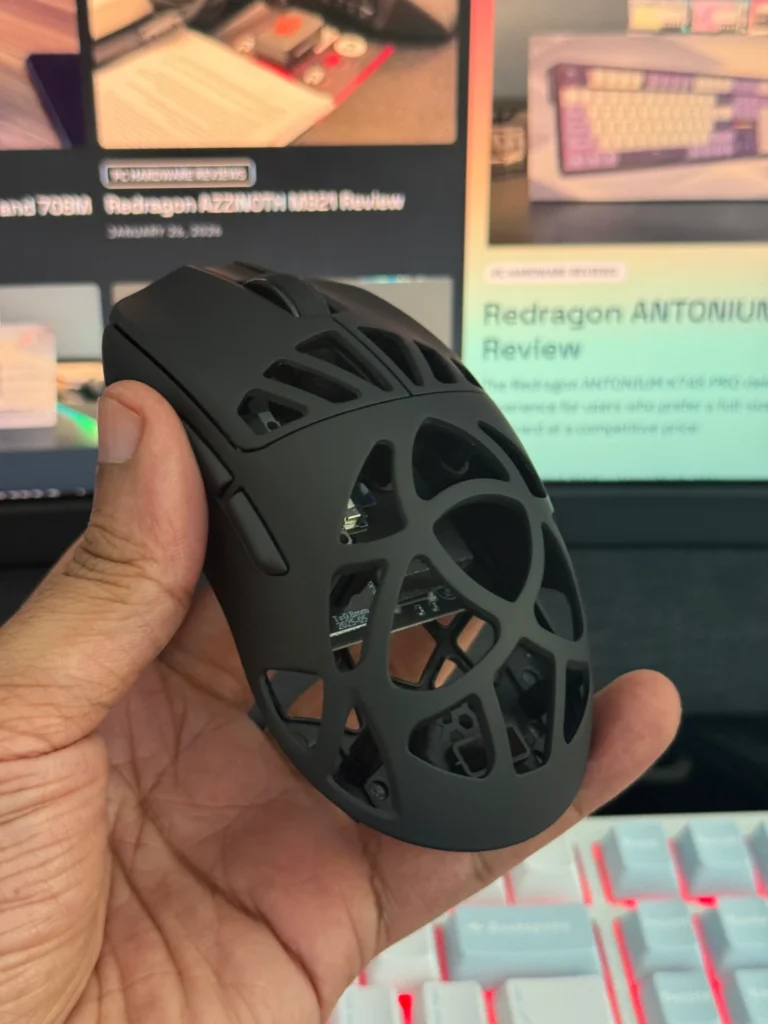
The most distinctive design element is the carbon fiber shell with multiple perforations across the body. There are several cutouts across the main buttons, top shell, and underside, all intended to reduce weight while maintaining structural integrity. Despite the honeycomb layout, the mouse maintains a relatively understated aesthetic.
The overall shape features gentle curves and a moderate hump toward the center, giving it a natural feel in hand. The dimensions place it firmly in the medium-sized category, making it suitable for a variety of grip styles.
Comfort and Grip
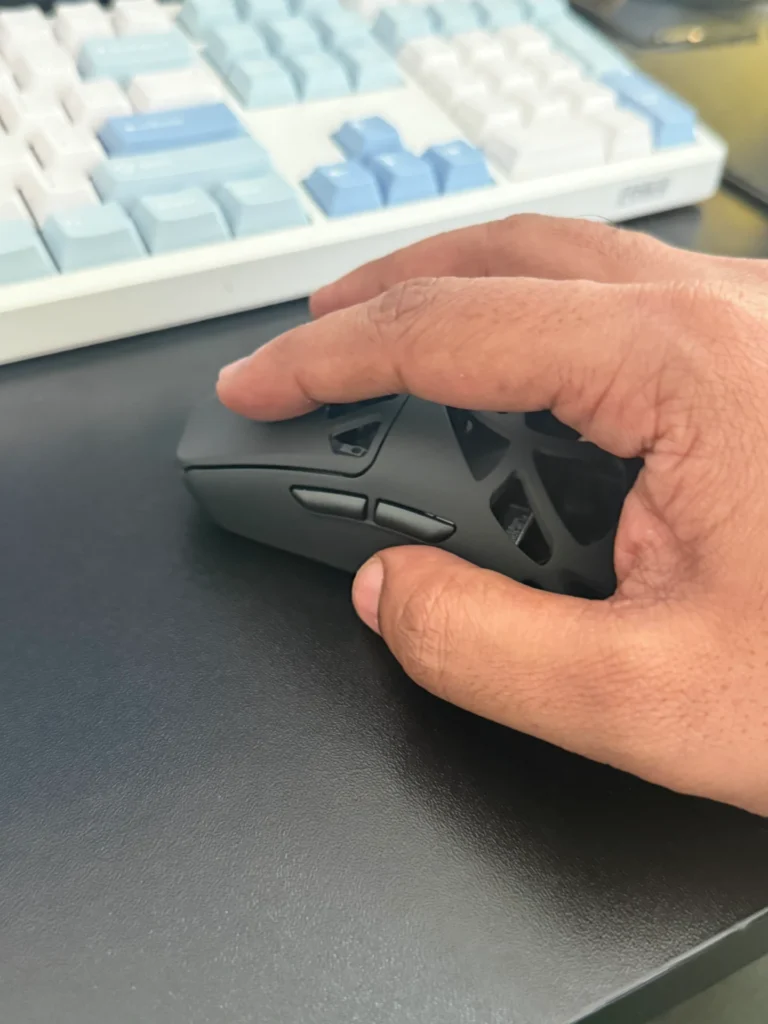
With dimensions of approximately 118 × 62.2 × 39.6 mm, the CarbonX fits comfortably for most small to medium hand sizes. The slightly elevated rear hump and inward-curving sides provide natural finger placement.
In testing, claw and fingertip grips felt particularly well suited to this shape. The mouse feels agile and easy to reposition due to its low weight. Palm grip users with larger hands may find it slightly small, as the body does not fully fill the palm.
While the perforated shell is noticeable initially, it quickly becomes less distracting during gameplay.
Weight
One of the CarbonX’s defining characteristics is its extremely low weight. At roughly 50 grams, it is the lightest mouse EPOMAKER has released.
The honeycomb shell plays a major role in achieving this weight reduction. However, the design also affects weight distribution. During testing, the mouse felt slightly front-heavy because most internal components are positioned near the front section. This does not severely impact usability, but experienced ultralight mouse users may notice the imbalance during fast movements.
Coating and Finish
The surface finish features a matte texture with a subtle rubberized feel. This coating provides a comfortable grip without feeling overly slick or plastic-like.
In extended use, the finish resists fingerprints and smudges well, helping the mouse maintain a clean appearance. The slightly textured surface also improves control during rapid movements.
Although the perforated shell exposes parts of the internal structure, the overall tactile experience remains comfortable.
Underside and Skates
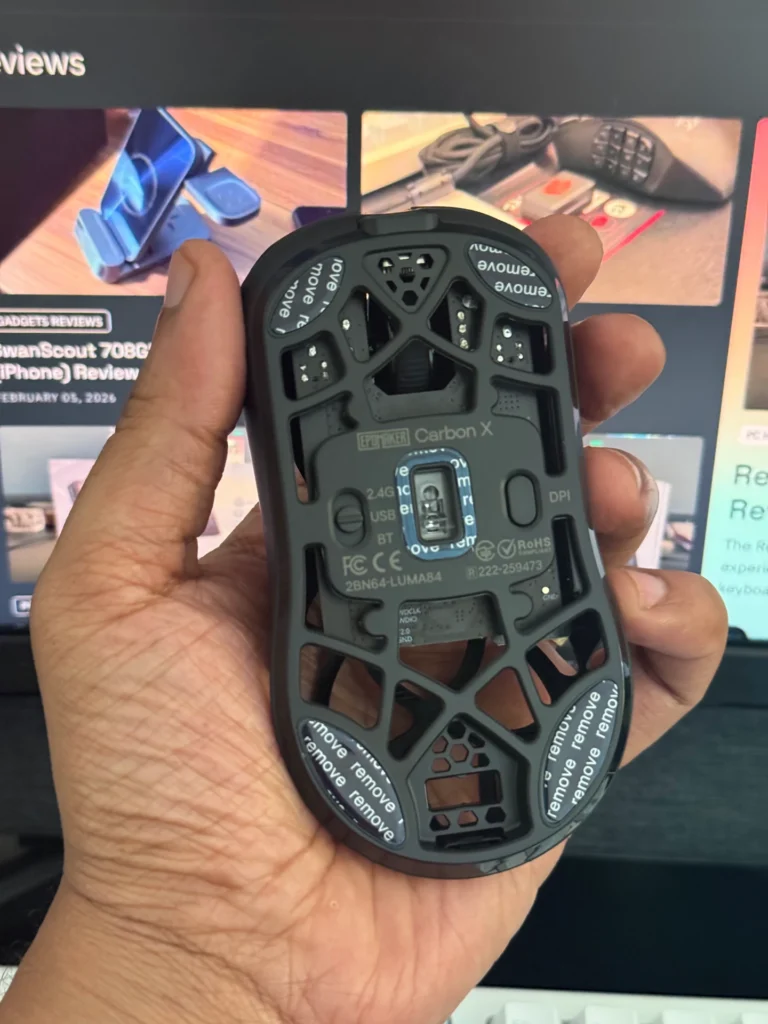
The underside includes four PTFE skates along with a small circular skate around the sensor. While these provide a reasonable glide, they are relatively small compared to some competing gaming mice.
In certain situations, the smaller skates allow slight contact between the base and the mouse pad, which can affect smoothness. This is not a major issue, but larger skates would have improved overall glide performance.
The underside also houses the connectivity mode switch and DPI button.
Build Quality
Considering its lightweight design, the CarbonX offers respectable build quality. The carbon fiber shell provides good structural strength, and the mouse does not feel fragile during regular use.
Applying pressure around the perforated areas can introduce slight flex, which is typical for ultralight designs. However, there are no creaks or rattling components, and the buttons and scroll wheel remain firmly in place.
Overall, the construction feels durable enough for everyday gaming use.
Buttons and Scroll Wheel
Primary Buttons
The CarbonX uses Omron optical switches for the main buttons. These switches provide quick actuation and consistent tactile feedback.
During testing, the clicks felt responsive and well defined, with minimal pre-travel and fast reset behavior. This makes them particularly suitable for rapid clicking scenarios in competitive games.
Side Buttons
The side buttons are positioned where the thumb naturally rests, allowing quick access without accidental presses. Both buttons provide solid tactile feedback and feel responsive in gameplay.
Scroll Wheel
The scroll wheel features a rubberized texture for improved grip. Scrolling feels smooth with defined steps, offering a good balance between precision and ease of movement.
The middle click produces a firm response, though some users may notice a slight squeak when scrolling upward in very quiet environments.
Connectivity
The CarbonX supports tri-mode connectivity, allowing users to switch between:
- USB-C wired mode
- 2.4GHz wireless connection
- Bluetooth
In 2.4GHz wireless or wired mode, the mouse supports polling rates up to 8,000Hz, with latency as low as 0.35–0.4ms. Bluetooth mode operates at a lower polling rate but is suitable for general productivity use.
The included wireless dongle also features a small LED indicator and can be used with the cable as an extension for improved signal stability.
Battery Life
The CarbonX is powered by a 300mAh battery, which is slightly smaller than those used in some competing wireless mice. This reduction helps maintain the lightweight design.
Battery life varies depending on the selected polling rate. At standard settings, the mouse lasts several days of typical usage. Higher polling rates naturally increase power consumption, while Bluetooth mode offers longer endurance.
The front indicator light doubles as a battery status indicator during charging and low-power states.
Software
EPOMAKER provides a web-based configuration tool rather than traditional software. This approach allows users to access customization features directly through a browser without installing additional applications.
The interface is minimal and easy to navigate. Key customization options include:
- Button remapping
- Macro creation
- Debounce time adjustments
- DPI stage configuration
- Polling rate control (125Hz to 8000Hz)
- Lift-off distance settings
- Firmware updates
- Profile management
Up to four user profiles can be stored, and most buttons can be reprogrammed except the primary left click.
Performance
The CarbonX is equipped with the PixArt PAW3950 sensor and a Nordic nRF52840 MCU, a combination commonly found in high-end gaming mice.
In practical use, tracking remains consistent and accurate across various DPI levels. During testing, the sensor showed no noticeable jitter, spinouts, or tracking irregularities.
Gaming performance felt smooth and responsive, particularly around the commonly used 1600 DPI range. Wireless performance was equally reliable, with no connection drops or noticeable input lag.
The lightweight design also contributes to quick flicks and micro-adjustments, making the mouse well suited for competitive titles.
Should You Buy It?
Buy it if:
- You want an ultra-lightweight gaming mouse focused on speed and responsiveness.
- You prefer crisp optical switches with fast actuation.
- You value tri-mode connectivity for flexible setups.
Skip it if:
- You prefer a perfectly balanced mouse weight.
- You want large PTFE skates for smoother glide.
- You dislike perforated or open-shell designs.
Final Verdict
The EPOMAKER CarbonX represents a meaningful step forward for the brand. Instead of targeting general users, this model focuses on competitive gamers who prioritize lightweight design and high-performance hardware.
Its carbon fiber construction, flagship PAW3950 sensor, responsive optical switches, and 8,000Hz polling support position it well within the enthusiast gaming mouse segment. While minor issues such as small skates and slightly front-heavy weight distribution prevent it from being perfect, they do not overshadow its overall strengths.
At around $79, the CarbonX offers a strong value proposition, delivering specifications typically found in more expensive gaming mice. For players seeking a lightweight, performance-oriented mouse, it stands as one of EPOMAKER’s most compelling releases so far.
Also Read: Epomaker Click Lite Mouse Review