The gaming mouse market is crowded, but few products attempt to serve the niche demands of MMO and RPG players with the same conviction as the Redragon M913 Impact Elite. Loaded with 16 programmable buttons, a top-tier PAW3395 sensor, and tri-mode wireless connectivity, this mouse positions itself as a dedicated tool for players who live and breathe complex in-game action bars. We spent considerable time with the M913 to evaluate whether it lives up to its ambitions — and where it falls short.
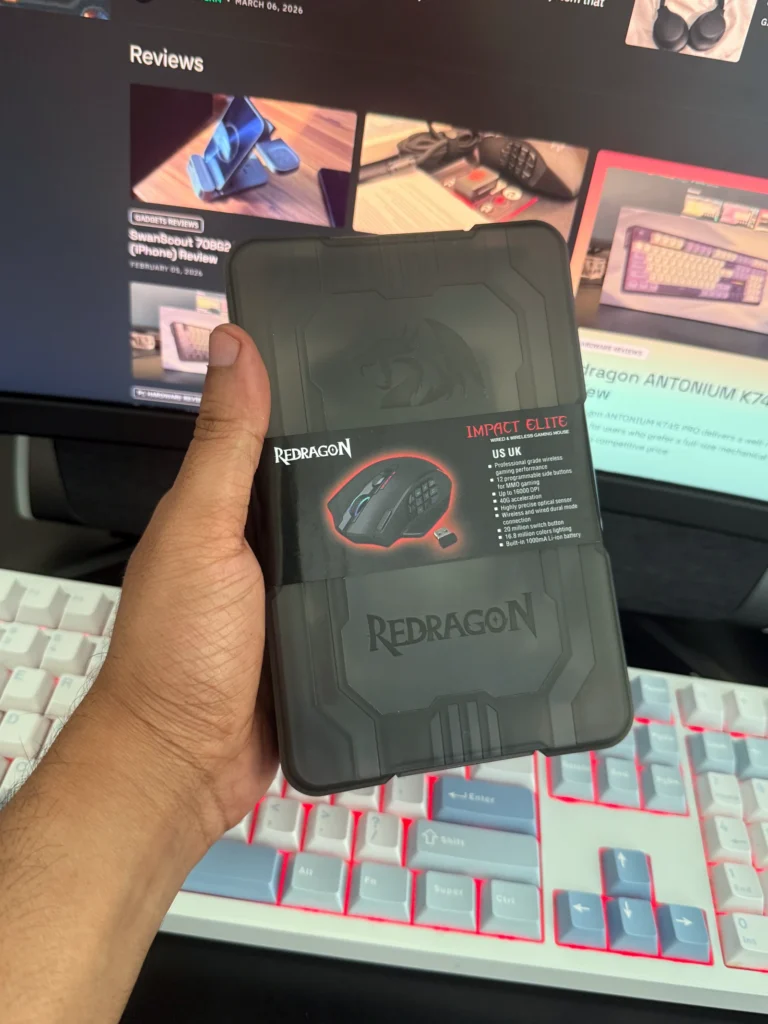
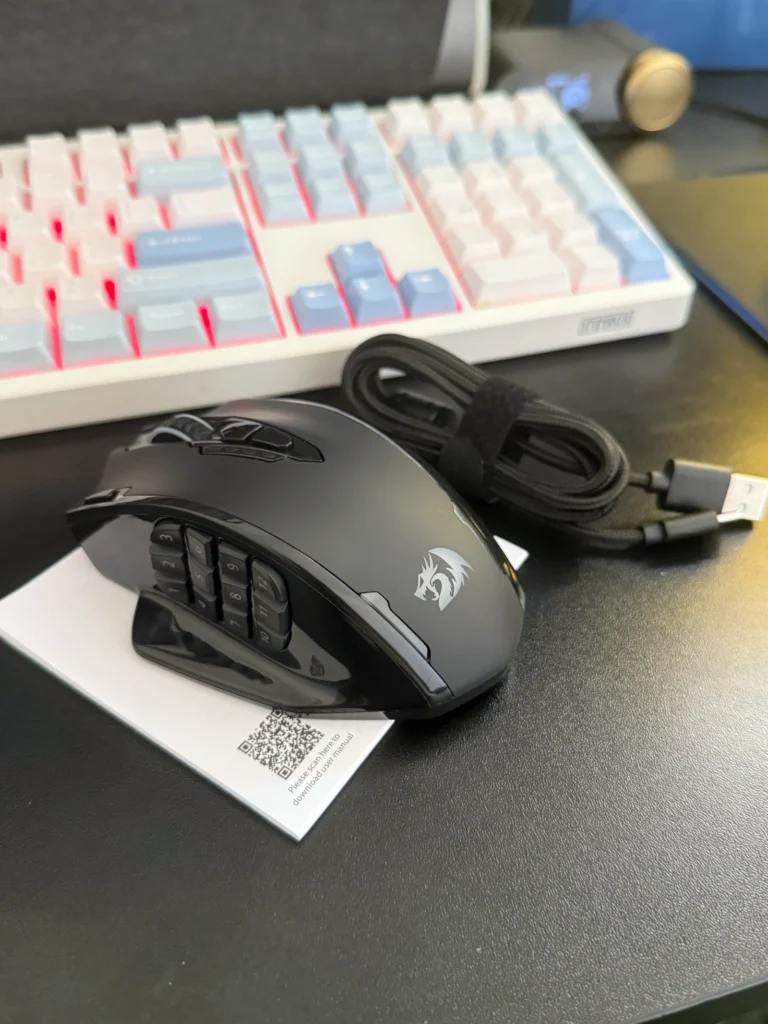
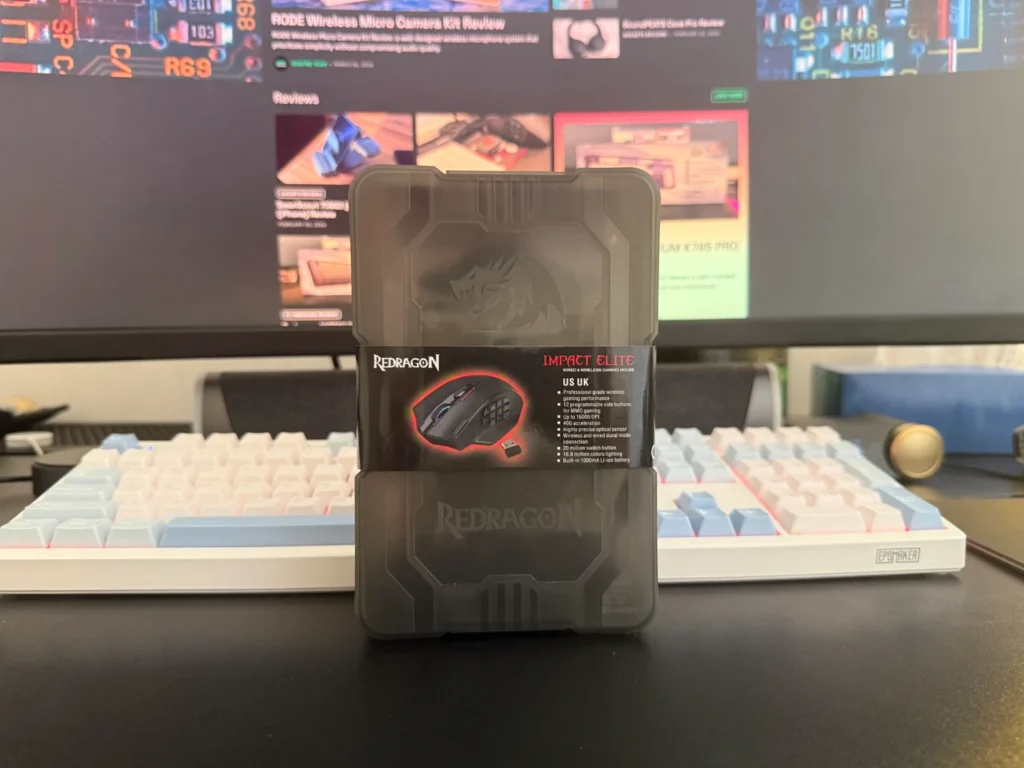
What’s in the Box
- Redragon M913 Impact Elite wireless mouse
- USB-C flexible paracord cable
- 2.4GHz USB wireless dongle
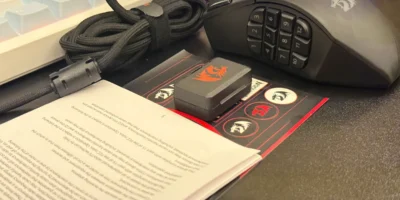
- User documentation
- Stickers
Design and Build Quality
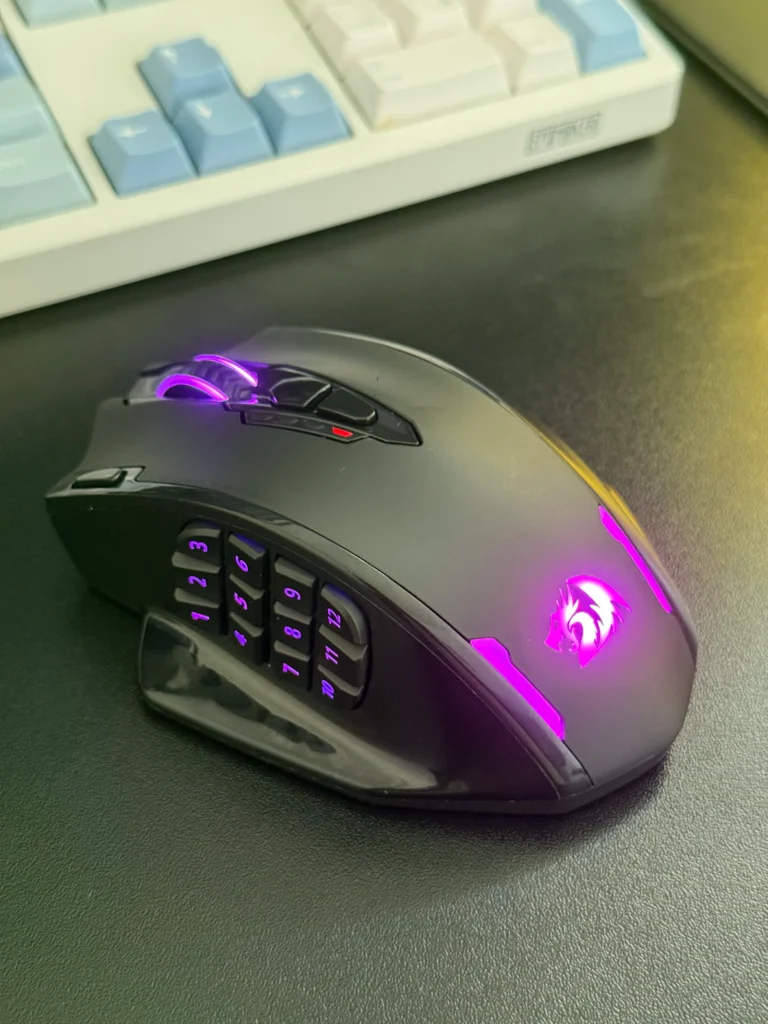
The M913 Impact Elite is unmistakably an ergonomic right-handed mouse. Its shell combines a smooth matte texture across the top with glossy sides — a deliberate choice that, we found, improves grip during light perspiration. However, users with heavily sweaty palms may find the glossy flanks less accommodating, and the addition of grip tape is worth considering in those cases.
The mouse weighs in at approximately 130g, which is on the heavier end of the spectrum. This is a direct consequence of its internal complexity — 12 side-mounted macro buttons, additional micro switches, and a built-in battery pack all contribute to that mass. The mouse feet, unfortunately, are noticeably thin for a device of this weight, raising concerns about long-term wear, particularly for users who apply heavy pressure during extended sessions. Aftermarket replacement feet are widely available and represent a straightforward upgrade.
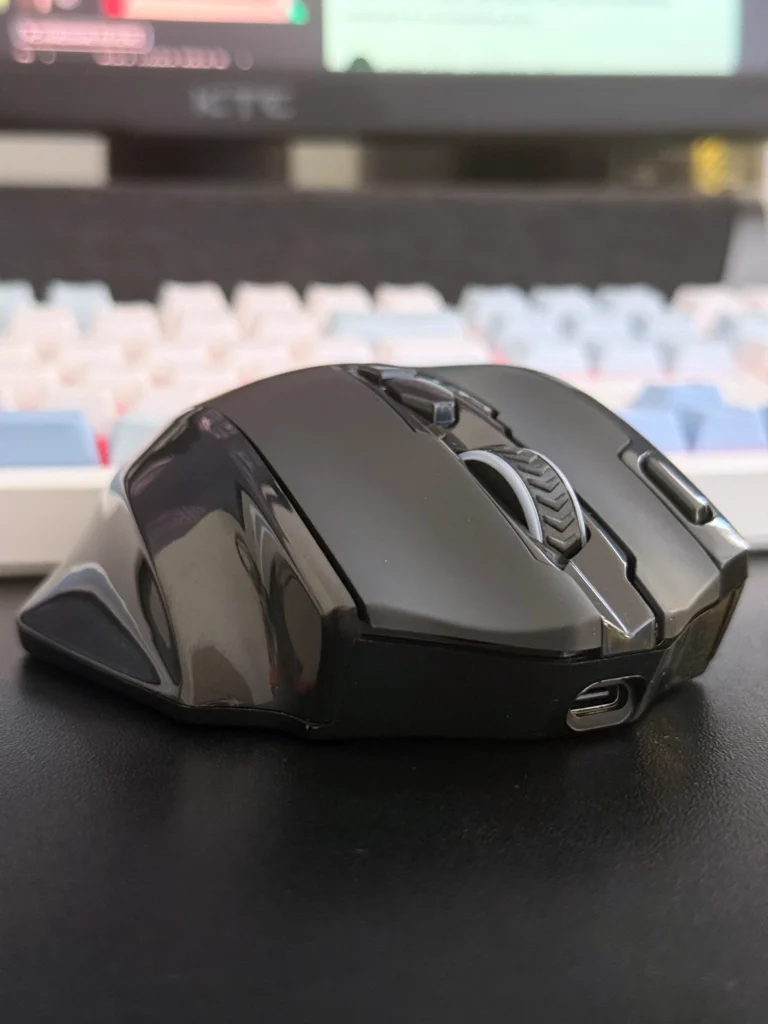
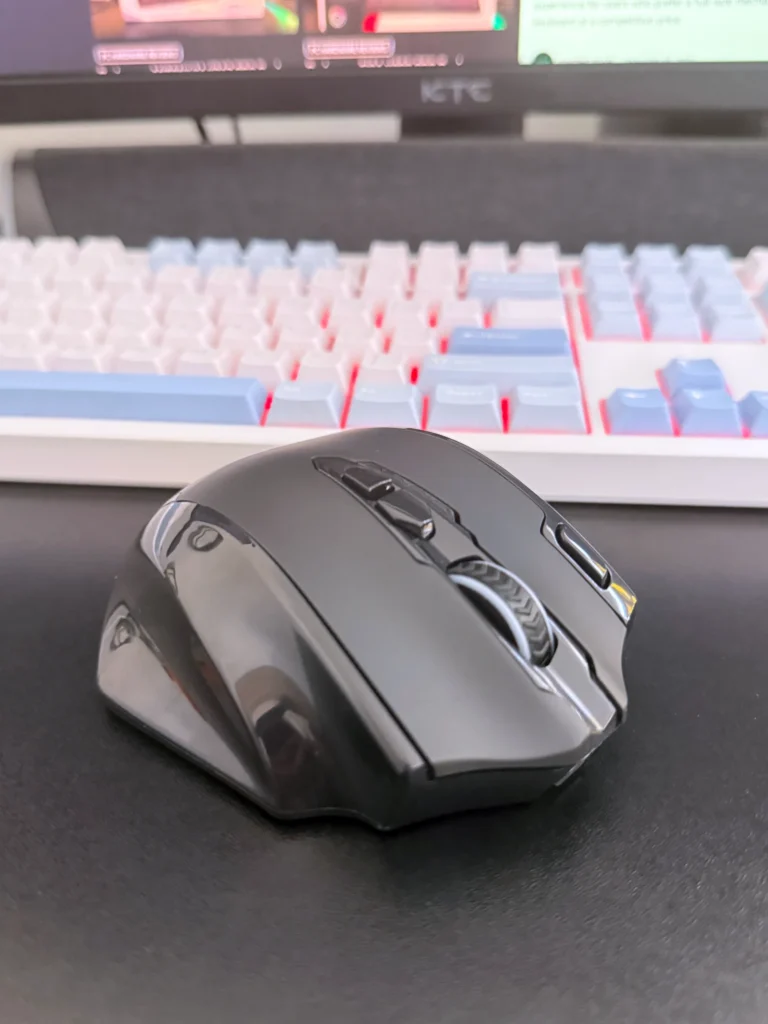
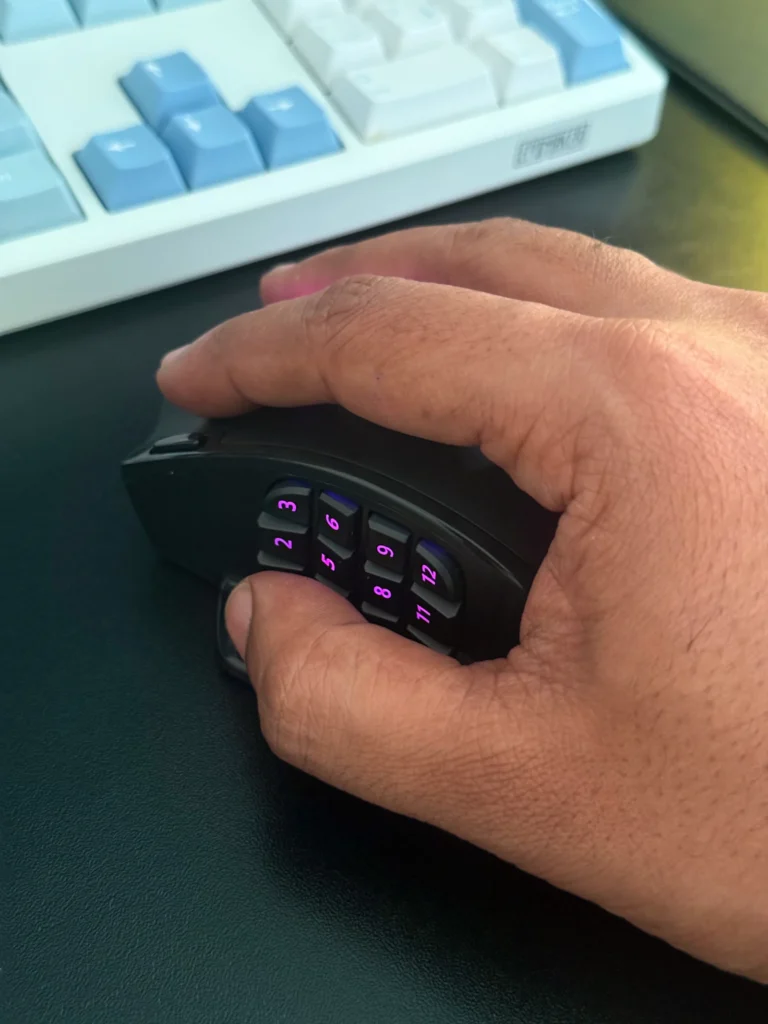
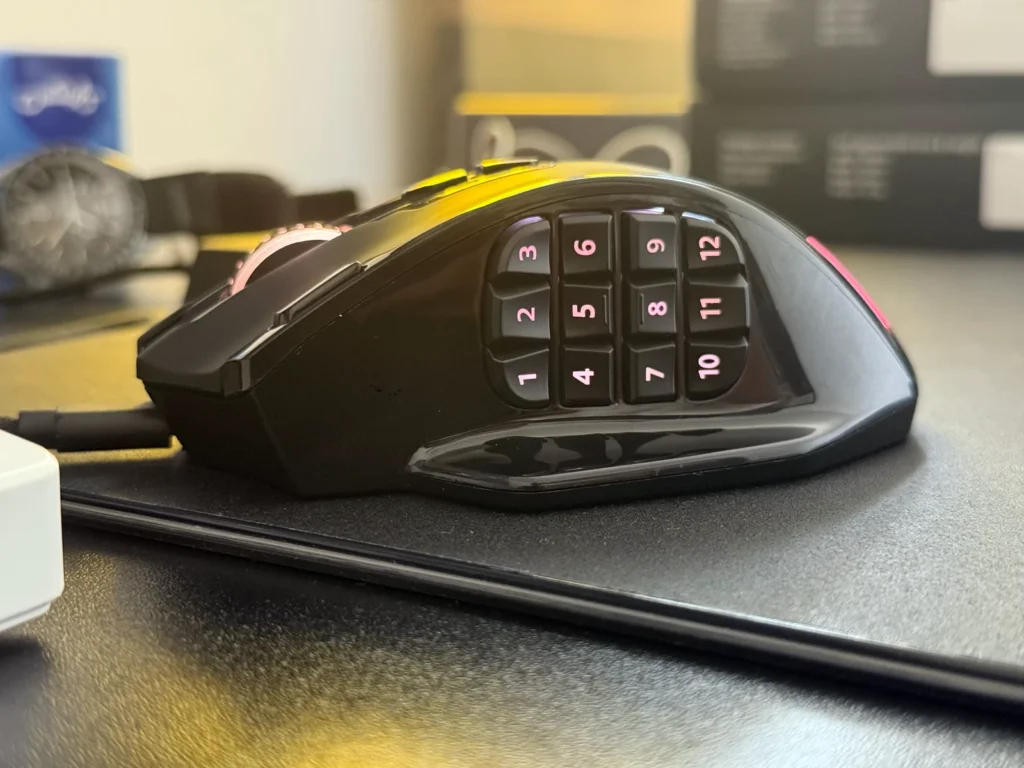
At 122mm in length and approximately 42mm in height — around 5mm taller than average — the M913 accommodates a range of hand sizes. The right side features pronounced grooves that naturally guide fingers into a palm grip. Claw gripping remains comfortable, particularly for users with larger hands. Those with smaller hands may find their thumb unable to reach the uppermost side buttons with ease, which can limit the practical utility of the full 12-button array.
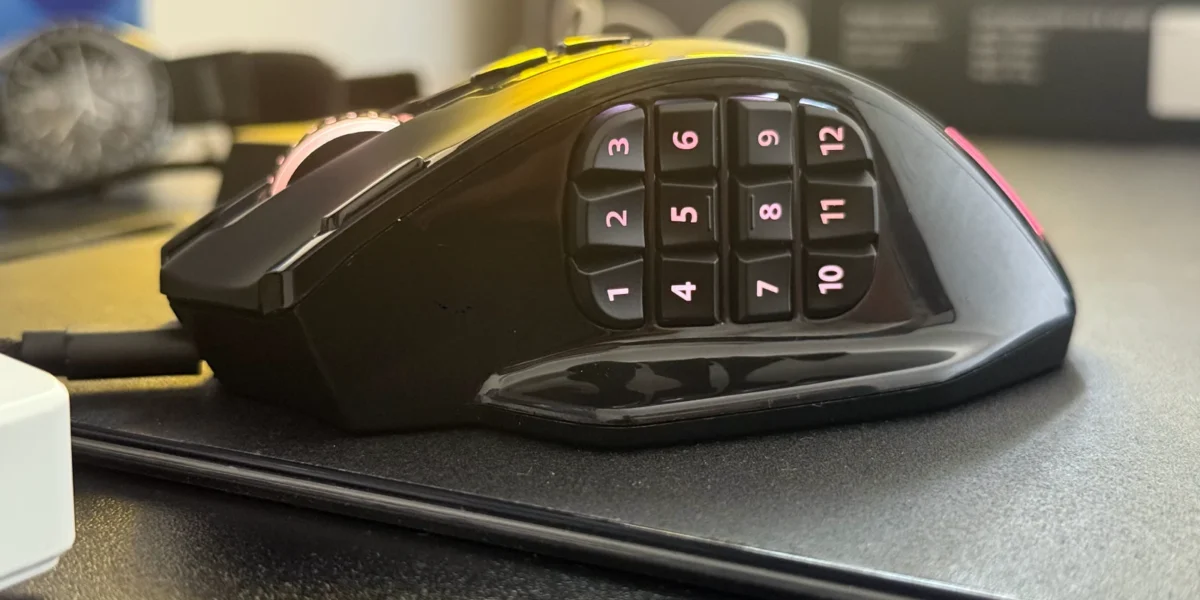
The 12 side buttons are arranged in a staggered grid with tactile differentiators — raised bumps on the fifth and sixth buttons help users orient by feel. That said, button feedback is not entirely consistent across the array; some keys feel firm and snappy while others are notably softer. This inconsistency, while not a dealbreaker, is worth noting for users who rely on precise macro execution under pressure.
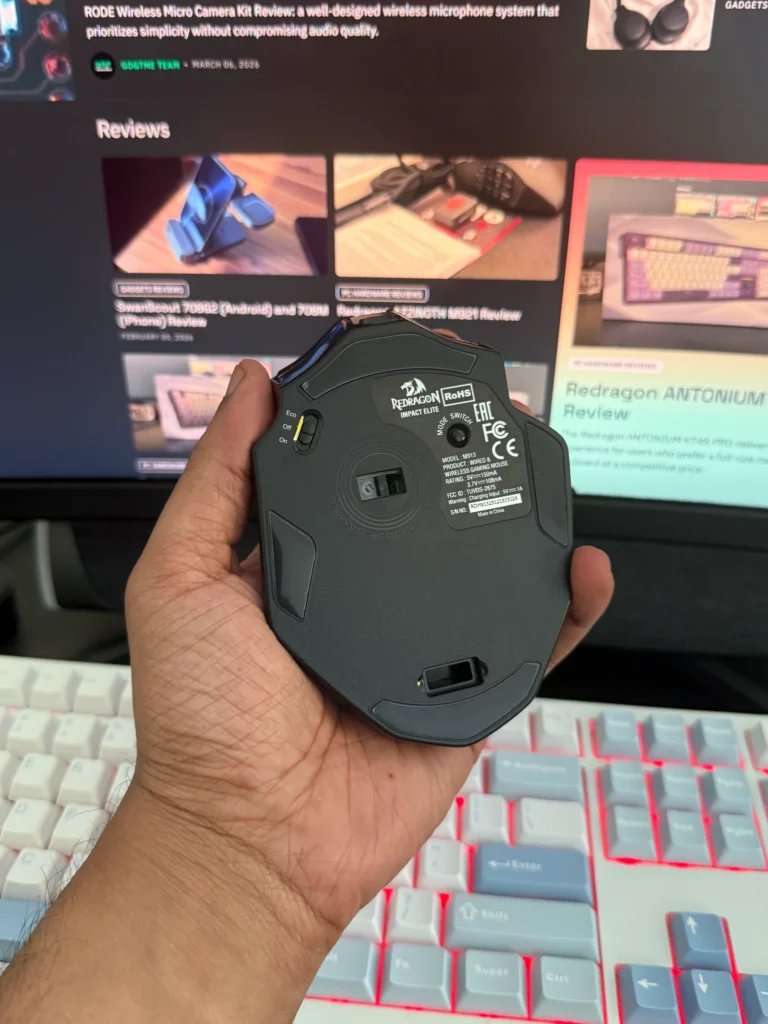
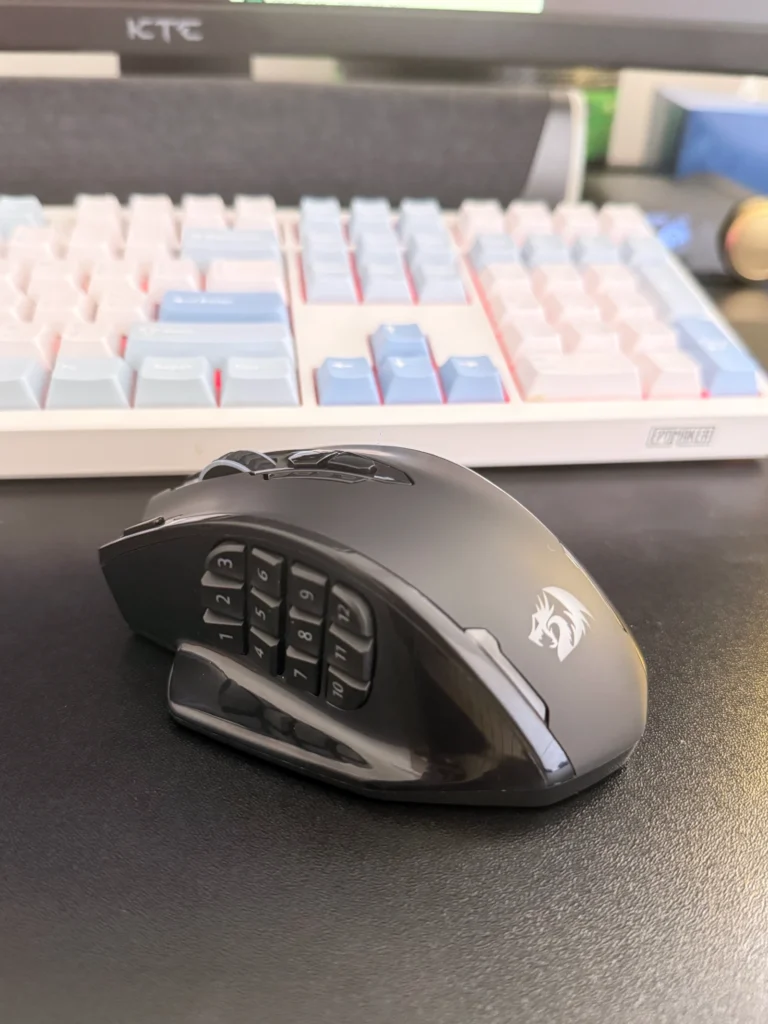
A dedicated rapid-fire button sits to the left of the primary left-click. Two DPI adjustment buttons are positioned just beneath the scroll wheel. The scroll wheel itself provides satisfying feedback with a reassuring click. Beneath the mouse, users will find the power switch, Bluetooth pairing button, profile toggle, and sensor — the latter positioned slightly off-centre toward the right, though this caused no perceptible tracking irregularities in our testing.
Connectivity and Battery
The M913 supports three connection modes: 2.4GHz wireless via USB dongle, wired via the included USB-C paracord cable, and Bluetooth. The paracord cable is flexible enough to produce minimal drag when in wired mode — an appreciated detail. The USB dongle has a dedicated storage slot on the underside of the mouse, though it protrudes slightly when inserted, making simultaneous wired use impractical.
Polling rate tops out at 1,000Hz — the current standard for gaming-grade mice — ensuring responsive cursor tracking across all connection modes.
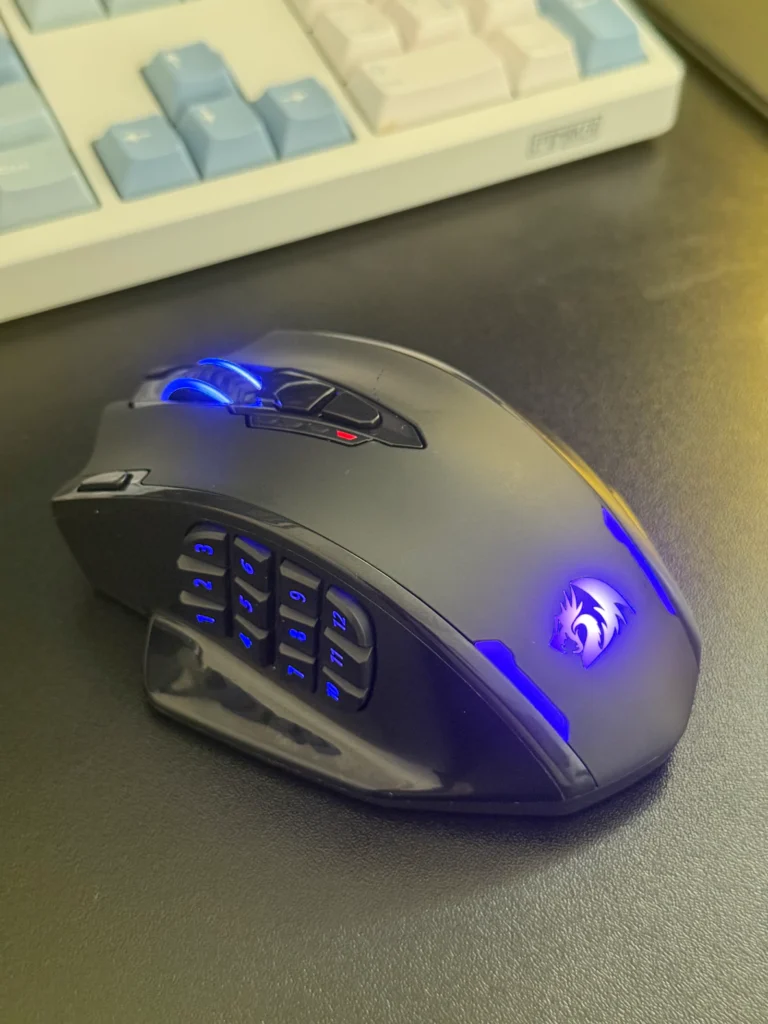
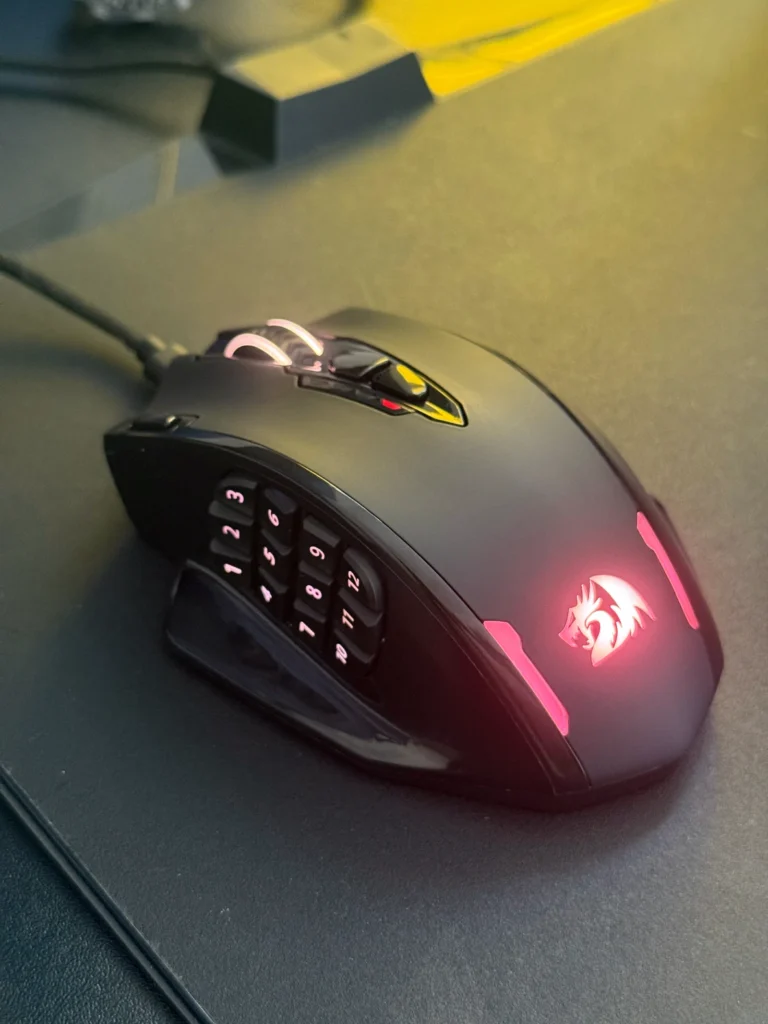
Redragon advertises up to 250 hours of battery life, though the conditions under which this figure was measured are unspecified. In practical use with RGB lighting enabled, expectations should be tempered accordingly. A dedicated ECO mode disables the lighting to extend battery life significantly. RGB illumination, when active, cycles through 16.8 million colours and can be customised through the companion software.
Sensor Performance
The PAW3395 is one of the more capable optical sensors available in the consumer gaming space, offering a maximum DPI of 26,000 and a tracking speed of up to 650 IPS. In our testing, tracking was accurate and consistent, with no spinouts or erratic behaviour observed during extended use. For MMO and RPG gaming — the M913’s stated purpose — the sensor performs precisely as expected. Users seeking the mouse primarily for fast-paced, reflex-heavy shooters should note that the 130g weight may limit flick speed compared to lighter alternatives.
DPI levels are adjustable in five stages (defaulting to 1000/2000/4000/8000/16000) and can be fine-tuned in 100 DPI increments through the software. The dedicated DPI up/down buttons provide convenient on-the-fly adjustment during gameplay.
Software and Macro Functionality
The M913’s companion software is competent and relatively straightforward to navigate. On launch, it presents a button-mapping interface with a visual diagram of the mouse, making it easy to identify and reassign each button. The software supports multiple profiles, switchable via the button on the underside — useful for maintaining separate configurations across different games or applications.
Macro recording is a highlight. Users can record sequences of keystrokes and assign them to any of the 16 programmable buttons, with the ability to modify individual key delays after the fact. This level of control is particularly valuable for MMO players who need to execute complex ability chains with a single input.
There are two limitations worth noting, however. First, the two DPI buttons beneath the scroll wheel cannot be remapped to other functions — they are fixed as DPI controls. For players who would prefer to repurpose these as in-game action bindings, this is a missed opportunity. Second, the macro recorder does not capture mouse clicks natively; these must be inserted manually after recording. Neither issue is a fundamental flaw, but both represent areas where the software could be more flexible.
A firmware update tab is also available within the software suite, as are options for smoothing behaviour and performance mode selection.
In Practice
We tested the M913 across MMO and action RPG scenarios. The side button grid proved genuinely useful for assigning frequently used abilities and inventory functions, reducing the need to shift hand position to the keyboard mid-encounter. The profile switching functionality adds further versatility, allowing quick transitions between game-specific and general-purpose configurations.
Beyond gaming, the M913’s programmable layout makes it a credible productivity tool. Users working in content creation software — video editing applications, for instance — can assign shortcut combinations to the side buttons, making it a compelling option for power users beyond the gaming demographic.
The middle mouse button deserves a specific mention: it is responsive and well-weighted, providing clear tactile feedback that proved useful during testing.
Verdict
The Redragon M913 Impact Elite is a capable, well-considered mouse for a specific type of user. MMO and RPG players who rely on extensive macro configurations will find it a genuine upgrade to their setup, and the PAW3395 sensor ensures that performance is not sacrificed for the sake of the button count. The tri-mode wireless implementation is reliable, and the ergonomic form factor works well for a range of hand sizes.
The trade-offs are real but manageable: the 130g weight is a consideration for precision shooter use cases, the thin mouse feet may require early replacement under heavy use, and the software’s inability to rebind the DPI buttons is a notable gap. Button feedback consistency across the side grid could also be improved.
At its price point, however, the M913 Impact Elite represents strong value for its target audience. It is a focused, functional tool that does what it promises — and for MMO players in particular, it delivers a meaningful advantage.