
EPOMAKER HE65 V2 TMR Review
EPOMAKER HE65 V2 TMR review covering its TMR switches, Rapid Trigger, 8,000Hz polling, hybrid hot-swap PCB, wireless connectivity and typing experience.
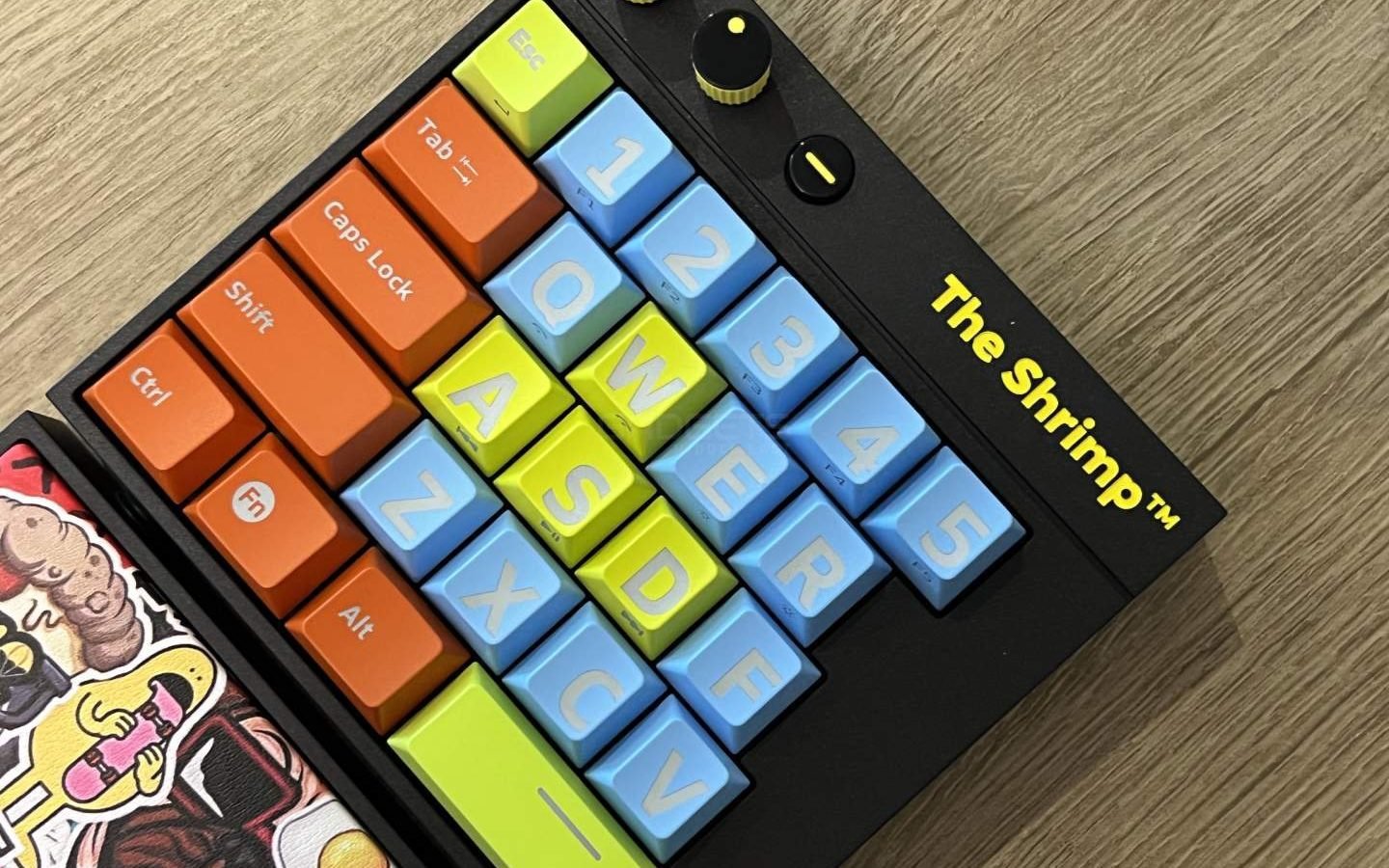
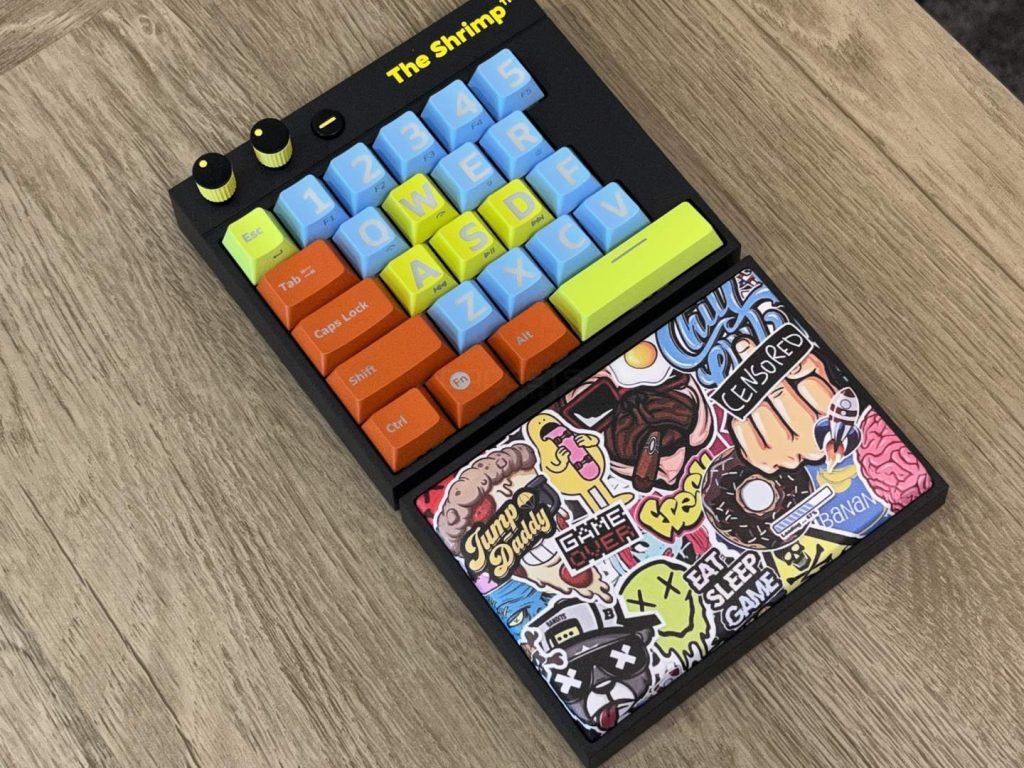
The Shrimp is a new gaming keyboard from Danish gaming hardware distributor Nordic Game Supply. The keyboard features just 25 keys that allows you to play most PC games in a compact package.
The Shrimp features Gateron G Pro Yellow switches, which are linear switches with an actuation force of 50g. Similar to Cherry Red switches and offer very quick actuation, making them ideal for competitive gaming. At the top is a USB-C port and the keyboard is compatible with desktop PCs, gaming laptops, and PlayStation 4 and 5 consoles.
Highlights:
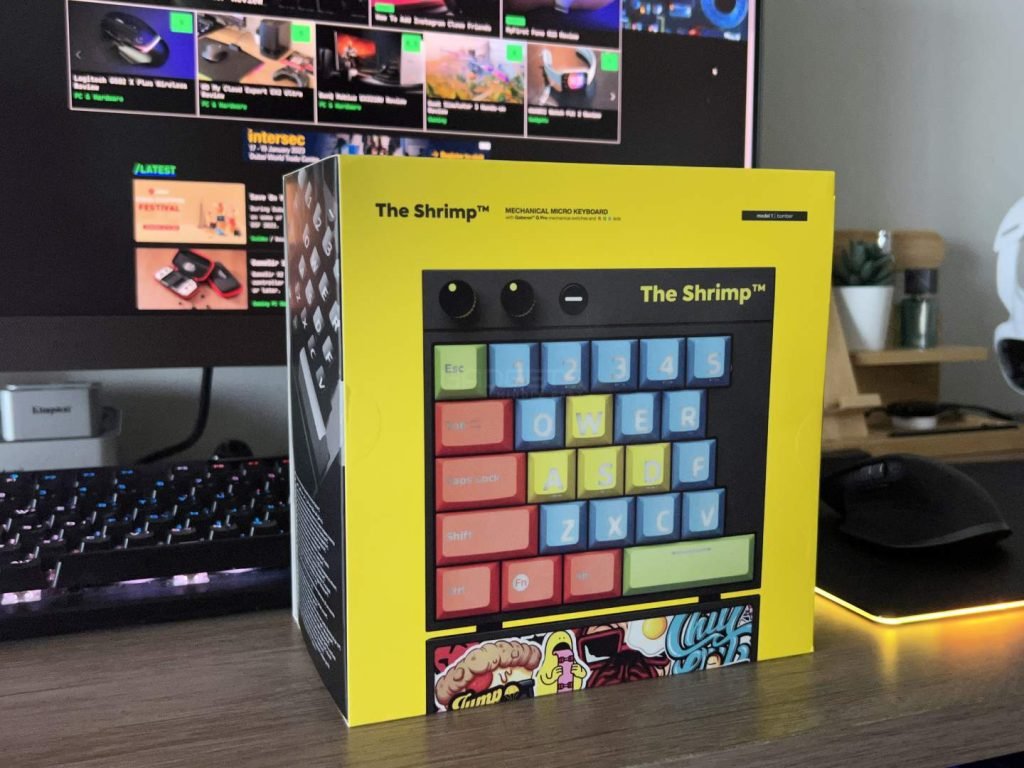
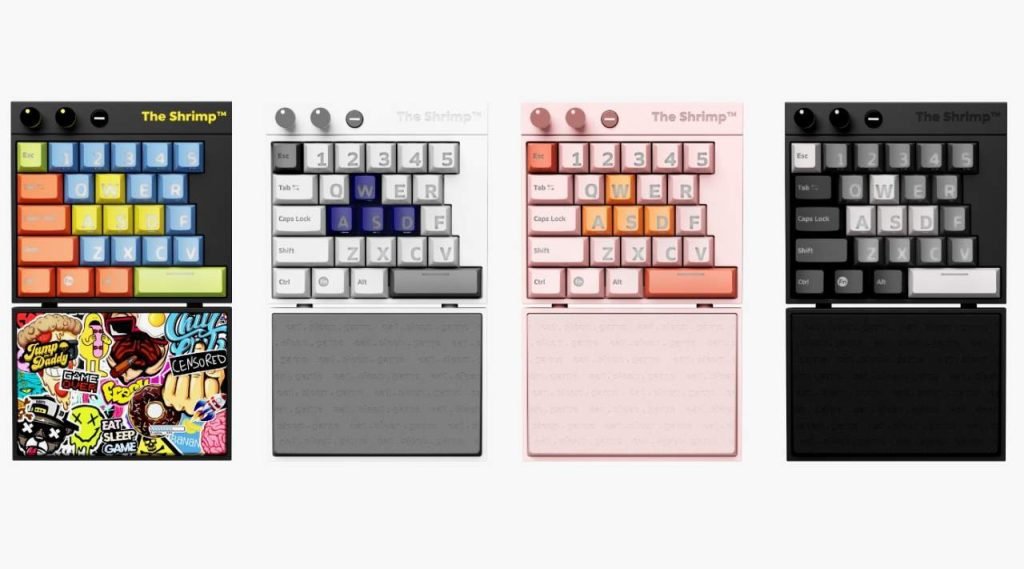
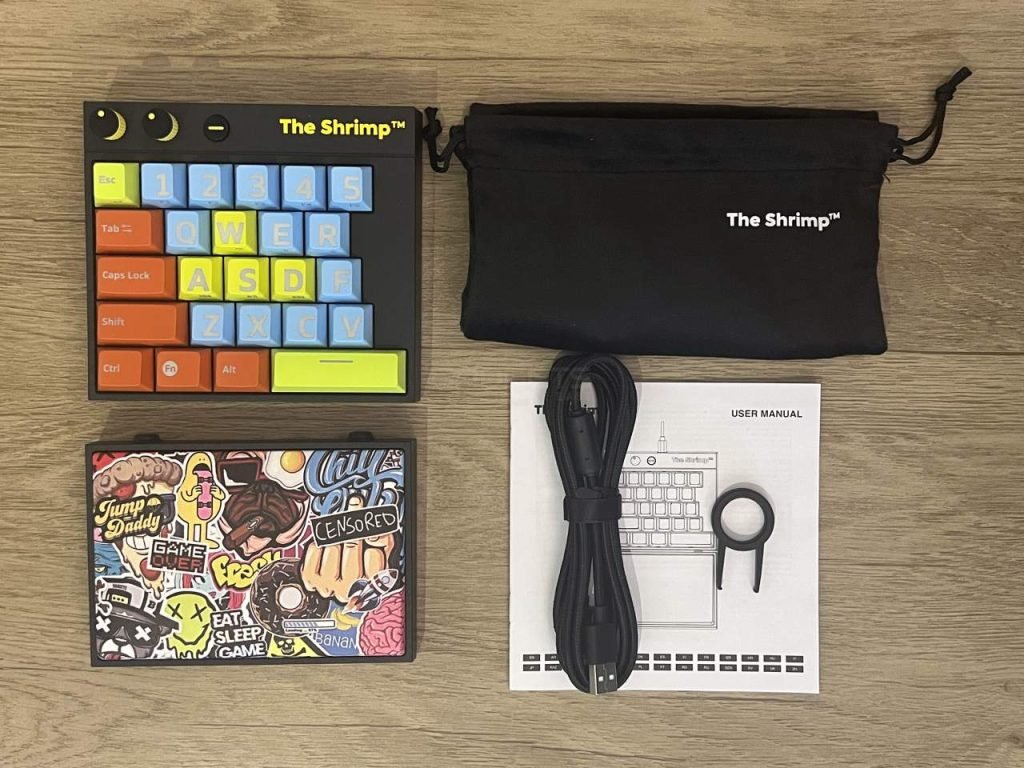
The Shrimp arrives in a vibrant yellow cardboard box, securely packed with a keyboard, wrist rest, carrybag, keycap puller, and braided USB-C cable. It comes in 4 color options: Vitello, Pinkey, Monochrome, and Bomber.
The Shrimp features solid construction with hard plastic and a standard layout, similar to a regular keyboard, but with wider and larger ABS keycaps for extra finger comfort. The keycaps also feature large labels and transparent sides for ample RGB light display.
The Shrimp features Gateron G Pro Yellow switches, which are linear switches with an actuation force of 50g. Similar to Cherry Red switches and offer very quick actuation, making them ideal for competitive gaming. At the top is a USB-C port and the keyboard is compatible with desktop PCs, gaming laptops, and PlayStation 4 and 5 consoles.
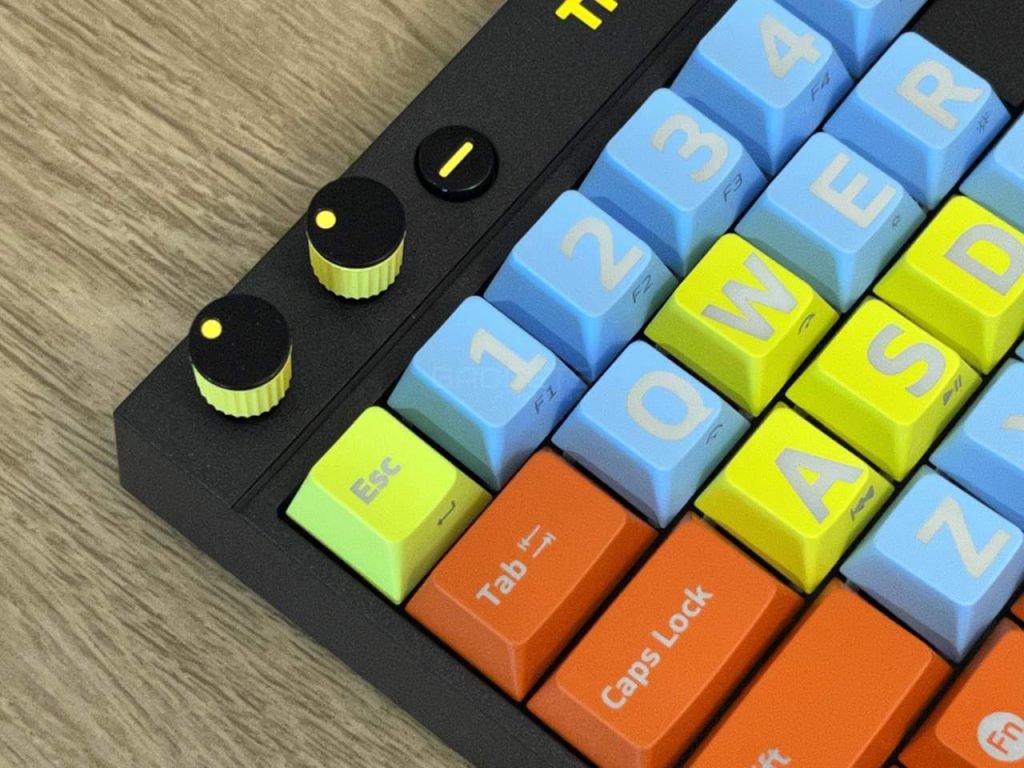
The Shrimp has two clickable dials and a volume mute button in the top-left corner for volume control and RGB lighting effect/brightness adjustments. Some keys have secondary functions accessed by holding the Fn button and pressing another key with the extra function labeled. However, there’s no software for remapping dials/buttons or creating custom macros/RGB lighting. It comes with a large, detachable wrist rest with soft padding and textured surface.
It’s a quiet keyboard for typing with smooth actuation, although it feels slightly less responsive than our regular keyboard. The buttons are sturdy and well-built, but the spacing between the keys is larger than some other mechanical keyboards, which may take some time to adjust to.
The Shrimp is a cool 25-key mini-keyboard built for gamers and is a niche product. This keyboard won’t help you write an email or chat with your colleagues but works as an interesting alternative for laptop gamers that want a better mechanical keyboard for gaming. The oversized buttons and funky wrist support make it stand out. However, its high cost, lack of software support, and inability to remap keys are drawbacks.

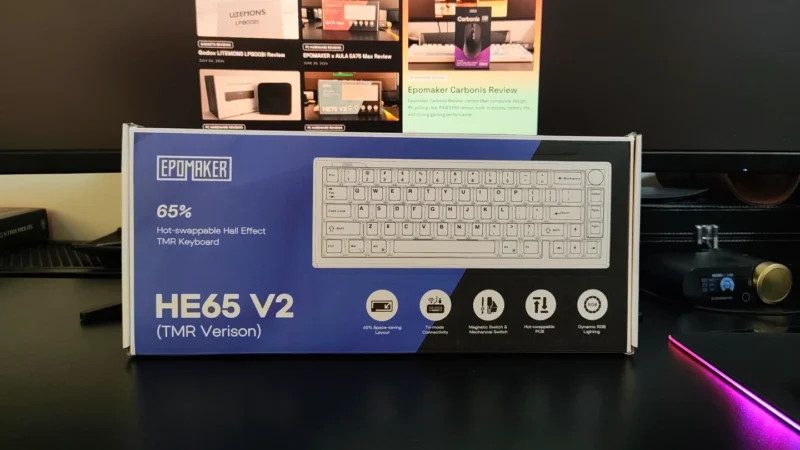
EPOMAKER HE65 V2 TMR review covering its TMR switches, Rapid Trigger, 8,000Hz polling, hybrid hot-swap PCB, wireless connectivity and typing experience.
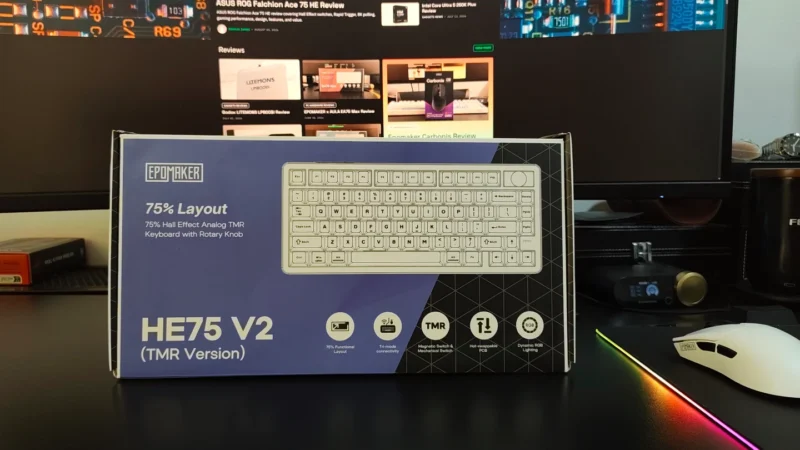
Our EPOMAKER HE75 V2 TMR review covers its TMR switches, Rapid Trigger, 8K polling, wireless performance, sound, software and battery life.
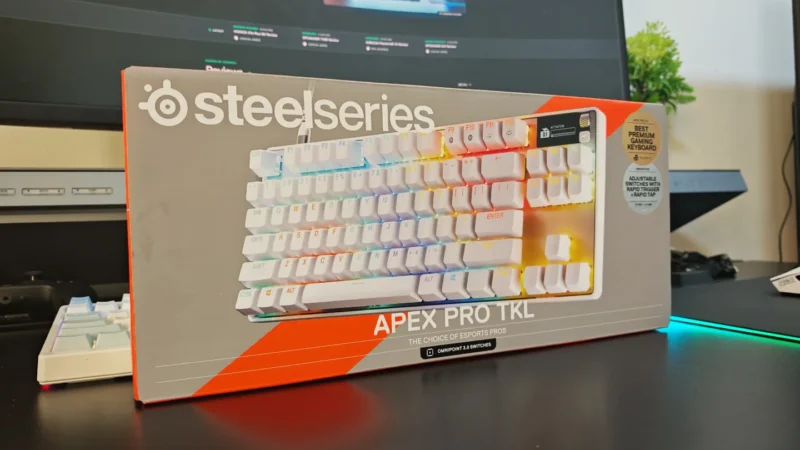
We review the SteelSeries Apex Pro TKL Gen 3, featuring OmniPoint 3.0 Hall Effect switches, adjustable actuation, Rapid Trigger, OLED display and RGB lighting.
 Joshua James