
SteelSeries Apex Pro TKL Gen 3 Review
We review the SteelSeries Apex Pro TKL Gen 3, featuring OmniPoint 3.0 Hall Effect switches, adjustable actuation, Rapid Trigger, OLED display and RGB lighting.
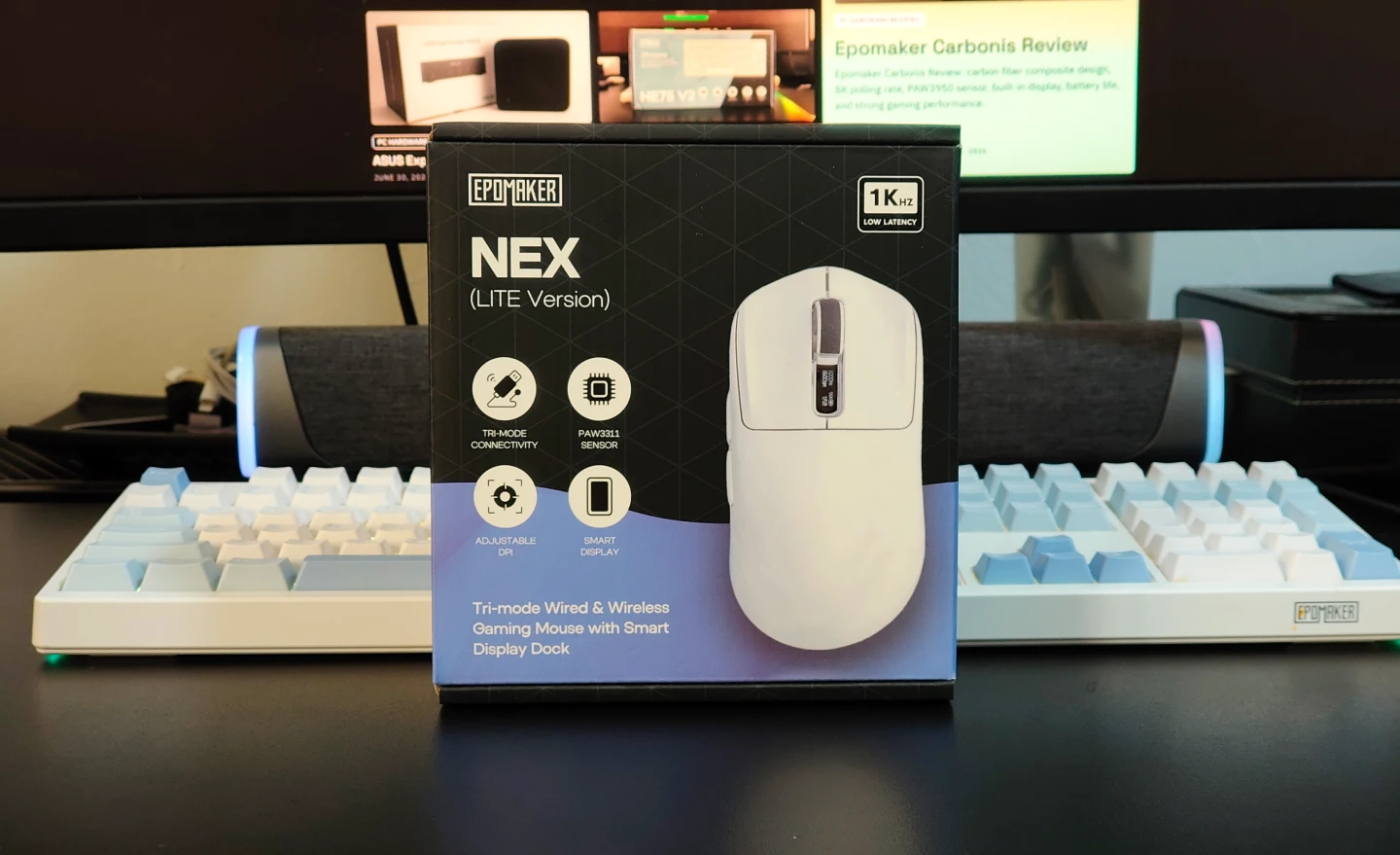
The gaming mouse market has become increasingly competitive, with lightweight designs, low-latency wireless connectivity and advanced sensors now available at relatively affordable prices. The EPOMAKER NEX Lite takes a slightly different approach by combining those fundamentals with features that are rarely seen at this price, including dual OLED displays and a magnetic RGB charging dock.
At 65g, the NEX Lite is designed to offer fast and controlled movement without compromising comfort. We spent time using it for gaming and everyday tasks to see whether its feature set translates into a genuinely useful experience.
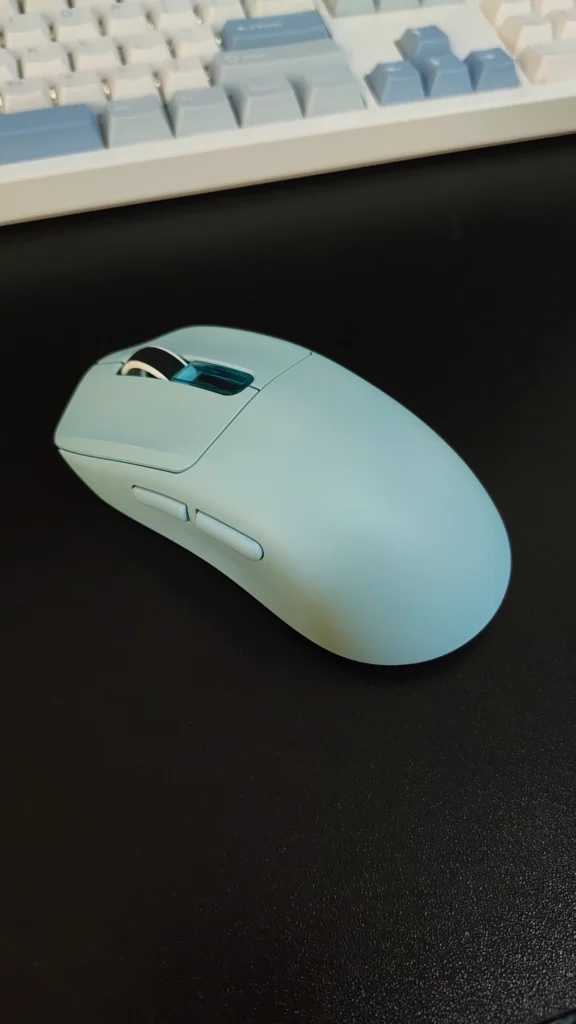
The NEX Lite uses a right-handed ergonomic design with a smooth matte finish. The surface provides enough grip without feeling overly textured, while the lightweight construction makes the mouse easy to move across a mouse pad.
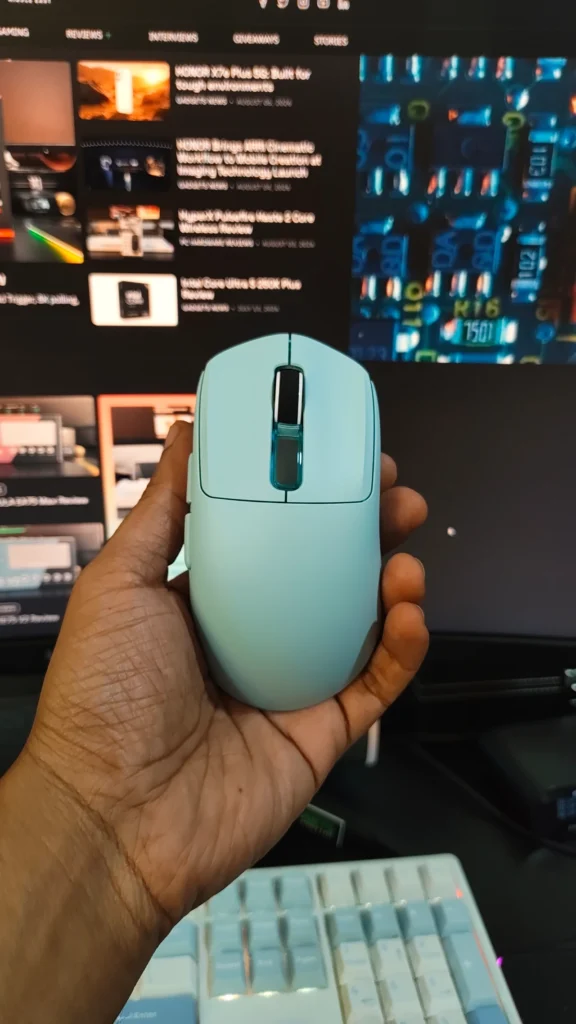
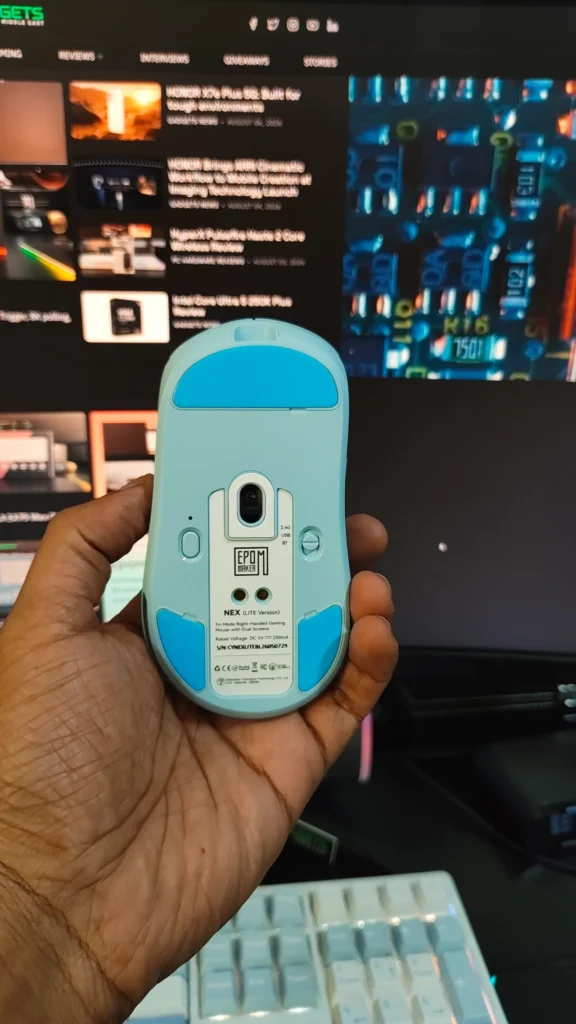
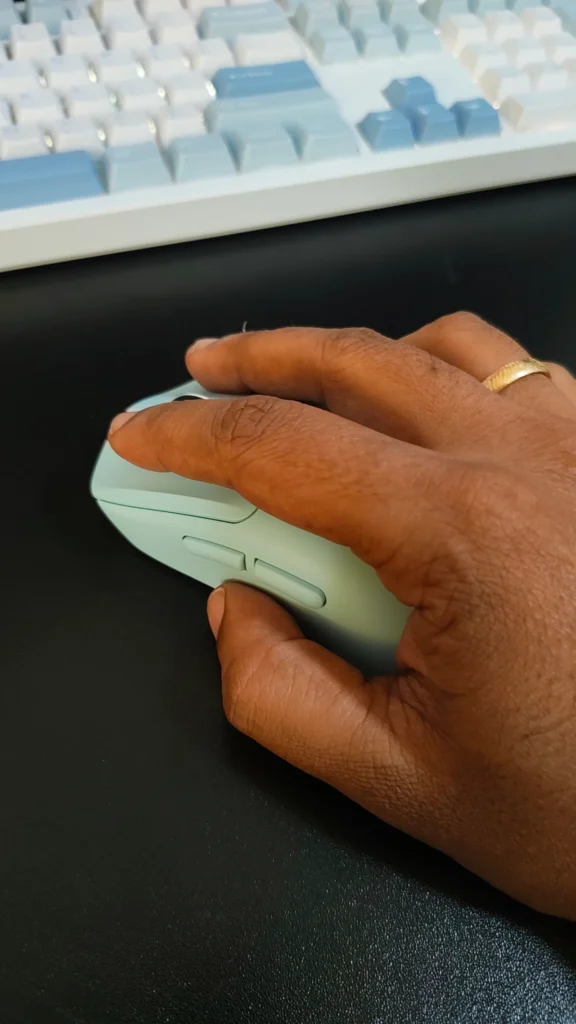
The shape works particularly well with palm and claw grips, especially for medium to large hands. The rear section provides useful palm support without creating an overly aggressive ergonomic angle. Smaller-handed users may find the shape slightly more substantial, particularly when using a fingertip grip.
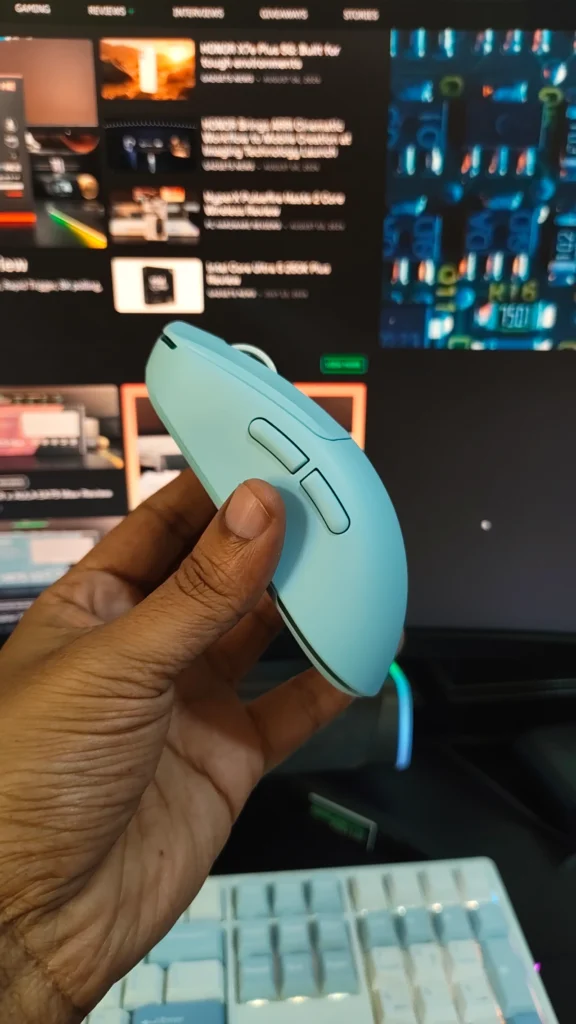
Build quality is also better than its price suggests. The ABS shell remains largely solid during normal use, with only minor flex when significant pressure is applied. There is no noticeable creaking or excessive movement around the side buttons.
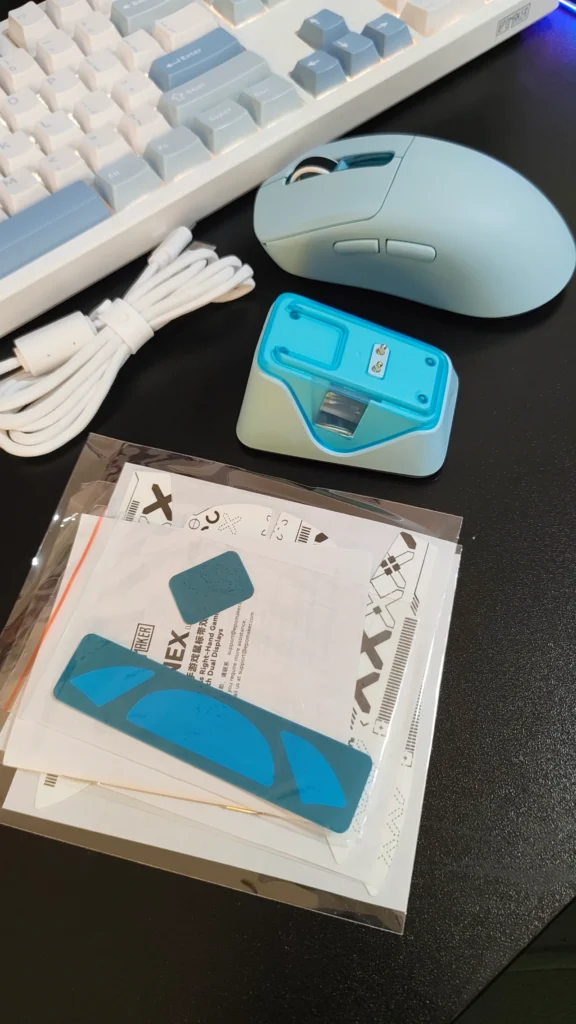
The 65g weight is another advantage. It allows quick movements during FPS games while keeping the mouse comfortable during longer sessions. EPOMAKER also includes grip tapes, giving users additional control and an opportunity to personalise the mouse.
The most distinctive feature of the NEX Lite is its dual OLED display system. Both the mouse and its magnetic charging dock feature a small 0.54-inch display that provides information such as battery level, DPI, connection mode and polling rate.
While OLED displays on a gaming mouse could easily have been a gimmick, they are genuinely useful. Being able to check the battery or DPI setting at a glance removes the need to open software or remember which sensitivity level is currently active.

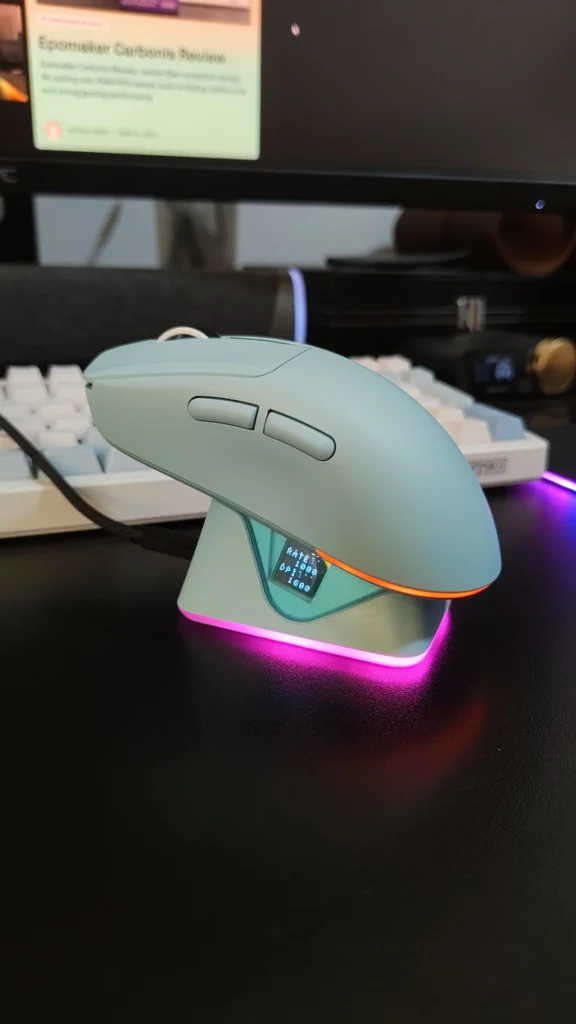
The magnetic charging dock is equally practical. It provides a dedicated place to store and charge the mouse while also housing the 2.4GHz wireless receiver. The magnetic connection helps the mouse align with the dock easily, making charging part of the normal desk setup rather than another task to remember.
RGB lighting is integrated into the dock, and users can adjust or disable the lighting depending on their preference.
The NEX Lite uses a PixArt PAW3311 optical sensor with sensitivity up to 12,000 DPI, 300 IPS tracking and up to 35G acceleration. It supports 1,000Hz polling in wired and 2.4GHz wireless modes, while Bluetooth operates at 125Hz.
In everyday gaming, the sensor delivers consistent and responsive tracking. Fast movements and flicks remain controlled, while repositioning the mouse does not introduce noticeable cursor movement. The 1,000Hz polling rate is also sufficient for the majority of gamers, particularly those playing at casual or competitive levels without specifically seeking higher polling rates.
The mouse supports tri-mode connectivity through 2.4GHz wireless, Bluetooth and USB-C wired operation. This makes it practical for users who move between multiple devices. Bluetooth is better suited to productivity and general use because of its lower polling rate, while 2.4GHz is the preferred option for gaming.
EPOMAKER uses browser-based software instead of requiring a traditional desktop application. Through the web interface, we could customise DPI levels, button assignments, polling rate and other performance settings.
The mouse has five programmable buttons, and configurations can be stored in its onboard memory. This is useful when moving between computers because customised settings can remain with the mouse rather than depending on software installed on each system. The software is functional, although its interface is not as polished as some dedicated gaming peripheral applications.
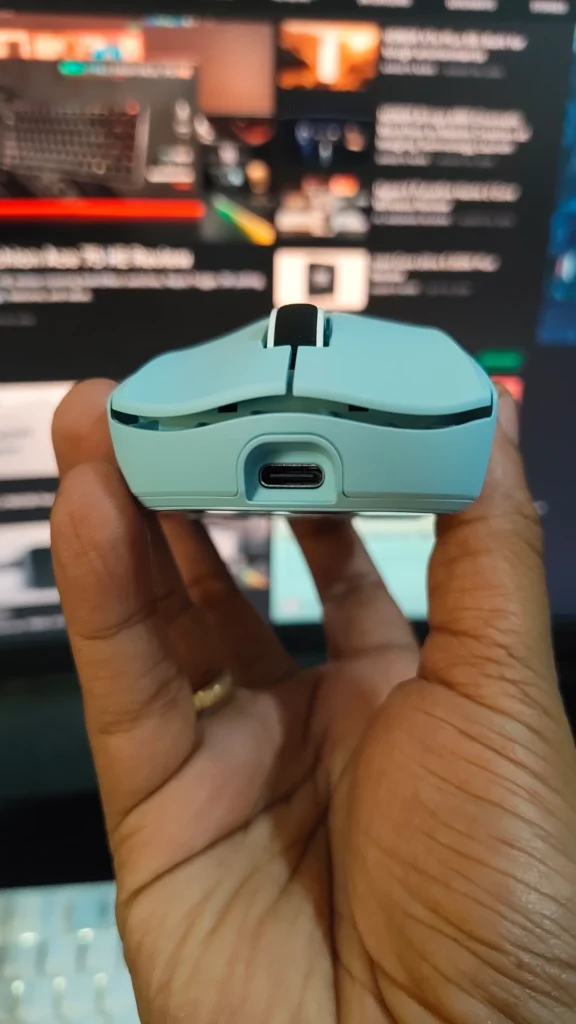
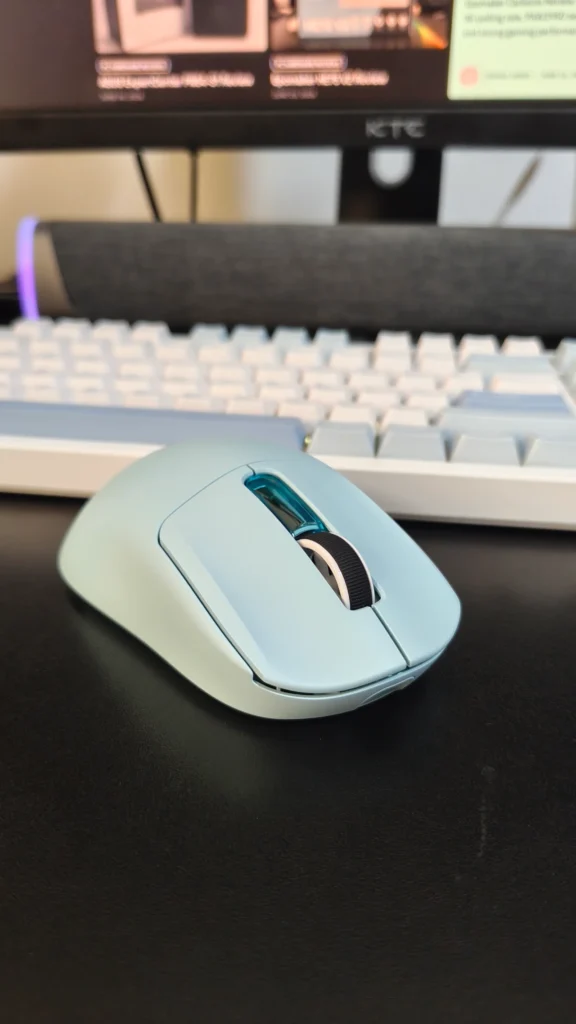
The NEX Lite has a 500mAh battery. EPOMAKER rates it for up to 55 hours with the lighting and displays disabled, while using the RGB lighting and OLED displays reduces battery life to around 22 hours.
This is an important consideration for users who want to take advantage of the mouse’s visual features. The battery life is reasonable with the displays and lighting disabled, but heavy use of both can result in more frequent charging.
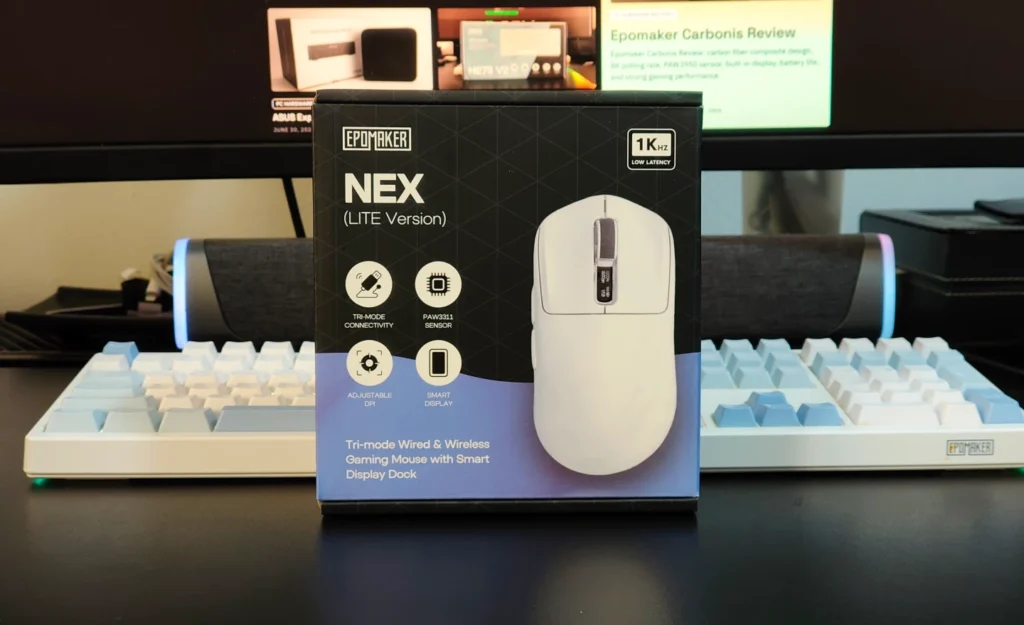
The EPOMAKER NEX Lite offers an impressive combination of performance, comfort and features for its price. Its 65g ergonomic design is comfortable for extended use, while the PAW3311 sensor provides reliable tracking and the tri-mode connectivity adds useful flexibility.
The dual OLED displays are arguably its most unusual feature, but they are more than decoration. Having battery, DPI and connection information immediately available is genuinely convenient. The magnetic charging dock also adds practical value by combining charging, receiver storage and RGB lighting in one accessory.
There are compromises. The right-handed design excludes left-handed users, the ABS construction does not have the premium feel of more expensive materials, and battery life drops significantly when the OLED displays and RGB lighting are enabled. The 1,000Hz polling rate also places it below higher-end gaming mice offering 4KHz or 8KHz polling.
Nevertheless, at an RRP of $32.39, the NEX Lite offers strong value. It may not match flagship gaming mice for sensor technology or advanced specifications, but it delivers the features that matter most for everyday gaming while adding several thoughtful extras. For users looking for an affordable wireless gaming mouse with a comfortable lightweight design, flexible connectivity and a distinctive charging system, the EPOMAKER NEX Lite is a compelling option.
Also Read: EPOMAKER NEX Pro Review

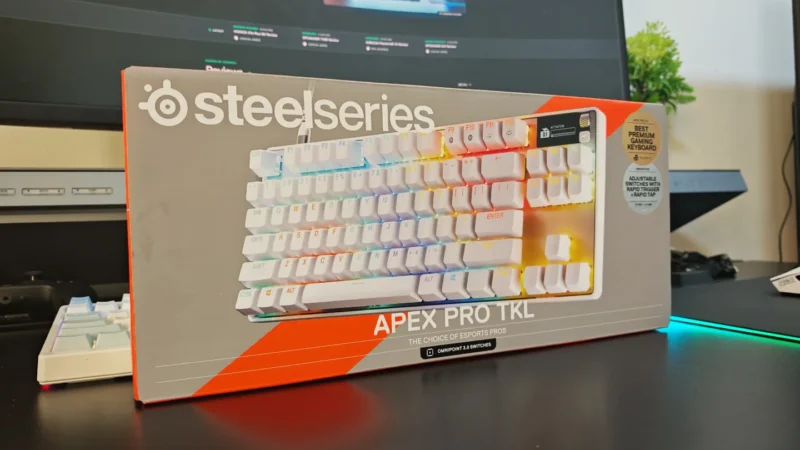
We review the SteelSeries Apex Pro TKL Gen 3, featuring OmniPoint 3.0 Hall Effect switches, adjustable actuation, Rapid Trigger, OLED display and RGB lighting.
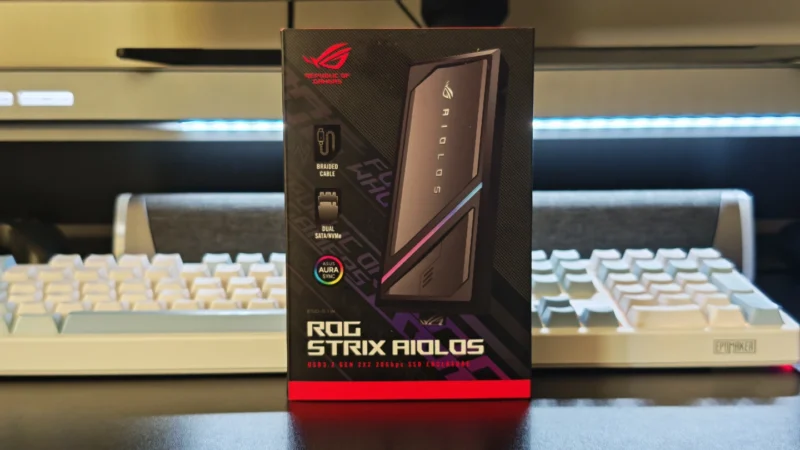
Our ASUS ROG Strix Aiolos review examines its 20Gbps USB 3.2 Gen 2×2 performance, design, cooling, tool-free installation, RGB lighting and value.
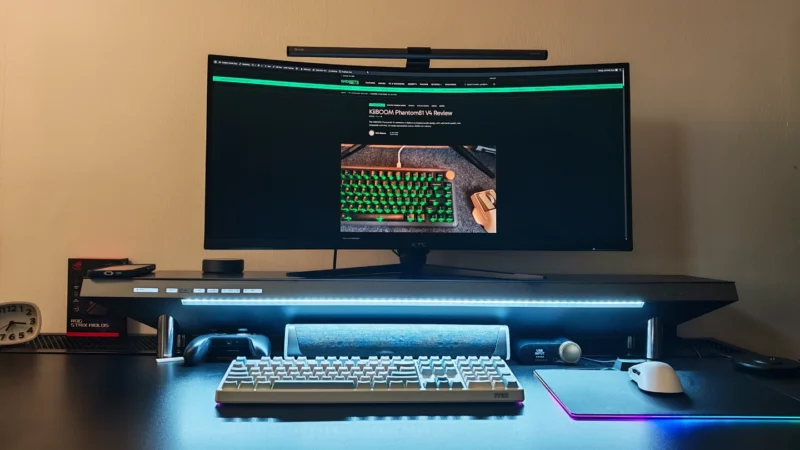
Our Hexcal Studio review examines its premium build, cable management, eight AC outlets, USB connectivity, wireless charging and integrated task lighting.
 Joshua James