
EPOMAKER HE65 V2 TMR Review
EPOMAKER HE65 V2 TMR review covering its TMR switches, Rapid Trigger, 8,000Hz polling, hybrid hot-swap PCB, wireless connectivity and typing experience.
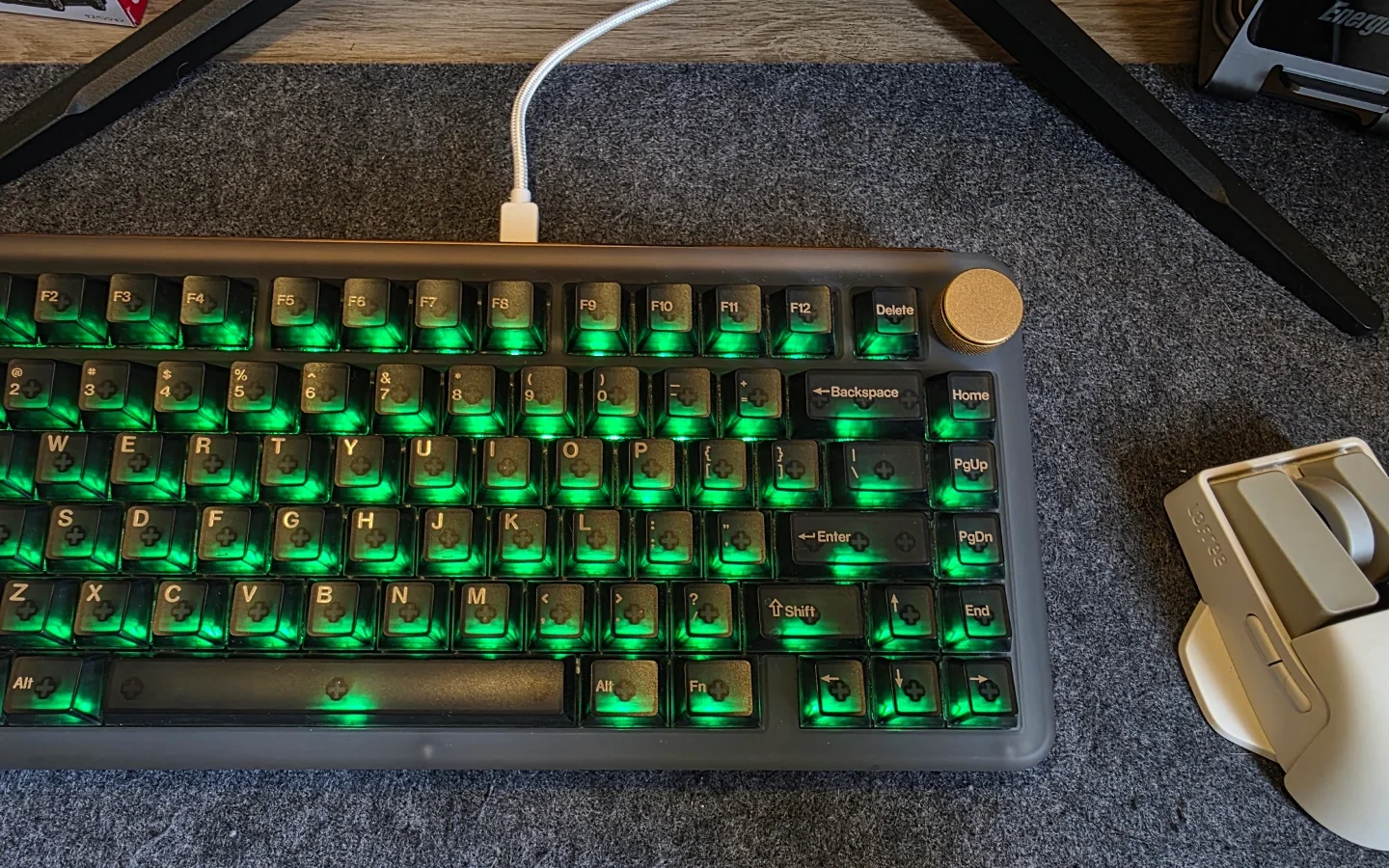
KiiBOOM has built a reputation for mechanical keyboards that combine conventional functionality with distinctive designs, and the Phantom series is a good example of that approach. The Phantom81 V4 continues that formula with a frosted acrylic chassis, translucent keycaps, RGB lighting, hot-swappable switches, and tri-mode connectivity.
We have previously looked at other Phantom models, but the Phantom81 V4 takes the series a step further with a heavier construction, stainless-steel elements, an 8,000mAh battery, and a more refined overall presentation.
After spending considerable time with the keyboard, we found that its biggest strength remains its design. However, there are also a few areas where KiiBOOM could improve, particularly the software, wireless performance, RGB implementation, and charging experience.
The Phantom81 V4 arrives in a substantial package with plenty of protection around the keyboard. Inside the box, we get:
The packaging feels more premium than what we normally see with mainstream mechanical keyboards. There is no dedicated carrying case, but the keyboard is well protected during transportation.
The Phantom81 V4 is unmistakably a Phantom-series keyboard. Its frosted acrylic chassis and translucent keycaps give it a semi-transparent appearance that stands out without looking excessively flashy. The black version we tested has an almost smoky-grey appearance, while the frosted finish gives the case a softer visual character. KiiBOOM also offers clear and pink versions for users who want a different aesthetic.
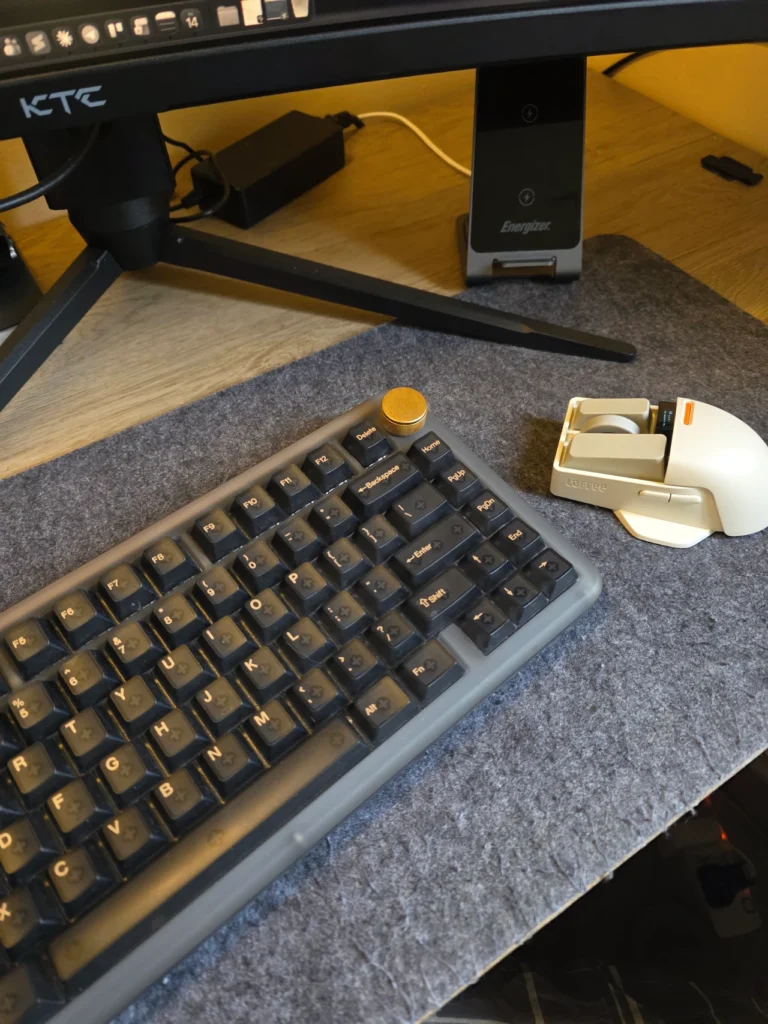
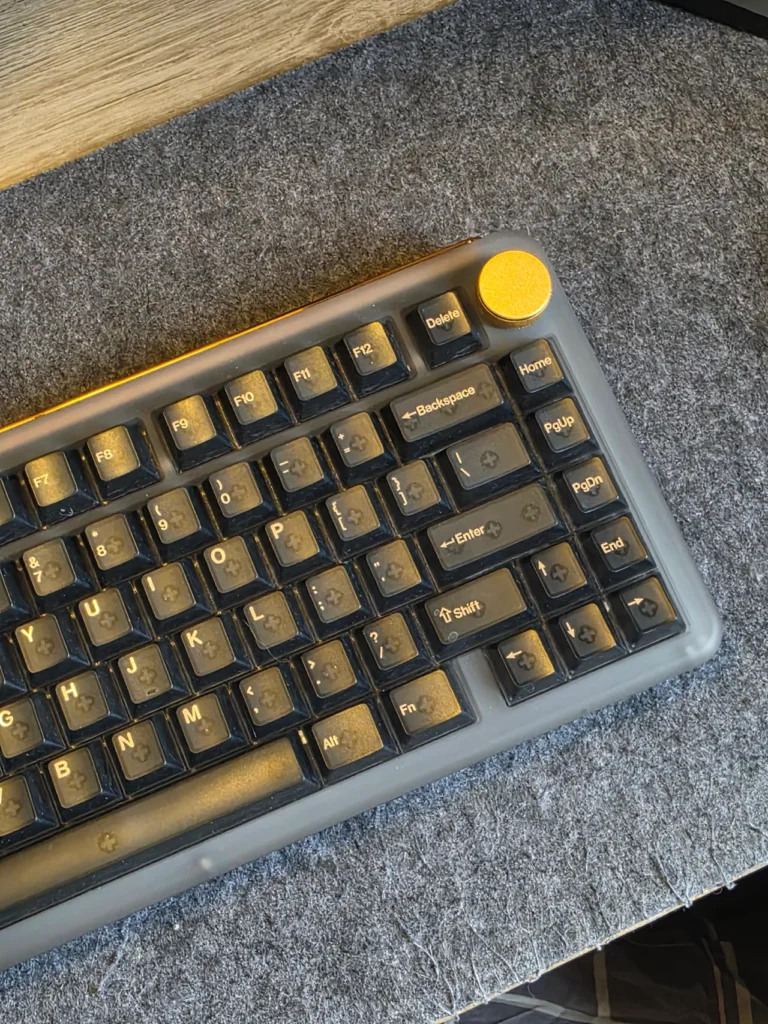
The acrylic construction gives the keyboard a substantial feel. It is noticeably heavier than the Phantom81 Lite, partly because of the thicker chassis and stainless-steel components. The added weight is useful on the desk, as the keyboard stays firmly in place during typing and gaming.
The stainless-steel bottom weight is another welcome addition. It carries the KiiBOOM branding and contributes to the premium feel. The small cat-paw rubber feet are a playful touch and provide sufficient grip, although they may feel slightly out of place compared with the otherwise refined design.
Build quality is excellent. The case feels rigid, there is no noticeable flex, and the Torx screws are neatly integrated without being hidden underneath the rubber feet. The metal volume knob is also well implemented. It has defined steps and can be rotated with one finger for quick volume adjustments. Pressing it acts as a mute function, and the control can be remapped through the software.
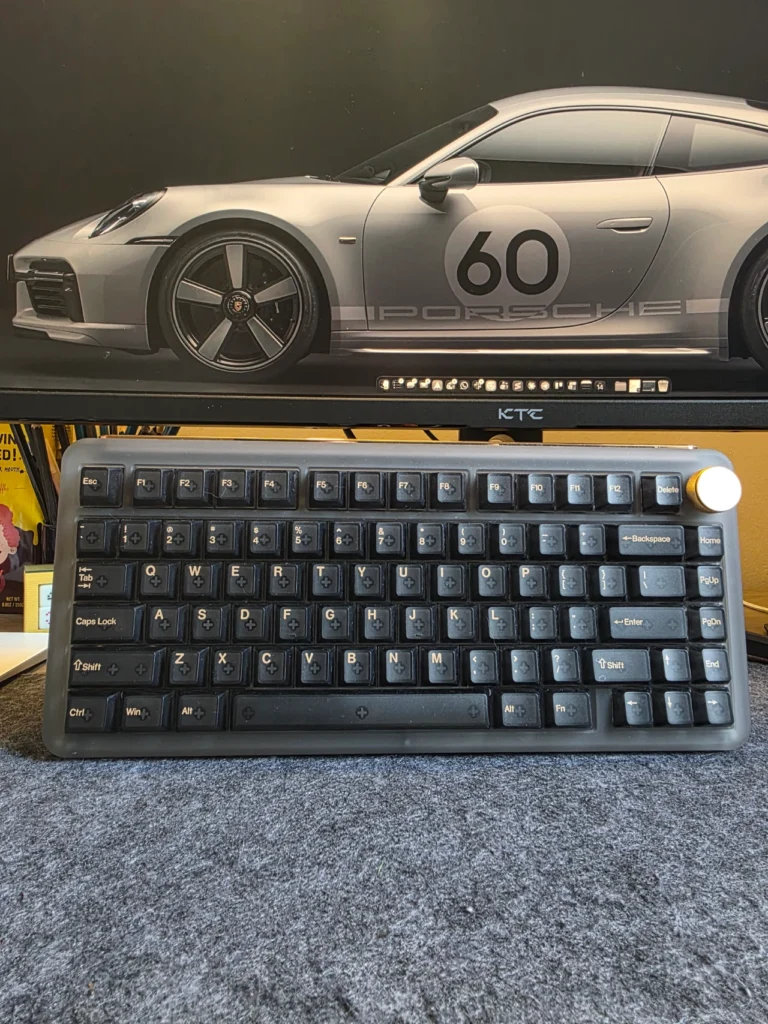
The Phantom81 V4 uses a 75% layout, which provides a good balance between desk space and functionality. We found the layout familiar and did not need much adjustment when switching to the keyboard. The translucent polycarbonate keycaps complement the frosted acrylic case particularly well. The legends are silkscreened, although the printing is slightly noticeable to the touch.
Switches vary according to the colourway. The black and clear models use KiiBOOM Crystal linear switches, while the pink version uses Pink Rose switches. The Crystal switches have an actuation force of around 55gf and provide a relatively substantial typing feel. They are well lubricated and we did not encounter noticeable spring ping during testing. The Pink Rose switches are lighter and should appeal more to users who prefer a softer, faster-feeling switch.
The switches are hot-swappable, so users can replace them without soldering. This gives the keyboard considerably more flexibility for enthusiasts who want to experiment with different switches.The main weakness is the spacebar. It feels slightly softer than the rest of the keyboard, and we noticed a faint high-pitched tick from the stabilizer wire. A little additional lubrication or a stiffer spring would improve the experience.
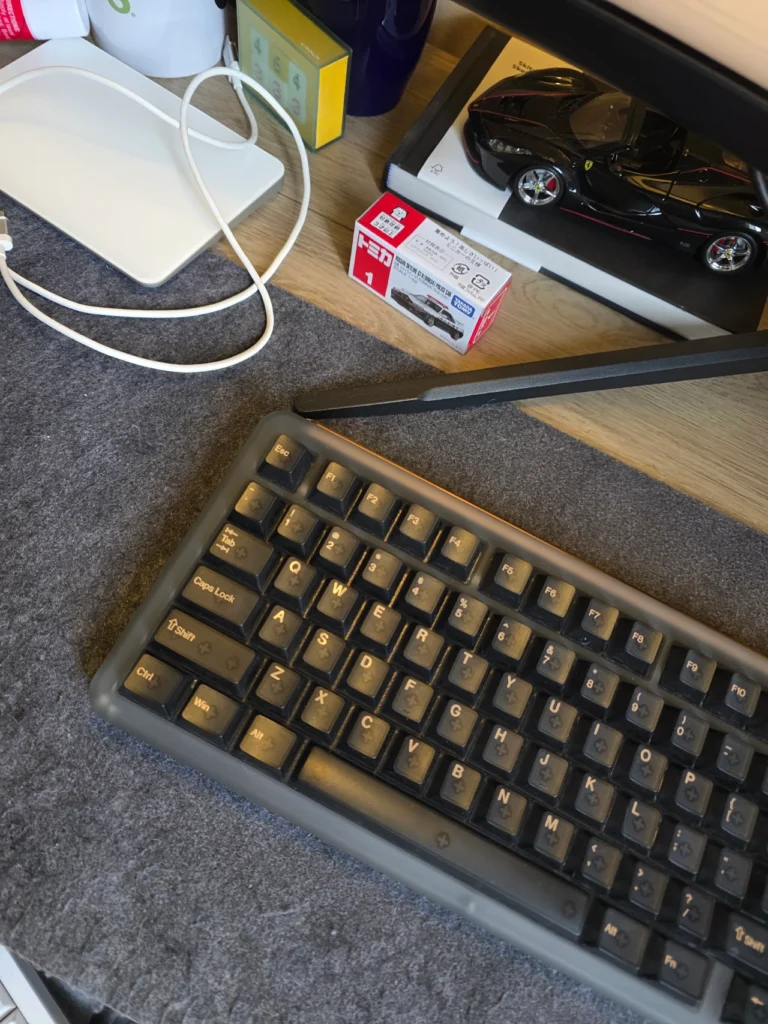
The Phantom81 V4 uses a gasket-mounted design and includes internal acoustic material to shape the sound profile. Despite that, the gasket implementation does not provide a particularly soft or bouncy typing experience.The heavier acrylic construction helps reduce some of the sharper sounds associated with mechanical switches. Combined with the Crystal switches, the keyboard produces a relatively deep, clacky sound that we found enjoyable for both typing and gaming.
The typing experience is comfortable for extended sessions. The 75% layout provides enough room for navigation keys while keeping the keyboard compact, and the keycaps have a comfortable profile. There are no adjustable feet, so users cannot change the typing angle. Fortunately, the default angle worked well for us.
The Phantom81 V4 offers wired, 2.4GHz wireless, and Bluetooth connectivity. Wired and 2.4GHz connections support polling rates of up to 1,000Hz, while Bluetooth operates at a lower 125Hz polling rate. For general gaming, the keyboard performed well. We used it for a mixture of RPGs, strategy titles, and everyday gaming without encountering ghosting or noticeable input problems in wired mode.
The 2.4GHz connection was also suitable for gaming, although our testing revealed occasional wireless quirks. On the latest firmware available during testing, the wireless dongle sometimes showed delayed status responses, including a noticeable delay with the Caps Lock indicator.
For competitive FPS gaming where extremely responsive inputs are critical, a Hall Effect keyboard with adjustable actuation and rapid-trigger functionality would be a better choice. The Phantom81 V4 is better suited to general gaming and everyday use than the enthusiast-level competitive market.
The 8,000mAh battery is one of the keyboard’s stronger specifications. The capacity is generous for a keyboard of this size, particularly when RGB lighting is used. In our testing, wireless battery life was strong, although actual runtime will depend heavily on lighting brightness, RGB effects, connection mode, and usage.
The keyboard supports three Bluetooth profiles, making it convenient for switching between multiple devices. This is useful if you regularly move between a desktop, laptop, tablet, or other compatible device. One issue is that the wireless dongle does not have a dedicated storage compartment inside the keyboard. KiiBOOM includes a holder attached to the cable, but integrated storage would make the keyboard easier to transport.
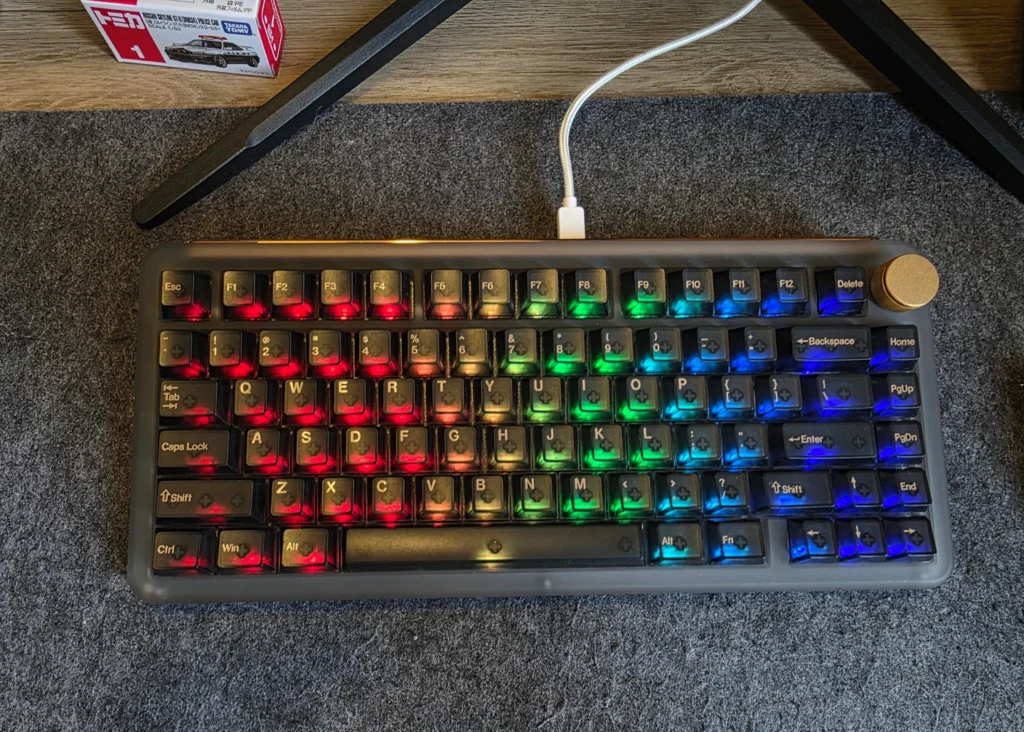
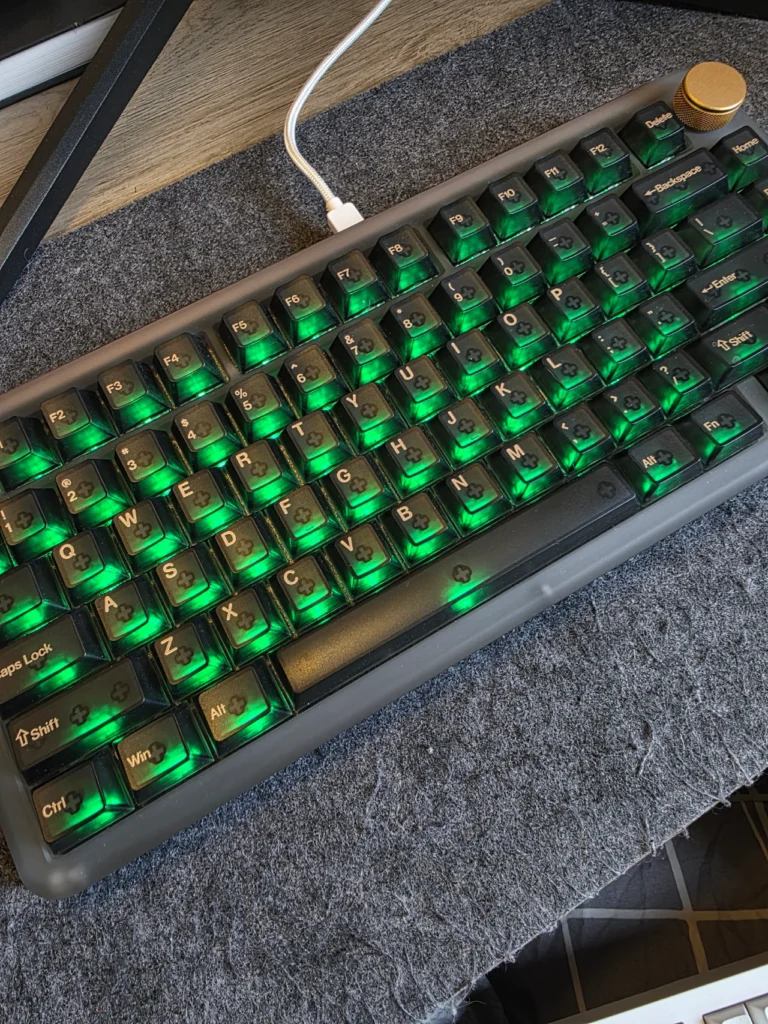
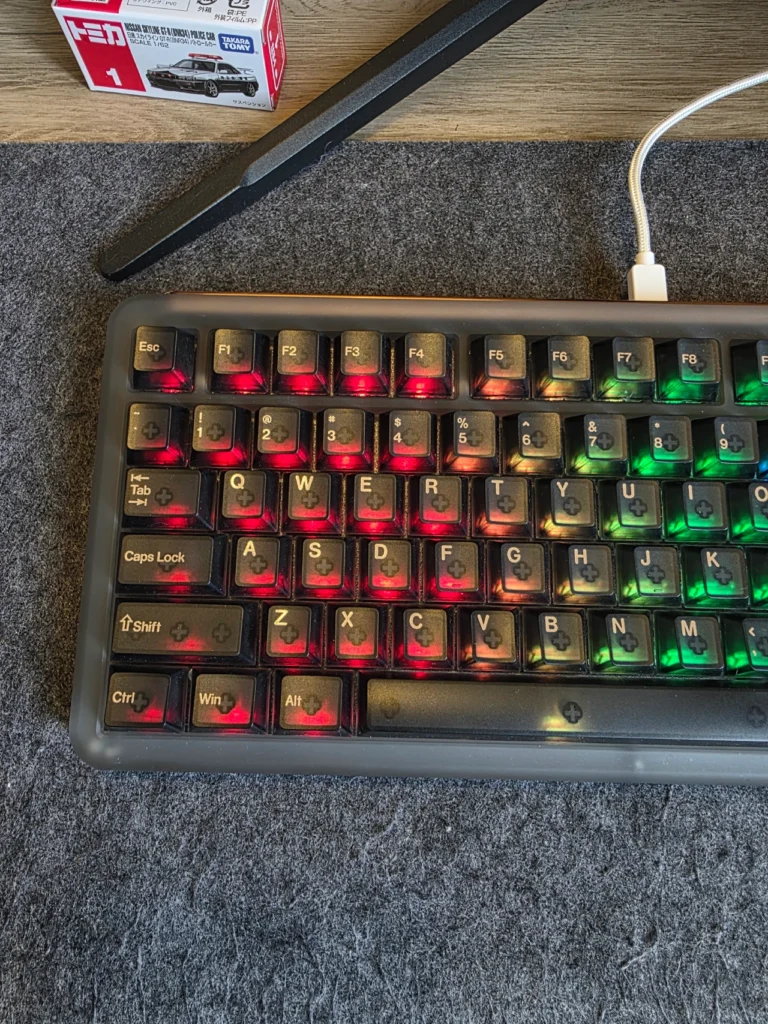
RGB is an important part of the Phantom81 V4’s design because the frosted acrylic chassis is designed to diffuse the illumination. The edge lighting looks particularly good through the translucent case. With the RGB enabled, the keyboard has a distinctive appearance, while turning the lighting off gives it a much more understated look.
However, the RGB implementation is not perfect. The black version blocks more light than the clear model, and the backlight is not bright enough to illuminate the entire keycap consistently. Mixed colours can also show some colour separation. White and yellow, in particular, can display visible red, green, or blue fringing. If RGB illumination is the primary reason for buying the keyboard, the clear version would be the better choice.
The Phantom81 V4 does not offer the same straightforward VIA experience found on some enthusiast keyboards. Instead, KiiBOOM provides Windows-based configuration software. The software allows users to customise key assignments, create macros, adjust lighting, and update the keyboard firmware. It works for the basics, but the experience is more restrictive than what we would expect from a keyboard at this price.
The Fn layer is also limited, with several keys unable to be reassigned, while the Fn key itself cannot be moved. KiiBOOM would benefit from offering a more flexible configuration system, preferably through a browser-based interface that works across Windows, macOS, and Linux.
Mac users should also note that dedicated Command and Option keycaps are not included, although a switch on the back of the keyboard allows users to change between Windows and Mac modifier configurations.
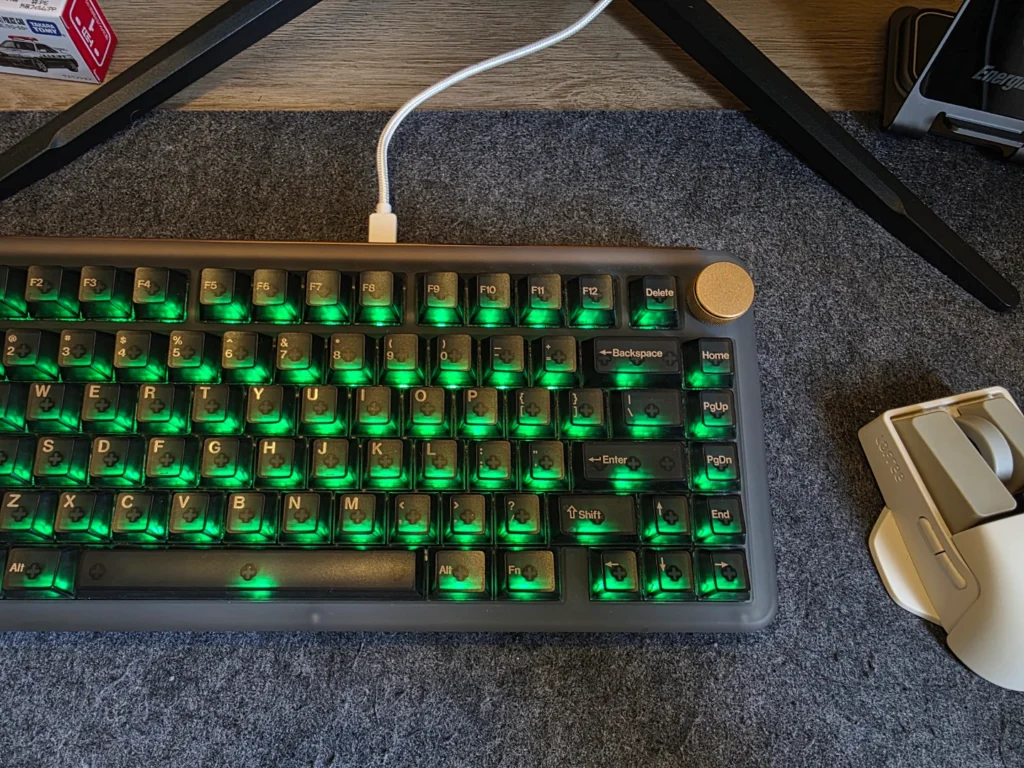
The KiiBOOM Phantom81 V4 is primarily a keyboard for users who care about design as much as specifications. Its frosted acrylic chassis, translucent keycaps, stainless-steel weight, RGB lighting, and compact 75% layout make it one of the more distinctive prebuilt mechanical keyboards we have tested.
It also delivers a comfortable typing experience, well-lubricated switches, solid construction, hot-swappable components, an 8,000mAh battery, and versatile connectivity.
However, there are some compromises. RGB performance could be better, the wireless firmware showed occasional inconsistencies during our testing, charging is relatively slow, and the Windows-only configuration software feels restrictive. The absence of adjustable feet and integrated dongle storage would also be useful improvements.
At around $199.99 MSRP, the Phantom81 V4 is not an inexpensive mechanical keyboard. There are plenty of capable alternatives at lower prices, particularly if aesthetics are not a major consideration. For users who specifically want a premium translucent keyboard, however, the Phantom81 V4 makes a strong case for itself. It combines an unusual design with solid construction and a pleasant typing experience without relying entirely on looks.
The KiiBOOM Phantom81 V4 is a well-built 75% mechanical keyboard that succeeds where it matters most: it looks distinctive, feels premium, and performs well for everyday typing and general gaming. Its software and wireless implementation prevent it from being an outright perfect package, but the overall experience remains strong. If the frosted translucent design appeals to you, the Phantom81 V4 is one of the more interesting premium prebuilt mechanical keyboards worth considering.
Also Read: KiiBOOM Phantom 98 Lite Review

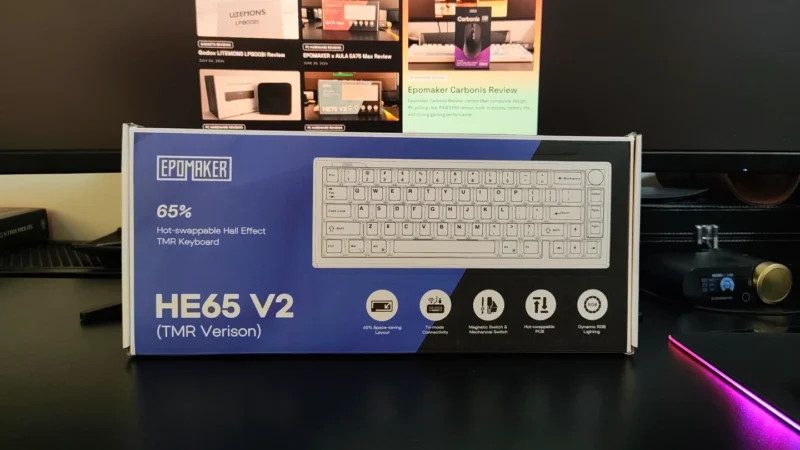
EPOMAKER HE65 V2 TMR review covering its TMR switches, Rapid Trigger, 8,000Hz polling, hybrid hot-swap PCB, wireless connectivity and typing experience.
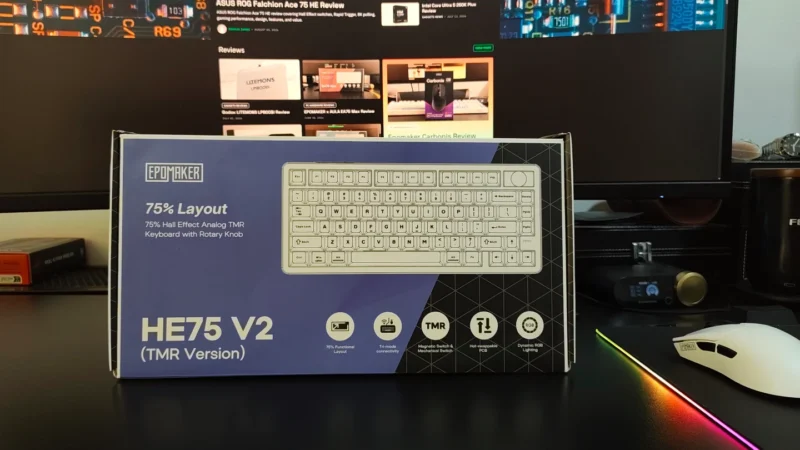
Our EPOMAKER HE75 V2 TMR review covers its TMR switches, Rapid Trigger, 8K polling, wireless performance, sound, software and battery life.
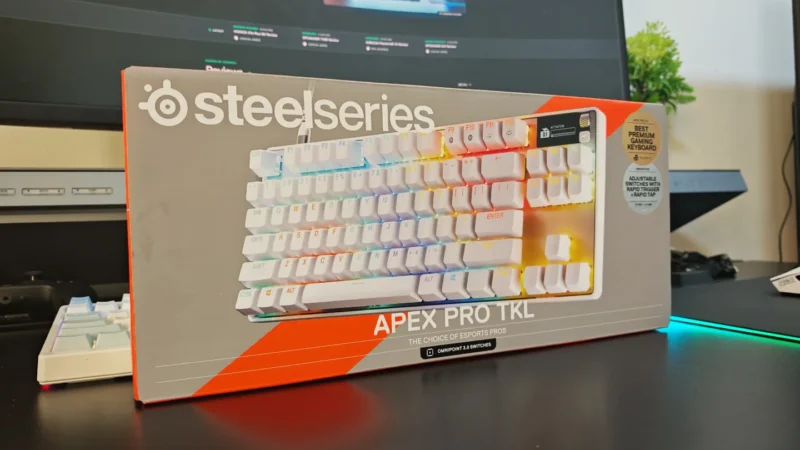
We review the SteelSeries Apex Pro TKL Gen 3, featuring OmniPoint 3.0 Hall Effect switches, adjustable actuation, Rapid Trigger, OLED display and RGB lighting.
 Joshua James