
EPOMAKER TH65 Review
Our EPOMAKER TH65 review examines its 65% layout, Creamy Jade switches, gasket mount, 8000mAh battery, wireless connectivity, gaming performance, and value.
Zowie XL2546 offers an impressive 240Hz refresh rate with a 1ms response time, and it comes with competitive gaming features for a smooth experience.
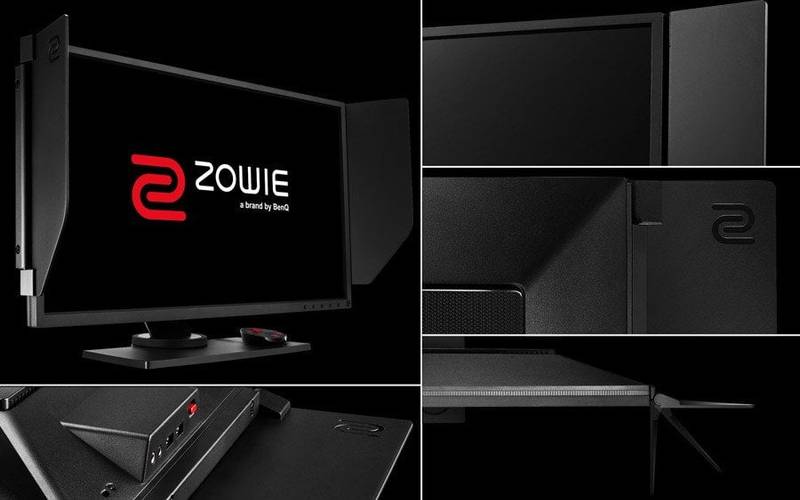
We finally got our hands on one of BenQ’s XL2546, a 24.5-inch 240Hz gaming monitor and following is our review after my two weeks of using it. The XL2546 is one of ZOWIE’s latest offerings, featuring a native 240hz panel along with their proprietary DyAc backlight strobing algorithm.
Similar to other BenQ ZOWIE monitors, the XL2546 borrows design elements from its previous monitors. The XL2546 is fitted with a TN panel, which is known for poor viewing angles and color accuracy. But in exchange, TN panels typically receive the fastest response times, lowest input lag, and highest refresh rates available. To compensate for the poor viewing angles, the XL2546 offers full height, swivel, and tilt functionality to give an optimal viewing angle.
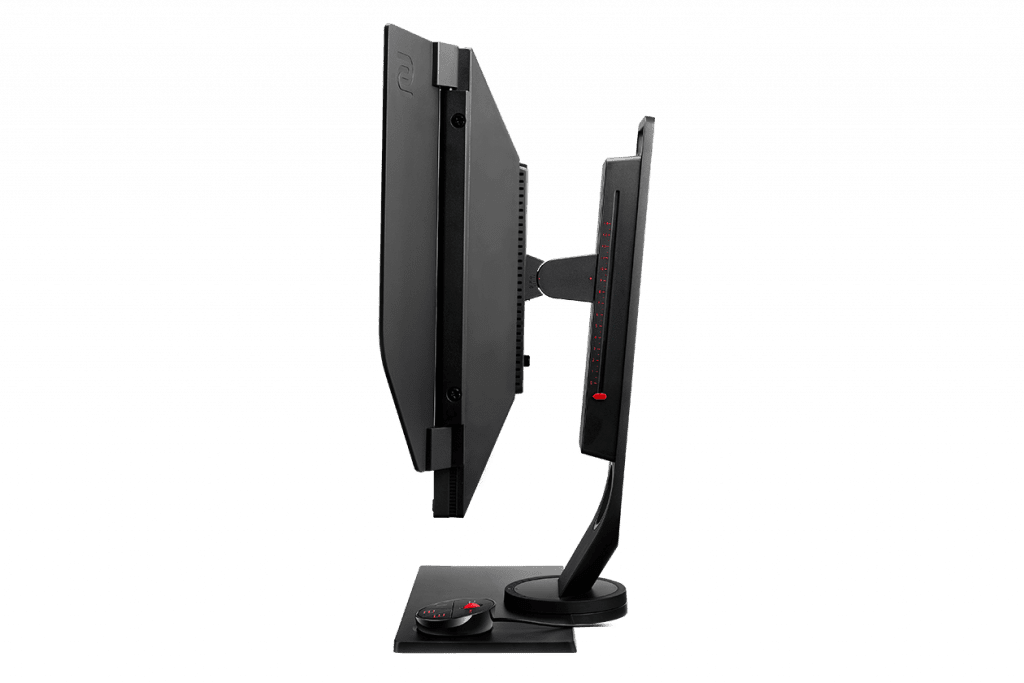
The monitor consists of three components – the base, the mount and the display itself, when combined forms an extremely flexible monitor you can move around in all three axis. Putting together this beast of a monitor was super-easy. Zowie has also built in a simple holding bracket on the mounting stand, that makes it easier for carrying the monitor.
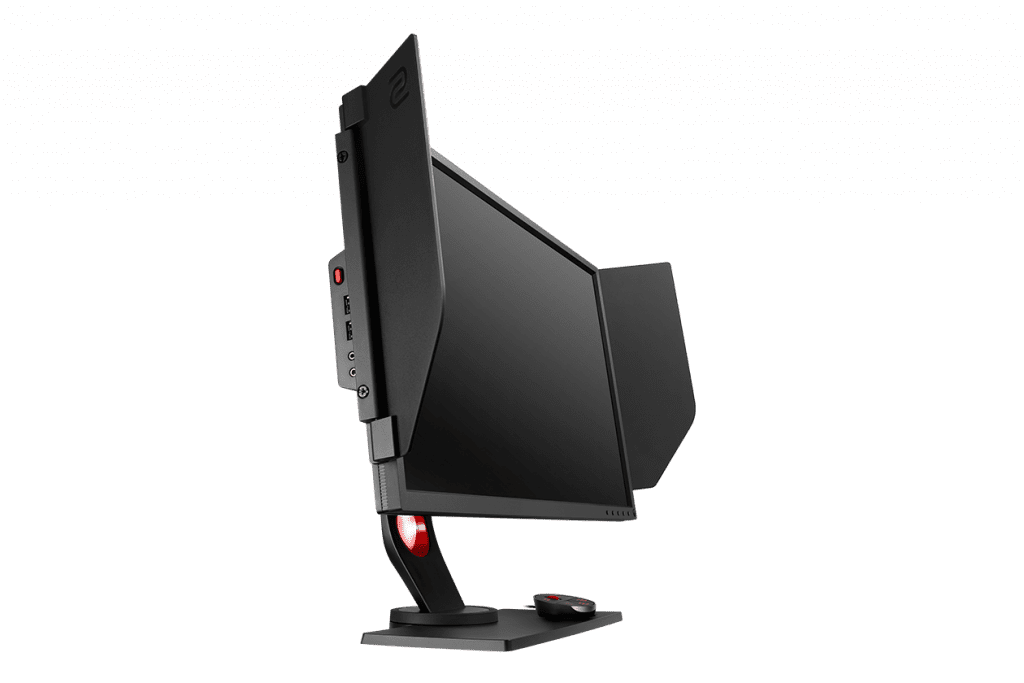
The bezels on the monitor are thin and are designed for no light reflection on the display. The XL2546 also comes with two easily mountable privacy side flaps, what BenQ Zowie calls as ‘Shield’, the sides of the monitor include grooves to install these shields and it makes the monitor look much cooler. I personally don’t use them, but if you’re gaming in a competitive environment, these two shields should help you focus as these are made for gamers to enjoy the distraction-free gameplay in professional events
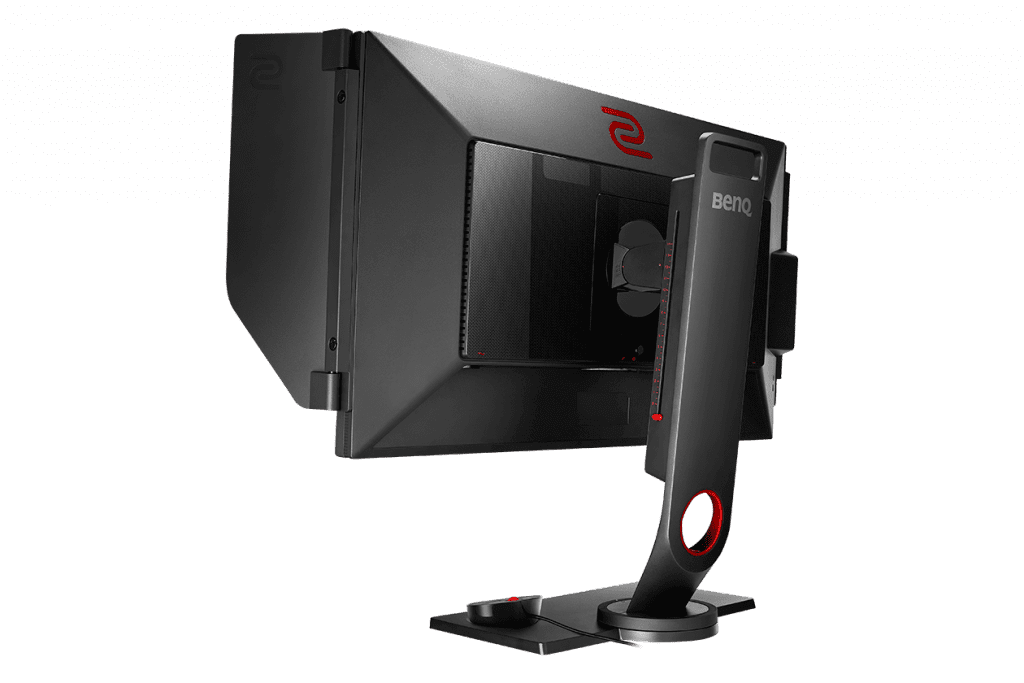
The height can be adjusted with a slight push from the top or bottom. You can tilt or swivel the monitor in the horizontal or vertical direction and even rotate the whole display.
On the side of the monitor is a quick access audio mic-in and audio out 3.5-inch ports along with 2 USB 3.0 ports, Kensington lock and a click to release headphone stand. On the back of the monitor, you have access to a display port, two HDMI ports, DVI-D, micro USB port for S-switch, and another 3.5 mm audio out port.
Dynamic Accuracy (DyAc) is Zowie proprietary technology specially designed for eSports gamers to offer them smoother gaming experience. DyAc eliminates the fast-motion issues and let you focus on the enemy in the movement. Your accuracy seems to increase with DyAc, and the game feels much smoother thanks to its combination with 240hz refresh rate. You can set DyAc settings to Premium(Most clear), High(Medium) and DyAc OFF settings.
In terms of audio, there are no speakers present on the XL2546, though the headphone jack will allow you to use your 3.5mm devices.
BenQ ZOWIE takes it one step further and includes a proprietary S-Swtich dongle that connects with the micro-USB port on the back panel and is a plug-n-play device that has a place for itself on the base of the monitor. Pressing the scroll wheel or the back button brings up the menu, and there are 3 separate buttons to quickly swap between display profiles that you may have set up.
Black eQualizer is another feature that is included on most BenQ Zowie gaming monitors and helps with spotting enemies in the darker areas of the game. This technology brightens up dark areas of the scene which lets you maintain focus and keep the eye strain at the minimum levels.
While the ZOWIE XL2546 packs a 240Hz refresh rate, 1ms response time, and 1000:1 contrast ratio TN display panel, it has a rather limited viewing angle due to the TN panel.
The monitor is quite bright, but if you’re into photo/video editing that’s sensitive to display image quality or mostly play AAA titles, then this is NOT the monitor for you. Do expect tight viewing angles before the colour vibrancy and image quality starts reducing. But if you’re going to be playing a lot of competitive titles and take esports seriously, this monitor will definitely suit you. Upon first booting the monitor you’ll be greeted with a slightly washed out image. This, however, is easily fixed by tweaking the settings though
Make sure your gaming PC is equipped to handle the display’s 240 Hz refresh rate. To achieve this you need NVIDIA GTX980 and above or AMD RX 480 and above series graphics card as recommended by BenQ Zowie.

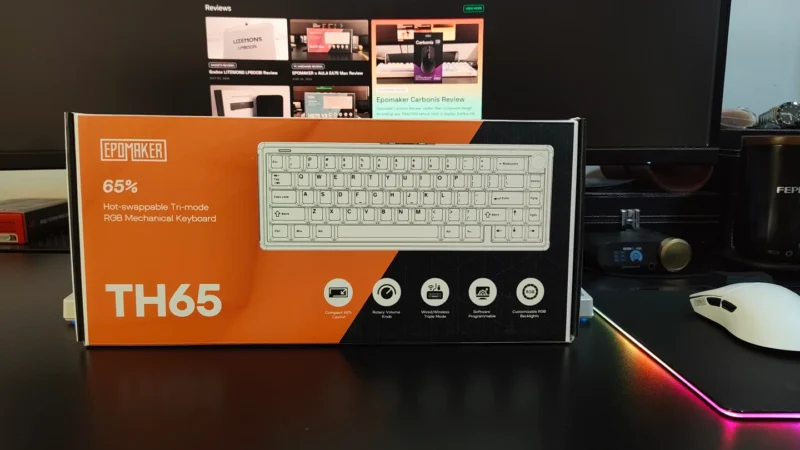
Our EPOMAKER TH65 review examines its 65% layout, Creamy Jade switches, gasket mount, 8000mAh battery, wireless connectivity, gaming performance, and value.
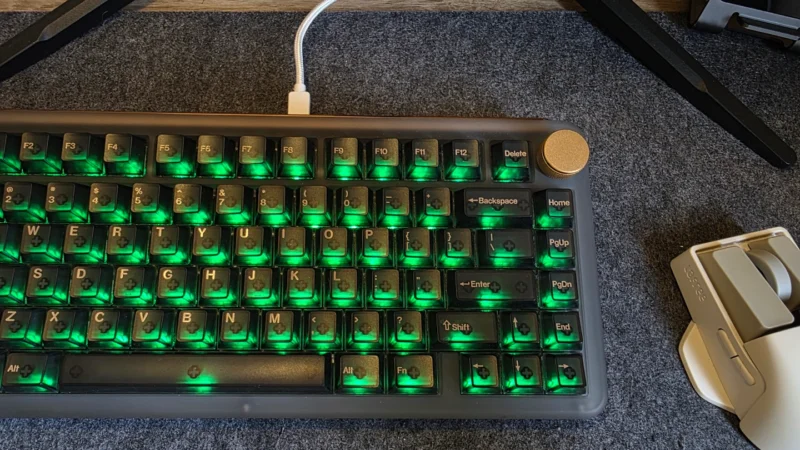
Our KiiBOOM Phantom81 V4 review looks at its design, build quality, switches, RGB lighting, gaming performance, connectivity, battery life and value.
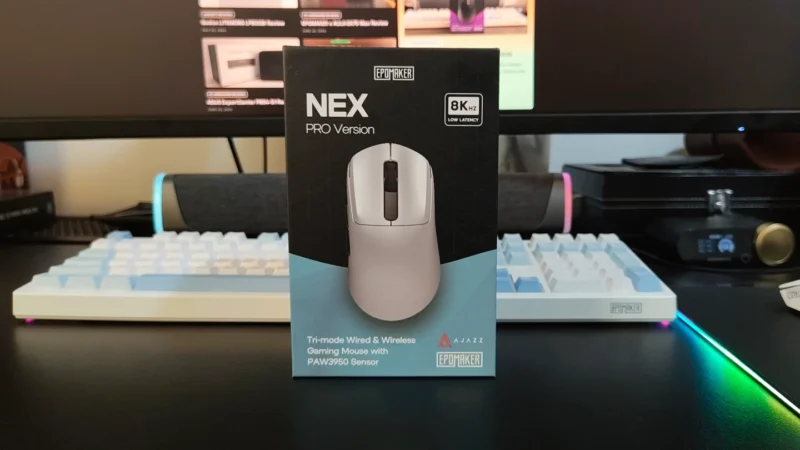
Our EPOMAKER NEX Pro review examines its PAW3950 sensor, 8K polling, ergonomic 65g design, 500mAh battery, tri-mode connectivity and charging dock.
 Joshua James
 Emil Aloysius