
How to Reduce Input Lag on a Gaming Monitor or PC
Reduce Input Lag on a Gaming Monitor: fixing it usually means working through your settings systematically rather than blaming any single piece of hardware.
ChatGPT now supports Arabic across its web and mobile platforms, giving users in the UAE, Saudi Arabia, and across the GCC access to one of the most capable AI tools available in their native language.
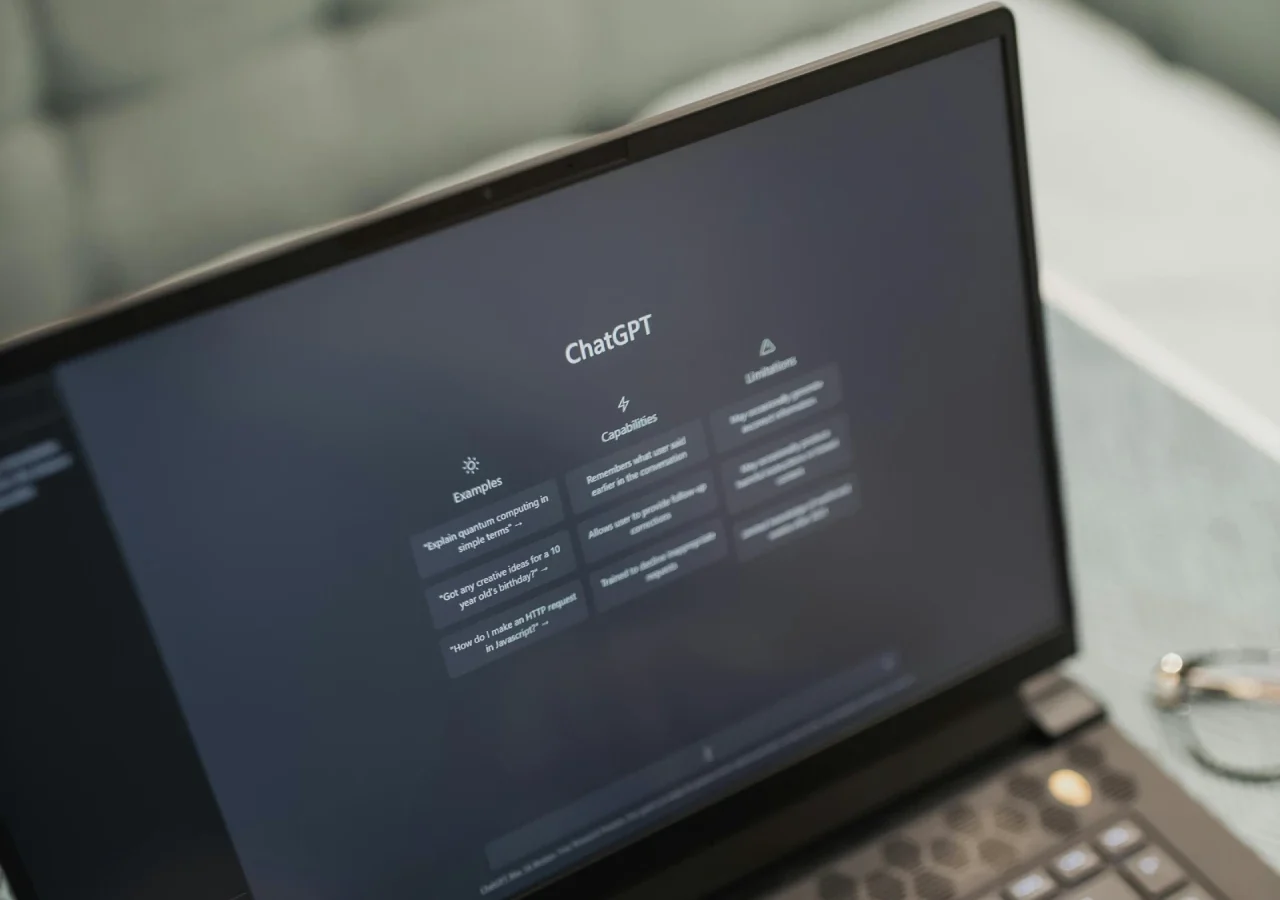
With Arabic now a fully supported language in ChatGPT, powered by GPT-5, users no longer need third-party workarounds or browser extensions to interact with the platform in Arabic. The following guide covers the most reliable and verified ways to get started.
The most straightforward method is the official ChatGPT application, available on both Android and iOS, as well as via the web at chat.openai.com. No additional configuration is required — users can type or speak directly in Arabic and the model will respond in kind.
For users who want consistent Arabic output, a few practices improve results considerably. Specifying the desired register at the start of a conversation — for example, stating a preference for Modern Standard Arabic or a specific dialect such as Gulf or Egyptian Arabic — helps the model maintain a consistent tone throughout. ChatGPT handles formal Arabic well for tasks such as drafting emails, summarising documents, and generating content, though dialect handling can vary and outputs should be reviewed for accuracy in professional contexts.
A free tier is available with usage limits. ChatGPT Plus and higher subscription tiers provide access to GPT-4o and GPT-5 with expanded capacity.
Microsoft Copilot, available at copilot.microsoft.com and built into Microsoft Edge, supports Arabic for text-based prompts and responses. It is free to use without a Microsoft account, making it a low-barrier option for users who want to query in Arabic without signing up for a separate service.
Copilot is particularly useful for research tasks, as it draws on live web results and provides source citations alongside responses. For GCC professionals who need accurate, current information in Arabic, this makes it a practical complement to ChatGPT.
Microsoft 365 Copilot, the paid enterprise product integrated into Word, Excel, and Teams, also supports Arabic, though users in the region have noted that accuracy in mixed Arabic-English environments can be inconsistent. Microsoft has indicated that Arabic language improvements remain a priority for the platform.
| ChatGPT | Microsoft Copilot | |
|---|---|---|
| Access | chat.openai.com / iOS / Android | copilot.microsoft.com / Microsoft Edge |
| Account required | Yes | No |
| Free tier | Yes, with usage limits | Yes, unlimited for basic use |
| Arabic support | Full — text and voice | Full — text only |
| Live web results | GPT-4o and above only | Yes, included by default |
| Source citations | Limited | Yes |
| Dialect handling | Good with explicit prompting | Moderate |
| Best for | Writing, summarising, content creation | Research, quick queries, cited responses |
| Microsoft 365 integration | No | Yes (paid) |
| Mobile app | Yes | Yes |
Getting the most out of ChatGPT in Arabic requires some deliberate prompting. The following practices consistently improve output quality.
State the dialect explicitly if Modern Standard Arabic is not the target. A prompt such as “Please respond in Gulf Arabic throughout” will produce more consistent regional phrasing than leaving it to the model’s default.
For formal or business writing, requesting a review pass at the end of a conversation helps catch grammatical inconsistencies that can appear in longer outputs. While ChatGPT handles Arabic grammar competently for most tasks, complex sentence structures occasionally require manual correction.
For content intended for publication, treating AI-generated Arabic as a first draft rather than a final output remains the recommended approach.
Availability of specific features may vary depending on the subscription tier and regional rollout timing. Users should review the privacy policies of any AI tool before using it for sensitive or confidential content, and ensure compliance with applicable local regulations.
Yes. The free tier of ChatGPT supports Arabic with no additional cost. Usage limits apply on the free plan, and access to GPT-5 and higher-capacity models requires a paid subscription.
ChatGPT can produce responses in regional Arabic dialects including Gulf, Egyptian, and Levantine Arabic. For consistent dialect output, users should specify the preferred dialect at the start of the conversation.
Yes. ChatGPT is accessible across the GCC including the UAE, Saudi Arabia, Qatar, Bahrain, Oman, and Kuwait.
ChatGPT performs most reliably in Modern Standard Arabic, which is suitable for formal writing, business communication, and academic content. Dialect support is functional but less consistent, and outputs in dialect should be reviewed before use in professional contexts.
Yes. ChatGPT handles Arabic-to-English and English-to-Arabic translation competently for most general purposes. For legally or commercially sensitive translations, professional review is still recommended.
Yes. Microsoft rebranded Bing Chat as Microsoft Copilot. The service is accessible at copilot.microsoft.com and through Microsoft Edge, and supports Arabic for text-based queries.


Reduce Input Lag on a Gaming Monitor: fixing it usually means working through your settings systematically rather than blaming any single piece of hardware.

How to Fix Common Wi-Fi and Router Problems at Home: A slow or unreliable Wi-Fi connection does not necessarily mean that your router needs to be replaced.
Getting a new SIM card in the UAE is a straightforward process, but every number must be registered against valid identification before it can be activated.
 GDGTME Team