
Hexcal Studio Review
Our Hexcal Studio review examines its premium build, cable management, eight AC outlets, USB connectivity, wireless charging and integrated task lighting.
Professionals on the go will find the ThinkVision M14t Gen 2 ideal.
The ThinkVision M14t Gen 2 pushes forward in the constantly evolving workspace to rethink what portable productivity means. Combining performance with elegance, this ultra-lightweight 14″ monitor with a near-edgeless design transforms your work-from-anywhere experience.
Professionals on the go will find the ThinkVision M14t Gen 2 ideal since, weighing in at just 0.7 KG (1.54 lbs) without packaging, its extremely slim and lightweight design. Perfect portability for business travel, workplace commutes, or working from cafes—the monitor’s thin profile fits easily into your bag.
The M14t guarantees that every pixel pops with its amazing 2240 x 1400 resolution despite its portable dimensions. Reviewing papers, creating presentations, or even working on creative projects—the vivid images provided by the 100% sRGB color coverage offer the clarity you need.
The M14t is not a typical portable monitor. Its 16:10 aspect ratio gives greater vertical screen size, therefore supporting multitasking. This additional height makes processing large documents or several browser tabs easier than with the conventional 16:9 ratio.
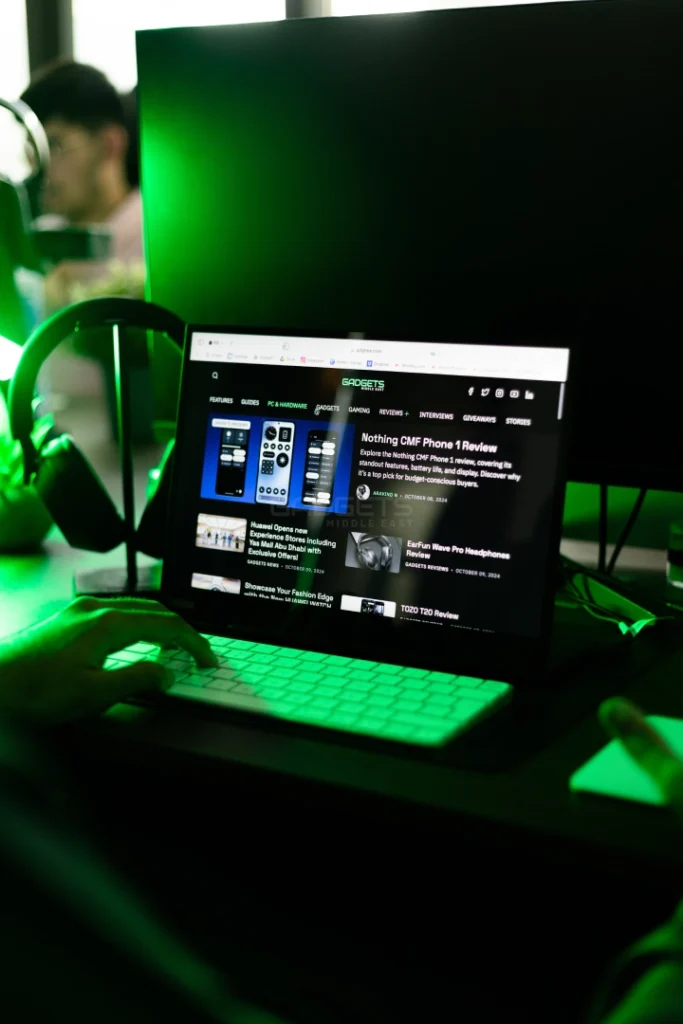
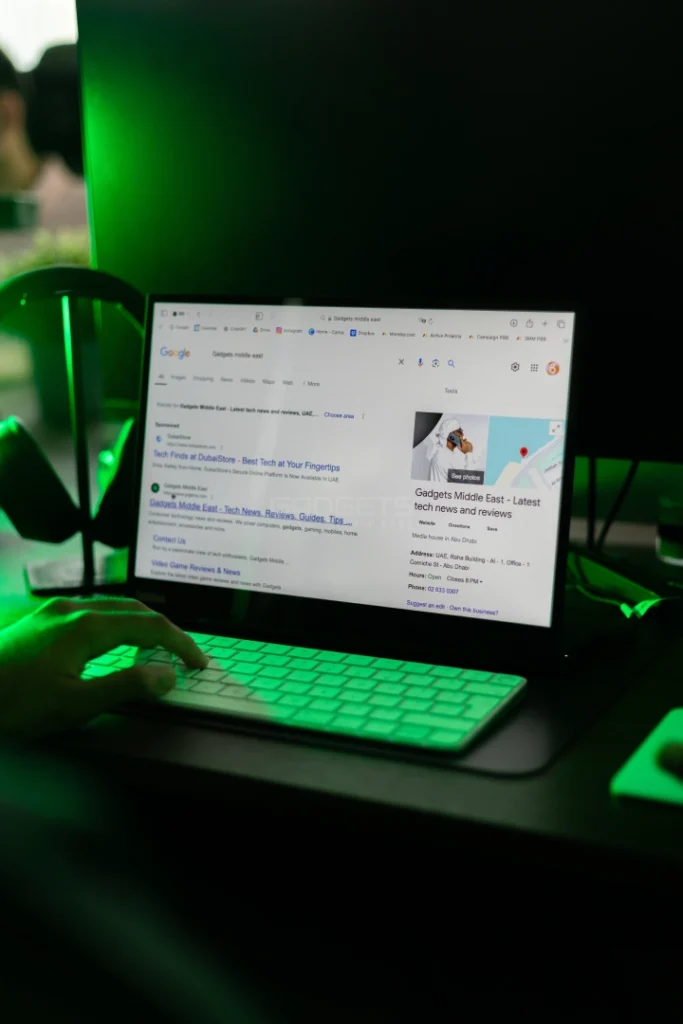
While the 1500:1 contrast ratio provides deep blacks and clear whites, the WLED backlight and 300 nits brightness guarantee vibrant images even in highly lighted surroundings. Thanks to 8-bit color depth, which provides 16.7 million possible color combinations to bring your work to life, you may appreciate vivid colors and precise details. The color accuracy makes a big impact whether you are creating graphics, updating a spreadsheet, or reading over reports.
The M14t stands out mostly for its 10-point touch sensitivity. Having more than 4,096 pressure levels throughout the attached passive pen transforms into not only a monitor but also a creative tool. Perfect for creatives, designers, or even professionals who have to annotate papers on the go, the touch reaction is fluid and easy.
Its really fluid & lag-free pen and digitizer features make it particularly suitable for professional work. Drawing diagrams, signing digital documents, or even just jotting notes during a conference is as natural as pen on paper.
With two USB Type-C connectors, which guarantees reliable as well as easy connectivity, the ThinkVision M14t Gen 2 appeals to present-day professionals. These ports handle power in addition to data, therefore keeping your system compact and clutter-free. The DisplayPort 1.2 Alt Mode offers fast connection and great performance whether your device is a laptop, tablet, or even a smartphone.
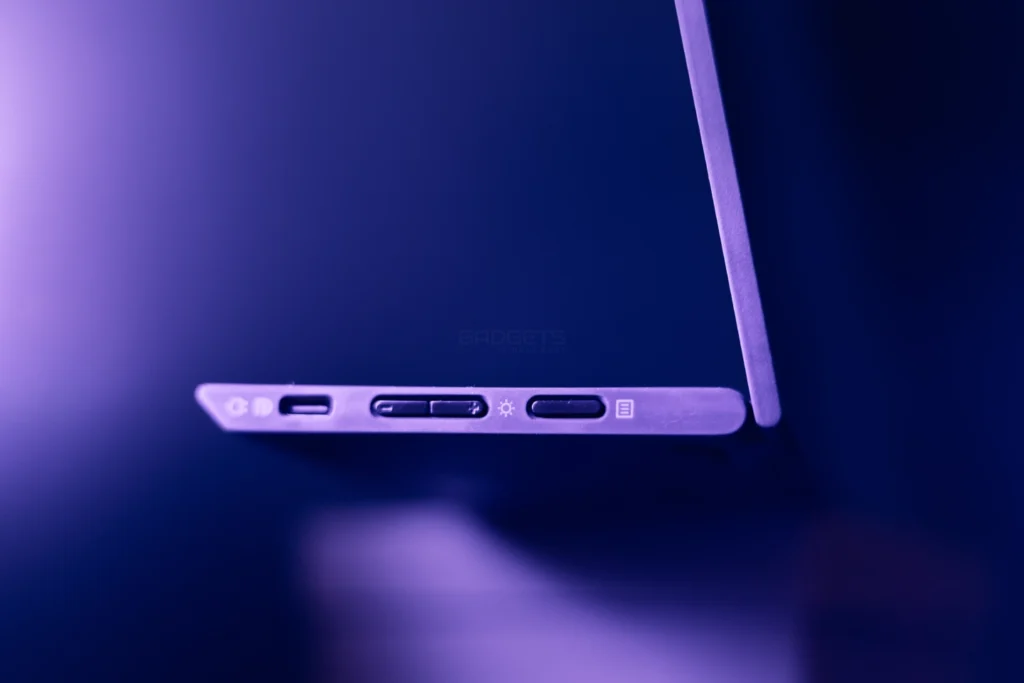
Furthermore, the display is remarkably power-efficient. Long hours can be spent using the 8W normal power usage and sub-0.3W standby mode without exhausting the battery of your gadget. Its low power consumption makes it perfect for long work periods, so guaranteeing the extended use of your device while on-travel.
The M14t features flexible ergonomics. The display may be tuned to any workspace configuration by using tilt (0°/90°) and lift adjustments (up to 11mm). Its 90° pivot lets you easily move between landscape and portrait modes, therefore improving output by allowing you the freedom to show multiple types of content.
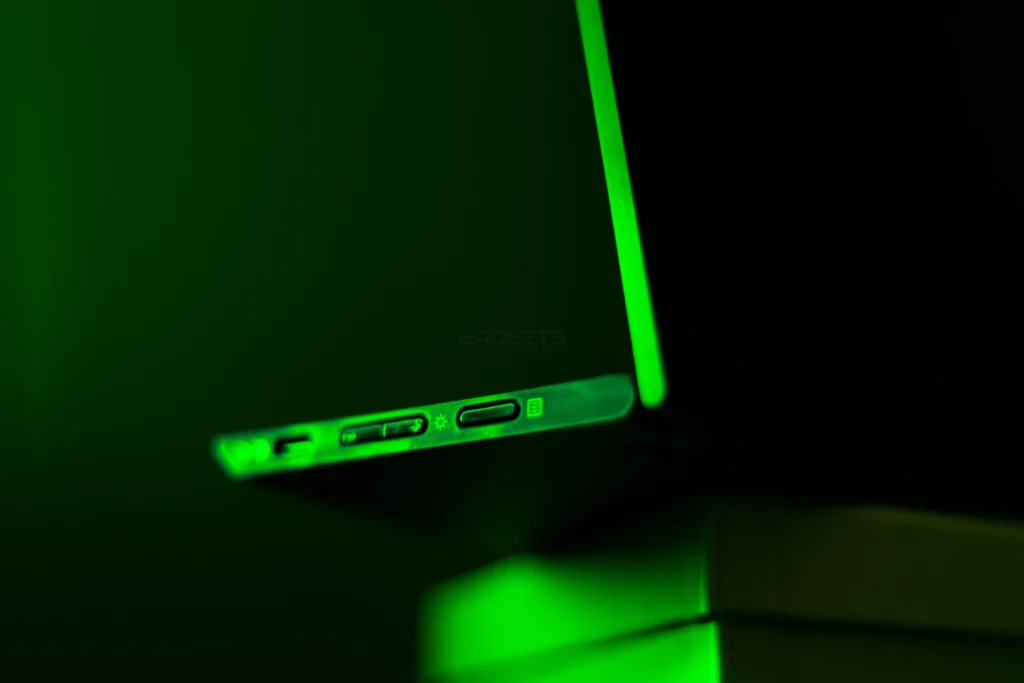
Whether you’re designing, writing with long-form content, or arranging a second screen for presentations, the M14t’s flexible stand and movable angles help you work comfortably free from strain.
Regarding performance, the 6-ms (Extreme Mode) and 8-ms (Normal Mode) response speeds ensure seamless transitions, thereby enabling easy handling of films, presentations, and fast-paced processes. For most activities connected to work, the 60Hz refresh rate provides enough smooth performance in normal office environments.
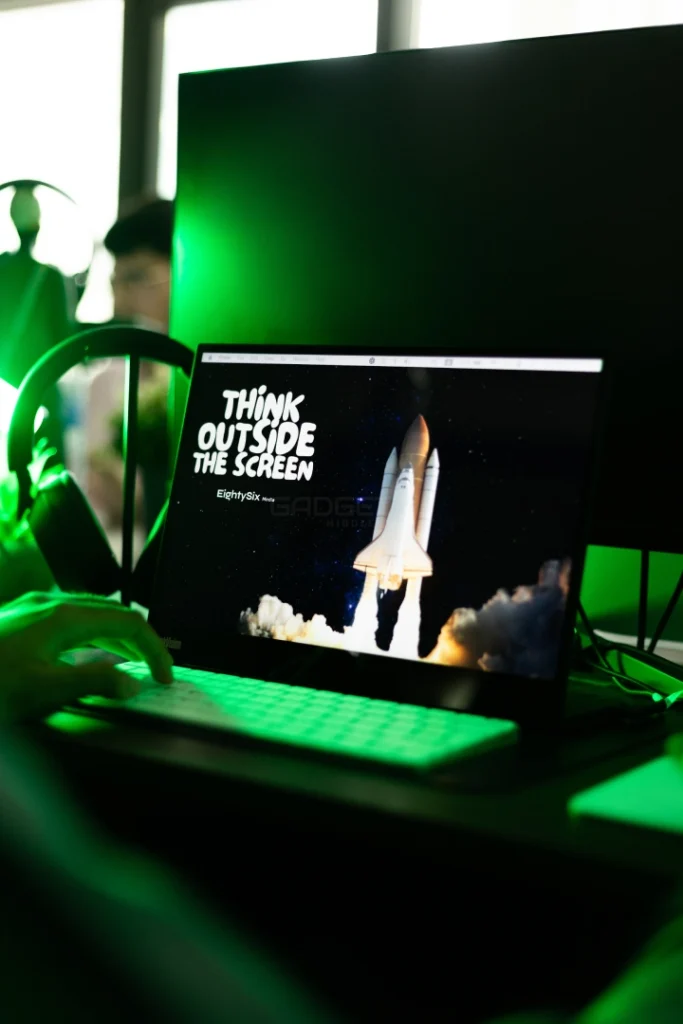
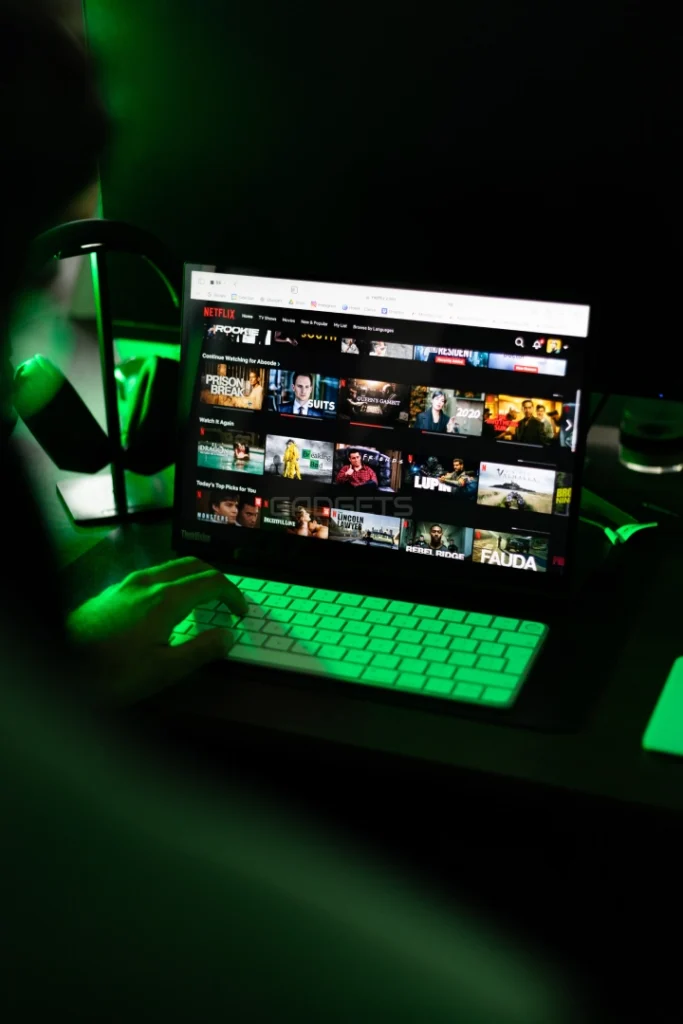
Maxing screen real estate in the near-edgeless design improves viewing experience. Whether you’re working on thorough chores or with coworkers in a shared environment, the low bezels guarantee a continuous display.
Key is portability; yet, the M14t distinguishes itself with power efficiency. Direct USB-C powering of the monitor eliminates the need for large power adapters or extra wires. Connected to a laptop or another mobile device, it guarantees long-lasting use since it runs at 9.5W max. Including a protective sleeve in the package guarantees that you can travel worry-free knowing you will be able to keep it safe.
Professionals who require mobility and performance on the go will find the ThinkVision M14t Gen 2 to be a great purchase at $399. Its lightweight construction, high-quality display, and touch capability make it more than just a portable monitor—it’s a complete workstation extension.
For creative professionals, designers, or business users who require a portable solution for multitasking, annotation, or sketching, the M14t delivers in spades. Its vivid color accuracy and ergonomic adjustments ensure comfort and precision, while its robust connectivity options make it compatible with a range of devices.
The ThinkVision M14t Gen 2 provides the ideal mix of portability and power whether your work from your hotel room, a coffee shop, or on travel. Its sophisticated touch interface and easy pivot between tasks make it a game-changer for mobility productivity.
The ThinkVision M14t Gen 2 is essentially the best lightweight, premium, feature-packed portable monitor you could possibly want.
Also Read: Lenovo ThinkVision M14d review

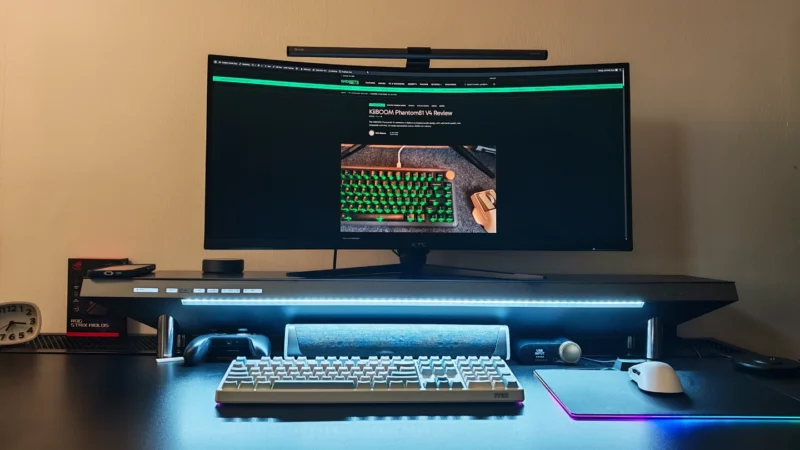
Our Hexcal Studio review examines its premium build, cable management, eight AC outlets, USB connectivity, wireless charging and integrated task lighting.
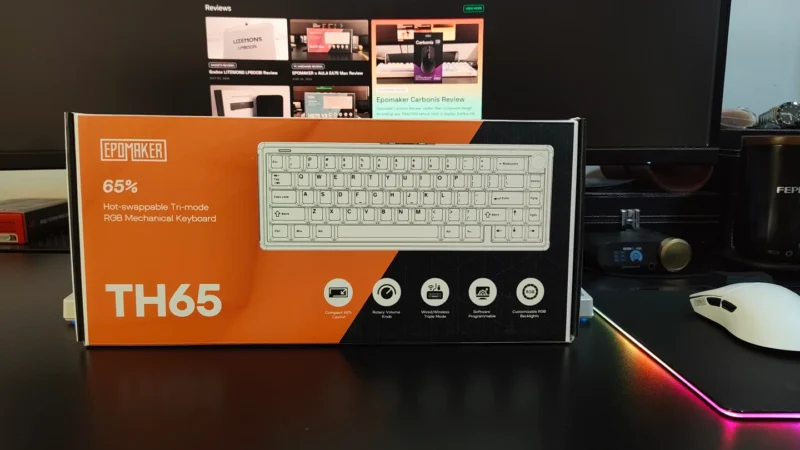
Our EPOMAKER TH65 review examines its 65% layout, Creamy Jade switches, gasket mount, 8000mAh battery, wireless connectivity, gaming performance, and value.
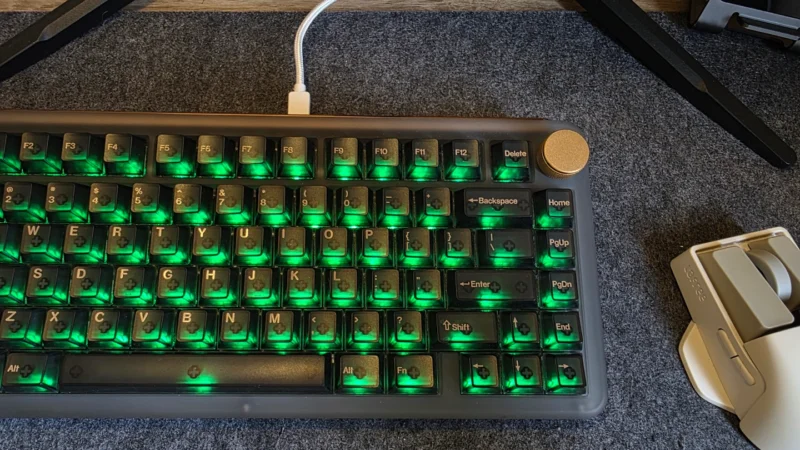
Our KiiBOOM Phantom81 V4 review looks at its design, build quality, switches, RGB lighting, gaming performance, connectivity, battery life and value.
 Joshua James
 Emil Aloysius