
SteelSeries Apex Pro TKL Gen 3 Review
We review the SteelSeries Apex Pro TKL Gen 3, featuring OmniPoint 3.0 Hall Effect switches, adjustable actuation, Rapid Trigger, OLED display and RGB lighting.
The Hexcal Studio combines a monitor stand, cable management, power distribution, wireless charging and task lighting into one premium workstation. We test whether its $749 price is justified.
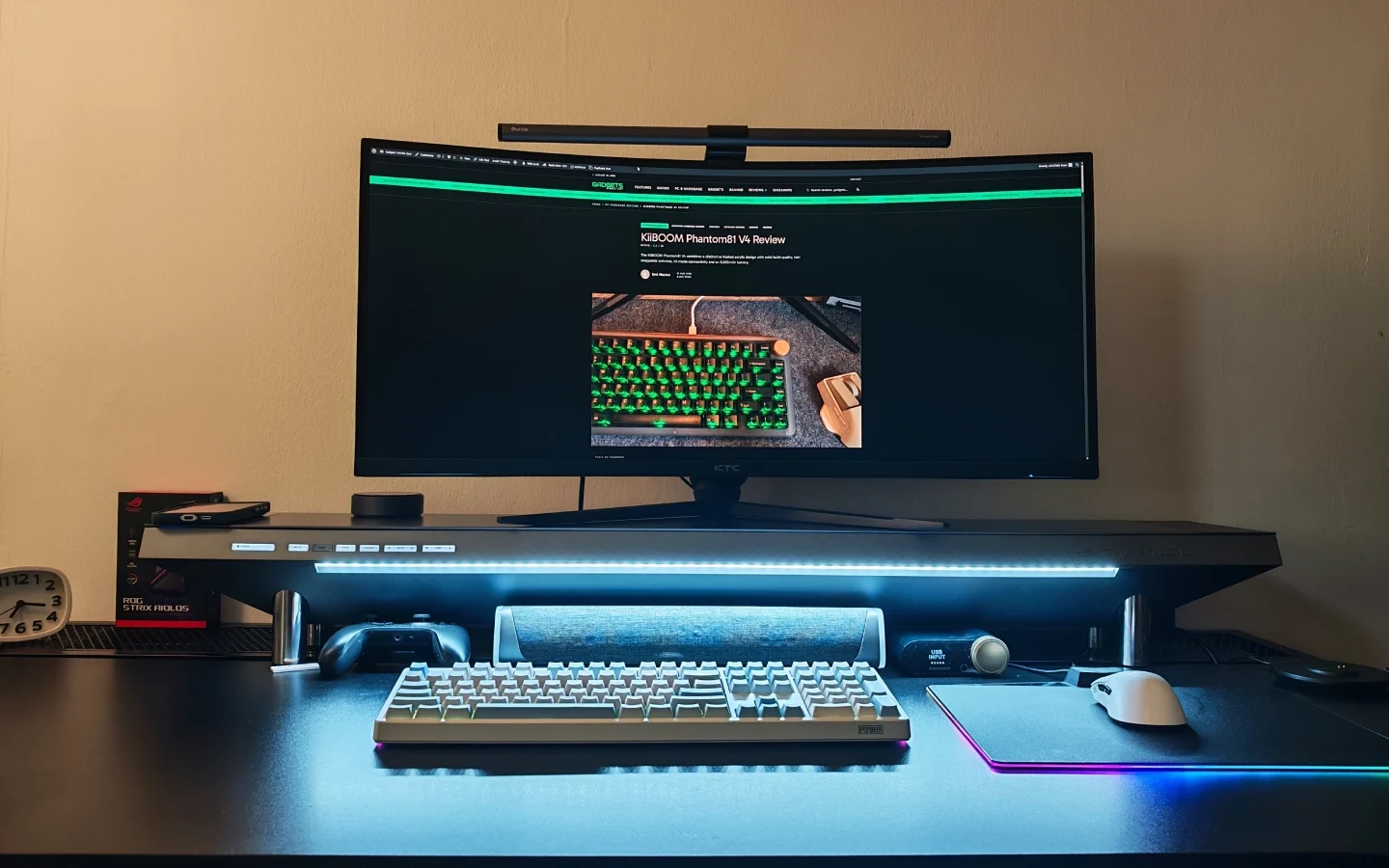
Hexcal Studio Review: We spent two weeks with the Hexcal Studio on our desk, and the pitch mostly checks out: it genuinely replaces a monitor riser, power strip, cable chamber, wireless charger, and light bar with one unit that never feels like it’s cutting corners to do it. Whether that’s worth $749 comes down to how much you value not owning five separate accessories — and how much you mind a couple of charging specs that haven’t kept pace with 2026.
The Hexcal Studio’s pitch is simple to say and harder to execute: replace the pile of separate accessories most desks accumulate — a riser, a power strip, a cable tray, a charger, a light bar — with one component that does all of it at once. We’ve seen that promise made before, usually by a plastic shelf with a power strip zip-tied to the underside. The Studio is not that. It’s the same kind of considered, do-one-thing-extremely-well approach we liked in BOSQ’s Optron chair — a premium price attached to a product that clearly wasn’t designed by committee.
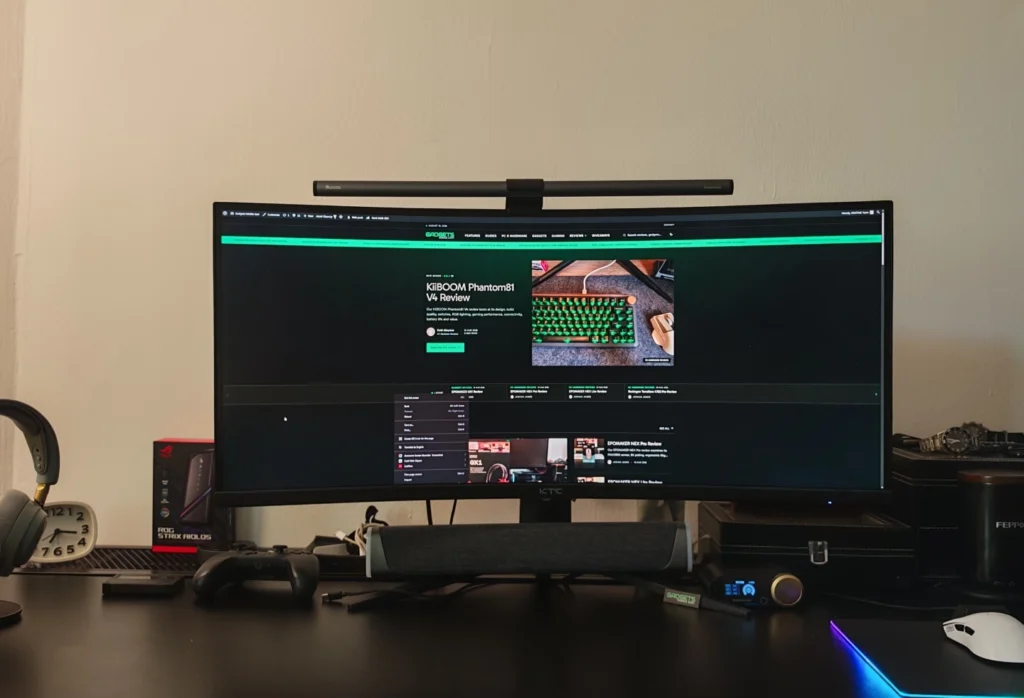
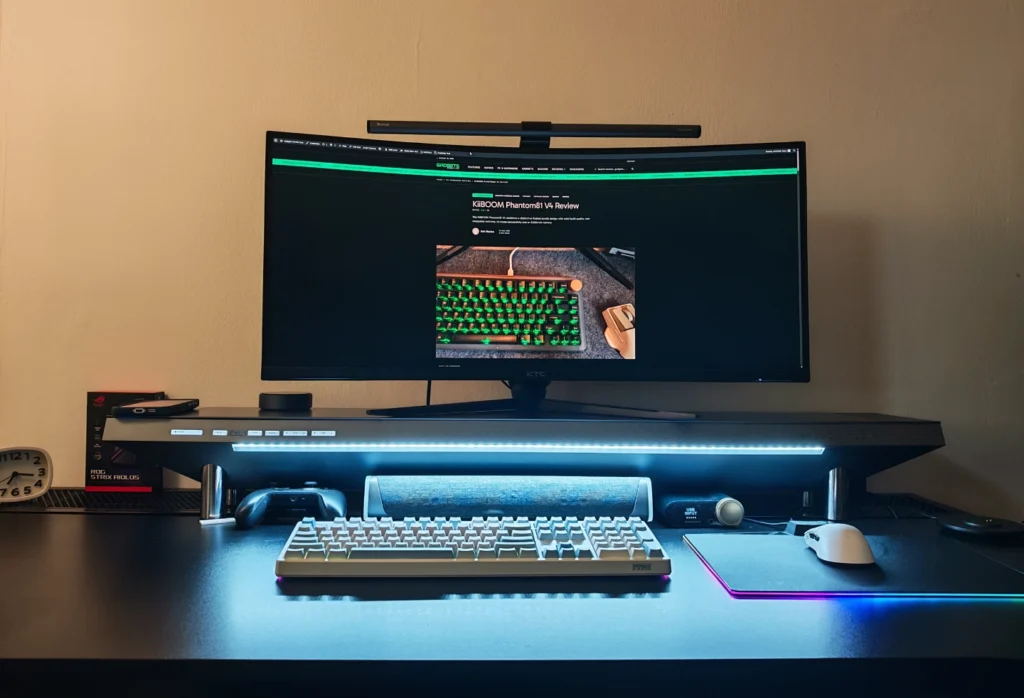
We put it through two weeks of daily use: monitors and speakers, a docking station and a tangle of power bricks routed through the inside, and enough devices plugged in simultaneously to properly stress-test the “14 devices” claim on the box.
Out of the box, the Studio’s size is the first thing that registers — at 47.3 inches wide, it wants a genuinely large desk, not just a desk that happens to fit it. Hexcal recommends nothing narrower than 40 inches, and after living with it, we’d treat that as a hard minimum rather than a suggestion.
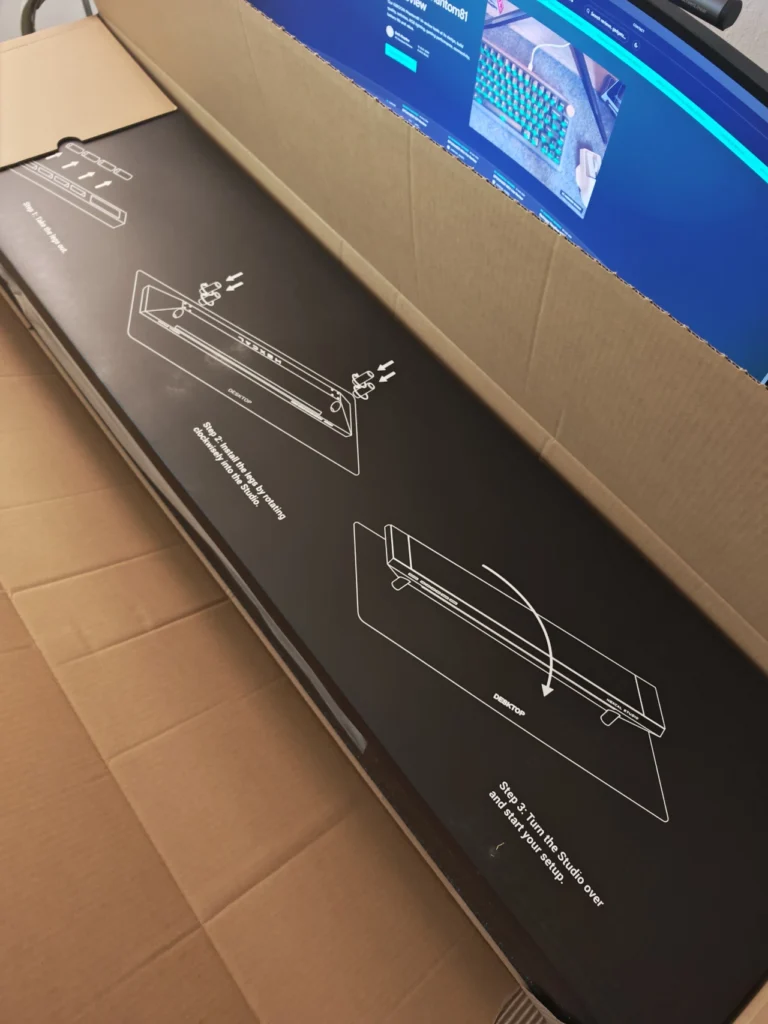
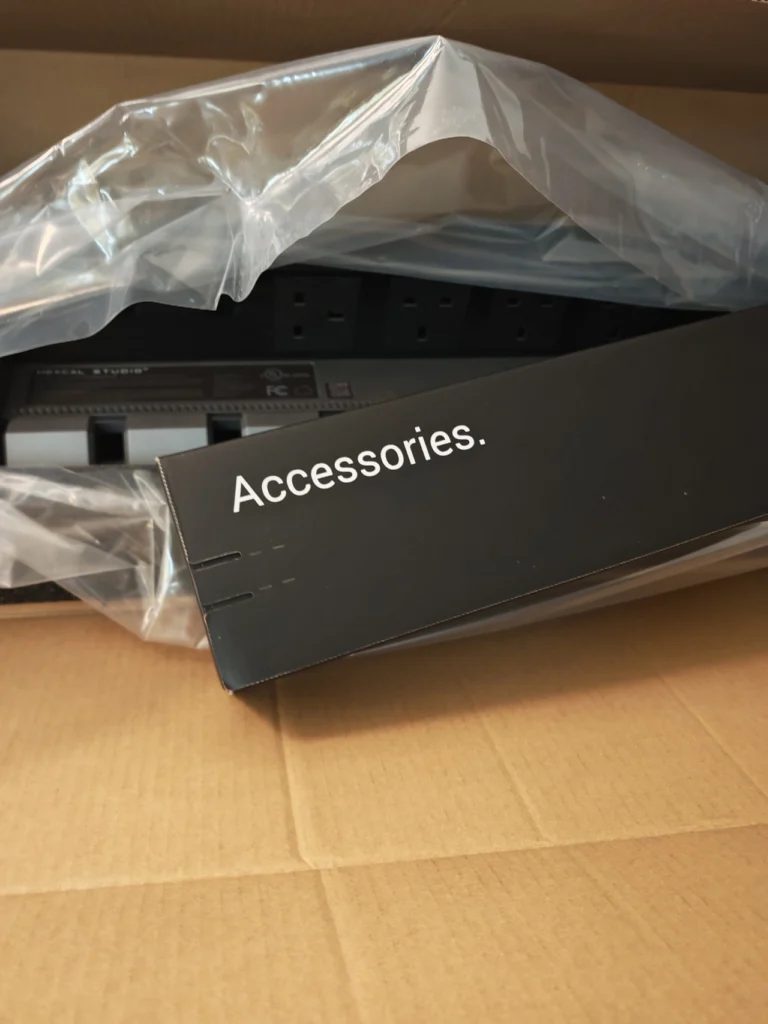
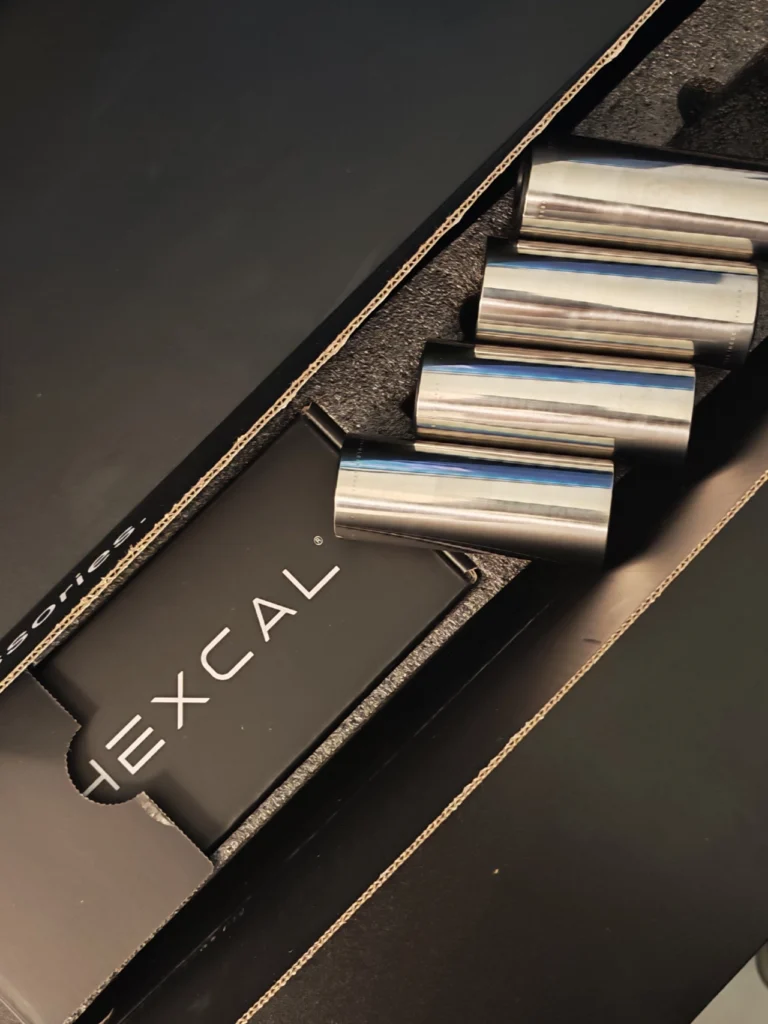
The build quality is where it earns its price tag. The top surface is aircraft-grade aluminum on an overall footprint of 47.3 x 8.7 inches (7.8 inches of that is usable surface, with the rest taken up by the rear power housing), and the legs are polished stainless steel. Out of the box it sits at 5.9 inches tall; swapping to the second, taller set of legs — both included, no extra purchase needed — raises that to 7.1 inches for more clearance underneath. We loaded ours with a pair of monitors and speakers without seeing a hint of bowing across the span, which lines up with Hexcal’s 101 lb rated capacity.
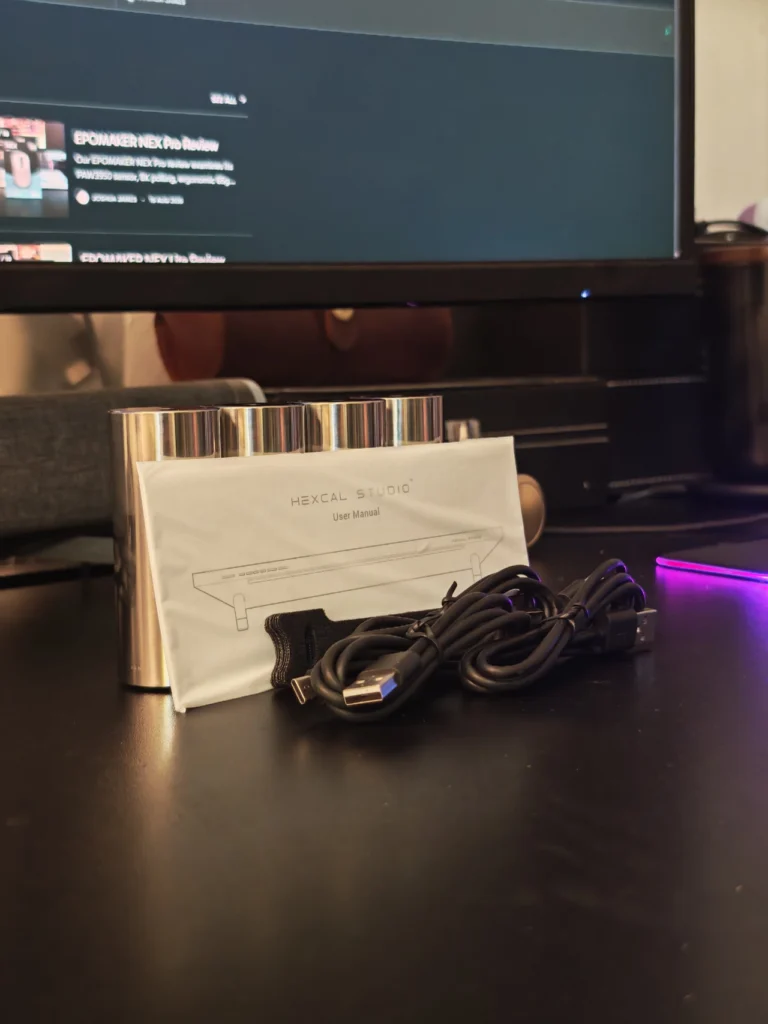
Eight AC outlets run across the back, rated for a combined 1,440W with a resettable circuit breaker — we never came close to tripping it, even running monitors, a dock, and a small stack of chargers off it simultaneously. The outlets are spaced generously enough that oversized power bricks don’t crowd out the sockets next to them, which is a smaller detail than it sounds until you’ve fought a power strip that can’t.
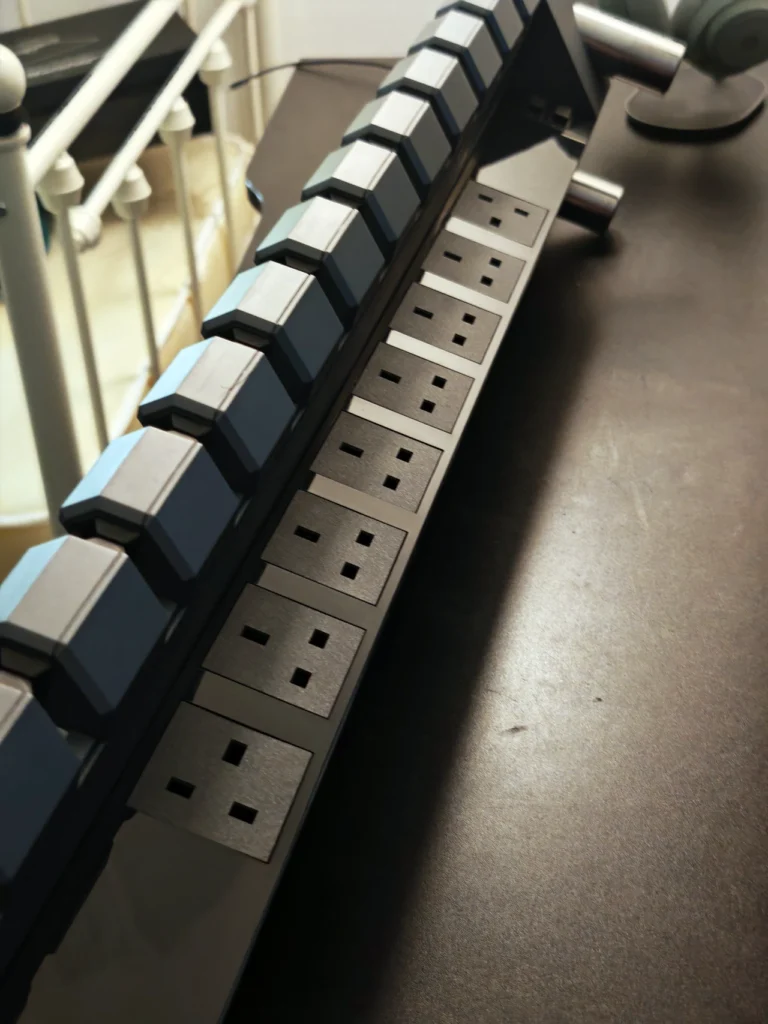
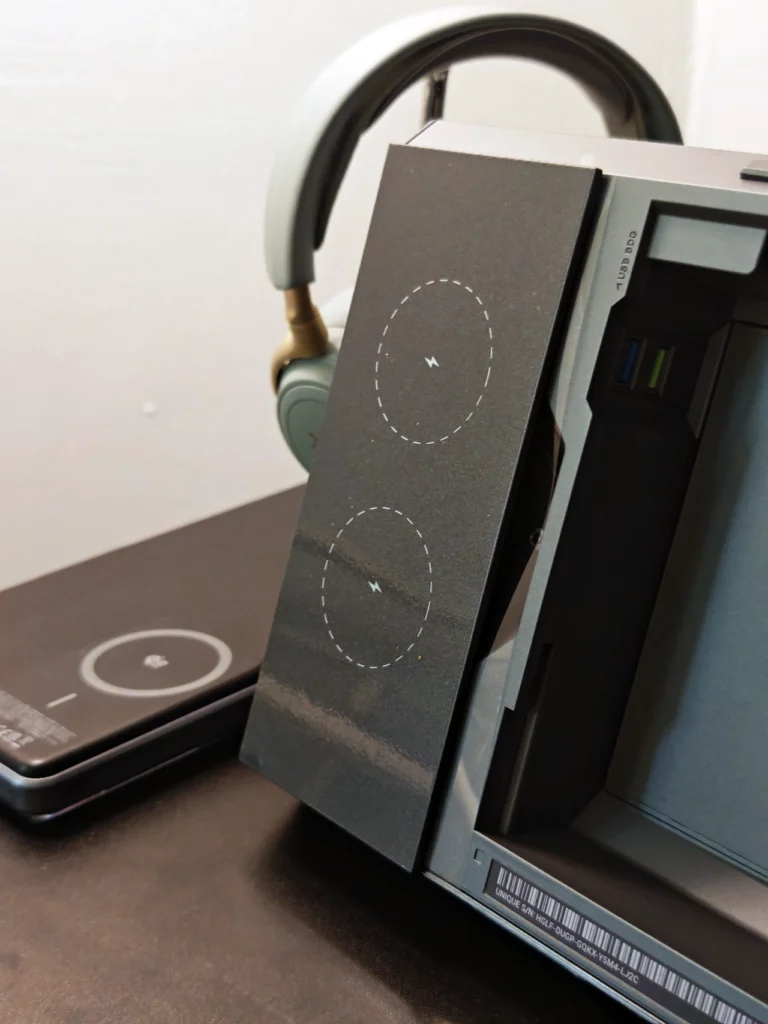
Unlatching the two releases on the back lifts the entire top panel off, revealing a cable chamber that runs nearly the full width of the unit. We fit an entire docking station in there along with several power bricks and still had room to spare — genuinely one of the most usable cable management implementations we’ve tested, helped by cable channels that let you route wires in and out at specific points instead of just shoving everything into one cavity.
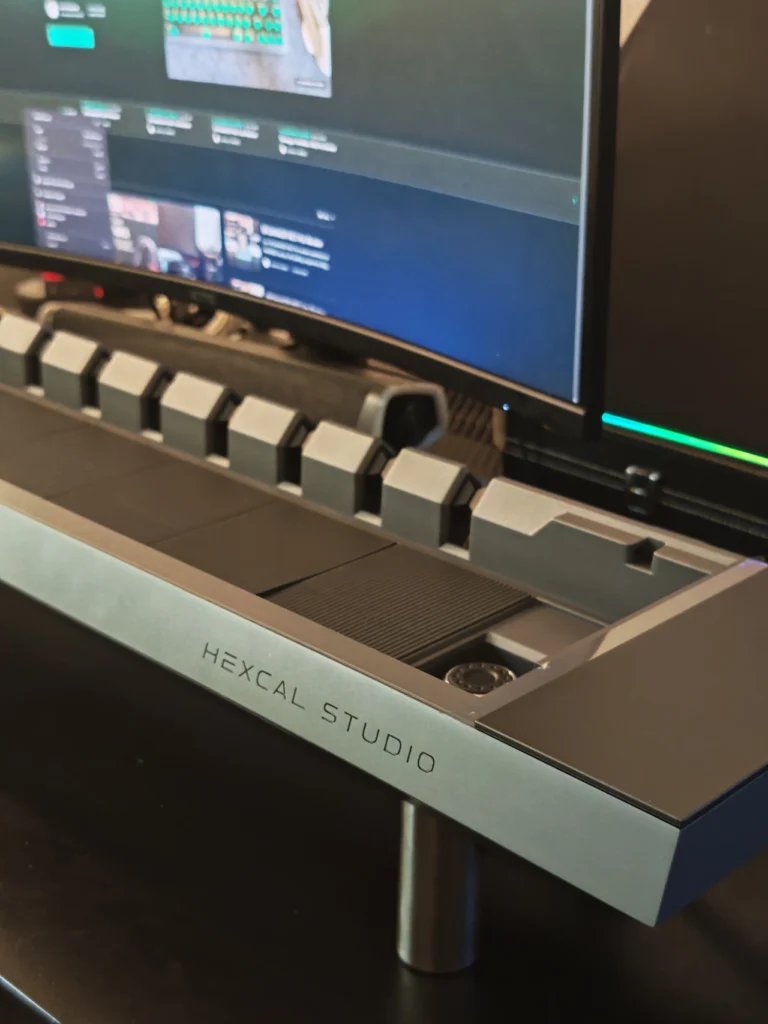
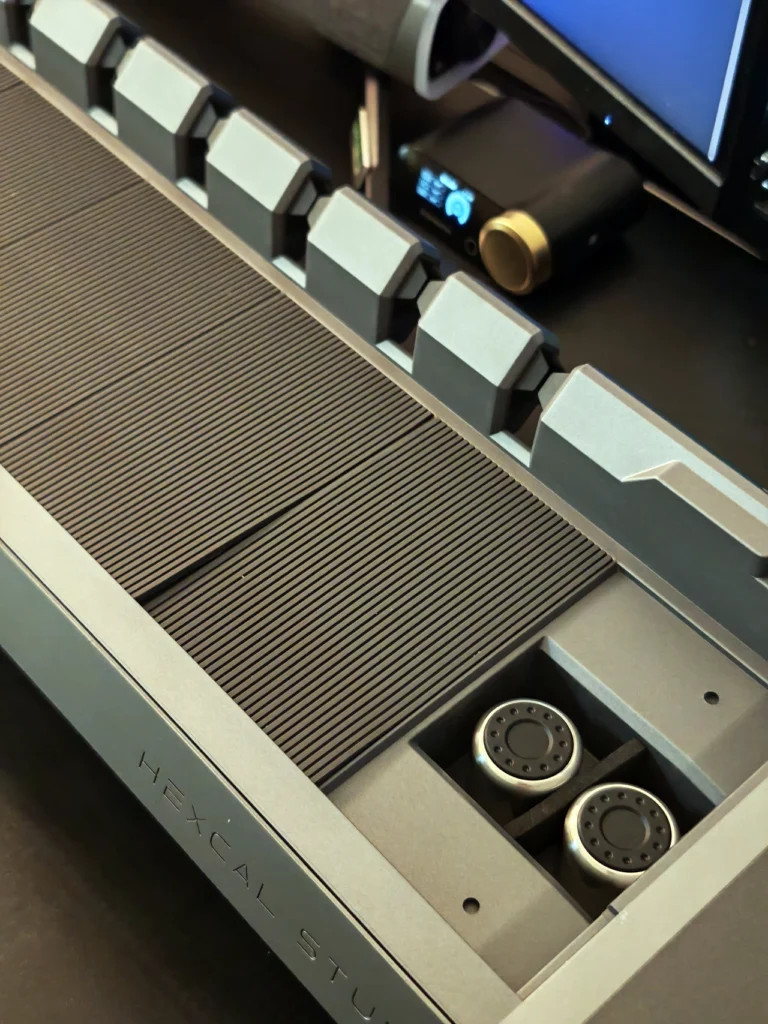
The left side adds a USB-C power delivery port, a USB-A quick-charge port, and two USB-A data-bridging ports that let a drive stashed inside the chamber stay accessible from a laptop plugged into the exterior port. Handy for keeping an SSD out of sight — less handy once you notice the bridging ports are still running USB 2.0, which showed in our testing as a real bottleneck moving anything larger than a few files.
Worth keeping an eye on: this review covers Hexcal’s original 2023 design, and word is the next generation — with updated port specs and hardware — is already in the works.
For Apple users specifically: Hexcal’s own documentation notes the bridging ports don’t support Apple’s charging protocol, so they’re for data only — charge an iPhone or AirPods case through the dedicated USB-C or USB-A quick-charge ports instead. On top, two Qi pads handle wireless charging for two phones at once, rated at 20W combined. In practice, our iPhone settled closer to 5-7.5W — a known limitation of how Apple gates power delivery to non-MFi-certified Qi chargers, not a flaw specific to this unit, but still worth knowing before you expect a fast top-up.
The one real inconvenience we ran into repeatedly: getting back inside the chamber means lifting the entire top off, which means clearing away anything sitting on it first. With speakers and a plant light on ours, that turned into more of a routine than we’d like every time we needed to add a cable.
A 40-inch light bar runs the length of the front edge, angled downward and positioned below eye level so it lights the desk rather than glaring back at you. Controls cover 16 steps each of brightness and color temperature, plus adjustable spread and the ability to save favorite presets — we landed on a warmer, dimmer setting for evenings and a brighter, cooler one for daytime work, and switching between the two saved presets took one button press. Rated at 95 CRI, the light held up well enough in daily use that our separate monitor light bar mostly stayed off. One caveat for anyone shooting video at their desk: at higher shutter speeds, the light bar showed some flicker on camera — worth testing before you rely on it as your main source for on-camera work.
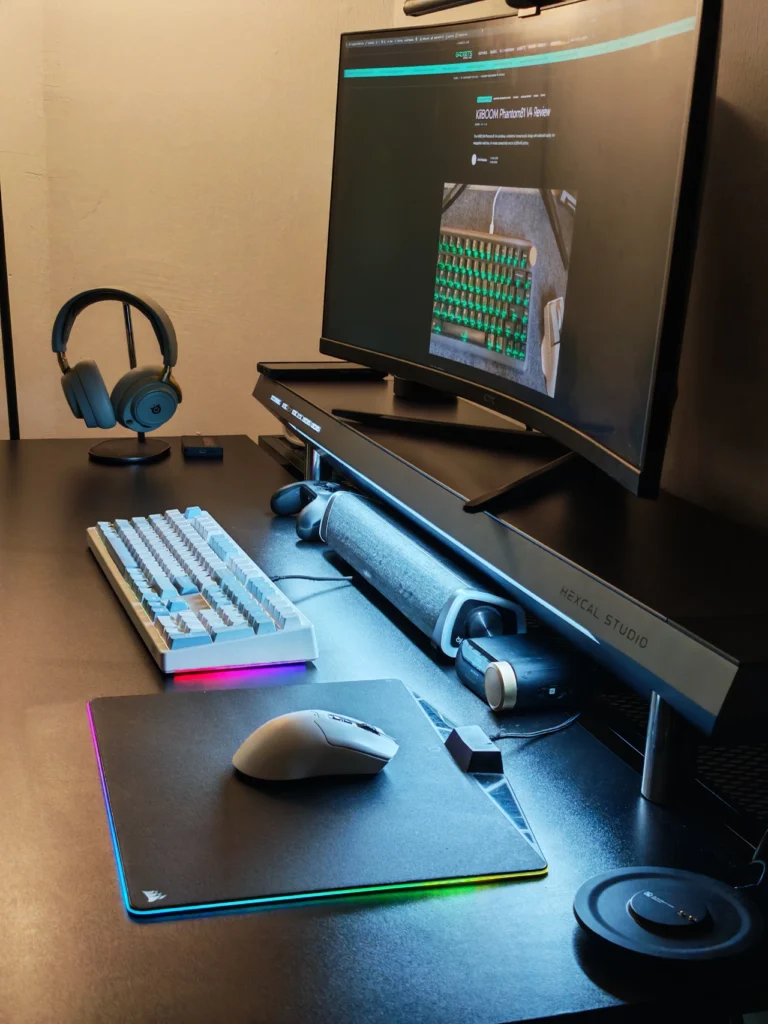
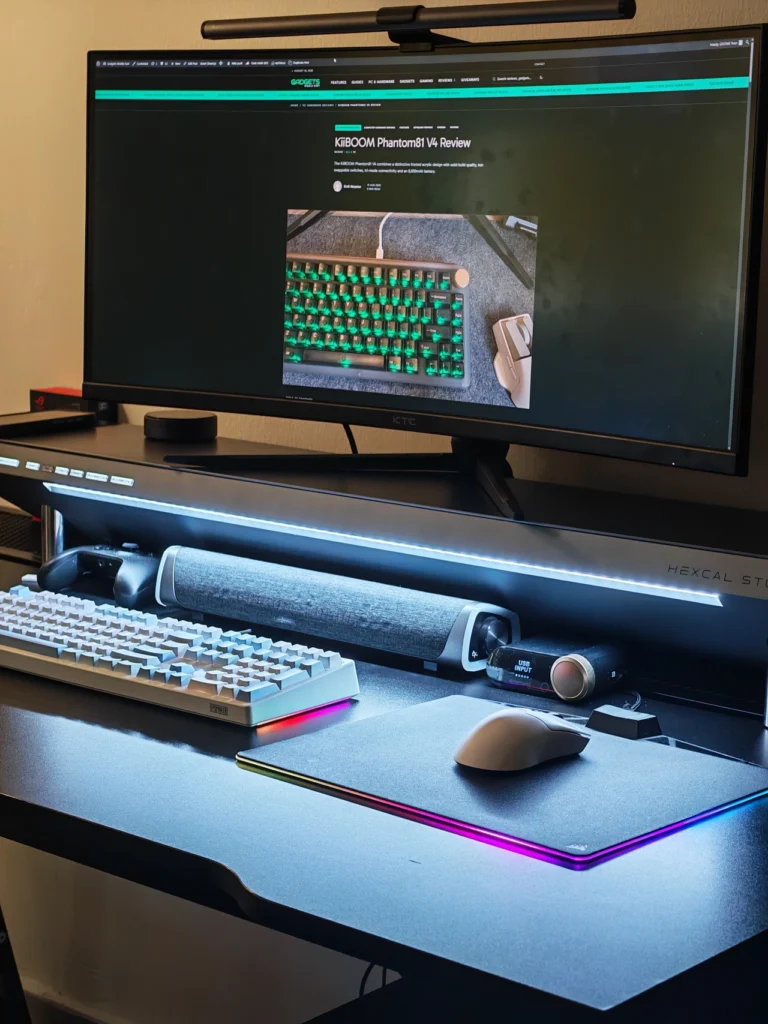
What sold us on the Studio day to day wasn’t any single feature — a power strip alone isn’t remarkable, and neither is a cable tray. It’s having all of it under one panel that made the difference, both on the desk surface and in the tangle of cables that used to live underneath it. The build quality held up the entire time: no creaking, no flex, no loose latches after two weeks of regularly opening and closing the chamber.
The trade-offs we ran into were consistent rather than surprising. USB 2.0 bridging speeds meant we avoided using those ports for anything beyond occasional file access, and getting into the chamber with equipment already sitting on top became a minor but recurring annoyance. Anyone on a smaller desk should also measure first — this isn’t a unit that works around a tight footprint, it needs the footprint to work around it.
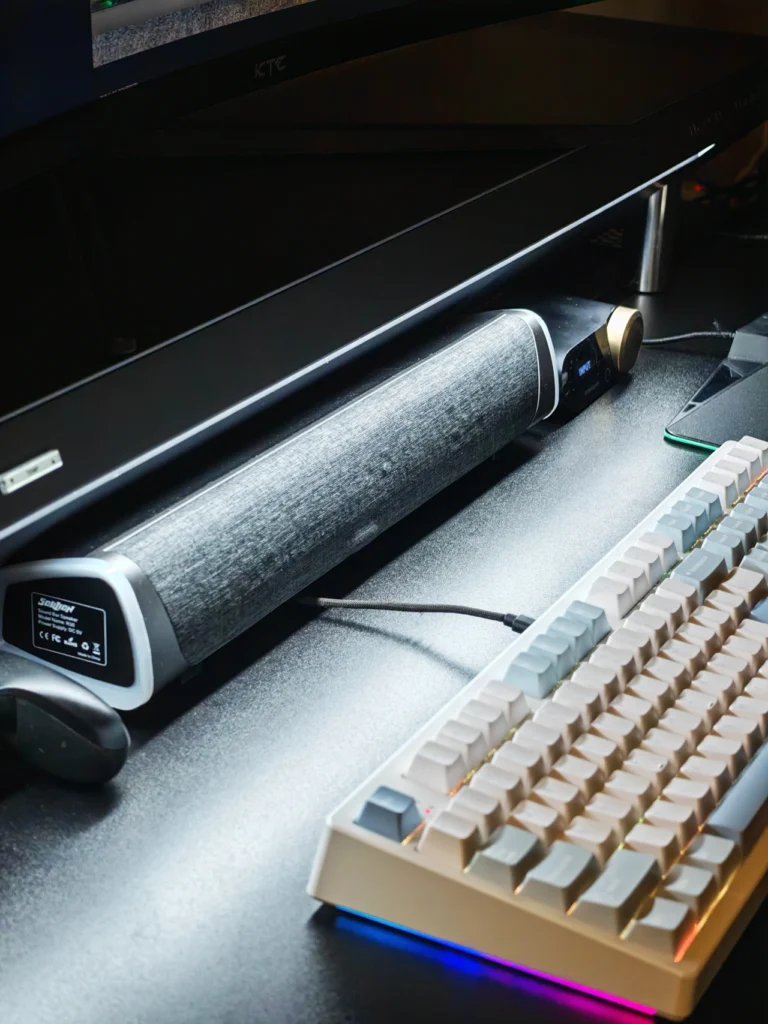
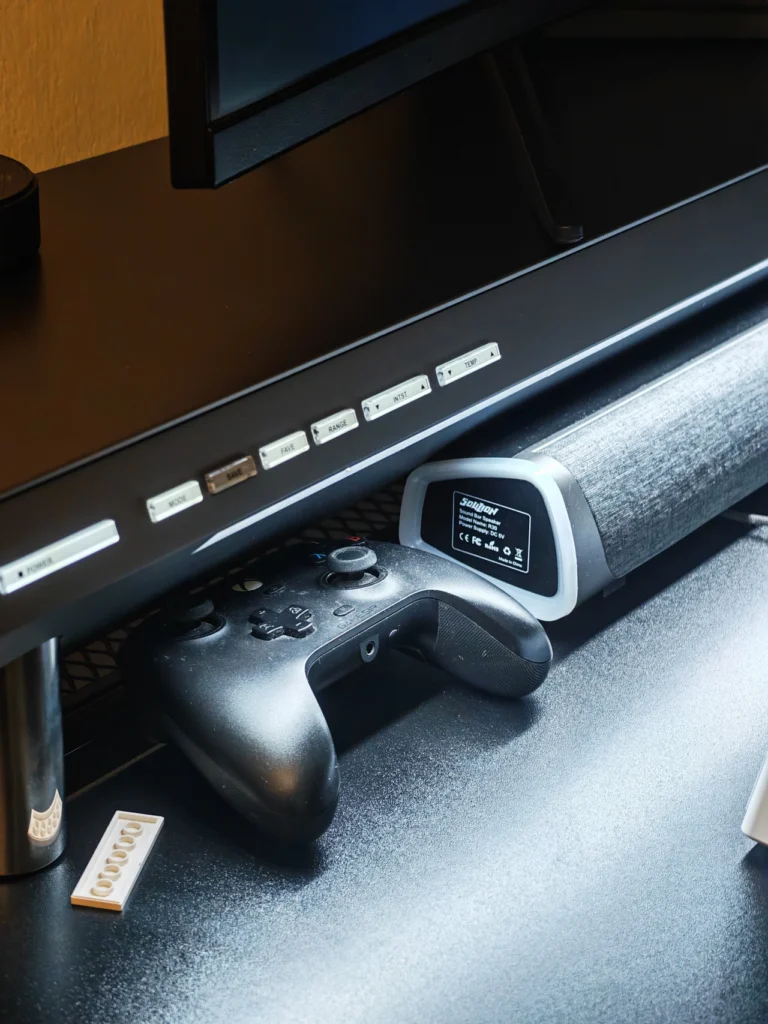
The Hexcal Studio carries a list price of $899, a number that’s held steady across every review we cross-referenced going back to late 2022. At the time of writing, Hexcal has it listed at a promotional $749 (roughly AED 2,750) — worth double-checking at checkout, since that discount isn’t guaranteed to stick around.
It ships directly from Hexcal’s website in four regional plug variants; UAE buyers fall under the UK-type (Type G) version, which Hexcal lists as compatible with the wider Gulf region. Both built-in leg heights come standard — no separate purchase needed for those — while the $89 Extension Kit only comes into play if you want to go taller or lower than what’s included. The Studio carries a 1-year limited warranty, and it’s worth noting Hexcal now also sells a newer Studio Plus model; this review covers the original Studio, not the Plus.
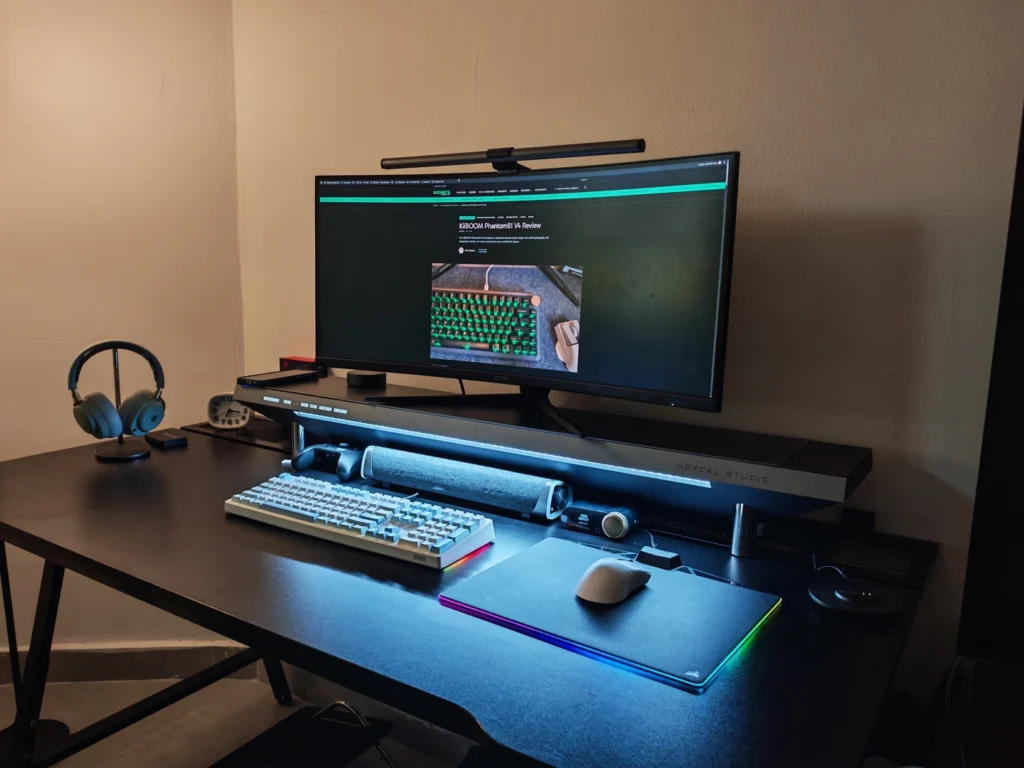
The Studio’s value doesn’t come from any single feature — it comes from not needing five separate ones. On their own, the AC outlets, the cable chamber, the lighting, and the wireless charging are all solid but not remarkable; you could match any one of them individually for less money. What’s harder to find is all of it built into one enclosure that doesn’t feel like a compromise anywhere.
The construction is what actually earns the “premium” label rather than just the price tag. Aluminum top, stainless steel legs, and a cable-management system that held up to two weeks of us opening and closing it without a single loose latch — that combination is where the Studio justifies itself, more than any individual spec on the sheet.
That said, the price is hard to look past. At $899, the Studio is solving problems that can each be solved individually for a fraction of the cost, and the USB 2.0 bridging ports make it feel less future-proof than we’d expect from something in this bracket.
So this isn’t something we’d recommend to someone who just needs a monitor stand. It makes far more sense for a desk being built around consolidation specifically — where cutting down the number of separate accessories, and the cables that come with them, is worth paying for. For creators and professionals running several devices off a large desk, the Studio replaces more than it looks like it should. For everyone else, a handful of cheaper individual accessories will get you further for the money.
After two weeks, the Hexcal Studio earned a permanent spot on our desk — which says more than any spec sheet could. It replaces a riser, a power strip, a cable tray, a wireless charger, and a light bar without any of them feeling like the weak link, and the build quality genuinely justifies calling it premium rather than just pricing it that way.
The catch is exactly what you’d expect from a $899 accessory: buyers who only need one or two of what it does will find cheaper standalone options for each, and the USB 2.0 bridging plus the iPhone charging cap are real, if minor, reminders that the core hardware hasn’t been refreshed recently. If you’re building a desk around consolidation and material quality specifically, the Studio delivers on that promise. If you’re shopping on price, or only need a fraction of what it offers, it’s worth measuring the feature list against what you’d actually use before spending.

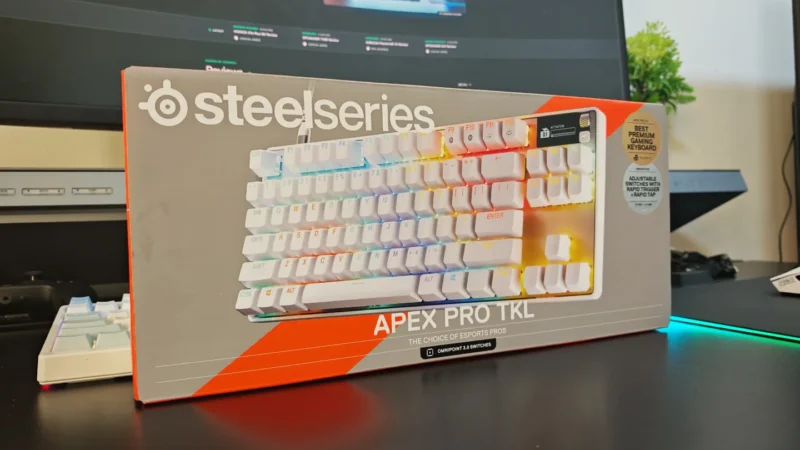
We review the SteelSeries Apex Pro TKL Gen 3, featuring OmniPoint 3.0 Hall Effect switches, adjustable actuation, Rapid Trigger, OLED display and RGB lighting.
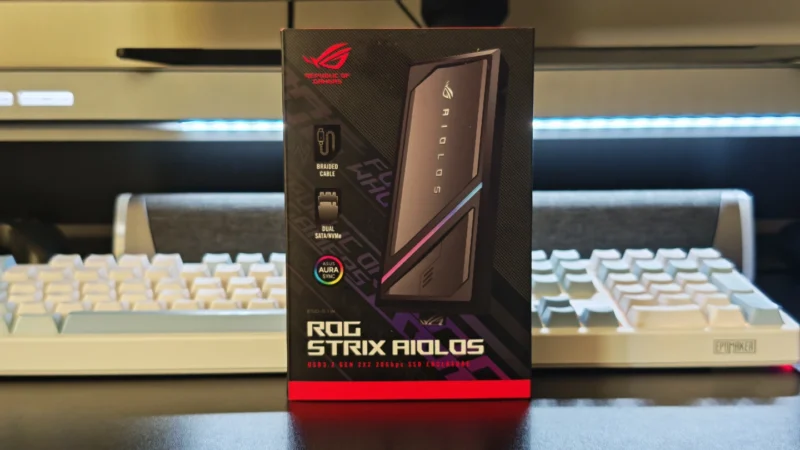
Our ASUS ROG Strix Aiolos review examines its 20Gbps USB 3.2 Gen 2×2 performance, design, cooling, tool-free installation, RGB lighting and value.
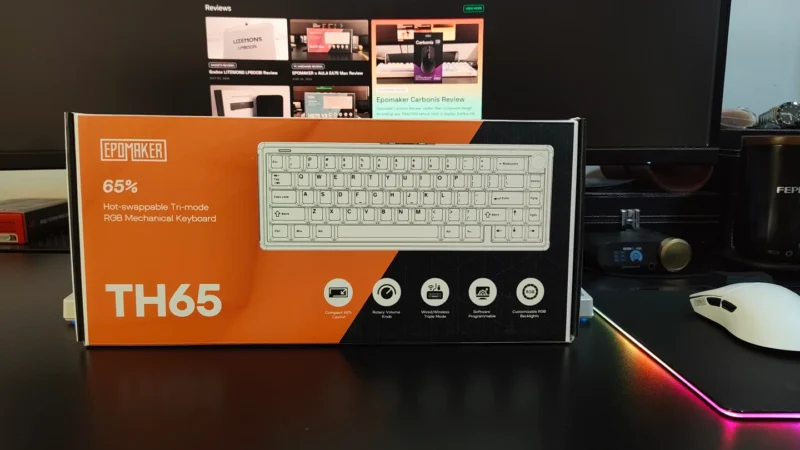
Our EPOMAKER TH65 review examines its 65% layout, Creamy Jade switches, gasket mount, 8000mAh battery, wireless connectivity, gaming performance, and value.
 Joshua James