
SteelSeries Apex Pro TKL Gen 3 Review
We review the SteelSeries Apex Pro TKL Gen 3, featuring OmniPoint 3.0 Hall Effect switches, adjustable actuation, Rapid Trigger, OLED display and RGB lighting.
The Lenovo Legion R34w-30 is a strong contender in the mid-range ultrawide monitor market, offering a great balance of performance, features, and immersion for gamers and productivity users alike.
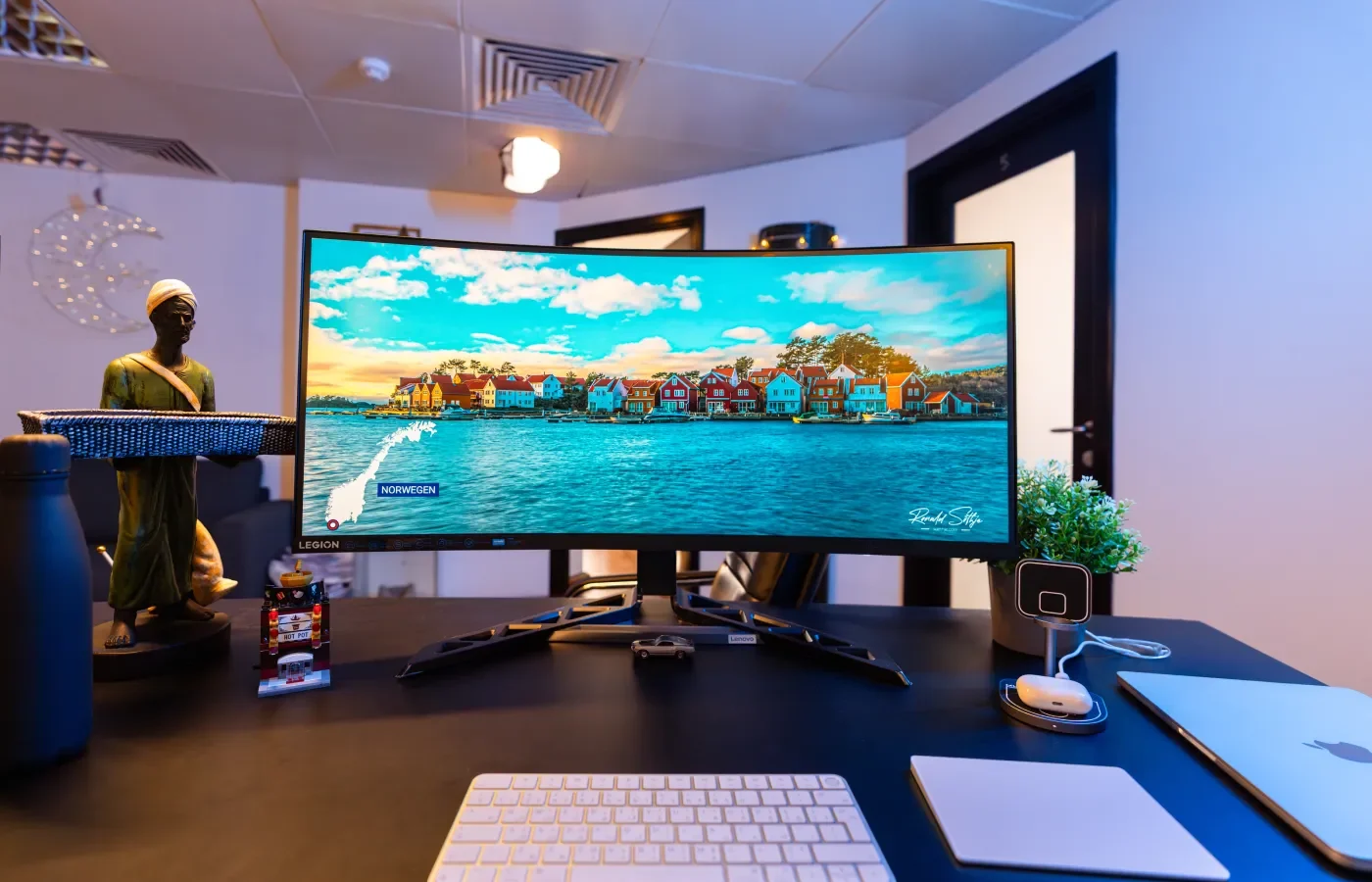
Ultrawide monitors have become a go-to choice for gamers and professionals alike, offering an immersive experience that standard 16:9 displays simply can’t match. The Lenovo Legion R34w-30 is Lenovo’s take on the ultrawide gaming monitor, and while it doesn’t reinvent the wheel, it delivers a solid package for those looking to dive into the world of ultrawide gaming without breaking the bank.
The R34w-30 features a 34-inch curved display with a 21:9 aspect ratio and a 1500R curvature, which is designed to wrap around your field of view for a more immersive experience. The monitor’s design is sleek and modern, with a sturdy stand that offers decent adjustability, including height, tilt, and swivel options. However, it’s worth noting that the monitor is quite large and requires a significant amount of desk space, especially when you factor in the depth of the stand and the aggressive curve of the screen.
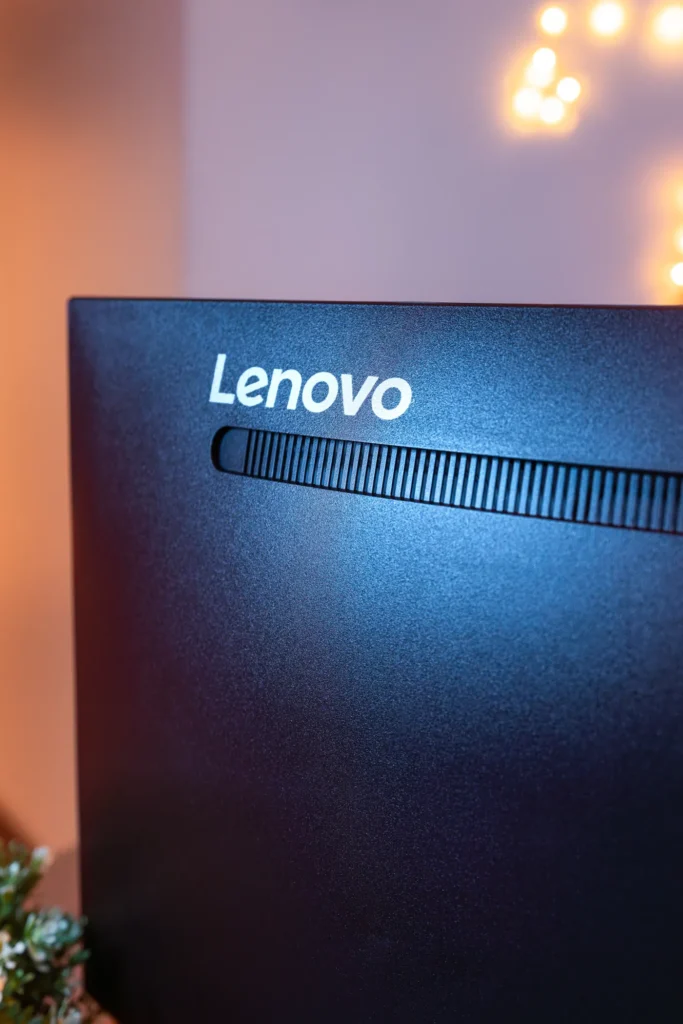
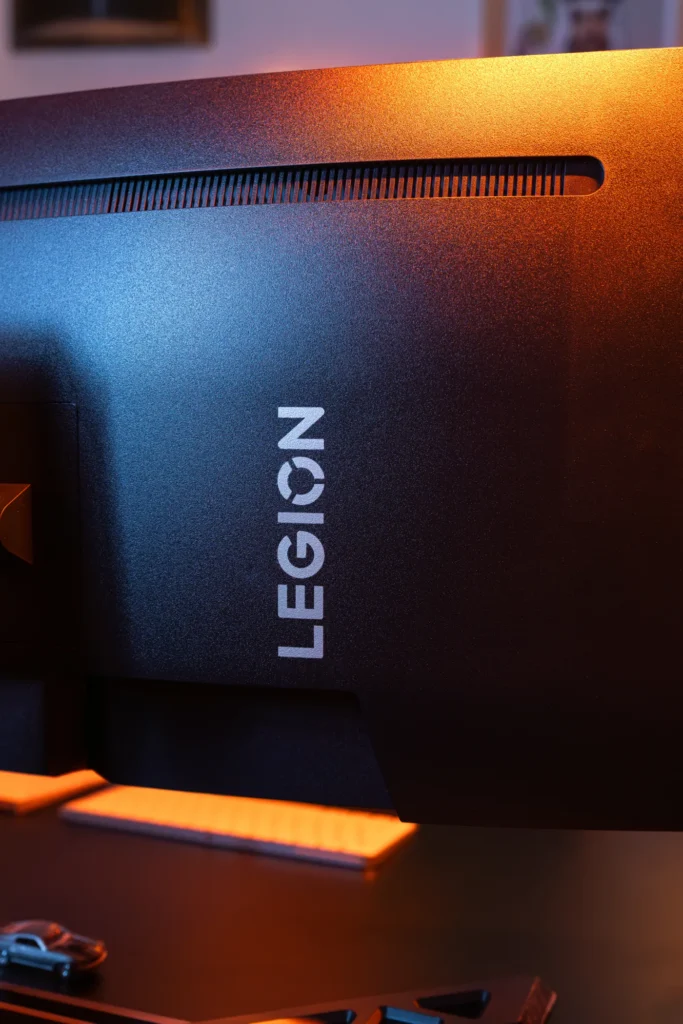
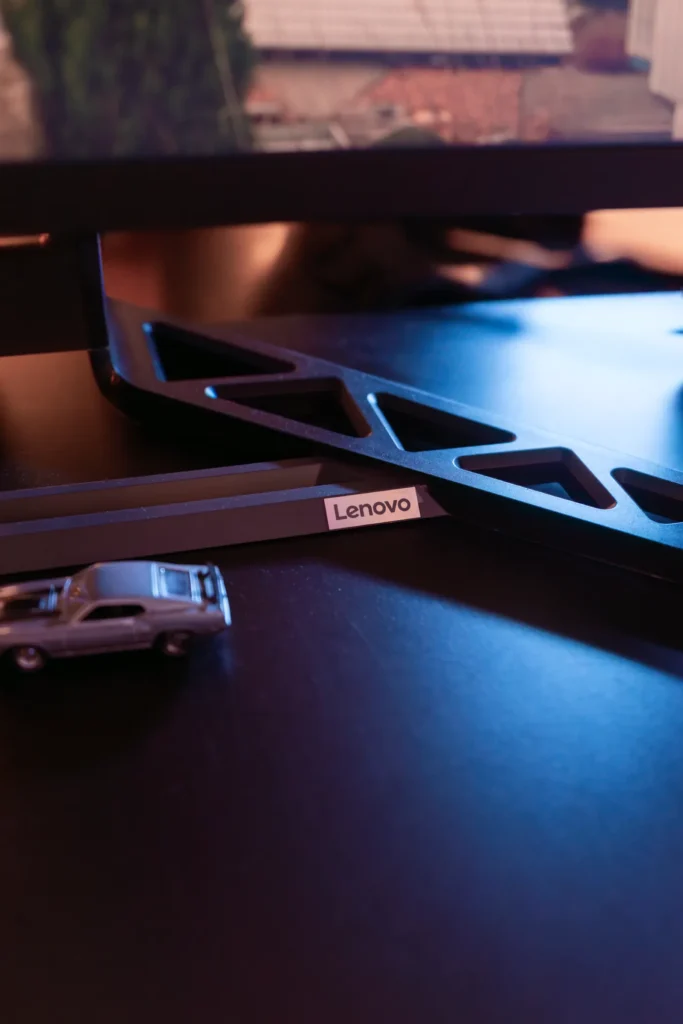
Setting up the R34w-30 is a breeze. The monitor comes in three main parts—the display, the stand’s frame, and the vertical core—and can be assembled in just a few minutes without any additional tools. It’s one of the most straightforward setups we’ve encountered, making it a great option for those who want a plug-and-play experience.
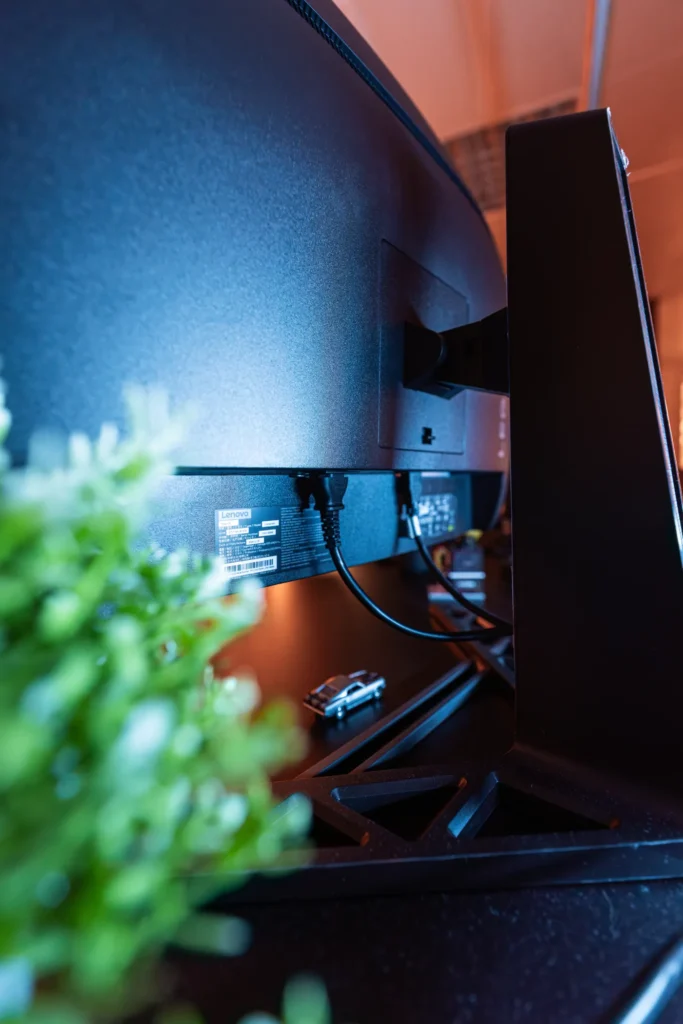
The star of the show is undoubtedly the monitor’s panel. The R34w-30 boasts a 3440×1440 resolution, a 180Hz refresh rate, and a 0.5ms response time, making it an excellent choice for fast-paced gaming. The 99% sRGB and 90% DCI-P3 color coverage ensure vibrant and accurate colors, while the 3000:1 contrast ratio delivers deep blacks and bright whites. That said, like most LED panels, it struggles with shadow details in darker scenes, a limitation that’s common in this price range.
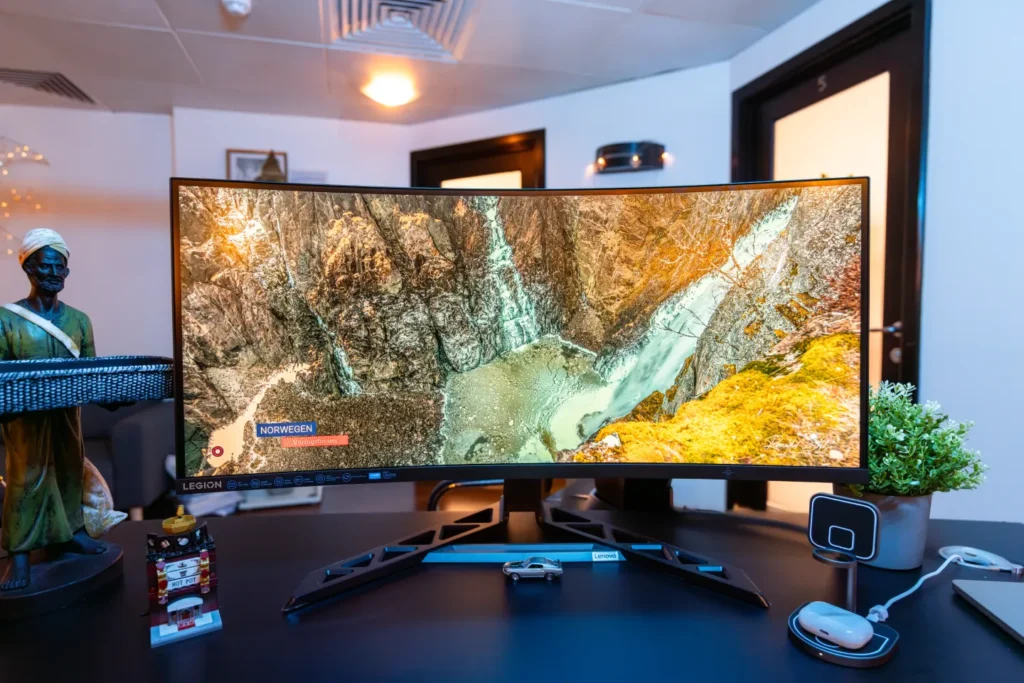
The 180Hz refresh rate is a standout feature, offering buttery-smooth gameplay that’s perfect for competitive titles like Call of Duty or Marvel Rivals. While some might argue that the lack of 4K resolution or a 240Hz refresh rate is a downside, we believe the R34w-30 strikes a great balance between resolution and performance. Most systems will struggle to push 4K at high frame rates, so QHD at 180Hz feels like the sweet spot for gaming in 2023.
The R34w-30 comes well-equipped in terms of connectivity, featuring two HDMI 2.1 ports, a DisplayPort 1.4, and even a 3.5mm audio jack. One surprising addition is the built-in speakers, which, while not exceptional, are a nice touch for casual use or when you’re not using a headset. Adjusting the volume can be a bit fiddly, as it requires navigating the monitor’s on-screen menu with the control stick, but it’s a minor inconvenience in an otherwise solid package.

Ultrawide gaming is where the R34w-30 truly shines. The extra screen real estate makes games feel more immersive, especially in first-person shooters and racing games where the wider field of view can give you a competitive edge. MMORPGs also benefit from the additional space, allowing you to keep menus, maps, and other UI elements off to the side without cluttering the main view.
The 1500R curvature enhances the immersion, though whether you prefer this level of curve will depend on your viewing distance and personal preference. For us, the curvature felt just right, especially when sitting close to the monitor. However, if you’re further away, you might find a less aggressive curve more comfortable.
While the R34w-30 excels in many areas, it’s not without its drawbacks. The monitor’s LED panel, while vibrant and responsive, can’t match the contrast and color accuracy of more expensive OLED displays. Dark scenes in games or movies can lose detail, which is a common issue with LED panels. Additionally, the monitor’s ultrawide format isn’t ideal for console gaming, as most consoles don’t natively support 21:9 resolutions, resulting in stretched or cropped images.
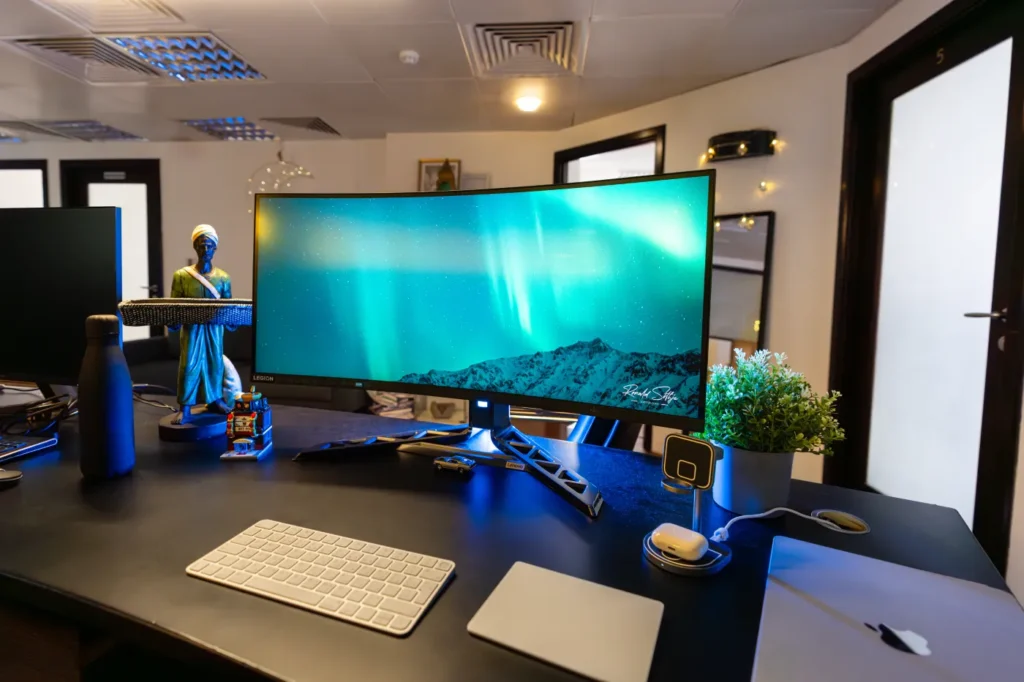
At $435, the R34w-30 sits in the mid-range price bracket for ultrawide monitors. While it offers great value for its features, it faces stiff competition from brands like LG and HP, which offer similar specs at slightly lower prices. That said, the R34w-30’s combination of a high refresh rate, solid color accuracy, and user-friendly setup makes it a compelling option for gamers looking to step into the ultrawide space.
The R34w-30 is perfect for PC gamers who want an immersive ultrawide experience without spending a fortune on an OLED display. It’s also a good choice for productivity users who can benefit from the extra screen real estate. However, console gamers or those with limited desk space might want to consider other options.
The Lenovo Legion R34w-30 is a great entry-level ultrawide monitor that delivers excellent performance for its price. It’s not perfect—its LED panel has limitations, and it’s not the most budget-friendly option—but it’s a well-rounded choice for gamers who want a high-quality ultrawide experience without splurging on an OLED display. If you’re curious about ultrawide gaming and have the desk space to accommodate it, the R34w-30 is definitely worth considering.
For those who prioritize immersive gameplay and smooth performance, this monitor is a solid investment. Just be prepared to make some compromises in contrast and compatibility, and keep an eye out for potential price drops to make it an even better deal.
If you’re looking for a solid entry into ultrawide gaming, this monitor is a strong contender—just keep an eye out for price drops to make it an even better deal.
Also Read: Lenovo ThinkBook 16 Gen 7 (G7 QOY) Review

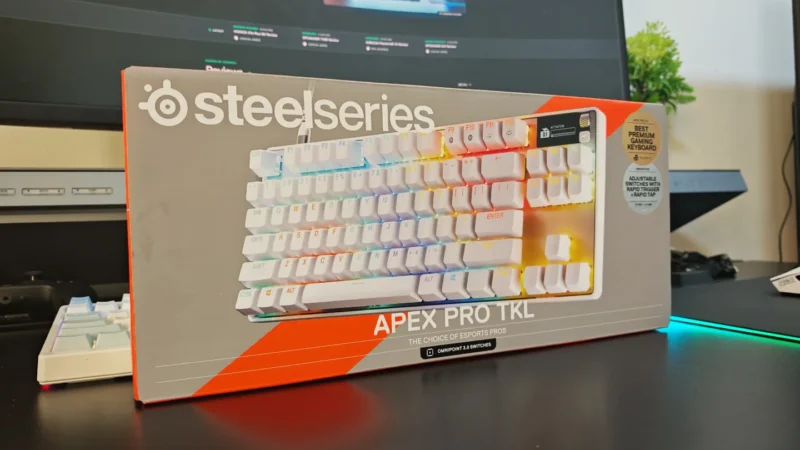
We review the SteelSeries Apex Pro TKL Gen 3, featuring OmniPoint 3.0 Hall Effect switches, adjustable actuation, Rapid Trigger, OLED display and RGB lighting.
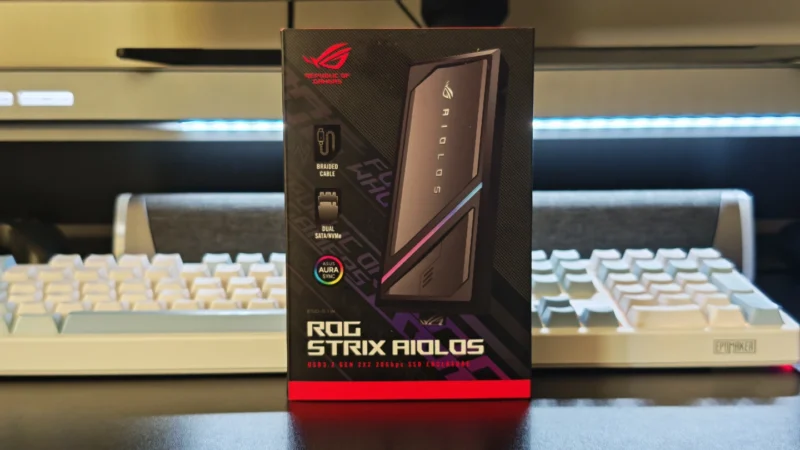
Our ASUS ROG Strix Aiolos review examines its 20Gbps USB 3.2 Gen 2×2 performance, design, cooling, tool-free installation, RGB lighting and value.
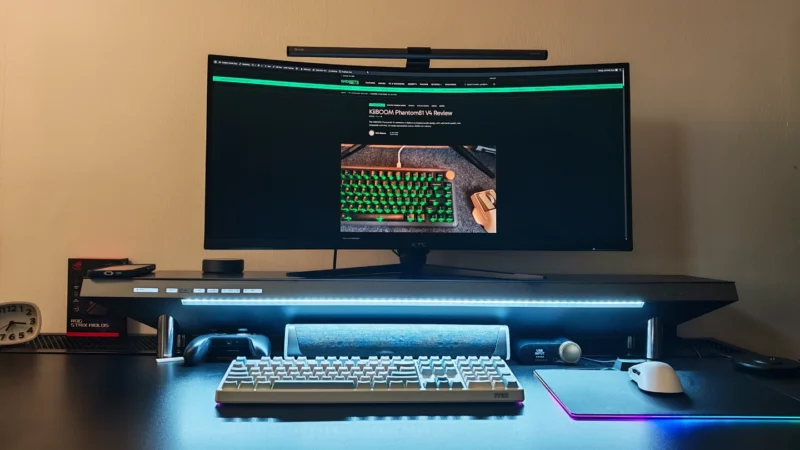
Our Hexcal Studio review examines its premium build, cable management, eight AC outlets, USB connectivity, wireless charging and integrated task lighting.
 Joshua James