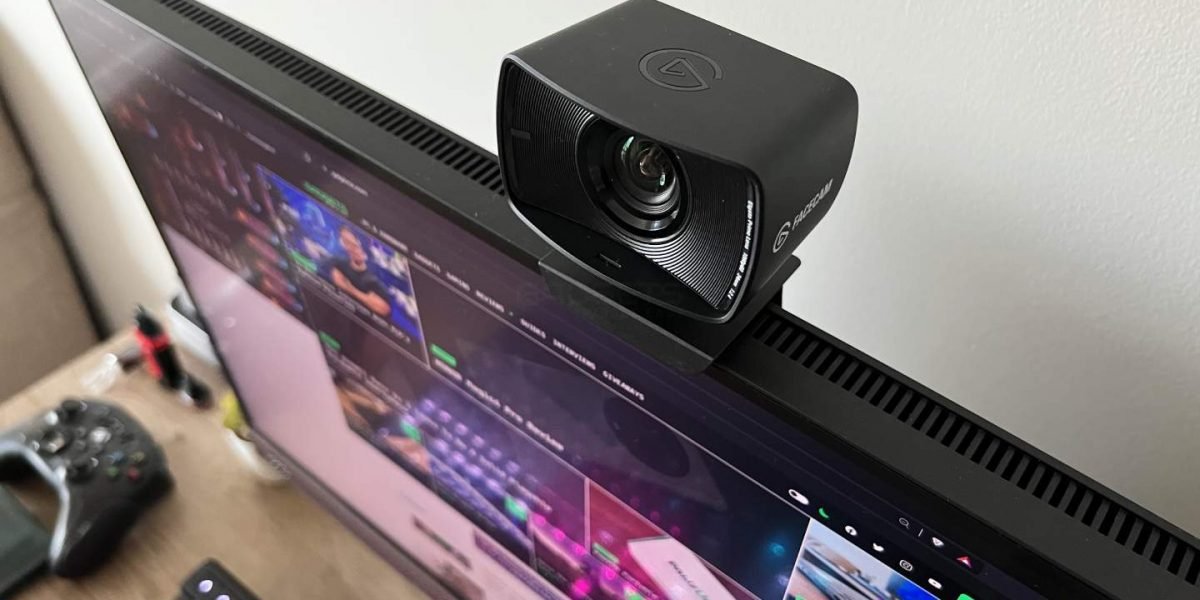
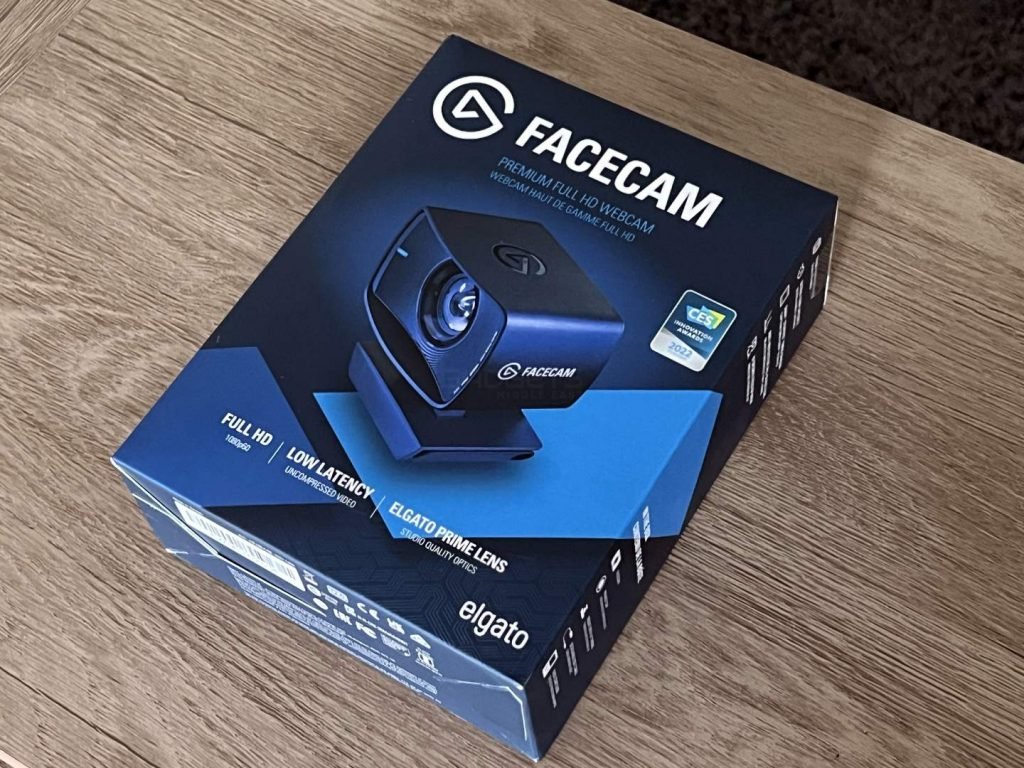
The Elgato Facecam is a pro-grade webcam built for streamers featuring 1080p resolution at 60FPS and great software controls. It comes with a cutting-edge Sony STARVIS CMOS image sensor and outputs uncompressed video. The Facecam also has onboard memory to store settings when you switch between computers. Elgato Flash Memory saves all your settings directly to Facecam
Specifications
| Supported Resolutions | 1080p60, 1080p30, 720p60, 720p30, 540p60, 540p30 |
| Optics | Elgato Prime Lens (all-glass) |
| Focus Range | 30 – 120 cm (11.8 – 47.2 in) |
| Aperture | f/2.4 |
| Focal Length | 24 mm |
| Field of view | 82° (diagonal) |
| Sensor | Sony STARVIS CMOS |
| Connection | USB 3.0 Type C |
| Dimensions | 58 x 80 x 48 mm (DxWxH) |
| Weight | 103 g |
Packaging
The Elgato Facecam comes in a small Elgato-branded blue and white box with photos and specifications on the side. The packaging contains:
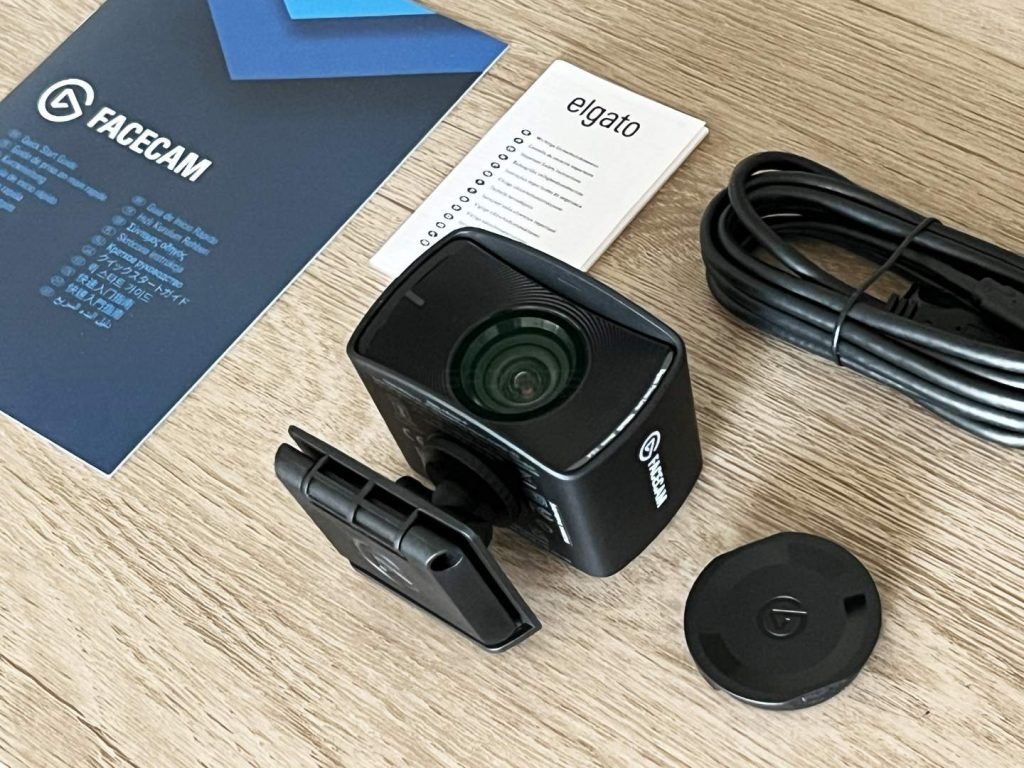
- Facecam
- Privacy Cap
- Mount with 1/4″ Thread
- USB-C to USB-A Cable (200 cm / 78.7 in)
Design & Performance
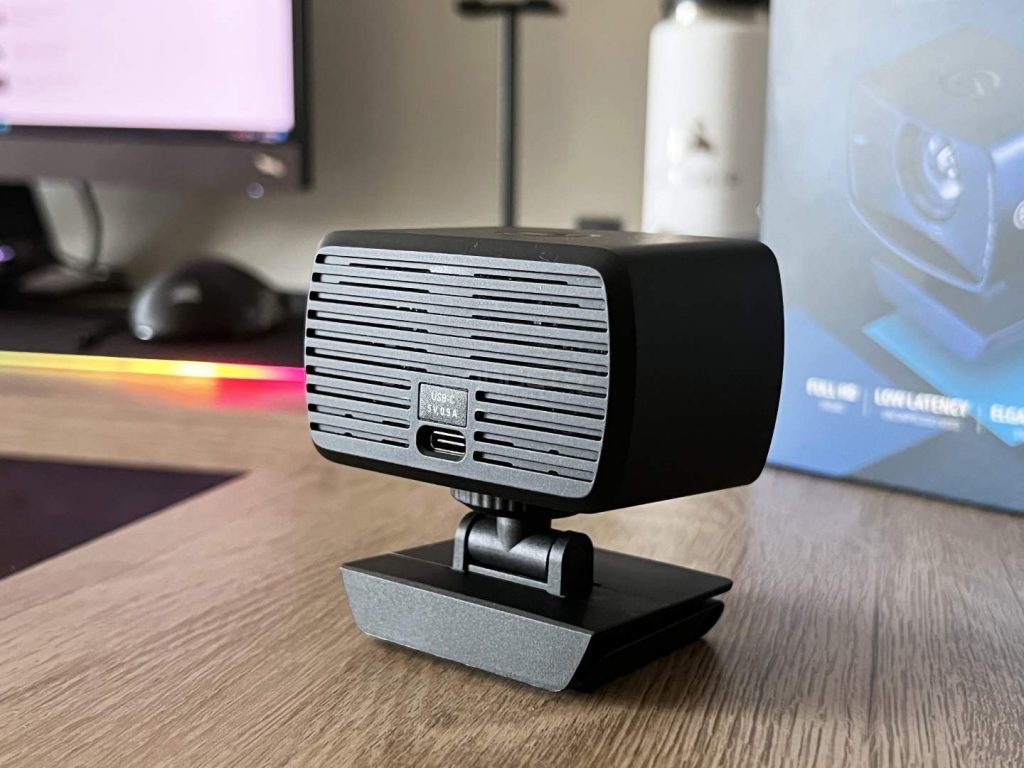
The Elgato Facecam comes in an all-black color with a brushed-metal texture in a matte finish. It is however built using plastic, which is a let-down for this price point. At the front is a rather large Sony sensor in the middle. The Facecam can be attached to a monitor using the attached clamp or any mount via the industry standard 1/4-inch thread. At the back of the device is a USB-C port for connectivity.
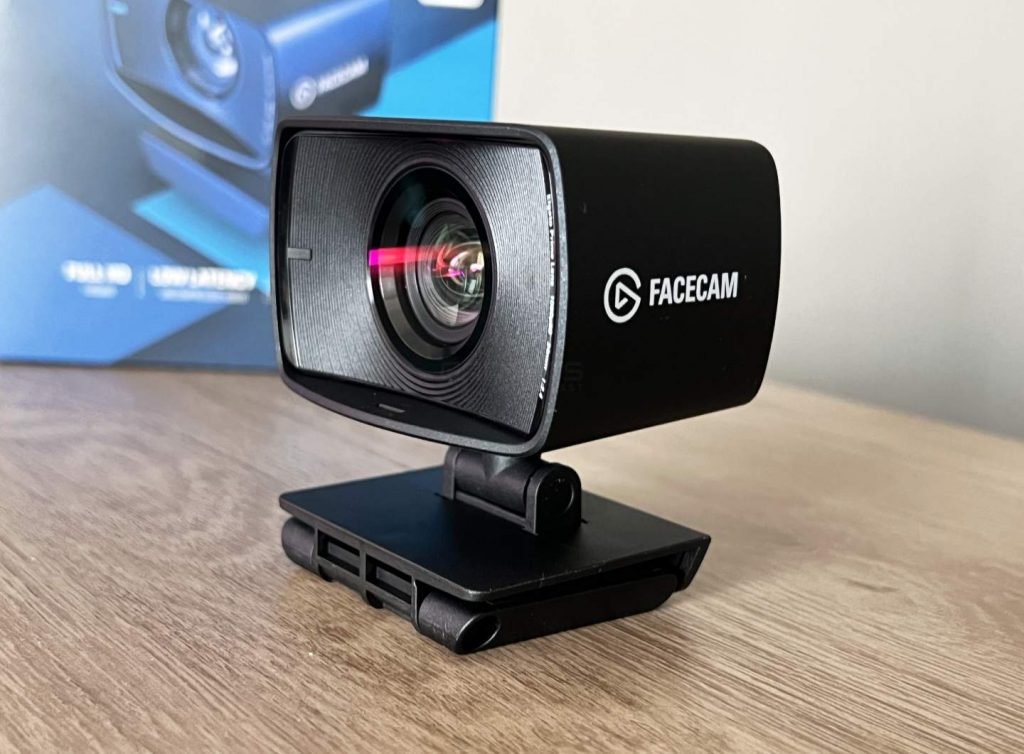
The Elgato Facecam looks aesthetically like a mini DLSR. It is a webcam purely built for the professional streamer and for people who want a high-end webcam for conferencing and recording video. It has fixed-focus, meaning you don’t have to worry about focusing every time it’s on. There isn’t a microphone either so don’t have to worry about interfering audio as you’d have a dedicated microphone.
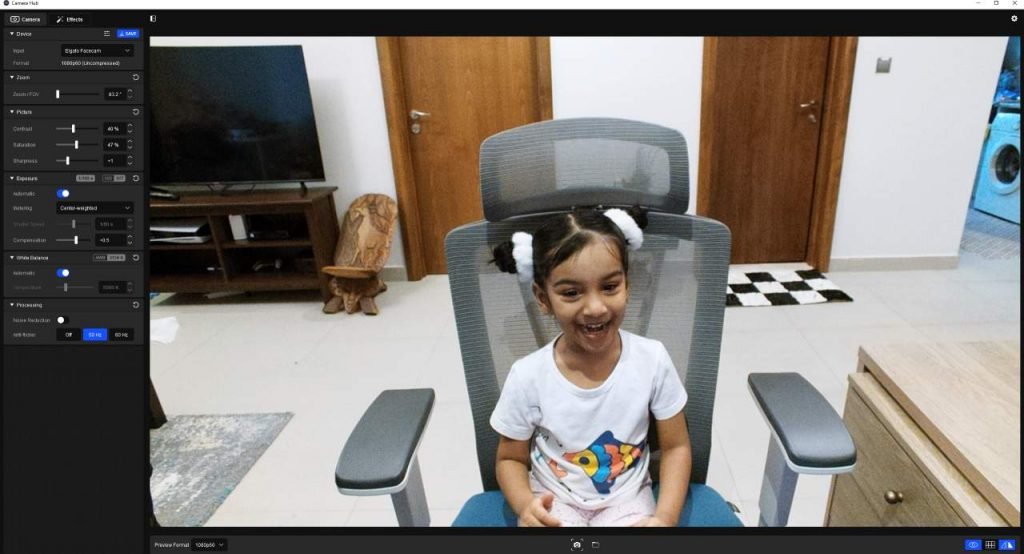
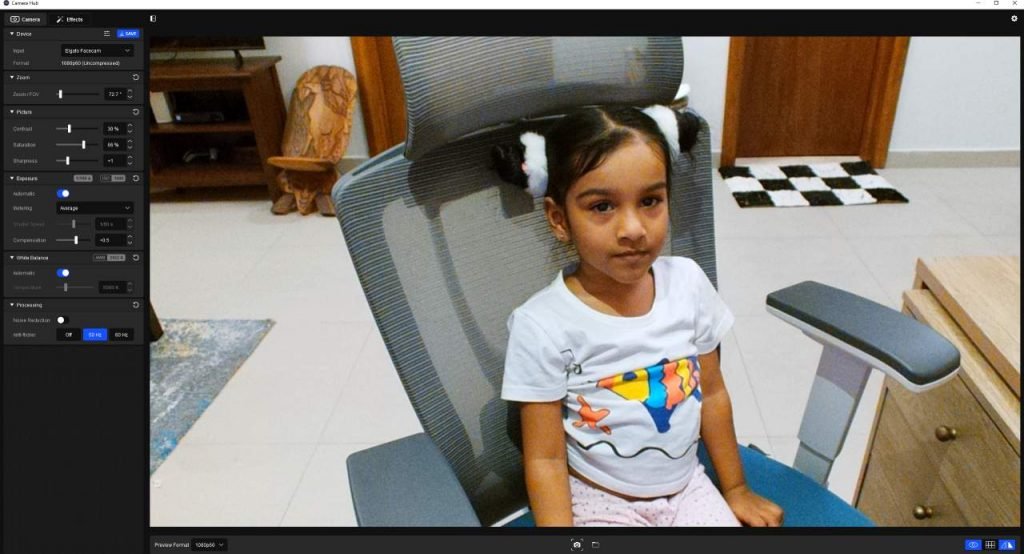
The Facecam comes with a Sony STARVIS CMOS sensor in the device which helps with low-light filming. It copes well in dimly-lit environments, even without the help of a ring light or key light. Out of the box, the picture quality of the Facecam is great but looks slightly oversaturated. However, the Camera Hub software comes with many bells and whistles that lets you tune camera settings to your liking.
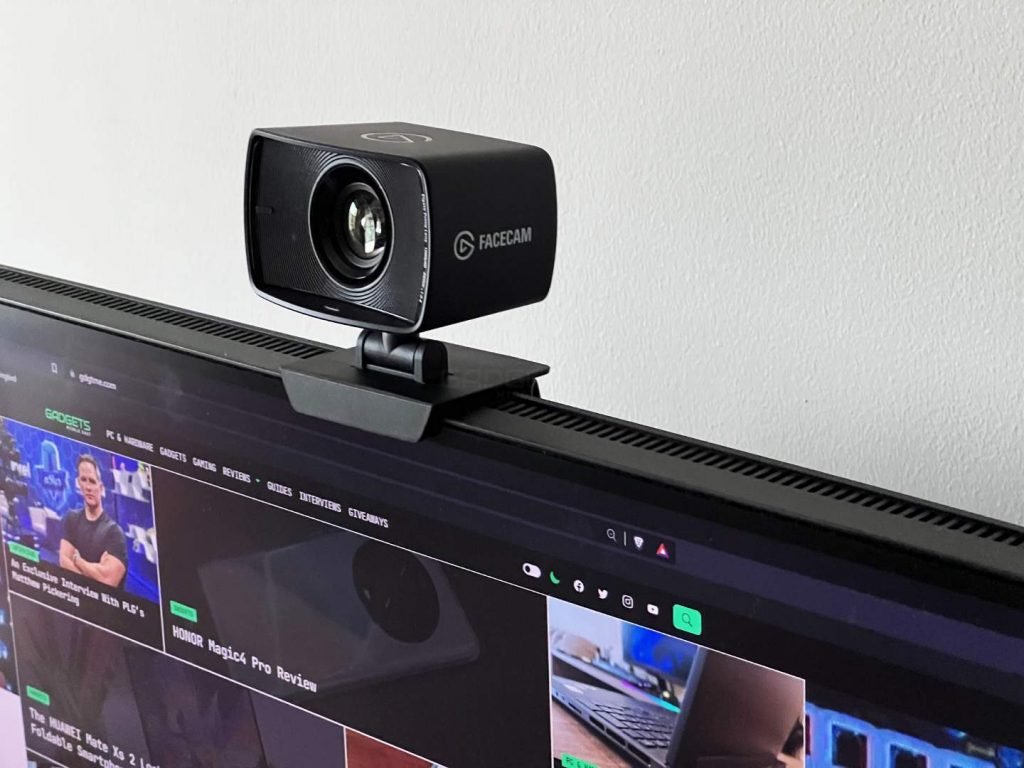
The webcam that can capture video at 60 frames per second at 1080p, with additional options of 1080p30, 720p60, 720p30, 540p60, and 540p30. The Facecam offers amazing picture quality. While missing out on HDR, there’s still plenty of dynamic range. appear accurate and natural; lighting is brighter and performance is consistent during recordings. The lens captures plenty of detail but the device’s FOV is limited to a fixed 82° angle, which we think works well.
Software
The Camera Hub software makes it easy to set the perfect shot on the fly. The software allows you to adjust field of saturation, sharpness, contrast, shutter speed, exposure, and color temperature. Or if this is too overwhelming, there is an Auto Mode take care of settings.
Another interesting feature is the onboard memory that lets you store your settings on the camera itself. The app restores it when you move on to a different machine.
Elgato Facecam Review Verdict
The Elgato Facecam is a solid choice for streamers looking to level up their video streaming quality without breaking the bank. The ease of use via plug-and-play, accessible software and solid video quality makes a compelling webcam. The downsides here are that there is no HDR available and there are strong contenders at this price point.