
Anker Brings MagGo Power Bank 2 Pro to the UAE
The new MagGo Power Bank 2 Pro delivers 25W wireless charging with SnapCool active cooling, alongside the new Anker Nano Smart Display Charger
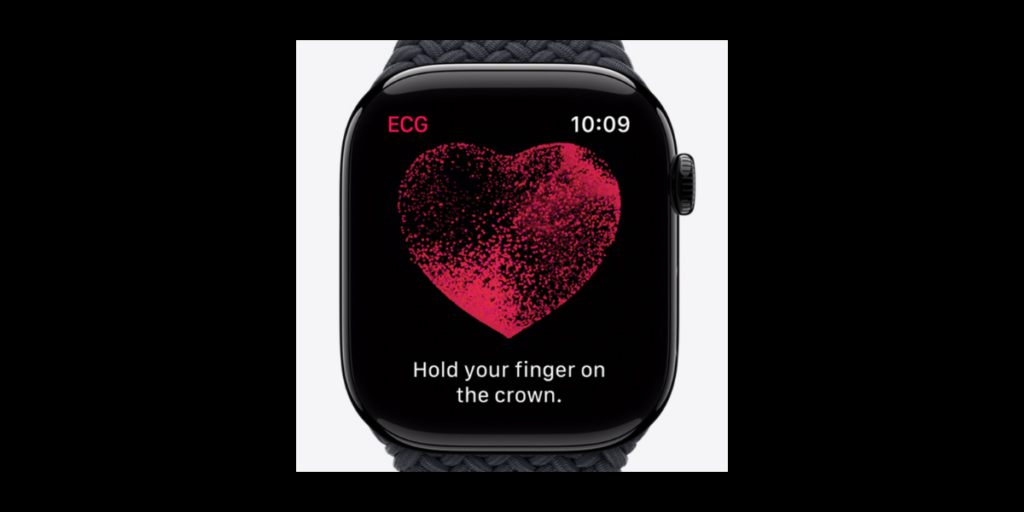
The Apple Watch Series 4 (or up) can take an electrocardiogram. It can check your heart rhythm and diagnose any irregularities. If needed, you can also add a note in the app about any symptoms you experience.
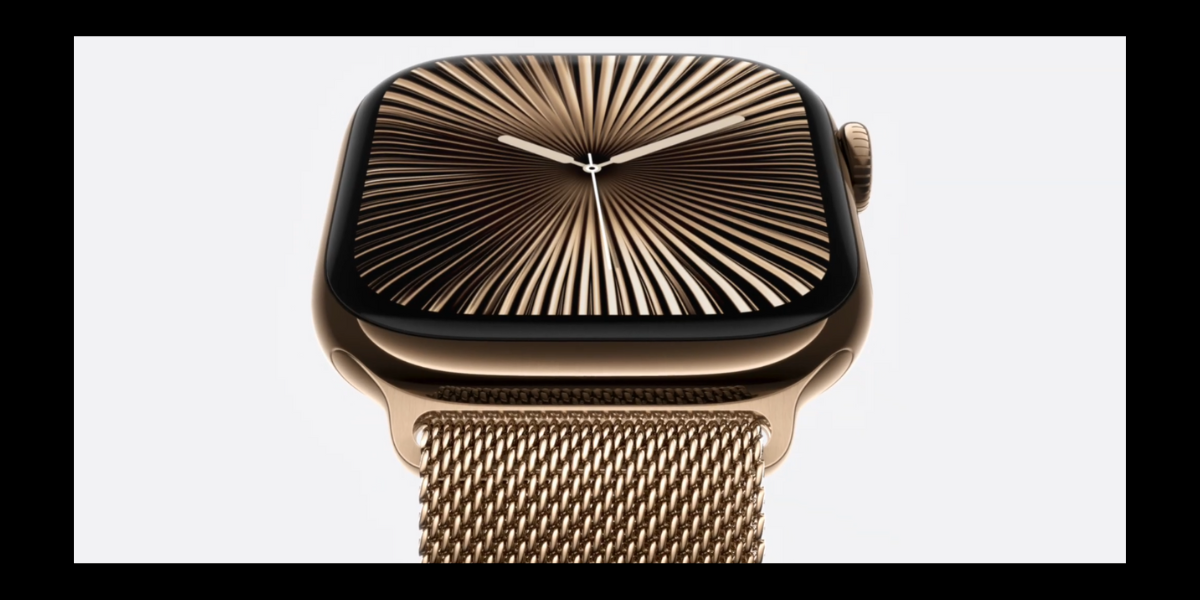
Be it the busy Times Square or the calming Bali, the iPhone 16, AirPods and the Apple Watches have become viral everywhere. Among them, Apple Watches have set the bar high bringing many more exciting features in them. They may not be as classy as the iPhone or iPad, but the number of benefits the Apple Watches offer is unmatchable. The features may vary depending on the Apple Watch’s model. Let’s learn the 10 essential tips and tweaks on Apple Watch.
You know that Apple Watches are best known for making you fit through the different workout suggestions and sessions. You can use your built-in Workouts app to track your progress in your daily activities. The Workout app keeps a record of the calories you burn, the distance you traveled and your heart rate. It will record a free-flowing workout as well.
But where do you get these records? Once you are done with any of the daily activities, the results are sent to the Fitness app on your iPhone. You can view the stats and workout history on your iPhone.
Music is an unpaid therapist. It heals your heart and soothes your soul. Apple watches are watches dedicated to people who are keen on their health and well-being. There are features to help you build and maintain a sound body. There are ways to keep your mind healthy too. Considering the significance of music in relaxing the mind, Apple Watches has music too. On your watch, you can listen to any music including songs, albums and playlists. If you are a subscriber, you can also tune into Apple Radio stations from Apple Music.
You can also download services like Spotify, Pandora and iHeartRadio from the App Store on your watch. Some watch apps even allow paid subscribers to listen to music offline.
Apple Watch supports a ‘Focus mode with Do Not Disturb’ similar to iPhones. You can be at total peace without being bothered by any phone calls, text messages and notifications.
Many of us listen to podcasts for entertainment and information. Apple Watch owners can download podcasts on their iPhones from Apple Podcast Apps and listen to them on their watches (Downcast, Overcast, and Pocket Casts are the alternatives). Good if you have an LTE-enabled watch. So that you can listen to podcasts without connecting to a nearby Wi-Fi network.
All you have to do is open the Podcasts app on your watch and access your library. Listen to your subscribed podcasts/ episodes. You can also pause, resume, jump ahead 30 seconds, go back 15 seconds, adjust the speed and change the volume on the Podcast player. Using your watch as a controller, you can also play Podcasts from your phone.
We all know that the Apple Watch can monitor our heart rate. This is done with the help of the Apple Watch’s built-in Heart Rate app. But how will you monitor it?
Open the Heart Rate app. It will now measure your current heart rate. To review the current heart rate, resting rate, average rate and rates while doing specific activities, tap the arrow in the upper left. The app will display all the information.
Do you know that with an Apple Watch Series 4 (or up), you can take an electrocardiogram? Yes, you heard it right. It can check your heart rhythm and diagnose any irregularities. Before you do this, make sure the watch is on the wrist you designated in Settings. If required, you can add a note in the app about any symptoms you experience. Now, how do you take an electrocardiogram or ECG with your Apple Watch?
Post-COVID, everyone is ignoring how important it is to wash hands. But Apple has taken it seriously. So, there is a handwashing reminder in Apple Watches. The timer comes with a 20-second countdown from start to finish.
Go to Settings > Handwashing and enable the Handwashing Timer.
The app gives you location-based reminders too to keep your hands germ-free. For instance, it will remind you when you arrive home.
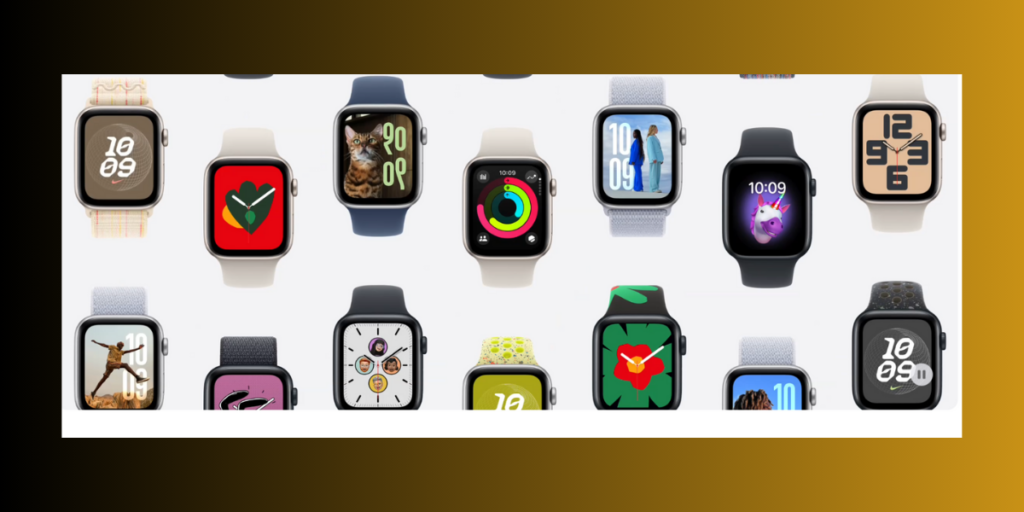
As we know, every new version of watchOS comes with a new set of watch faces. WatchOS 10 has introduced Snoopy, Solar Analog and Palette.
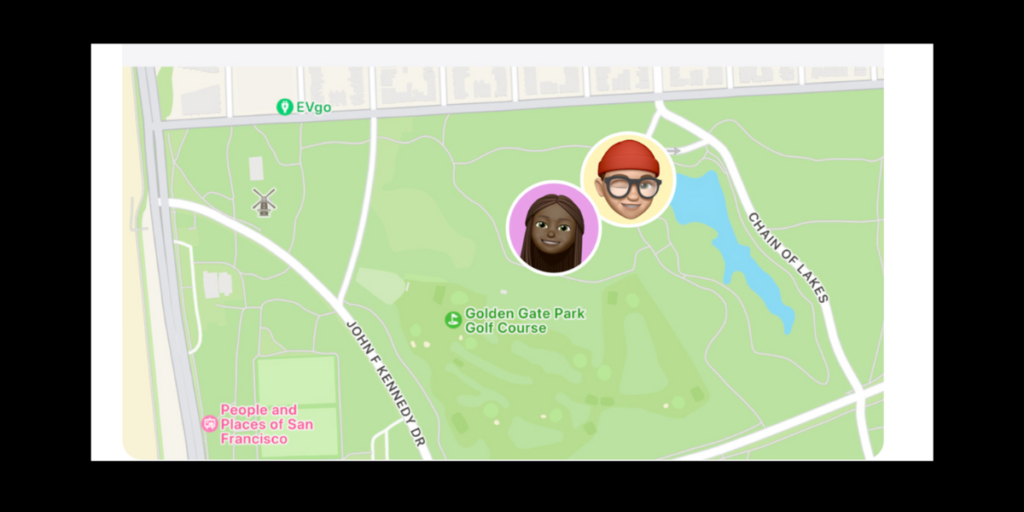
Do you want to track the location of your family member? You can do this through the Find People app on your Apple Watch. The app will list any family member (only if the person has agreed to share their location with you). Tap the person to view the map and address. You will be notified if the person leaves their current spot. The app will also give you directions to their location if needed. So, next time if your little one is away for a tour, don’t worry!
You can enter the text in different ways. The Series 7 and later have the QuickPath keyboard. Still, you have the option to scribble the characters. Another way to enter a text is by dictating it. But how do you dictate a text?
Tap the field that says Create Message, Add Message, or iMessage in the Mail or Messages app. For example, tap the microphone icon and speak what you want to write. Tap in the field. Send the message once it is completed.
Also Read: Apple Watch Ultra 2: Unveiling the Key Specs of the Ultimate Sports Watch

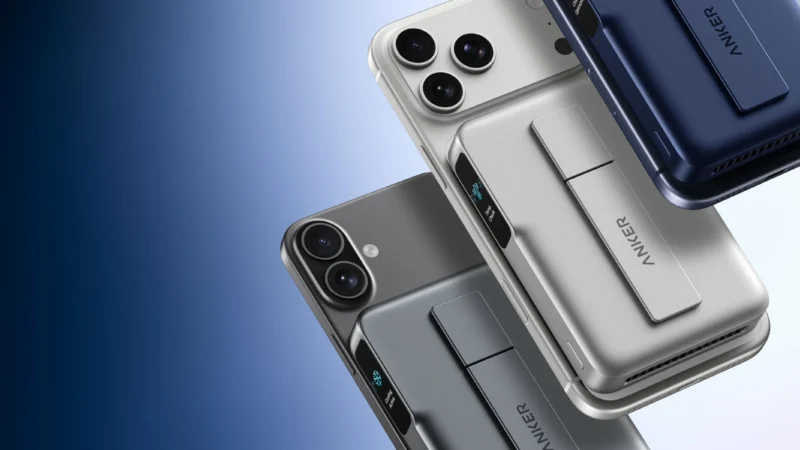
The new MagGo Power Bank 2 Pro delivers 25W wireless charging with SnapCool active cooling, alongside the new Anker Nano Smart Display Charger

ASUS today demonstrated its lead in the next-gen networking era, with the announcement of preorders opening for the ROG Rapture GT-BN98 series in the GCC region.
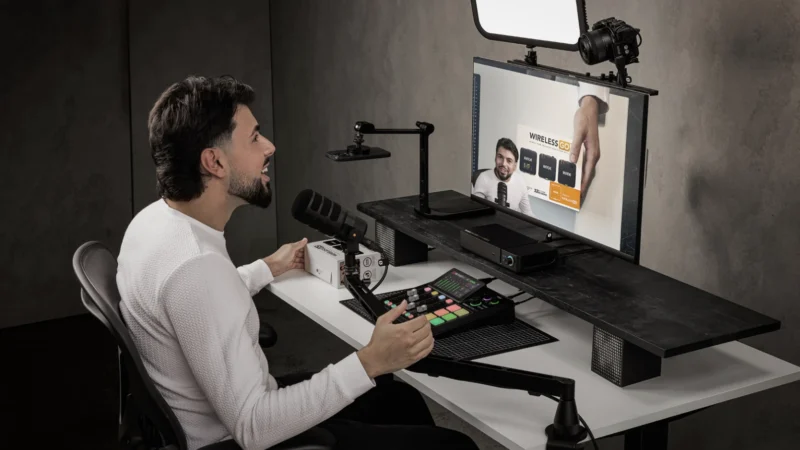
RØDE LPA1 is a low-profile studio arm with a 2kg payload, 750mm reach, integrated cable management and universal mounting support.
 GDGTME Team