
EPOMAKER NEX Pro Review
Our EPOMAKER NEX Pro review examines its PAW3950 sensor, 8K polling, ergonomic 65g design, 500mAh battery, tri-mode connectivity and charging dock.
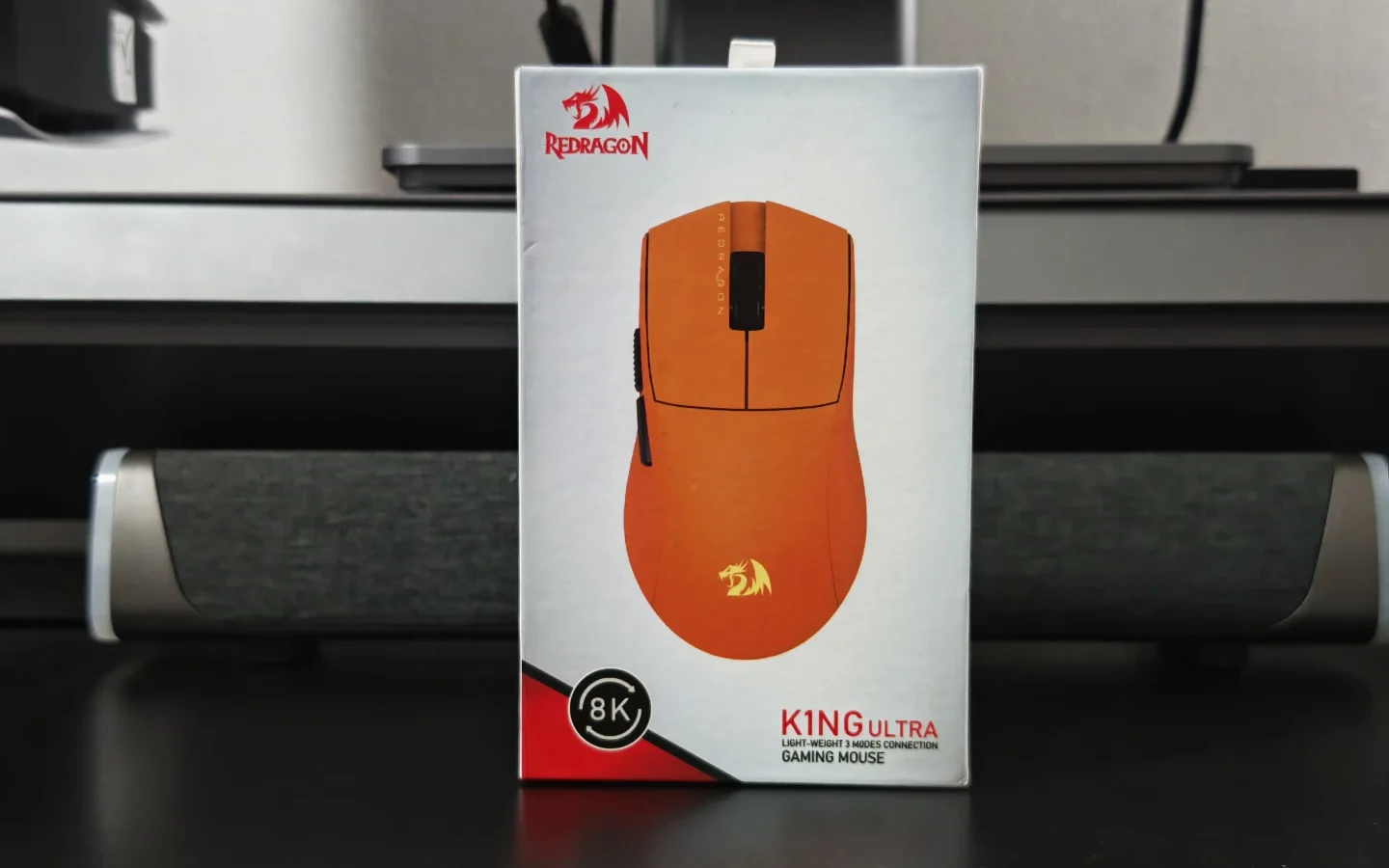
Lightweight gaming mice have become increasingly popular, particularly among players who want quick movement and easier control during competitive games. The Redragon K1NG M916 ULT takes that approach while keeping the price considerably lower than many competing high-performance gaming mice.
The M916 ULT weighs 49g in black and 54g in orange, depending on the variant. It features a PixArt PAW3950 sensor, up to 30,000 DPI, an 8,000Hz polling rate and three connectivity options: wired USB-C, 2.4GHz wireless and Bluetooth. Redragon also includes software for button remapping, DPI adjustment, polling-rate control and macro configuration.
After using the mouse for gaming and everyday use, we found that its biggest strengths are its lightweight design, comfortable shape and reliable wireless performance. There are a few areas that could be refined, particularly the side buttons, scroll wheel and surface finish, but the overall package is competitive for its price.
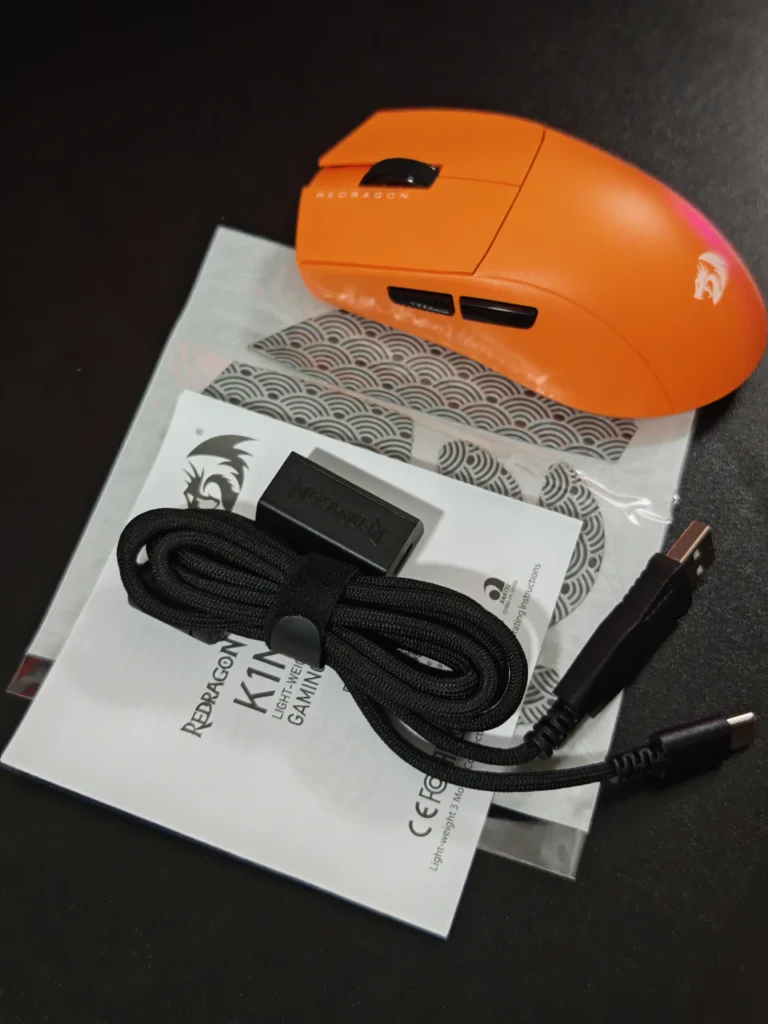
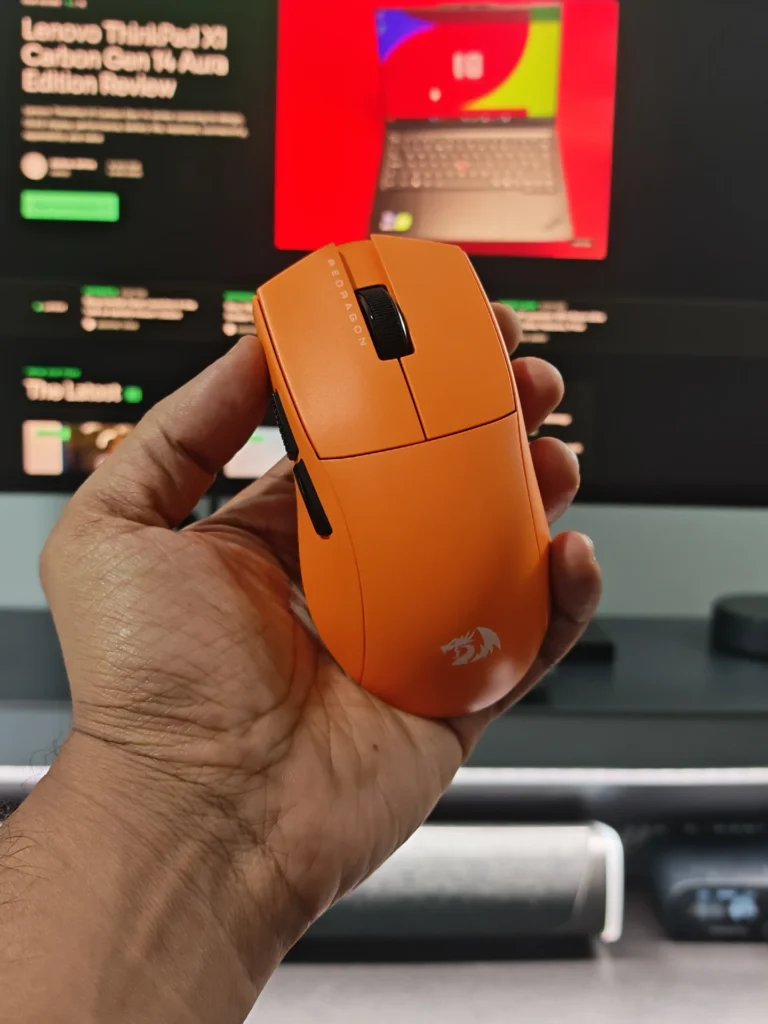
The M916 ULT follows a simple design that prioritises weight reduction rather than adding unnecessary features. There is no RGB lighting, and the overall appearance is understated compared with many gaming mice.
The lightweight construction is immediately noticeable. Our hands-on experience with the M916 platform showed that the mouse feels substantially lighter than conventional gaming mice, making rapid movements and small adjustments easier. The weight is particularly useful in FPS titles where frequent flicks and tracking movements are required.
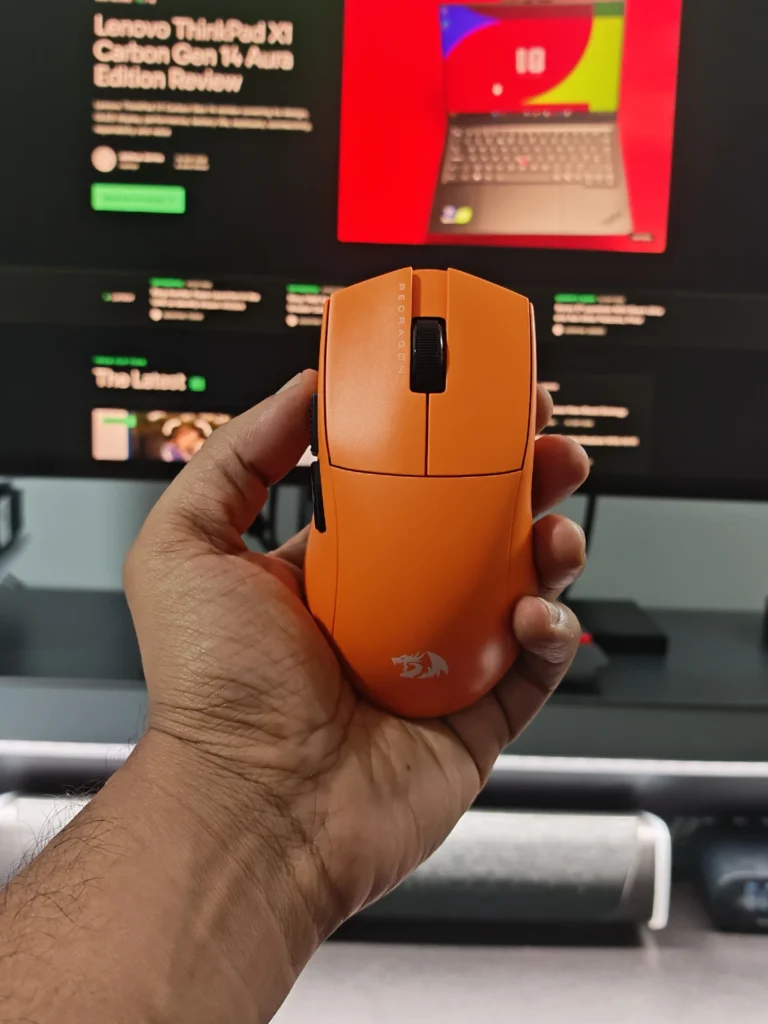
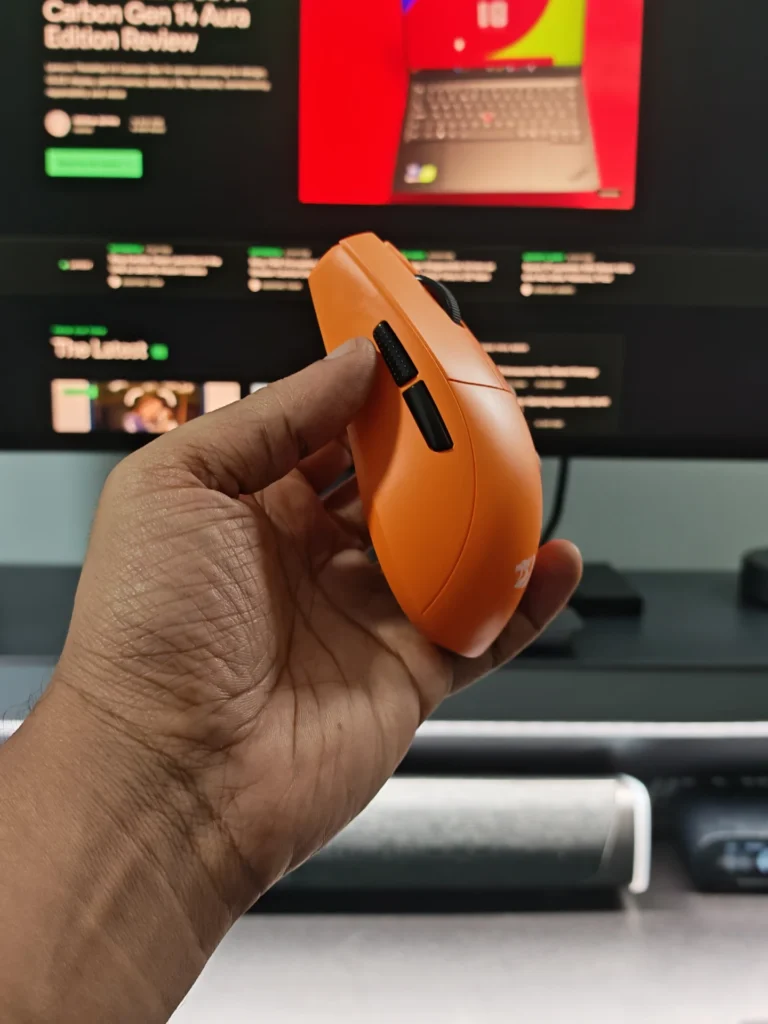
The shell feels solid despite the low weight. We did not experience significant flexing or structural issues during use. The matte surface also provides a reasonable amount of grip, although it can become slightly slippery after extended use as natural oils accumulate on the surface.
The shape is one of the strongest aspects of the M916 design. The side flares provide a comfortable resting position for the fingers, while the rear hump supports the palm without making the mouse feel bulky.
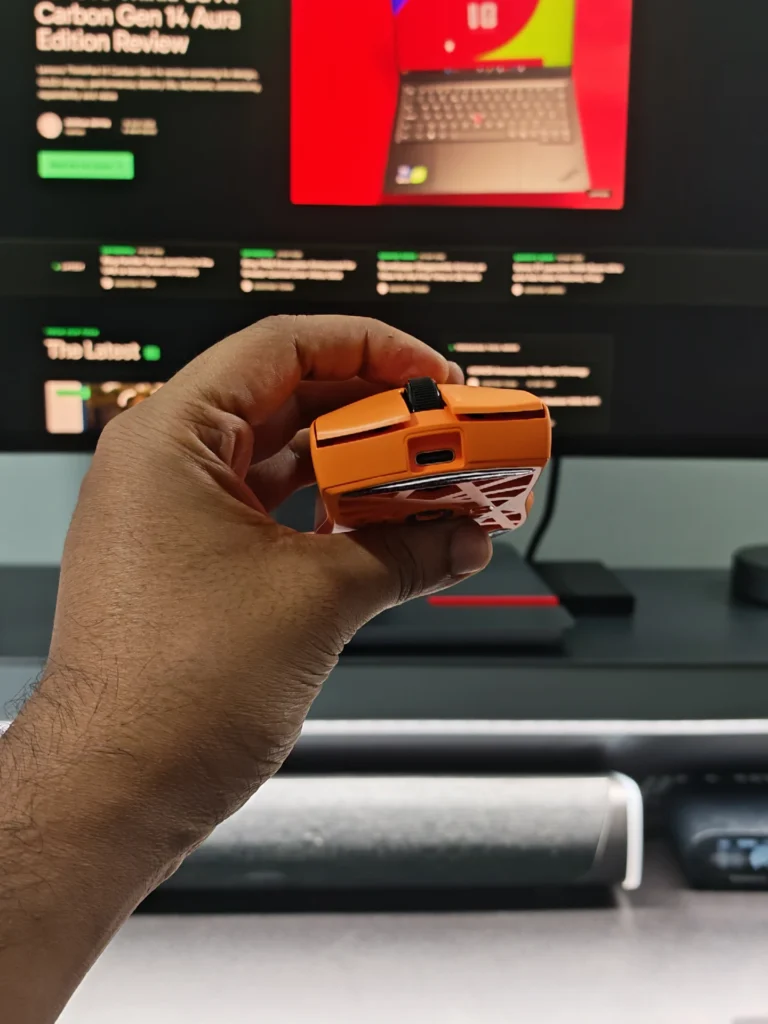
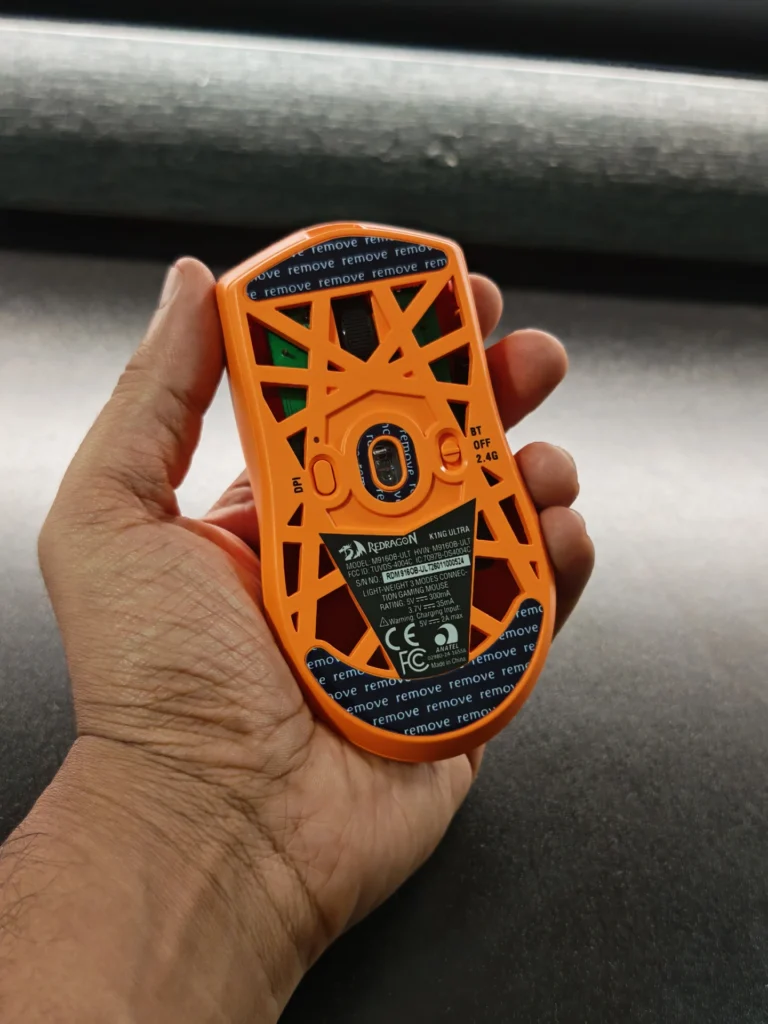
We found the shape suitable for relaxed claw and fingertip-style grips, while palm grip can also work well depending on hand size. Smaller and medium-sized hands are likely to get the most comfortable fit from the relatively compact body.
The mouse measures 120.8 x 64.3 x 37.9mm based on the M916 specifications provided in the supplied product material, while Redragon lists the ULT as an ergonomic design intended for a natural grip.
The main left and right buttons use Huano Blue Dot mechanical switches, with Redragon rating them for up to 50 million clicks. In everyday use, the primary clicks feel crisp and responsive. They have enough resistance to avoid accidental presses while remaining easy to activate repeatedly during gaming.
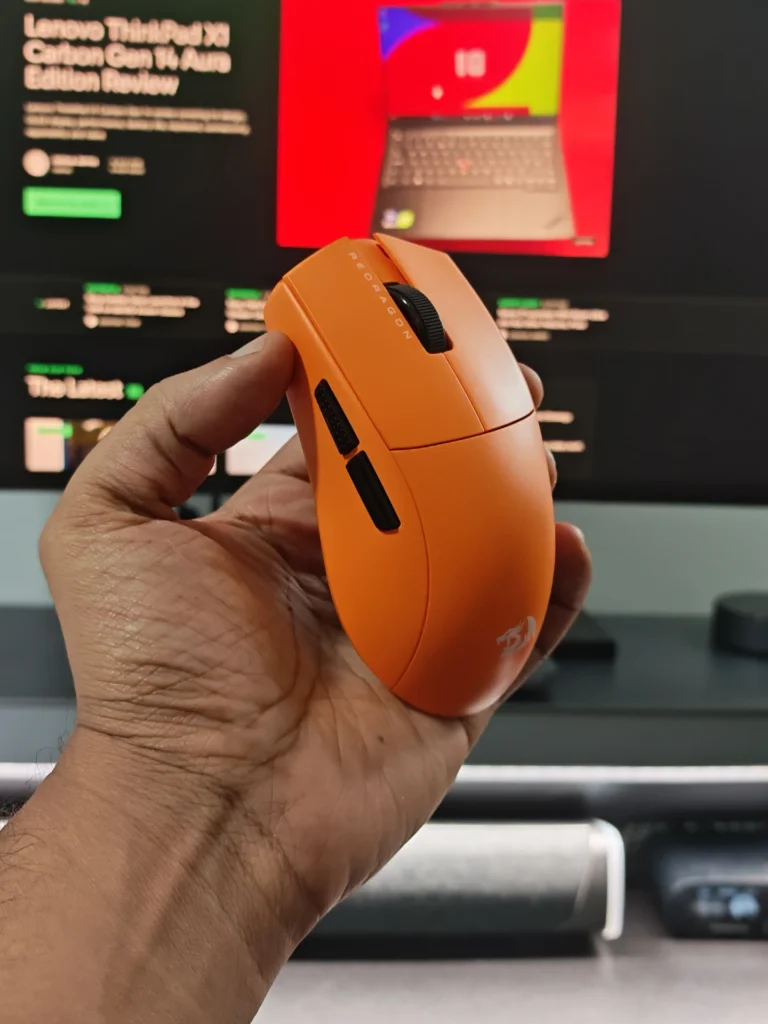
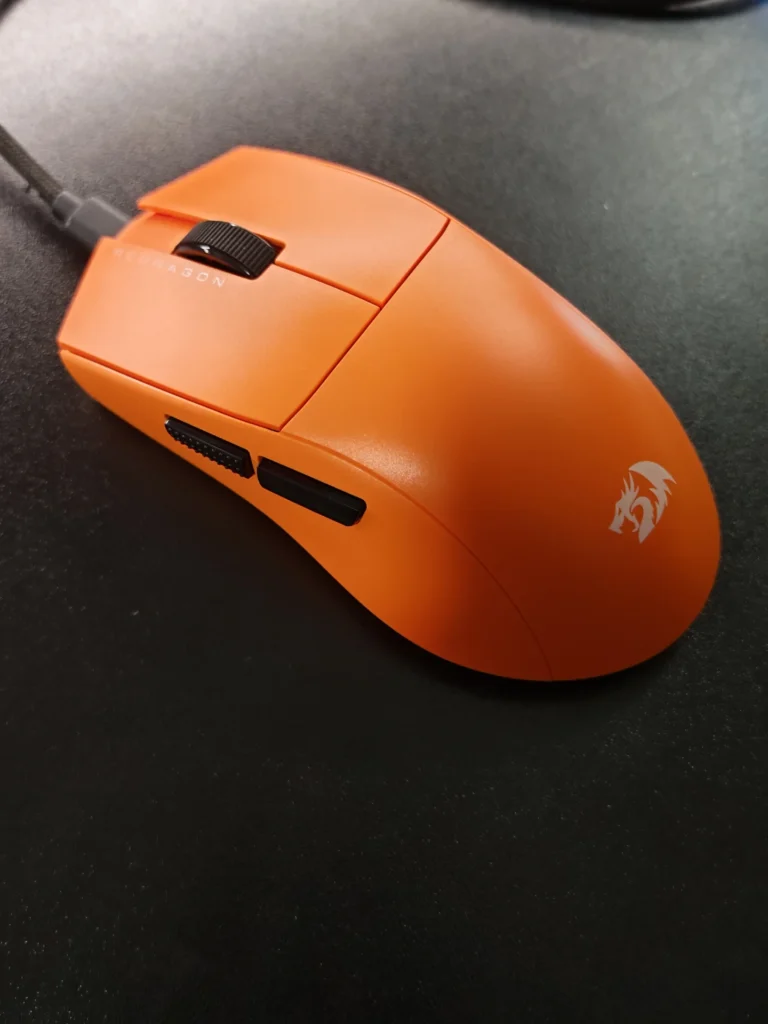
The feedback is also relatively controlled rather than excessively loud. This makes the clicks comfortable for longer sessions without sounding overly aggressive.
The two side buttons are less consistent. The front and rear buttons have slightly different tactile characteristics, with the rear button feeling somewhat softer during our testing. They remain usable for common functions such as melee attacks, grenades or secondary commands, but this is an area where Redragon could improve the consistency.
The scroll wheel is also unusually light. It rotates with relatively little resistance and provides less tactile separation between individual steps than some other gaming mice. Some users may appreciate the smooth scrolling, although we would have preferred slightly more defined feedback.
The wheel click itself worked reliably during testing.
The M916 ULT uses large PTFE skates along with a sensor ring. Out of the box, the skates provide a controlled glide rather than an extremely fast movement profile.
We found them perfectly usable for gaming without immediately requiring replacement. Their performance can also vary depending on the mouse pad, so users who prefer very fast movement may eventually want aftermarket skates.
The low overall weight makes a noticeable difference here. Combining lightweight construction with the PTFE skates allows the mouse to move across a pad with relatively little effort.
The M916 ULT’s biggest hardware upgrade over earlier M916 variants is its PixArt PAW3950 sensor. Redragon lists support for up to 30,000 DPI, 50G acceleration and an 8,000Hz polling rate.
We did not experience tracking problems during gaming. Cursor movement remained consistent, with no noticeable stuttering or unexpected sensor behaviour during our testing.
The sensor also handled both cloth and hard surfaces well in our experience. More importantly, the combination of the sensor and lightweight body made small aiming adjustments feel natural.
For FPS games, the low weight is arguably more noticeable than the headline 8K polling rate. Moving from a heavier mouse to something around 50g requires a short adjustment period, but once accustomed to it, quick flicks and tracking movements become easier.
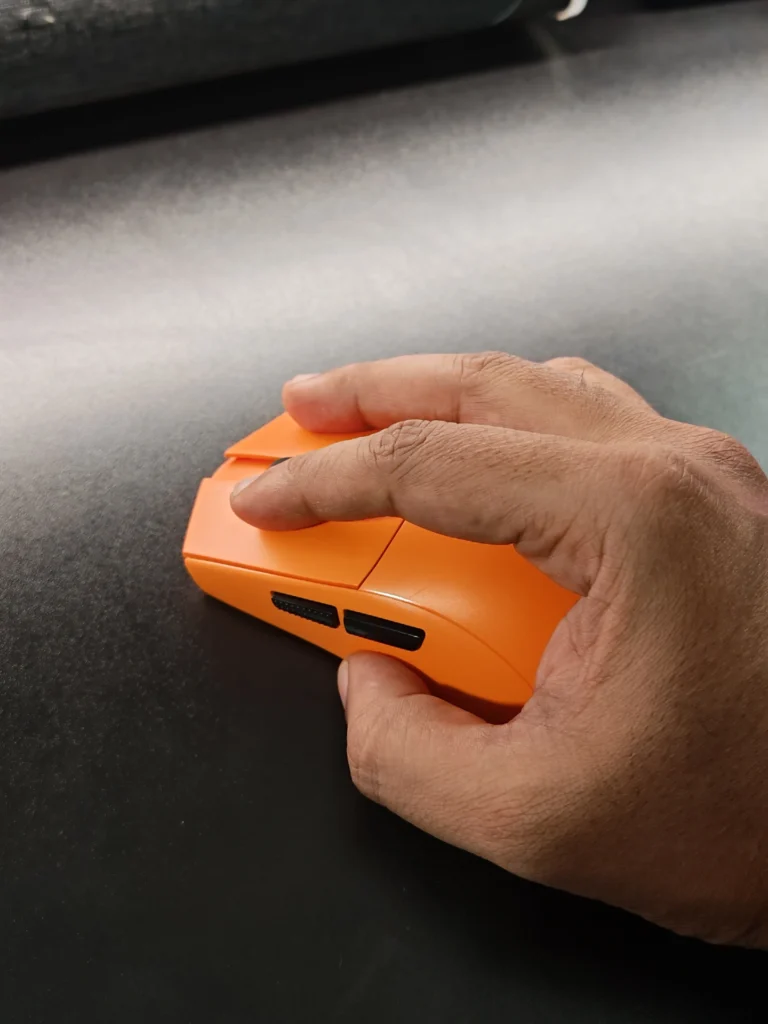
The mouse supports polling rates up to 8,000Hz, which means it can report its position to the PC considerably more frequently than a traditional 1,000Hz mouse. Redragon provides the option to configure the polling rate through its software.
The practical difference between 1KHz and 8KHz will depend heavily on the game, system hardware, display refresh rate and individual sensitivity. We would not consider 8K polling a feature that will automatically make someone a better player.
However, having the option is useful for users with high-refresh-rate gaming systems who want to configure their mouse accordingly.
The K1NG M916 ULT supports three connection modes: wired USB-C, 2.4GHz wireless and Bluetooth. For gaming, we primarily used the 2.4GHz wireless connection. During testing, the connection remained stable without noticeable dropouts or interruptions.
Bluetooth is useful for connecting to laptops or other compatible devices when maximum gaming performance is not the priority. Wired USB-C connectivity provides another option when charging or when users prefer a direct connection.
The included package contains the mouse, USB-C cable, receiver, converter, sticker and user manual.
One minor issue is the lightweight wireless receiver setup. Depending on the desk and laptop configuration, the receiver and converter can be less convenient than a heavier or more integrated receiver design.
Redragon’s desktop software is straightforward and provides most of the controls we would expect from a gaming mouse. Users can remap the five programmable buttons, configure DPI levels, adjust polling rates and create macros. The software also provides additional sensor-related options and displays battery information.
The ULT supports seven configurable DPI levels, with Redragon’s default stages ranging from 800 to 30,000 DPI. The software allows users to customise these levels according to their preferences. Macro recording is also available, allowing sequences of inputs to be assigned to programmable buttons.
The interface is relatively simple and does not take long to understand. Our main criticism is that the software needs to be downloaded rather than being configured through a browser-based interface. Some users may also find the available key-binding options less flexible than those offered by more established gaming peripheral ecosystems.
Once configured, however, the software largely stays out of the way.
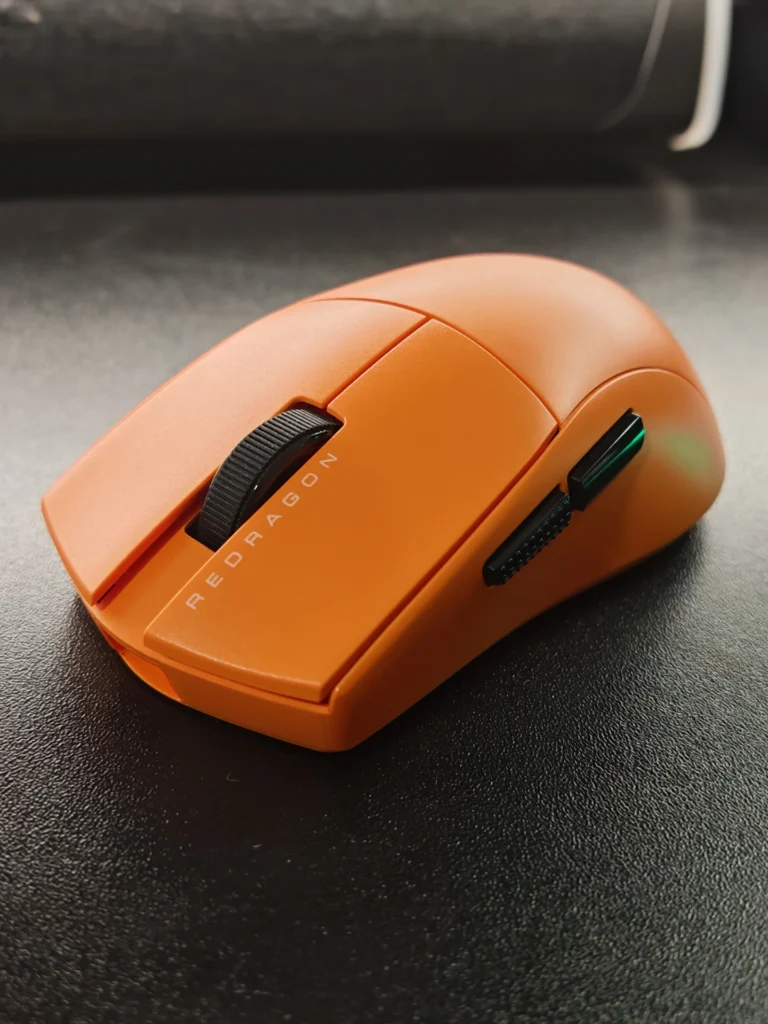
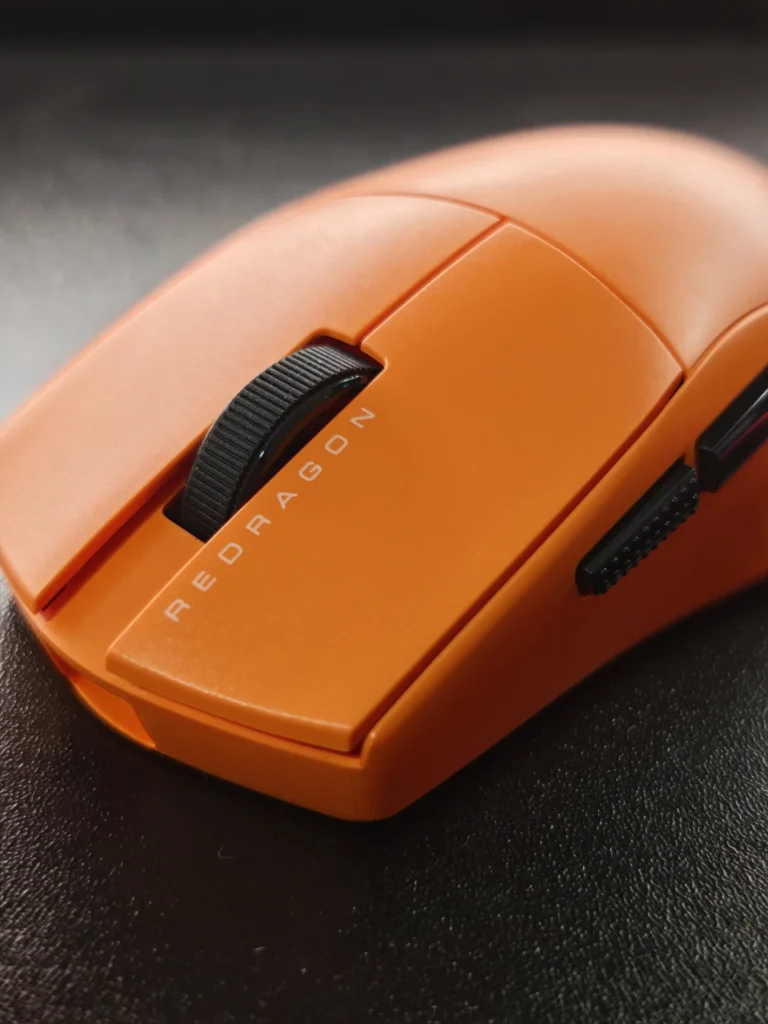
Redragon does not provide an official battery-life figure for the K1NG M916 ULT. The included software has a battery indicator, but it does not display a percentage or clear battery segments by default, making an accurate runtime estimate difficult. During extended hands-on use, however, battery performance was not a concern as we were able to use it for two-weeks without the need for a recharge.
The mouse can also be connected through USB-C when required, allowing gaming to continue while charging. This is particularly useful because the three connection modes make the M916 ULT practical beyond gaming. Bluetooth can be used for general laptop use, while 2.4GHz remains the preferred option for gaming.
The Redragon K1NG M916 ULT is currently listed at $49.99 on Redragon’s official store. At that price, the specification is notable. The mouse combines a PAW3950 sensor, 30,000 DPI, 8K polling, three connectivity modes, five programmable buttons and a sub-50g weight in the black version.
There are compromises. The surface can become less grippy over time, the side buttons are not perfectly consistent, and the scroll wheel could offer stronger tactile feedback. The stock skates are also more controlled than extremely fast. However, these are relatively minor issues considering the overall hardware package and price.
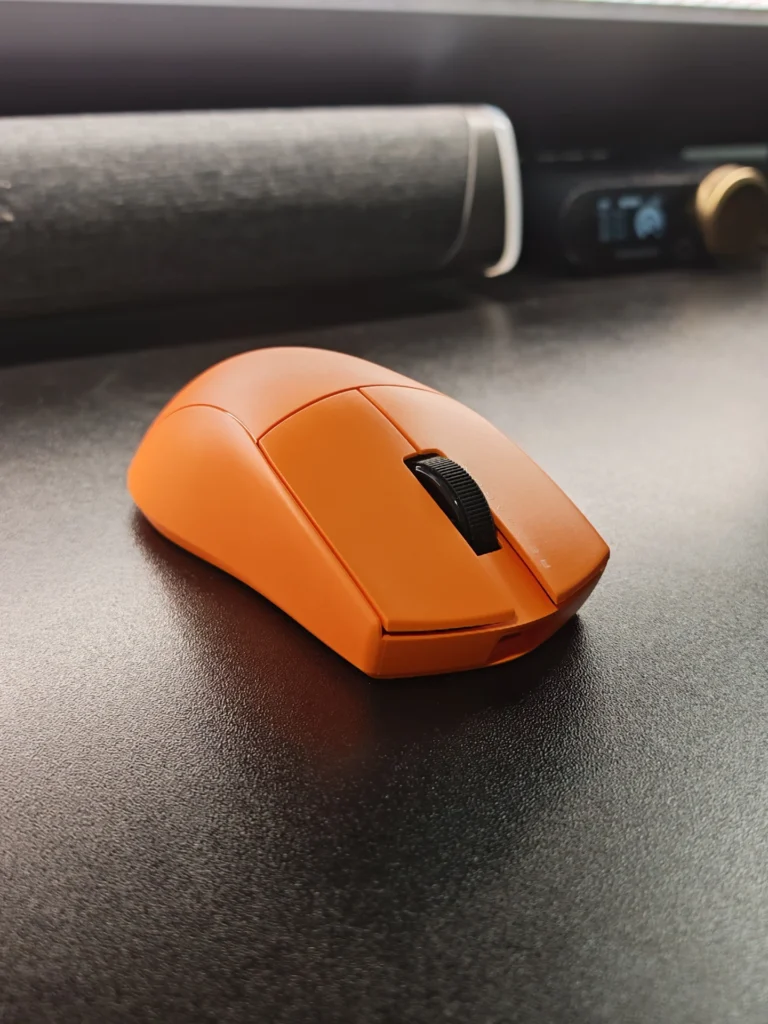
The Redragon K1NG M916 ULT is a capable lightweight gaming mouse that focuses on the features that matter most during gameplay. Its combination of low weight, accurate PAW3950 sensor, stable 2.4GHz wireless connectivity and comfortable shape makes it particularly well suited to FPS gaming.
The 8K polling rate and 30,000 DPI maximum are useful additions, although they are not features every player will need. More importantly, the mouse delivers consistent tracking and easy movement without requiring users to spend significantly more on a premium gaming mouse.
The side buttons and scroll wheel could be better, and the surface finish may not remain as grippy during long-term use. Still, these issues do not significantly detract from the overall experience. For users looking for a lightweight wireless gaming mouse with high-end specifications at a relatively accessible price, the K1NG M916 ULT is a strong option.
Also Read: Redragon M913 Impact Elite Review

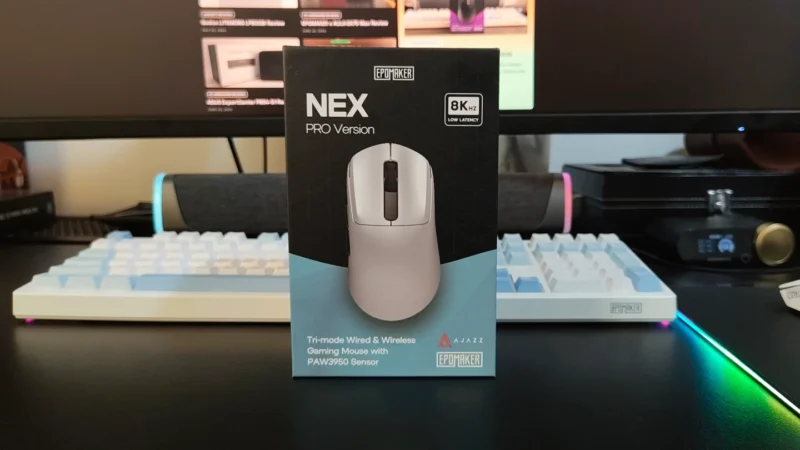
Our EPOMAKER NEX Pro review examines its PAW3950 sensor, 8K polling, ergonomic 65g design, 500mAh battery, tri-mode connectivity and charging dock.
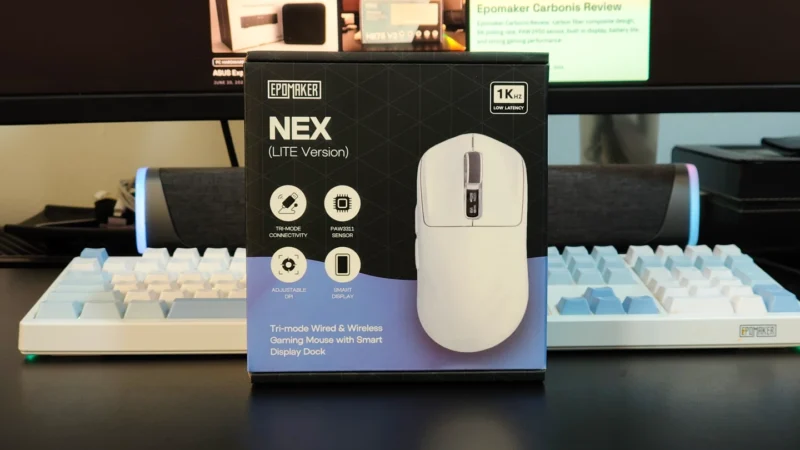
EPOMAKER Nex Lite review: A lightweight 65g wireless gaming mouse with a PAW3311 sensor, dual OLED displays, tri-mode connectivity and charging dock.
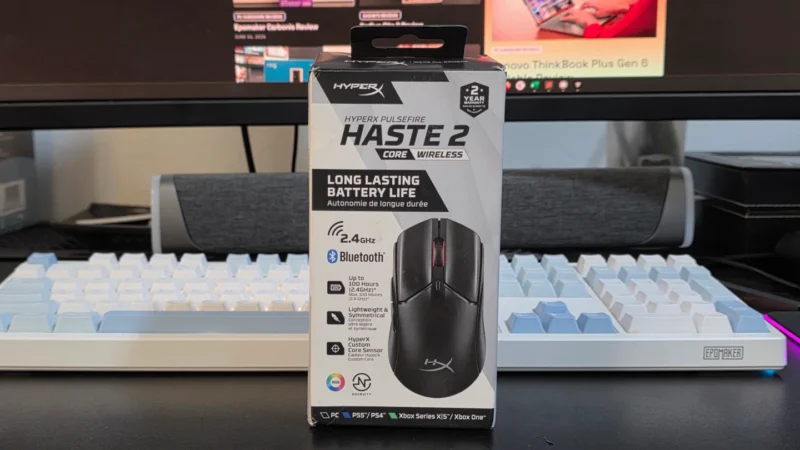
Read our HyperX Pulsefire Haste 2 Core Wireless review to see how this affordable wireless gaming mouse performs in gaming, battery life, and value.
 Joshua James