
TOZO NC9 Pro Review: Feature-Rich Wireless Earbuds with a Touchscreen Case
TOZO NC9 Pro review: We test its adaptive ANC, LDAC audio, touchscreen case, Bluetooth 6.0, sound quality, battery life and everyday performance.
GameSir X2 Pro offers a fantastic way to play Xbox games on the go, whether streaming from a local home console or using Xbox Game Pass.
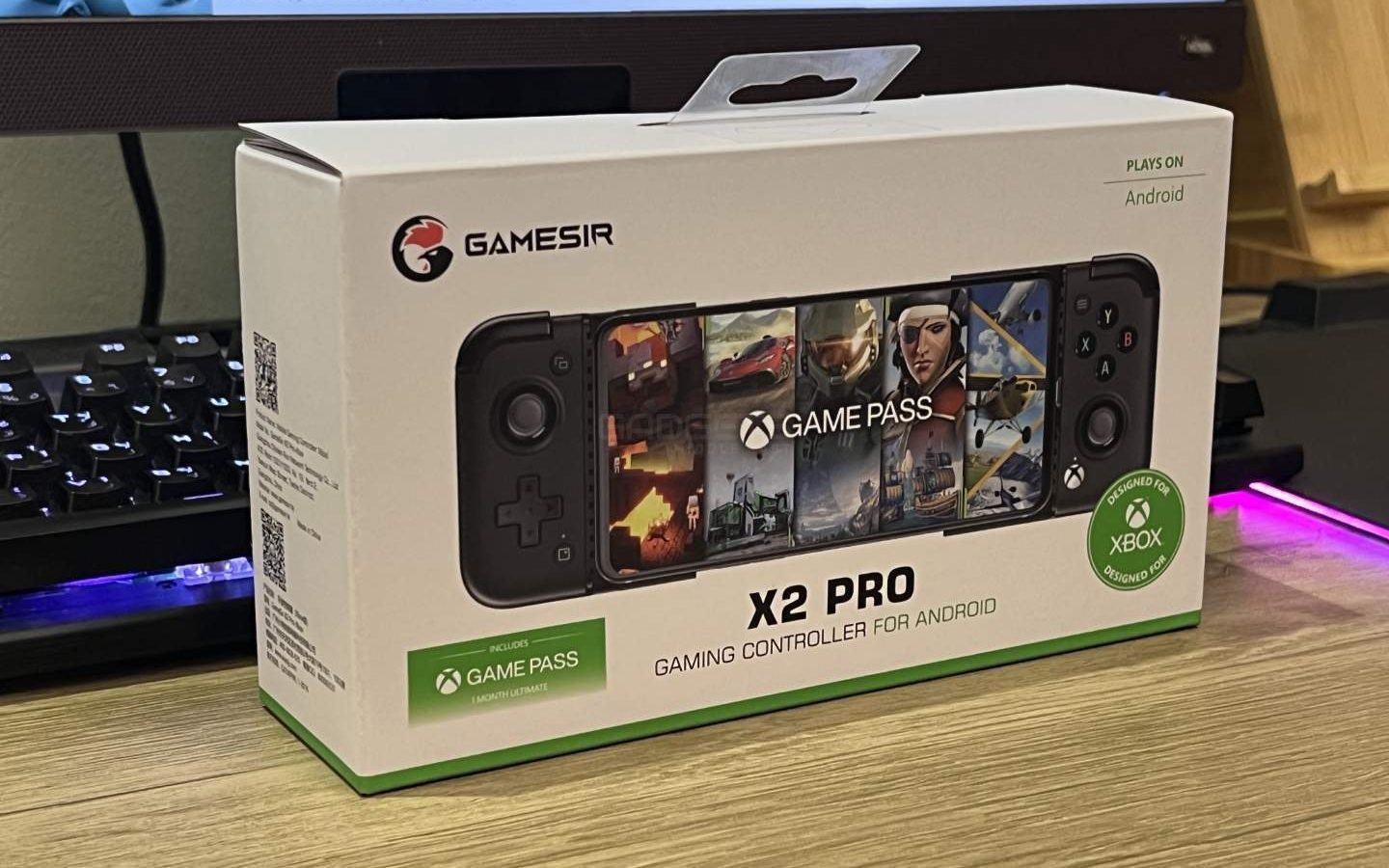
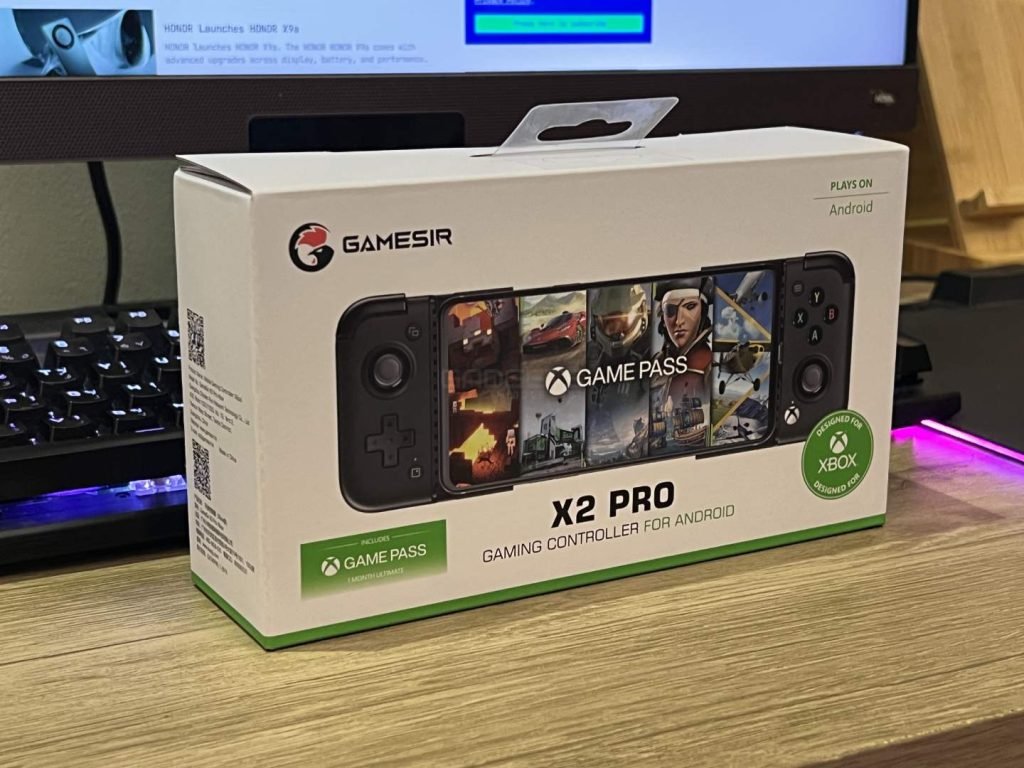
The GameSir X2 Pro is an officially licensed mobile gaming controller by Xbox, designed for use with Android smartphones. It is fully compatible with devices that are running Android 8.0 or later and supports most mobile games available for download from the Google Play store, including popular titles like Apex Legends Mobile, Genshin Impact, and Call of Duty Mobile, among others.
The controller also features programmable back buttons, interchangeable thumbstick caps, and customizable face buttons, all of which can be personalized to match your preferred playstyle. Additionally, it supports almost all popular cloud gaming services, such as Xbox Cloud Gaming (Beta) with Xbox Game Pass Ultimate, Stadia, NVIDIA GeForce Now, and Amazon Luna.
| Platform | Android 8.0 or above |
| Connection | Built-in wired Type-C |
| Compatible Phone Size | 110-179 mm in length |
| Colorways | Midnight and Moonlight |
| Analog Triggers | Yes, Hall Effect Magnetic Sensors |
| Analog Joysticks | Yes, ALPS |
| Mappable Back Buttons | Yes, 2 |
| Pass-through Charging: | Yes (With limited compatibility) |
The GameSir X2 comes in a branded cardboard packaging and includes the following:
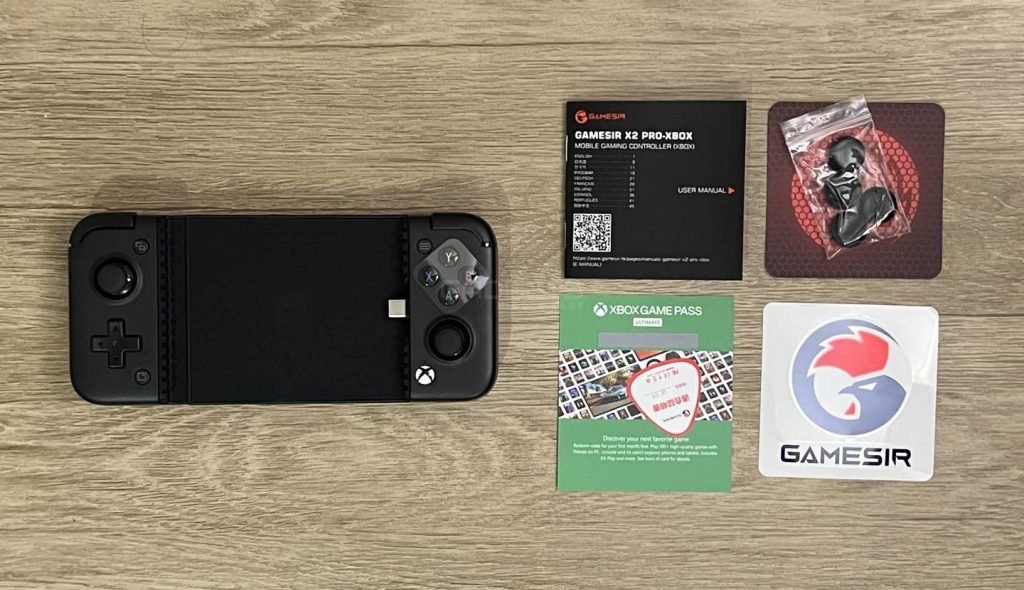
With an ergonomic design and textured grips, the controller provides a secure and comfortable hold. It boasts a simple and expandable design that accommodates Android phones ranging from 110-179 mm in length.
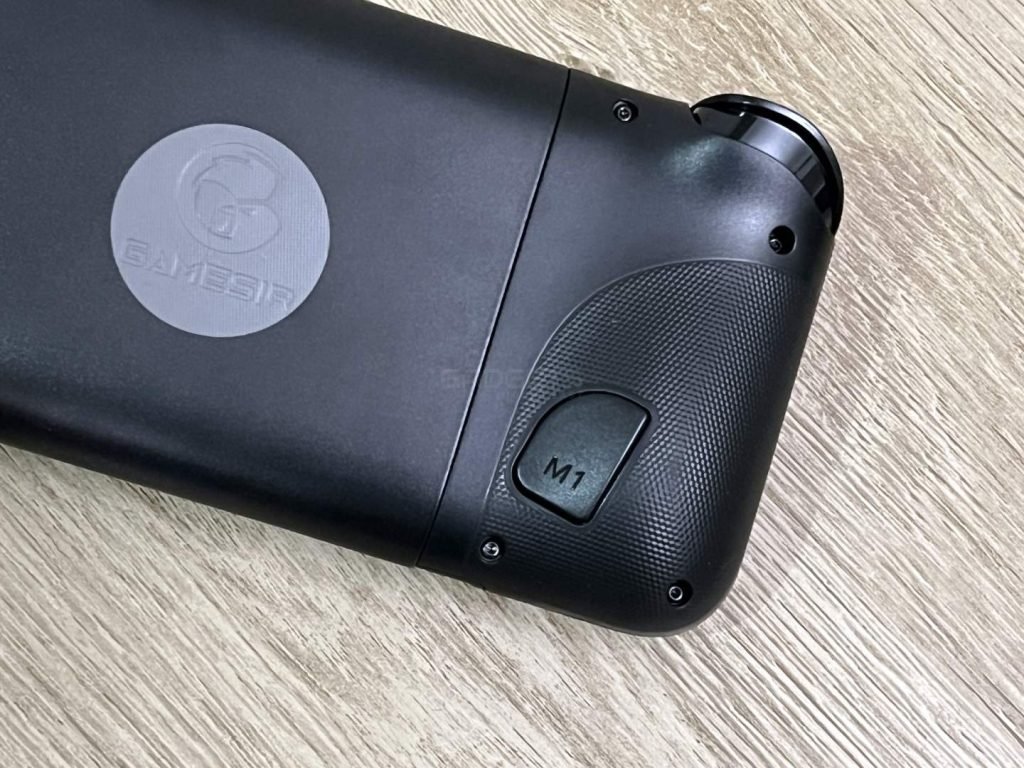
The X2 Pro offers LT/RT Hall Effect analog triggers for improved precision and LB/RB Kailh microswitch bumpers for faster actuation (with a distance of 0.6 mm). The controller also includes 2 additional mappable buttons on the back for easy mapping of in-game actions and uninterrupted gameplay. The left side features a D-pad and an analog stick, with a screenshot button located just below the D-pad and a share button above it.
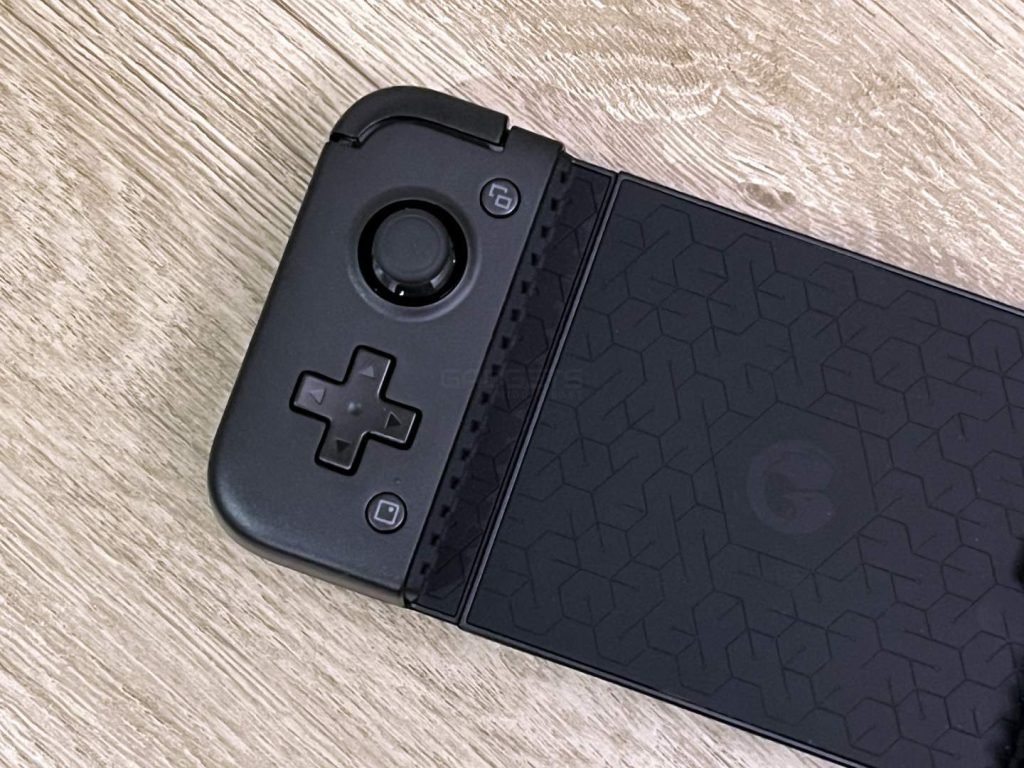
The GameSir X2 Pro offers users the ability to customize the device by utilizing its magnetic and detachable ABXY buttons. This feature allows for the swapping of the ABXY layout between the standard Xbox style and the Switch style with just a simple pull. The controller also includes two sets of joystick caps, concave and convex, which are designed for ultimate comfort in different games.
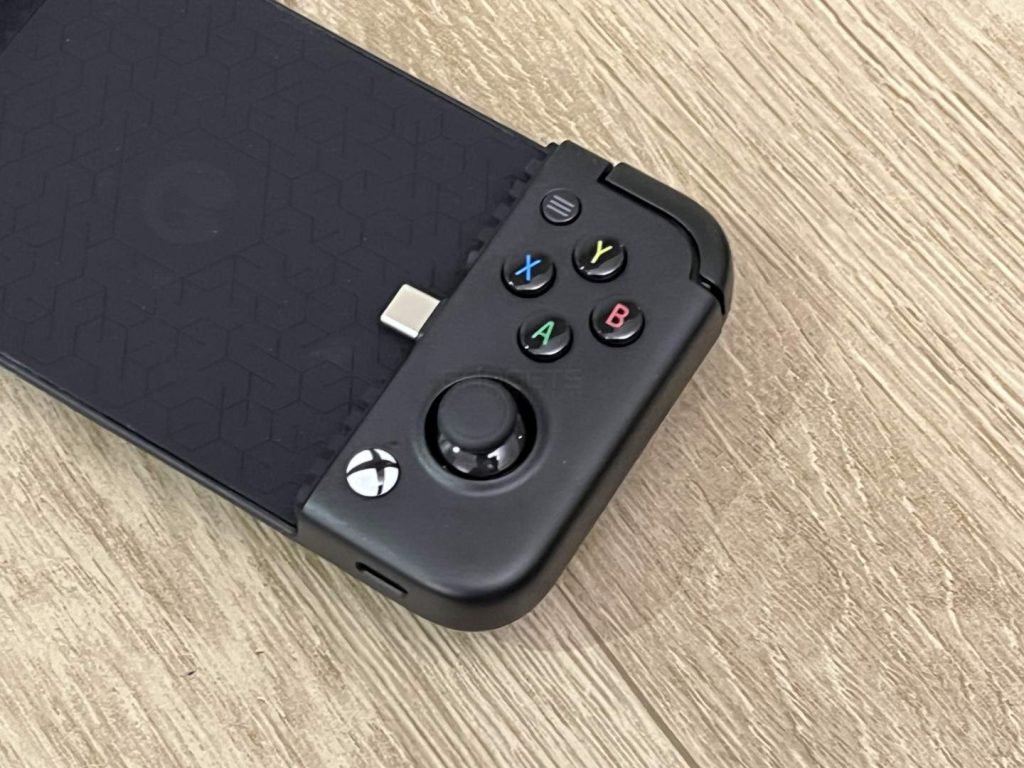
In terms of connectivity, the controller is equipped with a direct type-C connection to the phone, enabling gamers to jump right into any controller-supported games with minimal input latency. Furthermore, the innovative controller offers pass-through charging, which allows users to charge their smartphones while they are plugged into the controller.
The GameSir App allows for customization and mapping of the controller settings, making it easy to browse the latest and most popular games from multiple platforms. The analog sticks are snappy and responsive, although they are somewhat small. Fortunately, the X2 Pro includes two different sets of rubberized thumbstick caps in convex and concave variants, which provide a better feel. The face buttons can be easily swapped thanks to a unique magnetic system if you prefer a different layout.
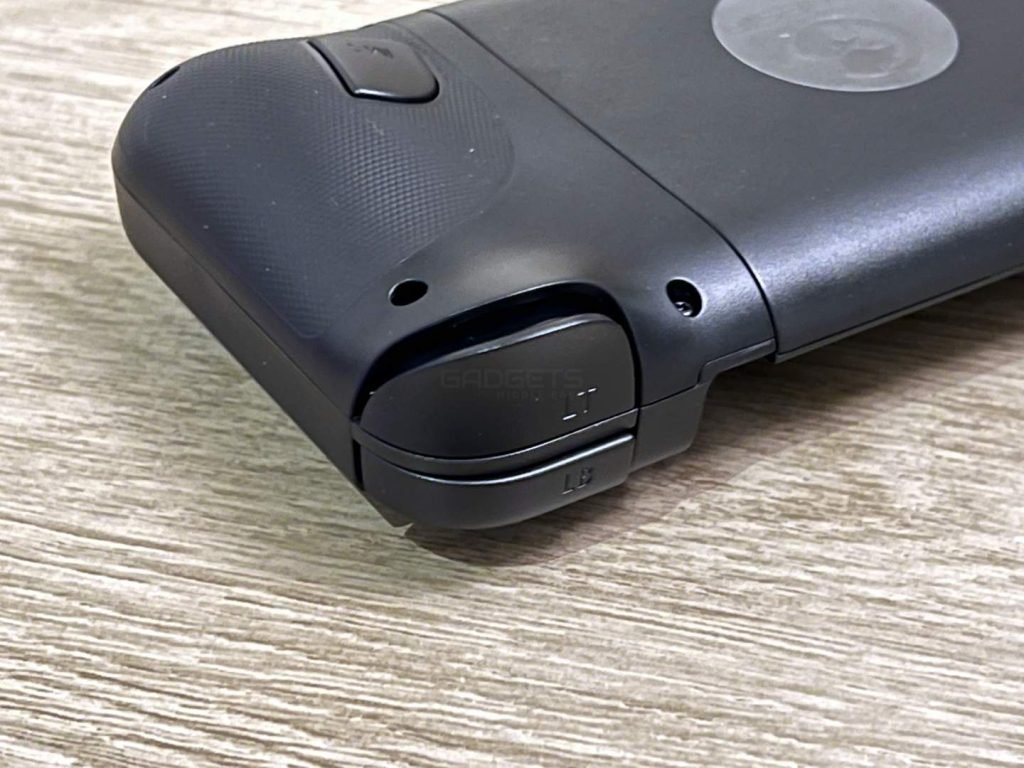
Below the left thumbstick is a clicky D-Pad with low travel that has a unique feel compared to the standard Xbox D-Pad but is extremely responsive. The GameSir X2 Pro controller features improved ergonomics with a textured grip, but due to the small size of some of the buttons, it can become uncomfortable during long periods of use.
The GameSir X2 Pro offers a fantastic way to play Xbox games on the go, whether streaming from a local home console or using Xbox Game Pass. With official Xbox buttons and a familiar layout, you’ll feel right at home with the X2 Pro. Additionally, the controller is compatible with most mobile games that you can download from the Google Play store, such as Apex Legends Mobile, Genshin Impact, Call of Duty Mobile, and more.
The only drawback is that, due to the small size of some of the buttons, extended gameplay sessions may become uncomfortable.
What devices is the GameSir X2 Pro compatible with?
The GameSir X2 Pro is fully compatible with Android devices running Android 8.0 or later. It is specifically designed to be used with Android smartphones and is officially licensed by Xbox for this purpose.
Can the GameSir X2 Pro be customized to suit different play styles?
Yes, the controller comes with programmable back buttons, interchangeable thumbstick caps, and customizable face buttons. Additionally, the GameSir App allows for easy browsing of the latest and popular games from multiple platforms and quick controller setting adjustments.
Is it possible to charge your phone while using the GameSir X2 Pro?
Yes, the controller features pass-through charging, which allows you to charge your smartphone while it is plugged into the controller.
Can the face buttons on the GameSir X2 Pro be swapped?
Yes, the face buttons can be easily popped off and swapped thanks to a unique magnetic system. This allows you to create a customized layout that suits your preferences.
Is the GameSir X2 Pro comfortable to use for extended periods of time?
While the controller features improved ergonomics and a textured grip, some users may find it uncomfortable to use for extended periods of time due to the small size of some of the buttons. However, the controller does include two sets of rubberized thumbstick caps in convex and concave variants, which may make it more comfortable to use.

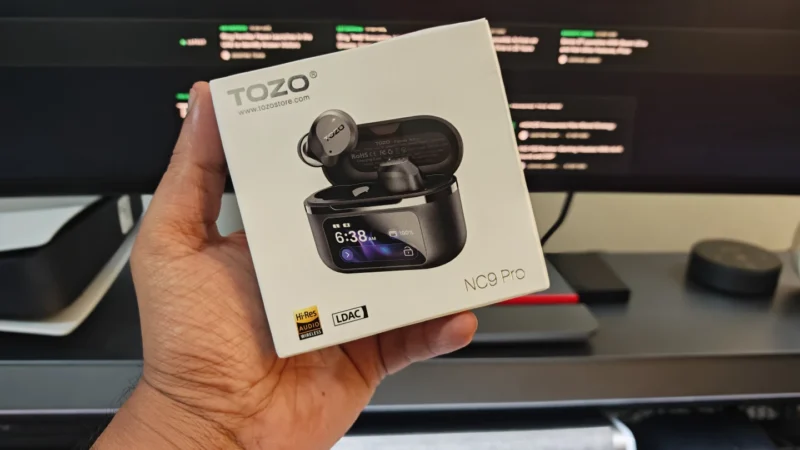
TOZO NC9 Pro review: We test its adaptive ANC, LDAC audio, touchscreen case, Bluetooth 6.0, sound quality, battery life and everyday performance.
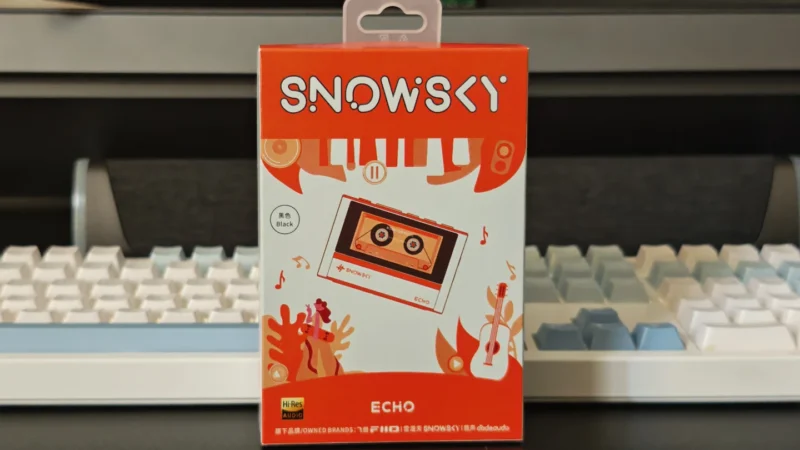
Our Snowsky ECHO review examines its sound quality, build, 4.4mm balanced output, battery life, Bluetooth, USB DAC features and overall value.
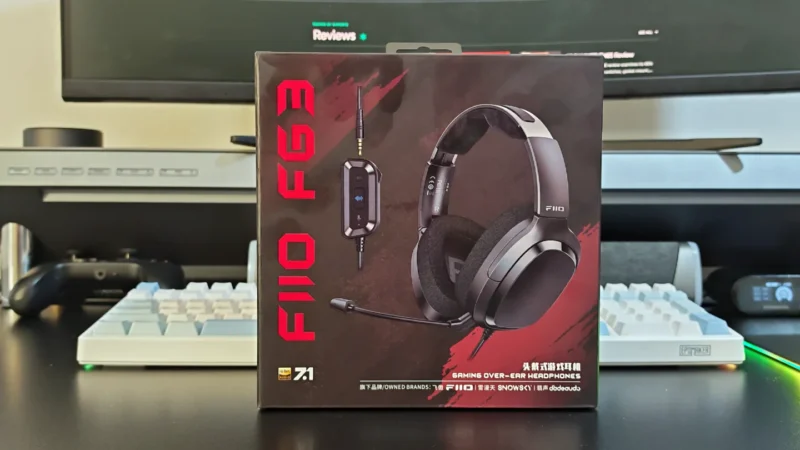
FiiO FG3 Review: an interesting first attempt at a gaming headset from a company with a strong background in personal audio.
 Joshua James