
SteelSeries Apex Pro TKL Gen 3 Review
We review the SteelSeries Apex Pro TKL Gen 3, featuring OmniPoint 3.0 Hall Effect switches, adjustable actuation, Rapid Trigger, OLED display and RGB lighting.
The ASUS ROG Strix Aiolos is a premium 20Gbps M.2 SSD enclosure with a sturdy design, tool-free installation, thermal management and Aura Sync RGB lighting. We put it through everyday gaming and productivity use to see whether its premium price is justified.
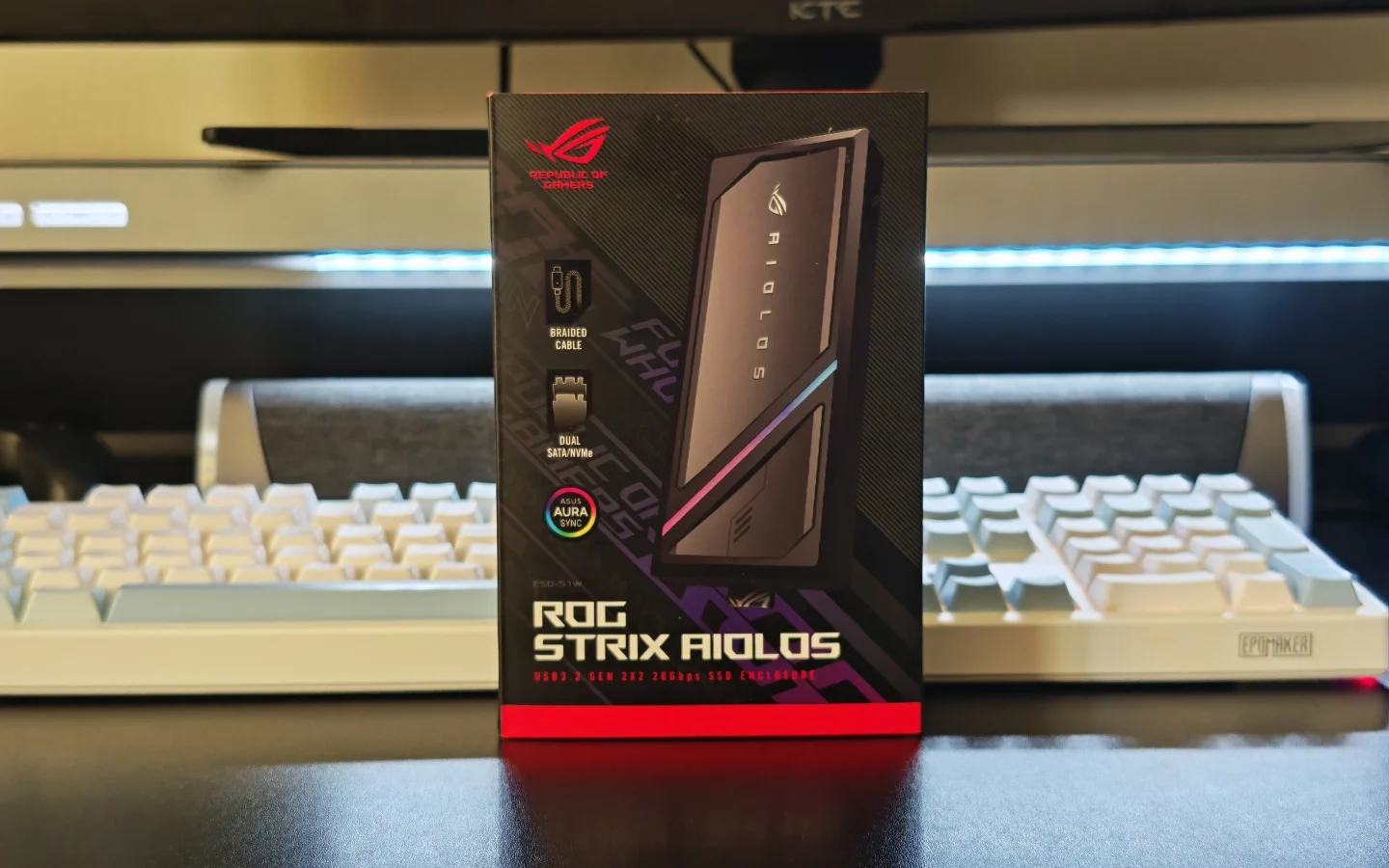
External SSD enclosures are often simple products: install an SSD, connect a USB cable, and use it as portable storage. The ASUS ROG Strix Aiolos takes a more premium approach, combining a 20Gbps USB 3.2 Gen 2×2 interface with a robust design, tool-free access, thermal management, and configurable RGB lighting.
We spent time using the Aiolos as portable storage. Rather than treating it simply as a way to turn an M.2 SSD into an external drive, we looked at how practical it is for everyday file transfers, gaming, and moving storage between different systems.
The result is an enclosure that gets most of the important details right. Its price is higher than many basic alternatives, but the combination of build quality, performance, cooling, and usability gives the Aiolos a clear advantage for users looking for a more refined solution.
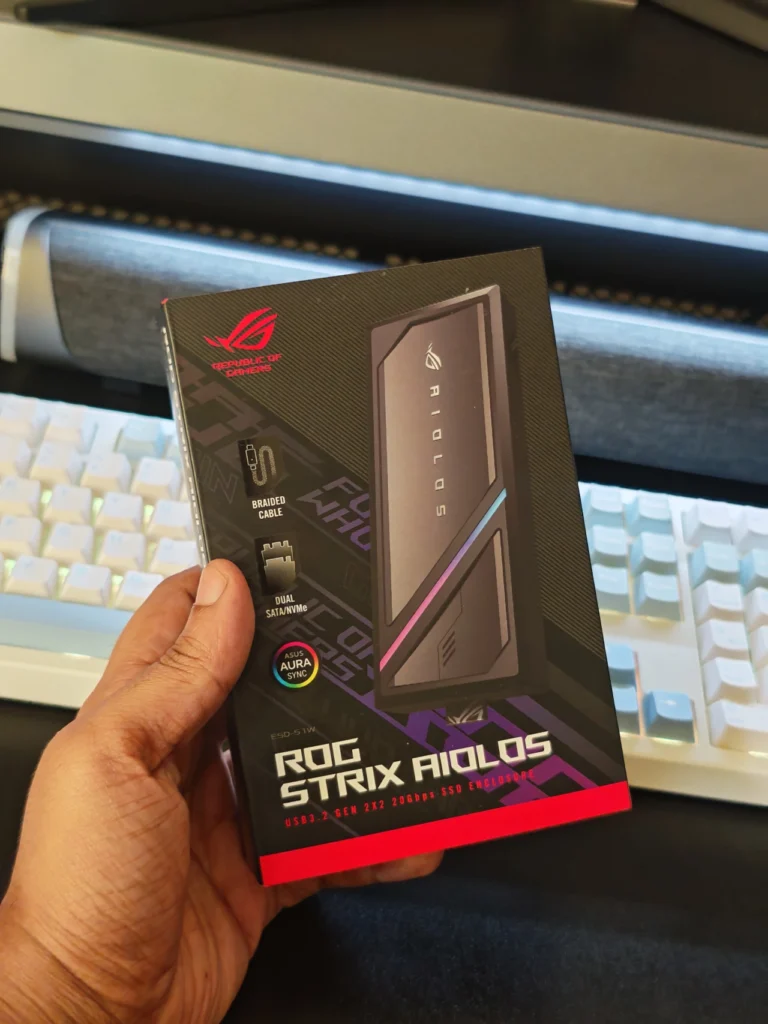
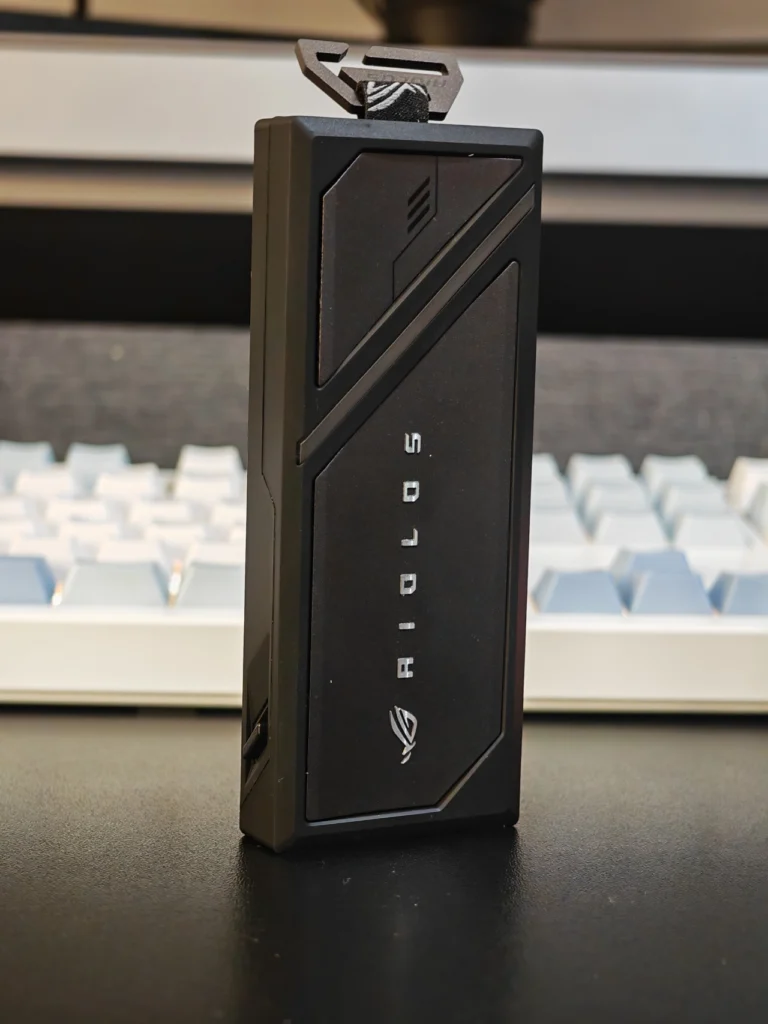
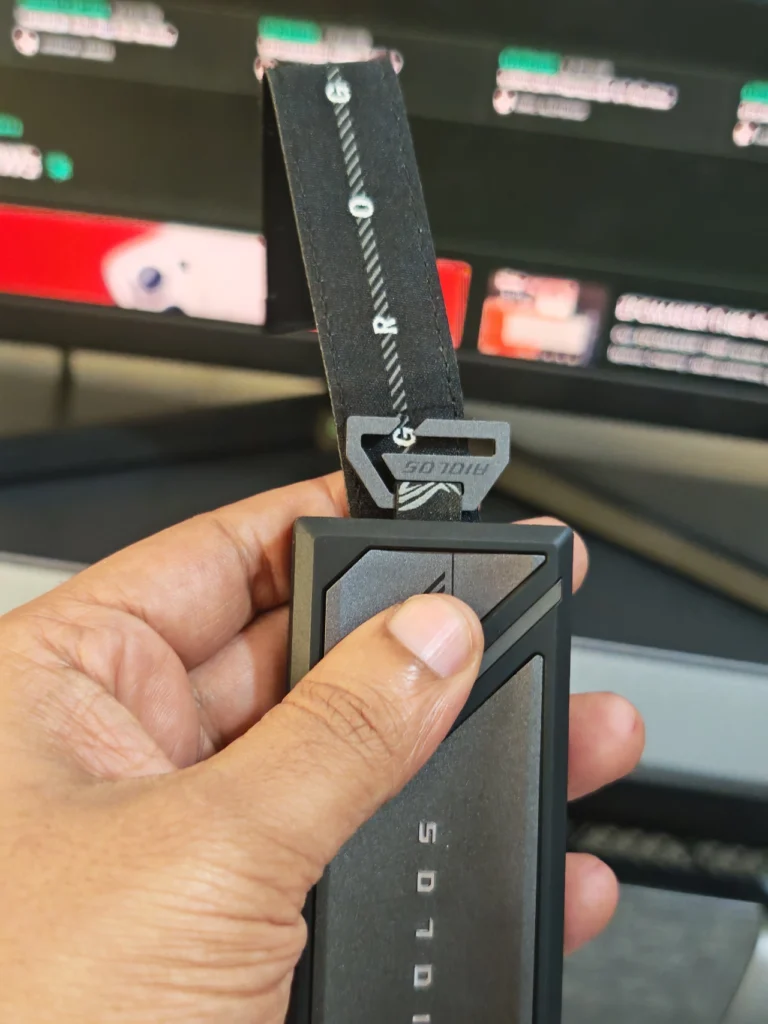
The ROG Strix Aiolos immediately feels more substantial than a typical M.2 enclosure. Its metal construction gives it a dense, sturdy feel without making it unnecessarily bulky. The exterior also uses a silicone coating that adds grip and provides some protection against scratches.
This material choice is practical rather than purely cosmetic. The silicone exterior makes the enclosure comfortable to handle and helps prevent it from becoming unpleasantly hot during sustained use.
ASUS has also added an angled RGB strip to the top of the enclosure. RGB lighting is not essential on an SSD enclosure, but the implementation is relatively subtle. Through Aura Sync, users can select different lighting effects and synchronize the enclosure with other compatible ASUS hardware.
The enclosure also includes a metal hook and attachment accessories, making it possible to secure the Aiolos to a backpack or bag. This is a small but useful addition for anyone who intends to use the drive as genuinely portable storage.
One minor issue we noticed is that the enclosure can produce a small rattle when shaken or carried. It does not affect operation, but users who prefer an entirely solid, movement-free enclosure may notice it.
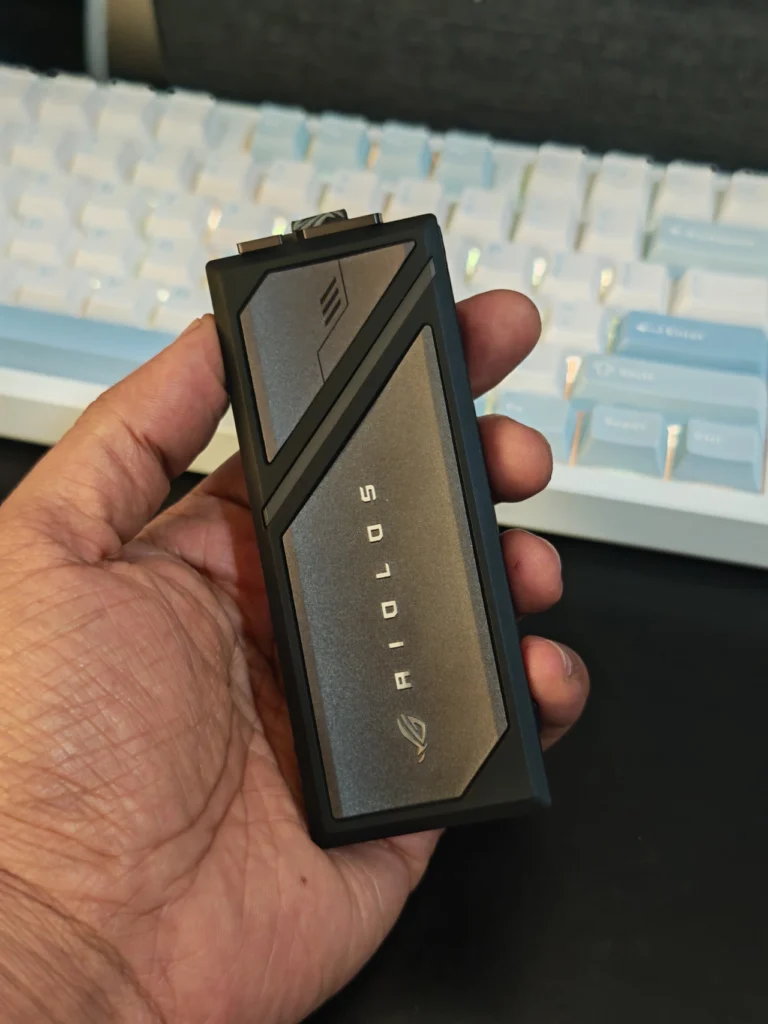
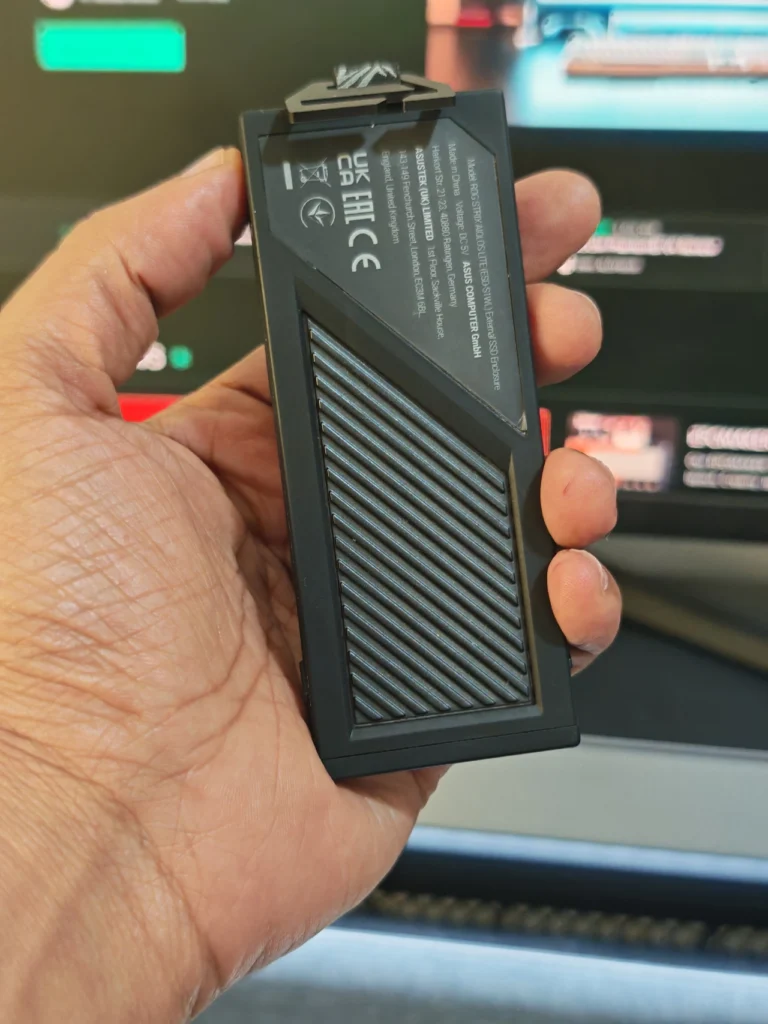
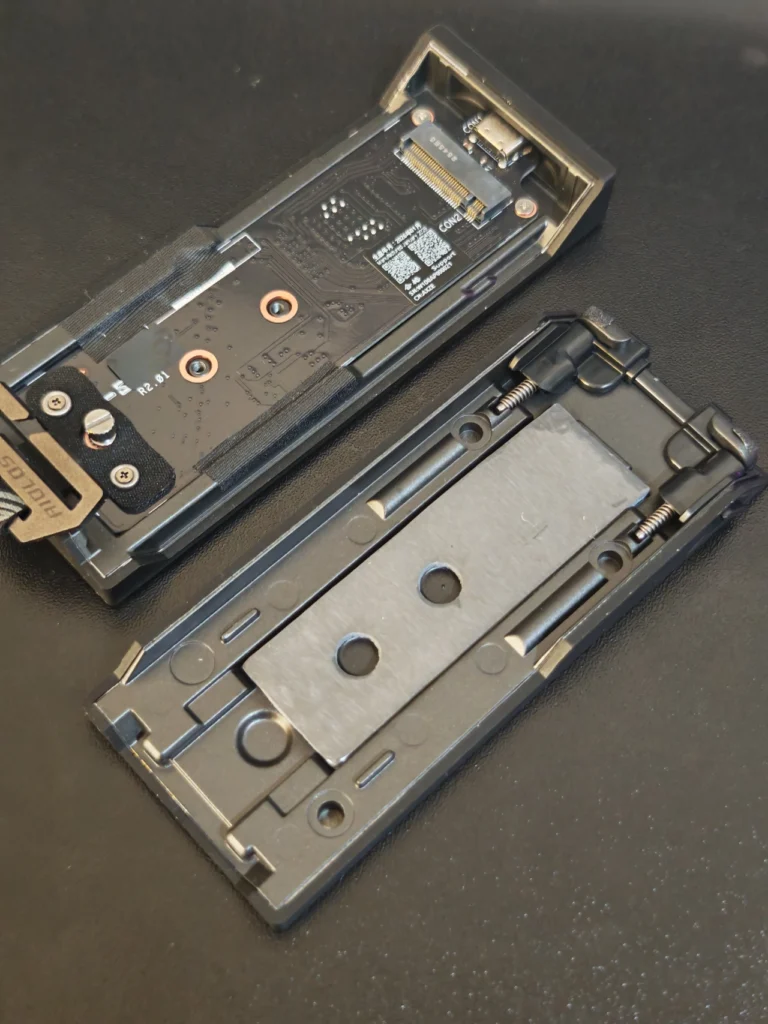
One of the strongest aspects of the Aiolos is its approach to installation. The enclosure uses a push-to-open mechanism that provides quick access to the internal M.2 bay. With the appropriate SSD installed, the process is straightforward and considerably easier than working with an enclosure that requires multiple screws and tools.
There is, however, one qualification to the tool-free claim. The screw securing the SSD can be quite tight when first removing it. Although it is designed to be operated without a screwdriver, using a flathead screwdriver to loosen it initially can make the process easier.
Once the SSD is installed, there is little reason to open the enclosure frequently. For users who regularly change drives, the convenient access is still a worthwhile feature. The Aiolos supports 2242, 2260 and 2280 M.2 drives and accepts both NVMe and SATA SSDs. However, the choice of SSD has a direct impact on the performance users can expect.
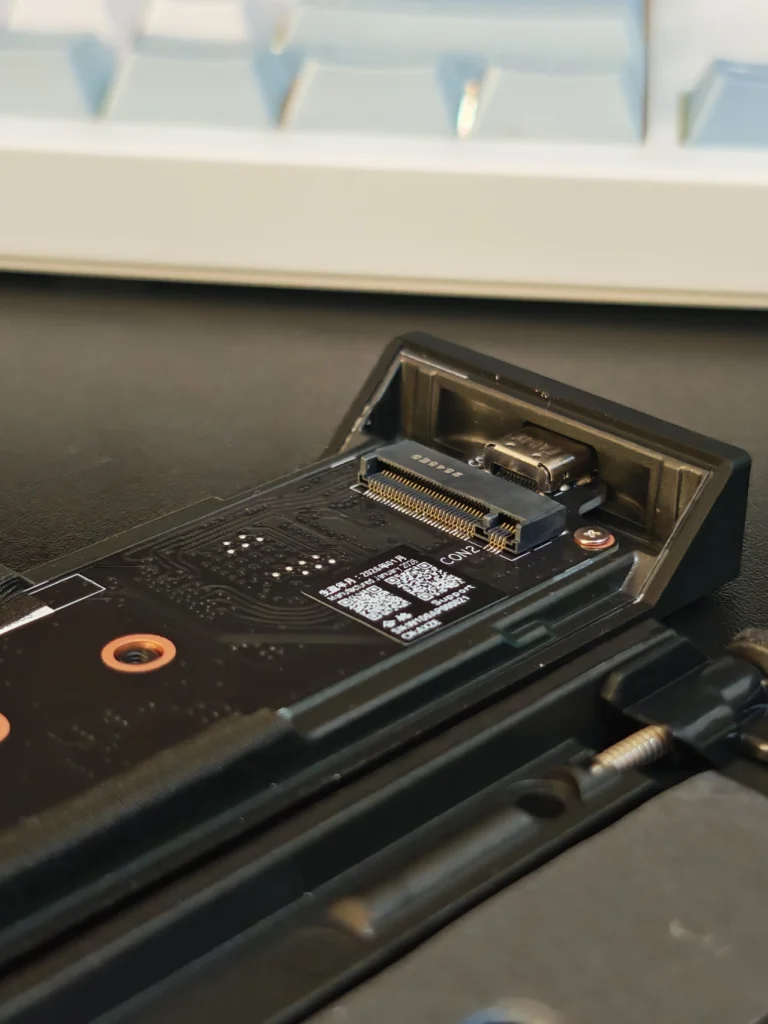
The headline feature of the Aiolos is its USB 3.2 Gen 2×2 interface, which supports transfer rates of up to 20Gbps. However, reaching that maximum requires a compatible USB port. USB-C describes the connector type, not the actual transfer speed. A USB-C port can support significantly different standards and speeds depending on the computer or motherboard.
For example, connecting a 20Gbps enclosure to a 10Gbps port will limit the enclosure to the slower connection. The same applies when using a slower cable or another part of the system that cannot support the required bandwidth.
This is particularly important when buying an enclosure such as the Aiolos. Before purchasing, we recommend checking the specifications of the laptop, desktop or motherboard and confirming that the relevant USB port supports USB 3.2 Gen 2×2.
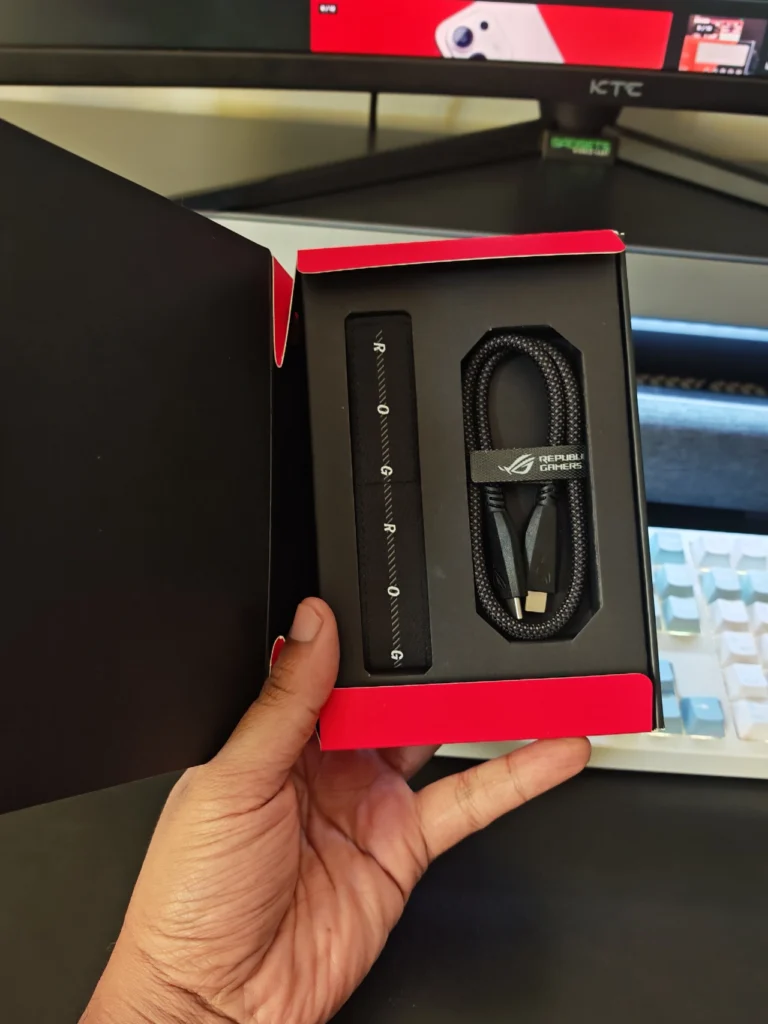
The included braided USB-C cable is another welcome detail. It feels more substantial than the basic cables often supplied with storage accessories and complements the overall construction of the enclosure.
To test the ASUS ROG Strix Aiolos, we used a Kingston FURY Renegade SSD inside the enclosure. CrystalDiskMark produced the strongest results of the testing suite, with sequential read and write speeds approaching 1.9GB/s. Anvil’s produced more conservative results, with sequential read performance reaching approximately 1.4GB/s and sequential write performance approaching 900MB/s. AS SSD encrypt sequential performance on 1.6 GB/s in reading and writing.
For our real-world test, the Aiolos achieved an average read speed of approximately 1.24GB/s and an average write speed of around 1.0GB/s. More importantly, the transfer speeds remained relatively consistent throughout the process. Write performance took a few seconds to reach its maximum level, but once it did, the transfer remained stable.
Because the Aiolos is an enclosure rather than a complete external SSD, performance also depends on the M.2 drive installed inside it. The enclosure supports both SATA and NVMe M.2 SSDs, but NVMe is the obvious choice if you want to make full use of the 20Gbps interface.
SATA-based M.2 drives are significantly slower and will become the limiting factor. NVMe drives, including older PCIe generations, have considerably more bandwidth available and are better suited to a high-speed enclosure.
The important point is that you do not necessarily need the latest and most expensive NVMe SSD. A capable PCIe NVMe drive already has enough performance to make good use of a 20Gbps external interface. In other words, buying the fastest SSD available does not automatically make the Aiolos faster. The actual result depends on the complete connection between the SSD, enclosure, cable, and host device.
Heat is one of the most important considerations with high-performance external SSDs. NVMe drives can generate considerable heat during sustained transfers. If temperatures become too high, the SSD can reduce its performance to prevent damage. This thermal throttling can turn an initially fast transfer into a considerably slower one.
ASUS addresses this with an internal thermal pad that transfers heat away from the SSD. The enclosure’s exterior construction and silicone layer also help manage how that heat is handled. During extended use, the enclosure remained comfortable to handle and we did not experience instability or obvious performance drops during our testing. This is particularly useful when moving large game installations, video files, screenshots, and other sizeable datasets.
For an enclosure designed around a 20Gbps connection, effective thermal management is more important than RGB lighting or other cosmetic features, and ASUS has paid appropriate attention to it here.
The Aiolos proved particularly convenient when used between different gaming systems. We moved it between a desktop gaming PC and a gaming laptop. Having a portable SSD library made it easier to move large files between systems without repeatedly downloading the same content.
It was also useful for moving gameplay captures, screenshots, review assets, installation files, and other large files. Transfer performance remained responsive, and the enclosure was convenient enough to carry between systems regularly. For handheld gaming, this kind of portable storage can be especially useful. Modern games can consume substantial amounts of storage, so being able to carry additional high-speed storage provides more flexibility without relying entirely on the internal drive.
The Aiolos is not limited to gaming, either. For content creators, photographers, video editors, and anyone who regularly moves large files between computers, the same combination of speed and portability can be useful.
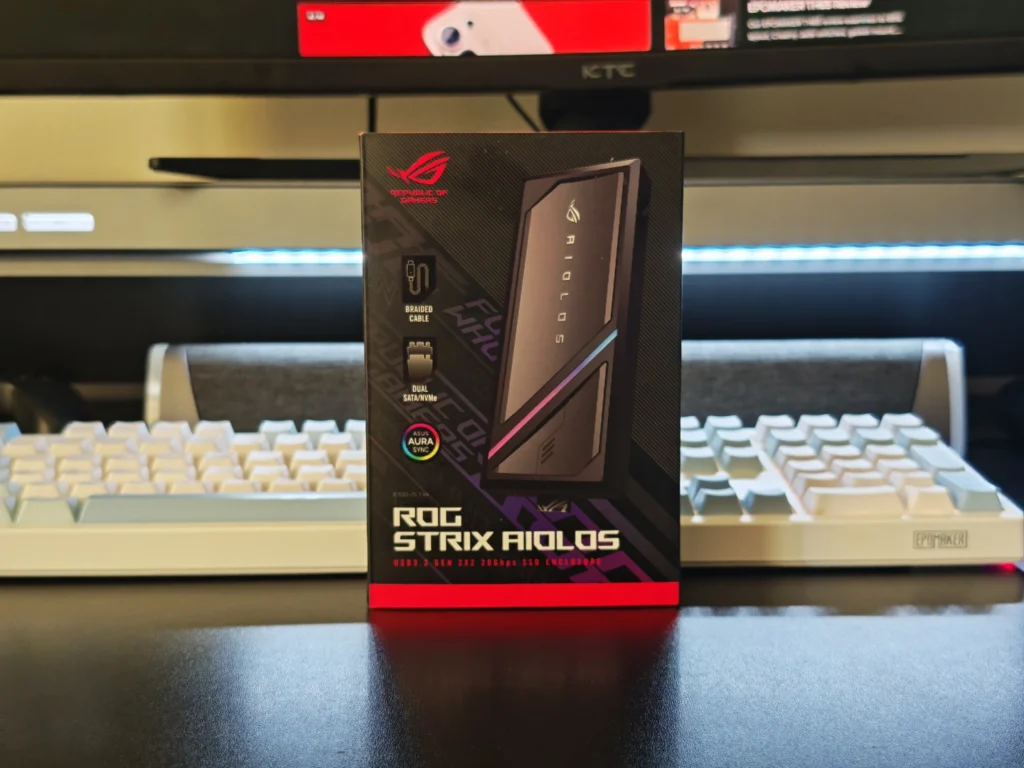
ASUS provides software support for the Aiolos through its ROG ecosystem. The ROG SSD Dashboard can display information such as SSD health, capacity, and temperature. These monitoring functions are useful for enthusiasts who want to keep track of their drive, although similar information can also be accessed through other Windows utilities.
RGB control is handled through ASUS Armoury Crate and Aura Sync. Users already running an ASUS gaming setup can synchronize the Aiolos with other compatible ROG components.
For those outside the ASUS ecosystem, however, installing Armoury Crate solely to change the enclosure’s lighting may not be worthwhile. The software provides additional functionality, but it also introduces a larger software package and background services for what is ultimately a relatively small accessory. This is therefore more of a benefit for existing ROG users than a compelling reason to install the software for the enclosure alone.
The ASUS ROG Strix Aiolos sits above basic M.2 enclosures in both design and price. There are cheaper USB 3.2 Gen 2×2 enclosures available, and they can perform the same fundamental task. What ASUS adds here is a more complete package: solid construction, effective thermal management, convenient SSD installation, RGB lighting, monitoring software, a braided cable, and a design that feels intended for enthusiasts.
The main limitation is that the 20Gbps specification does not guarantee 20Gbps performance in every setup. Your computer’s USB port, cable, and installed SSD all need to support the required bandwidth. The enclosure’s premium features also come at a higher price than simpler alternatives.
For users who simply need the cheapest way to turn an M.2 SSD into portable storage, the Aiolos may be more than necessary. For those who want a well-built enclosure that can move between gaming systems and other computers while providing high-speed performance, it makes considerably more sense.
The ASUS ROG Strix Aiolos is a well-designed premium NVMe enclosure that combines strong performance with practical features. The tool-free access makes SSD installation straightforward, while the thermal pad and exterior construction help keep temperatures under control during sustained workloads.
Its 20Gbps USB 3.2 Gen 2×2 interface provides plenty of bandwidth, although users need compatible hardware to take advantage of it. The RGB lighting is a nice addition for those already using ASUS hardware, while the ROG software provides useful monitoring and customization options.
For users building a fast portable SSD for gaming, productivity, or moving large files between systems, the ROG Strix Aiolos is a polished option that puts more emphasis on the overall experience than a typical budget enclosure.
Also Read: ASUS ROG Falchion Ace 75 HE Review

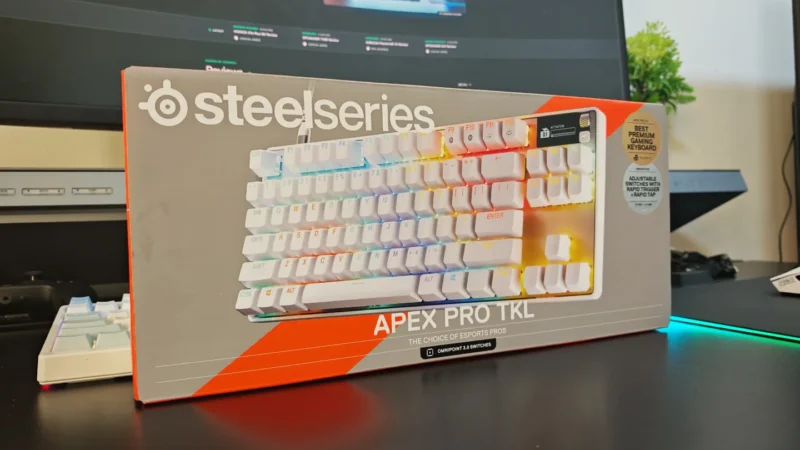
We review the SteelSeries Apex Pro TKL Gen 3, featuring OmniPoint 3.0 Hall Effect switches, adjustable actuation, Rapid Trigger, OLED display and RGB lighting.
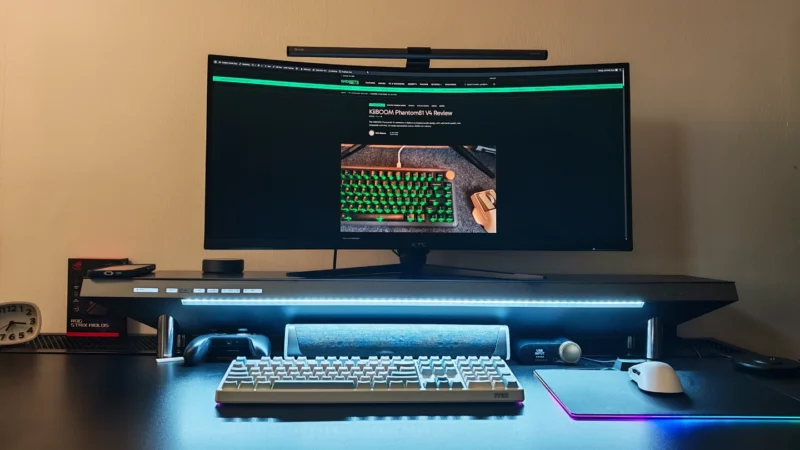
Our Hexcal Studio review examines its premium build, cable management, eight AC outlets, USB connectivity, wireless charging and integrated task lighting.
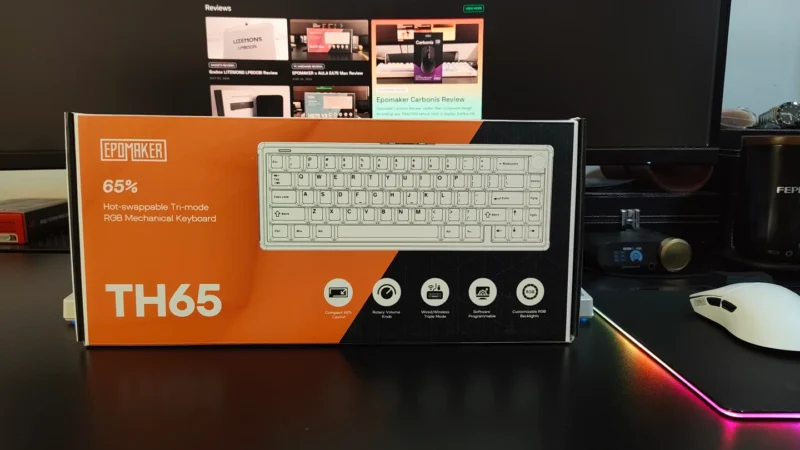
Our EPOMAKER TH65 review examines its 65% layout, Creamy Jade switches, gasket mount, 8000mAh battery, wireless connectivity, gaming performance, and value.
 Joshua James