
Redragon EISA K768 Review: A Compact Wireless Keyboard for Work and Gaming
Our Redragon EISA K768 review covers its 100-key layout, wireless connectivity, 8,000mAh battery, typing experience and gaming performance.
The Redragon Dharma Pro K556 is a full-sized wireless mechanical keyboard that offers a sturdy aluminium build, hot-swappable switches, and tri-mode connectivity at a price point that undercuts most comparable options from larger brands.
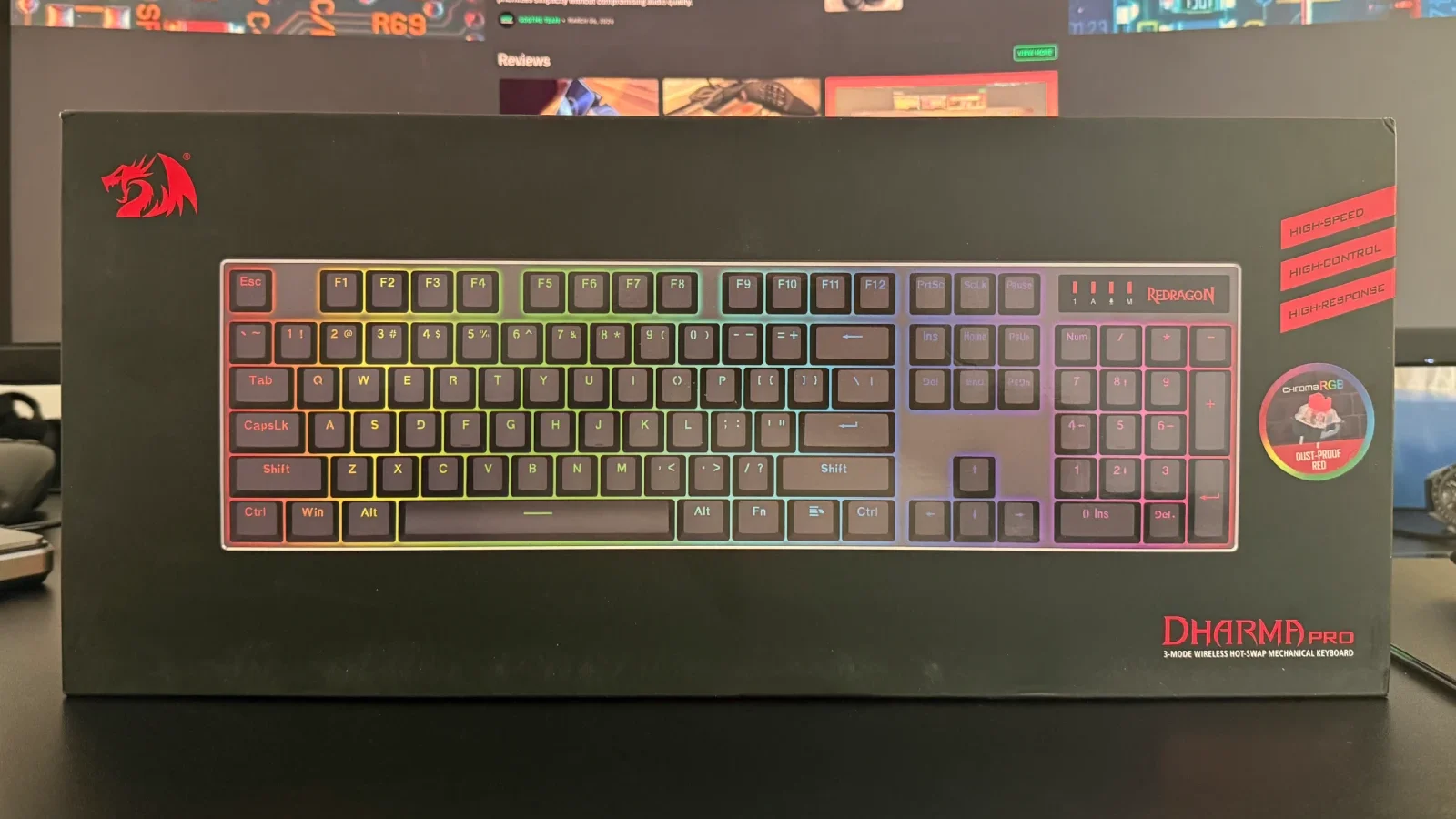
The Redragon Dharma Pro K556 sits in the budget-to-mid-range segment of the wireless mechanical keyboard market, priced at $79.99. It targets users who require a full 104-key layout with number pad support and want wireless flexibility without committing to a premium price. For that audience, it largely delivers.
| Specification | Detail |
|---|---|
| Layout | Full-size (104 keys) |
| Connectivity | USB-C / 2.4GHz / Bluetooth 5.0 |
| Battery | 1,600mAh (~48–50hrs with RGB) |
| Switches | Redragon Red Linear (hot-swappable) |
| Keycaps | ABS double-shot |
| RGB | Per-key, 18 preset modes |
| N-Key Rollover | Yes |
| Price | $79.99 |
| Score | 8/10 |
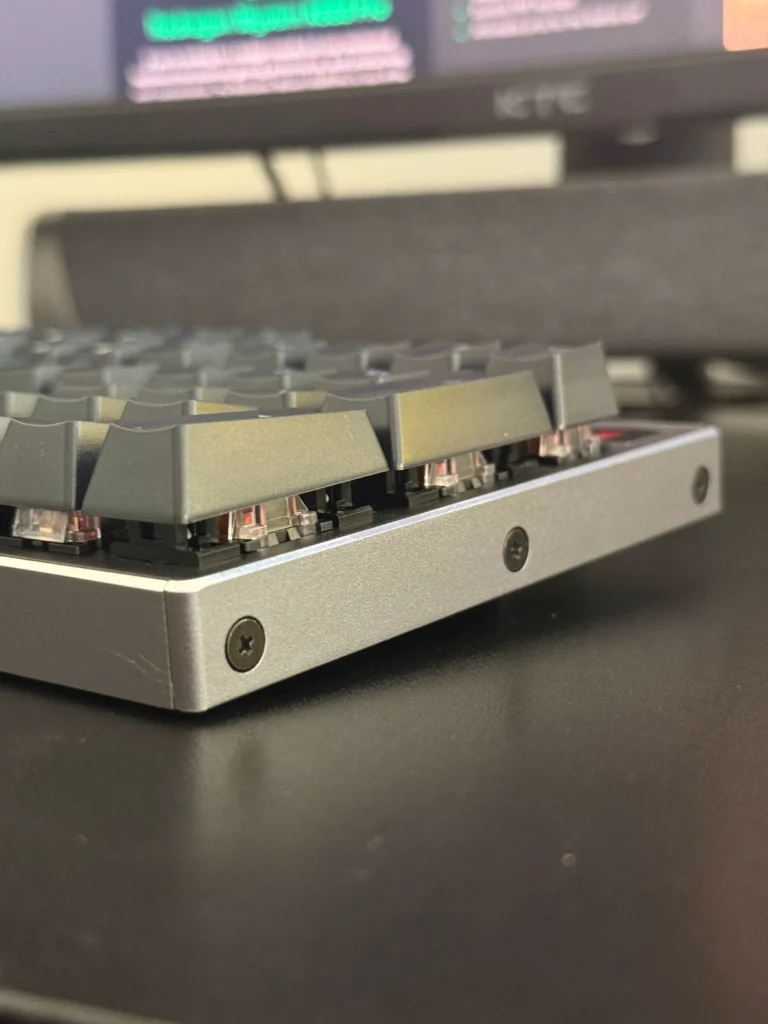
The K556 features an aluminium top and side plate with a plastic bottom frame. The floating keycap design gives the board a clean, modern appearance and makes maintenance straightforward. At approximately 1.35 lbs, the keyboard has a solid, planted feel on the desk, aided by four rubber feet on the underside.
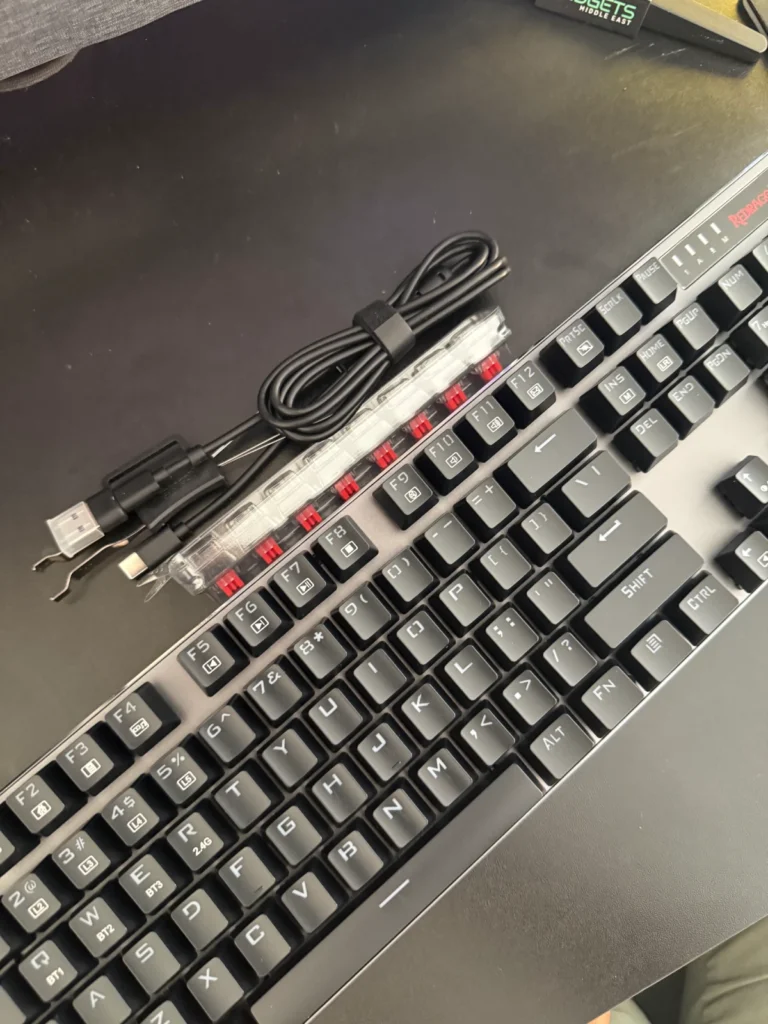
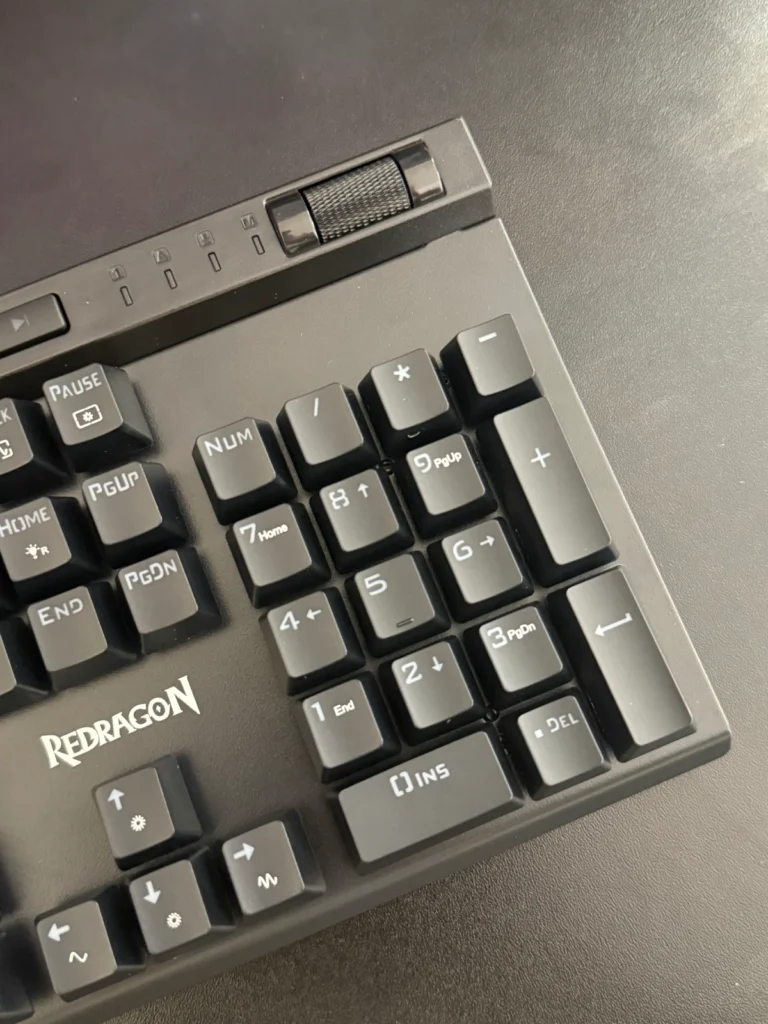
The keycaps are made from ABS plastic with double-shot legends, meaning the printed characters will not fade with regular use. A slight concern is the matte finish, which is likely to develop shine over time with heavy use, particularly on frequently pressed keys such as WASD. The function row labels are printed rather than double-shot, which may show wear with extended use.
One notable omission is the lack of dedicated media keys. Media functions are accessed via a secondary layer using the function key, which is a minor inconvenience for users who prefer direct access during work or playback.
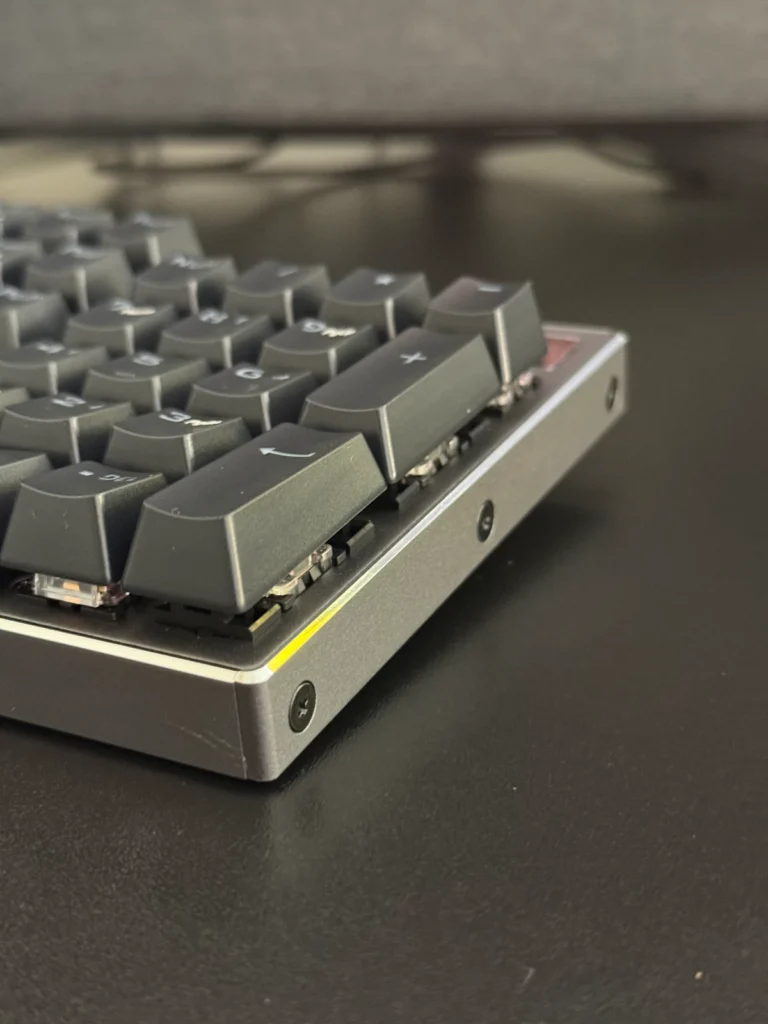
The K556 supports three connectivity modes: USB-C wired, 2.4GHz wireless via a USB-A dongle, and Bluetooth 5.0. The dongle stores magnetically inside the keyboard when not in use. The board can pair with up to three Bluetooth devices simultaneously, switchable via key combination.
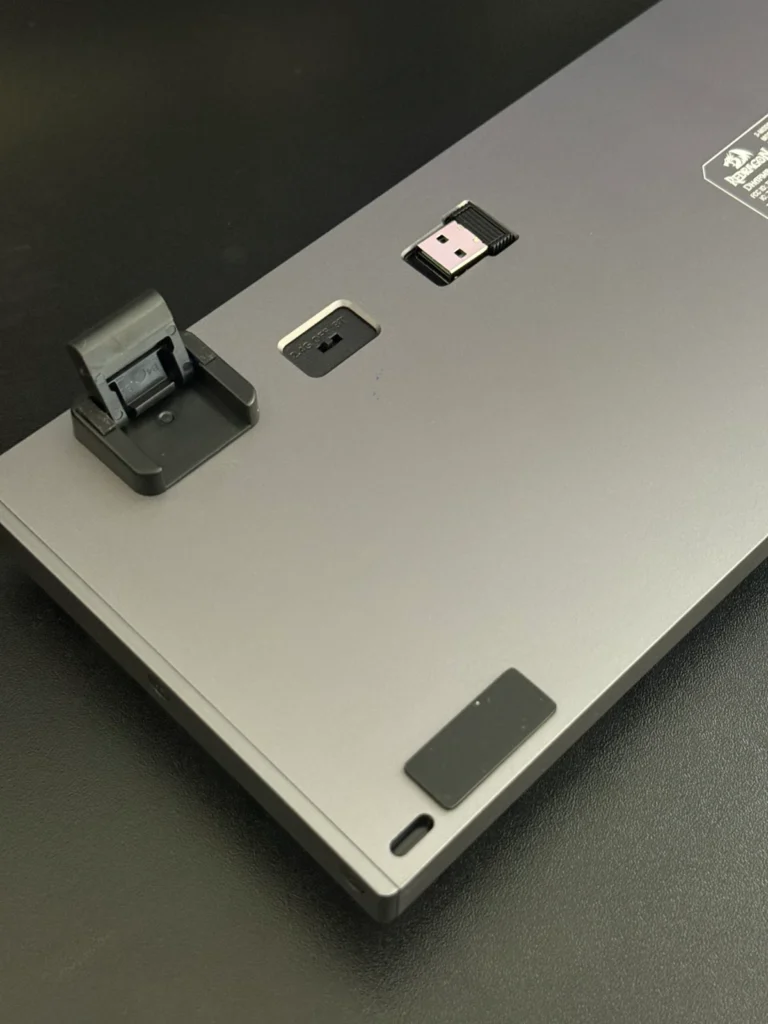
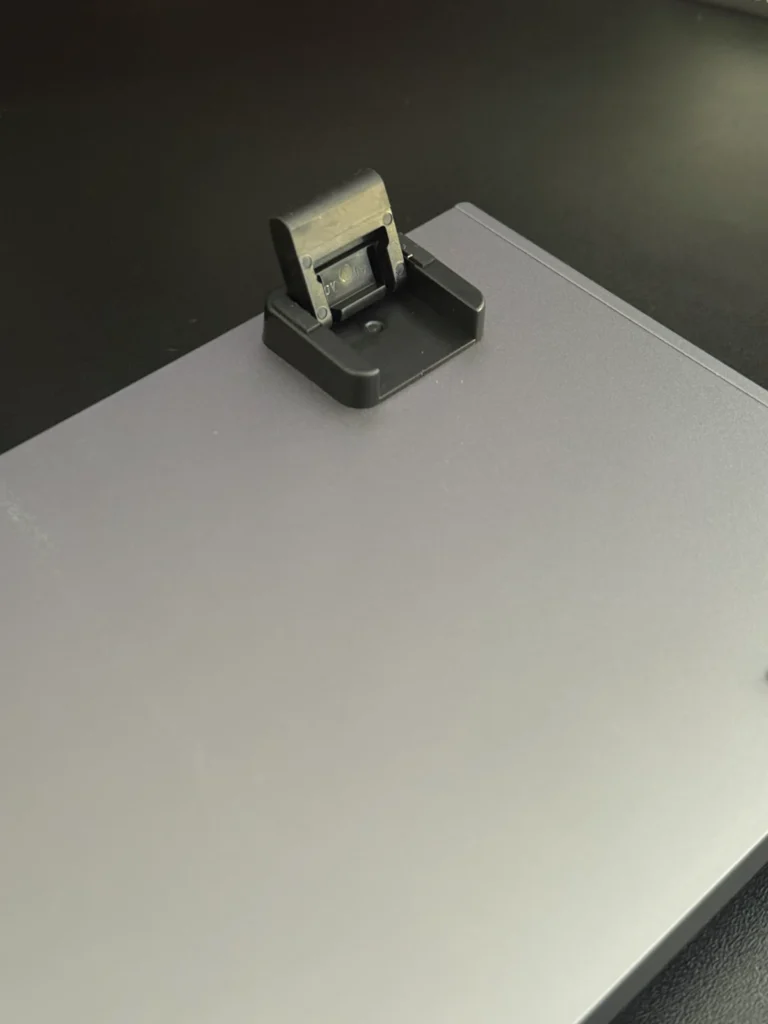
Wired and Bluetooth performance are both reliable. The 2.4GHz connection, however, has shown sensitivity to obstructions between the dongle and the keyboard. Positioning the dongle with a clear line of sight to the board resolves the issue, but users with PCs stored under desks or at a distance may need a USB extension cable to achieve a stable signal.
The 1,600mAh battery delivers approximately 48 to 50 hours of use with RGB enabled, and up to 150 hours with lighting disabled. A full charge takes around four hours via USB-C, and the keyboard remains functional while charging. A four-LED battery indicator on the top right of the board displays the current charge level.
The K556 ships with Redragon’s own red linear switches, which are hot-swappable and compatible with any standard three or five pin MX switch. The switches offer smooth linear actuation with a 45g actuation force, which some users may find light enough to cause accidental keystrokes during heavy typing or gaming sessions. Users who prefer a heavier actuation weight may want to consider swapping to aftermarket switches, a process made straightforward by the hot-swap socket design.
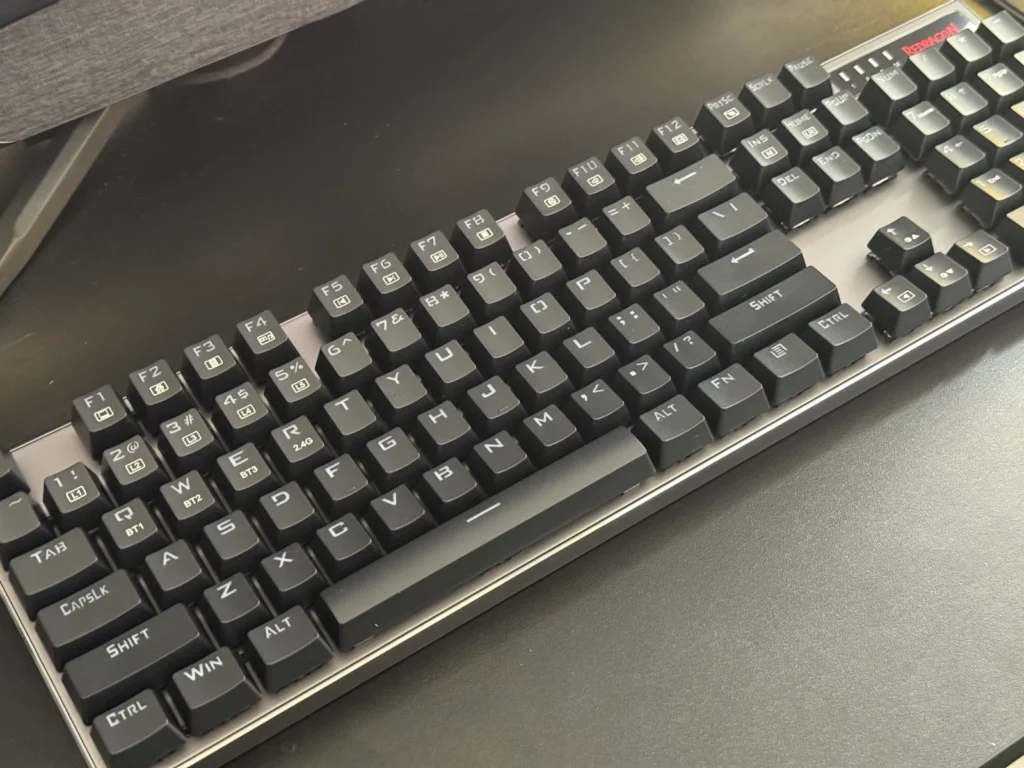
The keyboard supports full N-key rollover and anti-ghosting, ensuring accurate registration of simultaneous key presses.
Per-key RGB lighting is supported across 18 preset modes, including a music-reactive mode. Brightness, speed, and colour are all adjustable. The Redragon software allows for custom lighting profiles, macro assignment, and adjustment of polling rate and debounce settings. The software must be used in wired mode and its interface is functional rather than refined, but it covers the essential customisation options adequately.
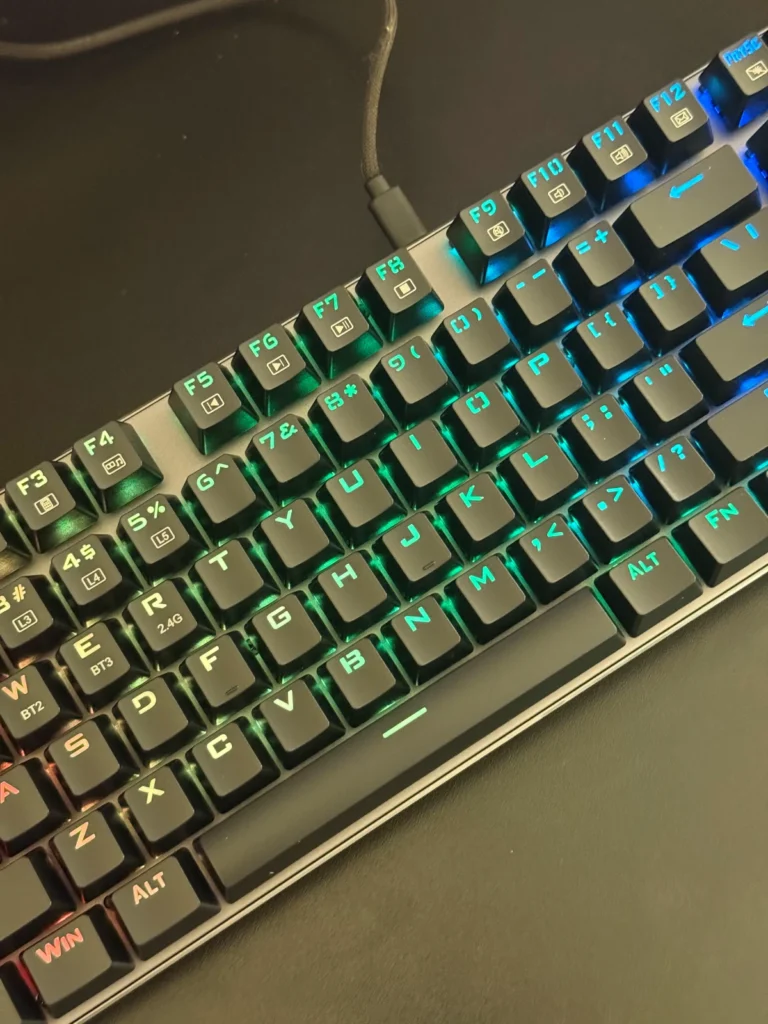
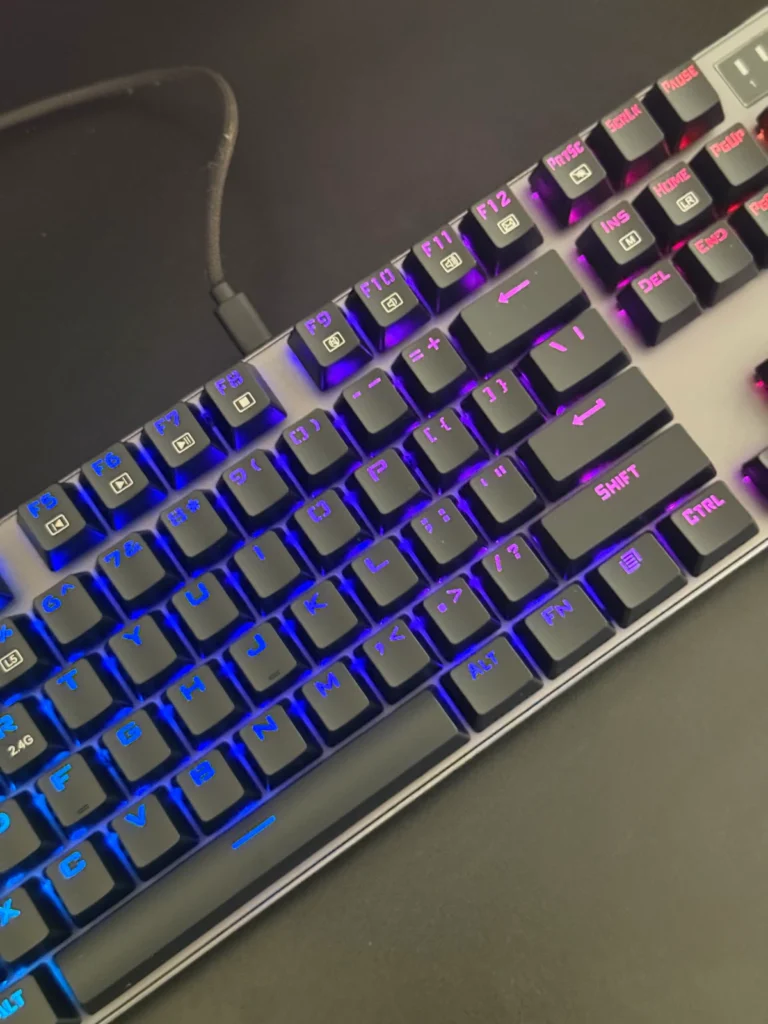
The Redragon Dharma Pro K556 is a capable full-sized wireless mechanical keyboard that punches above its weight in terms of build quality. The aluminium construction, hot-swappable switches, long battery life, and tri-mode connectivity make it a strong value proposition at $79.99. The 2.4GHz signal sensitivity and basic software are genuine limitations, but neither is a dealbreaker for most users.
For keyboard buyers across the Middle East seeking a full-sized wireless mechanical board without the premium pricing of brands such as Razer, HyperX, or Logitech, the Dharma Pro K556 represents a practical and well-built option.
Also Read: Redragon K580 VATA Pro Review

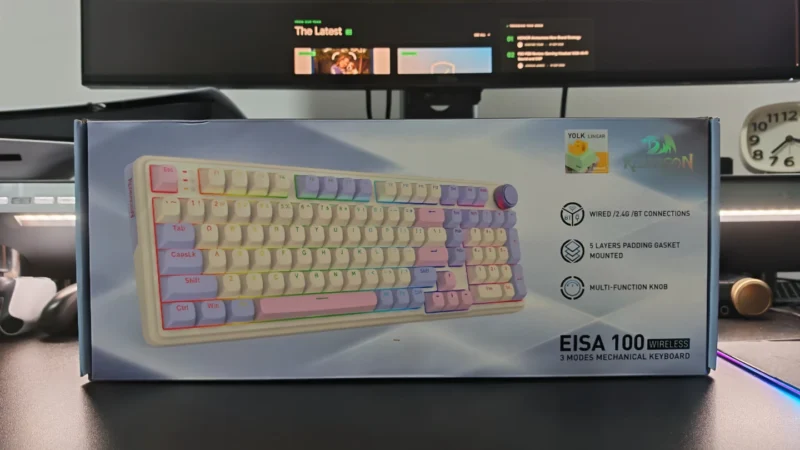
Our Redragon EISA K768 review covers its 100-key layout, wireless connectivity, 8,000mAh battery, typing experience and gaming performance.
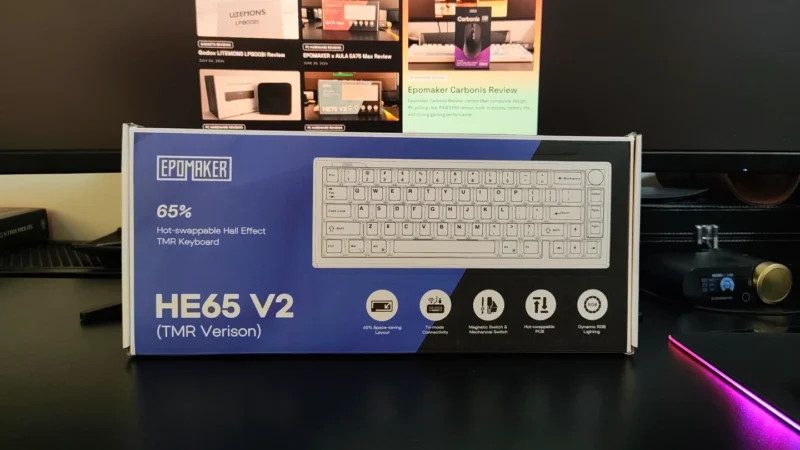
EPOMAKER HE65 V2 TMR review covering its TMR switches, Rapid Trigger, 8,000Hz polling, hybrid hot-swap PCB, wireless connectivity and typing experience.
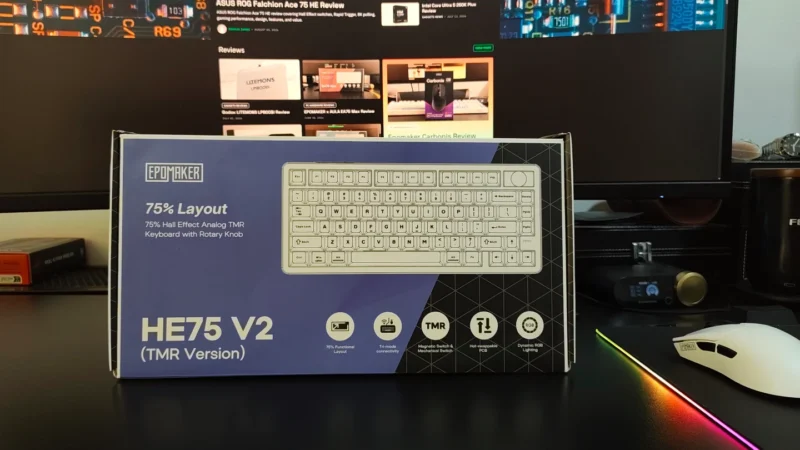
Our EPOMAKER HE75 V2 TMR review covers its TMR switches, Rapid Trigger, 8K polling, wireless performance, sound, software and battery life.
 Joshua James