
TOZO NC9 Pro Review: Feature-Rich Wireless Earbuds with a Touchscreen Case
TOZO NC9 Pro review: We test its adaptive ANC, LDAC audio, touchscreen case, Bluetooth 6.0, sound quality, battery life and everyday performance.
If you're looking for an affordable and user-friendly way to get started with digital art, the Gaomon WH851 is a great choice.
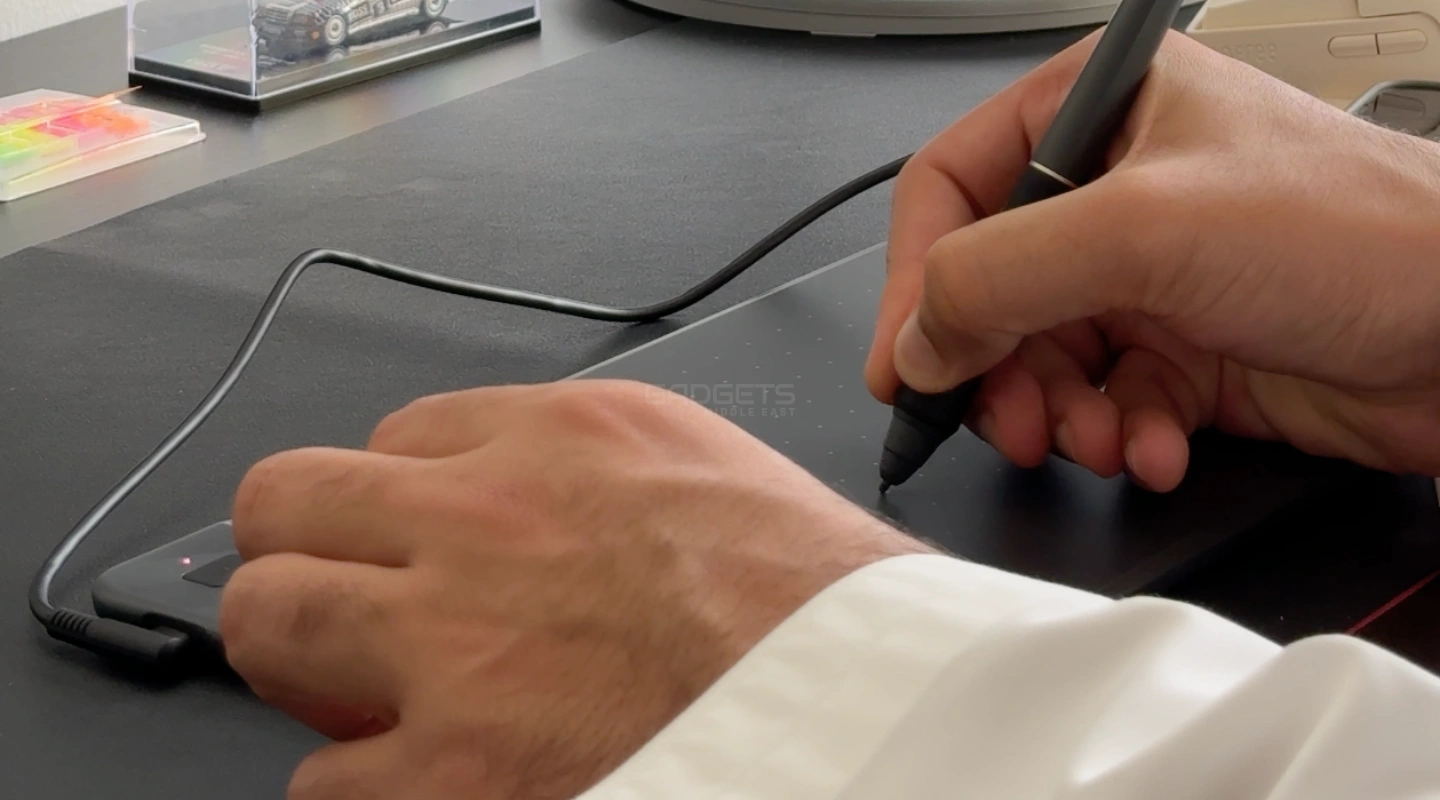
Looking to ditch the mouse and embrace a more natural way to create digitally? The Gaomon WH851 drawing tablet might be just what you’re looking for. I recently got my hands on this budget-friendly tablet, and here’s a breakdown of my experience to see if it’s the right fit for you.
The WH851 boasts a clean, modern design with a textured surface that feels great under the hand. It’s lightweight and portable, making it perfect for creating on the go. Setting it up was a breeze – just download the driver, and you’re ready to draw!
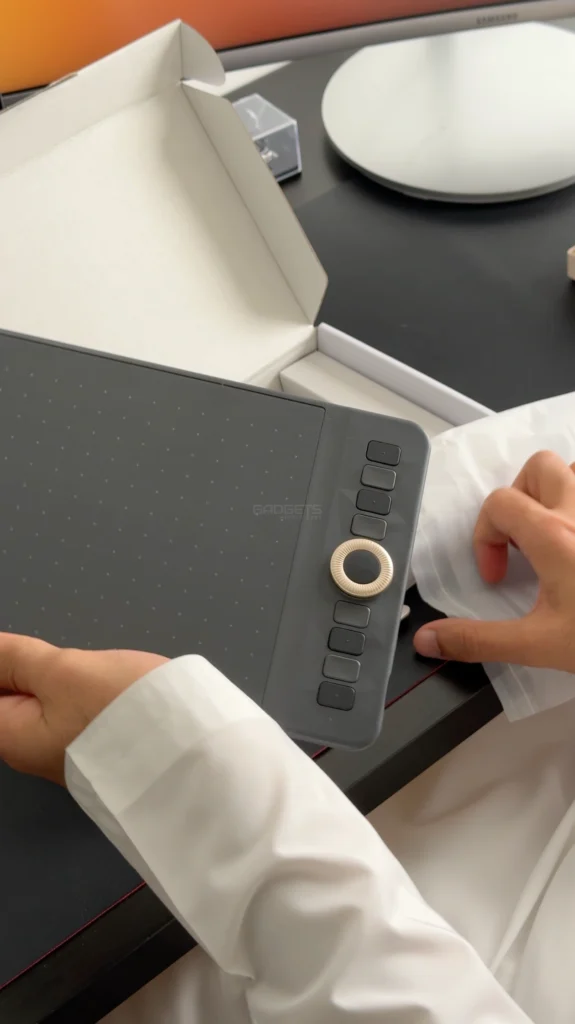
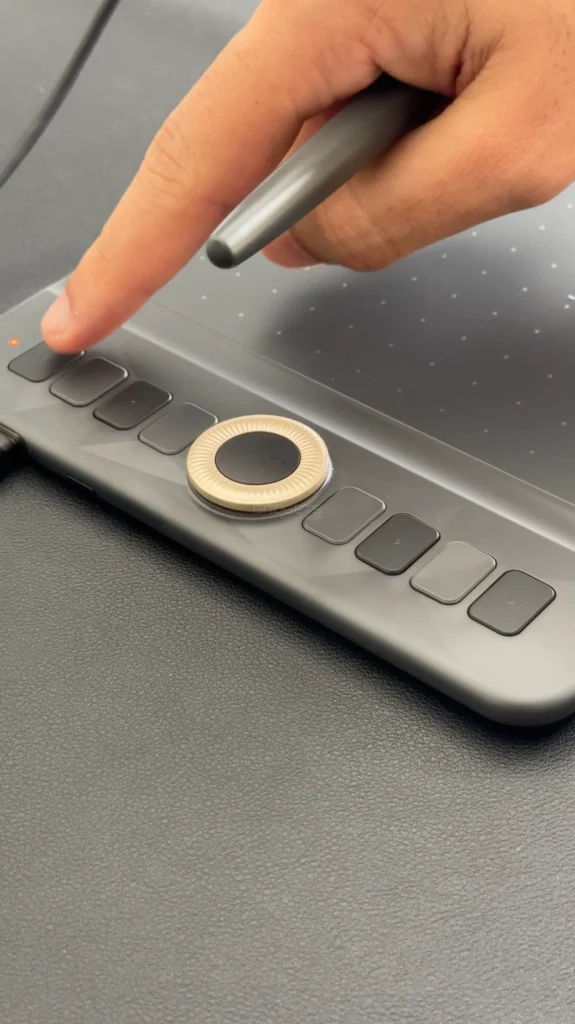
The star of the show is the AP519 stylus. It’s comfortable to hold and incredibly pressure-sensitive, allowing for natural-looking lines that taper and blend beautifully. The textured surface provides a satisfying grip, and the 20 included pen nibs ensure you won’t run out anytime soon.
Beyond the core drawing experience, the WH851 offers some great features to boost your workflow. Eight customizable hotkeys and a multi-function dial let you quickly access shortcuts and functions within your favorite drawing software.
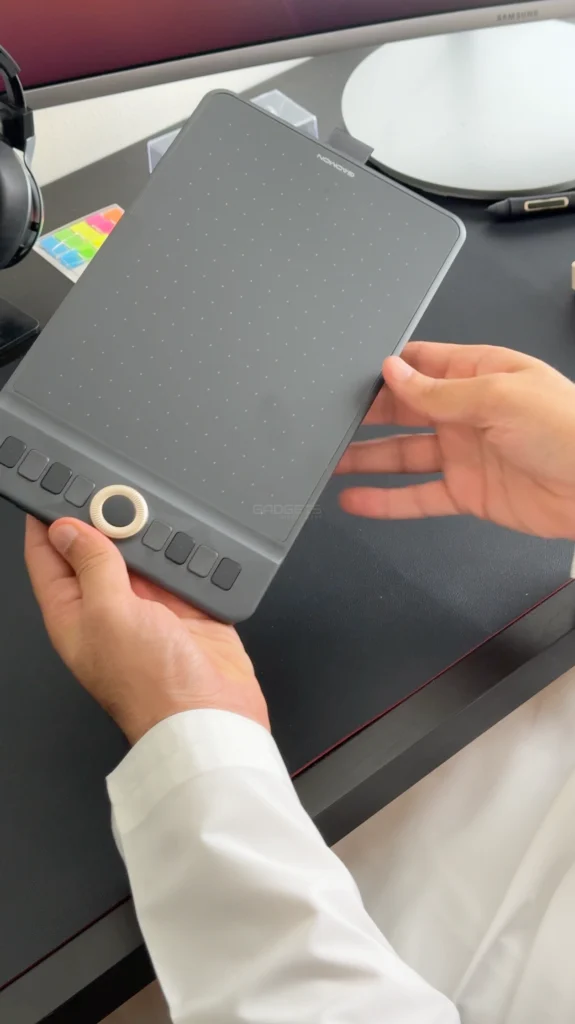
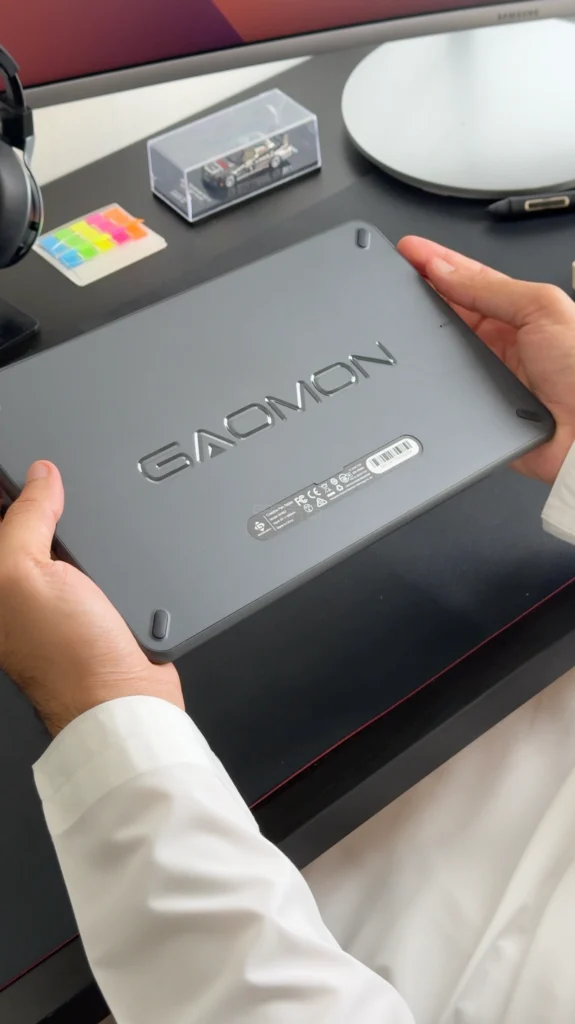
Say goodbye to cable clutter! The WH851 connects wirelessly via Bluetooth 5.0, freeing up your workspace. Plus, it works seamlessly with Windows, macOS, Chrome OS, Linux, and even Android devices (with some app limitations).
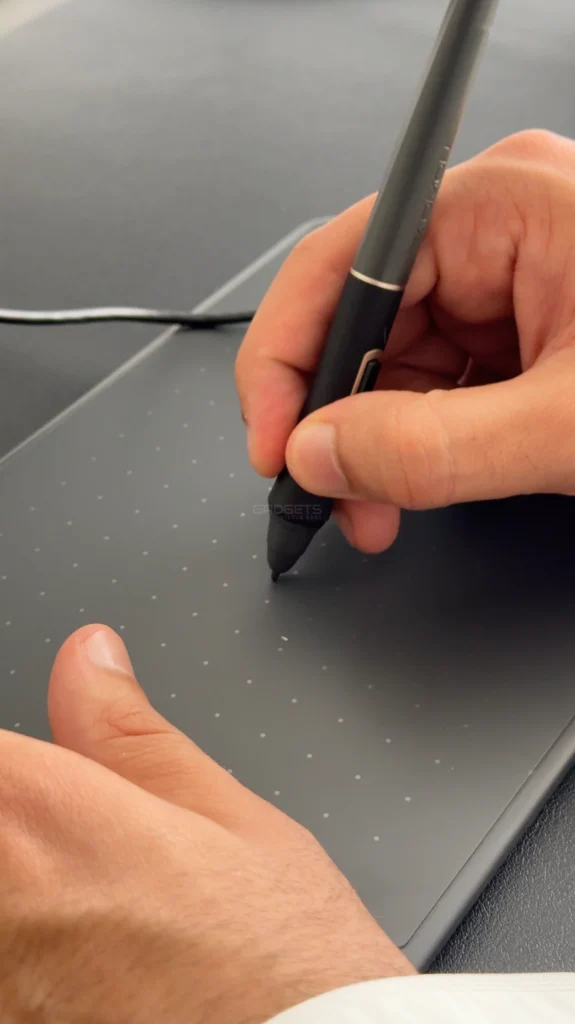
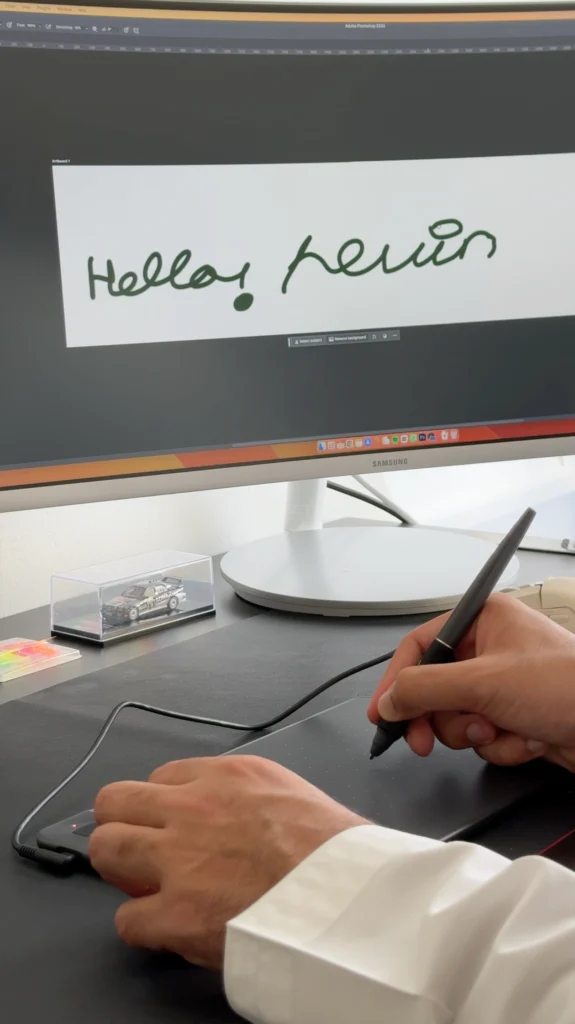
The WH851 is an excellent option for beginners and hobbyists. The price point is fantastic, and the drawing experience is smooth and responsive. The only minor drawback is the advertised 18-hour battery life – it might be a bit shorter in real-world use.
If you’re looking for an affordable and user-friendly way to get started with digital art, the Gaomon WH851 is a great choice. It offers excellent drawing performance, a comfortable pen, and wireless connectivity, all at an attractive price. Just keep in mind the smaller drawing area and potentially shorter battery life compared to some higher-end models.
In a Nutshell:

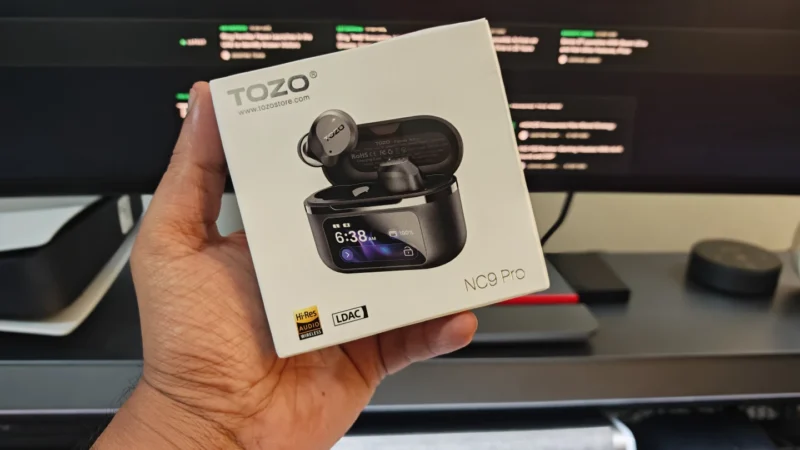
TOZO NC9 Pro review: We test its adaptive ANC, LDAC audio, touchscreen case, Bluetooth 6.0, sound quality, battery life and everyday performance.
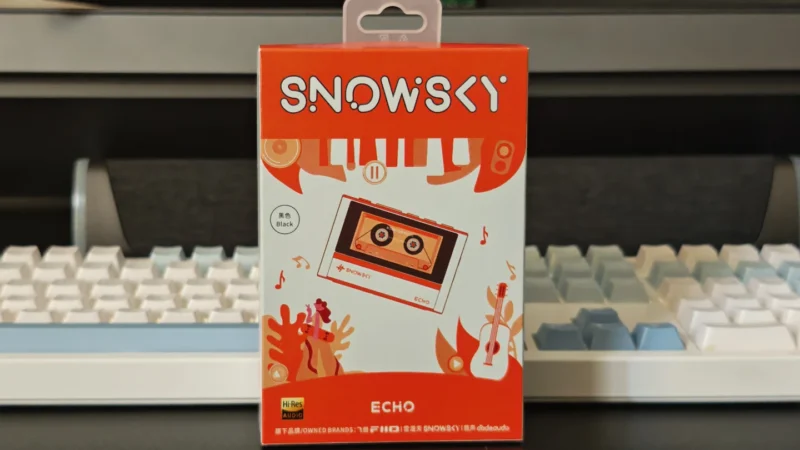
Our Snowsky ECHO review examines its sound quality, build, 4.4mm balanced output, battery life, Bluetooth, USB DAC features and overall value.
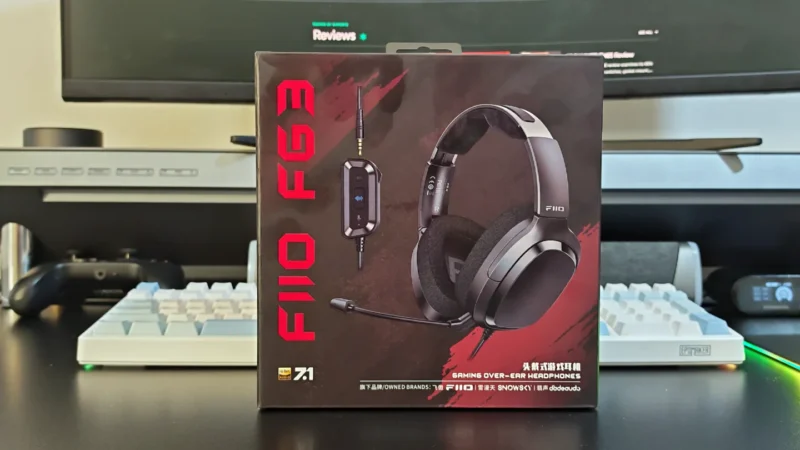
FiiO FG3 Review: an interesting first attempt at a gaming headset from a company with a strong background in personal audio.
 Joshua James