
TOZO NC9 Pro Review: Feature-Rich Wireless Earbuds with a Touchscreen Case
TOZO NC9 Pro review: We test its adaptive ANC, LDAC audio, touchscreen case, Bluetooth 6.0, sound quality, battery life and everyday performance.
The Logitech Combo Touch for iPad is a detachable keyboard with a trackpad built into a sleek case.
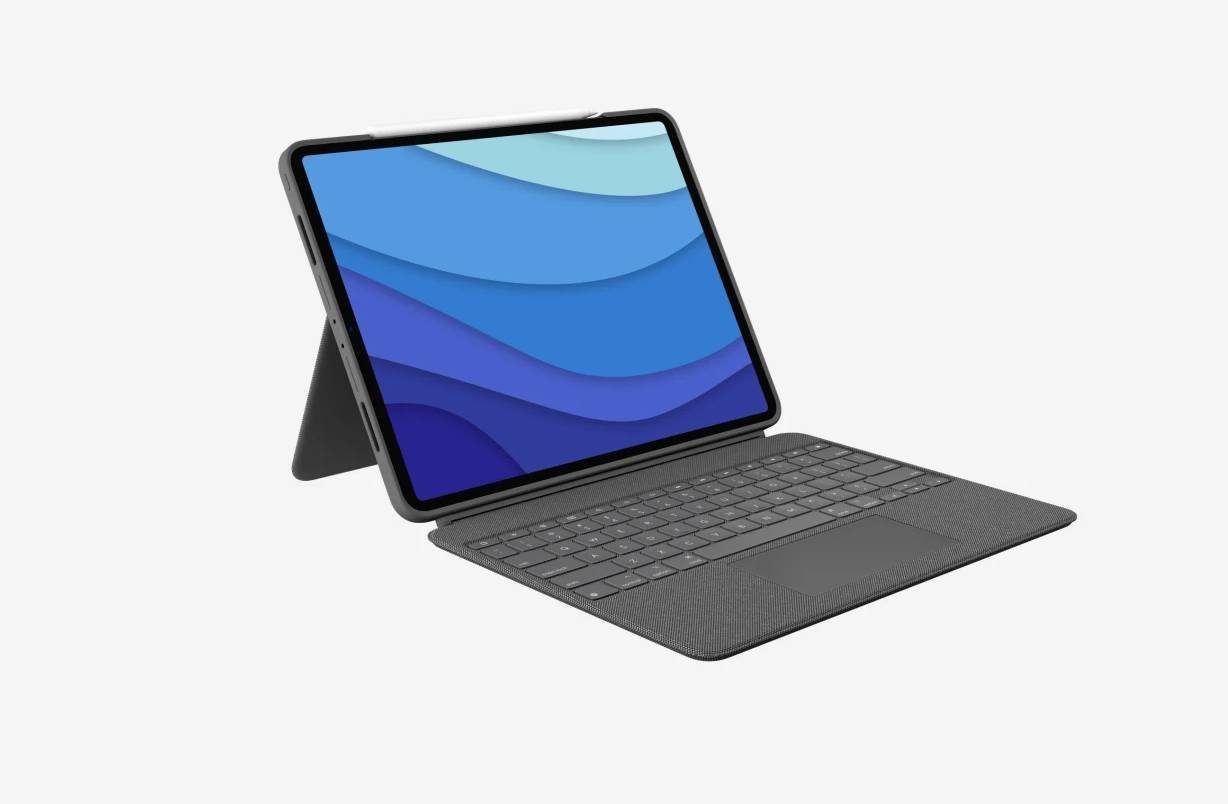
The Logitech Combo Touch is a keyboard and trackpad case for the iPad Pro. The magnetically detachable keyboard connects using a smart connector rather than Bluetooth and the case offers several more features than Apple’s and comes at a more affordable cost.
The packaging comes in a solid white box and includes the below:
The Logitech Combo Touch is made up of a case that protects the iPad Pro and includes a kickstand. There is also a magnetically detachable keyboard/trackpad. It in two color options – Oxford Grey and Sand and weighs nearly as same as Apple’s Magic Keyboard. The woven outer fabric feels as great as it looks. It’s comfortable, attractive, and looks elegant. The case is made to perfectly fit the iPad, protecting the front, back, and corners from scrapes and bumps.
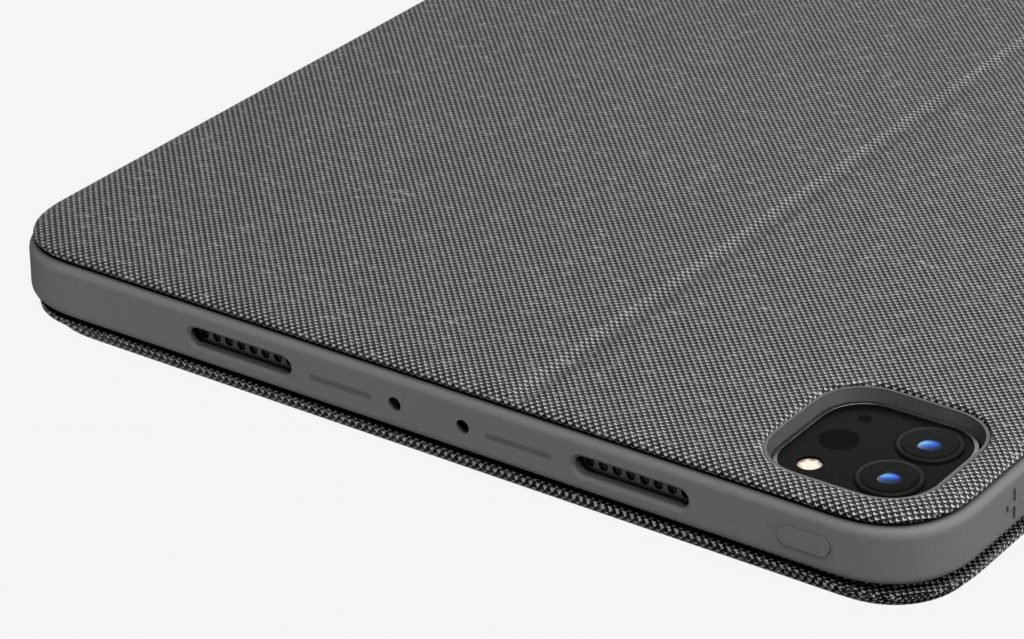
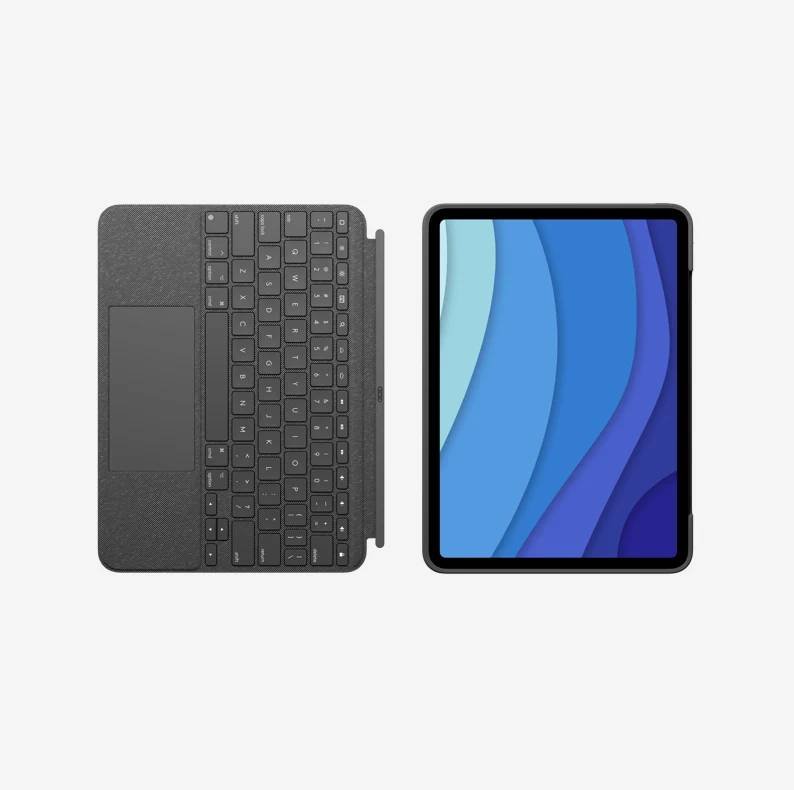
The case has an opening for charging the Apple Pencil while the left side has the Smart Connector magnets. There are also cutouts for the speakers, cameras and the charging port. They keyboard can be magnetically detached so you can sketch, read or watch videos or use the adjustable kickstand’s 50 degrees of tilt.
The keyboard connects using Logitech’s smart connector technology and no pairing is required. There are no batteries required as the power for Combo Touch is sourced directly from the iPad.
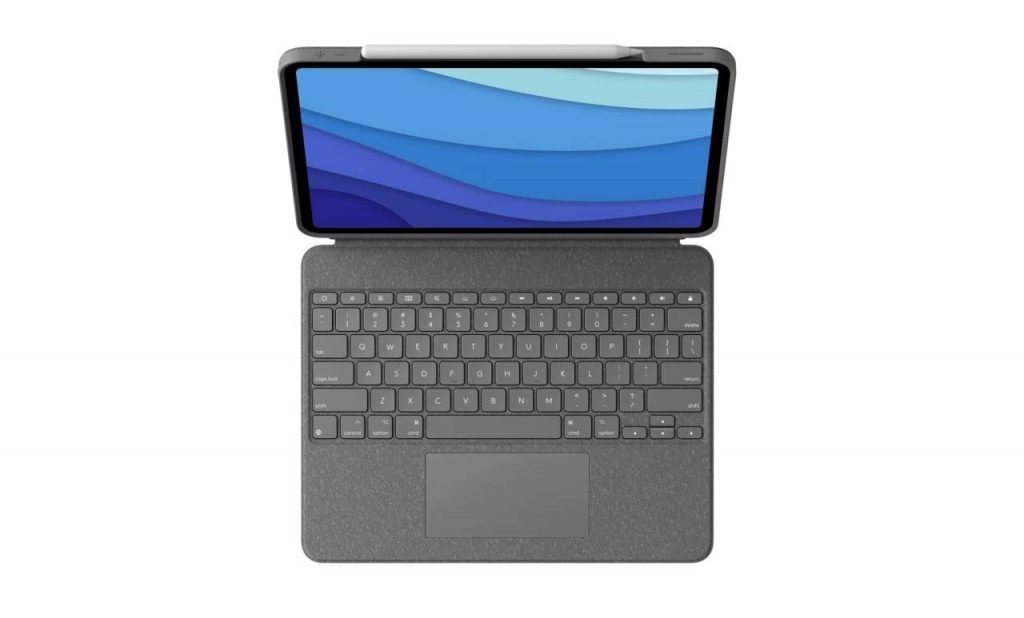
The keyboard is large enough for comfortable typing. Key travel is ok but typing is fairly quiet. There is also a row of shortcut keys compatible with iPadOS at the top of the keyboard, which allows you to adjust volume, media controls, brightness levels, and more with one-tap access. The keys are backlit and automatically adjust to the environment with 16 levels of brightness.
The touch pad is large and allows is precise and easily recognizes multi-touch gestures available on the iPad such as swipe, tap, pinch, and scroll in apps like Safari, Keynote, and Pages.
The case can be adjusted in the following ways:

The Logitech Combo Touch for iPad is a detachable keyboard with a trackpad built into a sleek case. The build quality is great and the fabric exterior looks classy and is resistant to slips and scratches.
The Logitech Combo Touch is a great keyboard and case combo for the 5th-generation 12.9-inch iPad Pro. The highlight is the detachable keyboard, the trackpad and the extra row of shortcut keys. The Logitech Combo Touch is also cheaper than Apple’s Magic Keyboard. And as the Combo Touch uses Smart Connector, the keyboard does not need to be charged or paired.

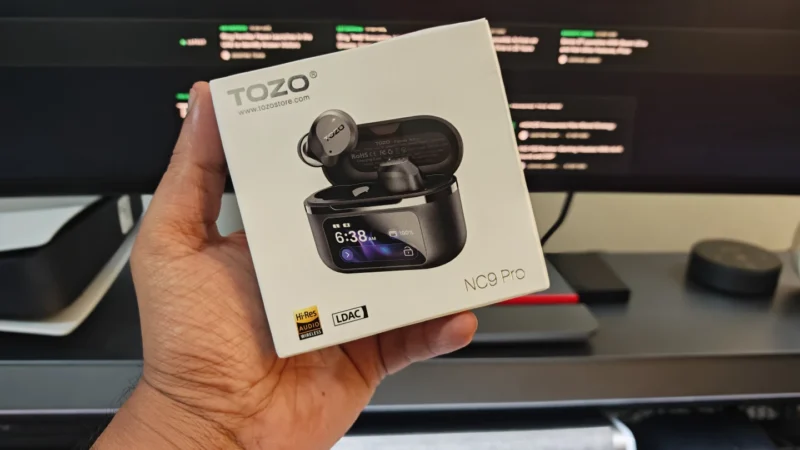
TOZO NC9 Pro review: We test its adaptive ANC, LDAC audio, touchscreen case, Bluetooth 6.0, sound quality, battery life and everyday performance.
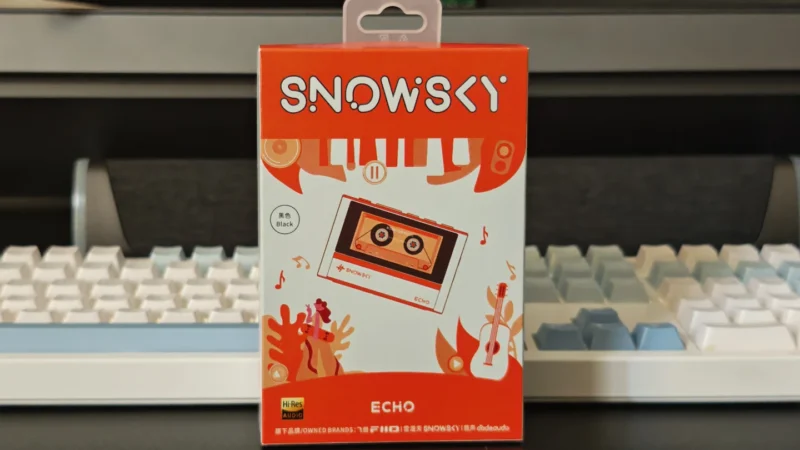
Our Snowsky ECHO review examines its sound quality, build, 4.4mm balanced output, battery life, Bluetooth, USB DAC features and overall value.
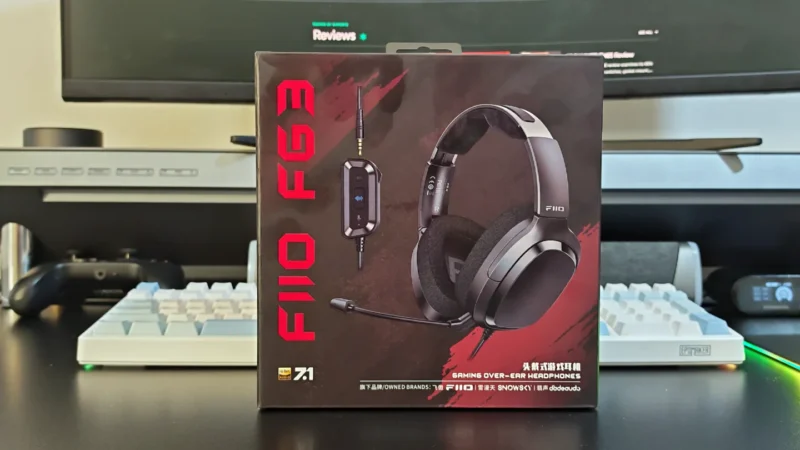
FiiO FG3 Review: an interesting first attempt at a gaming headset from a company with a strong background in personal audio.
 Joshua James