
TOZO NC9 Pro Review: Feature-Rich Wireless Earbuds with a Touchscreen Case
TOZO NC9 Pro review: We test its adaptive ANC, LDAC audio, touchscreen case, Bluetooth 6.0, sound quality, battery life and everyday performance.
The Ottocast Play2Video Ultra is a feature-rich adapter that provides wireless CarPlay, Android Auto, and in-car video streaming in a single compact unit.
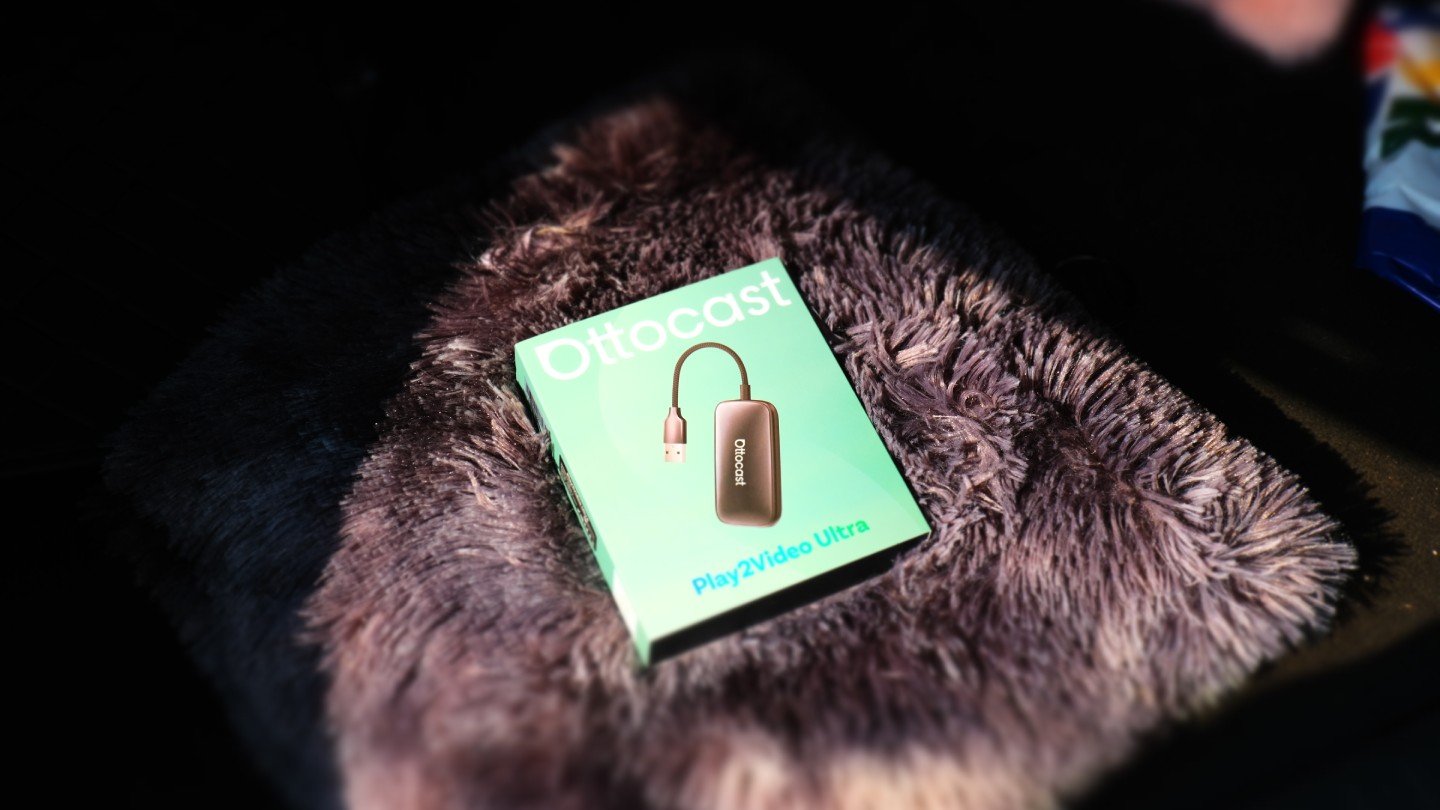
The Ottocast Play2Video Ultra is designed as an all-in-one adapter for wireless CarPlay, Android Auto, and built-in Android-based streaming. With support for popular apps like YouTube, Netflix, and Spotify, it brings a mix of convenience and entertainment to compatible car displays—all at a modest price of around $109.
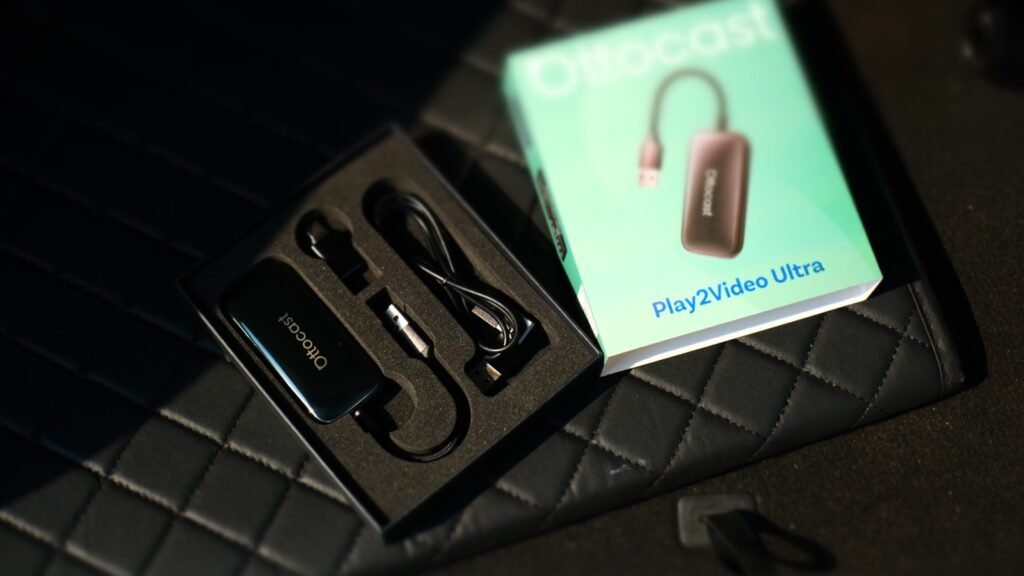
Out of the box, the Play2Video Ultra includes the adapter itself, a USB-A to USB-C converter, and a USB-A to USB-A passthrough cable for vehicles with underpowered USB ports. The adapter’s pebble-like design is compact and refined, featuring a glossy top finish, discreet passive cooling vents, and an LED indicator for status updates.
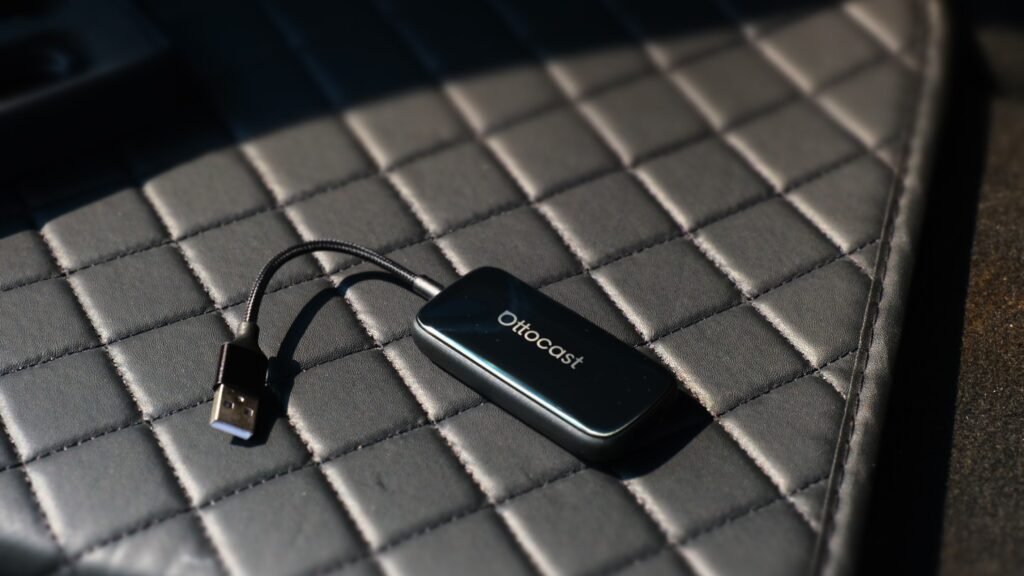
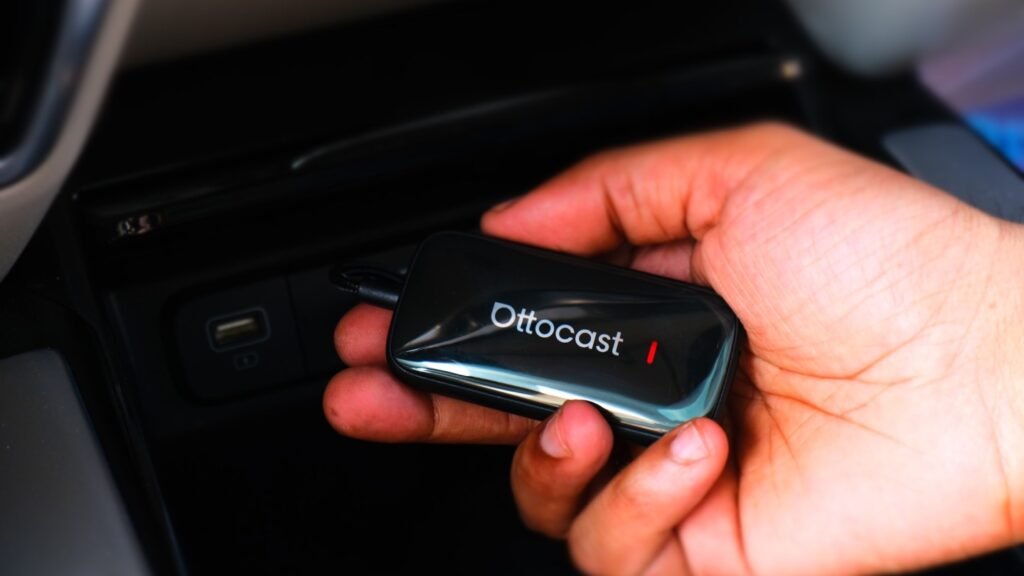
This new Ultra version offers tangible hardware improvements—4GB RAM, 32GB storage, Wi-Fi 6, and Bluetooth 5.4 support. It also features a more durable casing. The only minor drawback is its short, fixed tether cable—if it fails, the entire unit would need replacing.
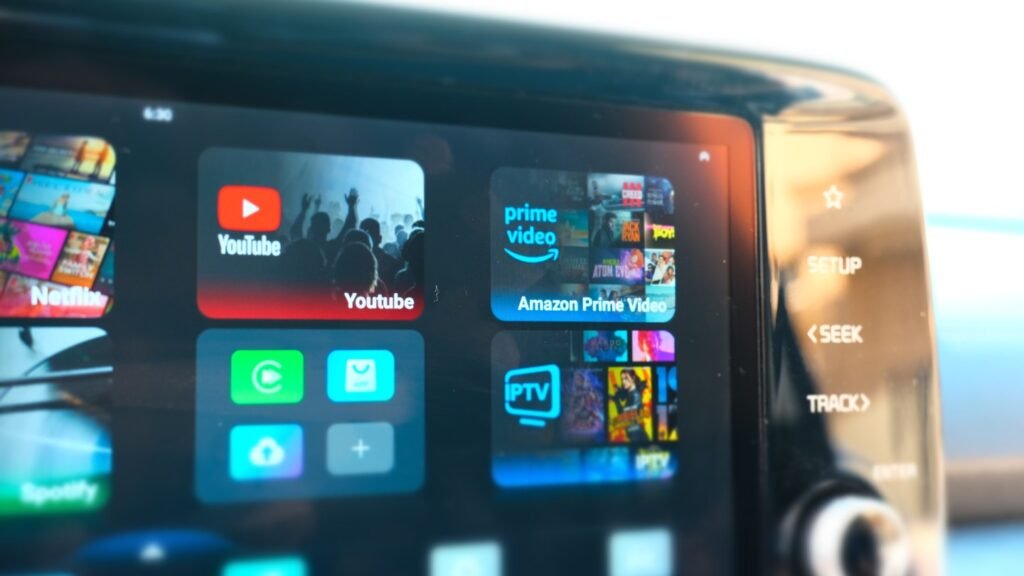
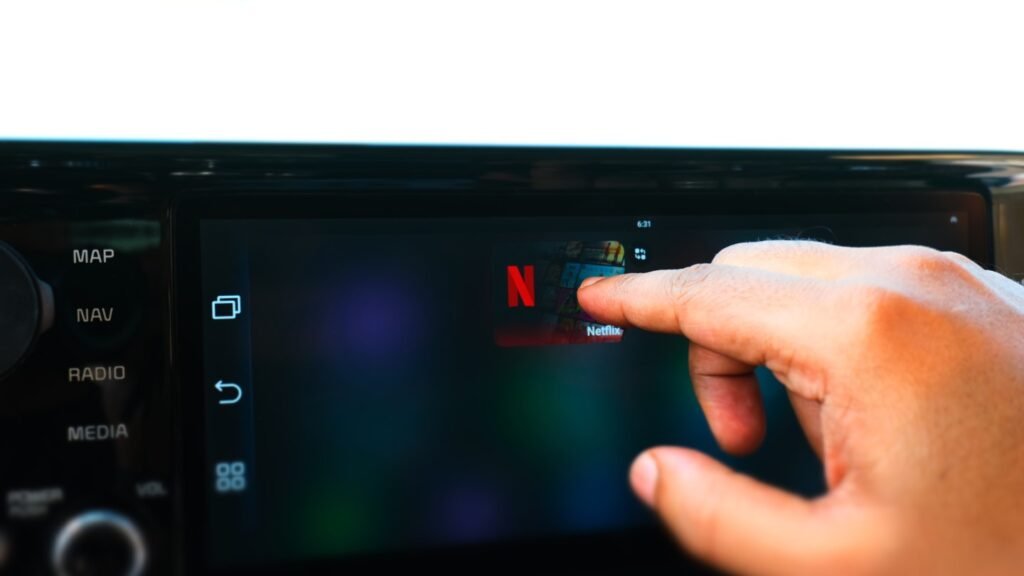
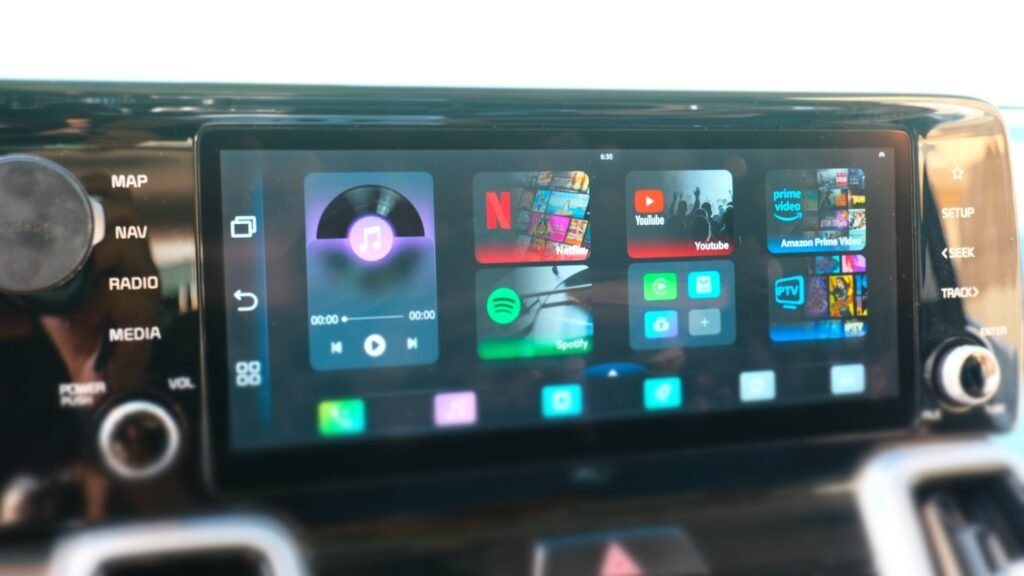
Setting up the Play2Video Ultra is simple: connect it to your car’s USB data port, and it boots directly into a clean Android-based launcher. The interface includes shortcut panels for YouTube, Netflix, Amazon Prime Video, Spotify, IPTV, Bluetooth media, and wireless CarPlay/Android Auto.
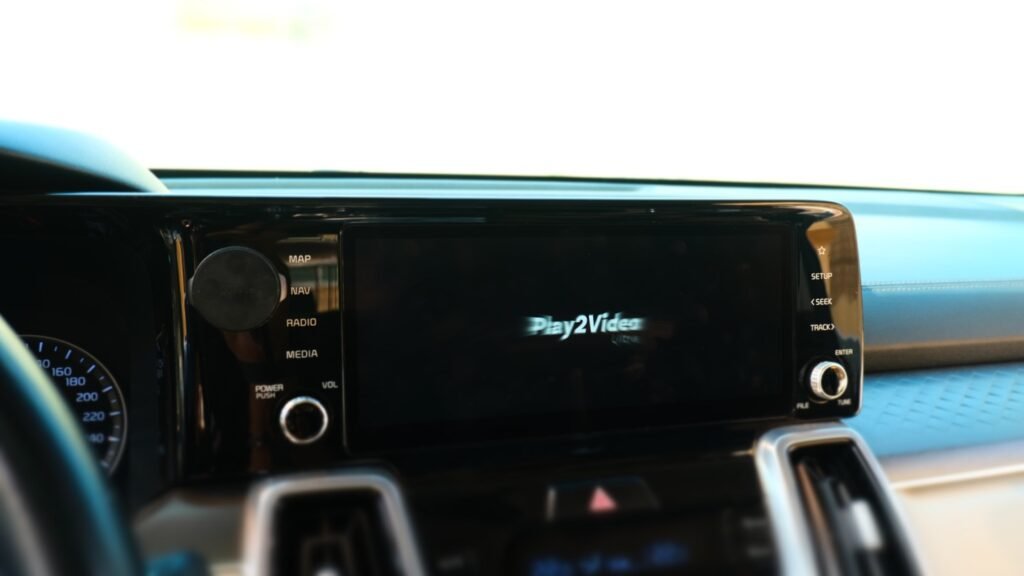
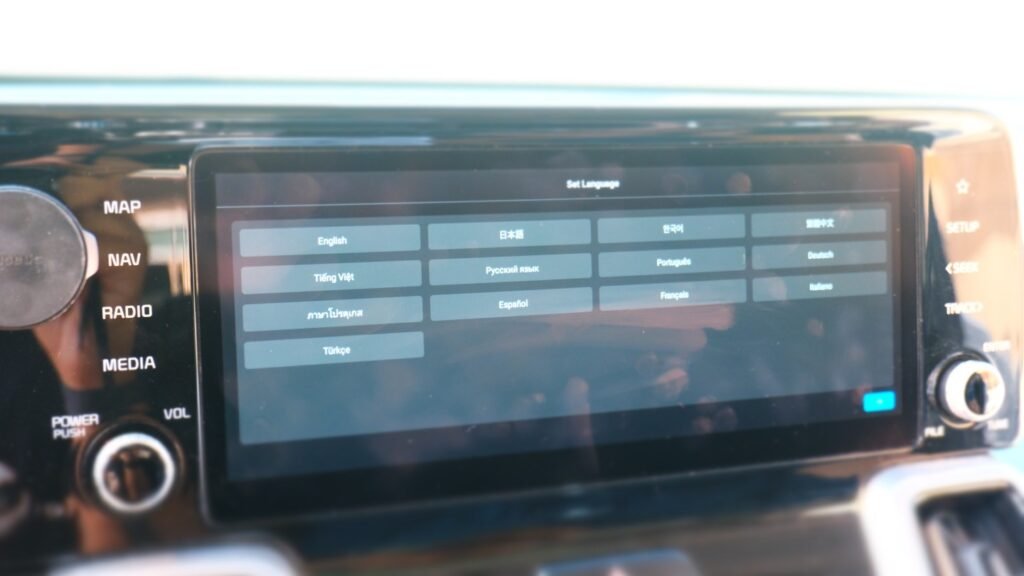
It runs a closed version of Android 12, meaning no Google Play Store access and no way to install new apps beyond the preloaded options. Despite this, the system is easy to navigate, and switching between functions is straightforward.
Performance-wise, the UI is responsive enough for casual use, though it’s clear the Ultra is not built for multitasking. App switching can feel a little slow at times, especially compared to higher-end AI boxes.
Streaming performance varies across apps. YouTube playback was smooth with minimal delay (roughly +100ms), making it suitable for short videos and music clips. Netflix loaded reliably, though the video quality fluctuated depending on Wi-Fi speed and signal strength. The Spotify app highlighted the device’s limitations—it worked, but navigation and loading were noticeably slow.
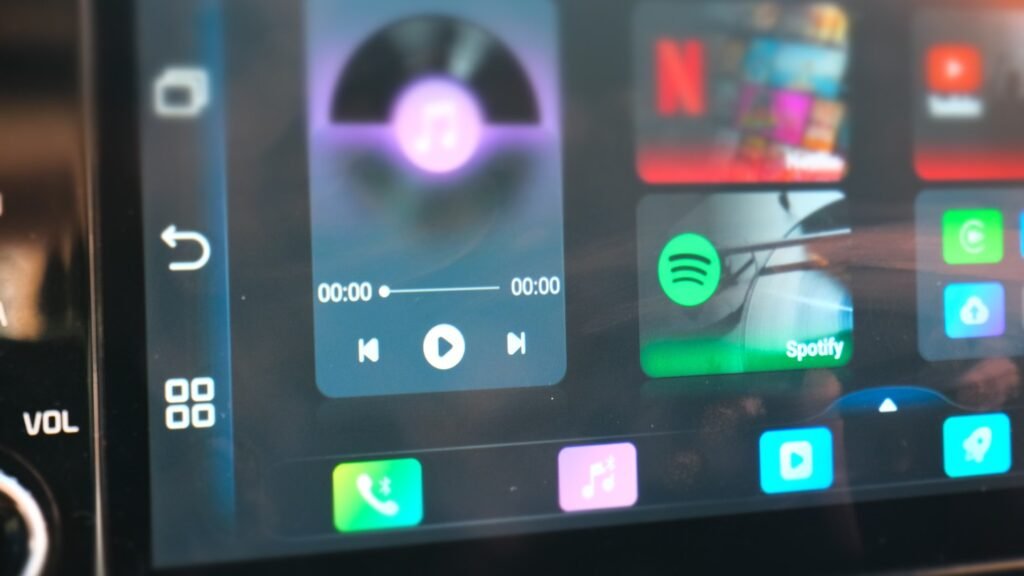
Playing local files from a USB drive was straightforward, though both the built-in video and audio players feel underdeveloped. The video player struggled with proper aspect ratios, and the music player offered minimal visual feedback. Including a more capable media player like VLC would have greatly improved the experience.
The wireless CarPlay connection was quick—booting in about 6 seconds—and remained stable throughout testing. However, image quality appeared slightly blurred, and touch input was a bit laggy. A noticeable issue was the distorted voice message playback during calls, which made recorded messages sound unnaturally high-pitched.
Android Auto performed better overall, offering sharper visuals, smoother interaction, and good call quality. Google Assistant, however, had difficulty recognizing voice commands. Neither mode supports GPS passthrough, HUD, or cluster integration, which is expected for this class of adapter.
In extended use, the Play2Video Ultra’s surface reached around 58°C, which is warm but within acceptable limits for a passively cooled device. Its built-in ventilation helps prevent overheating, but users should avoid leaving it in direct sunlight for prolonged periods.
The Ottocast Play2Video Ultra is a feature-rich adapter that provides wireless CarPlay, Android Auto, and in-car video streaming in a single compact unit. Its $109 price point makes it a cost-effective entry into AI box-style functionality.
That said, it remains an entry-level solution. The limited RAM, closed Android system, and minor performance quirks make it better suited for light entertainment and occasional streaming rather than daily heavy use. If your goal is to add wireless CarPlay and basic streaming to your car without spending much, the Play2Video Ultra offers strong value.
The Ottocast Play2Video Ultra refines the concept of a 3-in-1 wireless adapter with improved hardware and cleaner design. It’s not perfect, but for its price, it’s one of the most affordable ways to bring streaming and wireless connectivity to your in-car infotainment system.

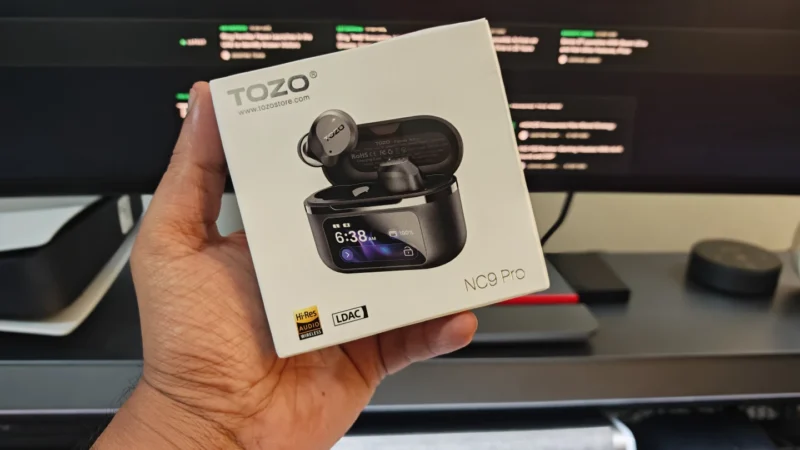
TOZO NC9 Pro review: We test its adaptive ANC, LDAC audio, touchscreen case, Bluetooth 6.0, sound quality, battery life and everyday performance.
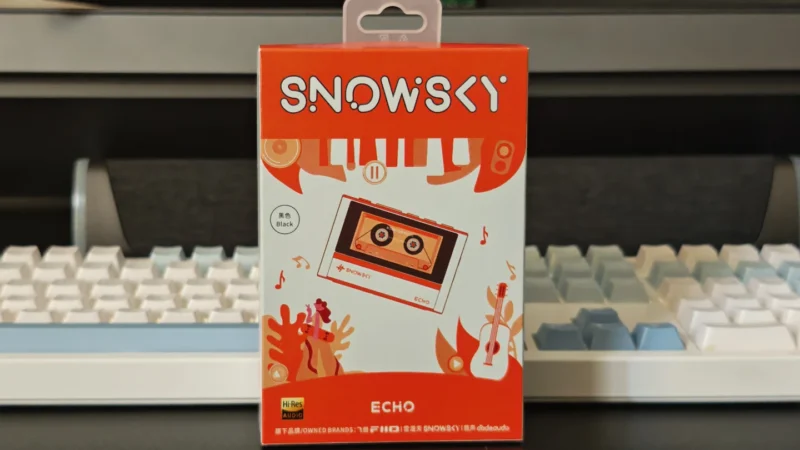
Our Snowsky ECHO review examines its sound quality, build, 4.4mm balanced output, battery life, Bluetooth, USB DAC features and overall value.
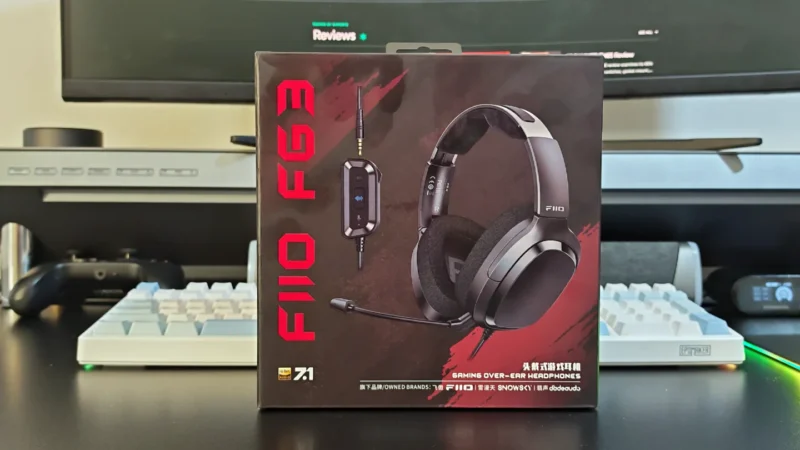
FiiO FG3 Review: an interesting first attempt at a gaming headset from a company with a strong background in personal audio.
 Joshua James