
RuneScape: Dragonwilds Arrives on Xbox for the First Time in 25 Years
Jagex's survival RPG, RuneScape: Dragonwilds, will leave Early Access and launch as a full 1.0 release on September 15, 2026.
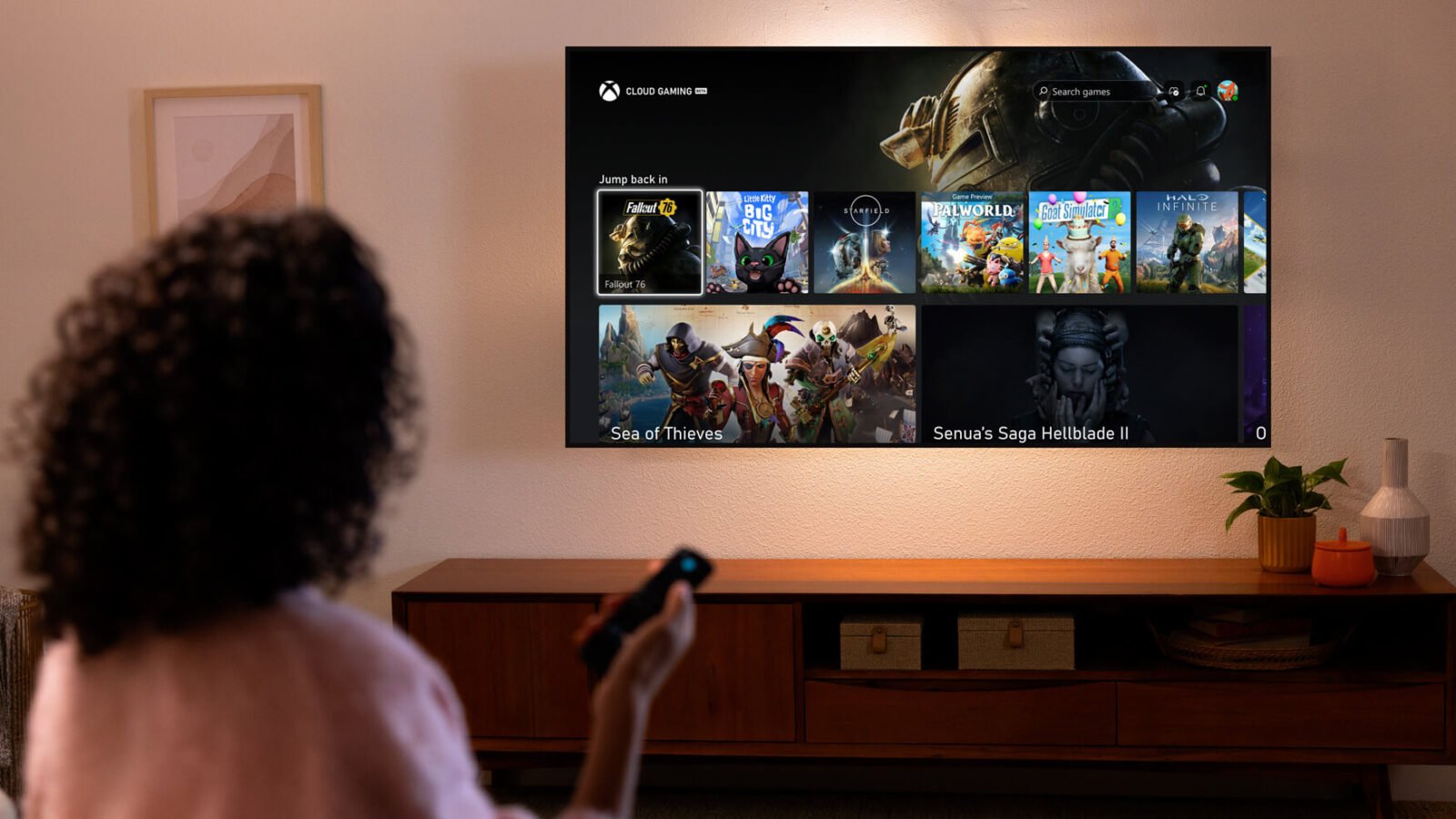
Starfield, Fallout 4, Little Kitty, Big City, Forza Horizon 5, Senua’s Saga: Hellblade II and many more; you can play any of them from anywhere without a console. All you need is, say an Xbox Game Pass Ultimate on your select Fire TV stick.
This exciting prospect came into reality following the partnership of Amazon and Microsoft with Xbox. With the new collaboration, Xbox Game Pass Ultimate members in over 25 countries can play games directly from the Xbox app on select Fire TV devices via cloud gaming.
Prerequisite: Fire TV Stick 4K Max (latest model) or a Fire TV Stick 4K (latest model)
Steps:
Compatible controllers include the Xbox Wireless Controller, Xbox Adaptive Controller, Sony controller, PlayStation DualSense Wireless Controller, or DualShock 4 controller. The subscription to Xbox Game Pass Ultimate is $16.99 per month. You can check out Fortnite without a membership.
Once you’re all set, you can play Xbox games backed by the cloud. As these games are streamed, it’s important to have a stable internet connection, or else it would affect the visual quality and create a lag in the input.

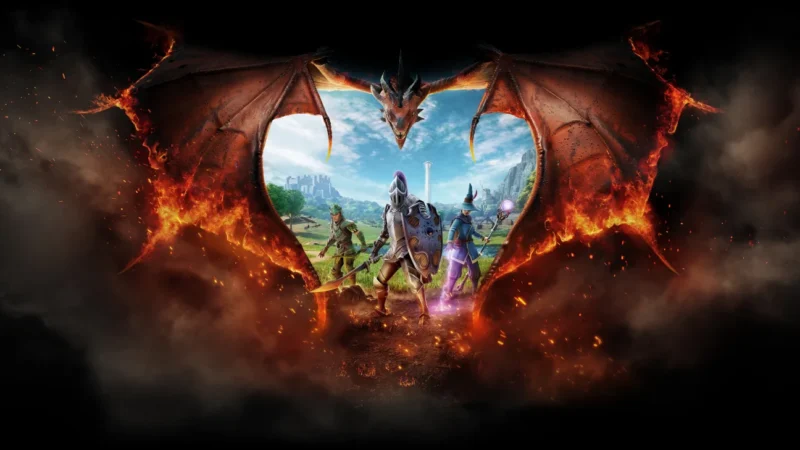
Jagex's survival RPG, RuneScape: Dragonwilds, will leave Early Access and launch as a full 1.0 release on September 15, 2026.
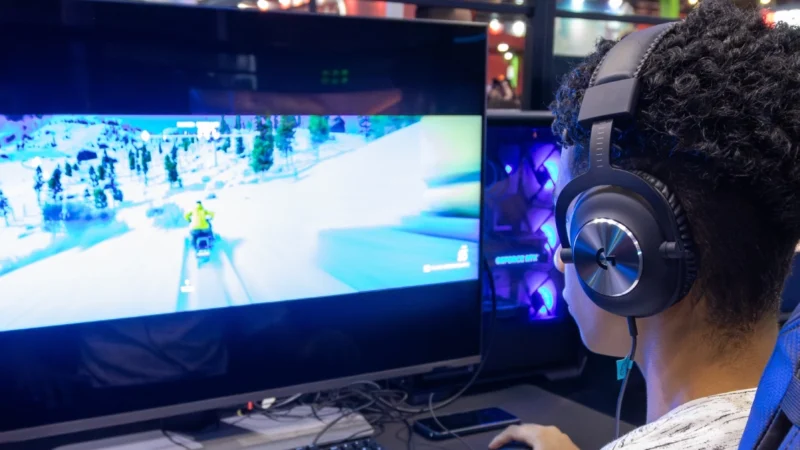
Reduce Input Lag on a Gaming Monitor: fixing it usually means working through your settings systematically rather than blaming any single piece of hardware.
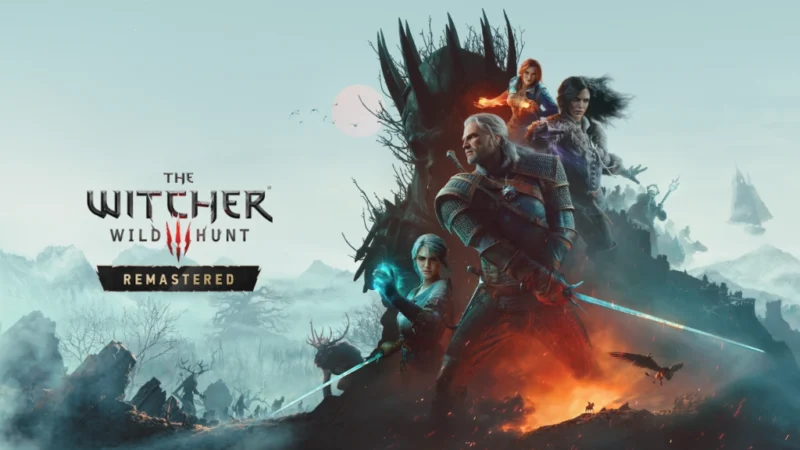
The Witcher 3: Wild Hunt Remastered launches September 29 on PC, PlayStation 5, and Xbox Series X|S as a free upgrade for anyone who already owns the base game.
 GDGTME Team