
Anker Brings MagGo Power Bank 2 Pro to the UAE
The new MagGo Power Bank 2 Pro delivers 25W wireless charging with SnapCool active cooling, alongside the new Anker Nano Smart Display Charger
Auto brightness, Attention Aware Features and True Tone Display are the essential features to be looked over if your iPhone's brightness keeps dimming.
You are out and amid something crucial. You are getting calls on your iPhone, but you can barely see the screen because of the unexpected dimming. Anyone will go nuts in such a circumstance. What if you can troubleshoot your iPhone screen dimming with a little patience? Let’s see how we can fix screen dimming on an iPhone.
Like in any smartphone, the first thing is to disable the Auto Brightness. By this, we mean taking sole manual control over the brightness of the screen and preventing your device from automatically adjusting screen brightness depending on ambient light conditions.
Via Control Center
Via Settings
Turning off the Auto Brightness
After disabling Auto Brightness, reboot your phone and check if the screen dimming is resolved. One thing to remember is that the higher you set the brightness, the higher the battery will drain.
Attention Aware Features include iPhone features such as face recognition. Most of these features identify your Face ID and respond accordingly. If you are in a hurry and your face isn’t recognized, there is a chance that the screen stays dimmer. In that case, you can turn off Attention Aware Features.
Another way to stop screen dimming in iPhones is to adjust the shifts, tones and modes.
Considering your eye protection, the Night Shift auto adjusts your display colours to warmer tones. There are two ways to set it off.
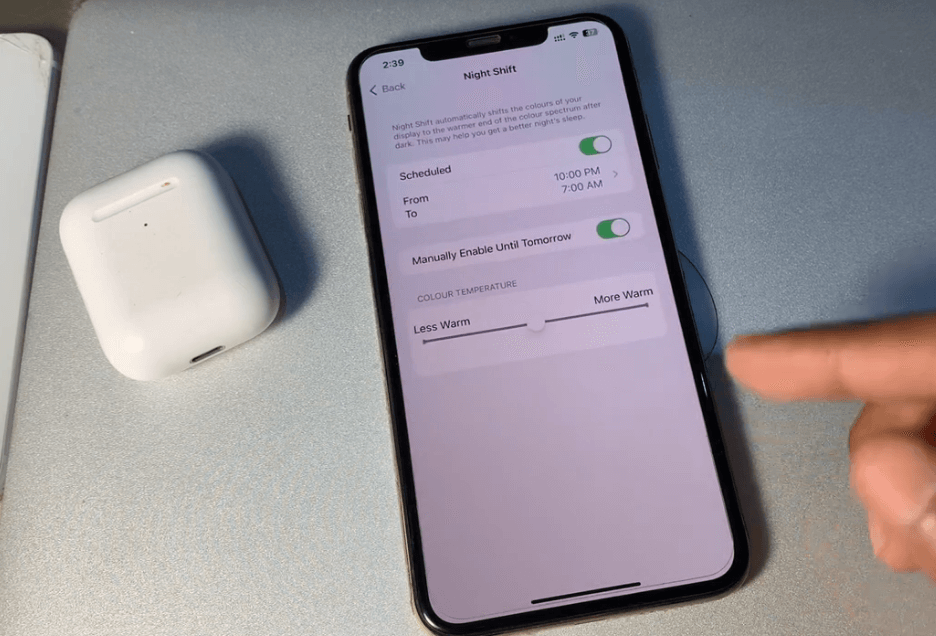
Via Settings
True Tone is a feature that auto changes display colours and brightness to merge with the surroundings. Turn it off via the control center, as mentioned before, or via settings as given below.
You may be familiar with using light and dark colour themes on your iPhone. A lot of people prefer the dark color theme as it’s ideal for low-light environments. But in instances where you have to use your iPhone out under the scorching sun, it is better to disable the Dark mode.
You can customize the Dark Mode schedule by tapping Automatic and then Options to either use a Sunset to Sunrise or Custom Schedule.

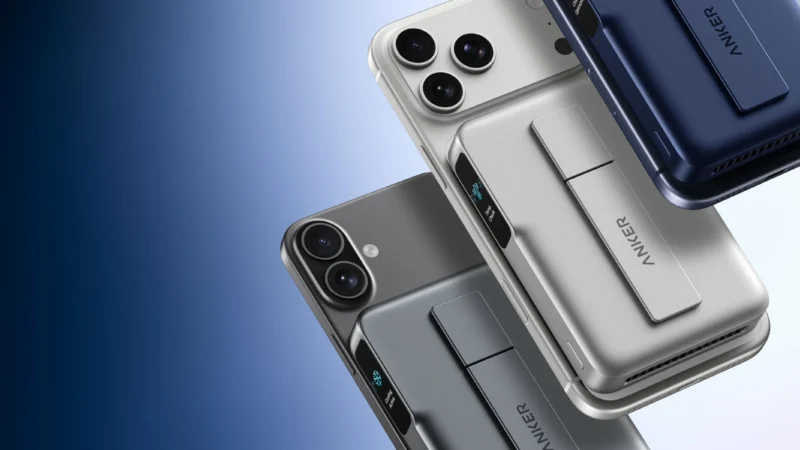
The new MagGo Power Bank 2 Pro delivers 25W wireless charging with SnapCool active cooling, alongside the new Anker Nano Smart Display Charger

ASUS today demonstrated its lead in the next-gen networking era, with the announcement of preorders opening for the ROG Rapture GT-BN98 series in the GCC region.
RØDE LPA1 is a low-profile studio arm with a 2kg payload, 750mm reach, integrated cable management and universal mounting support.
 GDGTME Team