
Redragon EISA K768 Pro Review: A Mechanical Keyboard With a Customisable Display
Redragon EISA K768 Pro review: Explore its customisable TFT display, linear switches, wireless connectivity, typing experience and value.
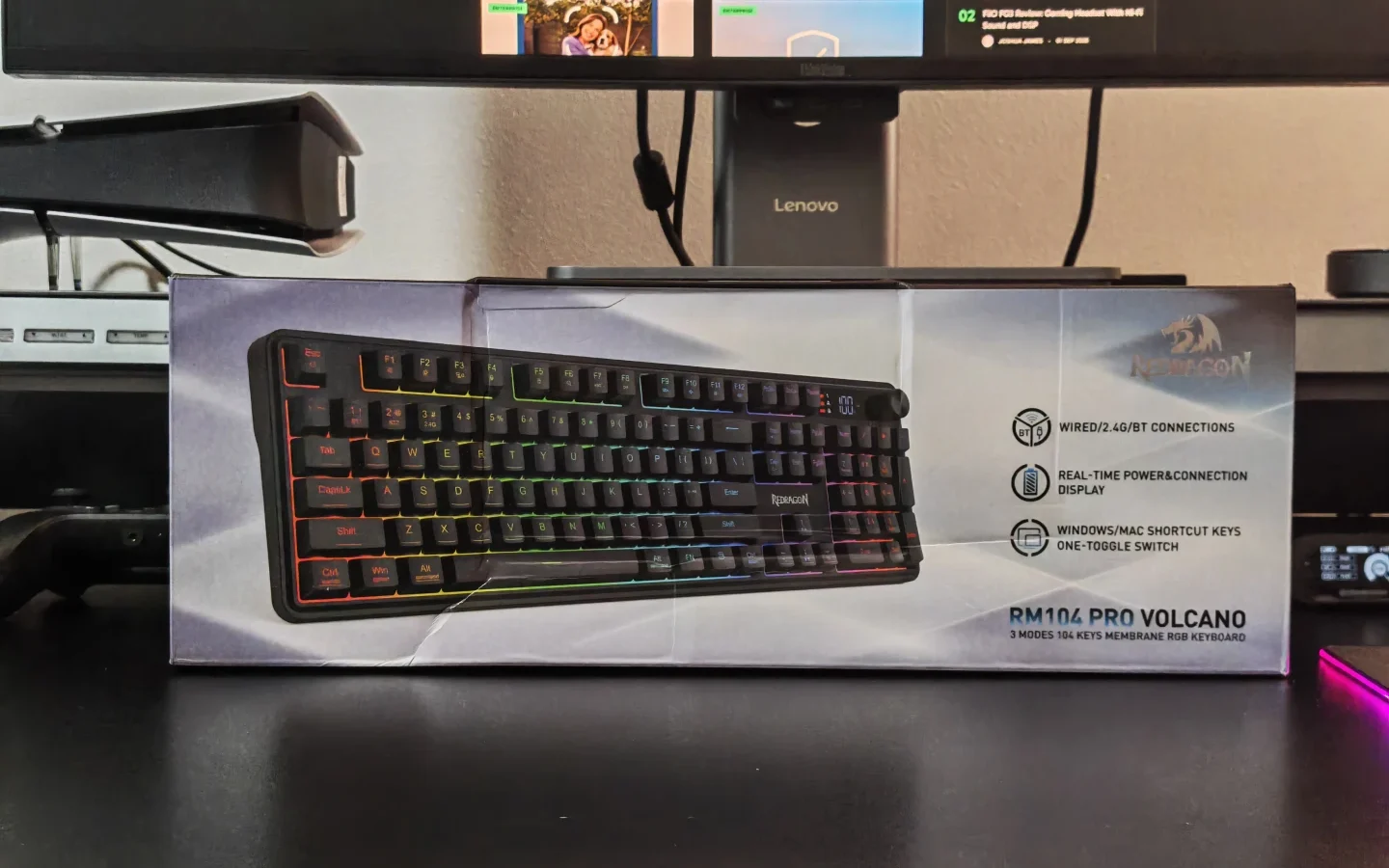
The Redragon Volcano K526 PRO is a full-size wireless keyboard designed for users who want a combination of everyday typing comfort, gaming functionality, and flexible connectivity. With its membrane switches, RGB backlighting, integrated status display, and multifunction knob, it offers a feature set that goes beyond a conventional office keyboard.
Its tri-mode connectivity also makes it suitable for multi-device setups, allowing users to switch between wired and wireless connections depending on their requirements. We spent time exploring its design, controls, and everyday usability to see where it fits in a modern desktop setup.
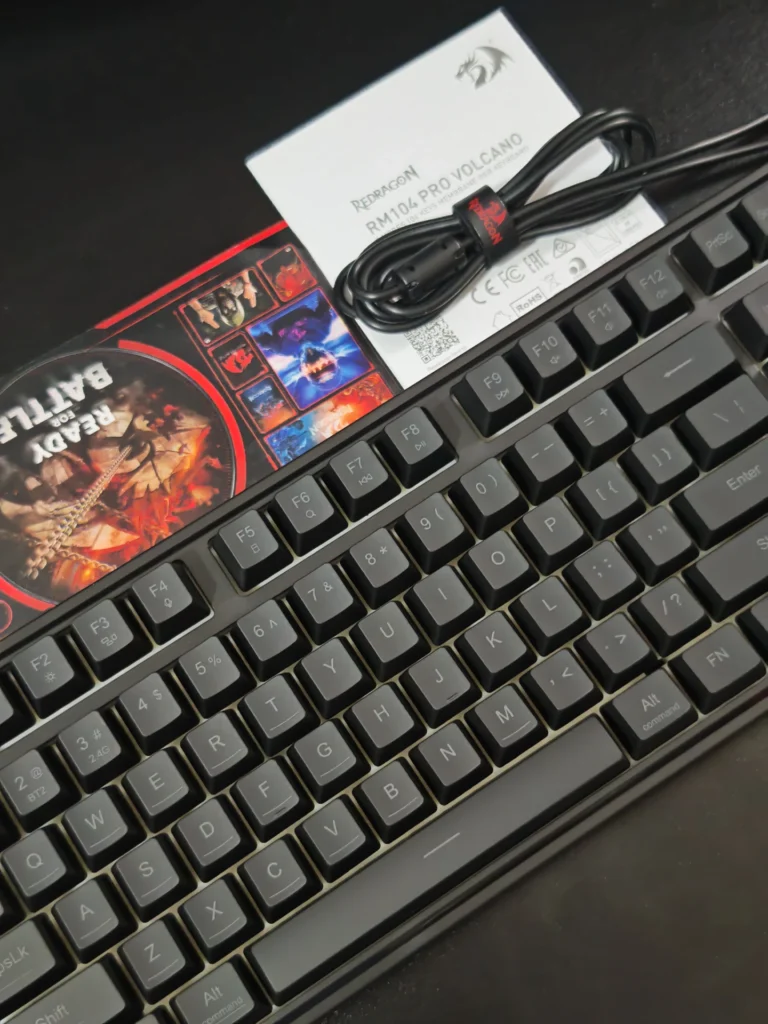
| Feature | Specification |
|---|---|
| Model | Redragon Volcano K526 PRO |
| Colour | Black |
| Keyboard Layout | Full-size, 104 keys |
| Switch Type | Membrane, mechanical-feel |
| Connectivity | Bluetooth, 2.4GHz wireless, USB-C |
| Anti-Ghosting | 26 keys |
| Backlighting | RGB |
| Lighting Modes | 14 preset modes |
| Display | LED battery and connection status |
| Controls | Multifunction rotary knob |
| Battery | 4,000mAh rechargeable |
| Software | Lighting and macro customisation |
| Compatibility | Windows and macOS |
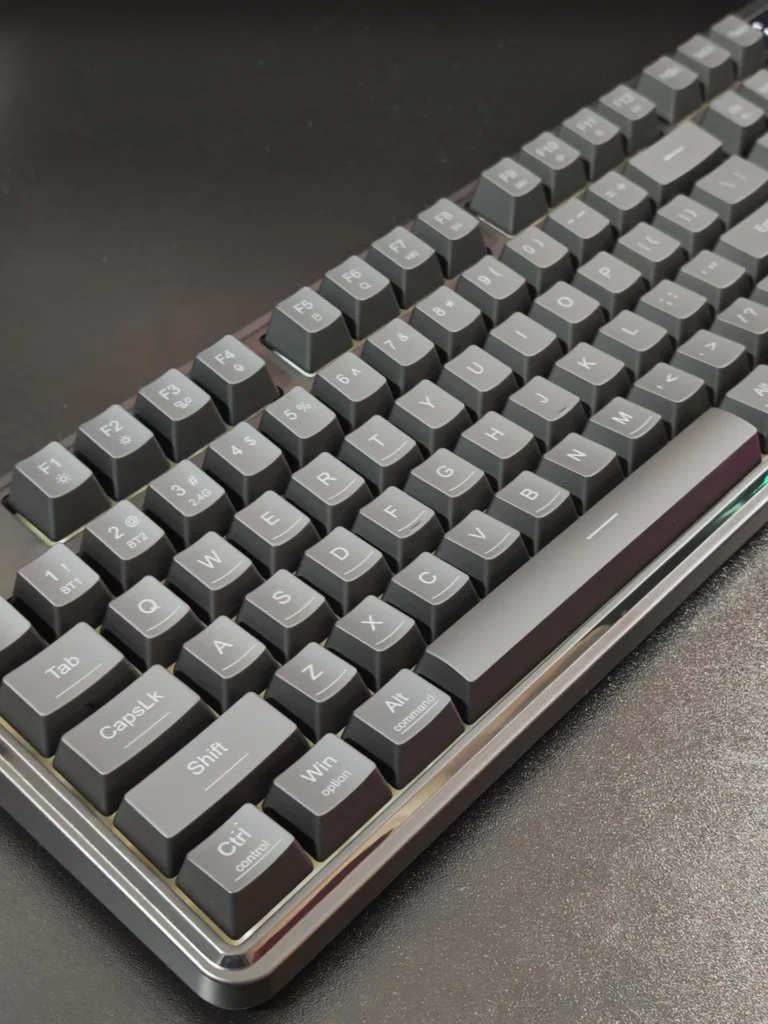
The Volcano K526 PRO comes in a black finish that works well with most desktop setups, particularly those built around darker peripherals. Its full-size 104-key layout includes a dedicated numeric keypad, making it practical for office work, spreadsheets, and users who regularly enter numerical data.
The keyboard has a relatively slim profile compared with traditional mechanical gaming keyboards. Its lightweight construction also makes it easier to reposition between desks or workstations.
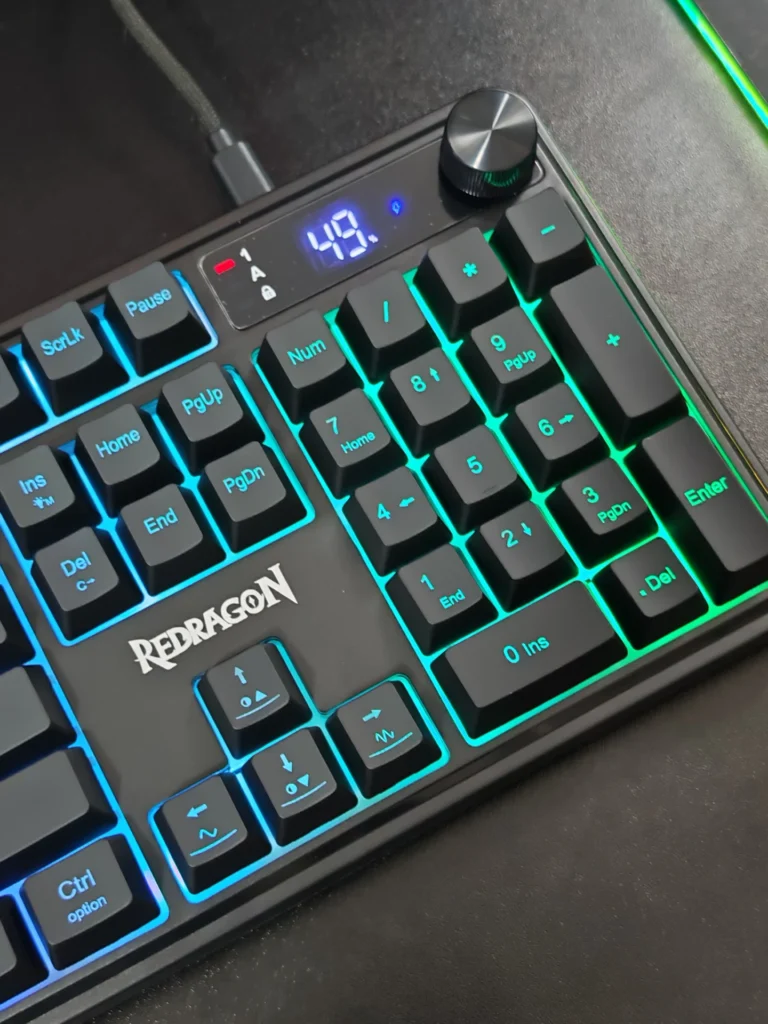
The overall design prioritises functionality. The integrated LED display and rotary knob occupy the upper section of the keyboard, providing convenient access to frequently used controls without requiring additional desktop space.
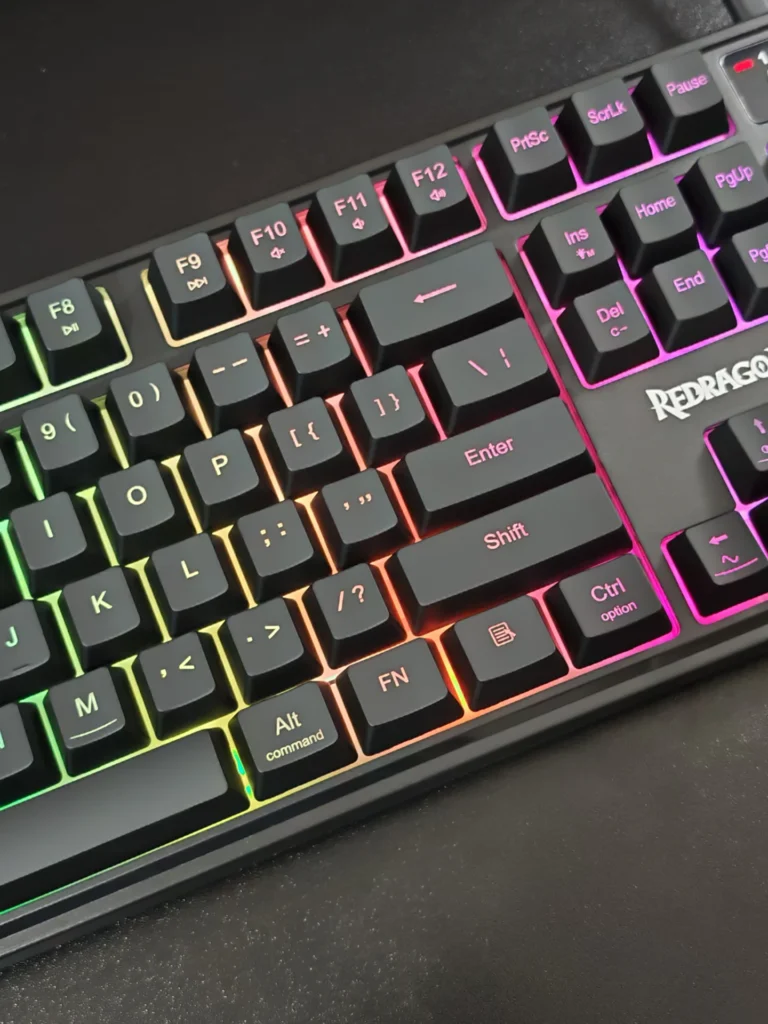
The K526 PRO uses membrane switches with a mechanical-feel design rather than conventional mechanical switches. This distinction is important when considering its intended audience.
During everyday typing, the keys offer a cushioned response that is suitable for general office work, browsing, messaging, and extended writing sessions. The relatively quiet operation is particularly useful in shared environments, where louder mechanical keyboards can become distracting.
However, users accustomed to mechanical keyboards may find the feedback less distinct. The membrane mechanism does not provide the same individual switch response or pronounced tactile characteristics found in mechanical alternatives.
For users prioritising quieter operation over mechanical precision, the typing experience remains practical and comfortable.
One of the K526 PRO’s most useful features is its tri-mode connectivity.
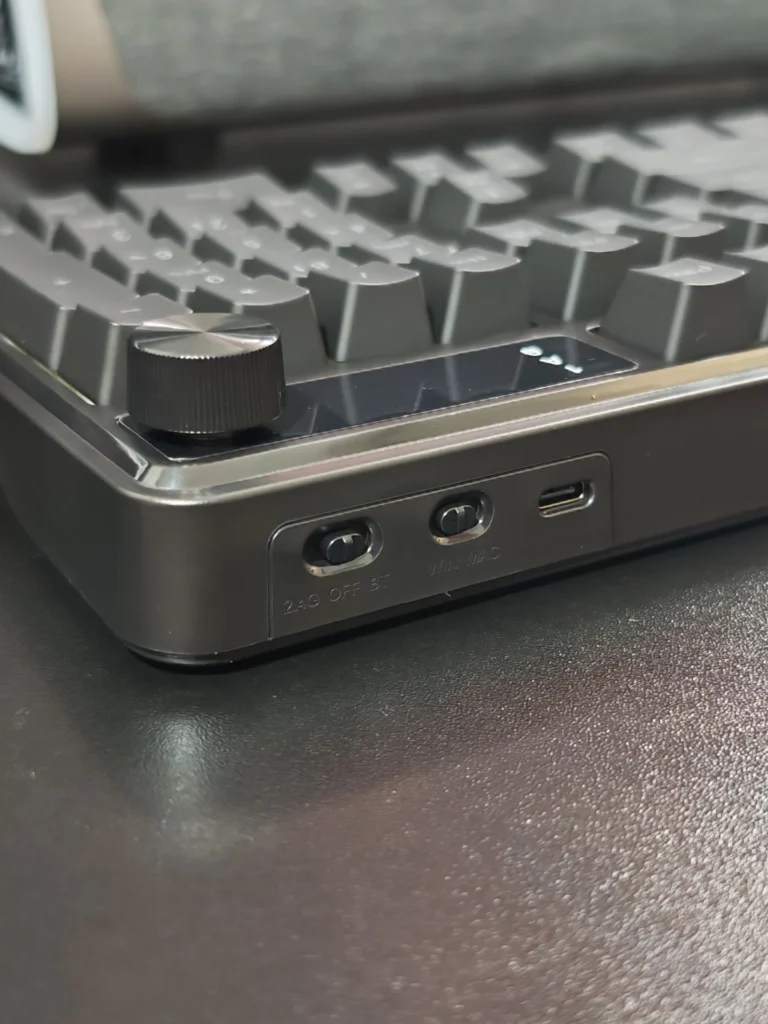
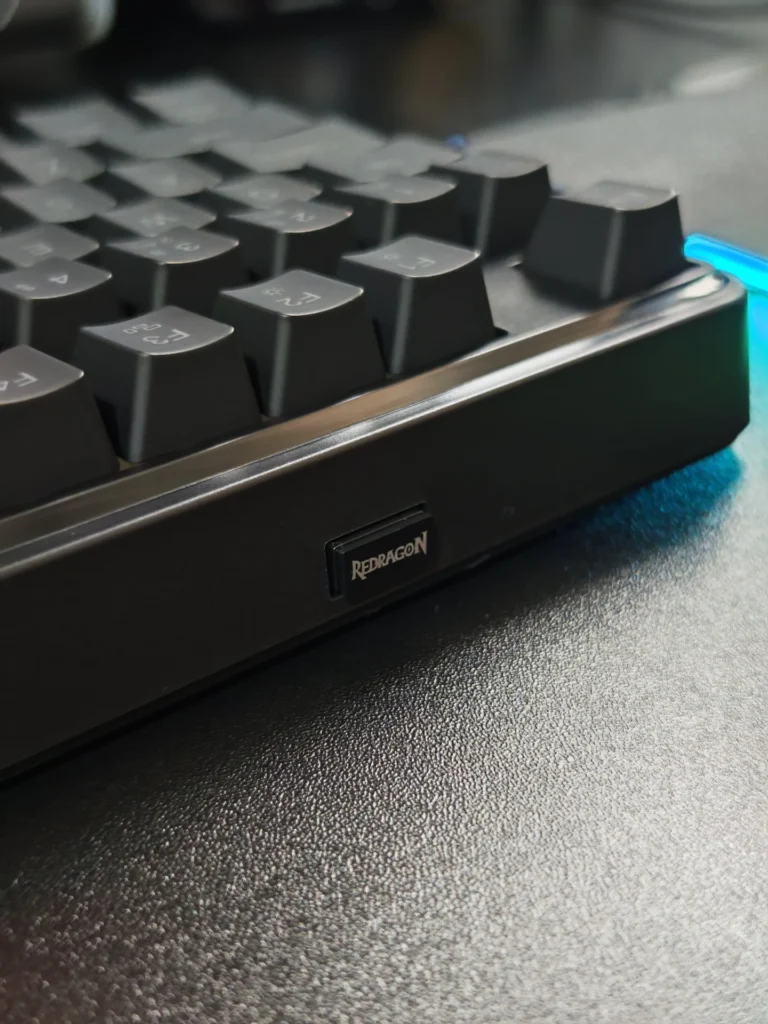
The keyboard supports:
This flexibility makes the keyboard suitable for users who alternate between a desktop computer and a work laptop. Rather than maintaining separate keyboards for different systems, the K526 PRO can accommodate multiple connection types.
Its Windows and macOS compatibility also makes it useful for mixed-platform environments.
The integrated LED display is a practical addition. It provides information about the active connection mode and battery status, allowing users to monitor the keyboard without relying entirely on software.
The multifunction rotary knob is another useful feature. It provides convenient control over volume and RGB lighting adjustments, reducing the need to navigate keyboard shortcuts for common tasks.
These controls contribute to a more convenient everyday experience, particularly when the keyboard is used for both productivity and entertainment.
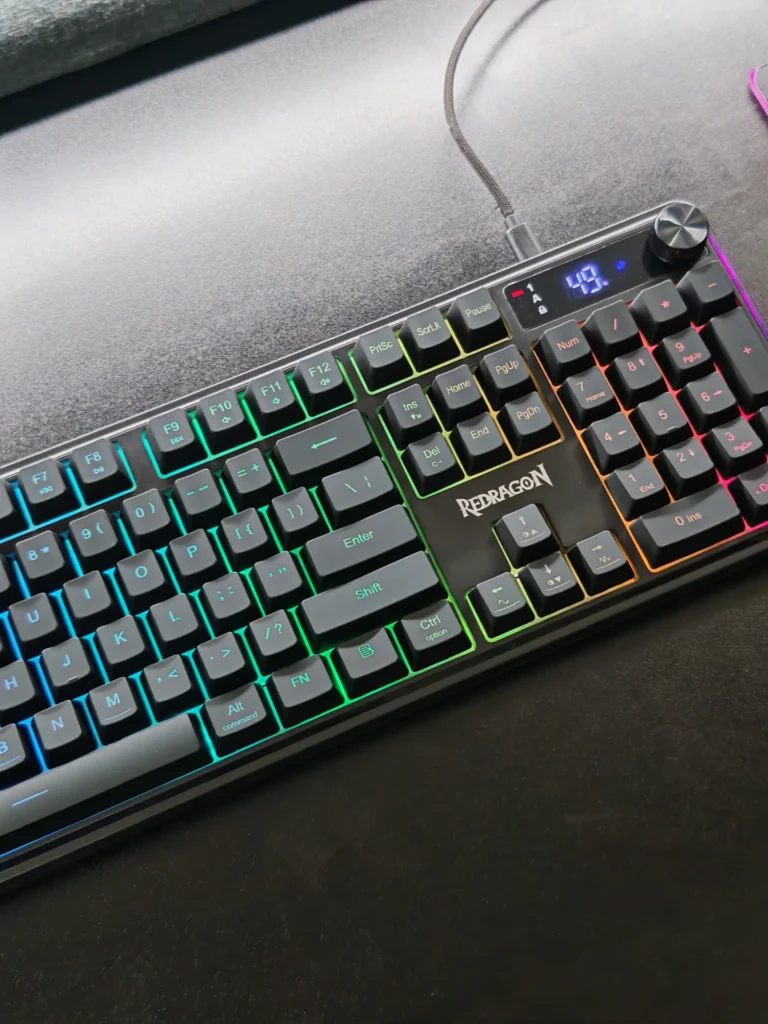
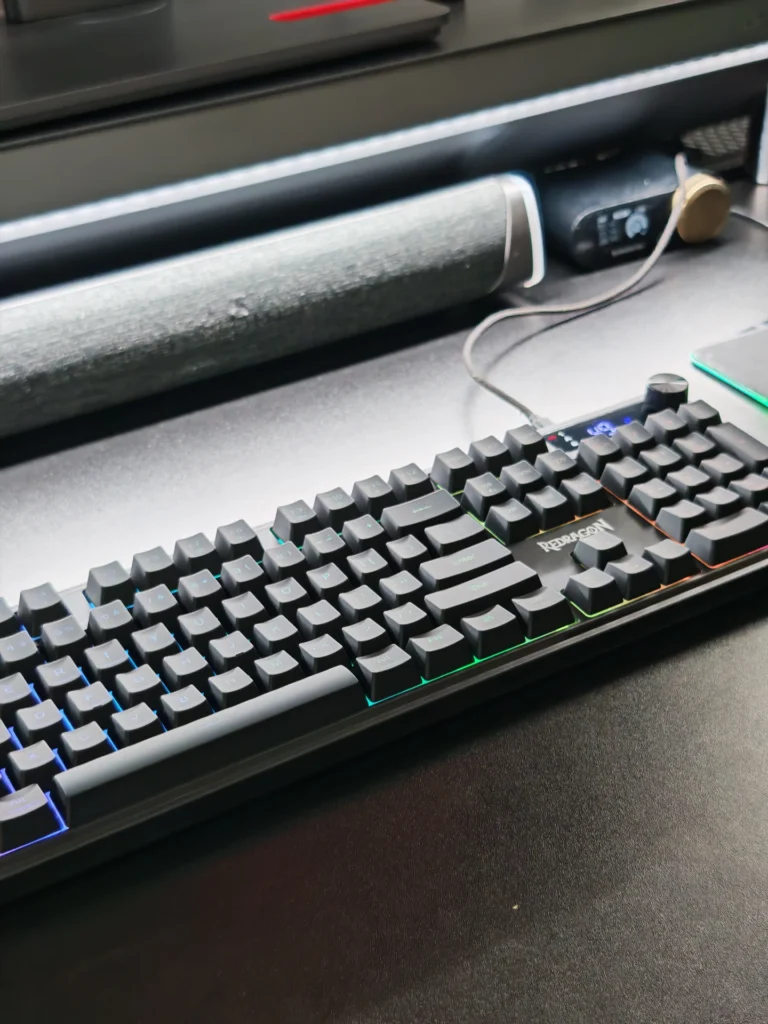
The Volcano K526 PRO features RGB backlighting with 14 preset lighting modes. Users can cycle through lighting effects and adjust brightness directly through the keyboard.
The lighting is suitable for both illuminated gaming setups and everyday desktop use. Users who prefer a more understated appearance can reduce the brightness or switch the backlighting off.
Redragon’s desktop software provides additional customisation options, including lighting adjustments and macro configuration. This gives users more flexibility than the preset effects alone, although advanced configuration requires compatible software.
Although the K526 PRO is primarily a membrane keyboard, it includes features intended to support casual gaming.
Its 26-key anti-ghosting capability allows supported combinations of up to 26 simultaneous key presses to register correctly. This is useful for games that require multiple movement and action inputs.
The 2.4GHz wireless connection also provides an alternative to Bluetooth for desktop gaming, while wired connectivity remains available for users who prefer a direct connection.
However, the keyboard is not designed to replace enthusiast-grade mechanical gaming models. Competitive players who require full N-key rollover, dedicated mechanical switches, or more specialised gaming features may find its capabilities limiting.
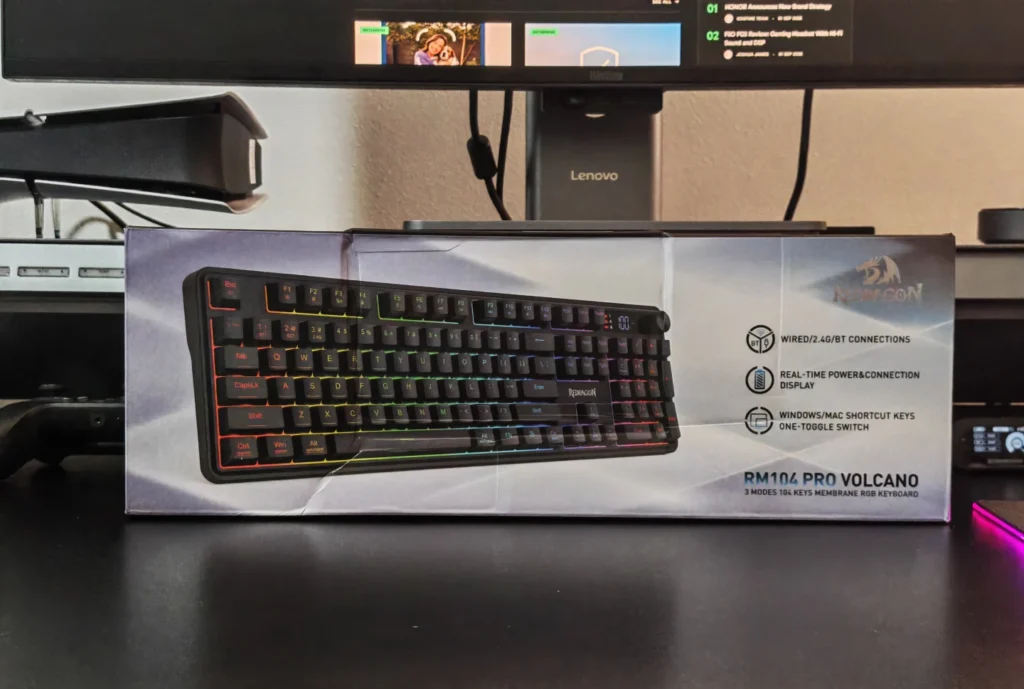
The K526 PRO incorporates a 4,000mAh rechargeable battery. Its battery status is displayed through the integrated LED screen, making it easier to monitor remaining power.
Battery life will depend on the selected connection mode, RGB brightness, and usage patterns. Keeping the backlighting at a lower level or switching it off should help reduce power consumption.
USB-C charging also provides a straightforward way to recharge the keyboard without relying on disposable batteries.
The Redragon Volcano K526 PRO is a practical full-size keyboard for users who want wireless convenience without moving to a mechanical keyboard. Its combination of Bluetooth, 2.4GHz wireless, and USB-C connectivity makes it particularly useful for multi-device environments.
The integrated display and multifunction knob are meaningful additions that improve everyday usability. The quiet membrane switches also make it a reasonable choice for shared offices, home workstations, and late-night gaming sessions.
Its limitations are primarily related to the typing mechanism and gaming capabilities. Mechanical keyboard enthusiasts will not find the same tactile feedback, while competitive gamers may prefer models with more advanced rollover support.
Overall, the K526 PRO offers a sensible combination of functionality, connectivity, and convenience. For users seeking a quiet, feature-rich keyboard for productivity and casual gaming, it is worth considering.
No. It uses membrane switches with a mechanical-feel design, providing a quieter typing experience than conventional mechanical keyboards.
Yes. It supports Bluetooth, 2.4GHz wireless, and USB-C wired connectivity.
It is suitable for casual gaming, with 26-key anti-ghosting and multiple connection options. Competitive players may prefer a mechanical keyboard with full N-key rollover.
Yes. It features RGB backlighting with 14 preset lighting modes and additional software customisation.
Yes. The keyboard supports Windows and macOS, with a platform toggle for compatible shortcuts.
Also Read: Redragon EISA K768 Pro Review: A Mechanical Keyboard With a Customisable Display

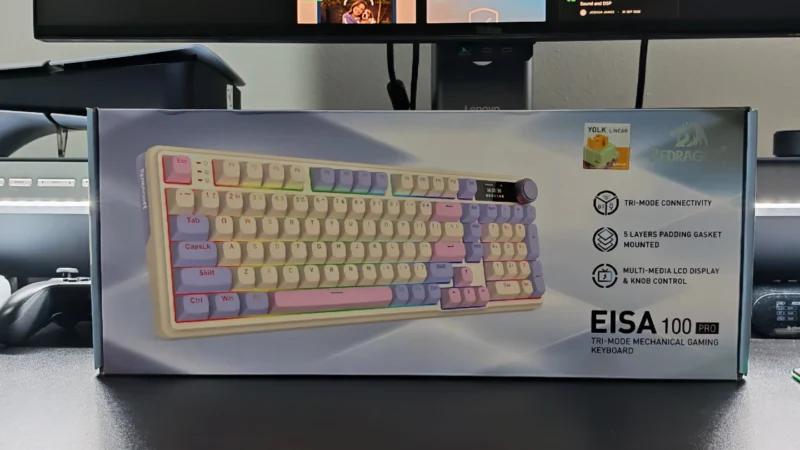
Redragon EISA K768 Pro review: Explore its customisable TFT display, linear switches, wireless connectivity, typing experience and value.
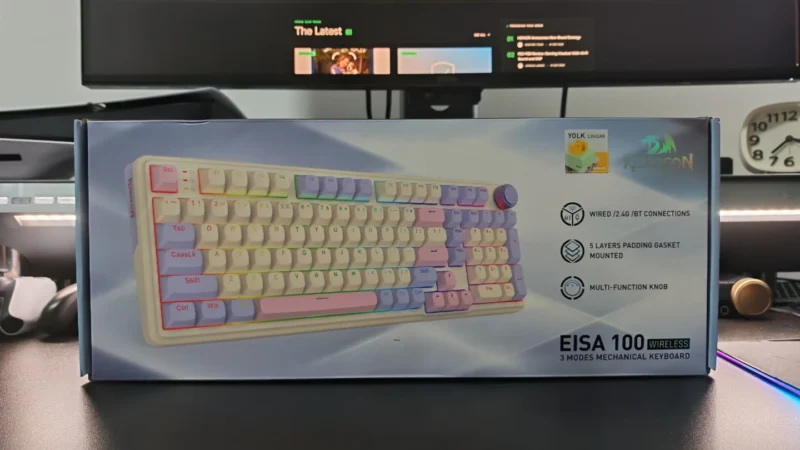
Our Redragon EISA K768 review covers its 100-key layout, wireless connectivity, 8,000mAh battery, typing experience and gaming performance.
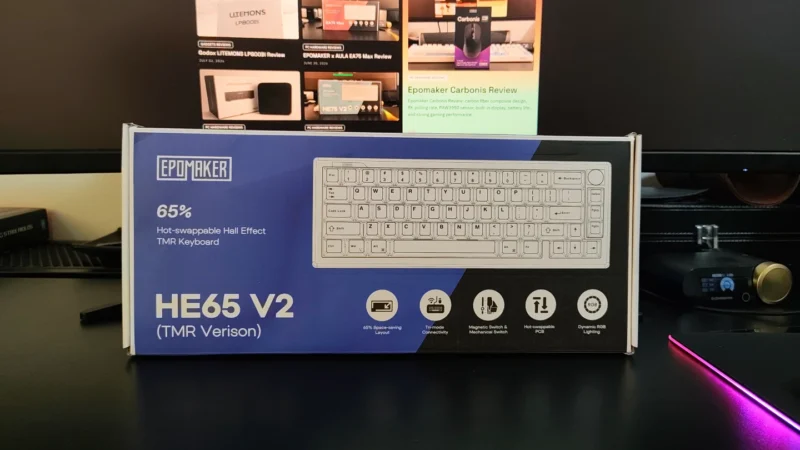
EPOMAKER HE65 V2 TMR review covering its TMR switches, Rapid Trigger, 8,000Hz polling, hybrid hot-swap PCB, wireless connectivity and typing experience.
 Joshua James