
Wokyis A1 Review: A Compact SSD Enclosure with a Retro Display
Our Wokyis A1 review explores this retro-inspired NVMe SSD enclosure, featuring a 2-inch LCD, magnetic attachment, 10Gbps connectivity and smartphone storage support.
For Mac mini owners looking for a docking station that combines useful functionality with a distinctive appearance, the Wokyis M5 is a compelling option.
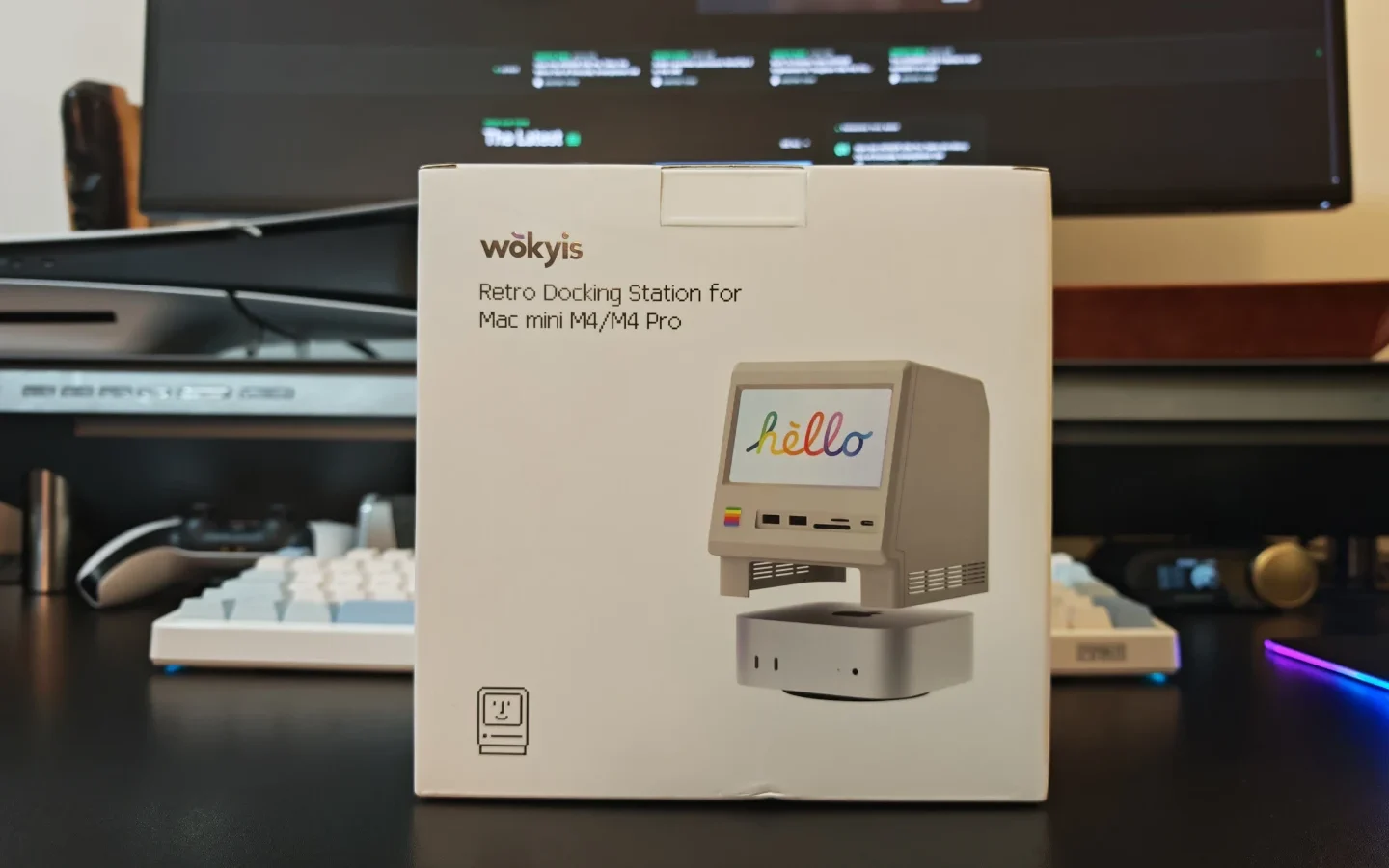
The Wokyis M5 combines a retro Macintosh-inspired design with practical desktop connectivity. Designed primarily for the Mac mini M4 and M4 Pro, this docking station adds USB ports, expandable NVMe storage, memory card readers and a built-in 5-inch display, all within a compact enclosure resembling Apple’s original Macintosh computers.
We tested the Wokyis M5 to explore how well its combination of functionality and nostalgic design works in a modern desktop setup.
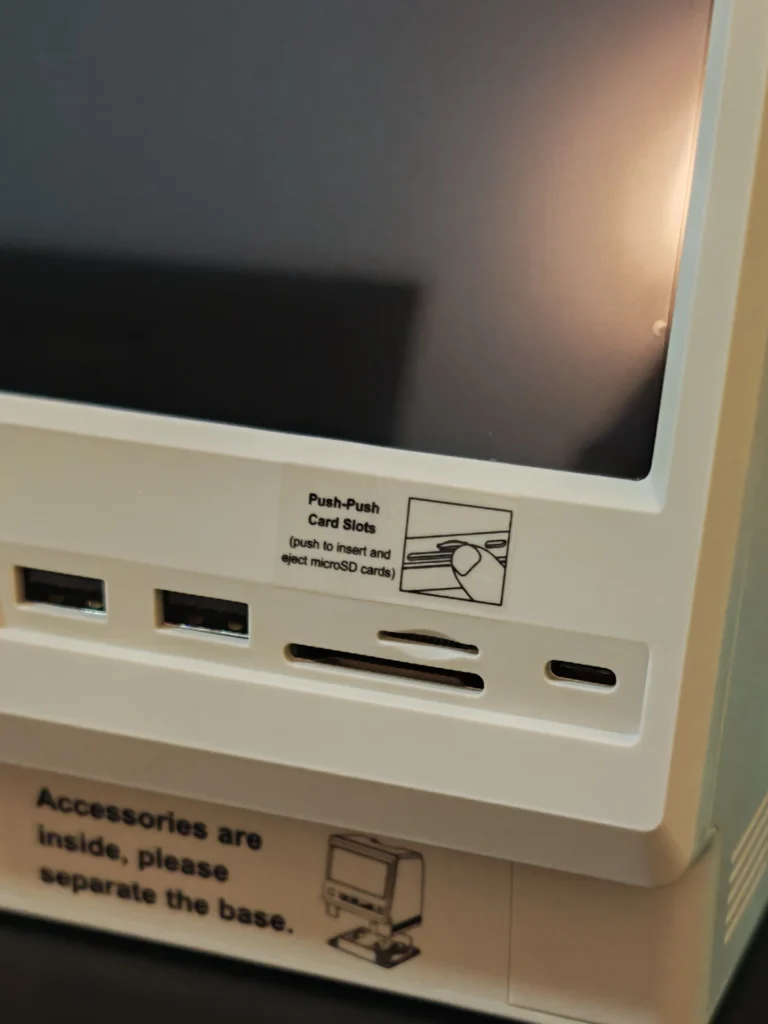
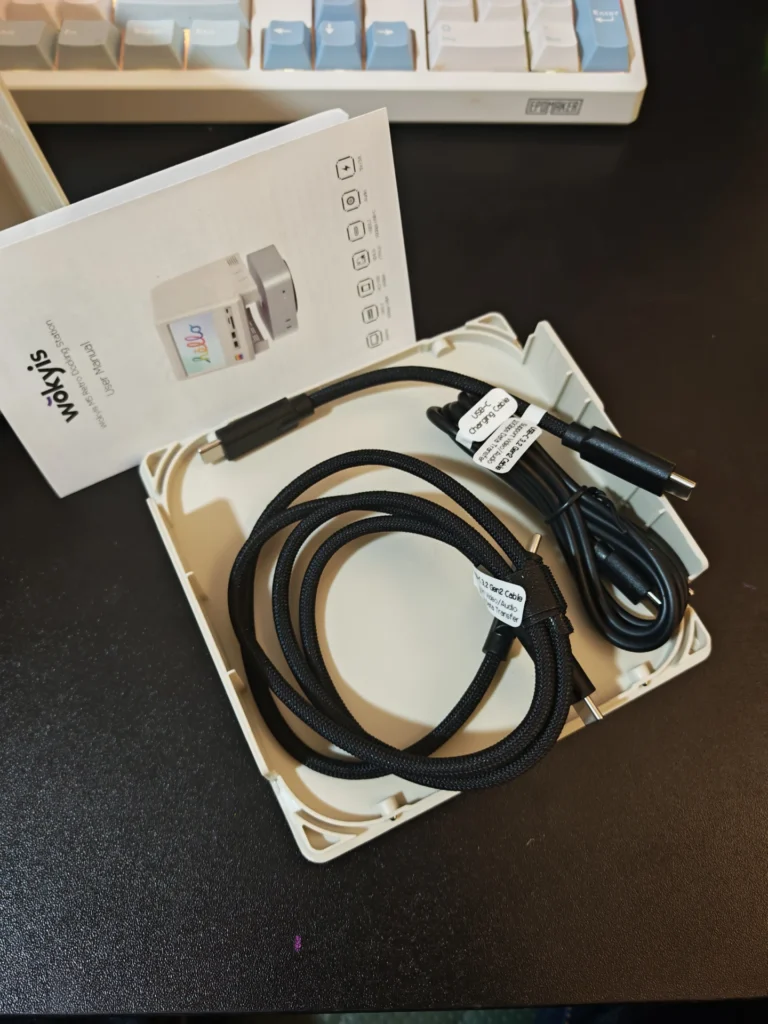
The Wokyis M5 is immediately distinguishable from conventional docking stations. Its enclosure takes inspiration from the original Macintosh, complete with a retro-inspired front panel, compact proportions and a small integrated display.
The design is particularly appealing when paired with the Mac mini M4 or M4 Pro. The Mac mini fits directly underneath the docking station, creating a cohesive desktop setup that resembles a miniature classic Macintosh.
The enclosure combines a plastic body with an aluminium SSD cover. The latter also functions as a heatsink for the installed NVMe drive. A magnetic attachment makes accessing the storage compartment straightforward.
The bottom panel can be removed when installing the Mac mini underneath the dock. Alternatively, it can remain attached when using the M5 as a standalone docking station with another compatible computer.
The overall design is compact enough for a typical desktop without introducing significantly more clutter than a conventional Mac mini dock.
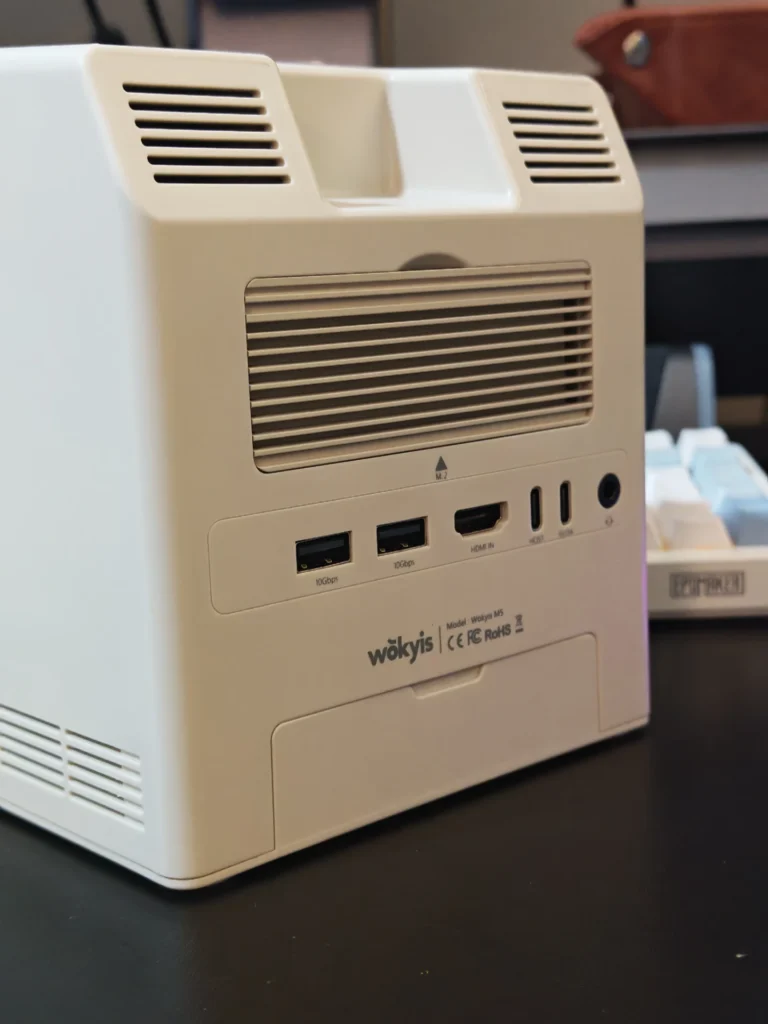
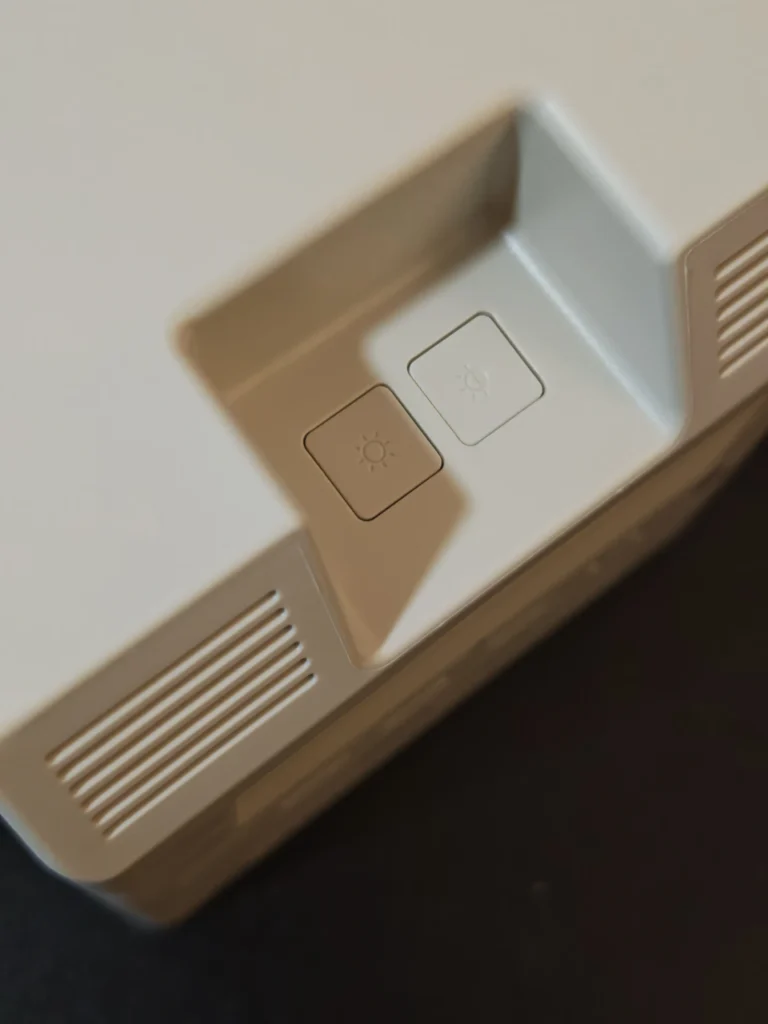
The M5 is a 13-in-1 docking station, offering a selection of ports that address several limitations of the Mac mini’s built-in connectivity.
Its connections include:
The additional USB-A ports are particularly useful for connecting peripherals such as keyboards, mice, microphones and external storage devices. The front-facing USB-C port also makes it easier to connect devices without reaching around the back of the computer.
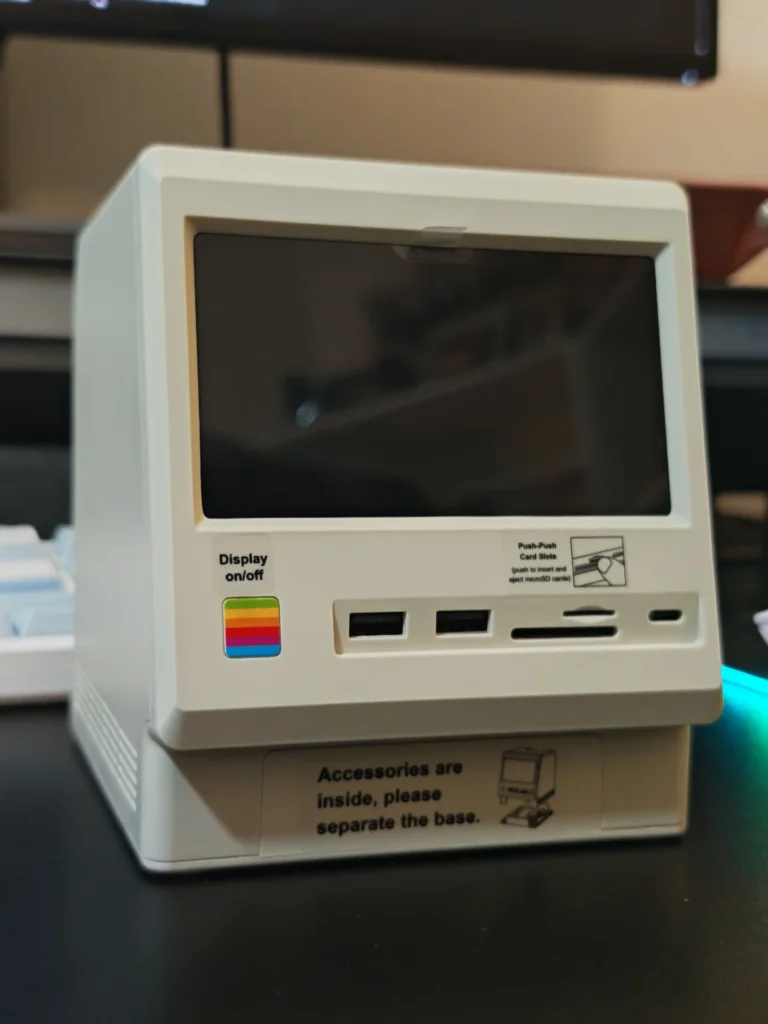
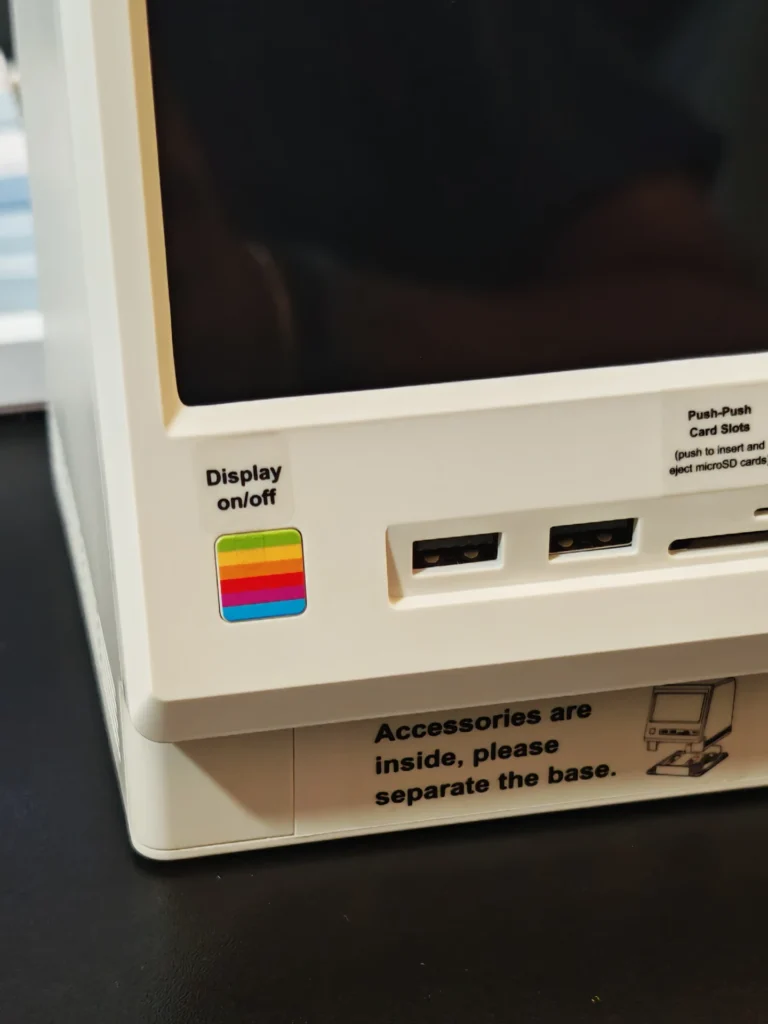
The SD and microSD card readers support simultaneous operation and are rated for transfer speeds of up to 312MB/s, making them useful for photographers and content creators transferring files from compatible memory cards.
The HDMI connection deserves clarification. It is an HDMI input rather than an output, allowing the M5’s built-in screen to display video from an external HDMI source. It cannot be used to connect an external monitor to the Mac mini.
The M5 also includes a 3.5mm headphone connection, providing a convenient option for wired audio accessories.
The integrated display is arguably the M5’s most distinctive feature. Unlike docking stations that use small screens exclusively for clocks or proprietary widgets, the Wokyis M5 connects its display to the host computer as an actual secondary monitor.
The screen measures five inches and uses an IPS panel with a resolution of 1280 × 720 pixels. It supports a 60Hz refresh rate and can be configured through the operating system’s display settings.
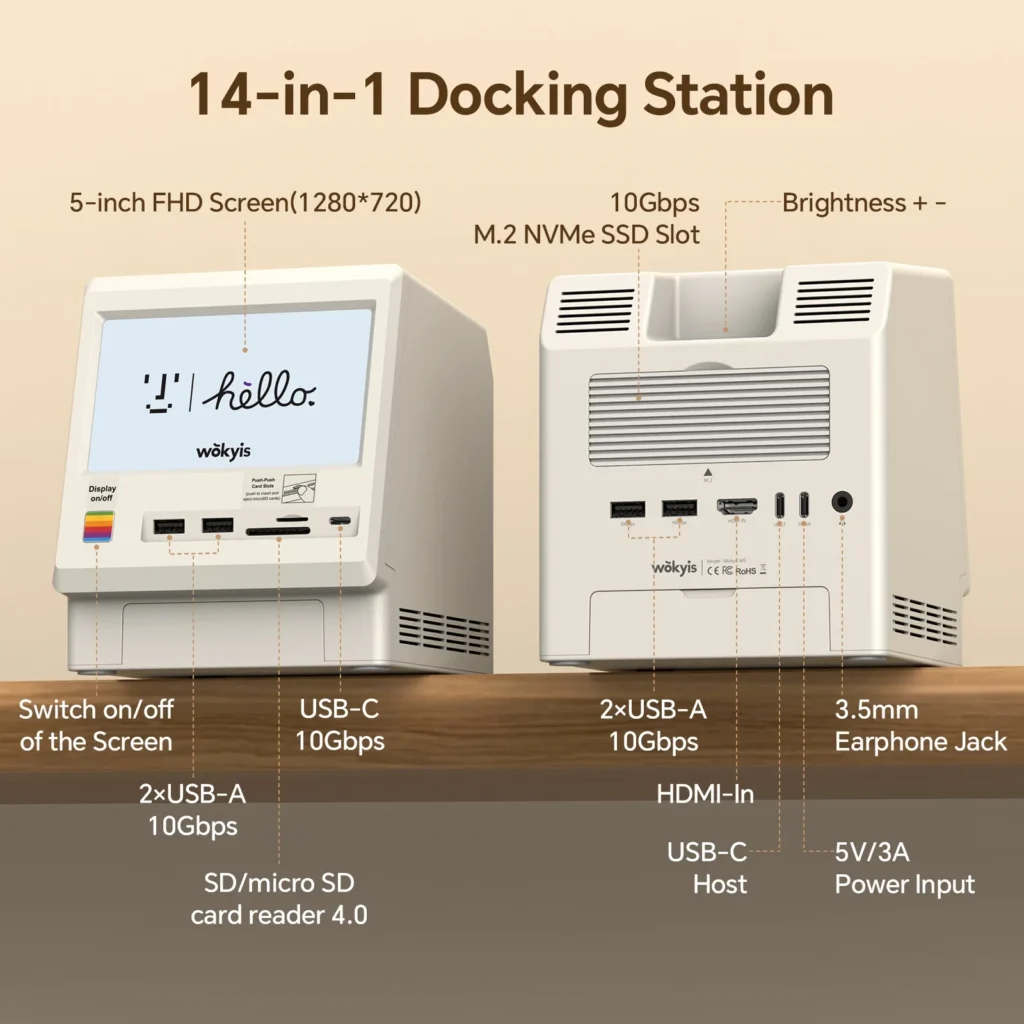
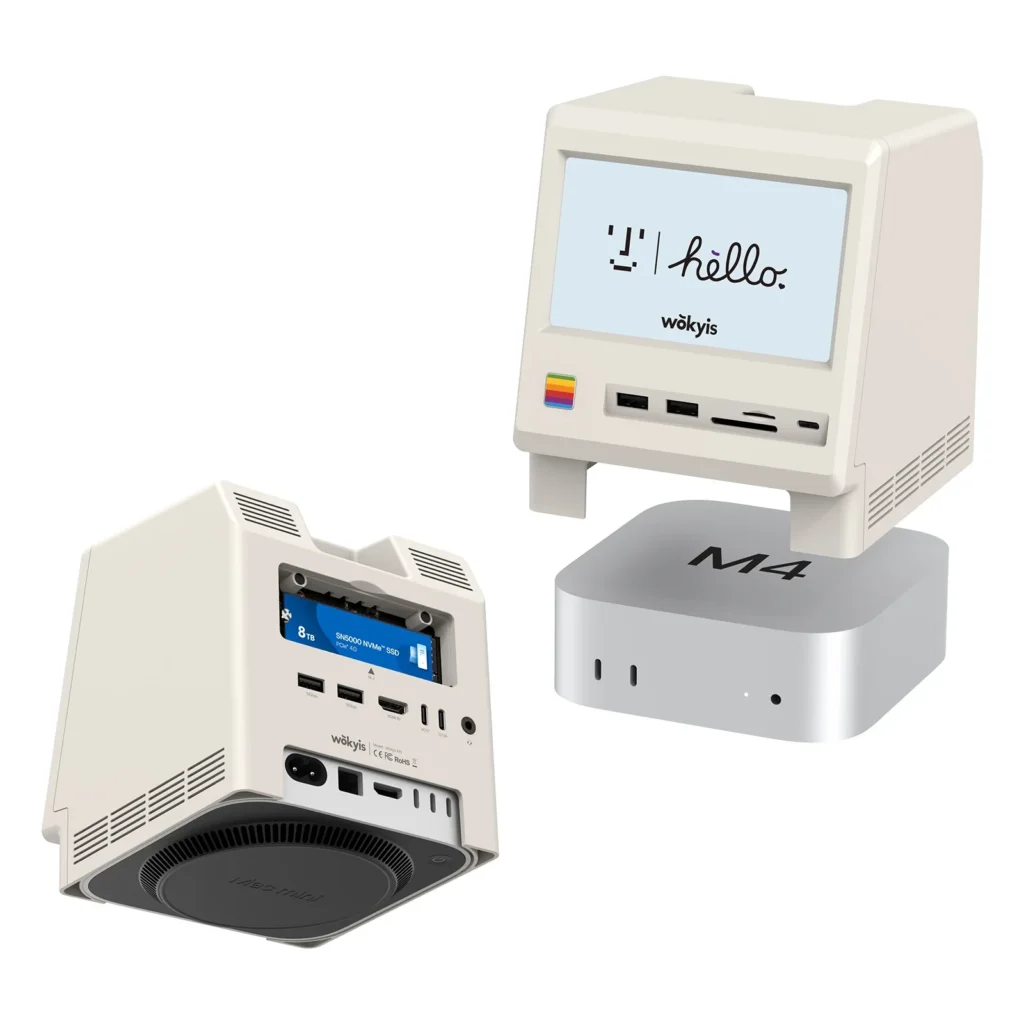
During testing, we found it useful for displaying secondary applications and background content. Music players, messaging applications, system information, calendars and video playback are all potential use cases.
The display is relatively small, so it is not intended to replace a conventional monitor. However, its size works well for supplementary information that does not require constant attention.
We also appreciated that the display operates through the USB-C host connection when used with a compatible computer. This avoids requiring a separate display cable for the Mac mini setup.
The M5 includes an integrated M.2 NVMe enclosure supporting SSDs up to 8TB. It accommodates 2230, 2242, 2260 and 2280 drives, with support for PCIe 4.0 and PCIe 5.0 NVMe SSDs. However, the enclosure’s interface limits storage transfer speeds to 10Gbps.
Installing an SSD is straightforward. The magnetic aluminium cover can be removed to access the M.2 slot, while the included screw and screwdriver secure the drive in place. Thermal pads are also supplied to help transfer heat to the aluminium cover.
During our real-world testing, transferring approximately 6GB of video files between the Mac mini and an installed NVMe SSD took only a few seconds in either direction.
This makes the integrated storage particularly useful for expanding the Mac mini’s available capacity without relying on a separate external SSD enclosure.
The 10Gbps interface is suitable for general storage, media libraries and everyday file transfers. Users who regularly work with large video projects or require substantially higher storage throughput should consider the Thunderbolt 5 version instead.
Setting up the Wokyis M5 is relatively straightforward. After installing an NVMe drive, the Mac mini can be positioned underneath the dock and connected using the supplied USB-C host cable. An additional USB-C connection supplies power to the docking station when required.
Once connected, the display and attached peripherals become available through the host connection. The included cables also allow the M5 to operate with compatible laptops and desktop computers, including Windows systems supporting USB4 or Thunderbolt connectivity. However, the enclosure is physically designed around the Mac mini’s dimensions, so other computers will not fit underneath it in the same way.
This flexibility makes the M5 more than a Mac mini accessory. It can also serve as a standalone docking station for a laptop, provided the computer supports the required USB-C connectivity and display functionality.
The Wokyis M5 performs well as a desktop expansion accessory. Its 10Gbps USB connections provide sufficient bandwidth for typical peripherals and external storage, while the integrated display adds flexibility without occupying additional desk space.
However, there are a few limitations worth considering. The HDMI input and USB-C display connection cannot be used simultaneously as independent display sources. When connected to a Mac mini through USB-C, the display functions as a secondary monitor. Using an external HDMI source requires switching away from the host connection.
We also found that the HDMI input is not particularly convenient when switching between devices. A dedicated input-selection control would improve usability, particularly for users who want to connect a secondary gaming console or media device.
Another consideration is power. The M5 does not include an external power adapter. A compatible 5V/3A USB-C power supply may be required, particularly when using the docking station with power-hungry peripherals or an installed SSD.
Finally, the 10Gbps storage interface is considerably slower than the Thunderbolt 5 alternative. While this is not a concern for everyday use, it does limit the M5’s appeal to professionals working with particularly demanding storage workloads.
At the time of writing, the Wokyis M5 10Gbps is listed at $149.99, against a regular price of $169.99 on the manufacturer’s website. Pricing and promotions may vary. For this price, buyers receive considerably more than a conventional USB hub. The integrated display, NVMe enclosure, card readers and retro-inspired design give the M5 a distinctive position in the Mac mini accessory market.
The value proposition is particularly strong for users who already intend to purchase an external storage enclosure and a USB hub. Combining these accessories into one device also helps reduce desk clutter. However, users who simply need additional USB ports may find conventional docking stations considerably more affordable.
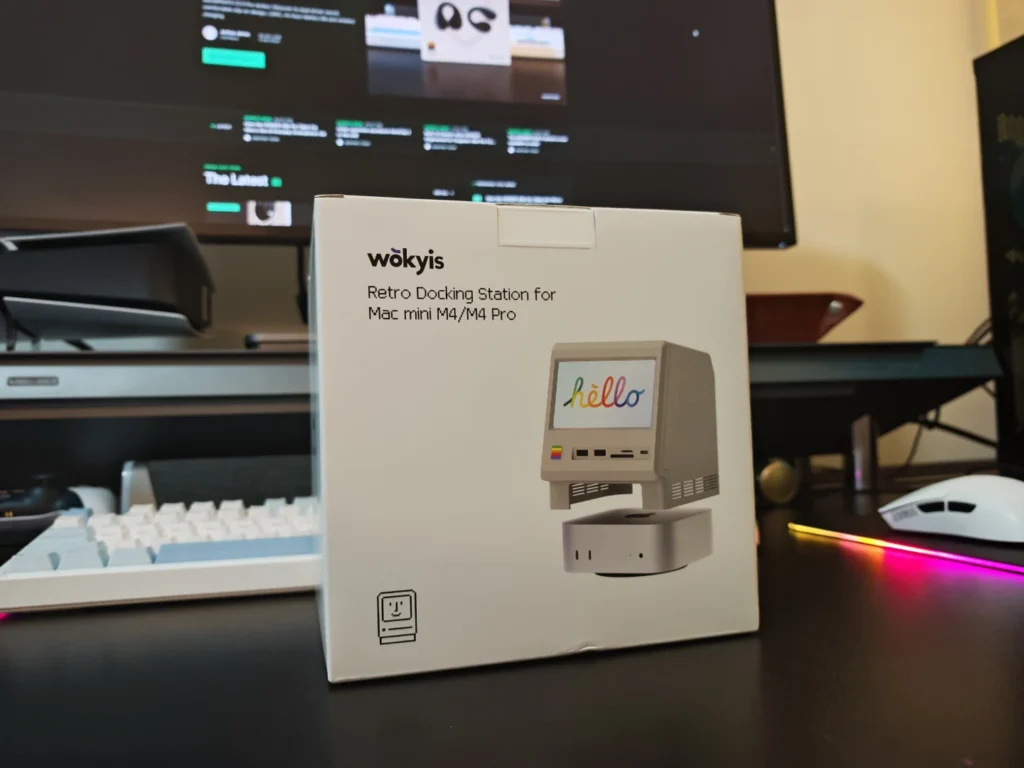
The Wokyis M5 is an interesting combination of practical desktop expansion and nostalgic design. Its integrated 5-inch display is genuinely useful, while the additional USB ports, memory card readers and NVMe storage enclosure address several limitations of the Mac mini.
We particularly appreciated the flexibility of the display. Being able to use it as a genuine secondary monitor rather than a dedicated clock or information panel makes it considerably more useful in everyday desktop environments.
The 10Gbps storage interface is sufficient for general productivity and everyday file transfers, although users requiring higher throughput should consider the Thunderbolt 5 version.
The absence of an included power adapter and the limited HDMI switching functionality are minor inconveniences. Neither significantly detracts from the overall experience, but both are worth considering before purchasing.
For Mac mini owners looking for a docking station that combines useful functionality with a distinctive appearance, the Wokyis M5 is a compelling option.
Also Read: Wokyis A1 Review: A Compact SSD Enclosure with a Retro Display

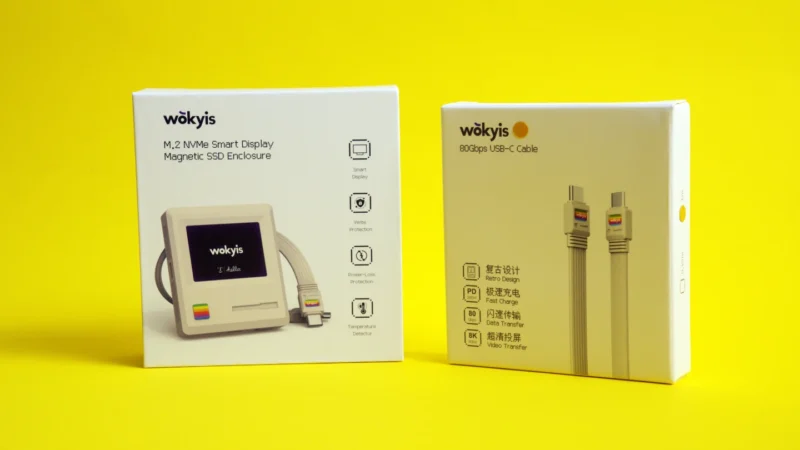
Our Wokyis A1 review explores this retro-inspired NVMe SSD enclosure, featuring a 2-inch LCD, magnetic attachment, 10Gbps connectivity and smartphone storage support.
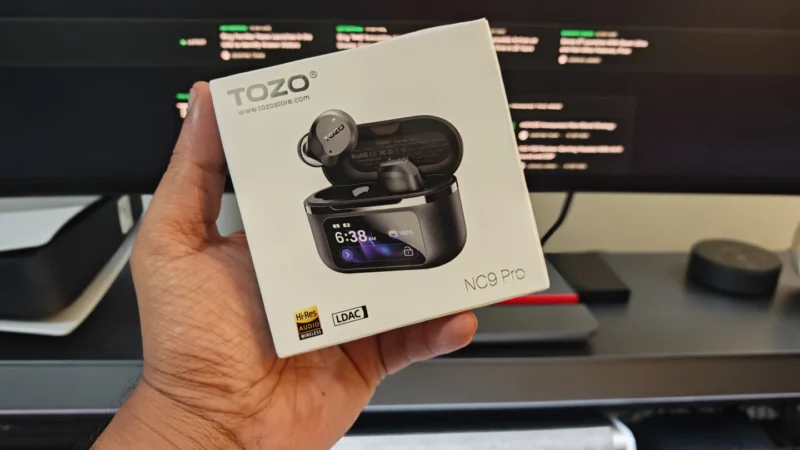
TOZO NC9 Pro review: We test its adaptive ANC, LDAC audio, touchscreen case, Bluetooth 6.0, sound quality, battery life and everyday performance.
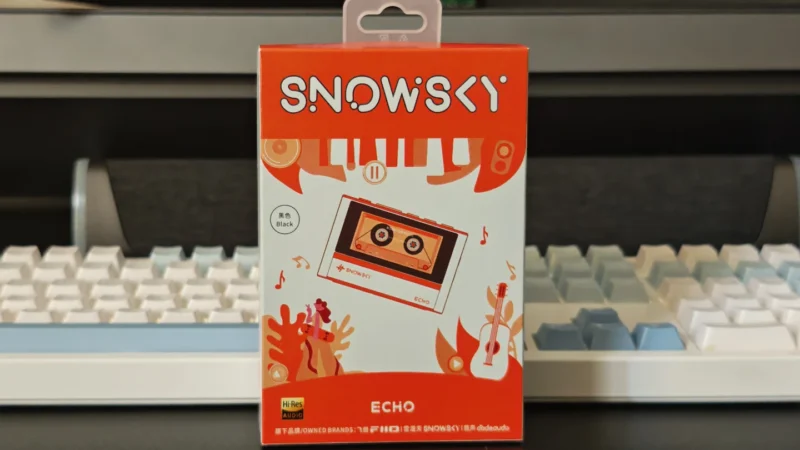
Our Snowsky ECHO review examines its sound quality, build, 4.4mm balanced output, battery life, Bluetooth, USB DAC features and overall value.
 Joshua James