
Anker Brings MagGo Power Bank 2 Pro to the UAE
The new MagGo Power Bank 2 Pro delivers 25W wireless charging with SnapCool active cooling, alongside the new Anker Nano Smart Display Charger
The tool designed to auto-remove the CrowdStrike file is downloadable and comes with two repair options.
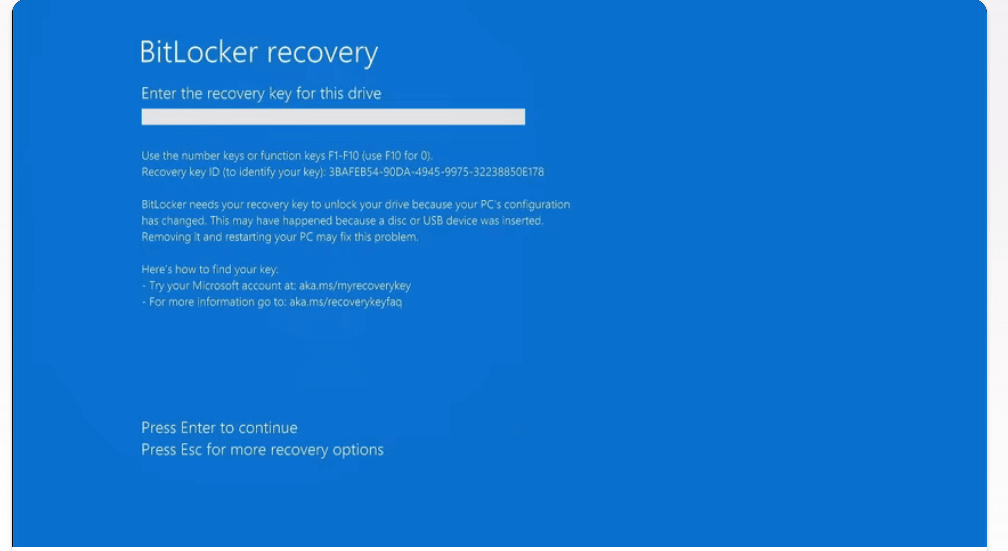
While everyone on the internet was thanking Microsoft for an early weekend, the global software and tech provider Microsoft took some extra hours to release their urgent recovery tool. The tool comes as a fix to the issues triggered by the CrowdStrike update.
The latest tech news filled the office spaces with horror making around 8.5 million devices out of order as the CrowdStrike update stirred up the Blue Screen of Death errors. Consequently, the IT professionals had to log out a day ahead of their actual weekend. However, Microsoft is here with its new and quick recovery tool to help IT admins repair their Windows. The recovery tool is downloadable and comes with two repair options.
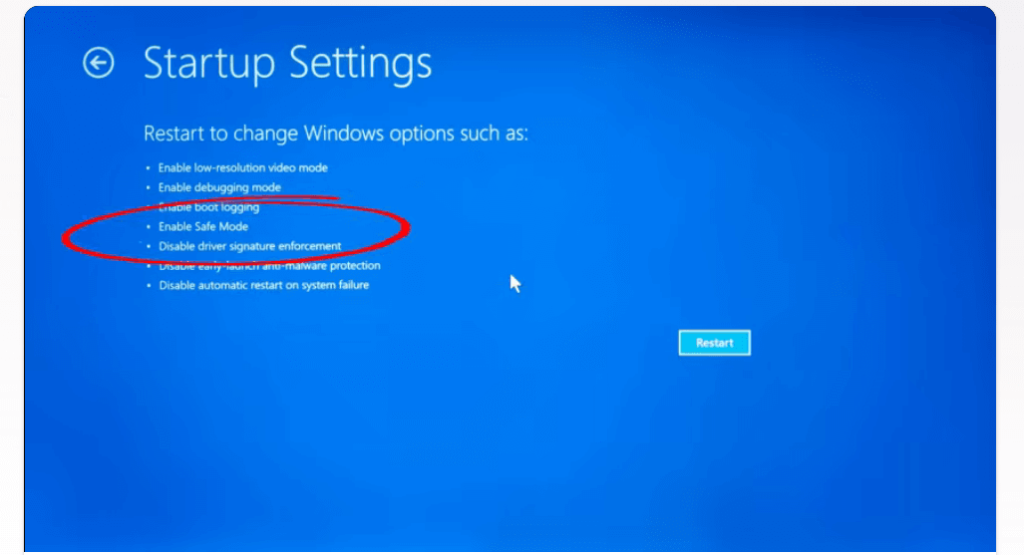
The tool creates a bootable USB drive for access to crashed machines. The tool is designed in such a way as to auto-remove the CrowdStrike file. This allows the device to boot up again and saves time by eliminating the requisite for manual intervention like entering Safe Mode.
The company has outlined separate recovery steps for Windows Virtual Machines powered by Azure. It has also released recovery steps for all Windows 10 and 11 in their support sites.
Among the two options, Microsoft prefers the former to the latter. Recovering from WinPE is observed to be quick and safe. It directly recovers systems without any local admin privileges. The only requirement is that, if the disk is encrypted with BitLocker, the tool will ask for the BitLocker recovery key and remove the CrowdStrike update. If a third-party disk encryption solution is used, you are to refer to vendor guidance to determine options to recover the drive.
Contrary to this, the Recover from safe mode may enable recovery on BitLocker-enabled devices without requiring the entry of BitLocker recovery keys. But you should have access to an account with local administrator rights on the device. For the same reason, this option is advisable while using devices that are not encrypted, devices with TPM-only protectors, or in situations where the BitLocker recovery key is anonymous.
Prerequisites to create the boot media
For creating the bootable USB drive, a Windows 64-bit client with a minimum of 8GB of free space is needed. Administrative privileges on the Windows client from the prerequisite mentioned above. A USB drive with at least 1GB and a maximum of 32 GB.
Prerequisites for using the boot media
If you are using TPM-only protectors and the safe boot option, then the recovery key is not required. Instead, if you are using TPM+PIN protectors, then you may need the recovery key.

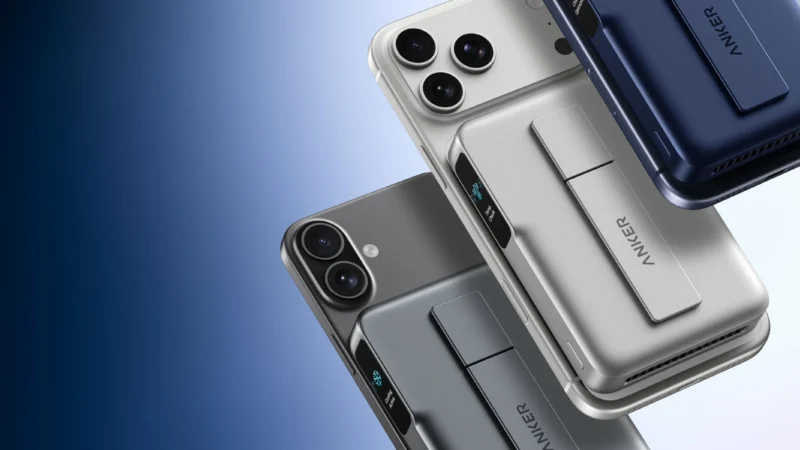
The new MagGo Power Bank 2 Pro delivers 25W wireless charging with SnapCool active cooling, alongside the new Anker Nano Smart Display Charger

ASUS today demonstrated its lead in the next-gen networking era, with the announcement of preorders opening for the ROG Rapture GT-BN98 series in the GCC region.
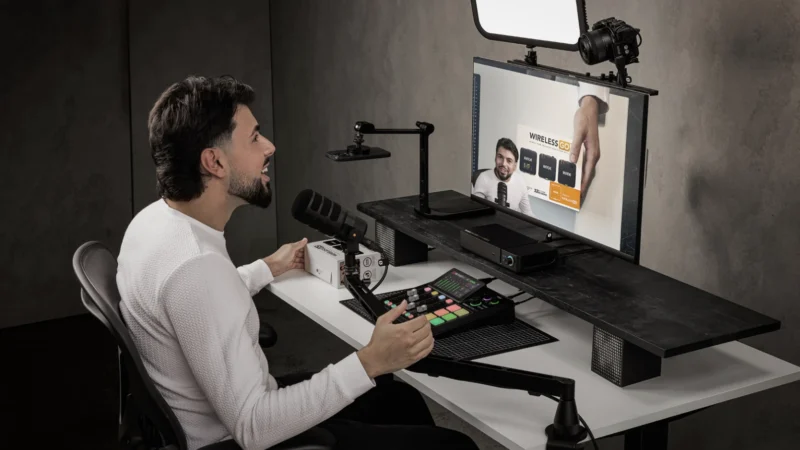
RØDE LPA1 is a low-profile studio arm with a 2kg payload, 750mm reach, integrated cable management and universal mounting support.
 GDGTME Team