
OPPO Find X10 Series Launches in the GCC
OPPO today announced the launch of its latest flagship smartphones, Find X10 and Find X10 Pro Max, in the UAE, Oman, Qatar, Bahrain and Kuwait.
Windows Insiders can use Android Phone as a Webcam on Windows 11. Want to know how?

No matter how elegant your webcams are, one would love to carry them. Chances are high that these webcams fixed to your monitor or built into your laptop bezel, might at some point annoy you. You got a solution. Earlier this year, the Windows Insiders Team came up with a piece of amazing news on using an Android phone or tablet camera in any video application on your Windows 11 PC. The ability to use an Android Phone as a webcam on Windows 11 is limited to all Windows Insiders across all Insider Channels.
Through the feature, Windows Insiders will be able to wirelessly enjoy the high quality of their mobile device’s camera on their PC. The feature will help them use their webcam with greater flexibility and ease. By flexibility, it is meant that Insiders can now switch between front and back cameras and pause the stream during interruptions. The Insiders can also get access to the effects provided by their mobile model.
If you are an Insider, you can also enjoy the privilege of using an Android Phone as a webcam on your Windows 11. But be sure your mobile device has Android 9.0+ and that you are running the BETA version of the “Link to Windows” phone application version 1.24012* or newer.
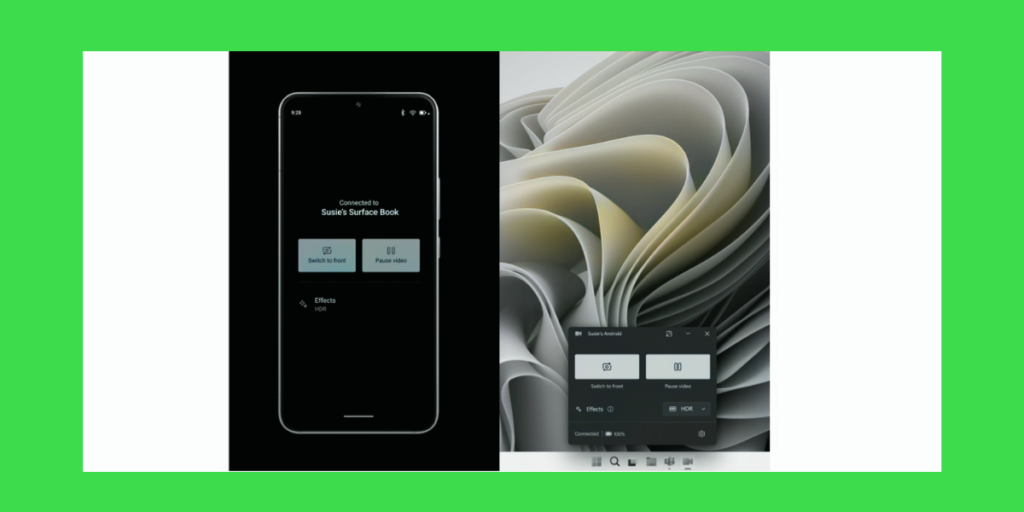
Your PC might take a few seconds to find its way to your Android phone. Keep your eye on the notification. Your PC will get a Cross Device Experience Host update in the Microsoft Store. Install the update. Wait a few more minutes for the complete installation.
This capability was first announced during CES 2024. But then it wasn’t confirmed if it would be available only to Samsung phones and Samsung’s Galaxy Book laptops or if it would be accessible on more phones and computers. For now, what’s known is that either you need a phone with Android 9.0 or greater, version 1.24012 or newer of the Link to Windows app and you should be an Insider build of Windows 11. Possibly, the feature will be included in the Windows 11 24H2 update.
Enjoy using your Android phone as a webcam without installing a third-party camera app or virtual driver. And do not worry about the quality. The feature gives an improved appearance and it lets you connect with your dear ones wherever you are. You can join video calls on any apps like Zoom, Microsoft Teams, Google Meet and Skype. Next time, when your friend makes a call, you can show your garden which might be a few feet away. You can also rely on this feature if your webcam is broken.

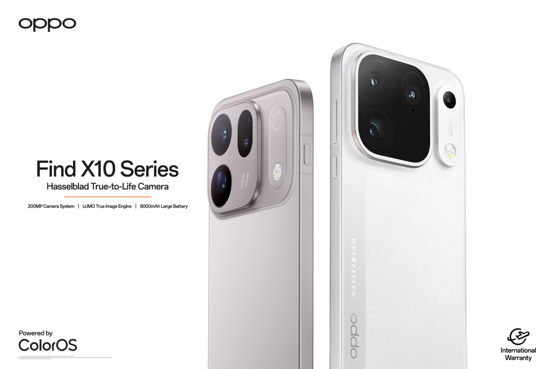
OPPO today announced the launch of its latest flagship smartphones, Find X10 and Find X10 Pro Max, in the UAE, Oman, Qatar, Bahrain and Kuwait.
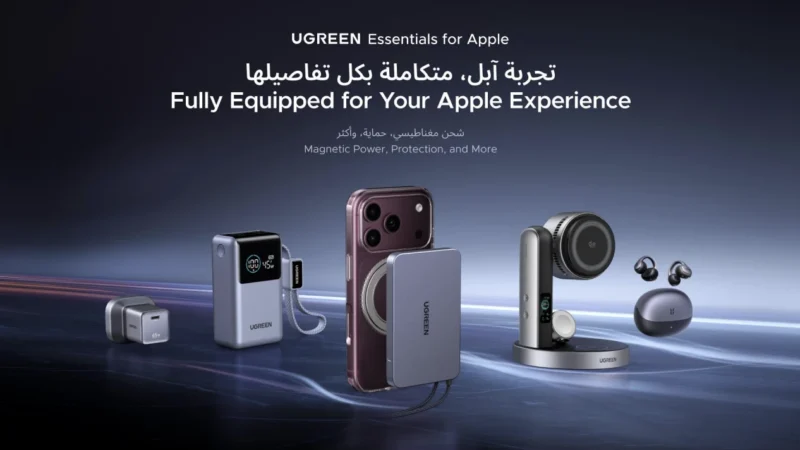
5 UGREEN Charging Accessories to Consider for Your Next iPhone
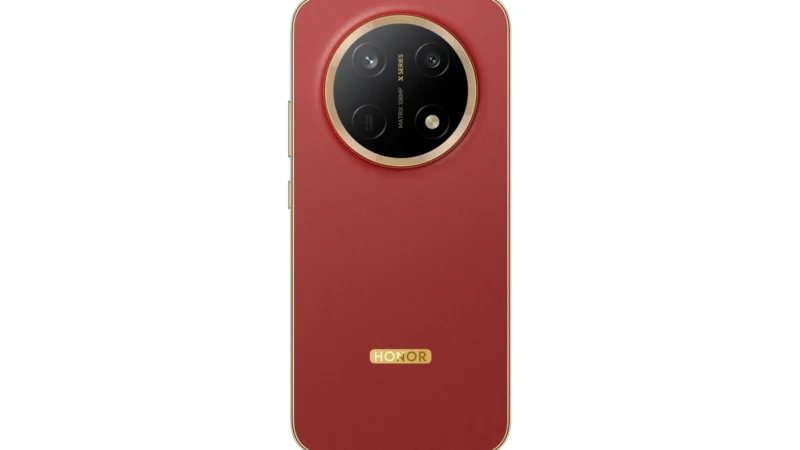
HONOR Introduces HONOR X9e Pro: With an industry-largest 11,000mAh battery, 3-metre drop resistance, IP69K protection, a 10,000-nit display and powerful AI features
 GDGTME Team