
5 UGREEN Charging Accessories to Consider for Your Next iPhone
5 UGREEN Charging Accessories to Consider for Your Next iPhone
Duet Display is a function that’s integrated in MSI Center. By connecting to MSI Laptops, it can turn your iOS devices into a second display, and be twice as productive whether at your desk or outside.
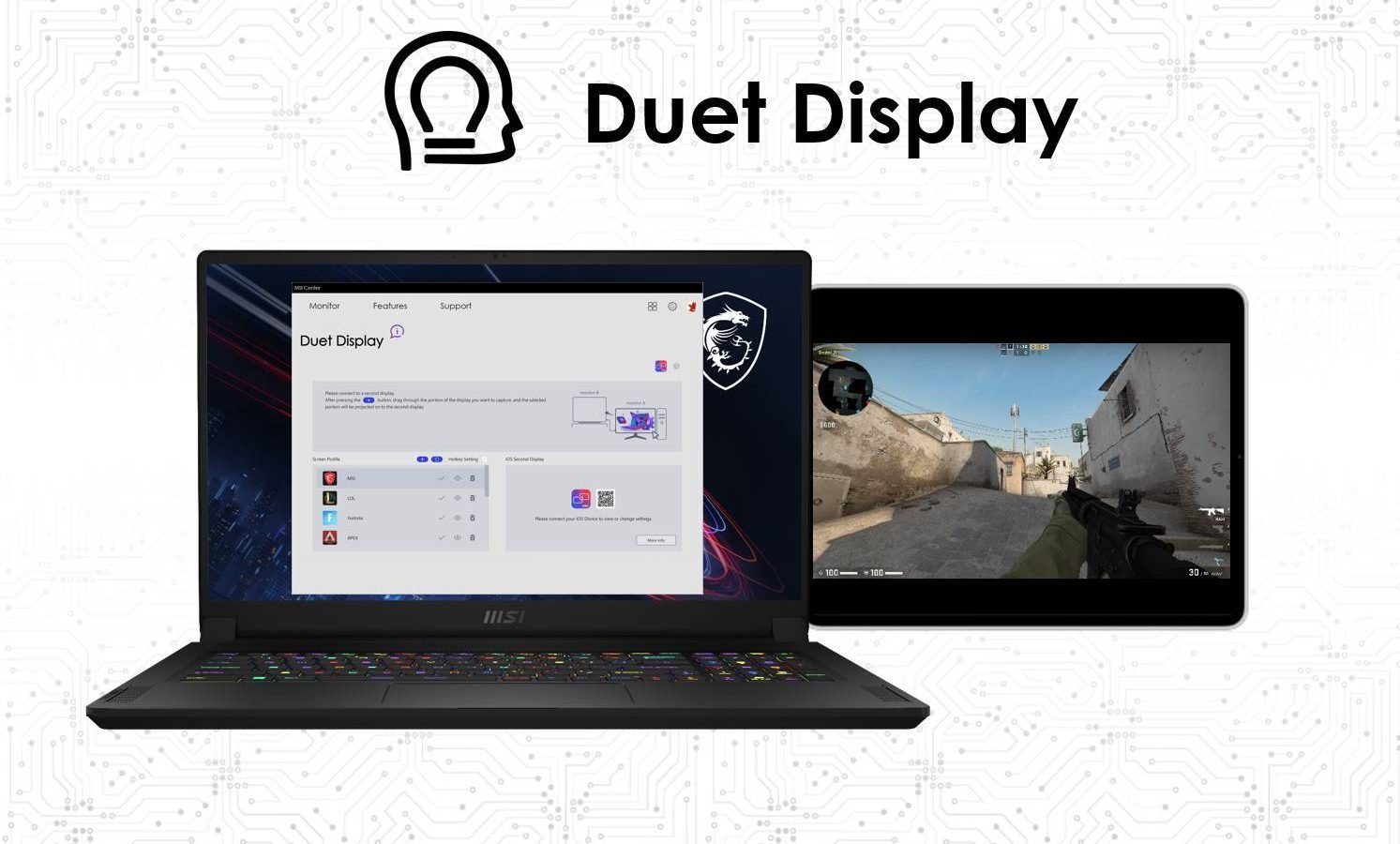
Duet Display is a function that’s integrated in MSI Center. By connecting to MSI Laptops, it can turn your iOS devices into a second display, and be twice as productive whether at your desk or outside. Through Duet Display, you could enjoy the external display by using your iPad, and save the effort for buying a pricy and space-occupying monitor. For gamers, Duet Display is designed for those who needs to zoom-in on the information or for who needs second display while gaming. Duet Display includes 3 different modes—Screen Extension, Screen Mirroring, and Capture Screen, which will be explained by following article.
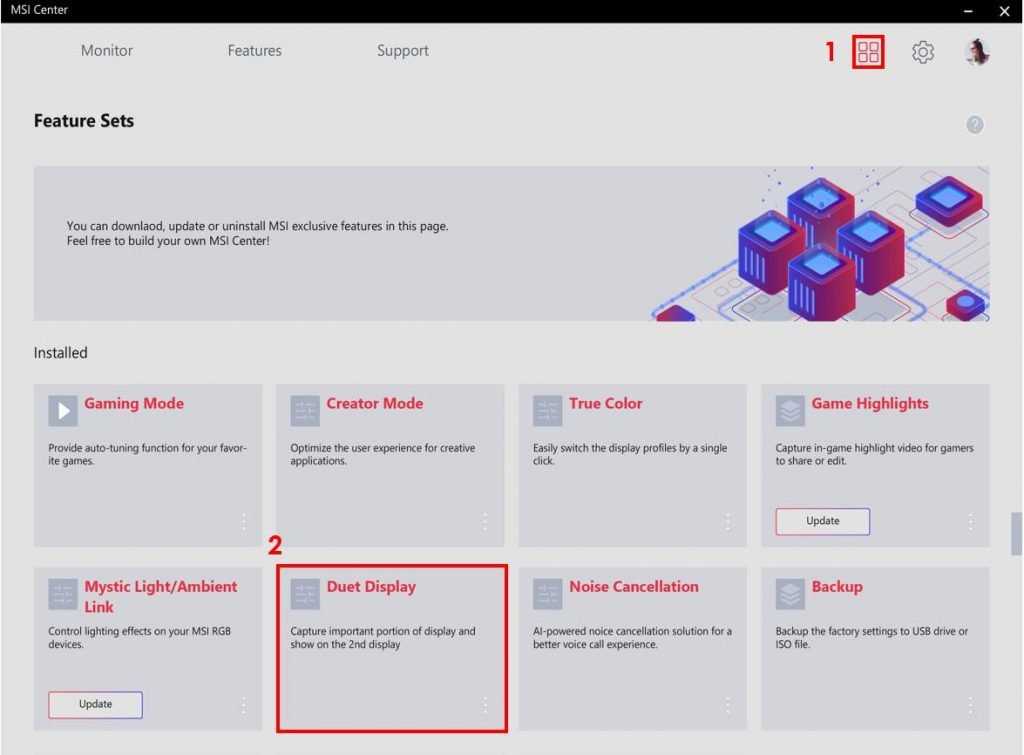
Step1. Launch your MSI Center and download “Duet Display” from feature set.
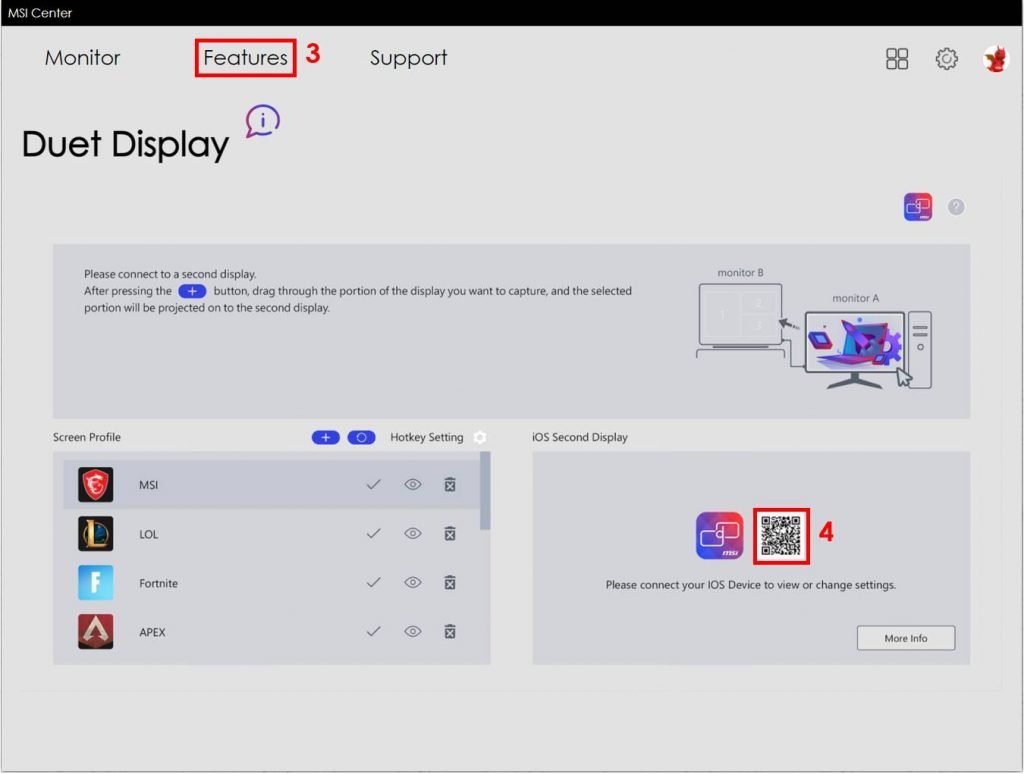
Step2. Click “Features” and choose “Duet Display” and scan the QR code, then download the Duet Coach App on your iOS Devices.
You could extend your screen to iPad. This way, you are able to search through information, chat, or stream through your iPad just by hovering your mouse.
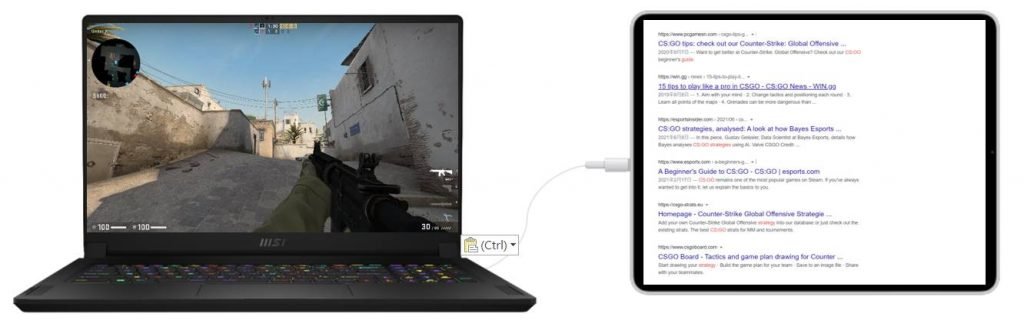
2. Screen Mirroring
You will get a mirrored screen on your iPad, which enables you to share the screen to your friend, or even play the game together by using both laptop and iPad. In addition, you could also zoom-in on the screen through iPad if the information on the laptop screen is too small.
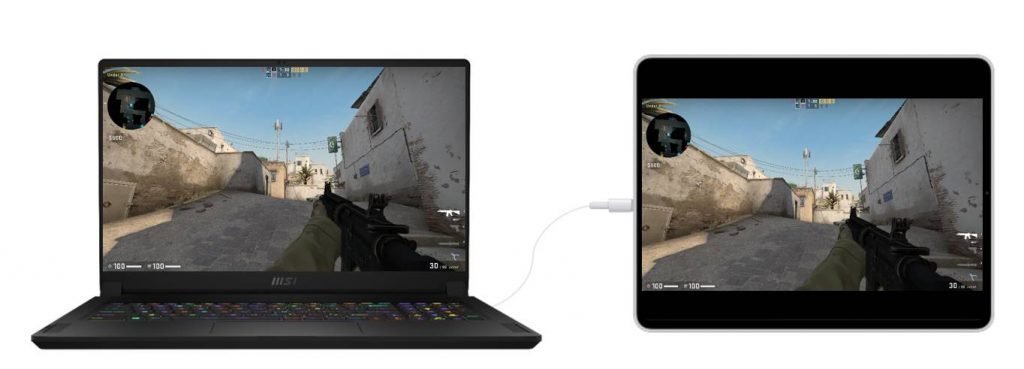
3. Capture Screen
You can capture part of the gameplay, which will be projected to the second monitor. The screen could be showing important information such as map, weapon, or score, depending on your need, which enables you to see those info at a larger size.
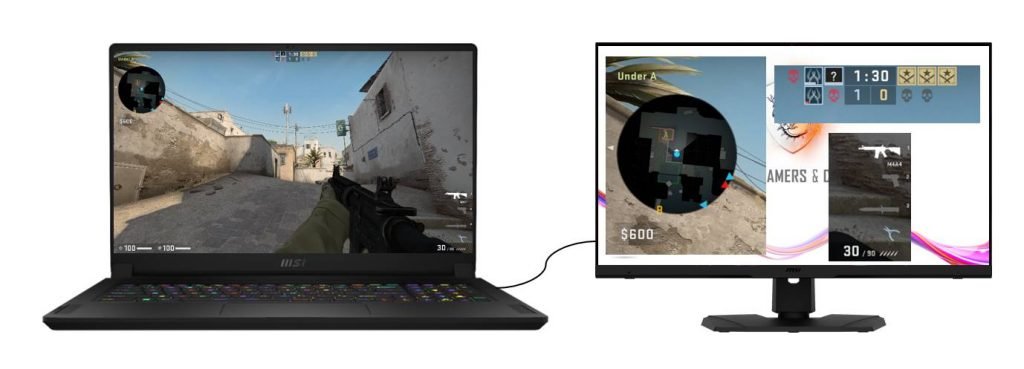
Now you can find Duet Display in MSI gaming laptops GE Raider and GS Stealth series and enjoy the game through Duet Display!

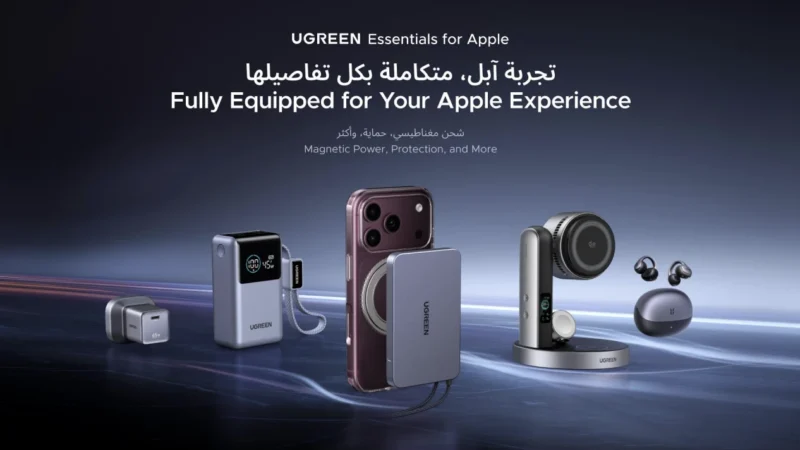
5 UGREEN Charging Accessories to Consider for Your Next iPhone
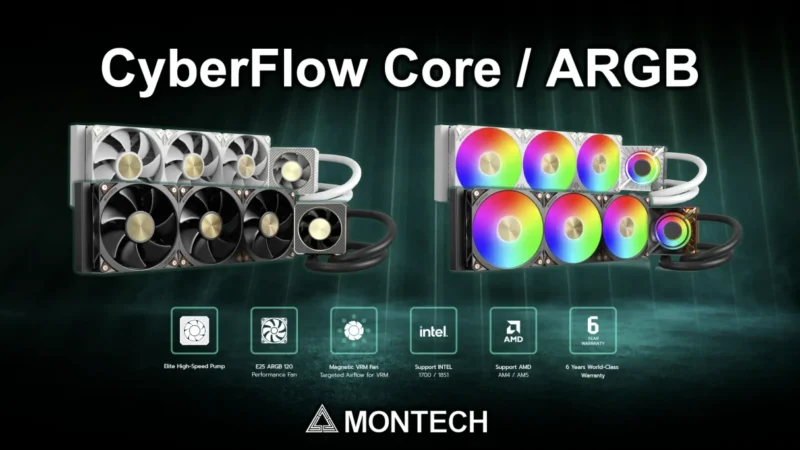
MONTECH, a global leader in PC cases, power supplies, and cooling solutions announces the global launch of CyberFlow Series.
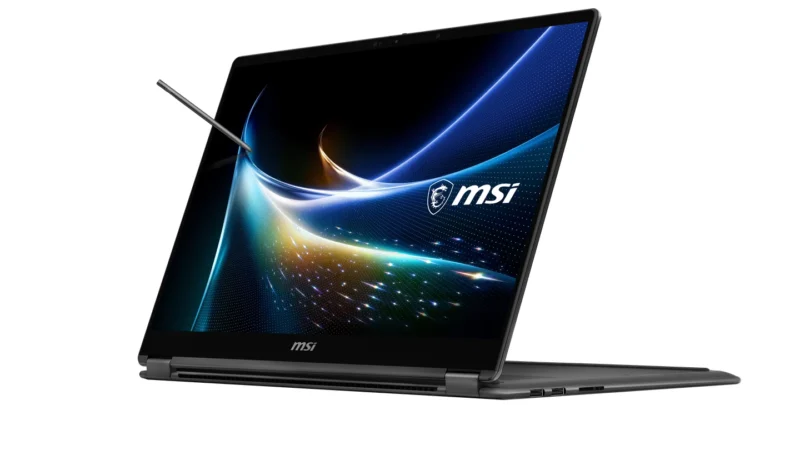
MSI Partners with NVIDIA to Unveil the World’s First 2-in-1 Laptop Powered by NVIDIA RTX Spark in Middle East.
 GDGTME Team