
SteelSeries Apex Pro TKL Gen 3 Review
We review the SteelSeries Apex Pro TKL Gen 3, featuring OmniPoint 3.0 Hall Effect switches, adjustable actuation, Rapid Trigger, OLED display and RGB lighting.
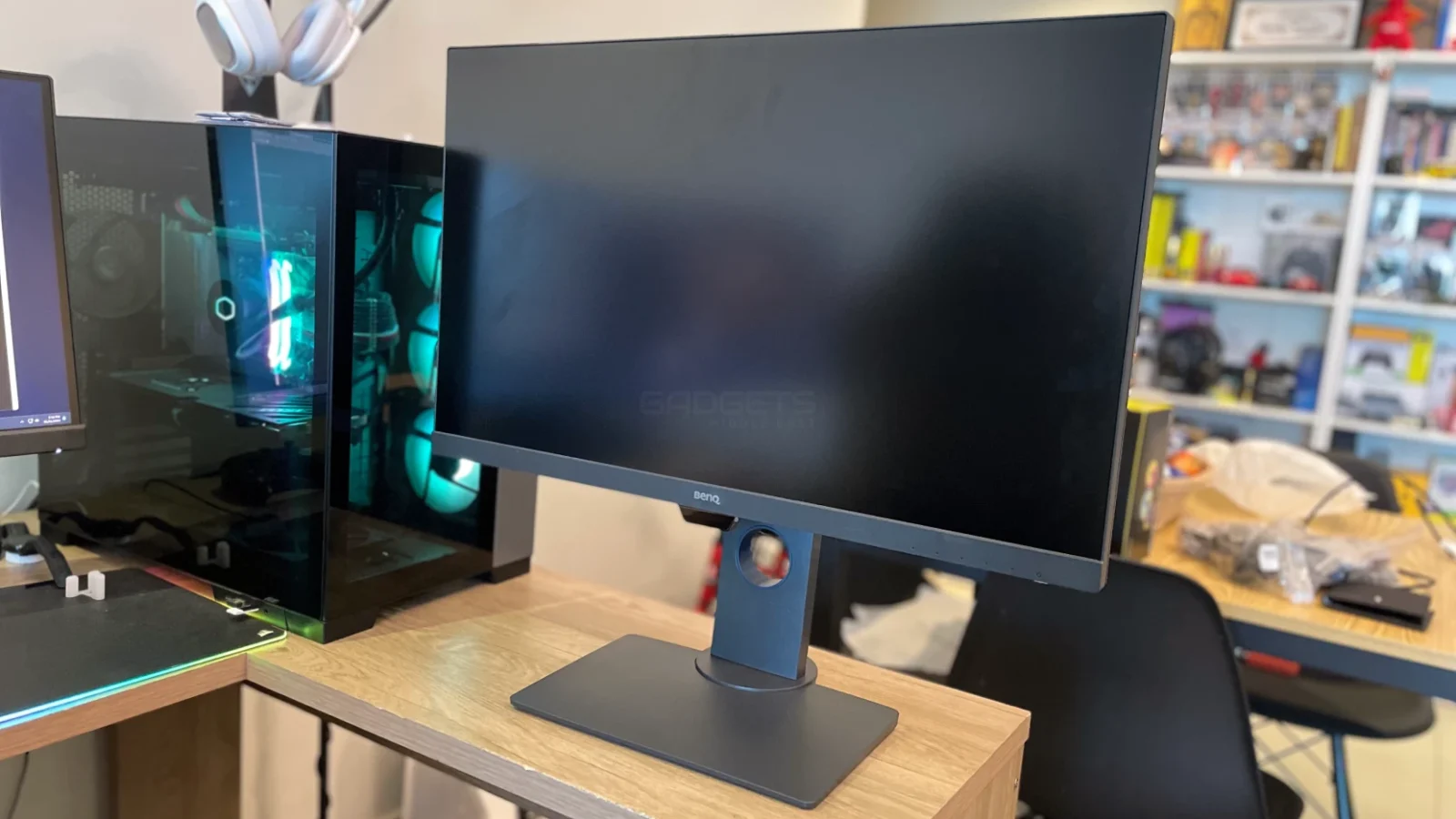
The BenQ PD2705Q stands as a top-notch 27-inch 2K monitor built specifically for professional video editors, content creators, designers, and photographers. With Calman Verification and Pantone Validation, it promises exceptional color accuracy, featuring 100% Rec.709 and 100% sRGB coverage right out of the box.
From photo and video editing to graphic design and entertainment—the PD2705Q shines with its extensive color capabilities, vivid visuals, and minimal motion blur. With support for multiple connectivity options such as DP over USB-C with 65W Power Delivery, HDMI, and a USB hub, the PD2705Q delivers convenience and versatility. Additionally, the KVM functionality simplifies controlling multiple computers using a single set of peripherals.
With its ergonomic design, the PD2705Q ticks all the boxes with its slim profile, compact base, and wall-mountable design. Tilt, swivel, and pivot adjustments ensure a comfortable viewing experience.
| Size | 27 inches |
| Features | Flicker-free Technology Brightness Intelligence (B.I.) Low Blue Light TUV Certificate Calman Verified Pantone Validated |
| Connectivity | 1x HDMI(v2.0) 2x DisplayPort 1.4 (Daisy Chain) 1x USB C(PowerDelivery 65W, DisplayPort Alt Mode, Data) 1x USB Type B (Upstream) 4x USB 3.1 (Downstream) 1x All-in-One Connection USB-C Earphone Jack |
| Resolution | 2560×1440 |
| Panel Type | IPS |
| Backlight Type | LED |
| HDR | HDR10 |
| Brightness | 250 nits |
| Native Contrast | 1000:1 |
| Max Refresh Rate | 60Hz |
| Response Time | 5ms (GtG) |
| Display Colors | 16.7 million colors |
| Color Gamut | 100% Rec.709, 100% sRGB |
| Built-in Speaker | Speaker (2Wx2) |
| Ergonomics | Tilt: Yes -5° – 20° Swivel: +45° ~ -45° Pivot: 90° Height: 140mm VESA Wall Mounting: 100x100mm |
| Dimensions (With Base) | Dimensions (HxWxD) (mm) 428.5 – 549.22 x614x230.7 Net Weight (kg) 8.5 |
View full specifications here.
The BenQ PD2705Q comes packaged in a large brown cardboard box. Inside the box, the monitor and accessories are protected by foam padding. Each component and accessory are placed in designated pockets within the foam, ensuring they are secure during transit. The package includes the following items:
The BenQ PD2705Q stands out with its premium aesthetics and solid construction, supported by a sturdy stand that handles its 5.7 kg weight effortlessly. Measuring 428.5 – 549.22 x 614 x 230.7mm (HxWxD) with the stand, it fits comfortably on most desks. Sporting a sleek matte black plastic finish and an industrial design, this VESA mount-compatible monitor brings an elegant touch to any setup.
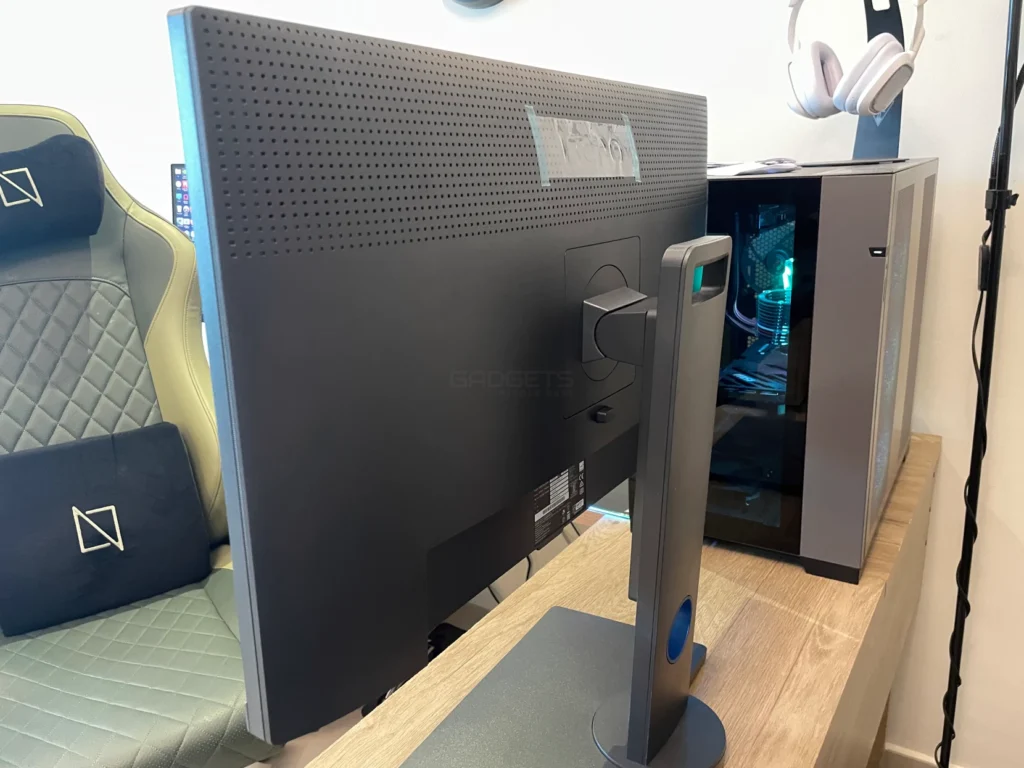
With slim 3-sided bezels, it maximizes screen space for an immersive viewing experience. Offering versatile adjustments—tilt (-5° to 20°), pivot (up to 90°), swivel (45° to either side), and a height adjustment of up to 140mm—it ensures ergonomic comfort.
The connectivity options are impressive, featuring a 65-watt Power Delivery-enabled USB-C port that supports fast data transfer and DisplayPort Alternate mode. At the monitor’s rear, you’ll find all video inputs, a 3.5mm audio pass-through, and a pair of 2W speakers (decent, though not exceptional). Moreover, it boasts multiple USB ports: four Type-A, a Type-B, and the Type-C input.
Cable management options are somewhat limited, offering a cable passage hole to consolidate connections without dedicated management features.
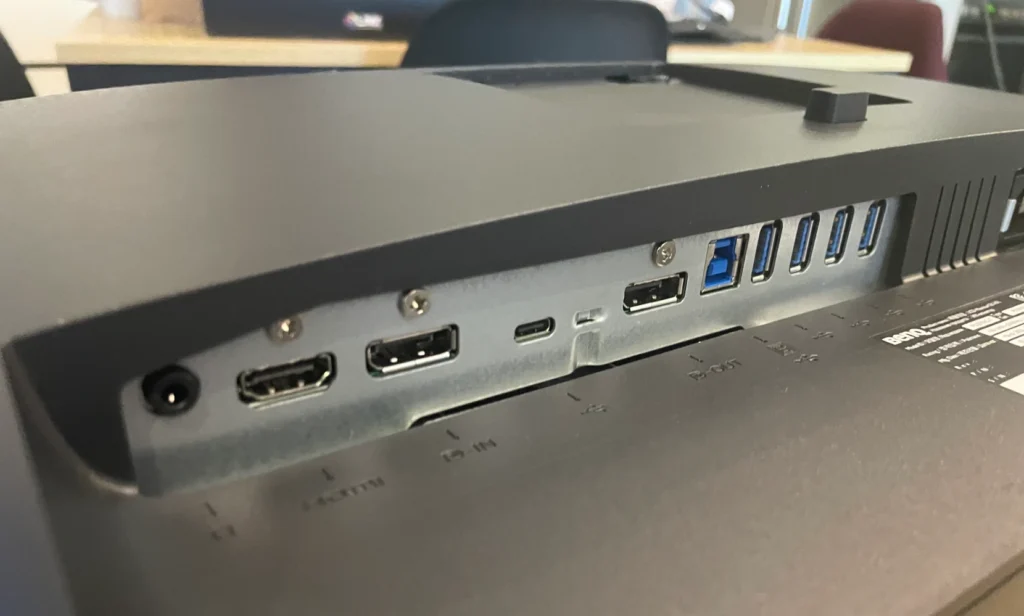
Notably, the KVM switch functionality simplifies connectivity by allowing you to link your laptop via Type-C and your desktop via Type-B and DisplayPort. Up to four peripherals can connect to the Type-A ports, enabling seamless switching between computers. The Type-C port also doubles as a charging source for your laptop during use, albeit at a limited speed.
The inclusion of Display Pilot software further enhances user convenience, offering intuitive control over inputs, settings adjustments, and in-depth color management, presenting a user-friendly alternative to menu navigation.
Navigating the user-friendly on-screen display (OSD) of the BenQ PD2705Q is straightforward, thanks to the conveniently placed analog buttons located on the lower right of the screen. These buttons provide quick access to preset color modes, video inputs, brightness adjustments, blue light settings, and power controls.
The initial OSD menu covers basic settings, while diving into the detailed main menu unveils an array of comprehensive configuration options, allowing users to fine-tune the monitor to their specific preferences. For added convenience, BenQ’s ‘DisplayPilot’ software offers an alternative method for OSD control, presenting a more user-friendly interface for adjustments and customization.
Utilizing BenQ’s AQCOLOR Technology and factory calibration, this display impresses straight out of the box. Designed for color-critical work, the 8-bit PD2705Q guarantees 100% coverage of sRGB/Rec.709 and a Delta E of <3, guaranteeing virtually imperceptible color differences—ideal for web design where sRGB remains a prevalent standard.
Featuring a 10-bit HDR 2560×1440 display with a 1,000:1 contrast ratio, 250 nits brightness, and HDR10 certification, it ensures minimal motion blur with its 5ms (GTG) response time. Wide 178-degree viewing angles deliver clear visuals from off-center positions.
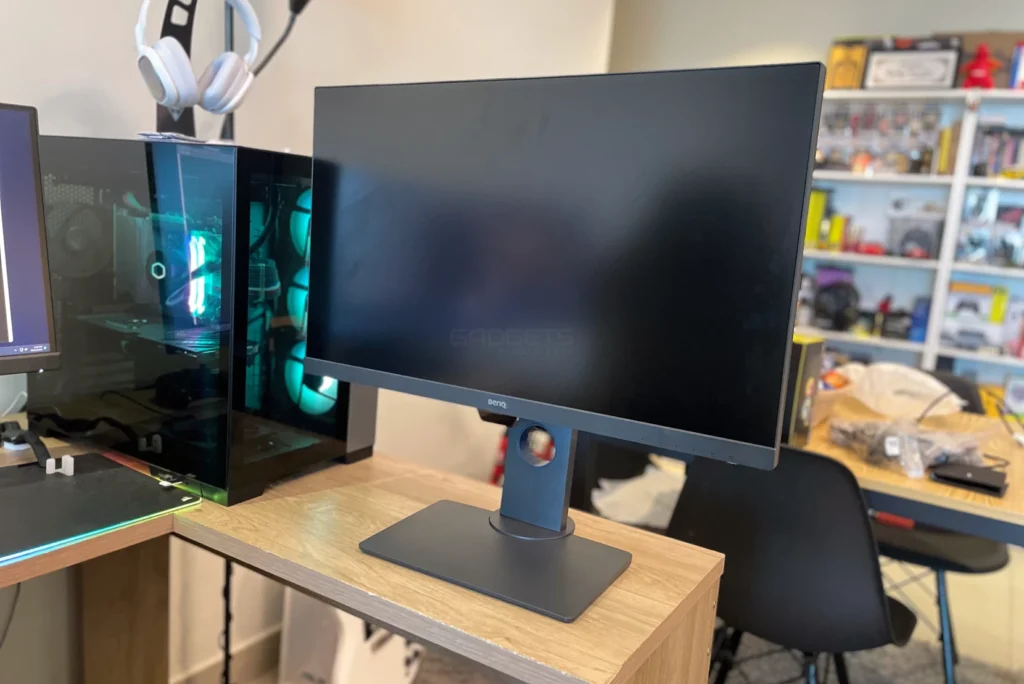
The monitor’s exceptional color reproduction stems from its 100% Rec.709 and 100% sRGB coverage, although deep blacks occasionally lack contrast. Its 250 cd/m2 brightness (with a peak of 300 cd/m2 in HDR mode) suits indoor lighting conditions well. While the 2K resolution at a 60Hz refresh rate offers a decent high-resolution gaming experience, there might be some trailing and smudges, though not significantly disruptive.
The M-mode efficiently matches the screen to a connected MacBook Pro, enhancing compatibility. Several other modes cater to different environments, from dark mode for enhanced visuals in low-light settings to modes optimized for 3D animation or CAD drawings, boosting contrast or brightness where necessary.
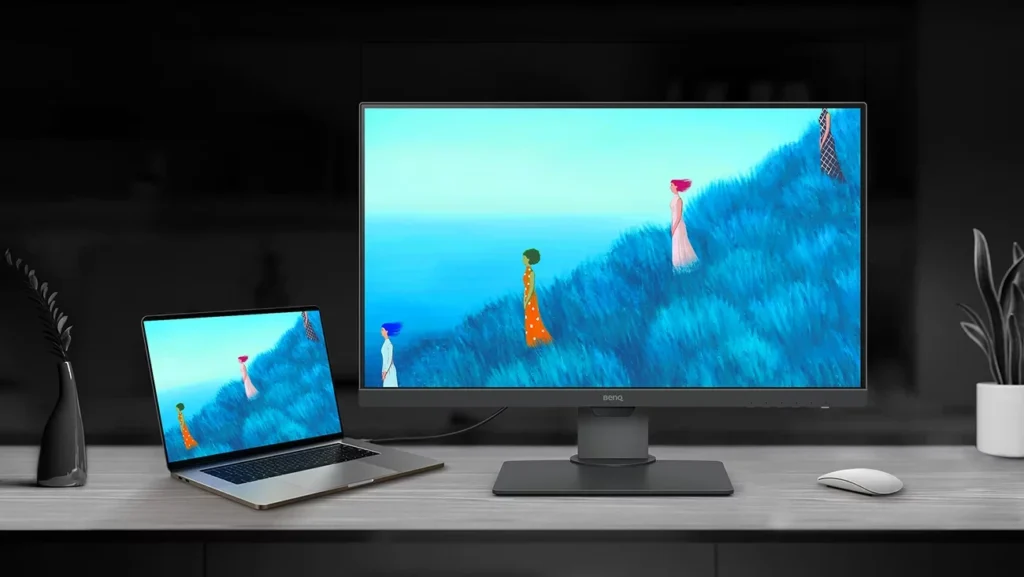
HDR10 support elevates image quality, particularly in darker scenes. Additional proprietary technologies like Flicker-Free and Ultra-Low Blue Light mitigate flickering and reduce eye strain during extended usage, making this monitor a comfortable choice for extended sessions.
The BenQ PD2705Q is a 27-inch 2K monitor built for creative professionals. It impresses with HDR10 support and exceptional color accuracy. Its wide color gamut and eye-care features make it a great choice for photo and video editing, along with graphic design. The sleek design, coupled with adjustable ergonomic features, maximizes both comfort and desk space.
This monitor offers diverse connectivity options, including USB-C with power delivery, ensuring effortless integration into any workstation. The added KVM functionality enhances its versatility. With that said, it’s worth noting that this monitor isn’t primarily designed for gamers due to its average refresh rate and lack of adaptive sync. Nonetheless, its overall performance and technologies make it an enticing choice for those seeking precise color reproduction and professional-grade features.

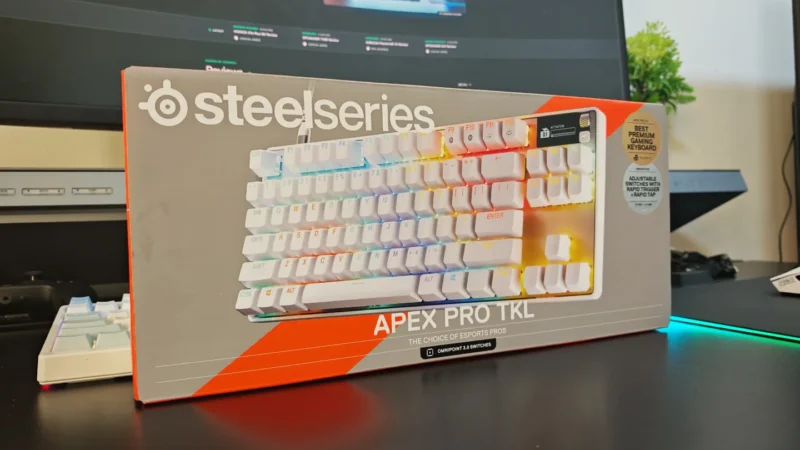
We review the SteelSeries Apex Pro TKL Gen 3, featuring OmniPoint 3.0 Hall Effect switches, adjustable actuation, Rapid Trigger, OLED display and RGB lighting.
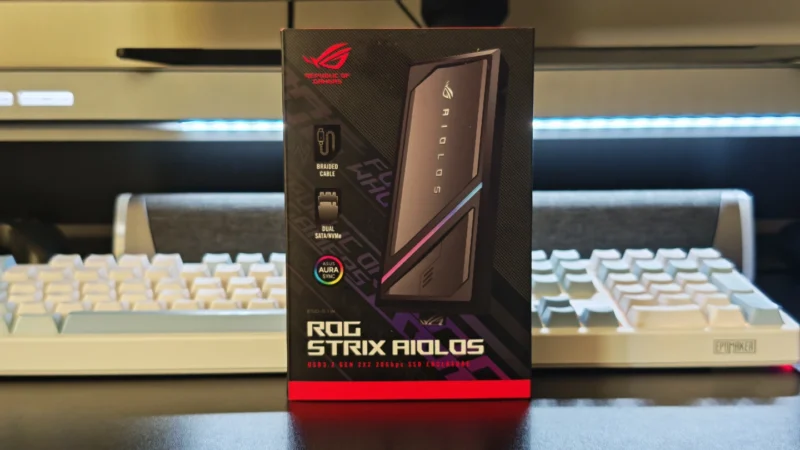
Our ASUS ROG Strix Aiolos review examines its 20Gbps USB 3.2 Gen 2×2 performance, design, cooling, tool-free installation, RGB lighting and value.
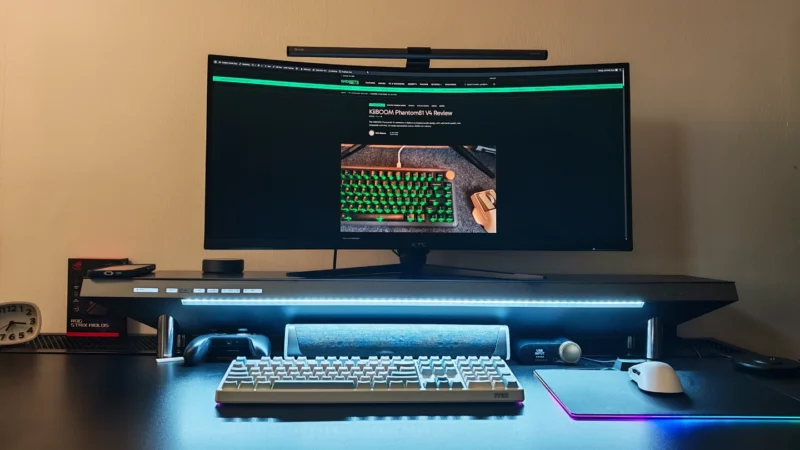
Our Hexcal Studio review examines its premium build, cable management, eight AC outlets, USB connectivity, wireless charging and integrated task lighting.
 Joshua James