
SteelSeries Apex Pro TKL Gen 3 Review
We review the SteelSeries Apex Pro TKL Gen 3, featuring OmniPoint 3.0 Hall Effect switches, adjustable actuation, Rapid Trigger, OLED display and RGB lighting.
Lenovo’s ThinkVision P34WD-40 is a 34-inch ultrawide monitor designed for professionals who value productivity, precision, and connectivity.
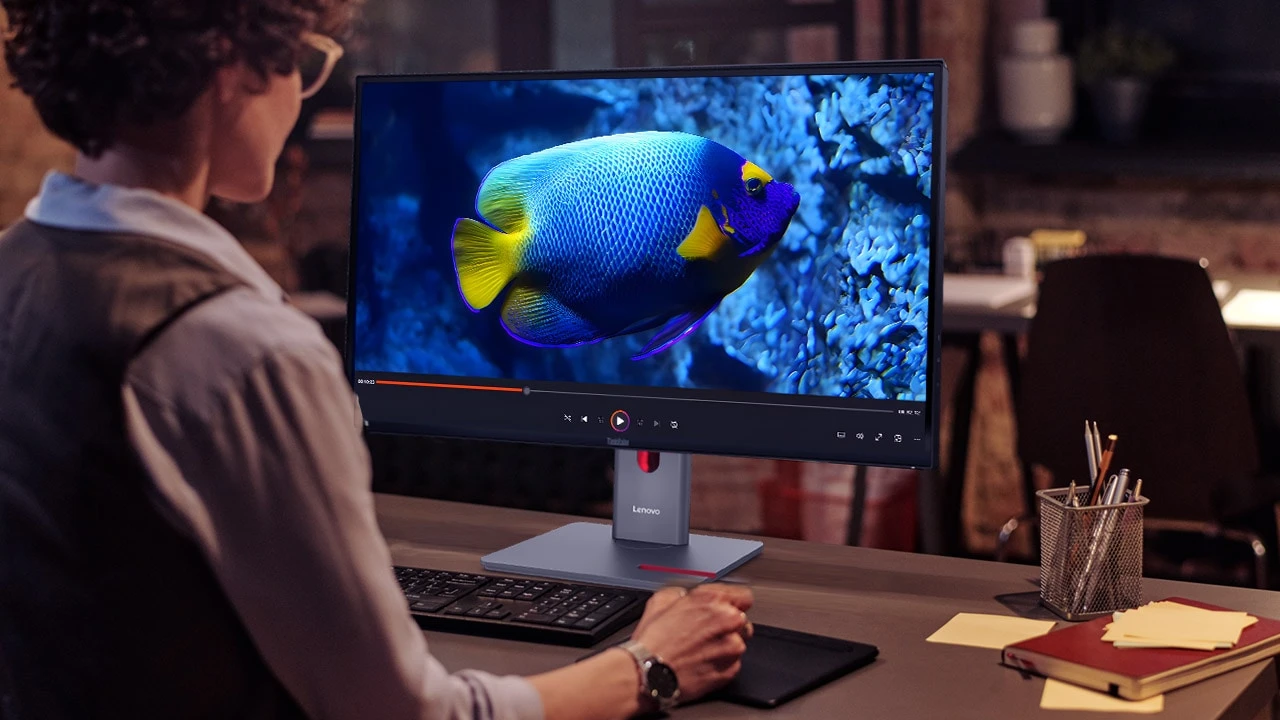
Lenovo’s ThinkVision P34WD-40 is a 34-inch ultrawide monitor designed for professionals who value productivity, precision, and connectivity. It builds on Lenovo’s reputation for business-grade reliability while introducing thoughtful upgrades such as a 120Hz variable refresh rate, USB-C one-cable docking, and improved color accuracy.
This model is particularly well-suited for hybrid workers, developers, and content creators who need a wide workspace, accurate colors, and seamless device integration.
The ThinkVision P34WD-40 maintains Lenovo’s signature minimalist design language. The matte finish, thin bezels, and clean lines give it a refined professional appearance suitable for any modern office. Its stand offers full ergonomic adjustment—height, tilt, and swivel—ensuring comfort during extended use. A VESA mount option is also available for flexible setups.
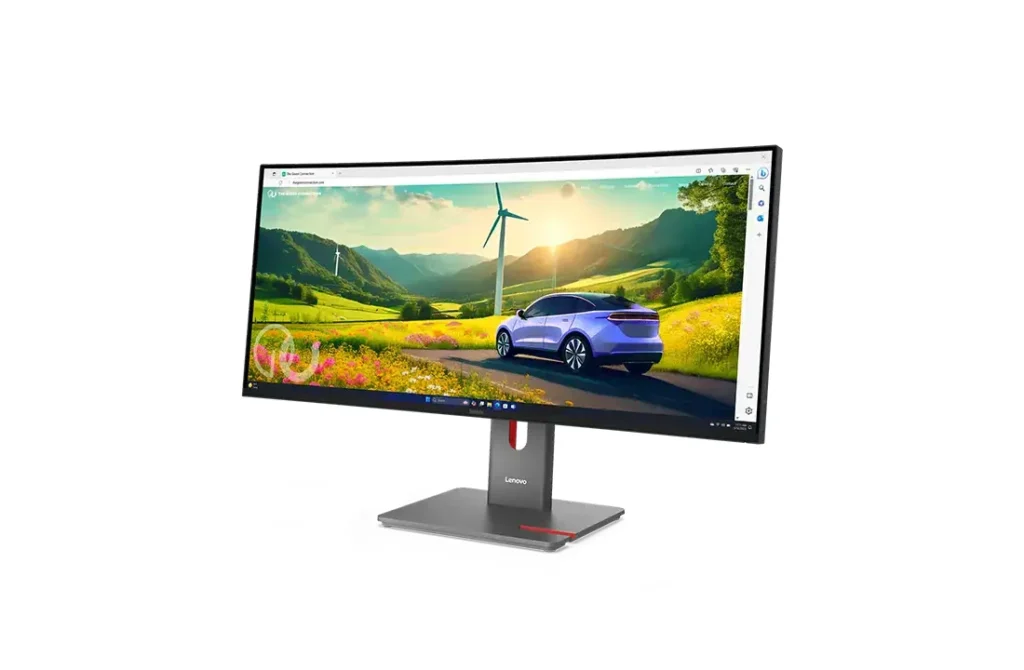
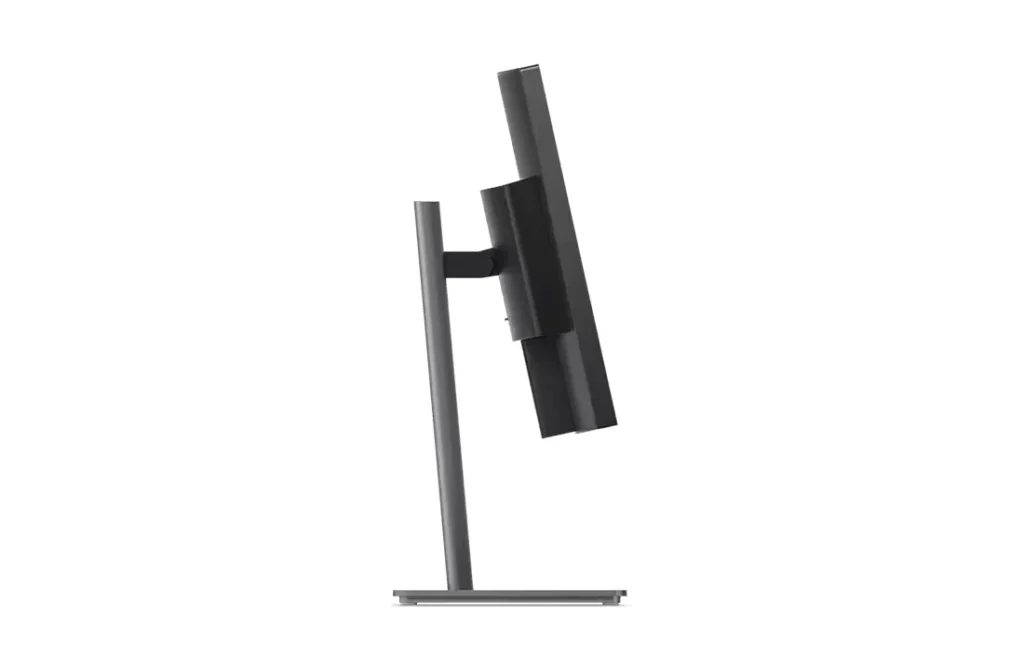
The base includes a red-accented slot Lenovo promotes as a phone holder, though we found it less practical in daily use. Still, the overall build quality feels sturdy, with a premium finish that reflects its business-oriented design.
Lenovo also places emphasis on sustainability. The monitor uses recycled materials including up to 100% aluminum, 95% post-consumer recycled plastics, 50% recycled steel, and 20% recycled glass. In the box, Lenovo includes a power cable, DisplayPort 1.4 cable, USB-A to USB-B cable, USB-C to USB-C cable, and a factory calibration report.
The 34-inch curved IPS Black panel features a resolution of 3440 x 1440 (UWQHD), offering a crisp and expansive workspace that fits multiple applications side by side. The gentle curvature enhances immersion without distorting the viewing experience, making it suitable for long working sessions.
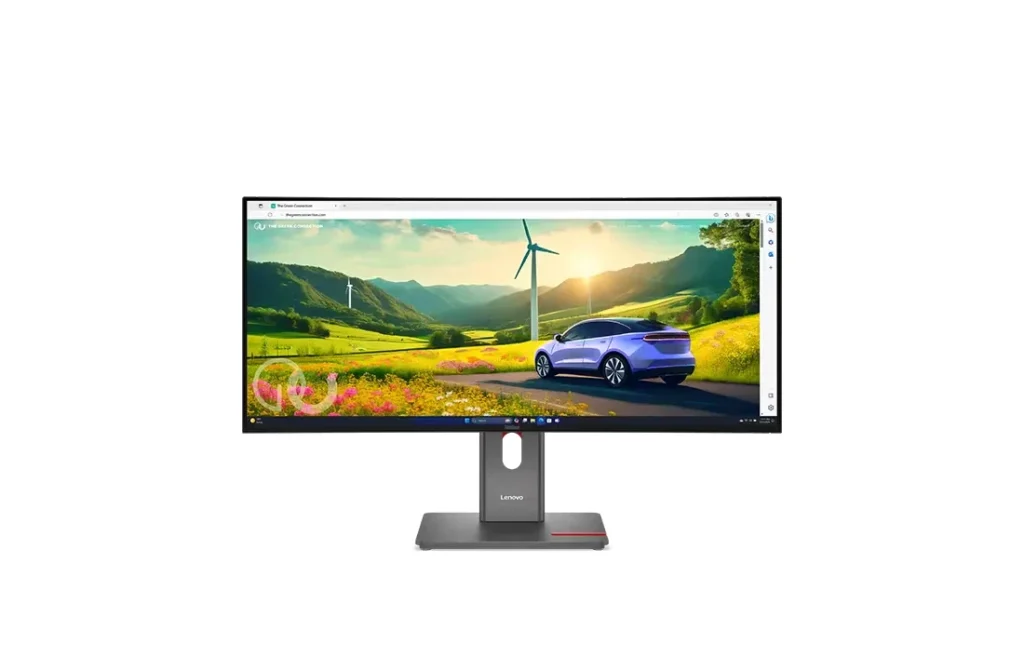
Lenovo’s factory calibration delivers 99% sRGB and 99% BT.709 coverage with a Delta E of less than 2, ensuring accurate color reproduction for tasks like design and content creation. In our testing, the contrast ratio measured around 1977:1 and brightness at approximately 325 nits—both strong results for an IPS panel.
While the display excels in SDR performance, HDR output remains limited due to modest brightness and lower DCI-P3 coverage (around 67%). It’s adequate for casual HDR viewing but not intended for high-end HDR content editing.
The white balance leans slightly warm, but overall color consistency and clarity remain excellent.
Connectivity is a clear strength of the P34WD-40. Lenovo provides a wide selection of ports:
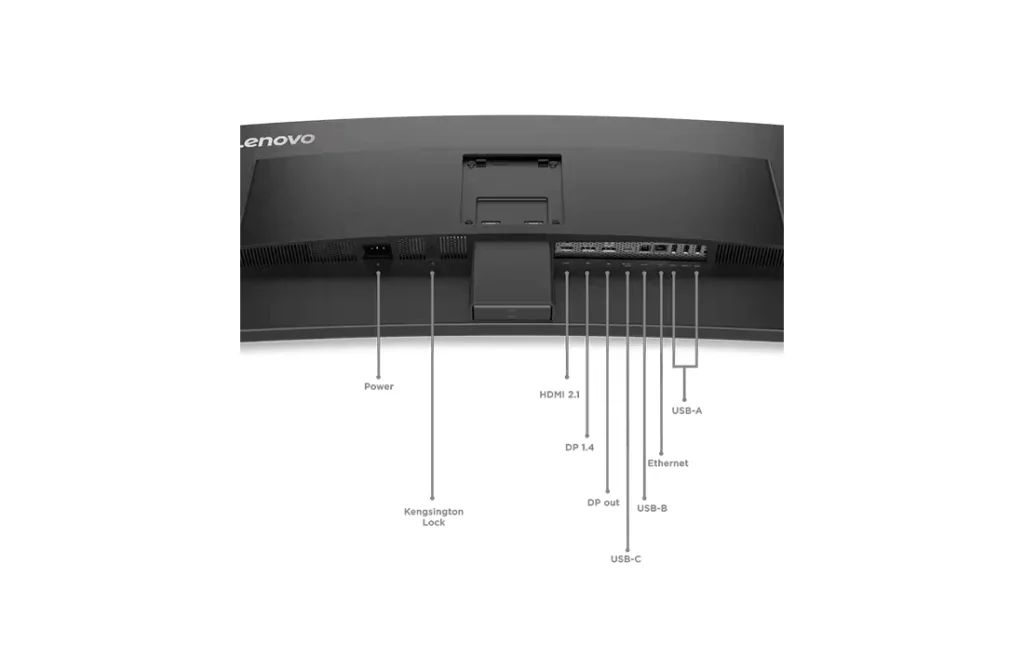
The monitor’s one-cable USB-C docking solution simplifies workstation setups—delivering power, data, video, and network connectivity through a single cable. This allows users to connect and charge a laptop while maintaining a clean, cable-free desk.
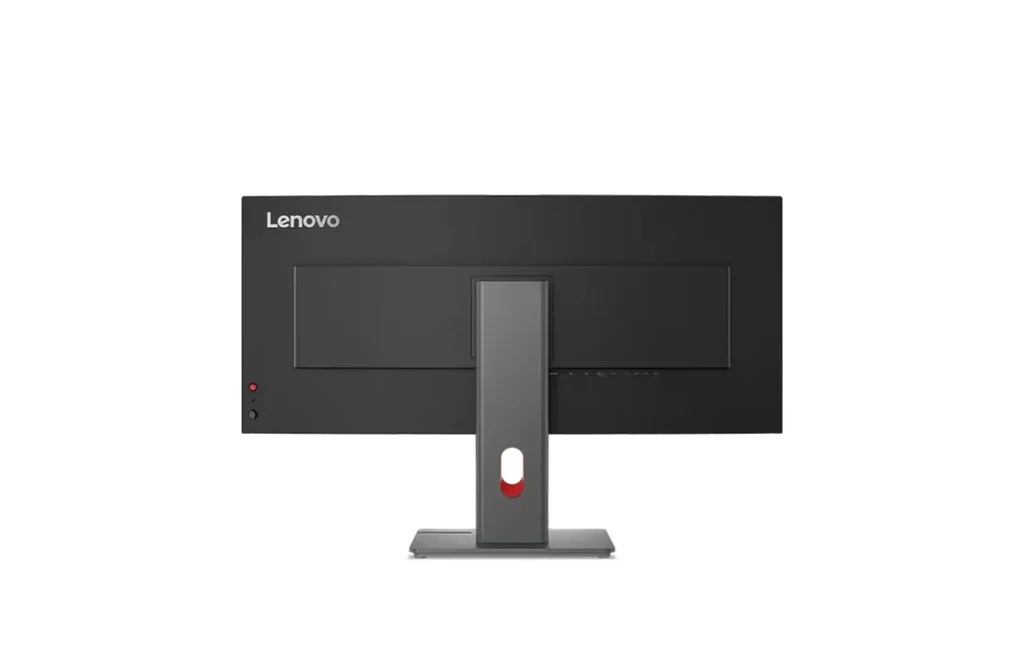
A built-in KVM switch makes it possible to connect and control two devices simultaneously using a single keyboard and mouse. Lenovo’s True Split and PIP/PBP functions further improve multitasking, letting users view multiple input sources side by side.
Additionally, the monitor features a dedicated USB-A port for modular accessories like the ThinkVision MC60 webcam or MS30 soundbar, extending its flexibility for conferencing and collaboration.
The P34WD-40 is one of the few business monitors to feature a variable refresh rate (VRR) ranging from 24Hz to 120Hz. This allows the refresh rate to adapt dynamically to the content—saving power during static tasks or providing smoother motion during video editing or scrolling. The result is a noticeably more fluid desktop experience.
The built-in 3W stereo speakers are serviceable for calls and general use, though they lack depth for media playback. Users seeking better sound quality will benefit from external speakers or headphones.
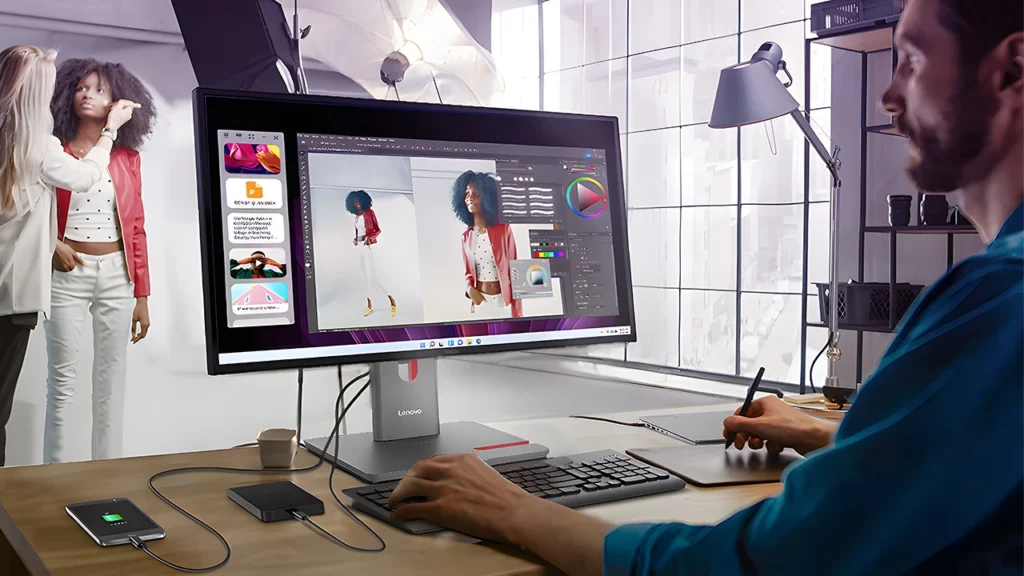
Lenovo’s AI-powered energy-saving feature automatically optimizes refresh rate and power usage based on screen activity, enhancing efficiency without sacrificing responsiveness.
The P34WD-40 carries TÜV Rheinland Eye Comfort 5-Star and EyeSafe 2.0 certifications, minimizing blue light exposure and flicker for comfortable long-term viewing. The monitor also supports Lenovo Display Fleet Manager, an enterprise-grade management platform that enables remote firmware updates and centralized control for IT teams—useful for business deployments.
The Lenovo ThinkVision P34WD-40 delivers a compelling balance of design, usability, and performance for professionals seeking an ultrawide monitor that can also function as a docking hub. Its strong color accuracy, wide connectivity options, ergonomic design, and variable refresh rate make it ideal for hybrid work environments.
While the integrated speakers and limited HDR brightness leave room for improvement, the P34WD-40 remains an excellent all-around option for productivity-focused users who value reliability and visual comfort over sheer spectacle.

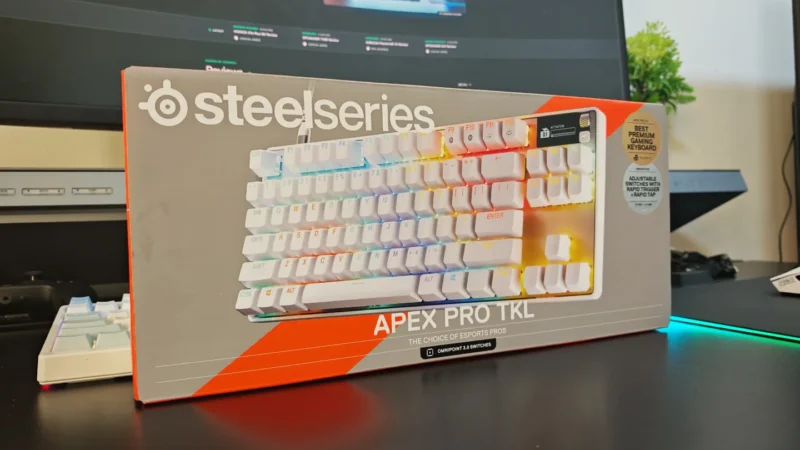
We review the SteelSeries Apex Pro TKL Gen 3, featuring OmniPoint 3.0 Hall Effect switches, adjustable actuation, Rapid Trigger, OLED display and RGB lighting.
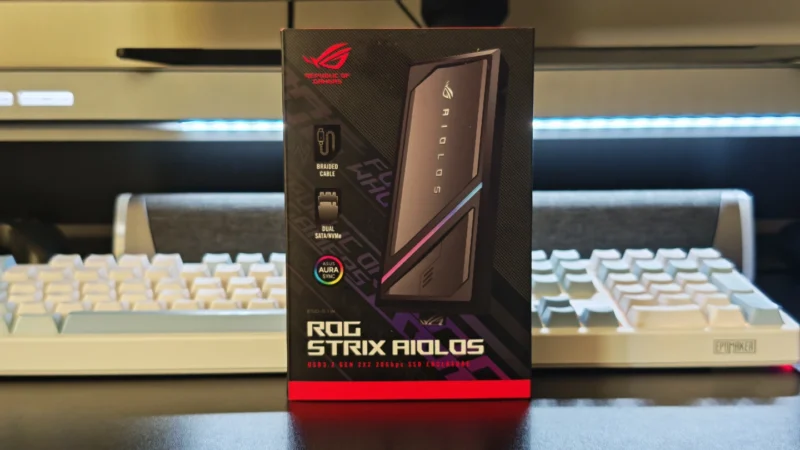
Our ASUS ROG Strix Aiolos review examines its 20Gbps USB 3.2 Gen 2×2 performance, design, cooling, tool-free installation, RGB lighting and value.
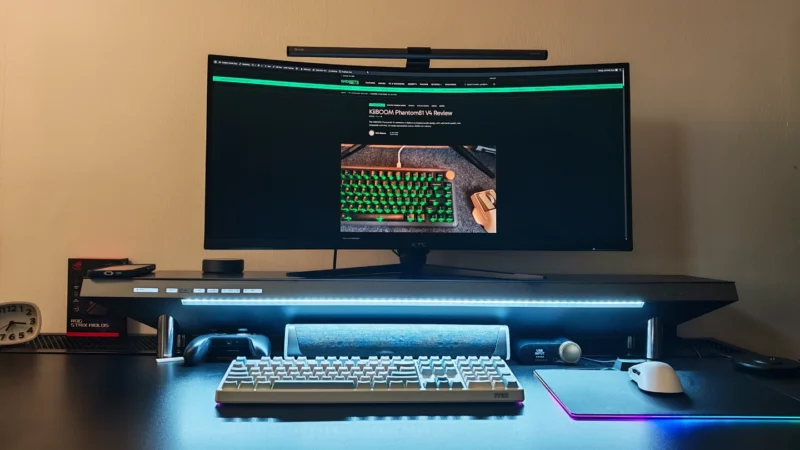
Our Hexcal Studio review examines its premium build, cable management, eight AC outlets, USB connectivity, wireless charging and integrated task lighting.
 Joshua James