
EPOMAKER HE65 V2 TMR Review
EPOMAKER HE65 V2 TMR review covering its TMR switches, Rapid Trigger, 8,000Hz polling, hybrid hot-swap PCB, wireless connectivity and typing experience.
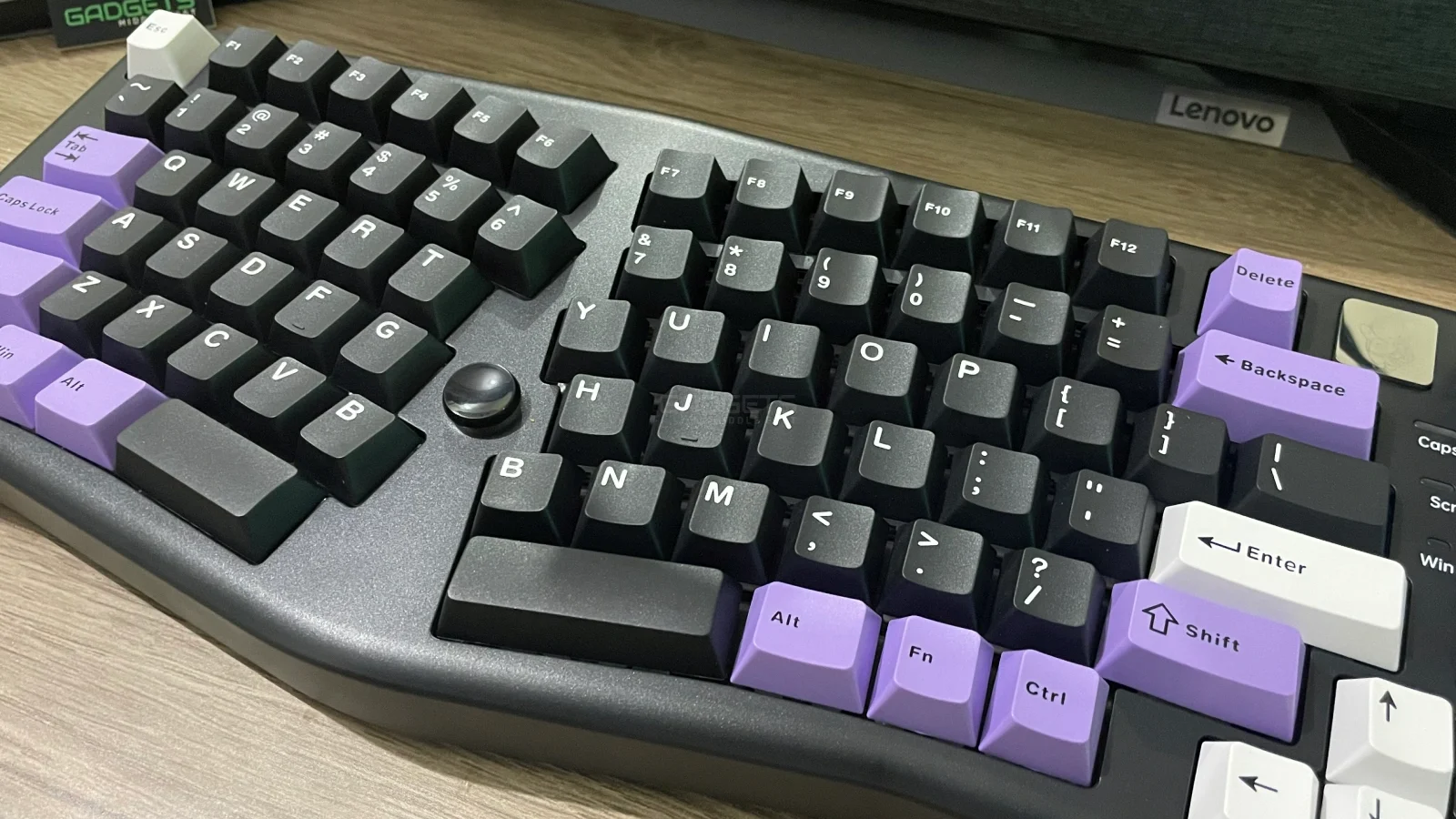
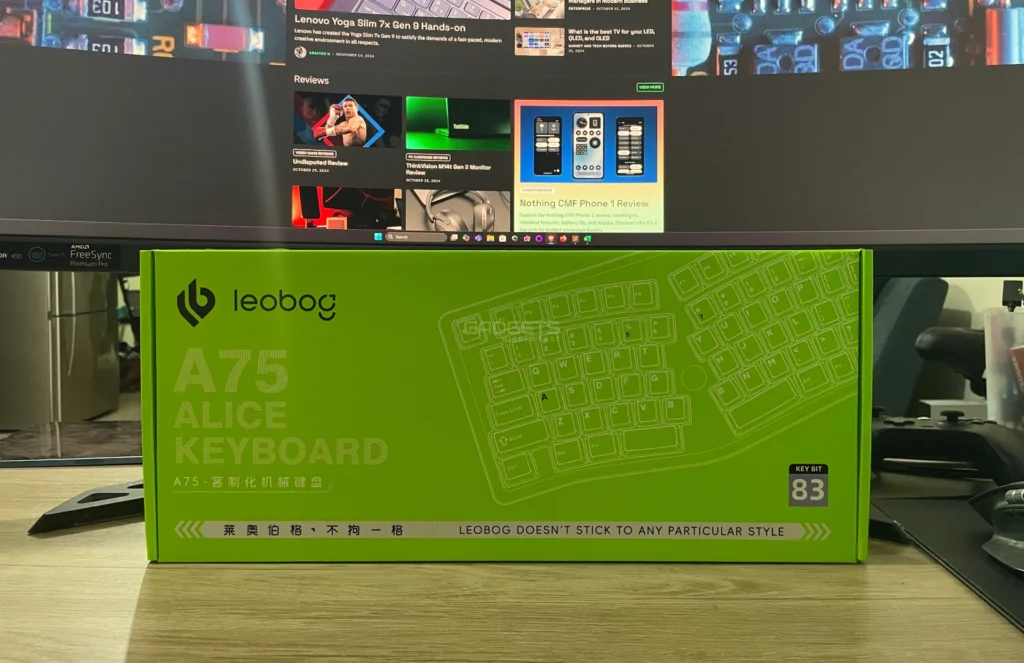
Combining a programmable joystick, a unique Alice layout, and a number of user-centric features, the LEOBog A75 sets itself apart from other mechanical keyboards. Examining the design, performance, and distinct features of the A75, this review dives into its minute elements. Both professionals and casual users have taken notice of this keyboard with a 75% layout and regular price of $85.99.
| Feature | Specification |
| Layout | 75% Alice Layout with Knob |
| Joystick | Programmable, functions as arrow keys and enter |
| Switch Options | Barbie Linear (33±3gf), Rambo (43±3gf) |
| Connectivity | Bluetooth 5.0, 2.4GHz wireless, USB-C |
| Battery | 4000mAh |
| Lighting | North-facing LEDs, 16 lighting modes |
| Keyboard Structure | Top mount with four-layer dampening |
| Stands | Magnetic, dual height adjustment |
| PCB | Flex-cut, hot-swappable |
| Weight | 1.23 kg |
| Dimensions | 370 x 120 x 30 mm |
View full specifications here.
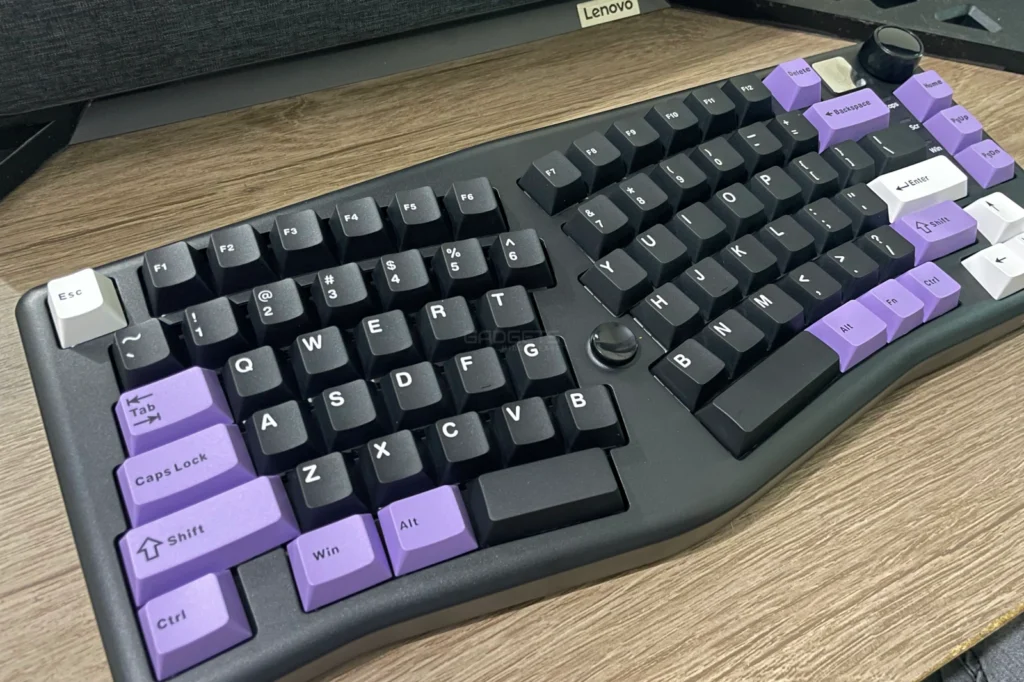
The LEOBOG A75’s Alice layout—which is complemented by a multipurpose knob—is one of its most notable characteristics. The Alice arrangement is designed to place the hands and fingers more naturally, enabling an ergonomic typing experience that helps to lower strain. For those who type for long stretches or participate in intensive gaming sessions, this layout clearly increases comfort.
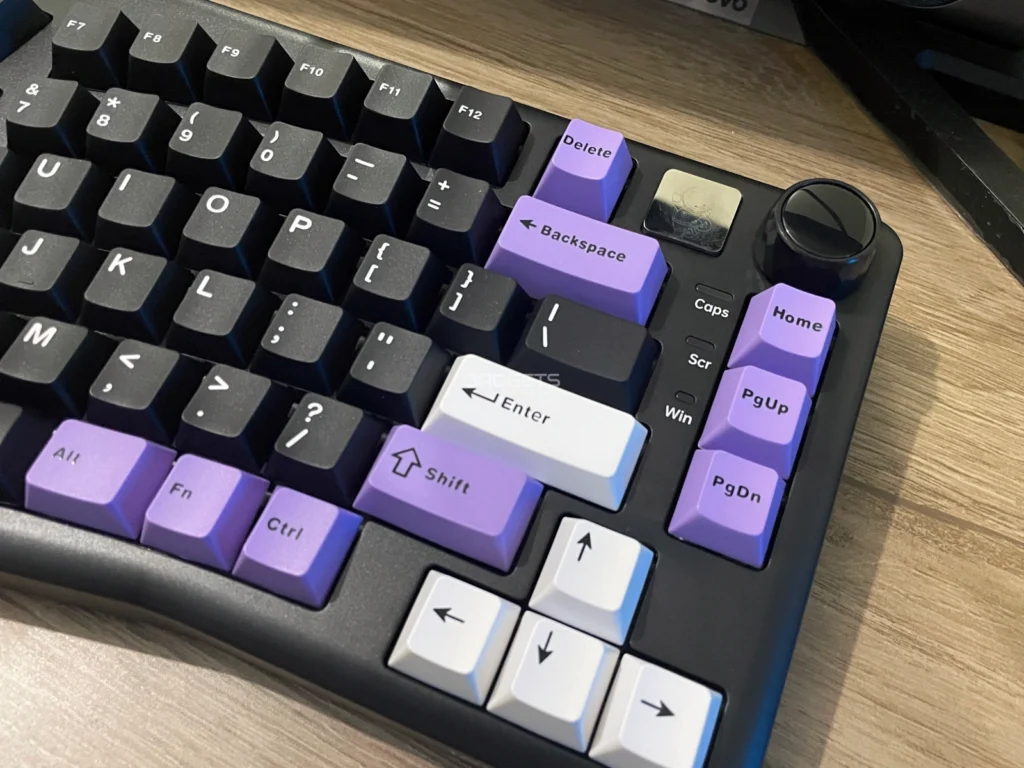
Easily located at the top-right corner, the knob lets users manage volume and change RGB brightness. While the clicky feedback from rotating the knob gives the experience a tactile thrill, the long-press capability alternately flips between the two. Many people have praised the responsiveness and functionality of this knob since it makes volume changes pleasing and easy.
A joystick built right within the keyboard gives a new dimension to navigation. Through the LEOBOG driver, this joystick can be completely customized allowing users to customize particular operations. Acting as arrow keys when moved and an enter key when pressed. Actually, this joystick speeds up processes for both gaming and production by minimizing the need to reach for the specialized function row. Users who often alternate between gaming and typing would notably benefit from the joystick since it improves control and accuracy.
The A75 makes a clear design decision in using a top mount system, where four layers of damping materials enhance sound and sensation. Working together, these layers—PO sandwich foam, a switch pad, PCB foam, and a silicone case pad—minimize the metallic resonance sometimes connected with mechanical keyboards. Every keystroke cushions, giving many users a milder bottom-out feeling that they find addictive. This sound reducing system produces a refined, quieter typing experience for everyone sensitive to typing noise. These materials used together create a deep, thocky sound profile that custom keyboard enthusiasts usually like.
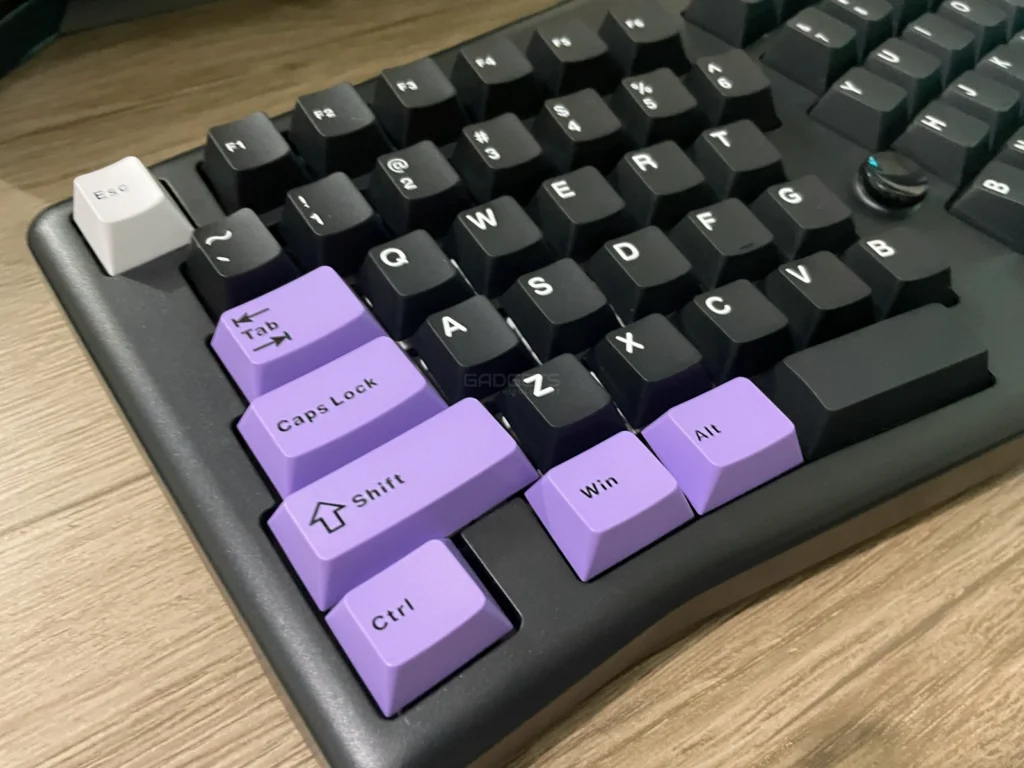
The LEOBOG A75’s single-slot flex-cut PCB paired with the polycarbonate (PC) plate is another novel feature. The PC plate is softer than stiff aluminum or steel plates, which lets more bend and responsiveness possible. For those who enjoy a softer typing sensation, flex cuts provide a more cushioned feel, particularly during intensive typing and so are a perfect fit. For individuals who enjoy customizing their typing experience, the hot-swappable PCB offers adaptability by enabling users to replace switches without soldering.
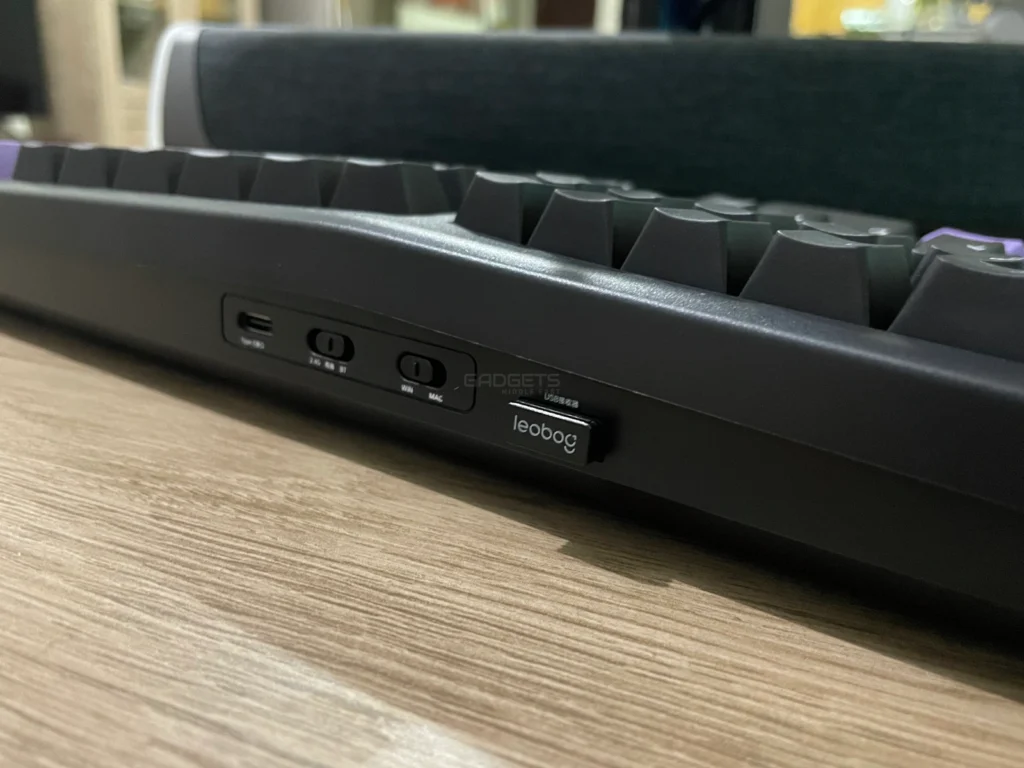
Thanks to its tri-mode connectivity options— Bluetooth 5.0, 2.4GHz wireless, and USB Type-C wired—versatility is a big asset of the A75. Long battery life is another. Switching between devices and adjusting for various work or gaming environments is simple with this range of connection types.
The 4000mAh battery is significant enough to guarantee effective operation of the keyboard in all modes. For configurations with several screens or remote workstations, the A75 keeps steady connectivity up to 10 meters with Bluetooth 5.0. Long-lasting performance of this powerhouse will be much appreciated by users who need more battery life, particularly when using RGB lighting.
Still another area where the A75 shines is the RGB lighting. It comprises north-facing LEDs featuring ten music-synced modes and sixteen default lighting effects. Users of the LEOBOG driver can tap into over 16 million colors to personalize the lighting to their taste.
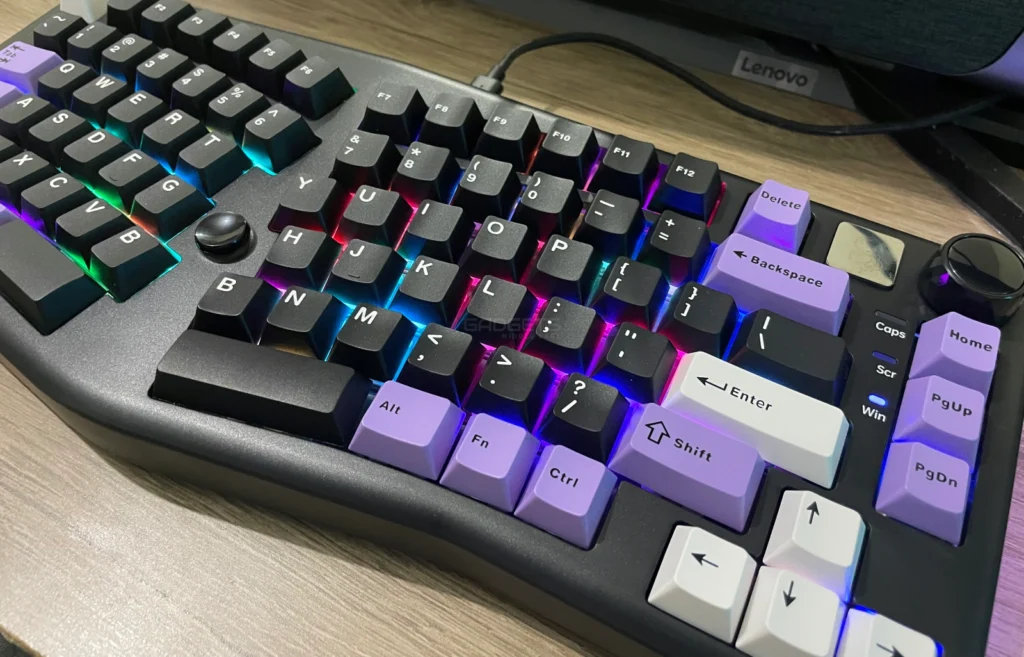
Furthermore, the sleek, contemporary look of the side lighting improves the whole visual appeal and turns the keyboard into the focal point for any work arrangement. These lighting elements appeal to those who appreciate both performance and aesthetics since they make it not only useful but also visually interesting.
Regarding ergonomics, the LEOBOG A75 adds magnetic keyboard stands to surpass its Alice design. By just flipping the stand to move between two typing angles, these magnetic stands provide variable height alternatives unlike conventional stands that can be set to one or two fixed positions. This creative solution lets users select the most cozy posture for extended use without requiring complicated adjustments.
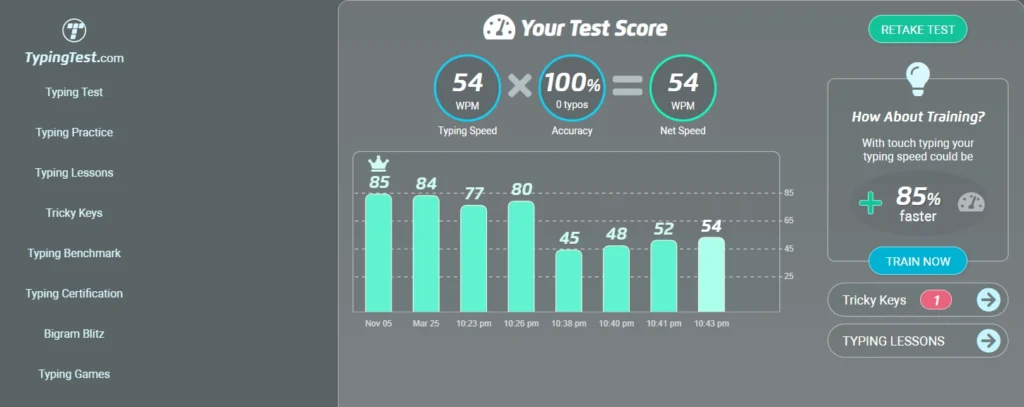
The LEOBOG A75 comes with two distinct switch options: the LEOBOG Barbie Linear and the LEOBOG Rambo Switch. With an actuation force of 33±3gf, the Barbie Linear switch is meant for a lighter touch and fits rapid typists who like a low-resistance keystroke. On the other hand, with 43±3gf the Rambo Switch has a somewhat heavier feel, which makes it perfect for players requiring exact, deliberate keypressing. With a lifetime of up to 60 million keystrokes, both switches guarantee durability over years of use.
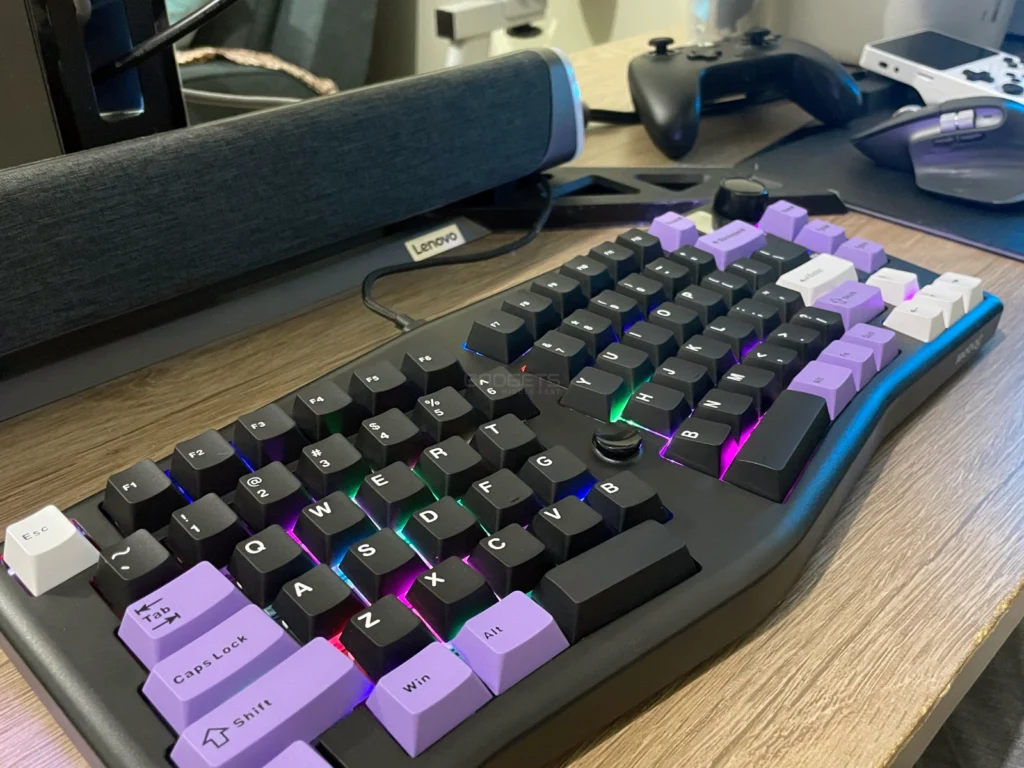
The LEOBOG A75 is a wonderful combination of reliability, customizable functionality, and ergonomic design. Although its connectivity options and extended battery life enhance its versatility, its Alice layout and programmable joystick make it appropriate for both gamers and typists. In the mechanical keyboard market, the A75 is a great option with a distinctive mix of characteristics and a reasonable price range.
For those who wish to improve their typing experience, the keyboard is a great investment because of its smart design, strong structure, and customizing choices that go beyond basic keyboards. The LEOBOG A75 is worth looking at for users who give comfort, customizing, and a pleasurable typing sensation top priority.

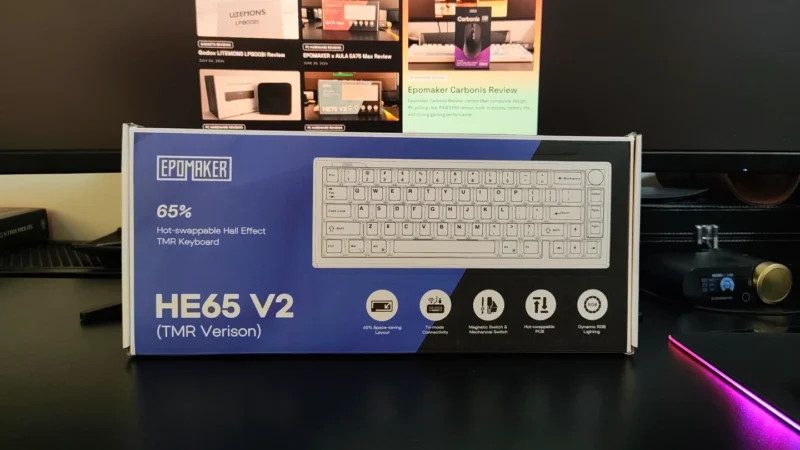
EPOMAKER HE65 V2 TMR review covering its TMR switches, Rapid Trigger, 8,000Hz polling, hybrid hot-swap PCB, wireless connectivity and typing experience.
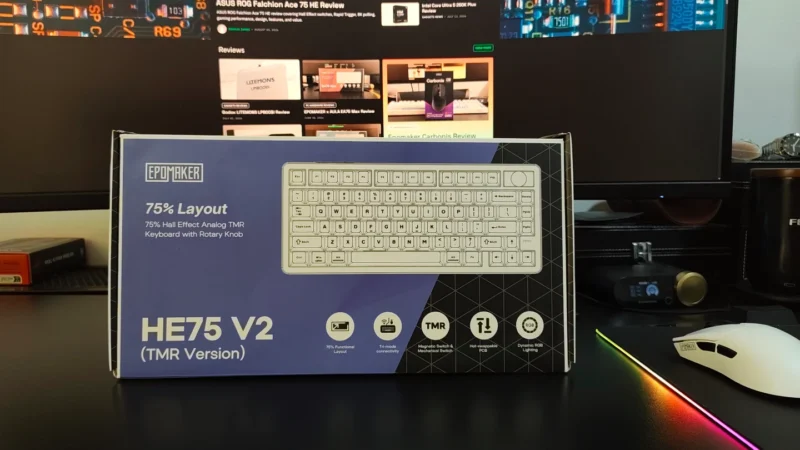
Our EPOMAKER HE75 V2 TMR review covers its TMR switches, Rapid Trigger, 8K polling, wireless performance, sound, software and battery life.
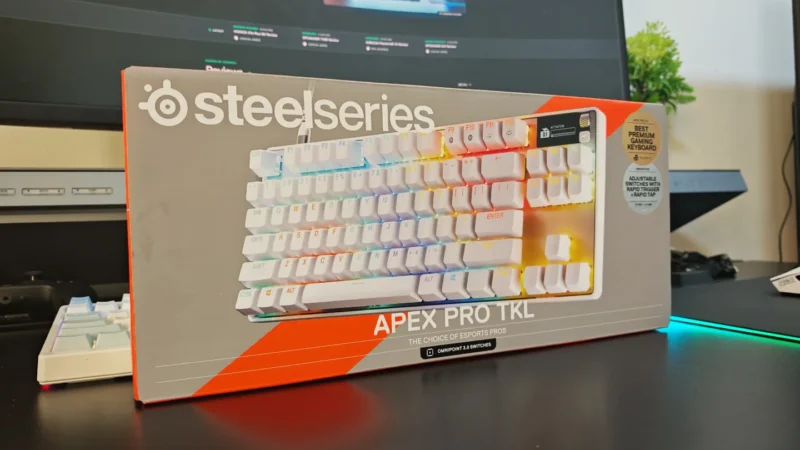
We review the SteelSeries Apex Pro TKL Gen 3, featuring OmniPoint 3.0 Hall Effect switches, adjustable actuation, Rapid Trigger, OLED display and RGB lighting.
 Joshua James