
Redragon EISA K768 Review: A Compact Wireless Keyboard for Work and Gaming
Our Redragon EISA K768 review covers its 100-key layout, wireless connectivity, 8,000mAh battery, typing experience and gaming performance.
For anyone who wants a compact, well-built, and feature-rich keyboard without breaking the bank, the Vibe75 V2 is an easy recommendation.
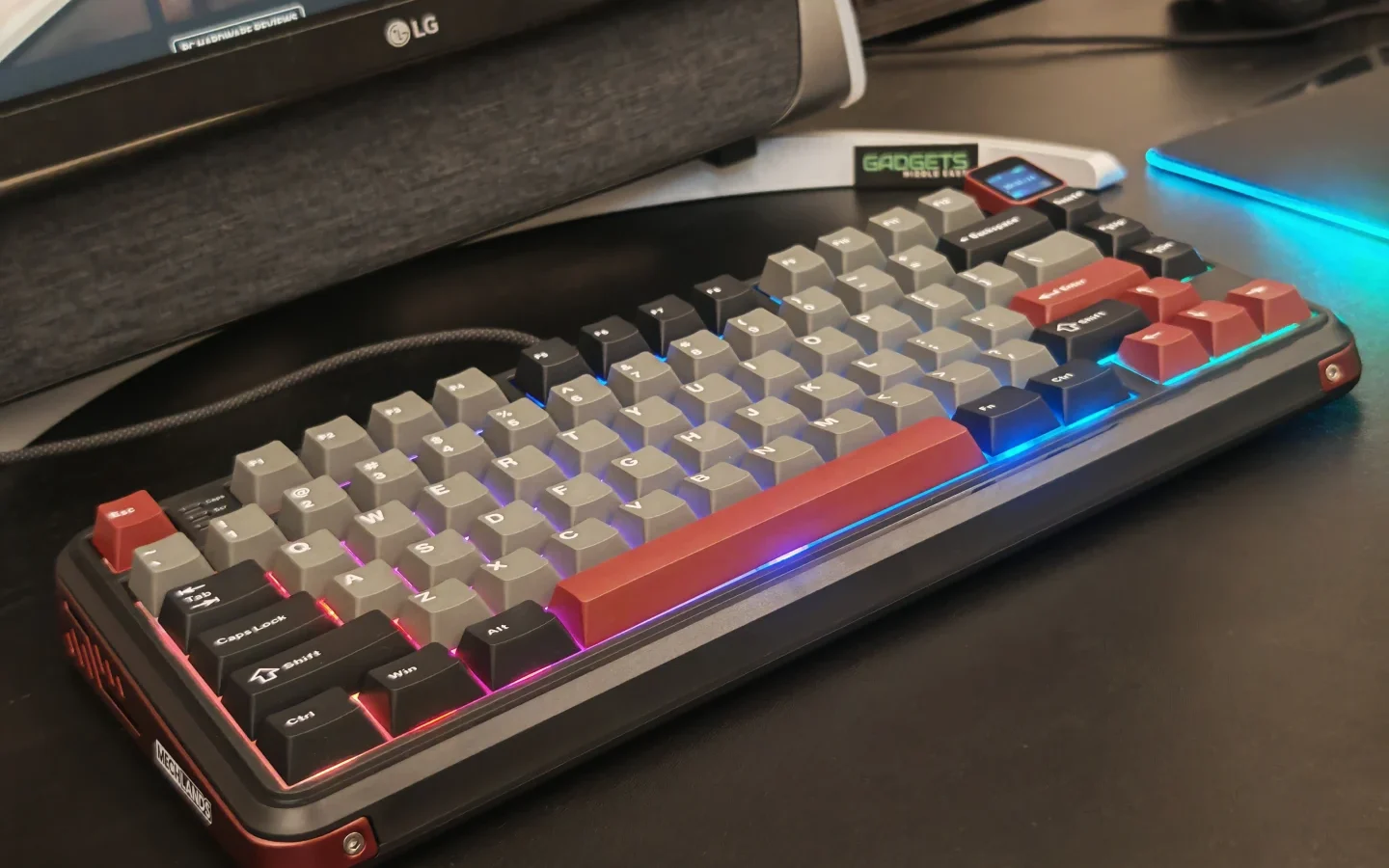
The MechLands Vibe75 V2 aims to deliver a balanced mix of style, functionality, and performance at a budget-friendly price. With a gasket-mounted design, tri-mode connectivity, and a hot-swappable TFT display, it brings features usually found in higher-end keyboards into an accessible package. After spending some time with it, here’s what stood out to us.
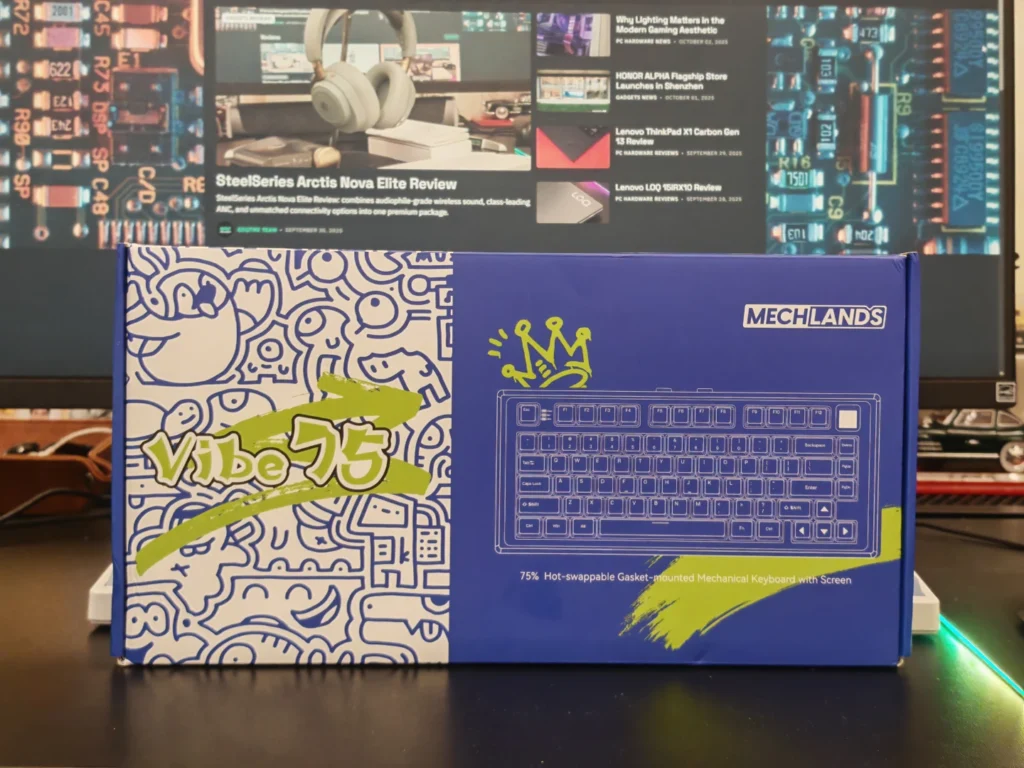
The Vibe75 V2 comes in simple but neat packaging. Inside the box, you’ll find:
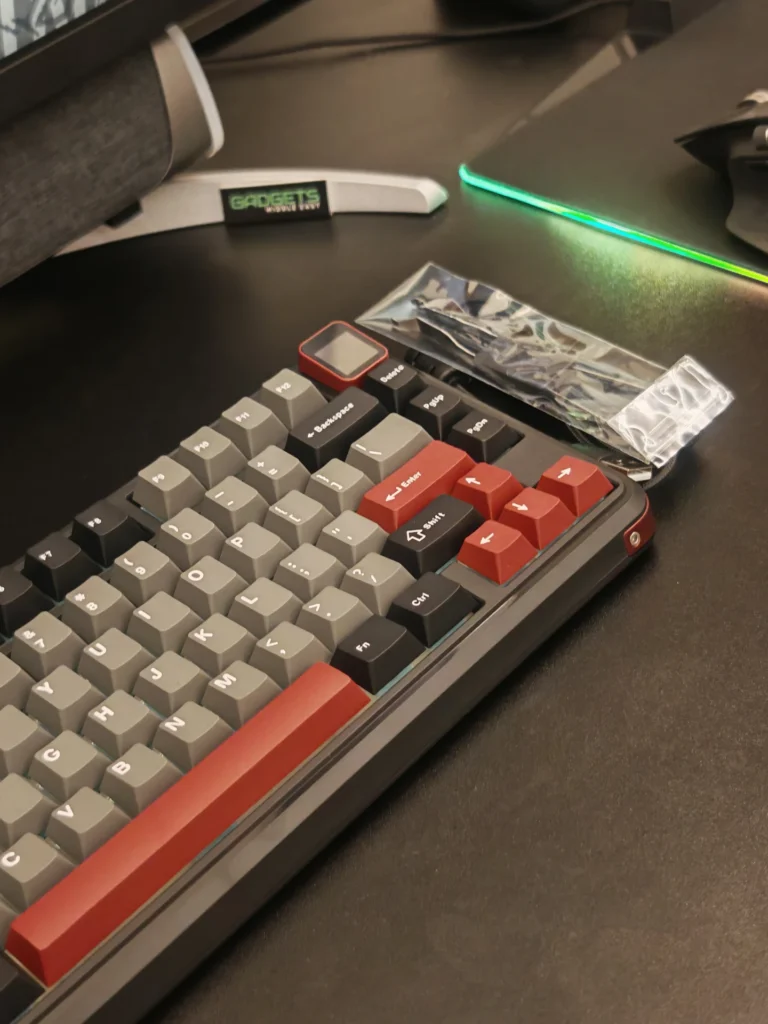
It’s a straightforward setup—no extras, but everything you need to get started. Right out of the box, the board feels sturdy, with a compact 75% layout that balances space-saving design with full functionality.
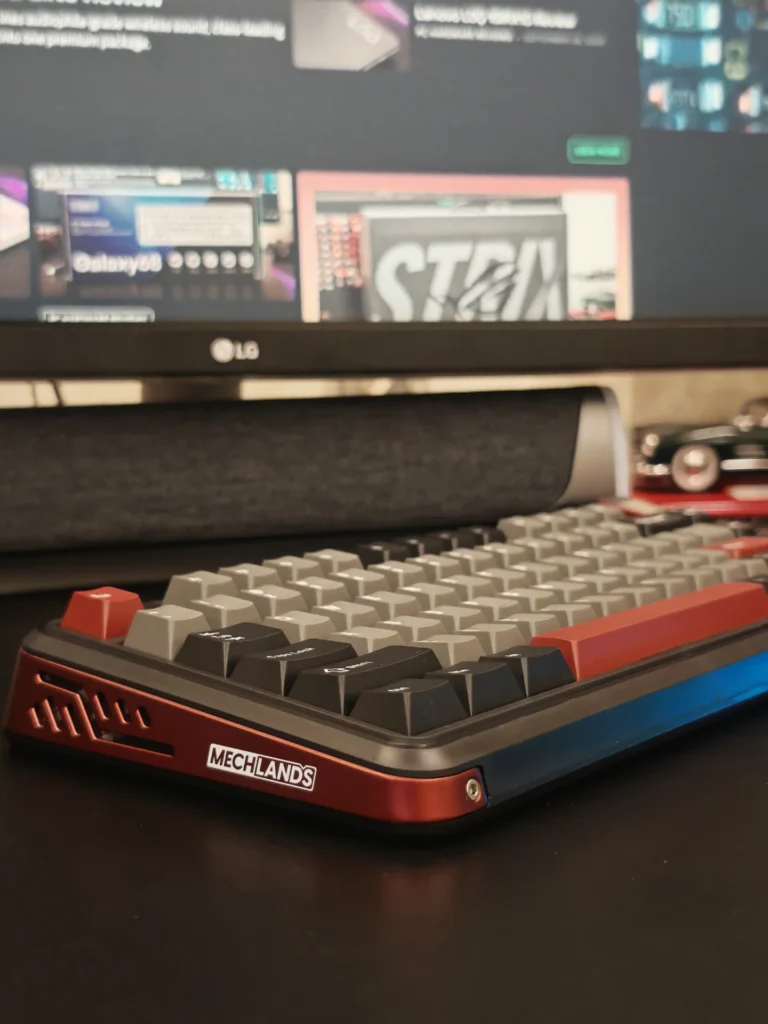
Visually, the Vibe75 V2 strikes a good balance between minimalism and character. Available in different colorways, the design includes metal accents that give it a modern look without being flashy.
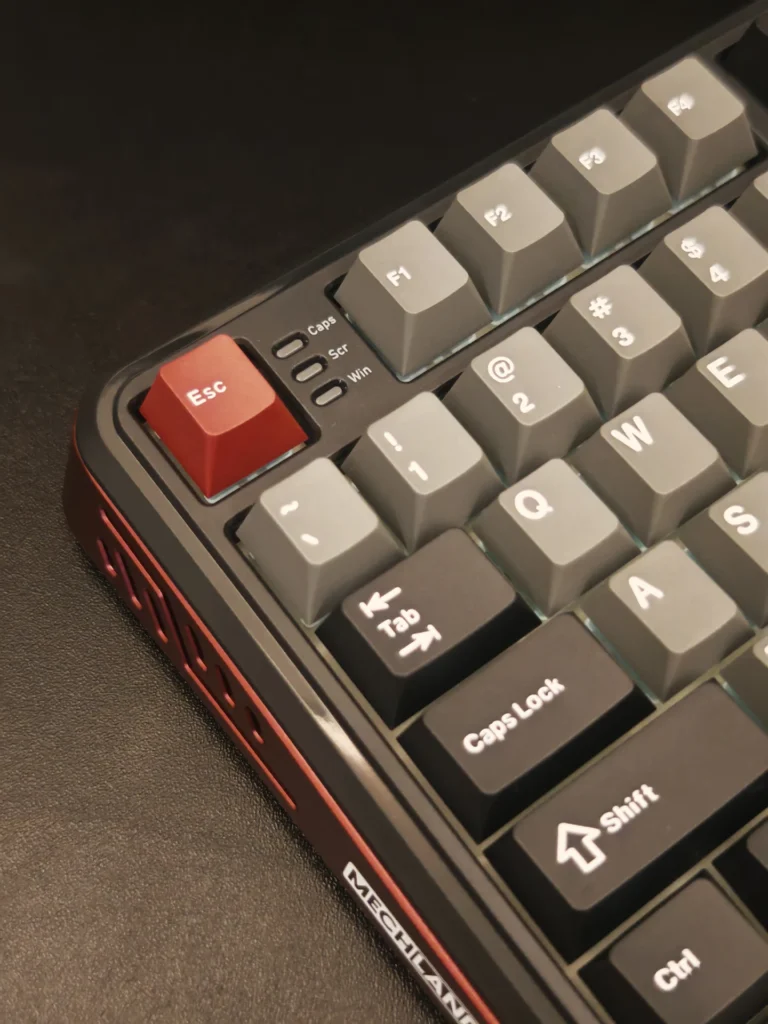
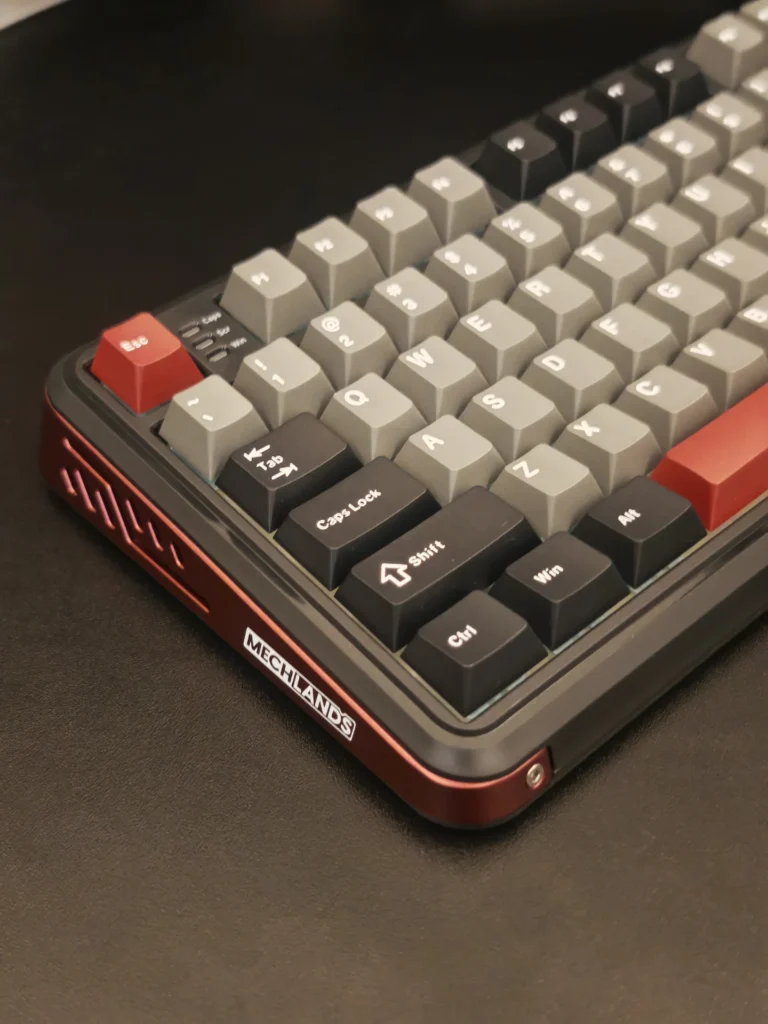
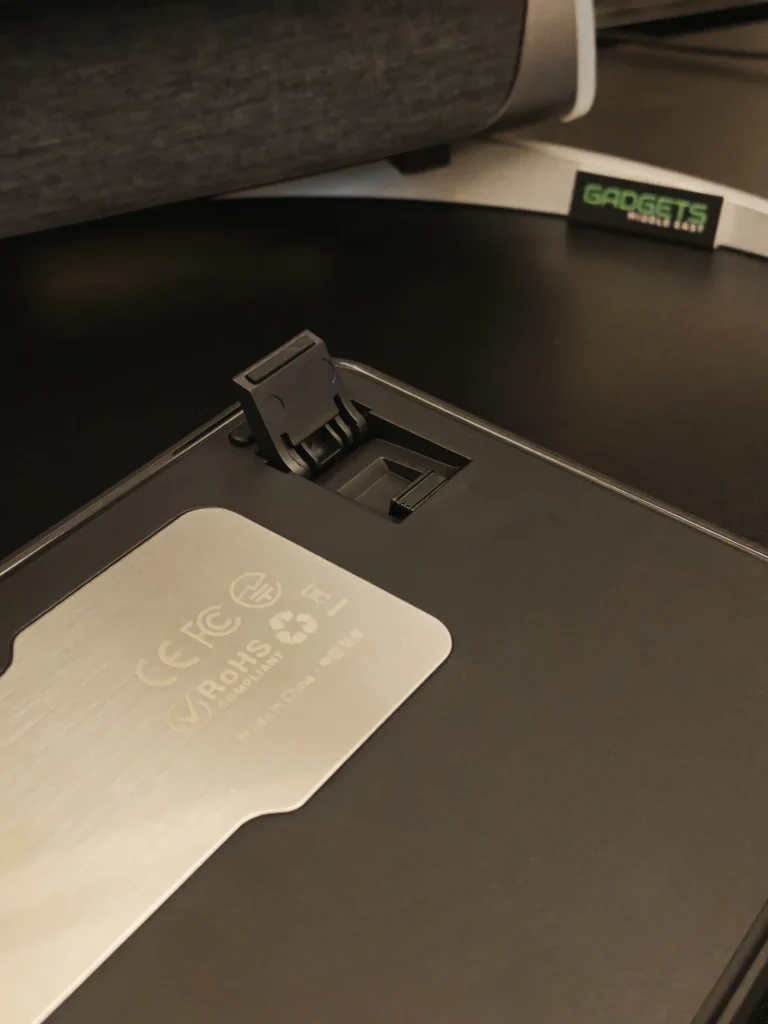
The build quality feels premium for the price. The ABS plastic shell doesn’t flex, the adjustable feet are stable, and the 2.4GHz dongle tucks neatly into a slot under the board for easy storage. At roughly 900g, the keyboard has a reassuring weight that keeps it planted during use.
The gasket-mounted structure combined with multiple foam layers delivers a soft, cushioned typing feel. Paired with MechLands’ Cream Mint linear switches, the keystrokes are smooth and consistent. The sound profile leans toward a pleasant thock, though the spacebar could use a little more refinement.
The Cherry profile double-shot PBT keycaps add texture and resist shine, giving the keyboard a premium typing surface. Stabilizers come pre-lubed and feel stable, with minimal rattle on larger keys.
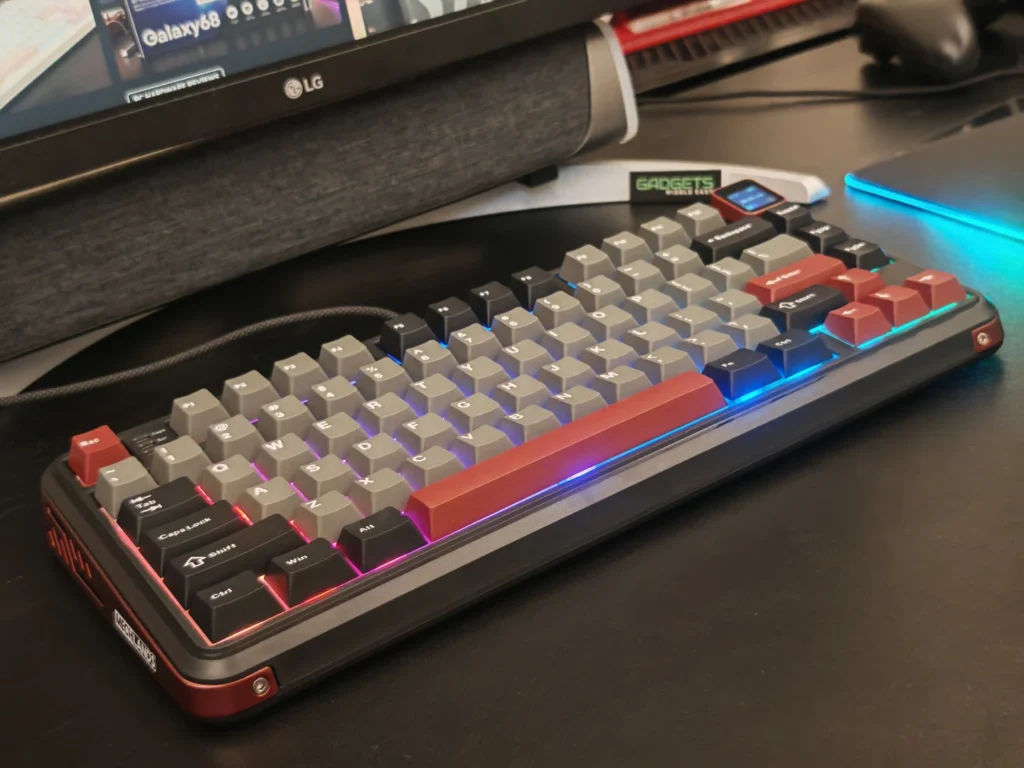
Although it doesn’t offer advanced gaming features like rapid trigger or ultra-high polling rates, the Vibe75 V2 still feels responsive in everyday gaming sessions. For casual to mid-level gaming, latency wasn’t an issue. Competitive players may prefer boards with specialized gaming tech, but for most users, this performs more than adequately.
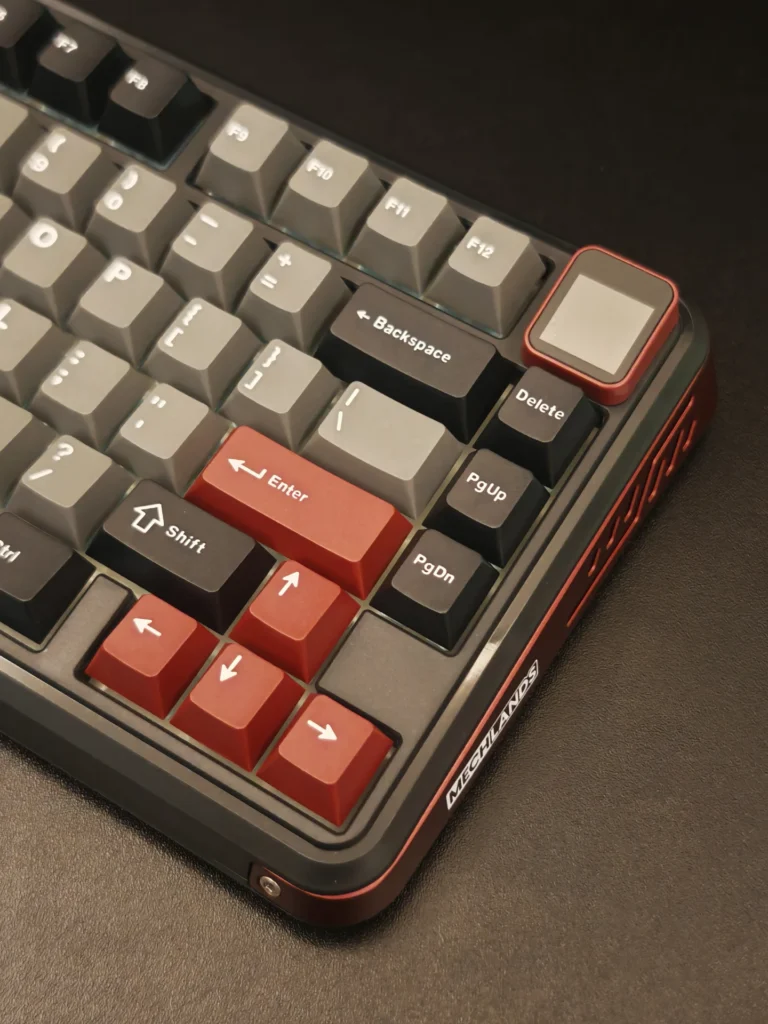
One of the unique highlights of the Vibe75 V2 is the hot-swappable TFT screen and volume knob. Located in the top-right corner, the screen shows battery life, connection status, time, and even supports custom GIFs or images. It’s more than just a novelty—it actually adds useful functionality to the board.
Swapping between the screen and knob is quick and doesn’t require opening the case, which is a welcome touch.
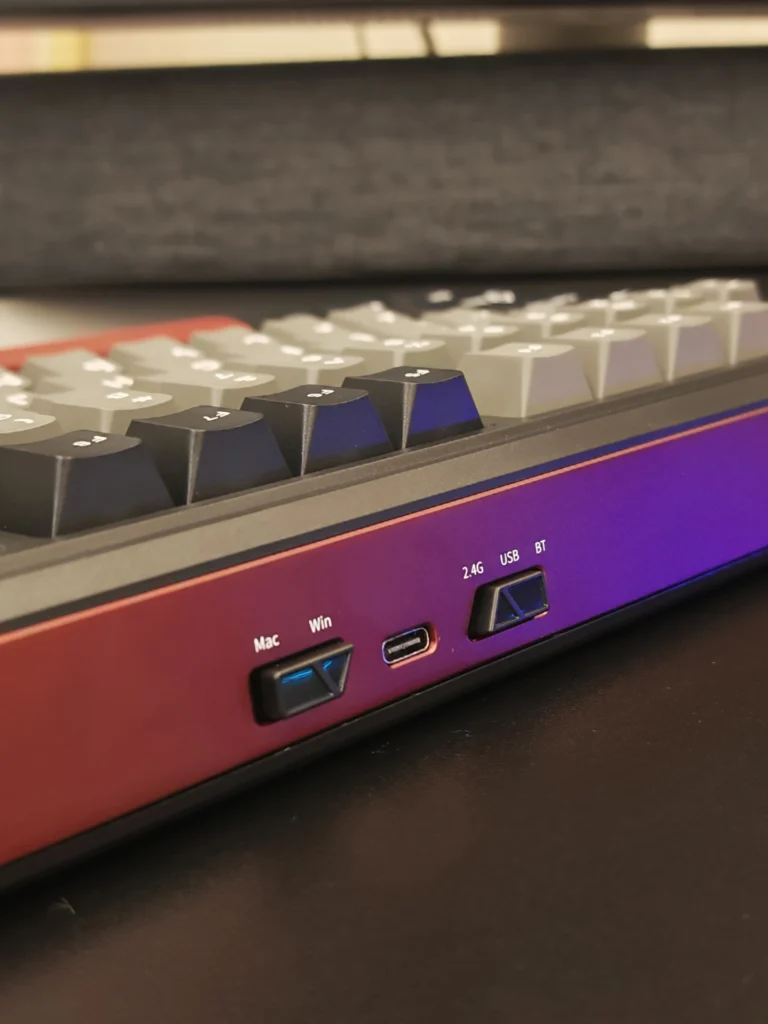
The Vibe75 V2 supports tri-mode connectivity:
Switching between modes is simple with the dedicated toggle on the back. Across all modes, the connection remained stable without noticeable dropouts, making it suitable for both work and casual gaming.
The keyboard is supported by MechLands’ driver, which allows for:
While the software is easy to use, it has a few drawbacks. It only works on Windows, requires a wired connection to configure settings, and lacks a web-based or cross-platform option. For a 2025 release, this feels restrictive.
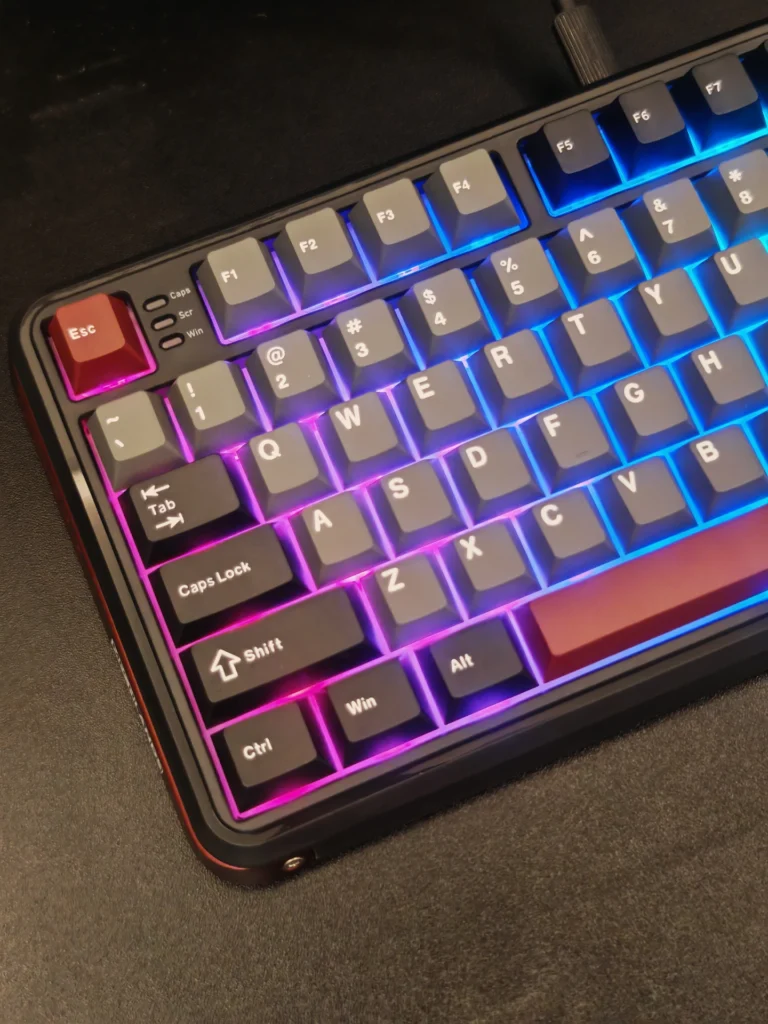
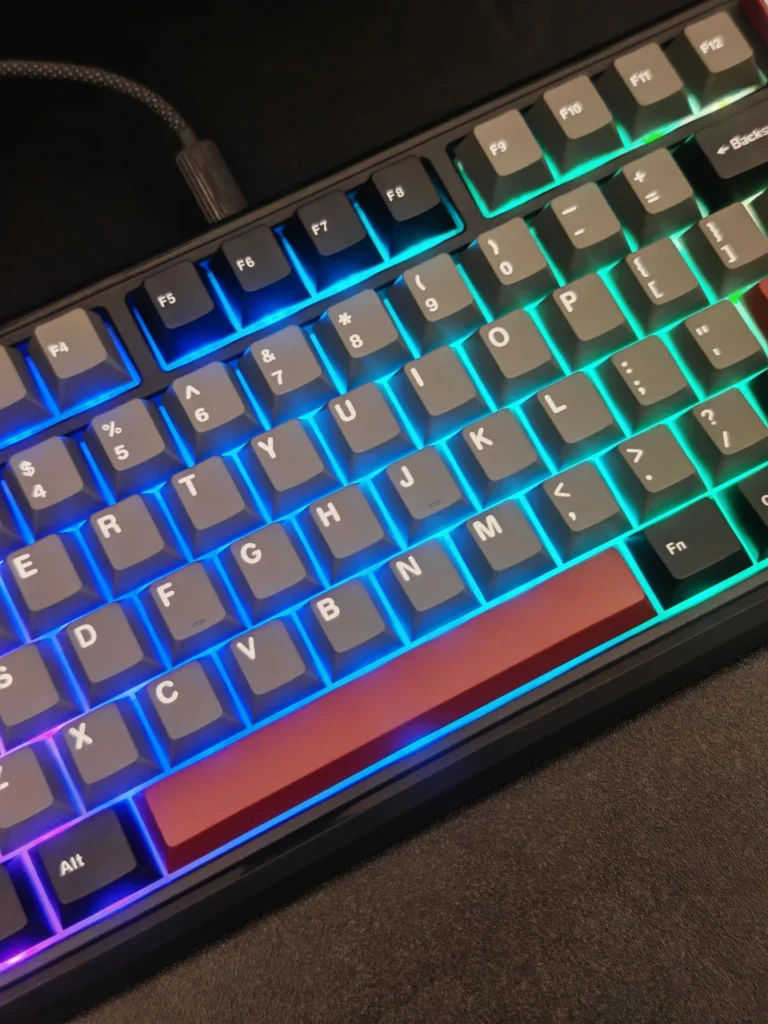
With its 4,000mAh battery, the Vibe75 V2 holds up well. Even with RGB lighting on, we managed about a week of mixed use before recharging. For a keyboard with a screen and tri-mode connectivity, that’s impressive.
The MechLands Vibe75 V2 is a standout budget mechanical keyboard that blends modern design, strong build quality, and practical features. While its software limitations and lack of modding-friendly design hold it back slightly, the typing feel, screen integration, and connectivity options make it a compelling choice under $100.
For anyone who wants a compact, well-built, and feature-rich keyboard without breaking the bank, the Vibe75 V2 is an easy recommendation.

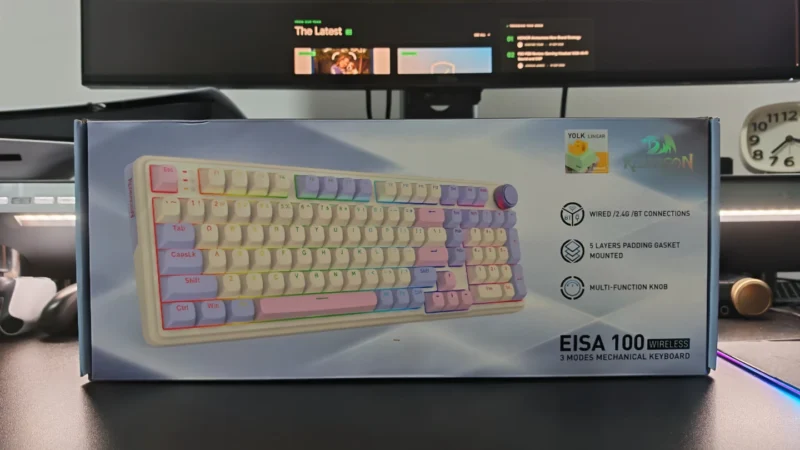
Our Redragon EISA K768 review covers its 100-key layout, wireless connectivity, 8,000mAh battery, typing experience and gaming performance.
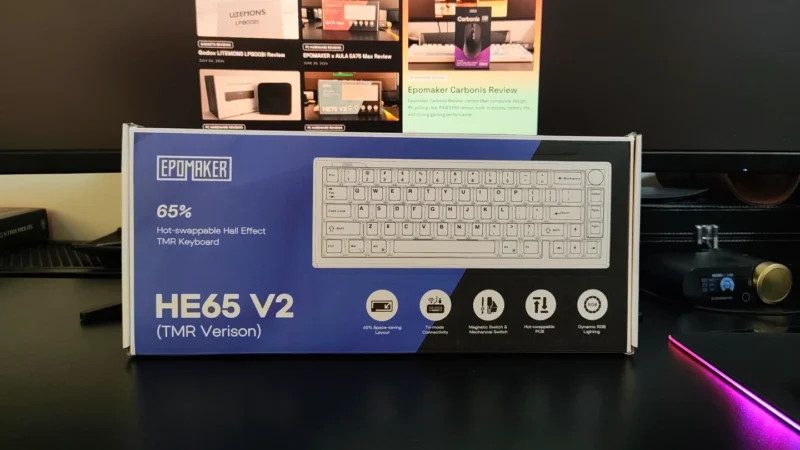
EPOMAKER HE65 V2 TMR review covering its TMR switches, Rapid Trigger, 8,000Hz polling, hybrid hot-swap PCB, wireless connectivity and typing experience.
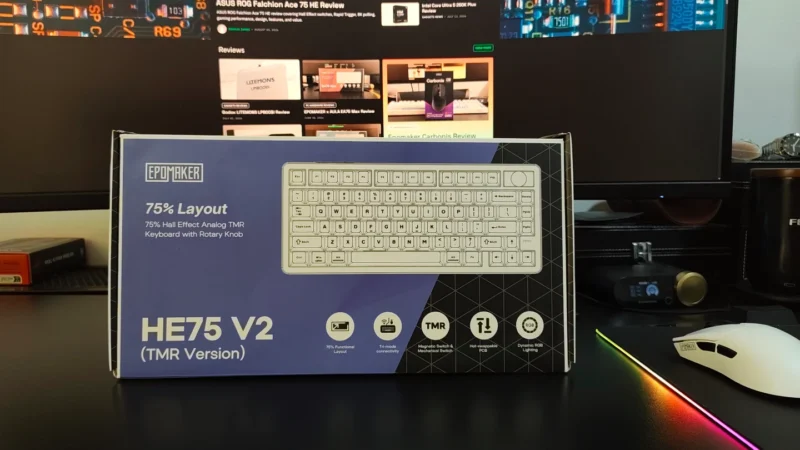
Our EPOMAKER HE75 V2 TMR review covers its TMR switches, Rapid Trigger, 8K polling, wireless performance, sound, software and battery life.
 Joshua James