
EPOMAKER HE65 V2 TMR Review
EPOMAKER HE65 V2 TMR review covering its TMR switches, Rapid Trigger, 8,000Hz polling, hybrid hot-swap PCB, wireless connectivity and typing experience.
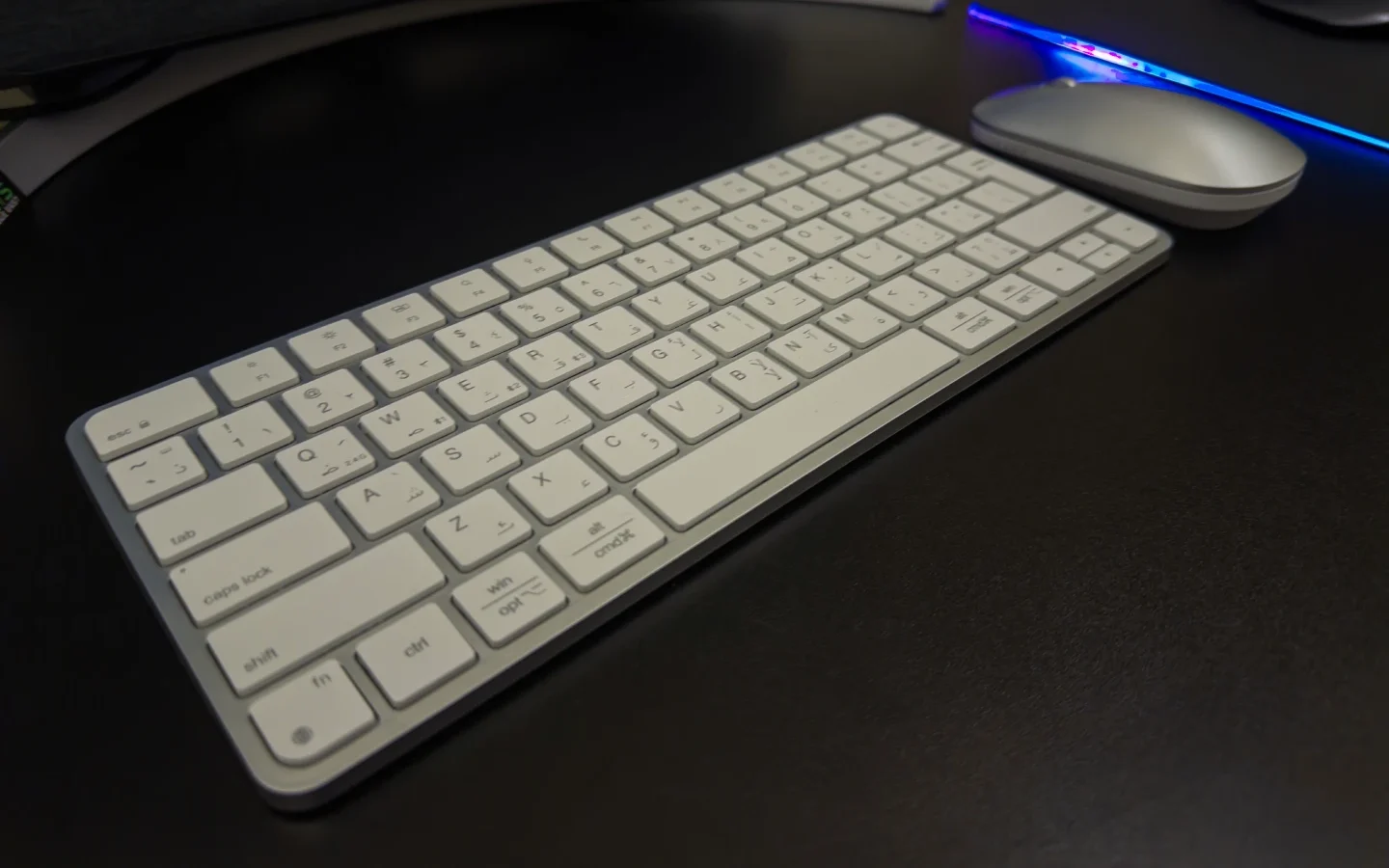
The Meetion iKey C210 Dual-Mode Apple Keyboard and Mouse Set offers an appealing alternative to Apple’s official accessories, combining style with functionality at an affordable price point. Designed with a minimalist aesthetic and dual wireless connectivity, this compact combo is targeted at professionals, students, and creative users looking for a versatile input solution for multi-device workflows.
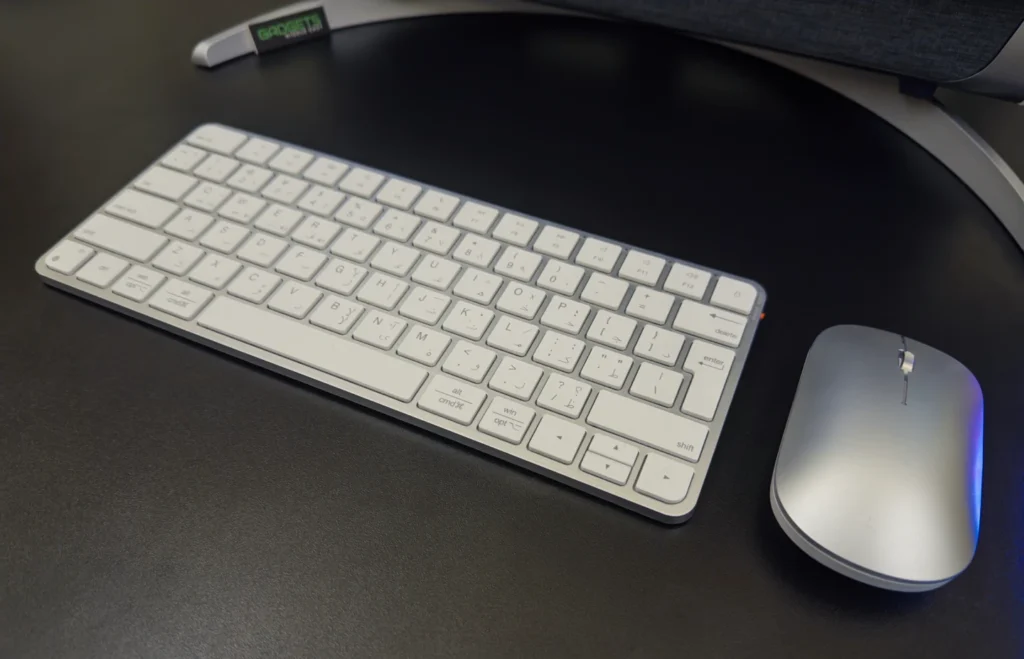
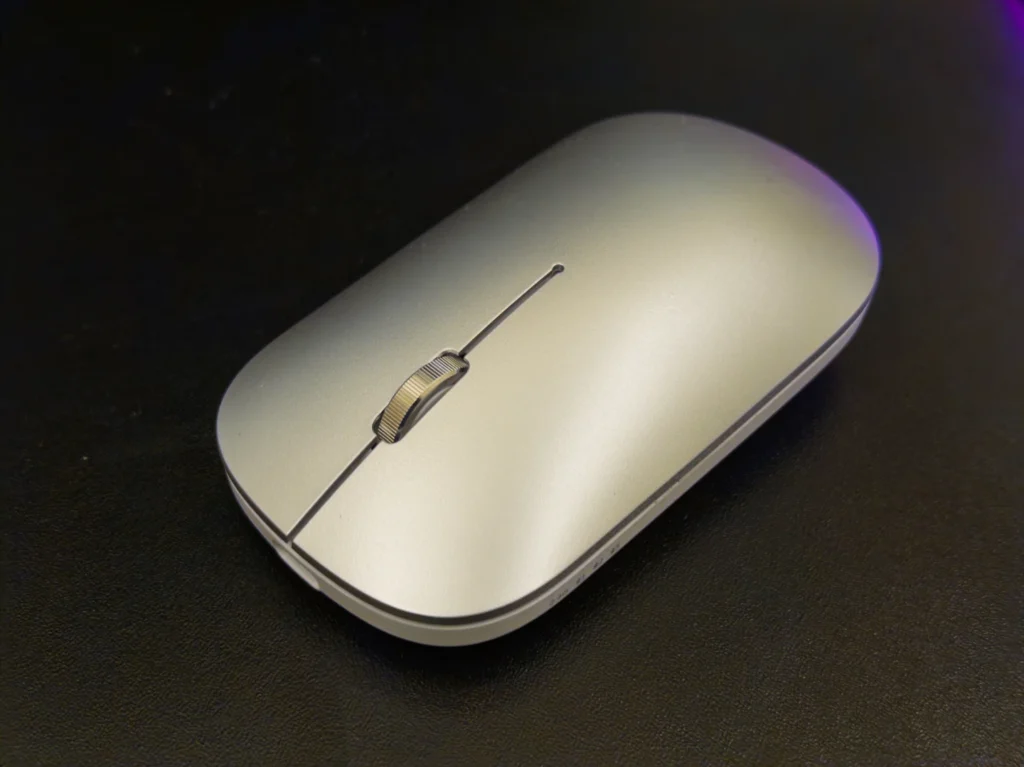
The design is sleek and modern, clearly inspired by Apple’s aesthetic, and available in multiple color options including Black/Grey, Rose Gold, Silver/White, and Purple. Despite being made of plastic, the keyboard has an artificial weight that gives it a premium feel on the desk. The scissor-switch keys are quiet and responsive, making typing a comfortable experience. The mouse complements the keyboard well, offering a clean, lightweight design suitable for both work and casual use.
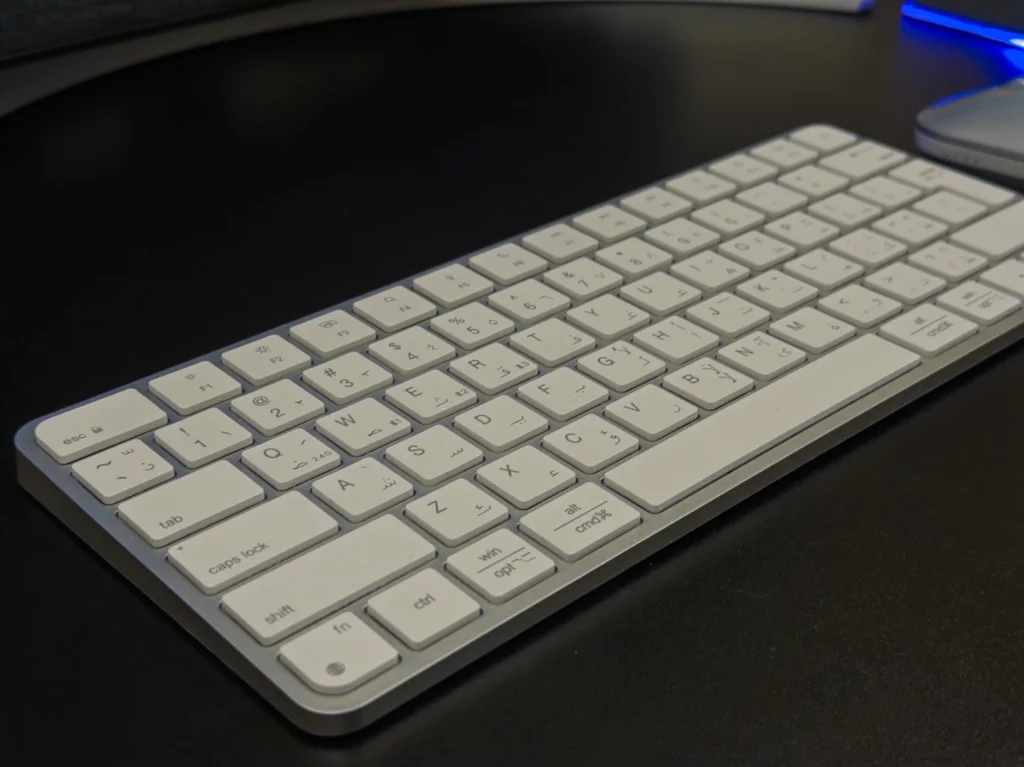
One of the standout features of the iKey C210 set is its dual-mode wireless support: Bluetooth (up to three devices) and 2.4GHz wireless via USB receiver. This flexibility is especially useful for users managing multiple systems. Compatibility spans macOS, Windows, iOS, and Android platforms, making it a practical choice across ecosystems.
Pairing is straightforward:
Fn + Q.Fn + W, and pair through your device’s Bluetooth settings.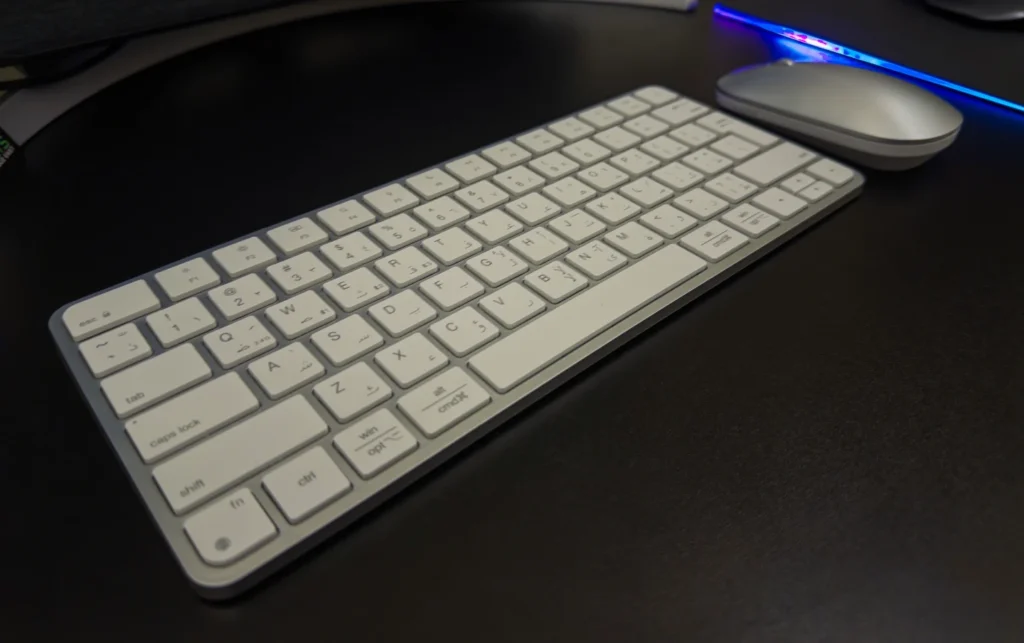
Battery life is impressive, with up to 150 hours of use on a single charge via USB-C. The mouse features adjustable DPI settings (800, 1200, 1600, 2400), providing smooth tracking whether you’re working or browsing.
However, in our experience with macOS, we encountered several software-level limitations that may be dealbreakers for some users:
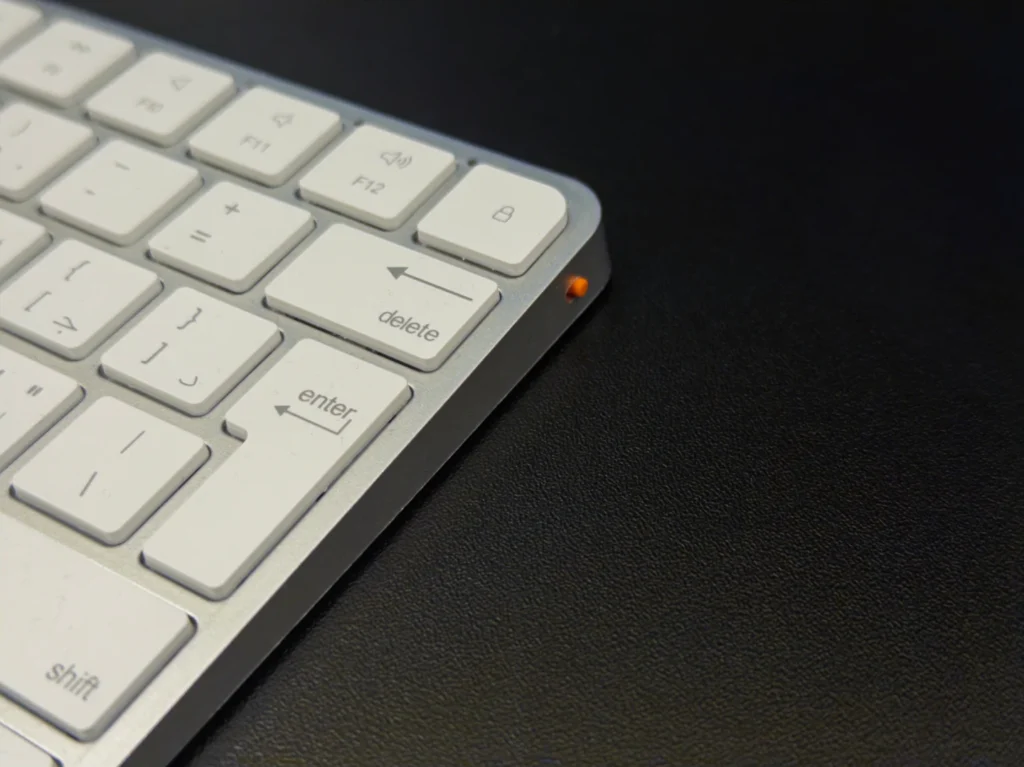
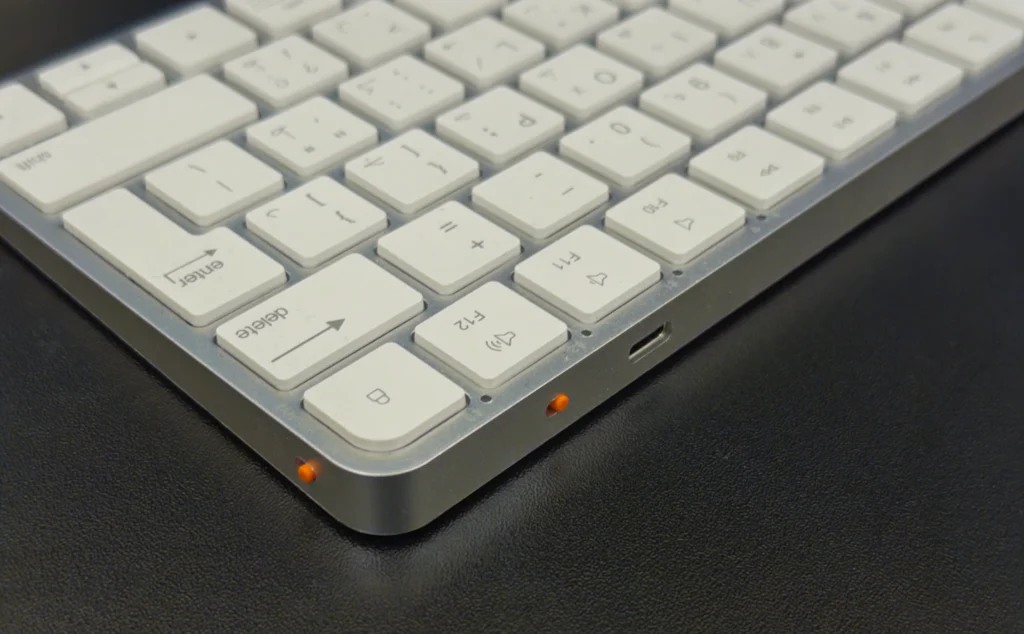
Fn.F5 and F6 don’t perform their usual macOS functions (e.g., dictation, Do Not Disturb).Fn key does not send a native Fn key event. Instead, it’s hardcoded to send Control + Space, overriding macOS input settings like the emoji panel.This behavior limits the flexibility for users relying on standard macOS function key behavior. It’s important to note that these issues are specific to macOS and may not affect Windows or Android users.
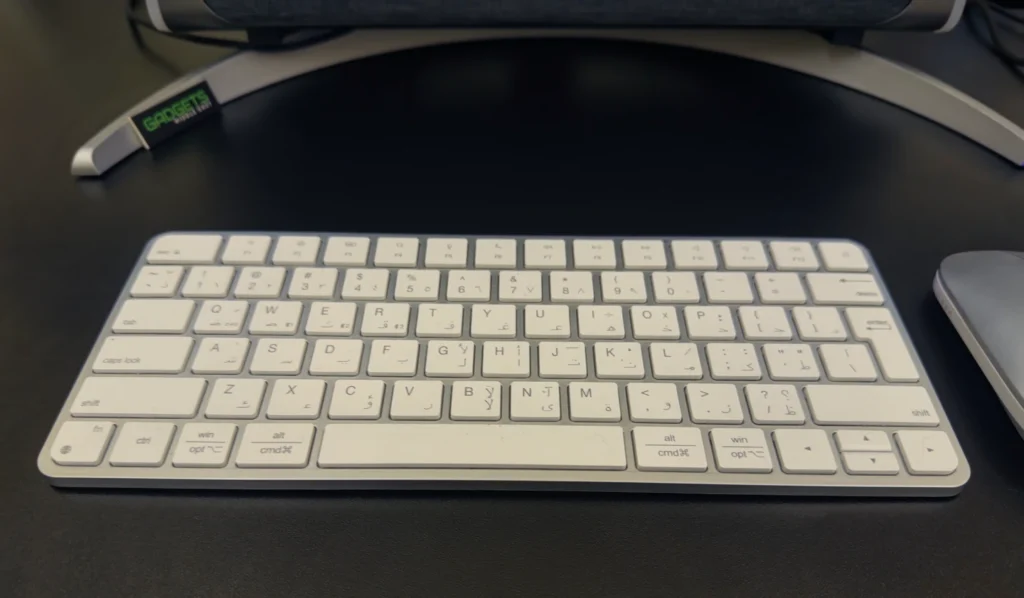
In daily use, we found the keyboard reliable for general typing, with consistent key response. That said, some keys require more deliberate pressing in certain areas, which may hinder fast typists or those using the keyboard intensively. If you’re used to Apple’s Magic Keyboard, you’ll likely notice a slight difference in key travel and tactile feedback.
Customer support was responsive—after reaching out regarding the macOS compatibility issues, the seller promptly acknowledged the limitations and even offered a refund. This level of support is commendable and adds confidence to the overall value proposition.
The Meetion iKey C210 set is an affordable and stylish keyboard/mouse combo that works well across multiple platforms. While macOS users should be aware of its function key limitations, the set remains a good option for casual use, home office setups, or students looking for an Apple-style alternative on a budget. Meetion’s excellent customer service adds reassurance to the purchase, especially for first-time buyers.
Also Read: BENKS ArmorGo Magnetic Wallet Stand Review

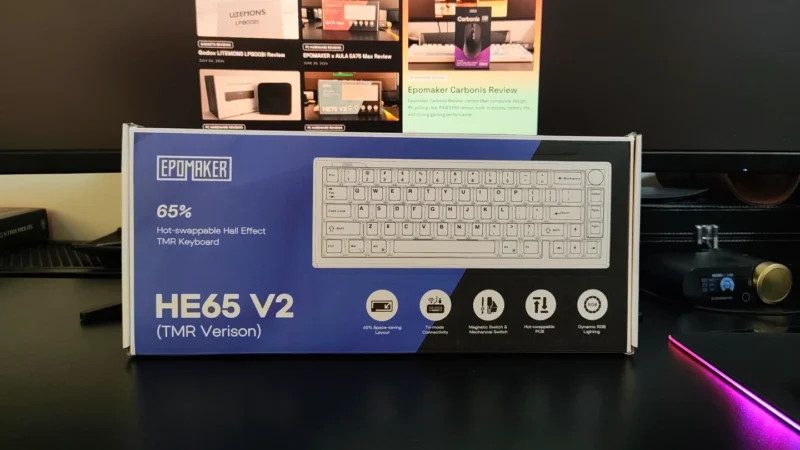
EPOMAKER HE65 V2 TMR review covering its TMR switches, Rapid Trigger, 8,000Hz polling, hybrid hot-swap PCB, wireless connectivity and typing experience.
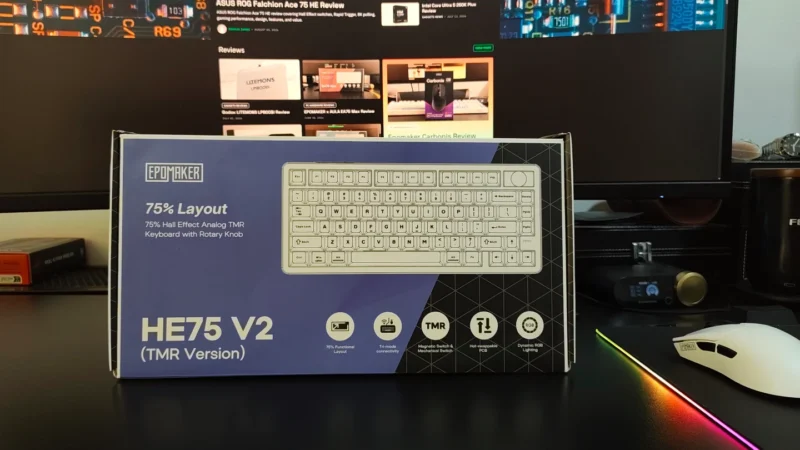
Our EPOMAKER HE75 V2 TMR review covers its TMR switches, Rapid Trigger, 8K polling, wireless performance, sound, software and battery life.
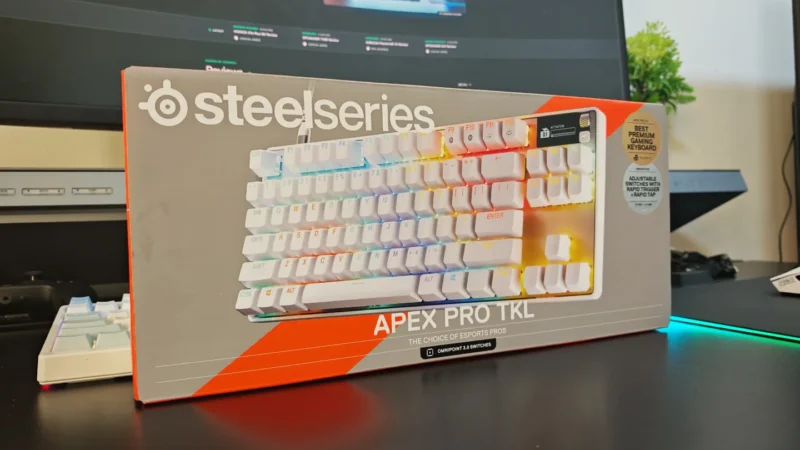
We review the SteelSeries Apex Pro TKL Gen 3, featuring OmniPoint 3.0 Hall Effect switches, adjustable actuation, Rapid Trigger, OLED display and RGB lighting.
 Joshua James