
HONOR ranks as the #1 Android brand in China
Global leading AI device ecosystem company HONOR has secured the No. 1 position among Android smartphone brands in China for October 2026.
According to YouTube spokesperson Makenzie Spiller, the zero-minute option is now live for all parents and is currently rolling out to all users including standard adult accounts.

YouTube has added a zero-minute option to its Shorts time management settings on Android and iOS, allowing users to effectively disable the Shorts feed without removing the app.
The update extends the Shorts timer feature YouTube introduced in October, which previously set 15 minutes as the lowest available limit. Setting the timer to zero prevents any Shorts from appearing in the dedicated Shorts tab and also removes them from the Home screen, giving users a straightforward way to opt out of the format entirely.
According to YouTube spokesperson Makenzie Spiller, the zero-minute option is now live for all parents and is currently rolling out to all users including standard adult accounts.
The feature was expanded in January to give parents control over how long their children spend watching Shorts, with the zero-minute option listed as coming soon at that time. Its extension to all accounts makes it a practical tool for any user looking to reduce time spent on short-form video content.
When the set limit is reached, the Shorts tab displays a notification confirming the feed limit has been reached and no further videos are shown.
For users across the Middle East looking to manage screen time or reduce distractions while using YouTube, the setting offers a quick and reversible way to remove Shorts without affecting access to the rest of the platform.
Also Read: How to Trim A YouTube Video after Uploading

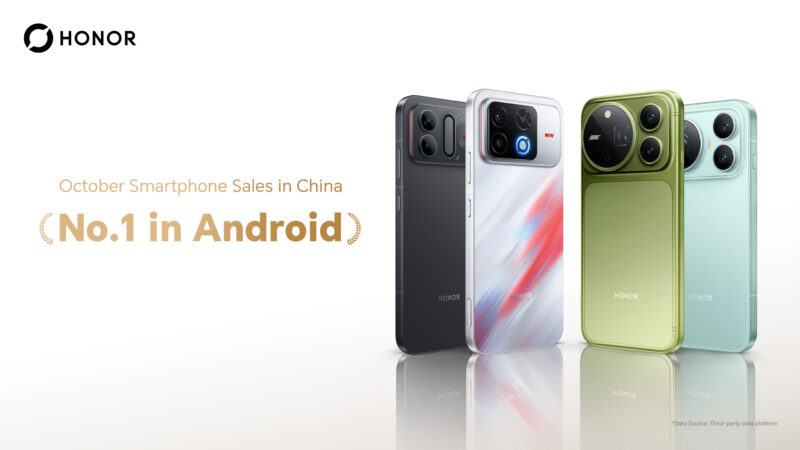
Global leading AI device ecosystem company HONOR has secured the No. 1 position among Android smartphone brands in China for October 2026.
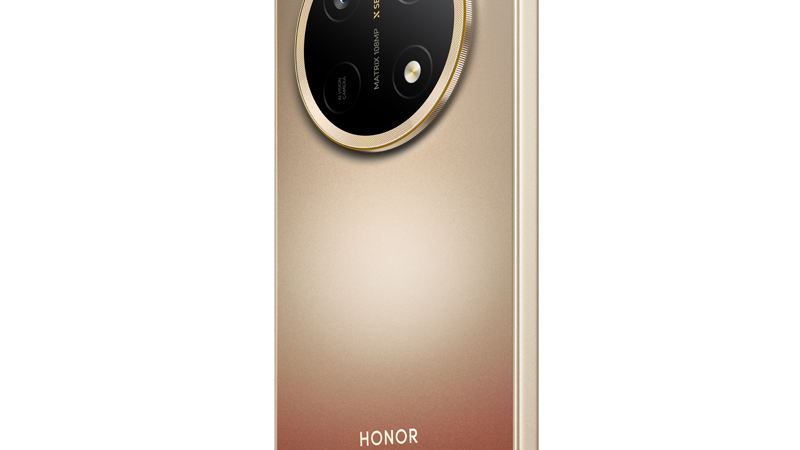
From low-battery anxiety and accidental drops to unreadable screens and blurry photos, the HONOR X9e Pro is designed around the everyday frustrations people would rather not think about. There are enough things to think about during the day without adding a smartphone to the list. Did I charge it last night? Can I see the […]
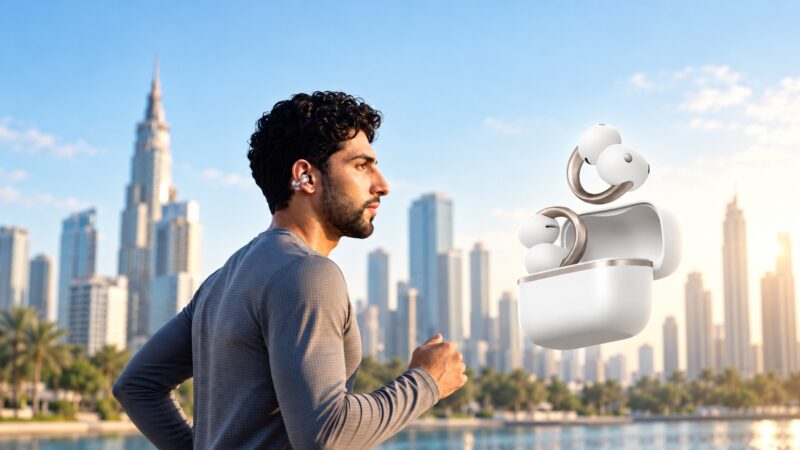
The new soundcore AeroClip 2 earbuds combine Apple-certified iPhone compatibility, a comfort-focused design informed by 2000 ear scans and AI translation in over 100 languages.
 GDGTME Team