
Redragon K1NG M916 ULT Review
Redragon K1NG M916 ULT review: We test the lightweight 8K gaming mouse with a PAW3950 sensor, 30,000 DPI, tri-mode connectivity and five programmable buttons
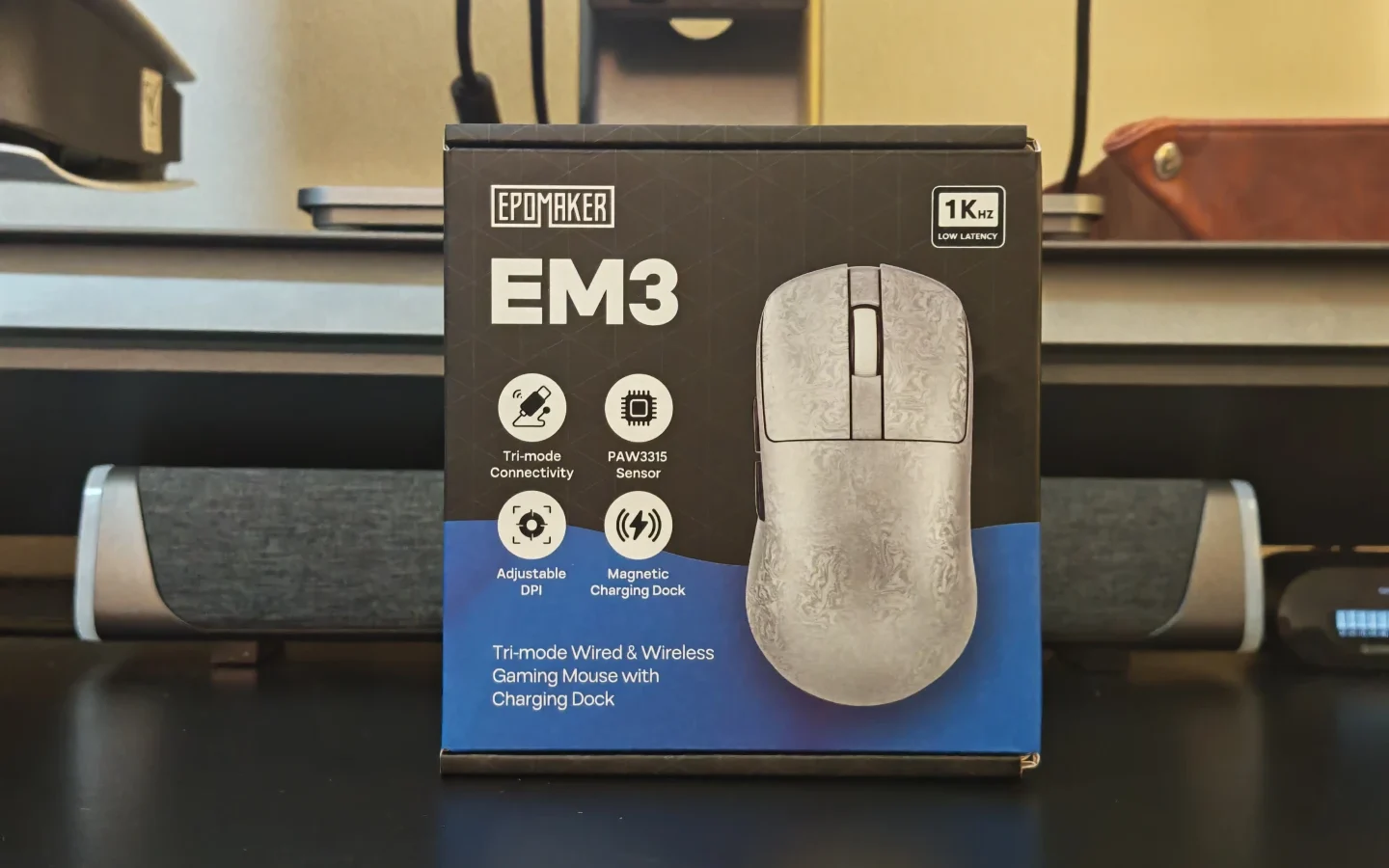
The EPOMAKER EM3 is a lightweight wireless mouse designed for casual gaming, everyday productivity, and users who prefer a clean desktop setup. With a carbon-fibre-reinforced composite shell, tri-mode connectivity, a 16,000 DPI sensor, and an included magnetic charging dock, it offers a practical combination of gaming features and everyday convenience.
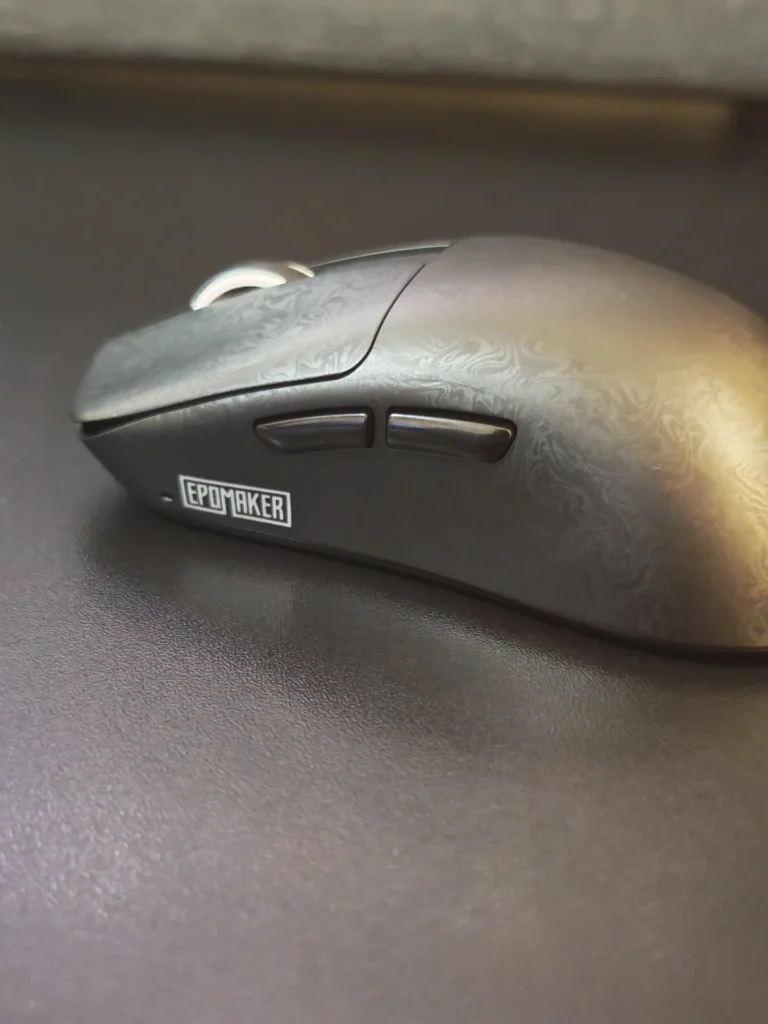
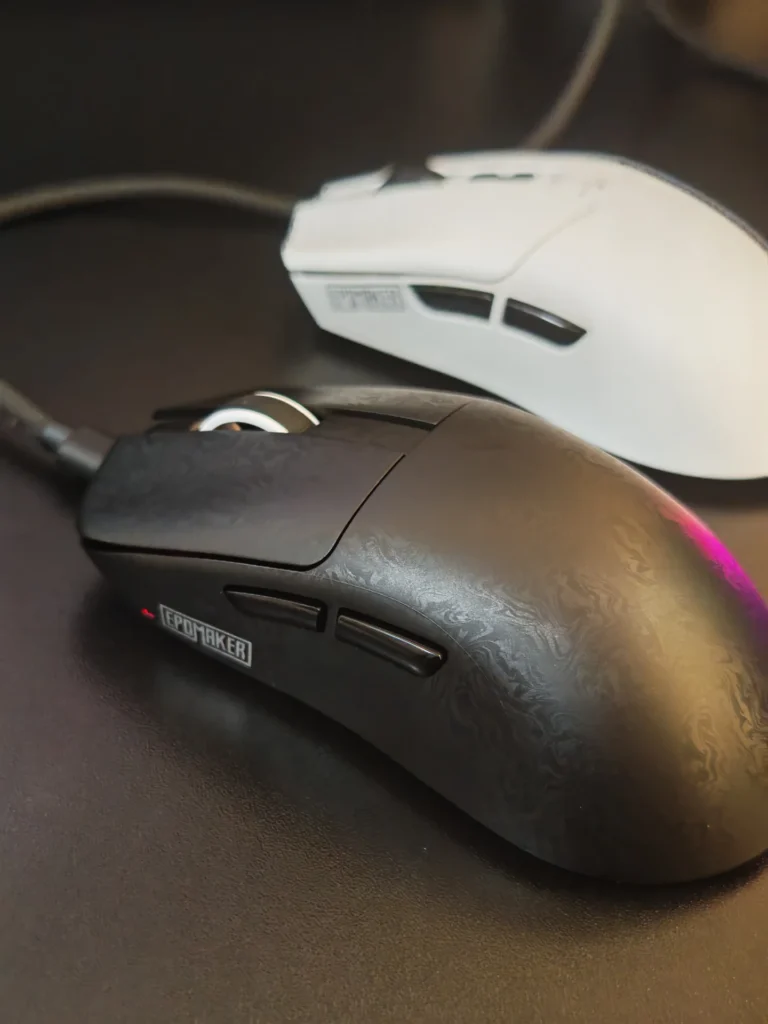
We tested the EM3 which features a distinctive textured finish. Available in black, silver, and pink, the mouse combines a symmetrical design with a lightweight construction that makes it suitable for extended gaming and office sessions.
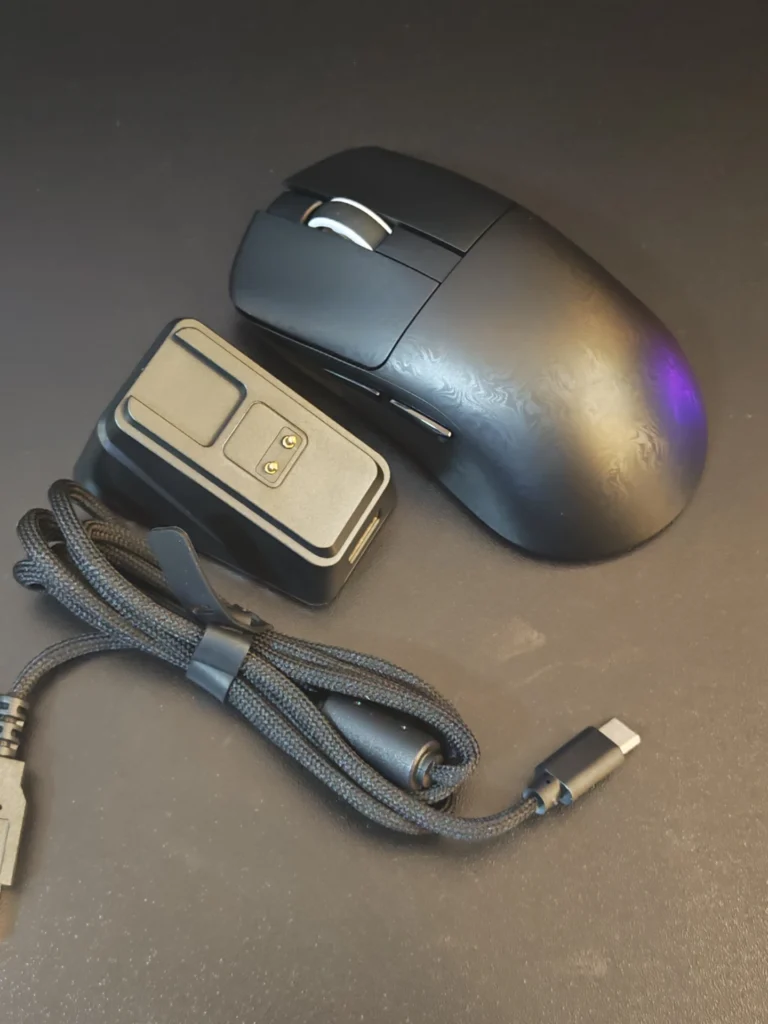
The EM3 arrives in straightforward packaging with a useful selection of accessories. Inside the box, we find:
The included accessories make the EM3 a reasonably complete package out of the box. The additional grip stickers are particularly useful for users who prefer extra traction during gaming, while the replacement skates provide a convenient option for future maintenance.
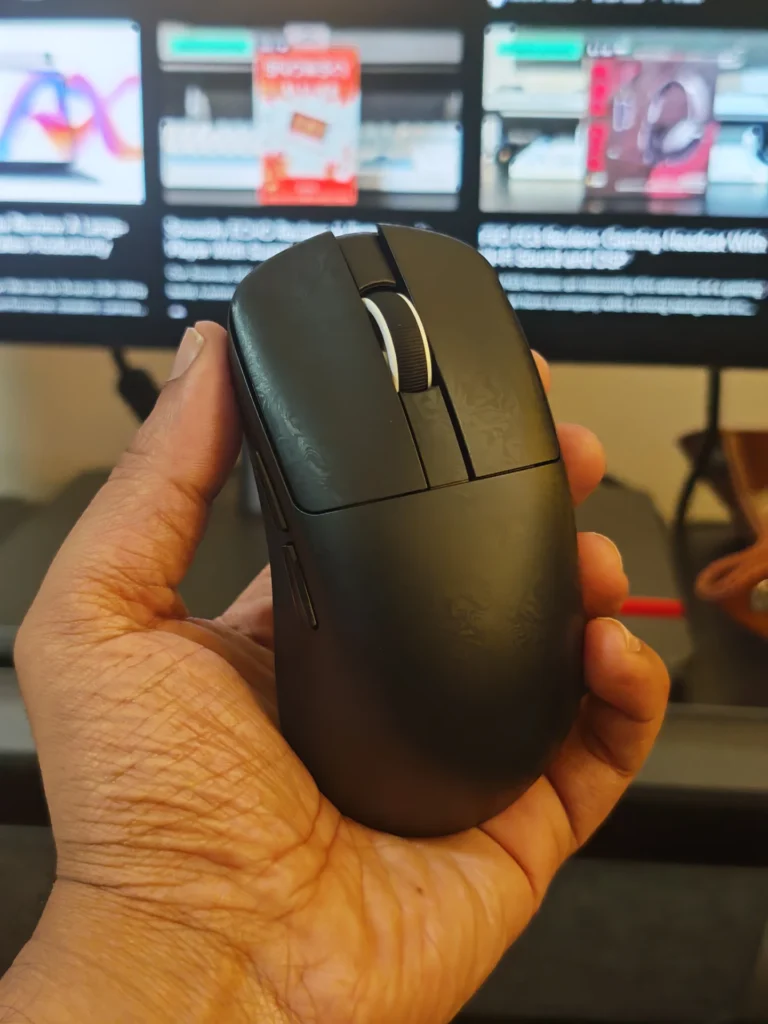
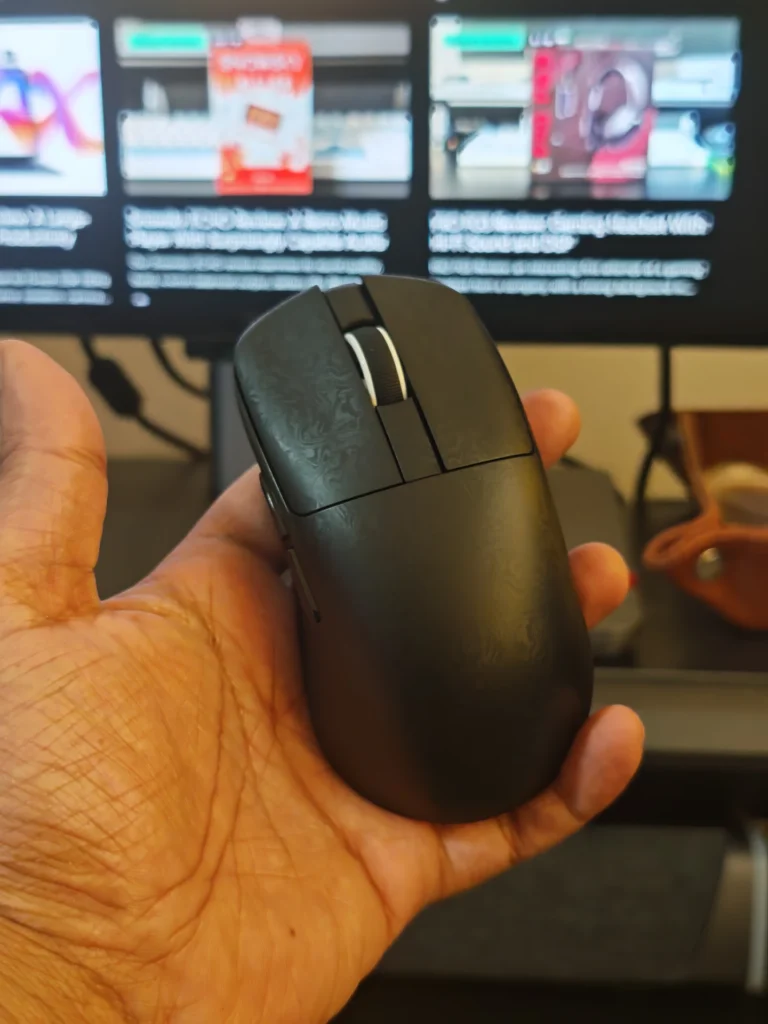
One of the EM3’s most noticeable characteristics is its lightweight construction. At approximately 56g, it feels easy to manoeuvre, particularly during rapid movements and repeated repositioning. The low weight also makes it comfortable to carry alongside a laptop or gaming accessories.
The upper shell uses carbon-fibre-reinforced ABS, incorporating 10% carbon fibre into the composite material. This construction provides a textured surface that helps improve grip while maintaining a lightweight profile. The finish also does a reasonable job of limiting fingerprints and visible smudges.
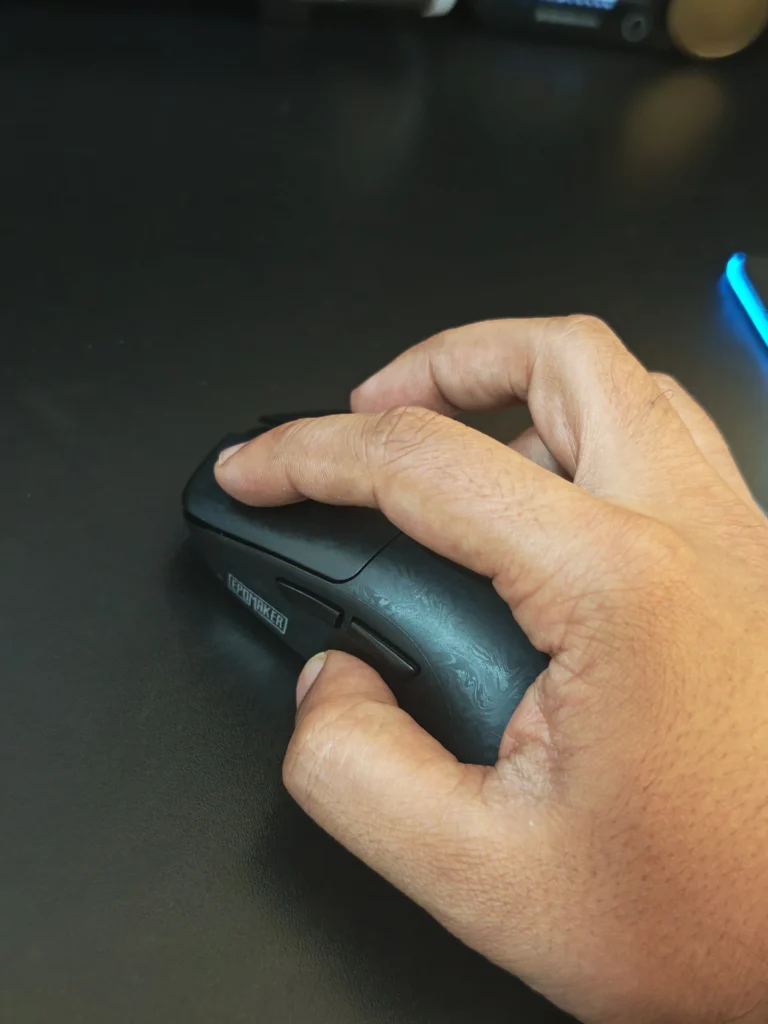
Its symmetrical shape gives the mouse a familiar layout, with two side buttons, primary left and right buttons, and a scroll wheel. The tapered sides provide a comfortable grip, while the overall contour accommodates different hand positions.
The EM3 feels solid despite its lightweight construction. Its minimal design also makes it suitable for users who prefer understated peripherals rather than heavily illuminated gaming accessories.
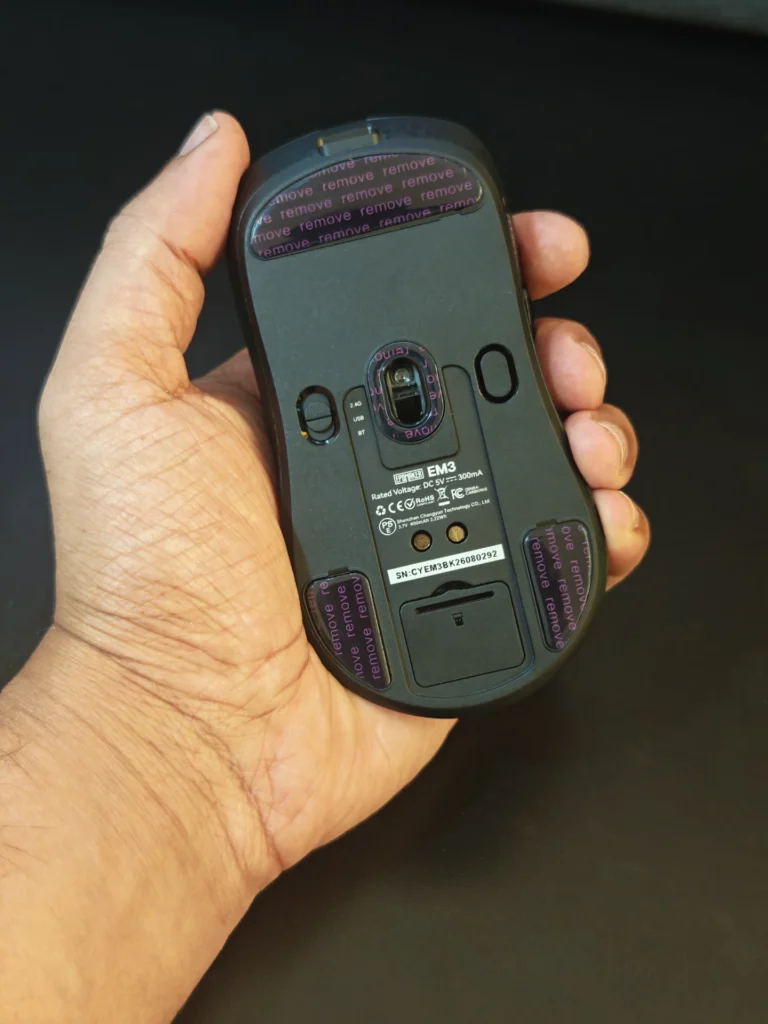
The EM3 supports three connection methods: wired USB-C, 2.4GHz wireless, and Bluetooth. This flexibility allows us to switch between a desktop gaming setup and other compatible devices without relying exclusively on a single connection.
The 2.4GHz receiver is stored in a dedicated compartment underneath the mouse. This is a practical addition that reduces the likelihood of losing the small wireless adapter while travelling.
EPOMAKER also includes a desktop extension dongle, allowing the receiver to be positioned closer to the mouse. This can help maintain a convenient wireless connection, particularly when the PC is positioned beneath a desk.
The connection modes offer different performance levels:
The Bluetooth connection is particularly useful for laptops and other compatible devices, although competitive gaming is better suited to the wired or 2.4GHz modes.
The EM3 uses the PixArt PAW3315 optical sensor, offering up to 16,000 DPI, 300 IPS tracking speed, and 35G acceleration. These specifications place it comfortably within the mainstream gaming mouse category.
During everyday use, the sensor provides responsive cursor movement and reliable tracking. The lightweight chassis makes quick repositioning and repeated directional changes easier, particularly in games that involve frequent mouse movements.
The adjustable DPI settings include six predefined stages: 800, 1,600, 3,200, 6,400, 8,000, and 16,000 DPI. A dedicated DPI button on the underside allows users to switch sensitivity settings without opening the software.
The primary buttons use Huano Blue Shell White Dot mechanical switches, rated for approximately 20 million clicks. They provide a tactile response that feels appropriate for gaming and everyday interaction. The scroll wheel also offers a satisfying, controlled feel during navigation.
The EM3 is capable of handling casual FPS gaming, strategy titles, and general PC gaming. However, users looking for an enthusiast-grade competitive mouse with advanced sensor capabilities, higher polling rates, or extensive performance tuning may want to consider more specialised alternatives.
EPOMAKER provides configuration software for Windows and macOS, allowing users to customise several aspects of the EM3.
Available options include:
The configuration interface is relatively straightforward, making it accessible even for users who do not regularly customise gaming peripherals.
The ability to assign shortcuts to the side buttons is useful beyond gaming. We found this particularly relevant for productivity applications, where additional controls can simplify navigation and repetitive tasks.

Battery performance is another area where the EM3 offers practical advantages. Its integrated 600mAh battery is rated for approximately 55 hours of use with RGB lighting disabled. With the dock’s RGB lighting enabled, the mouse itself can achieve approximately 50 hours, according to EPOMAKER.
In our usage, the EM3 delivered approximately 55 hours on a single charge, making it suitable for several days of regular gaming and productivity without requiring frequent charging.
The magnetic charging dock is arguably the mouse’s most distinctive accessory. Rather than connecting a cable directly to the mouse every time the battery needs charging, we can simply position it on the dock, where the magnetic connection helps align it correctly.
The dock also features RGB illumination with selectable lighting effects and an option to switch the lighting off. This provides some visual interest without requiring RGB lighting across the mouse itself.
We particularly appreciate the inclusion of a charging dock at this price point. It makes keeping the mouse charged more convenient and provides a dedicated place to store it when not in use.
The EM3 works well as a multipurpose mouse. Its lightweight design makes it comfortable for extended sessions, while the symmetrical shape and straightforward button layout remain familiar to most users.
Bluetooth connectivity is particularly useful when switching between a desktop and a laptop. The 2.4GHz receiver remains the preferred option for gaming, while wired mode provides an alternative when the battery needs charging.
Its relatively compact dimensions also make it suitable for users with small to medium-sized hands. Those with larger hands may want to consider their preferred grip style before purchasing.
The absence of RGB lighting on the mouse itself may disappoint users who prefer illuminated gaming peripherals. However, the charging dock provides adjustable lighting, and the simpler mouse design contributes to its understated appearance.
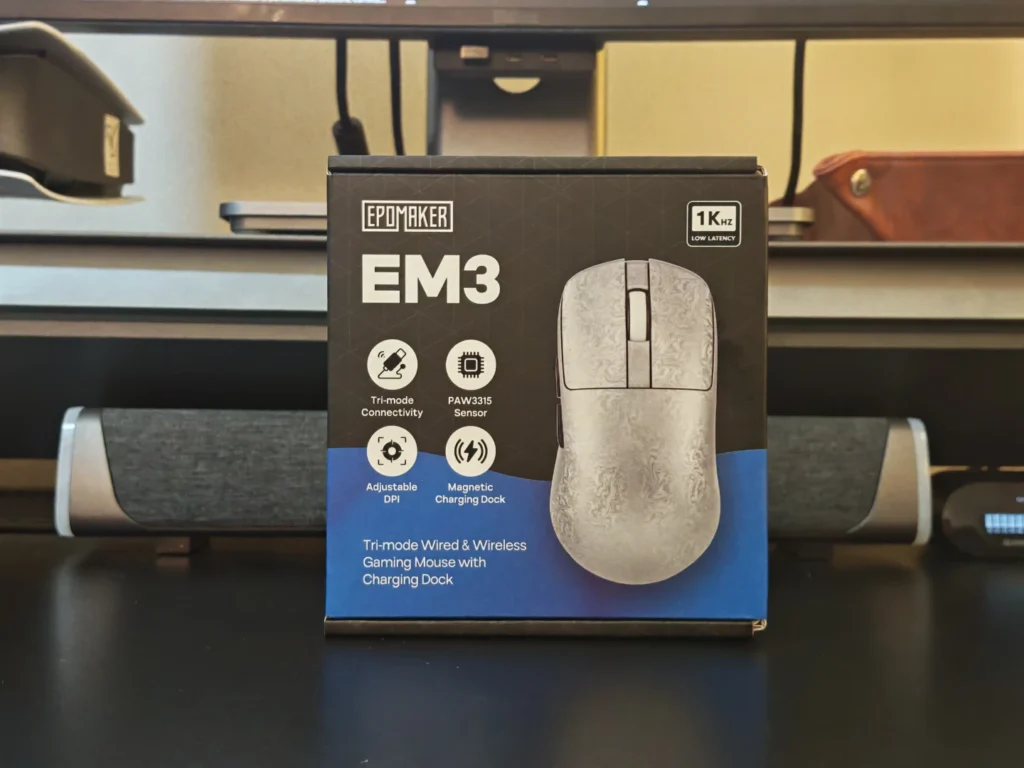
The EPOMAKER EM3 is a well-rounded wireless mouse that focuses on comfort, practicality, and accessible gaming performance rather than competing directly with premium esports peripherals.
Its lightweight construction, reliable PAW3315 sensor, tri-mode connectivity, and convenient magnetic charging dock make it a suitable choice for users who divide their time between gaming and productivity.
The 1,000Hz polling rate is adequate for most casual and intermediate gamers, while Bluetooth connectivity provides additional flexibility for everyday work. The included accessories also add value, particularly the charging dock and replacement mouse skates.
However, the EM3 is not designed to compete with enthusiast-grade gaming mice featuring flagship sensors or 4,000Hz and 8,000Hz polling rates. Competitive players seeking the highest possible performance may find better alternatives in EPOMAKER’s higher-end gaming lineup.
For everyday gamers, office users, and anyone looking for a lightweight wireless mouse with convenient charging, the EM3 is a sensible option.
The EPOMAKER EM3 delivers a practical combination of lightweight construction, dependable gaming performance, and everyday convenience. Its magnetic charging dock is a particularly useful addition, while the three connection modes make it versatile enough for both gaming and productivity.
Although it lacks the advanced performance features of premium esports mice, the EM3 offers a compelling overall package for users who want a comfortable, affordable wireless mouse without unnecessary complexity.
For casual gamers and everyday PC users, it is a worthwhile consideration.
Also Read: Wokyis M5 Review: A Retro Mac Mini Dock with a Built-In 5-Inch Display


Redragon K1NG M916 ULT review: We test the lightweight 8K gaming mouse with a PAW3950 sensor, 30,000 DPI, tri-mode connectivity and five programmable buttons
Our EPOMAKER NEX Pro review examines its PAW3950 sensor, 8K polling, ergonomic 65g design, 500mAh battery, tri-mode connectivity and charging dock.
EPOMAKER Nex Lite review: A lightweight 65g wireless gaming mouse with a PAW3311 sensor, dual OLED displays, tri-mode connectivity and charging dock.
 Joshua James