
Redragon Volcano K526 PRO Review
Our Redragon Volcano K526 PRO review explores its tri-mode connectivity, RGB lighting, membrane typing experience, battery display, and gaming performance.
For gamers who want a compact wireless Hall Effect keyboard without spending considerably more, the EPOMAKER HE60 is an easy recommendation. For users who need a versatile keyboard for both work and gaming, a 65% or 75% alternative would be a more practical choice.
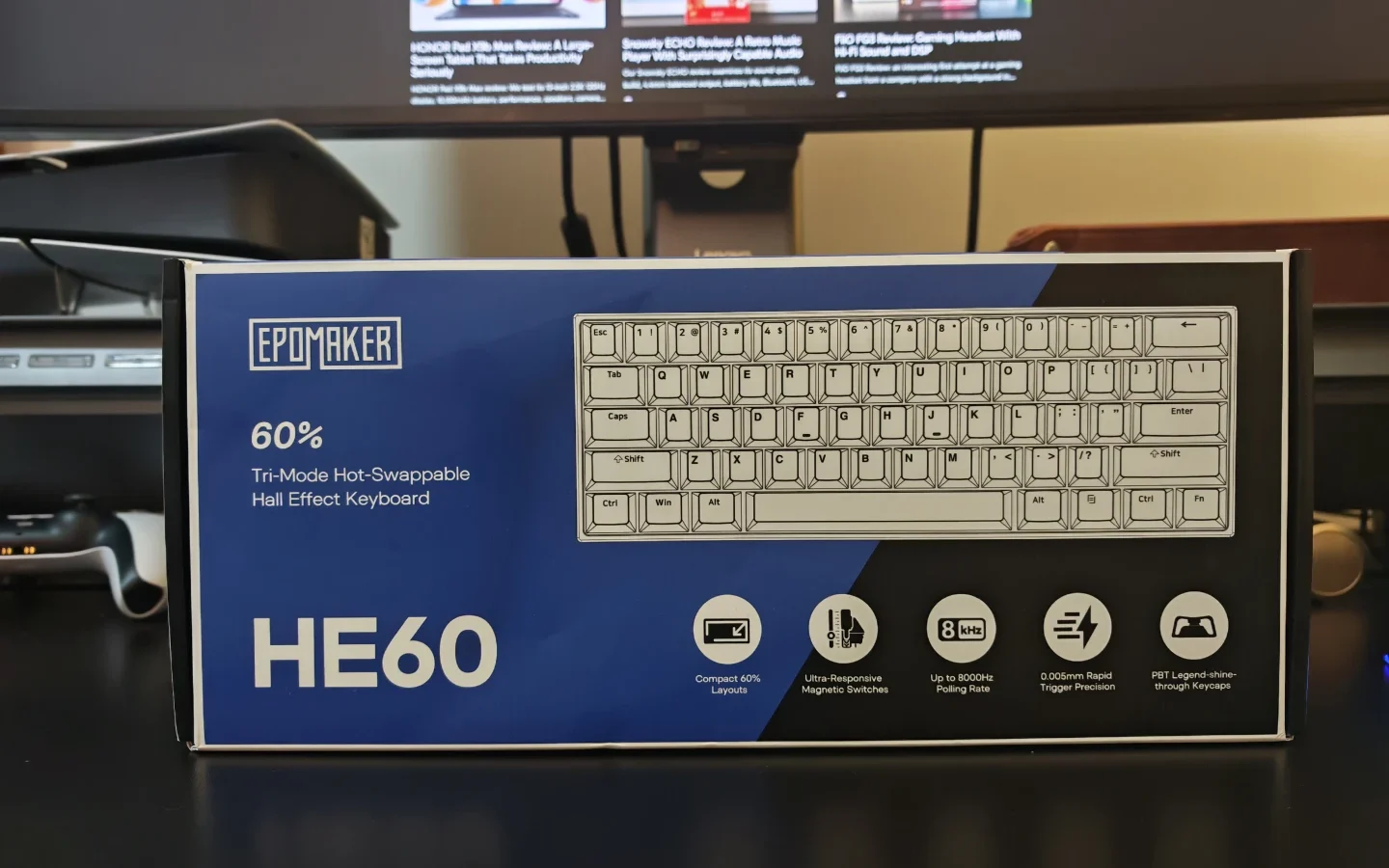
The budget gaming keyboard market has become increasingly competitive, particularly with the growing popularity of Hall Effect technology. Features such as adjustable actuation, Rapid Trigger and high polling rates, which were previously associated with premium gaming keyboards, are now becoming more accessible. The EPOMAKER HE60 is another example of this shift, combining magnetic switches, wireless connectivity and an extensive set of gaming features in a compact 60% layout.
Priced at US$50.99, the HE60 offers an interesting combination of specifications. It features EPOMAKER’s Creamy Jade Magnetic switches, dual 8,000Hz polling, tri-mode connectivity, an 8,000mAh battery and five layers of internal sound dampening. These specifications make it an appealing option for gamers looking for a compact wireless keyboard without spending considerably more.
We spent time testing the white version of the EPOMAKER HE60, looking at its construction, typing experience, wireless performance, gaming features and software customisation. While it delivers a convincing experience in several areas, there are a few design decisions that prevent it from being an ideal all-round keyboard.
The EPOMAKER HE60 features a compact 60% layout with 61 keys. Its minimalist design makes it suitable for smaller desks and gaming setups where additional mouse space is important. Our review unit comes in white, although EPOMAKER also offers a black version.
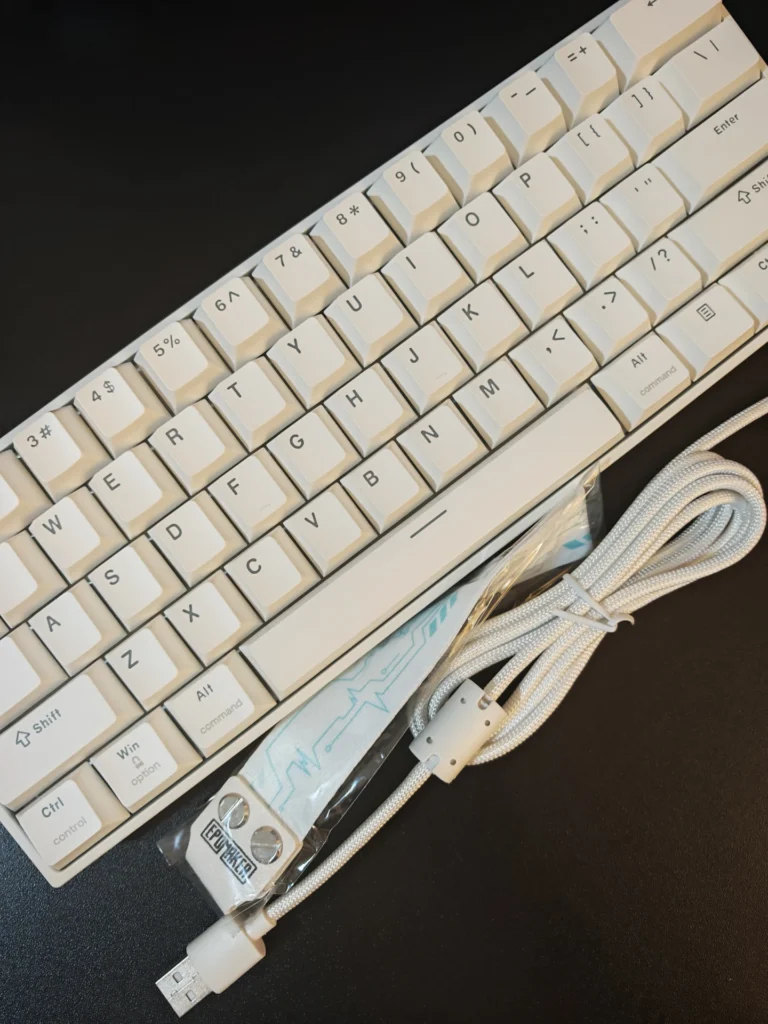
Despite its relatively small footprint, the HE60 is surprisingly heavy for a keyboard with an ABS plastic chassis. Weighing approximately 700g and measuring 298.5 × 102 × 41.5mm, it feels considerably more substantial than its size suggests.
The chassis uses thick ABS plastic, and the overall construction is reassuring. We noticed very little flex when applying pressure, and there were no unwanted creaking sounds during regular use. The aluminium positioning plate also contributes to the keyboard’s rigidity. EPOMAKER has opted for a tray-mounted construction without flex cuts. This creates a relatively firm typing foundation, which complements the magnetic switches and provides a consistent feel across the keyboard.
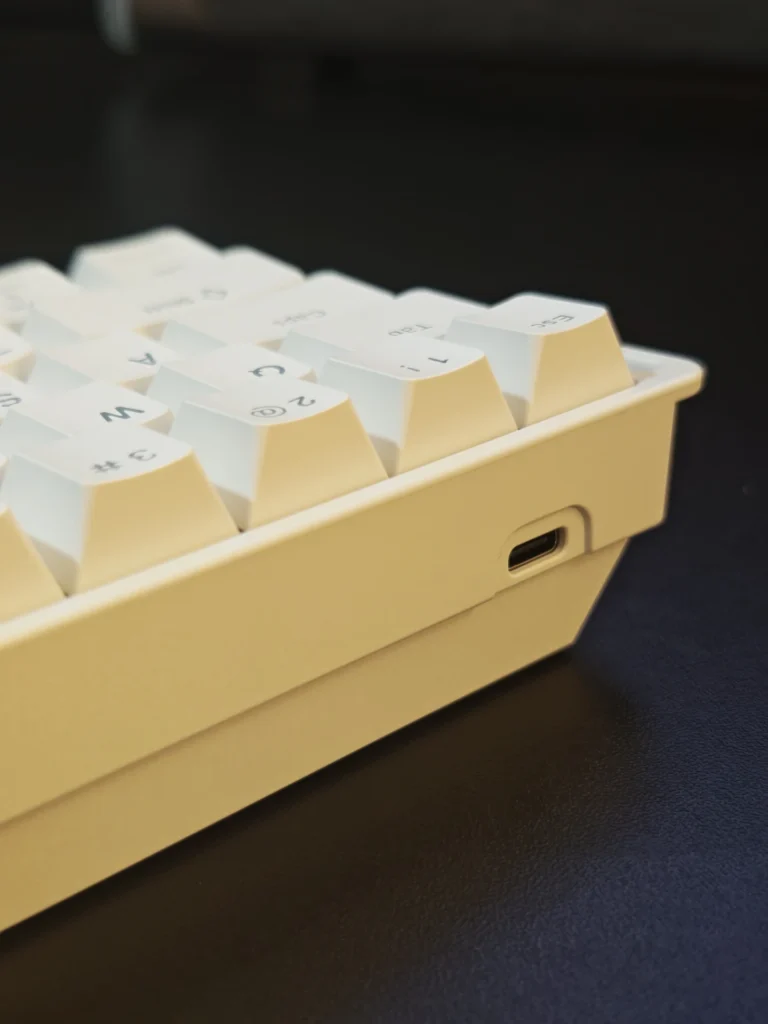
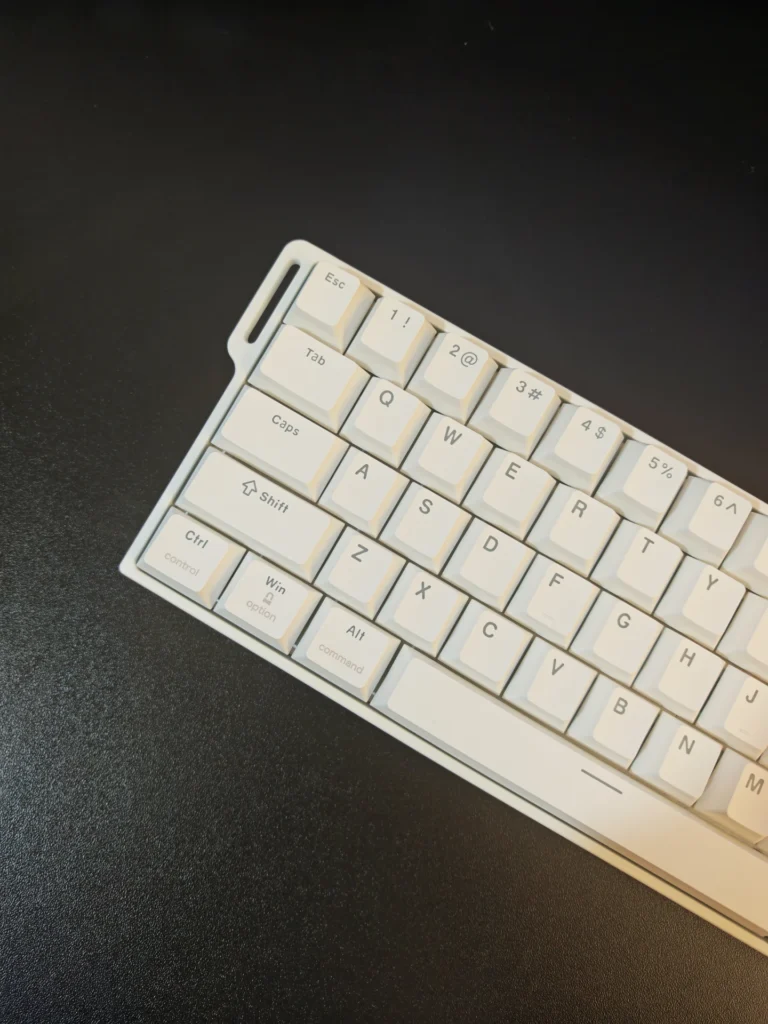
The sides are relatively clean, with minimal branding and a compact profile. There is also a strap attachment on the side, allowing users to attach the included decorative strap using the supplied screws. While this is largely an aesthetic addition, it gives the keyboard a slightly different appearance.
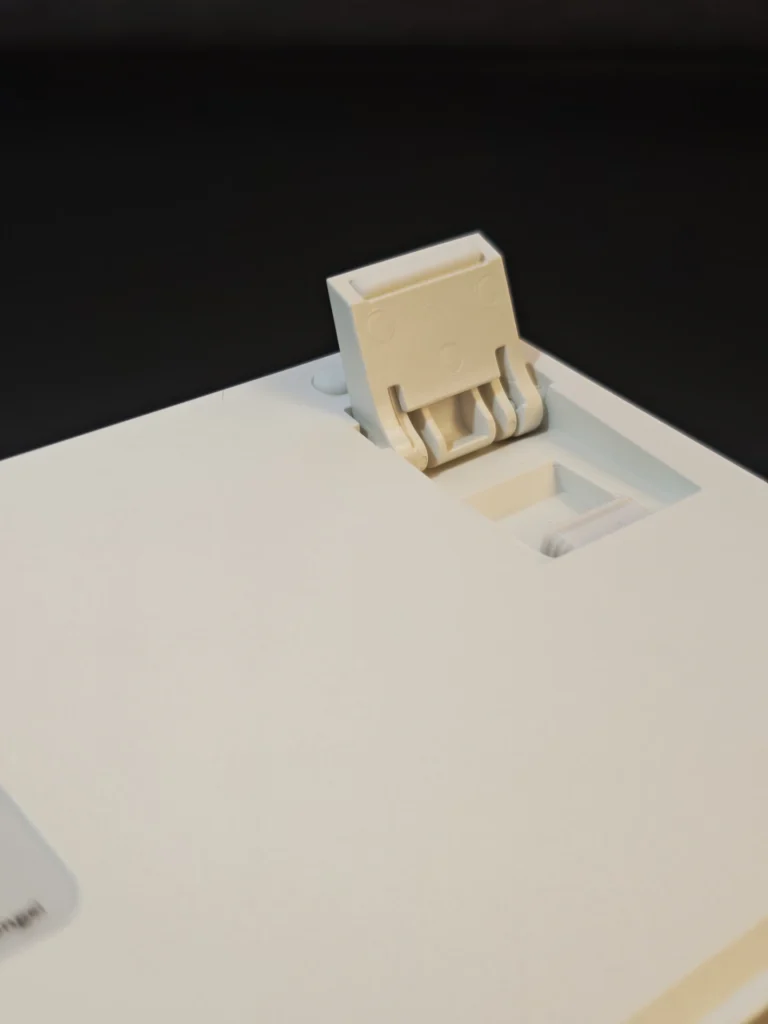
Turning the keyboard over reveals anti-slip rubber pads and two-stage adjustable kickstands. The typing angle can be adjusted from the standard 6-degree position to 8 degrees or 10.5 degrees, depending on the selected kickstand position.
EPOMAKER has also included a dedicated compartment for storing the 2.4GHz wireless receiver beneath one of the adjustable feet. This is a useful addition, particularly for users who regularly transport the keyboard. Overall, the HE60 has a solid construction that feels more premium than its price might suggest. The combination of thick ABS plastic, an aluminium plate and a relatively heavy chassis gives it a reassuring build quality.
One of the HE60’s main selling points is its tri-mode connectivity. Users can connect the keyboard through USB-C wired mode, 2.4GHz wireless or Bluetooth, making it suitable for different desktop and mobile setups. For gaming, the 2.4GHz wireless connection is particularly useful. It supports an 8,000Hz polling rate and offers a specified latency of approximately 0.4ms. Wired connectivity also supports 8,000Hz polling, with a claimed latency of 0.125ms.
Bluetooth operates differently, with a polling rate of 125Hz and a specified latency of 8ms. While this is perfectly usable for general typing, we recommend using wired or 2.4GHz connectivity for competitive gaming.
Switching between connection modes is one area where the design could have been better. The three-position mode selector is located underneath the Caps Lock keycap, meaning users need to remove the keycap to access it. Although this keeps the keyboard’s exterior clean, it is not particularly convenient. We would have preferred a dedicated physical switch along the side of the keyboard, close to the USB-C port.
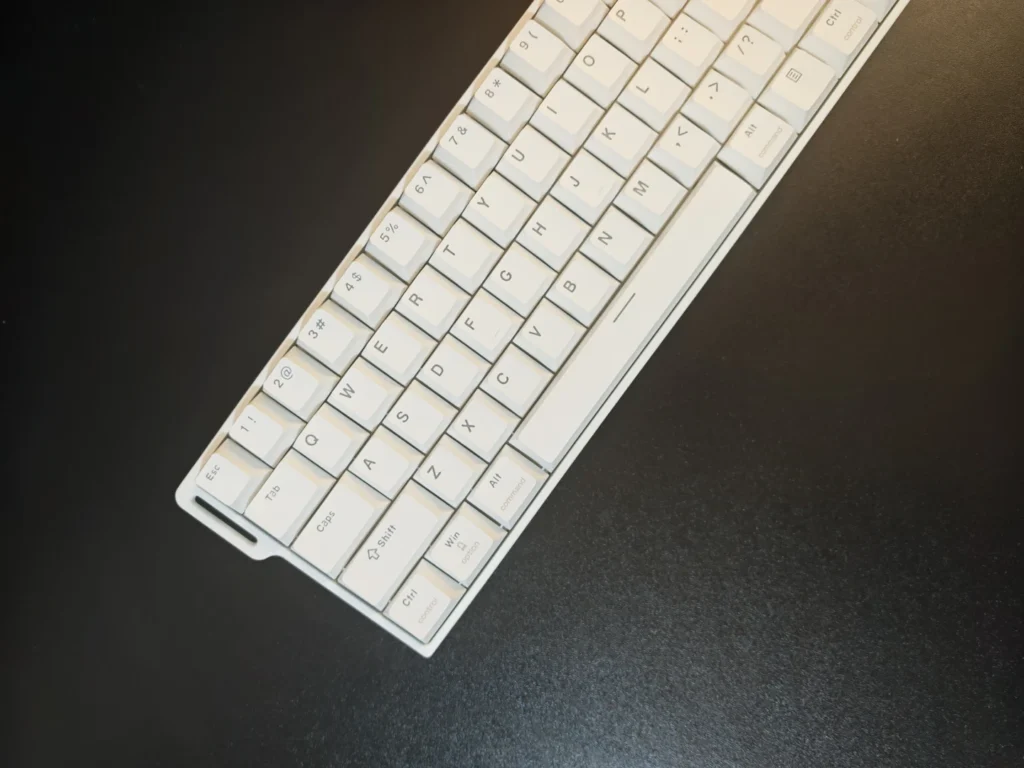
Battery capacity is another strong point. The HE60 houses an 8,000mAh battery, which is considerably larger than what we typically find in compact 60% wireless keyboards.
This capacity is particularly welcome given the additional power requirements of Hall Effect sensors and RGB lighting. While actual battery life will depend on usage patterns, connection mode and lighting settings, the large battery provides a useful foundation for extended wireless use.
The EPOMAKER HE60 comes equipped with the company’s Creamy Jade Magnetic switches. These factory-lubricated linear magnetic switches are designed to provide smooth keystrokes while supporting the adjustable actuation features associated with Hall Effect technology. The switches feature a minimum trigger force of 30gf and a maximum bottom-out force of 55gf, with a total travel distance of 3.5 ± 0.1mm. Their actuation point can be adjusted between 0.1mm and 3.3mm.
During our testing, we particularly appreciated the smoothness of the Creamy Jade Magnetic switches. They have a slightly weighted feel, providing a satisfying typing experience without requiring excessive force. The sound profile is another positive aspect. The switches produce a relatively pronounced, clacky sound with a deeper undertone. Combined with the aluminium plate and tray-mounted construction, the result is a firm and consistent typing experience.
EPOMAKER has also incorporated five layers of internal sound dampening:
These layers help reduce hollow sounds and unwanted vibrations, contributing to a more controlled acoustic profile. The HE60 uses plate-mounted stabilisers, which are reasonably well tuned out of the box. We noticed minimal rattling during regular typing, although some minor movement is present when deliberately testing the larger keys.
The switches are also hot-swappable, but compatibility is limited to north-pole-down magnetic switches. This is important because conventional mechanical switches and magnetic switches with different compatibility requirements cannot simply be substituted.
Overall, the Creamy Jade Magnetic switches are one of the strongest reasons to consider the HE60. They offer a smooth, satisfying typing experience that works well for both everyday use and gaming.
Hall Effect technology is what separates the HE60 from conventional mechanical keyboards. Instead of relying on physical electrical contacts, magnetic sensors detect the position of each switch. This enables adjustable actuation and more advanced input configurations.
The HE60 supports adjustable actuation between 0.1mm and 3.3mm, with adjustment increments as fine as 0.005mm. This gives users considerable control over how sensitive individual keys should be.
For competitive gaming, Rapid Trigger is particularly useful. It allows keys to reset dynamically as soon as they begin moving upwards, rather than requiring them to return to a fixed reset position. This can be beneficial in FPS games where quick directional changes and repeated inputs are important.
The keyboard also supports several additional gaming functions:
Another important specification is the dual 8,000Hz polling rate. Both USB-C wired and 2.4GHz wireless connections support this rate, while Bluetooth is limited to 125Hz. During our gaming sessions, the keyboard delivered a responsive and consistent experience. The 2.4GHz connection remained stable, and we did not encounter noticeable interference or unexpected disconnections.
The adjustable actuation and Rapid Trigger functions also provide useful flexibility for players who want to customise their keyboard around particular games.
However, the practical benefits of an 8,000Hz polling rate will depend on the game, hardware configuration and individual preferences. It is an impressive specification at this price, although not every user will notice a significant difference during everyday gaming.
The HE60 uses double-shot PBT keycaps in a Cherry profile. They have a textured finish and shine-through legends, allowing the RGB lighting to pass through the characters. The keycaps feel good during typing, and the Cherry profile provides a familiar layout for users accustomed to mechanical keyboards. The double-shot construction should also help maintain the legends with regular use.
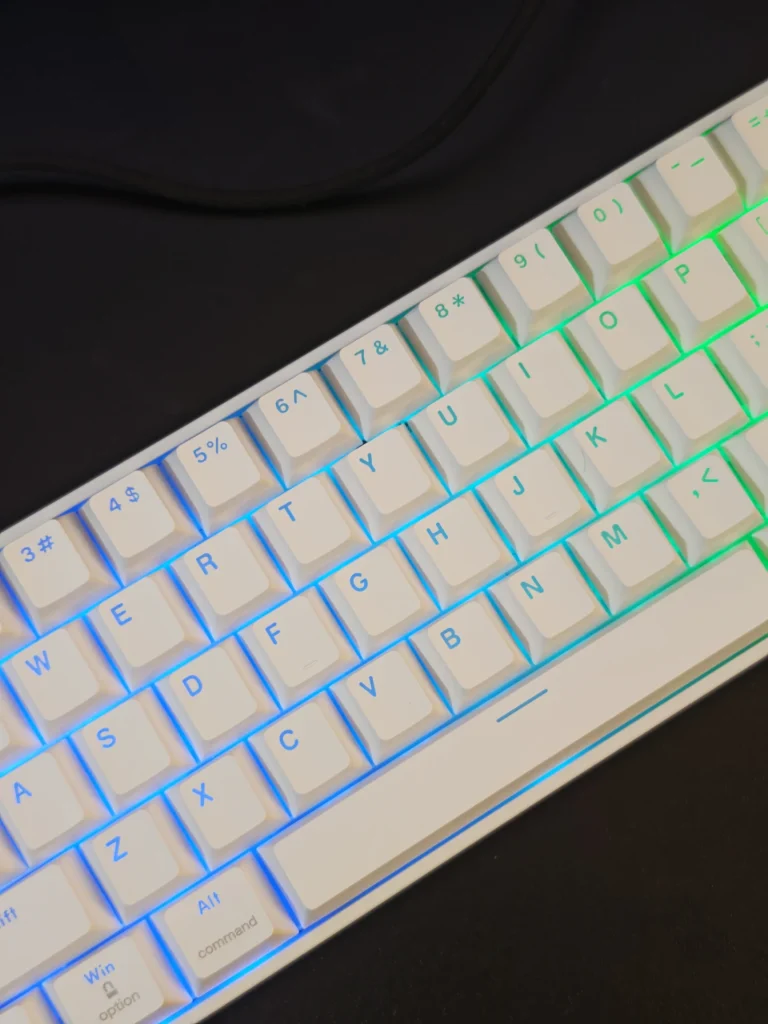
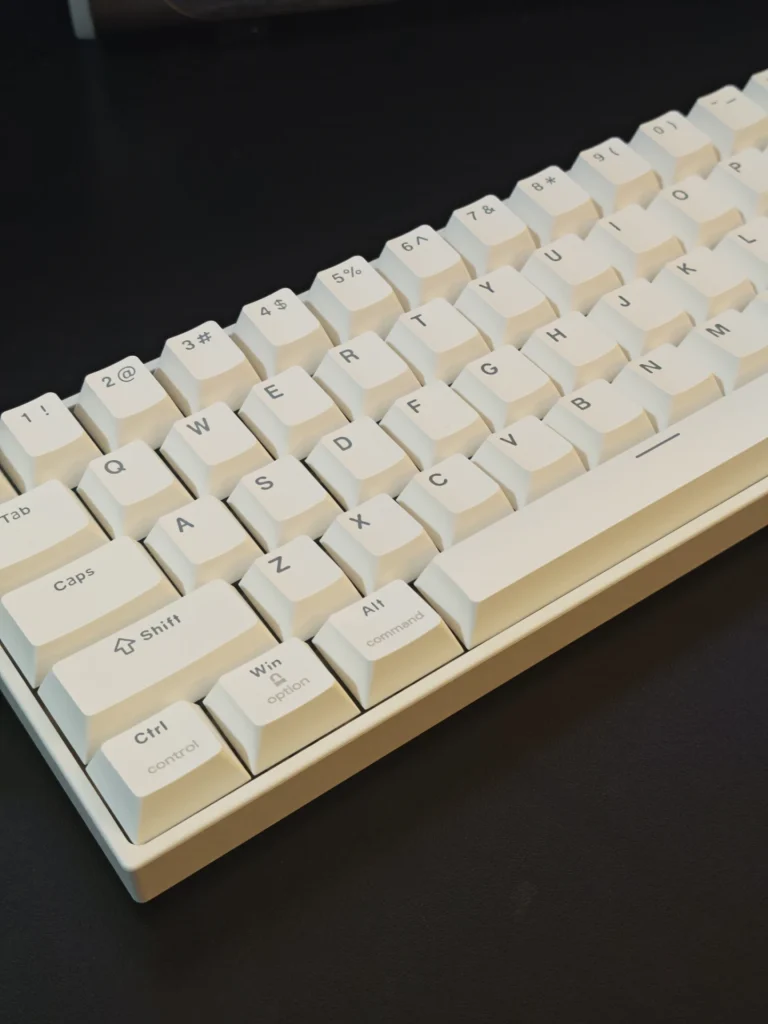
However, the RGB implementation is not quite as effective as we would have liked. The HE60 uses a south-facing PCB, while the shine-through legends are positioned towards the upper portion of the keycaps. Consequently, the LEDs do not illuminate the legends as directly as expected.
Although the characters are visible under certain lighting conditions, particularly in darker environments, the overall illumination is relatively limited.
This is disappointing because the HE60 has a design that would benefit from more effective RGB lighting. A north-facing LED arrangement would have been a better match for the shine-through keycaps.
Users can customise the available lighting effects, brightness, speed and colours through the accompanying software. Nevertheless, those who prioritise bright, clearly illuminated legends may find the implementation underwhelming.
EPOMAKER provides browser-based configuration through its EPOMAKER Hub software, allowing users to customise the HE60 without installing a dedicated desktop application. The interface provides access to key remapping, macros, magnetic switch calibration, actuation adjustments and advanced gaming functions.
The magnetic switch configuration section is particularly useful. Users can select individual keys or apply settings across the entire keyboard, adjusting actuation distances to suit their preferences. There is also an option to configure compatible switch types and perform calibration.
Macro recording is another useful addition, particularly for users who want to automate repetitive inputs. The software also includes RGB controls for adjusting lighting modes, brightness, speed and colours. We found the browser-based approach convenient. There is no need to download additional software simply to access the main configuration options, and the available settings are organised in a relatively straightforward manner.
For a keyboard in this price category, the level of customisation is impressive. It provides enough flexibility for enthusiasts and competitive gamers without making the configuration process unnecessarily complicated.
The biggest consideration when purchasing the HE60 is its 60% layout. While the compact design provides additional room for mouse movement and makes the keyboard easier to position on smaller desks, it also means sacrificing several dedicated keys.
There are no dedicated arrow keys, function row or numeric keypad. These functions can be accessed through the Fn layer, but using key combinations instead of dedicated keys requires some adjustment. For gaming, particularly FPS titles, the compact layout makes sense. It provides additional space for mouse movement, while the Hall Effect switches and Rapid Trigger features cater to players who prioritise responsiveness.
For productivity, however, the limitations become more apparent. Users who regularly work with spreadsheets, edit videos, navigate documents or rely on keyboard shortcuts may find the missing keys inconvenient.
Another design decision worth mentioning is the connection-mode switch beneath the Caps Lock keycap. Although it keeps the keyboard’s exterior uncluttered, changing between Bluetooth, wireless and wired modes requires removing the keycap.The HE60 is therefore better suited to users who understand the compromises of a 60% keyboard rather than those looking for a general-purpose replacement for a full-size or 75% keyboard.
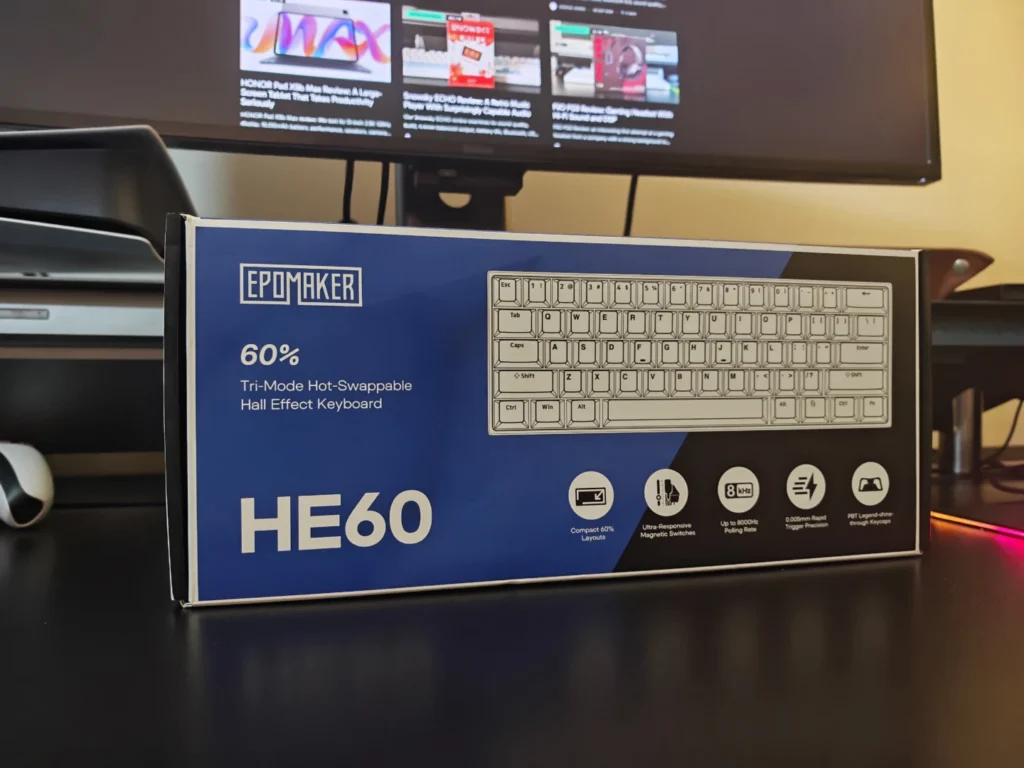
The EPOMAKER HE60 is listed at US$59.99 on the manufacturer’s official website. Promotional pricing and regional availability may vary. At this price, the feature set is difficult to overlook. The combination of Hall Effect switches, adjustable actuation, Rapid Trigger, dual 8,000Hz polling, tri-mode connectivity and an 8,000mAh battery offers considerable value.
The build quality is another positive. Although the chassis uses ABS plastic, the aluminium plate, 1.2mm PCB, solid construction and five-layer dampening system make the keyboard feel more substantial than its price might suggest. There are compromises, particularly the restricted switch compatibility, inconvenient mode selector and underwhelming shine-through lighting. The 60% layout will also limit its appeal to users who need dedicated navigation and function keys.
Nevertheless, for gamers specifically looking for an affordable wireless Hall Effect keyboard, the HE60 offers a strong combination of features without requiring a substantial investment.
The EPOMAKER HE60 is a well-equipped compact gaming keyboard that brings several high-end Hall Effect features into the budget category. Its sturdy construction, smooth Creamy Jade Magnetic switches, responsive wireless performance and extensive software customisation make it an appealing option for competitive gamers.
We particularly appreciate the inclusion of dual 8,000Hz polling, adjustable actuation and Rapid Trigger at this price point. The large 8,000mAh battery also makes the wireless functionality more practical, while the five-layer dampening system contributes to a satisfying typing experience.
However, it is not without limitations. The 60% layout sacrifices dedicated navigation and function keys, the connection switch is inconveniently positioned beneath the Caps Lock key, and the south-facing RGB implementation does not make the best use of the shine-through keycaps. These are compromises worth considering, but they do not take away from what the HE60 offers as a gaming-focused keyboard.
For gamers who want a compact wireless Hall Effect keyboard without spending considerably more, the EPOMAKER HE60 is an easy recommendation. For users who need a versatile keyboard for both work and gaming, a 65% or 75% alternative would be a more practical choice.
Yes. It supports Bluetooth, 2.4GHz wireless and USB-C wired connectivity.
Yes. It supports Rapid Trigger, adjustable actuation, Dynamic Keystroke, Mod Tap, Toggle Key and Snap Key (SOCD).
It supports up to 8,000Hz polling over wired and 2.4GHz wireless connections. Bluetooth is limited to 125Hz.
It comes with factory-lubricated EPOMAKER Creamy Jade Magnetic Hall Effect switches, featuring adjustable actuation from 0.1mm to 3.3mm.
Yes. The keyboard supports hot-swapping, but compatibility is restricted to north-pole-down magnetic switches.
Yes, its switches provide a comfortable typing experience. However, the 60% layout lacks dedicated arrow and function keys, which may inconvenience users who regularly work with documents or spreadsheets.
It features an 8,000mAh battery for wireless operation.
Also Read: EPOMAKER EM3 Review

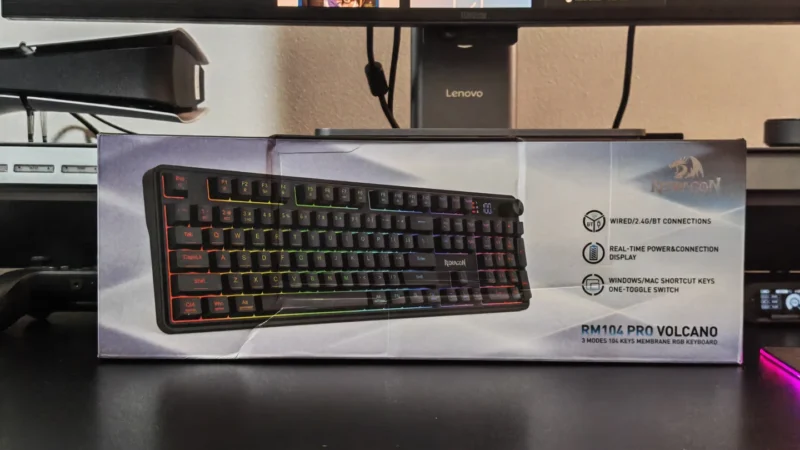
Our Redragon Volcano K526 PRO review explores its tri-mode connectivity, RGB lighting, membrane typing experience, battery display, and gaming performance.
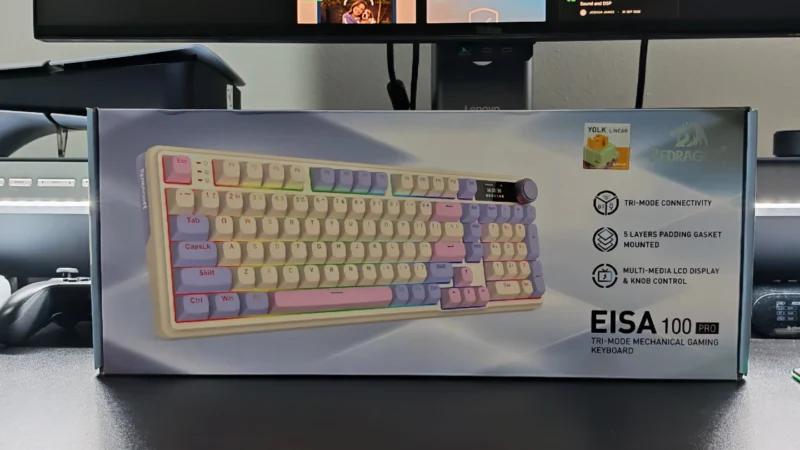
Redragon EISA K768 Pro review: Explore its customisable TFT display, linear switches, wireless connectivity, typing experience and value.
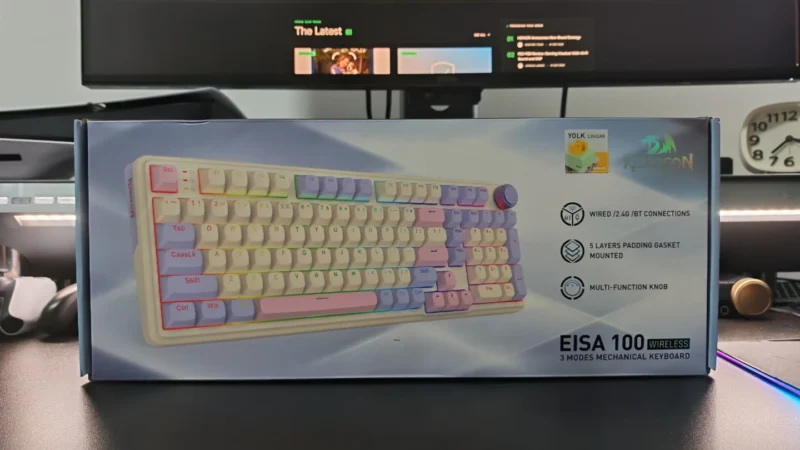
Our Redragon EISA K768 review covers its 100-key layout, wireless connectivity, 8,000mAh battery, typing experience and gaming performance.
 Joshua James