
EPOMAKER HE60 Review: A Compact Wireless Hall Effect Keyboard for Gamers
Our EPOMAKER HE60 review explores its Hall Effect switches, Rapid Trigger, 8K polling, wireless connectivity, build quality and gaming performance.
A versatile mechanical numpad with useful macro controls, flexible connectivity and good customisation options. Its value is strongest for users who regularly work with compact keyboards.
Compact mechanical keyboards are popular among users who prefer a cleaner desk setup and more room for their mouse. However, smaller layouts often sacrifice the dedicated number pad and additional keys that can be useful for productivity. The EPOMAKER TH26 aims to address this by offering a standalone mechanical numpad with additional programmable controls.
The TH26 features a 26-key layout, five dedicated macro keys and a multifunction rotary knob. It also supports three connectivity options, hot-swappable switches and software-based customisation through VIA and EPOMAKER Hub. This makes it more than a conventional number pad, particularly for users who regularly work with spreadsheets, creative applications or repetitive keyboard shortcuts.
We spent time looking at what the TH26 offers, from its construction and typing experience to its connectivity and customisation options, to determine whether it deserves a place alongside a compact mechanical keyboard.
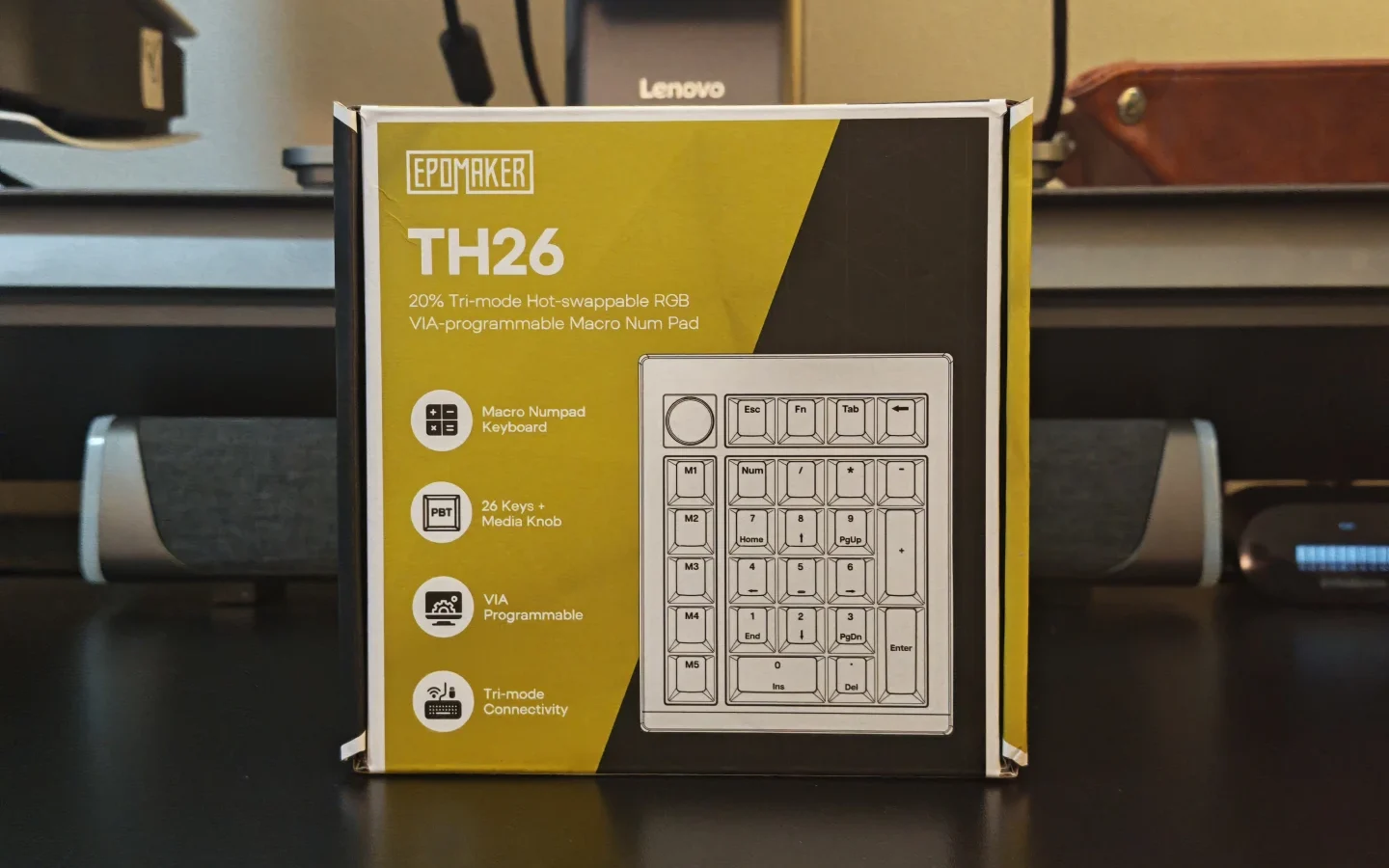
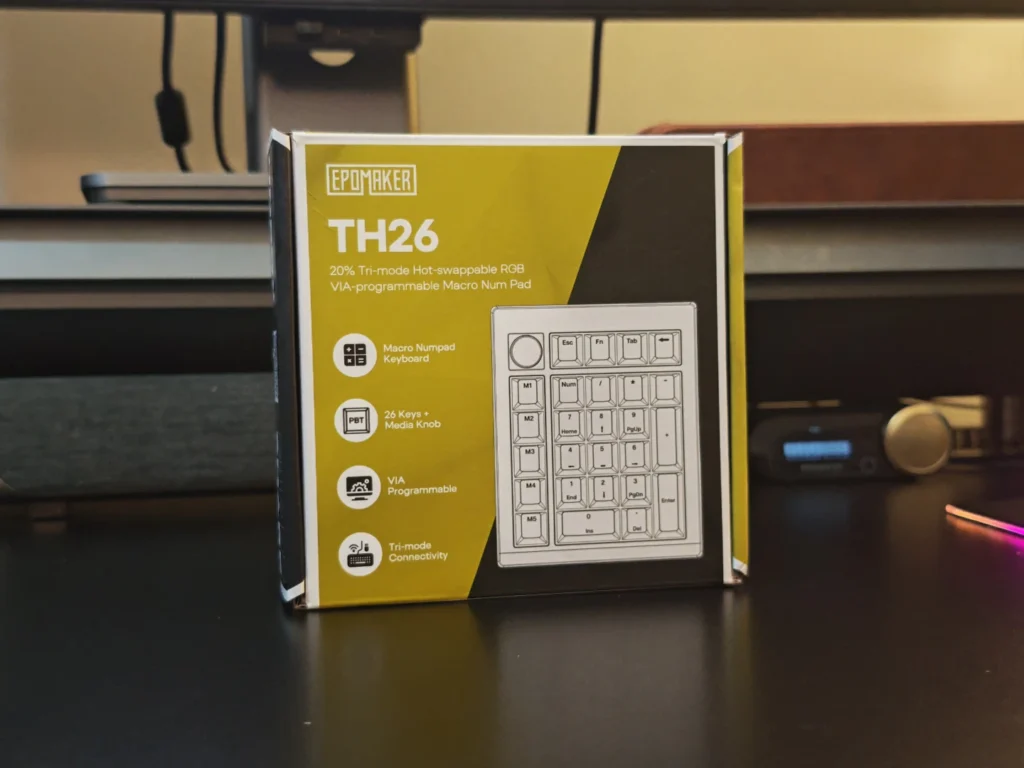
The EPOMAKER TH26 arrives in a compact retail package with the company’s familiar yellow and black branding. The packaging highlights its main features, including tri-mode connectivity, RGB lighting, hot-swappable switches and VIA programmability.
Inside the box, EPOMAKER includes everything required to get started. The package contains:
The inclusion of a switch puller and spare switches is useful, particularly for users interested in experimenting with different mechanical switches. The wireless receiver also has a dedicated storage compartment on the numpad, reducing the likelihood of misplacing it when not in use.
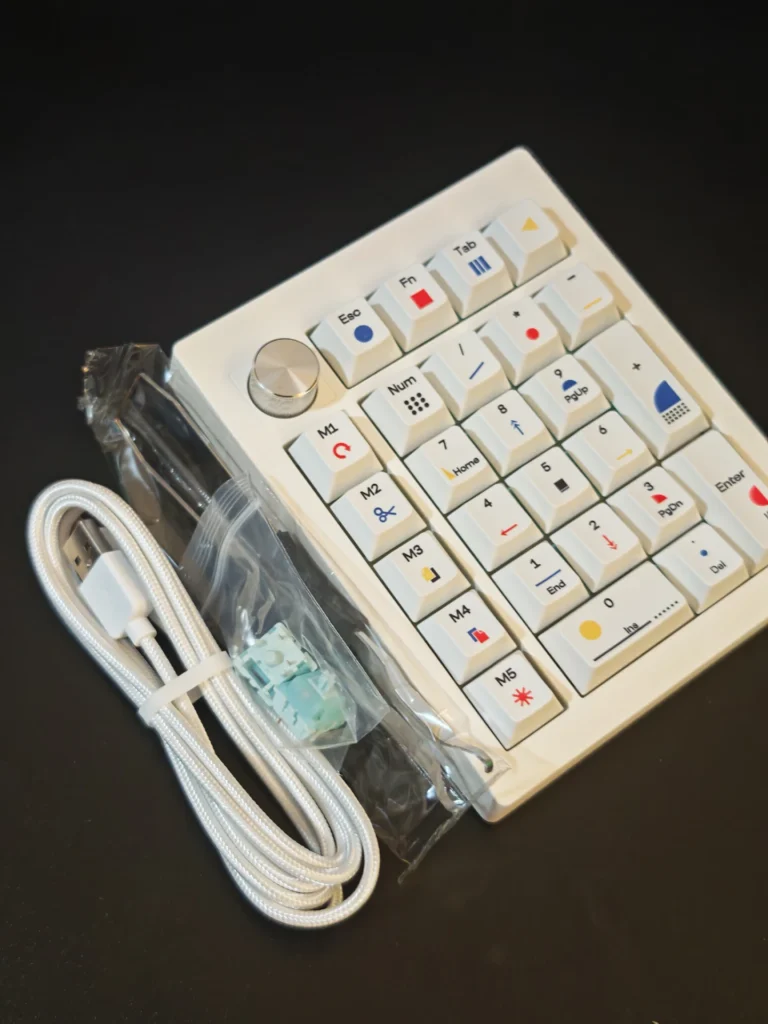
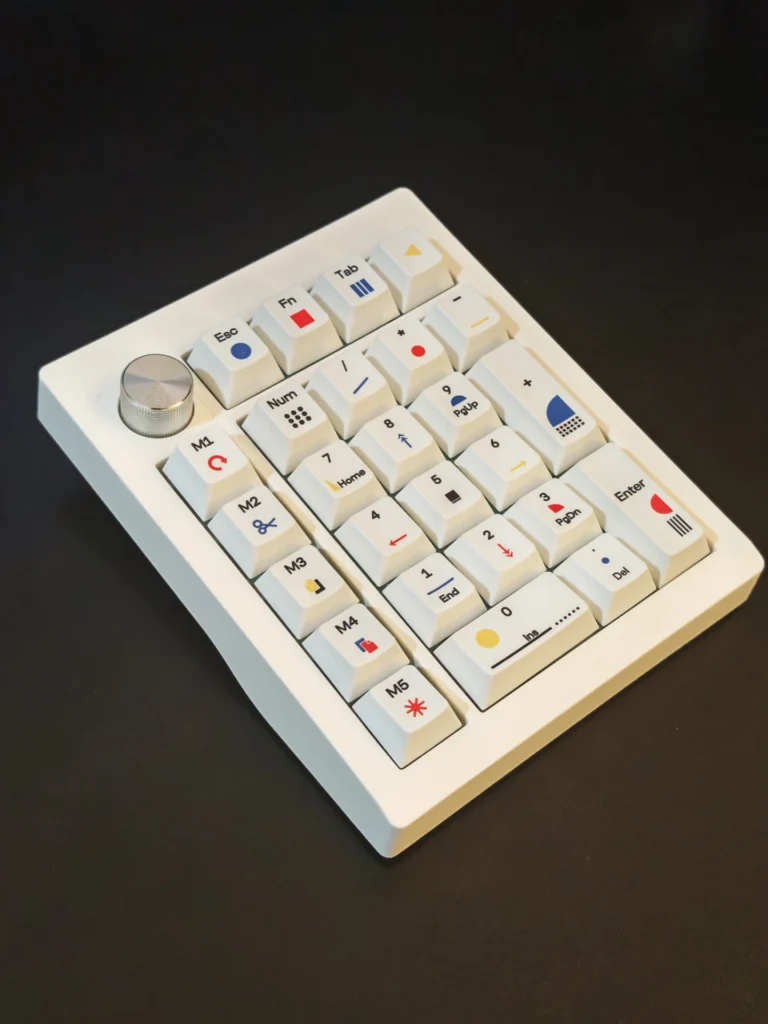
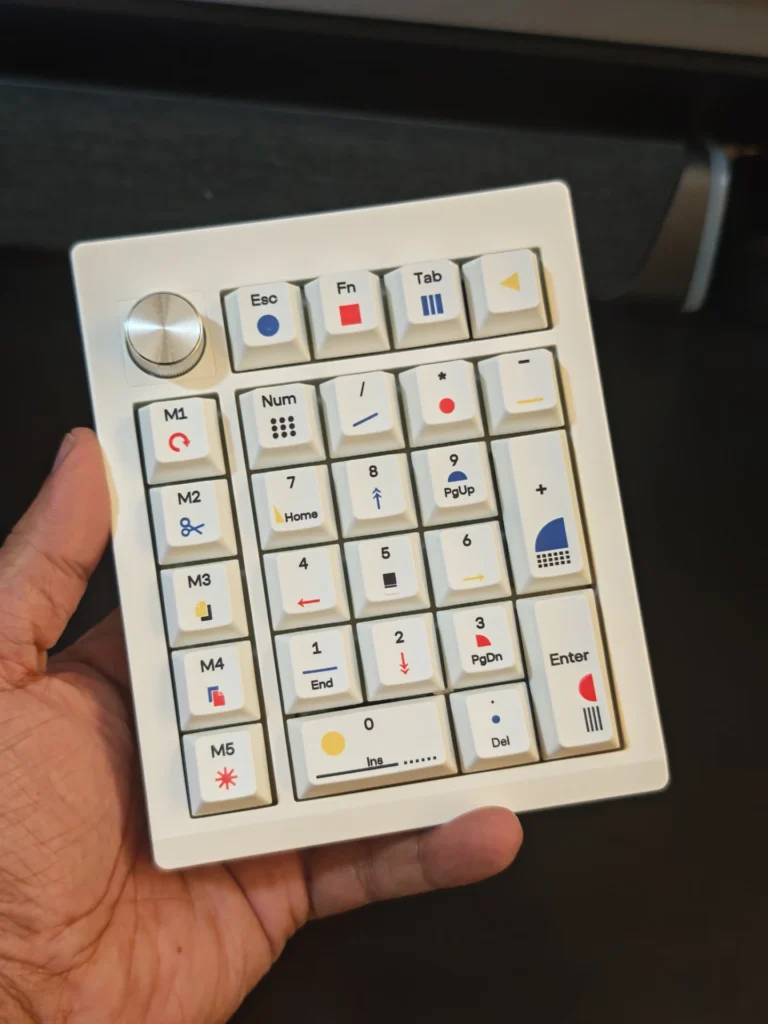
The EPOMAKER TH26 uses a compact 20% layout, combining a conventional number pad arrangement with five additional macro keys and a rotary knob. Measuring 121.05 × 146.9 × 45.65mm and weighing approximately 450g, it occupies relatively little desk space while remaining substantial enough to stay in position during use.
The exterior is constructed from ABS plastic with a clean white finish. The rounded edges give it a simple appearance, while the colourful keycap legends add some character. The overall design is more distinctive than a conventional office numpad, although the white finish is currently the only listed colour option.
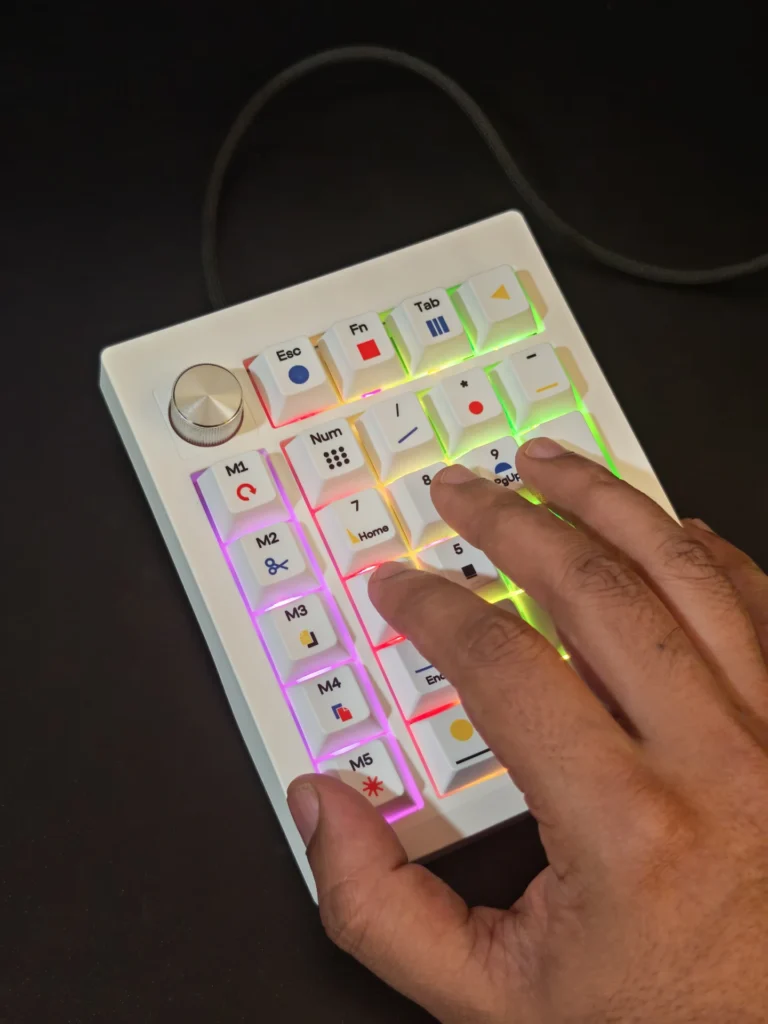
The main number pad occupies the centre, with the five M1 to M5 macro keys arranged vertically along the left side. The rotary knob sits at the top-left corner, separated from the main keys to prevent accidental adjustments during normal typing.
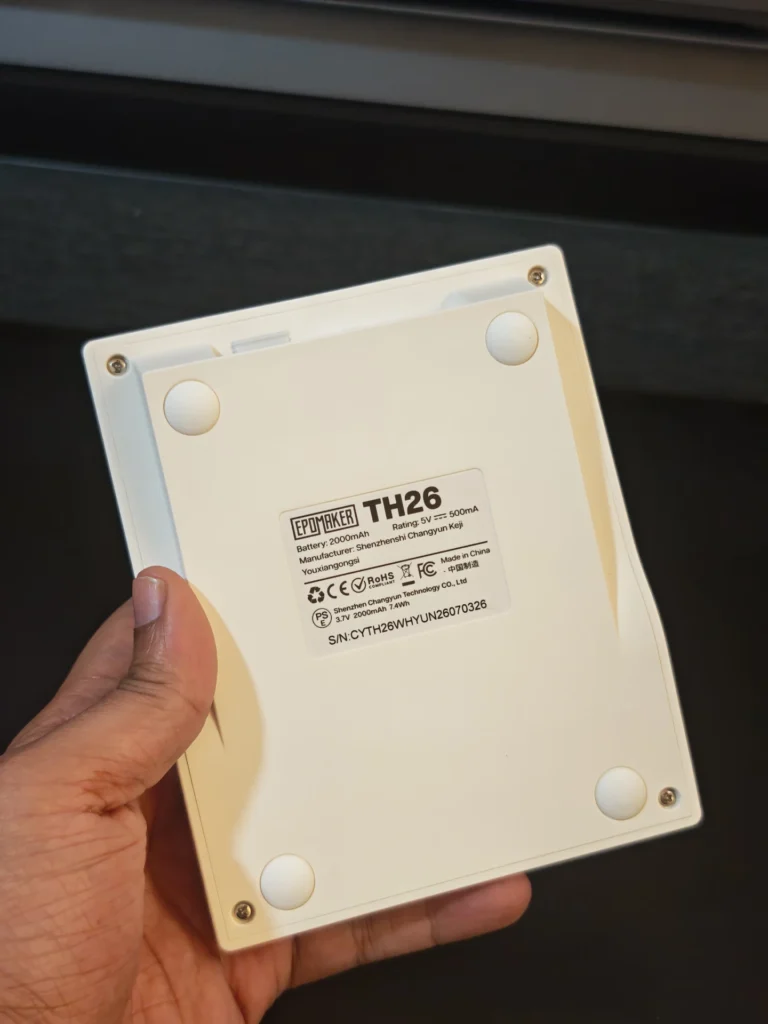
The rear section houses the essential connectivity controls. There is a storage compartment for the 2.4GHz wireless receiver, a three-position physical switch for selecting Bluetooth, 2.4GHz or wired connectivity, and a USB-C port for charging and wired operation.
The TH26 also features a fixed 7-degree typing angle. While this provides a comfortable incline for regular number entry, there are no adjustable feet to change the height or typing position.
Internally, EPOMAKER has included a gasket-mounted construction with a polycarbonate plate and a 1.2mm PCB. The structure is supported by four layers of acoustic materials: sandwich latex foam, an IXPE switch pad, a PET sound-enhancement layer and adhesive foam beneath the PCB.
This is a considerable amount of acoustic treatment for a standalone numpad in this price category. Although the plastic exterior does not provide the premium feel of an aluminium enclosure, the internal construction is designed to minimise unwanted resonance and improve the overall typing experience.
The TH26 comes with EPOMAKER’s Original Theory-themed keycaps. These are made from PBT material, feature single-sided dye-sublimated legends and use a Cherry profile.
The colourful legends give the white numpad a distinctive appearance without making the design excessively busy. The keycaps also have a familiar shape and surface texture, making them comfortable for regular use.
The secondary functions are printed on the relevant keys, allowing users to access additional navigation commands without requiring a full-size keyboard. The five macro keys also feature dedicated markings, making their intended functions easier to identify before customisation.
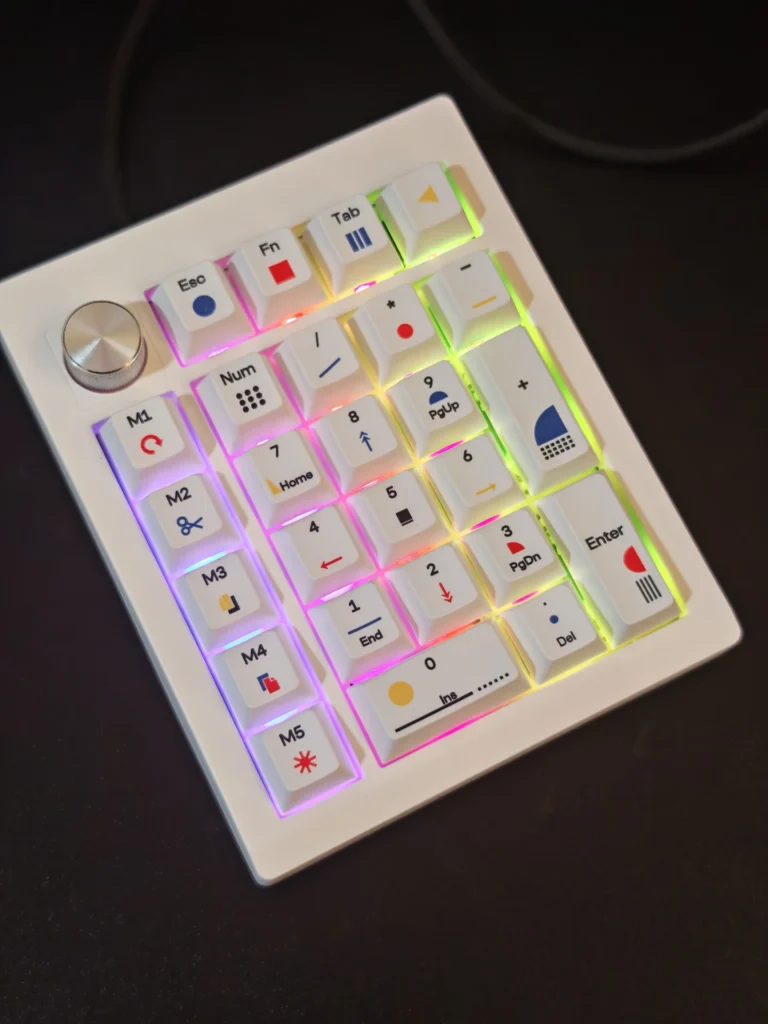
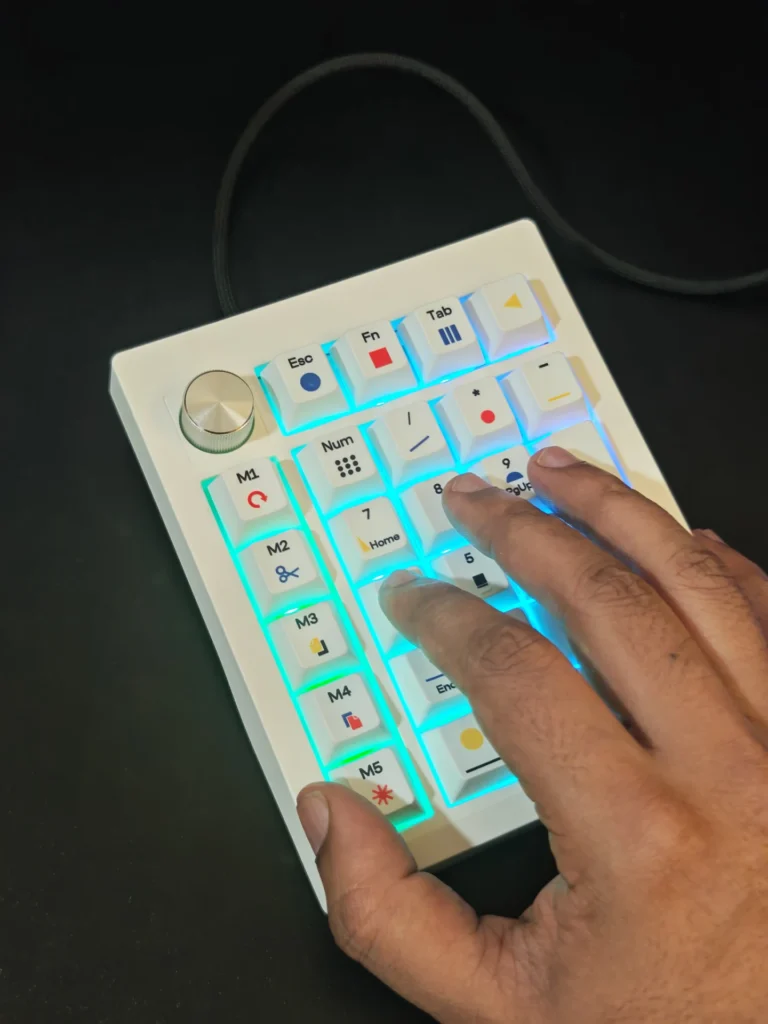
For lighting, the TH26 features south-facing RGB LEDs. The illumination is visible around the keycaps and through the legends, creating a subtle glow that complements the white enclosure.
However, the included Creamy Jade switches do not feature light diffusers. Consequently, the RGB illumination is not as evenly distributed or pronounced as it might be on keyboards with dedicated switch diffusers. It is better suited to providing ambient desk lighting than creating an elaborate RGB display.
One of the main reasons to consider the TH26 over a conventional wireless numpad is its additional controls. The five dedicated macro keys provide direct access to frequently used commands and shortcuts. These can be configured for different workflows, including copying and pasting content, undoing actions, controlling media playback or triggering application-specific commands.
For users working with video editing software, image editing applications or streaming tools such as OBS, having frequently used commands assigned to physical keys can reduce the need to repeatedly navigate menus or remember keyboard combinations.
The rotary knob adds another layer of functionality. It can be configured for tasks such as volume adjustment, scrolling, zooming and other supported commands. Its usefulness ultimately depends on how users configure it and which applications they regularly use.
The combination of five macro keys and a programmable rotary knob makes the TH26 particularly interesting for productivity-focused setups. Instead of purchasing a basic number pad, users get additional controls that can be adapted to their requirements.
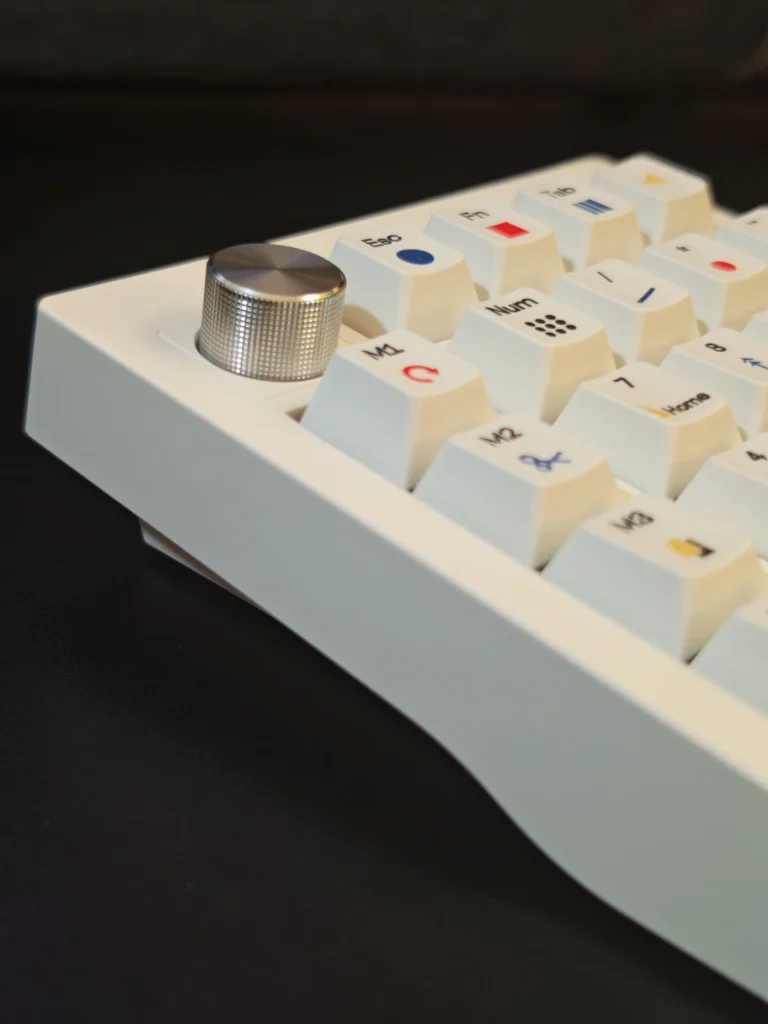
The EPOMAKER TH26 comes equipped with Creamy Jade mechanical switches. These are factory-lubricated, five-pin linear switches designed to provide a smooth keystroke without the tactile bump associated with tactile switches.
Their specifications include:
The relatively light actuation force makes the switches comfortable for repeated number entry and everyday typing. Their linear characteristics also provide a consistent keypress, which works well for both numerical input and frequently used shortcuts.
The internal gasket-mounted construction and multiple layers of sound-dampening material contribute to a more controlled acoustic profile. The included switches produce a smooth, relatively muted mechanical sound rather than an excessively sharp or hollow typing noise.
Of course, the final sound profile will vary depending on the surrounding environment, typing technique and installed switches. Nevertheless, the stock configuration provides a pleasant starting point without requiring immediate modifications.
Another useful feature is hot-swap support. Users can replace the included switches with compatible five-pin mechanical switches without soldering. This provides flexibility for those who prefer a different actuation feel or want to experiment with alternative switch types.
The larger keys also use plate-mounted stabilisers to maintain more consistent movement across their wider keycaps.
Connectivity is another area where the EPOMAKER TH26 offers considerable flexibility. It supports three connection methods:
A physical three-position switch on the rear makes changing between these connection modes straightforward.
For Bluetooth users, the TH26 supports three device profiles, allowing it to be paired with multiple compatible devices and switched between them using keyboard shortcuts. This is particularly useful when moving between a desktop computer, laptop or tablet.
| Connection | Polling Rate | Advertised Latency |
|---|---|---|
| USB-C wired | 1000Hz | 3ms |
| 2.4GHz wireless | 1000Hz | 5ms |
| Bluetooth | 125Hz | 15ms |
The wired and 2.4GHz modes provide the lowest advertised latency, while Bluetooth prioritises convenience and compatibility. For everyday productivity and number entry, all three options should be sufficient.
Customisation is handled through VIA and EPOMAKER Hub. VIA supports key remapping and macro configuration after importing the corresponding configuration JSON file. Alternatively, EPOMAKER Hub offers a more straightforward browser-based option without requiring the JSON import process.
Users can customise the five macro keys, rotary knob and other programmable functions to suit their preferred applications and workflow.
This flexibility is particularly useful because the TH26 does not need to remain a conventional number pad. It can be configured as a dedicated shortcut controller for creative applications, office tasks or gaming.
The TH26 includes a built-in 2,000mAh battery, which is a generous capacity for a compact wireless numpad. Since the device supports both Bluetooth and 2.4GHz connectivity, users can operate it without keeping a USB cable connected to their computer. This also makes it easier to reposition the numpad or move it out of the way when it is not required.
EPOMAKER provides a convenient battery-level indicator through a keyboard shortcut. Pressing Fn + the period key displays the remaining battery level using the number keys as indicators.
The keyboard also includes automatic power-saving functions. The RGB backlighting switches off after five minutes of inactivity, while the device enters a deeper sleep state after 30 minutes. Pressing a key wakes it from sleep.
Charging takes place through the USB-C port. EPOMAKER recommends connecting the device to a computer USB port rather than directly to a power adapter.
Although the 2,000mAh capacity is encouraging, EPOMAKER does not specify an official battery runtime in hours. Actual battery life will also depend on the selected wireless mode, RGB brightness and usage patterns.
The EPOMAKER TH26 is a practical accessory for users who prefer compact mechanical keyboards but occasionally need additional keys for productivity. Rather than offering just a conventional number pad, it combines numerical input, five programmable macro keys and a multifunction rotary knob in a relatively compact package.
Its hardware is also well considered for its price. The PBT Cherry-profile keycaps, factory-lubricated Creamy Jade linear switches, gasket-mounted construction and four layers of acoustic treatment provide a comfortable typing experience. Hot-swap support adds further flexibility, while the three connectivity options make it suitable for different desktop arrangements.
We particularly appreciate the combination of wireless connectivity and programmable controls. The ability to move the numpad around the desk, connect it to multiple devices and configure the macro keys around specific applications makes it more versatile than a standard standalone number pad.
There are a few compromises to consider. The ABS plastic enclosure does not have the premium feel of an aluminium alternative, the typing angle cannot be adjusted, and the RGB lighting is relatively subtle due to the absence of switch light diffusers. The limited colour selection may also disappoint users looking for a darker finish.
At its listed price of $38.24, the EPOMAKER TH26 offers a reasonable combination of mechanical hardware, customisation and wireless functionality. However, its value depends largely on whether users will take advantage of the additional macro keys and rotary knob.
If you already use a full-size keyboard and rarely need additional shortcuts, the TH26 may not be a necessary purchase. However, for users working with 60%, 65% or 75% keyboards, or those who regularly switch between gaming and productivity setups, it provides a convenient way to add functionality without replacing their primary keyboard.
Overall, the EPOMAKER TH26 is a well-equipped mechanical numpad that offers more flexibility than its compact dimensions suggest. It is not an essential accessory for everyone, but it makes a useful addition to a workspace where customisation and desk flexibility matter.
Also Read: EPOMAKER HE60 Review

Our EPOMAKER HE60 review explores its Hall Effect switches, Rapid Trigger, 8K polling, wireless connectivity, build quality and gaming performance.
Our Redragon Volcano K526 PRO review explores its tri-mode connectivity, RGB lighting, membrane typing experience, battery display, and gaming performance.
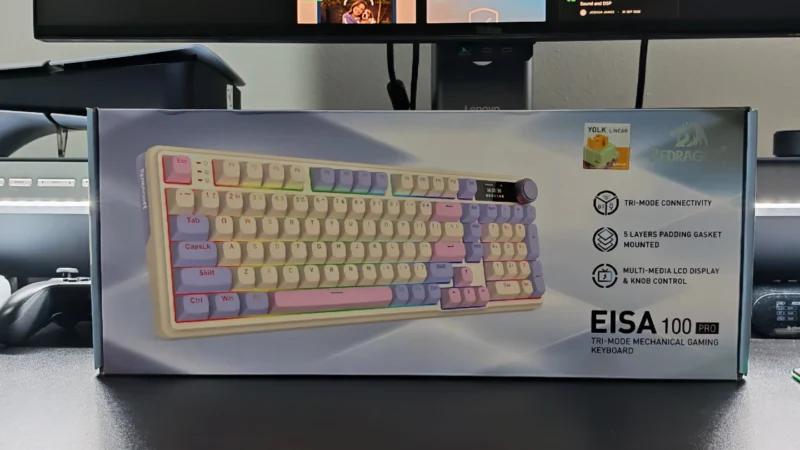
Redragon EISA K768 Pro review: Explore its customisable TFT display, linear switches, wireless connectivity, typing experience and value.
 Joshua James