
Lenovo ThinkVision P34WD-40 Hands-on
Lenovo’s ThinkVision P34WD-40 is a 34-inch ultrawide monitor designed for professionals who value productivity, precision, and connectivity.
The ThinkVision M16 delivers a good balance of portability, display quality and everyday usability. Its limitations are understandable for its intended category, making it a strong option for professionals who need a lightweight secondary display.
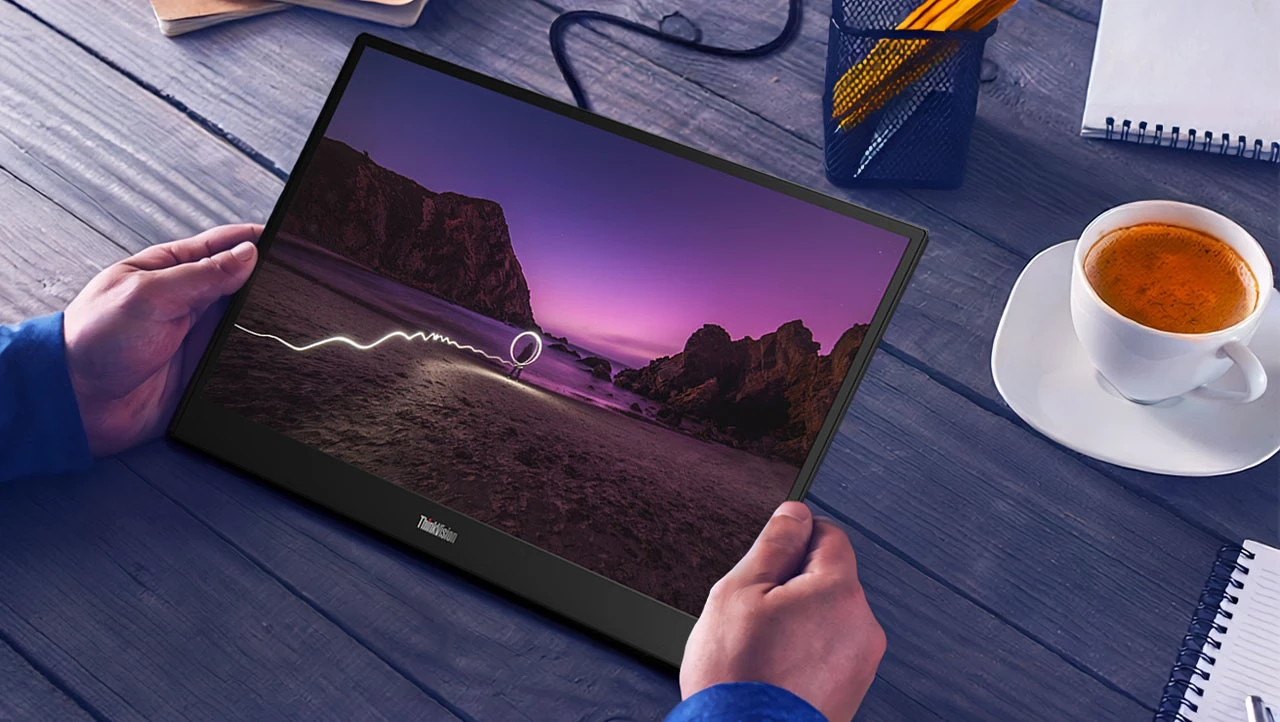
The Lenovo ThinkVision M16 is designed for professionals who need additional screen space without carrying a conventional desktop monitor. With a 16-inch WUXGA display, an ultra-slim design, an adjustable stand and USB-C connectivity, it targets users who frequently move between home, office and other workspaces.
We spent time evaluating its design, display quality, connectivity and everyday usability to determine whether it makes a worthwhile addition to a mobile workstation. At an approximate price of AED 900, the ThinkVision M16 sits in a segment where portability and convenience matter just as much as display specifications.
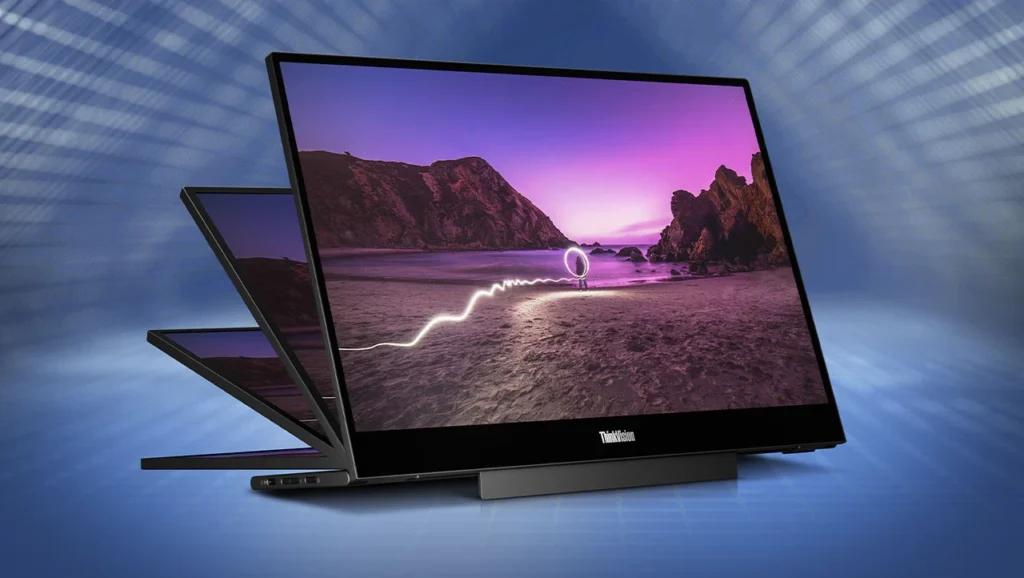
Portability is the ThinkVision M16’s biggest selling point. The monitor has an exceptionally slim profile, measuring approximately 7mm at its thinnest point, while the lower section houses the stand and connectivity hardware. At around 980g, it is light enough to carry alongside a laptop without adding significant weight to a work bag.
The overall design is understated and professional, with a clean finish that fits naturally into an office environment. Its three-side near-edgeless design also helps maximise the available screen area while keeping the monitor relatively compact.
Lenovo has integrated a fold-out L-shaped stand into the monitor, allowing users to position it at different viewing angles. The stand supports tilt adjustment from approximately 0 to 90 degrees, along with up to 10mm of height adjustment. This provides some flexibility when positioning the monitor alongside a laptop.
However, the lightweight construction comes with a compromise. The monitor can wobble slightly when placed on an unstable surface or when the buttons are pressed. It feels more comfortable on a solid desk, where the stand can maintain better stability. This is worth considering if you regularly work from small café tables or temporary workstations.
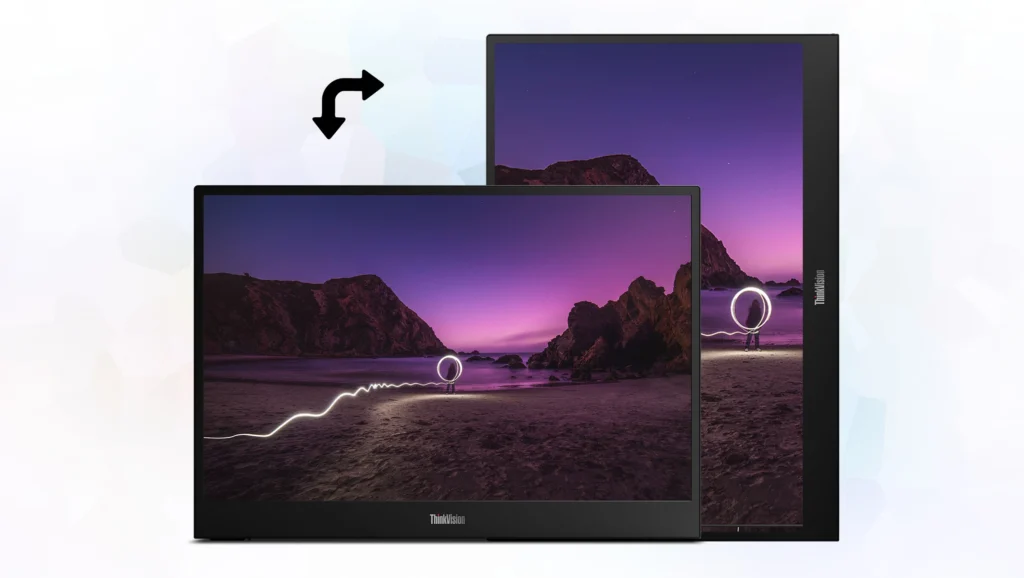
The ThinkVision M16 features a 16-inch IPS panel with a WUXGA resolution of 1920 × 1200 pixels. Its 16:10 aspect ratio provides additional vertical screen space compared with conventional Full HD 16:9 displays. This is particularly useful when working with documents, spreadsheets, browser windows and development environments.
The display operates at a 60Hz refresh rate, with a typical response time of 8ms. Lenovo also specifies a 6ms response time in Extreme mode, making it suitable for everyday productivity and general media consumption, although it is not intended for competitive gaming.
In terms of image quality, the panel offers a typical brightness of 300 nits and a contrast ratio of 1500:1. It supports 16.7 million colours and covers 45% of the NTSC colour gamut. These specifications make it suitable for office applications, browsing, presentations and video playback, but users working with colour-critical photography or professional video editing may want a monitor with wider colour coverage.
During everyday use, the IPS panel provides consistent viewing angles and a comfortable viewing experience. The matte surface also helps reduce reflections, which is useful when working under office lighting. However, the 300-nit brightness is better suited to indoor environments than bright outdoor locations.
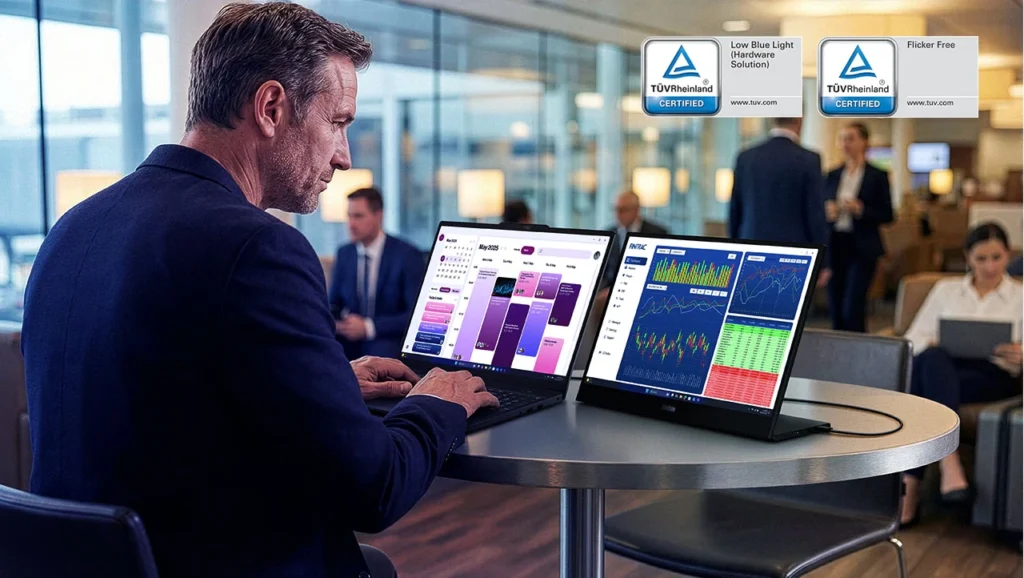
Lenovo has also included TÜV-certified flicker-free technology and hardware-based Low Blue Light functionality. These features are intended to make extended viewing more comfortable, particularly during longer working sessions. Overall, the display delivers the resolution and image quality expected from a portable productivity monitor. The extra vertical space is especially useful when working alongside a laptop screen.
One of the ThinkVision M16’s most practical features is its USB-C connectivity. The monitor includes two USB-C ports, positioned on opposite sides of the chassis, supporting DisplayPort 1.2 Alt Mode and power delivery. Connecting the monitor to a compatible laptop is straightforward. With a single USB-C cable, users can transmit the video signal and provide power to the display, eliminating the need for a separate HDMI cable and power adapter in supported configurations.
Both USB-C ports support up to 65W power delivery, allowing the monitor to participate in a pass-through power arrangement when connected to an appropriate power source. The actual charging capability available to a connected laptop depends on the power adapter, cable and device configuration.
We particularly appreciate the placement of the ports on either side of the monitor. This makes cable management easier when switching between different desk arrangements or positioning the display on either side of a laptop. The physical controls include a power button, brightness adjustment controls and an on-screen menu button. There is also a Kensington lock slot for additional physical security.
One minor inconvenience is the placement of the brightness and menu navigation buttons. They sit relatively deep within the chassis, making them slightly difficult to access initially. It is not a major usability issue, but the controls could have been easier to operate.
The ThinkVision M16 is not designed to replace a full-sized desktop monitor. Instead, its purpose is to provide additional screen space wherever a compatible laptop is being used.
During everyday productivity tasks, the additional display area makes multitasking considerably more convenient. Keeping reference documents, emails, communication applications or browser windows open on the secondary display reduces the need to constantly switch between windows on the primary laptop screen.
The 16:10 aspect ratio also makes a difference when working with longer documents and spreadsheets. The additional vertical space provides a little more room for content, which can be useful during extended office sessions.
Connectivity is another area where the monitor performs well. With a compatible USB-C connection, the display is recognised quickly, making it easy to move between workstations without dealing with complicated installation procedures.
The ThinkVision M16 is compatible with supported Windows and macOS devices, provided they offer the necessary USB-C video output. It is worth checking your laptop’s USB-C specifications before purchasing, as not every USB-C port supports video output.
Heat management is also reasonable for a monitor of this size. During extended use, heat is primarily concentrated around the lower section and stand area rather than being distributed across the entire panel.
There are, however, some limitations to consider. The 60Hz refresh rate and 300-nit brightness reflect its productivity-focused positioning. Users looking for a high-refresh-rate gaming display, HDR performance or professional colour accuracy should consider other options.
The ThinkVision M16 is designed to operate efficiently without requiring a bulky external power supply in typical USB-C setups. Lenovo specifies typical power consumption of approximately 4.5W, with maximum consumption around 5.5W. This makes it a relatively low-power addition to a portable workstation.
For users who frequently work away from a conventional desk, this is an important consideration. However, powering the monitor directly from a laptop can affect the laptop’s battery life, depending on its battery capacity and power management. The ability to use a compatible external power source also provides additional flexibility when working from a fixed desk.
The ThinkVision M16 works with compatible laptops that support DisplayPort Alt Mode over USB-C. This includes supported Windows laptops and MacBooks with the appropriate USB-C video output.
Setup is straightforward. Connect the supplied USB-C cable to the monitor and a compatible laptop, and the display can start working without requiring a separate display driver. This makes it particularly convenient for people who frequently change work locations.
The package also includes a protective sleeve, which is a useful addition for anyone planning to carry the monitor regularly. It provides basic protection during transportation and makes the overall package more practical.
At approximately AED 900, the Lenovo ThinkVision M16 is positioned as a premium portable productivity monitor. There are conventional desktop monitors available at similar prices that offer higher refresh rates, greater brightness and wider colour coverage.
However, those displays are designed for a different purpose. The M16 focuses on portability, quick setup and convenient connectivity rather than competing with traditional desktop monitors on specifications alone.
For professionals who regularly travel, work remotely or move between office locations, the combination of a 16-inch display, lightweight construction and integrated stand makes a practical difference. It provides additional screen space without requiring a bulky monitor or a complicated setup. The main considerations are its 300-nit brightness, limited colour gamut and slightly unstable stand on uneven surfaces. These are reasonable compromises for a portable monitor, but they should be considered before purchasing.
At around AED 900, we believe the ThinkVision M16 is worth considering for users who genuinely need a portable second display. Those who primarily work from a fixed desk may find better value in a conventional monitor.
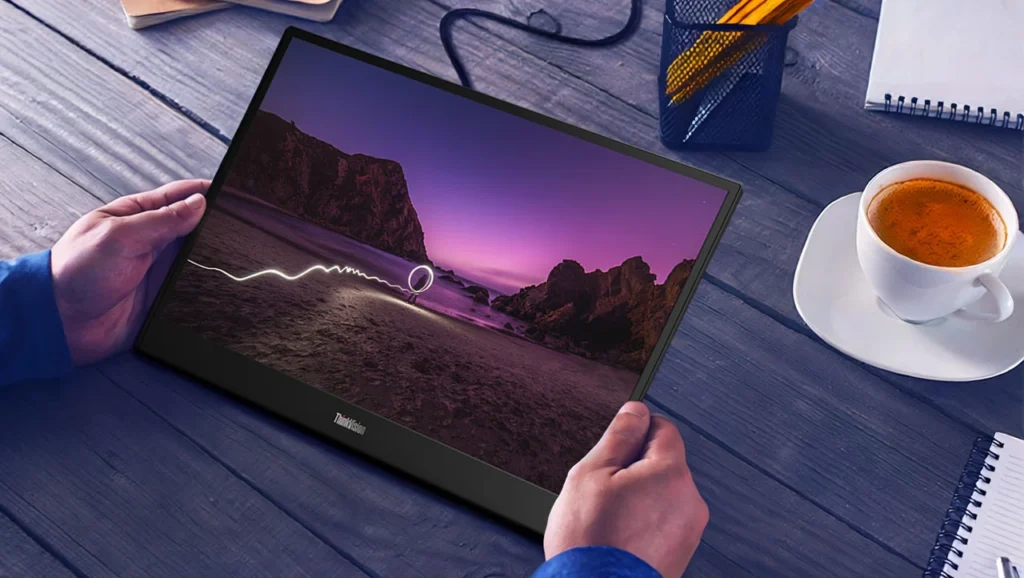
The Lenovo ThinkVision M16 is a well-designed portable monitor that focuses on solving a specific productivity problem. Its slim construction, low weight, 16:10 display and straightforward USB-C connectivity make it a practical companion for laptops.
We particularly appreciate the WUXGA resolution, matte IPS panel and integrated adjustable stand. The ability to set up an additional display quickly is useful for professionals who frequently change workstations, while the included carrying sleeve makes transportation easier.
It is not without limitations. The 300-nit brightness restricts its suitability for bright outdoor environments, the 45% NTSC colour coverage is not ideal for professional colour-sensitive work, and the stand could offer better stability. The recessed physical controls are another minor inconvenience. Nevertheless, these limitations do not undermine its intended purpose. The ThinkVision M16 is designed for productivity on the move, and it performs that role well.
At approximately AED 900 in the UAE, we recommend it to business travellers, hybrid workers, students and professionals who need a dependable secondary display. If portability is not a priority, a conventional desktop monitor will offer more features for the money.
Also Read: Lenovo Tab Plus Gen 2 Review: A Tablet Built Around Entertainment


Lenovo’s ThinkVision P34WD-40 is a 34-inch ultrawide monitor designed for professionals who value productivity, precision, and connectivity.

Uperfect UColor J5 Review: for professionals needing a portable high-resolution screen, the J5 delivers outstanding performance at a competitive price.

The Lenovo Legion Pro 34WD-10 Review: a high-end OLED monitor offering stellar performance for gamers and professionals alike.
 Joshua James