
How to Reduce Input Lag on a Gaming Monitor or PC
Reduce Input Lag on a Gaming Monitor: fixing it usually means working through your settings systematically rather than blaming any single piece of hardware.
Here is the step-by-step guide to check your balance on your NOL card.
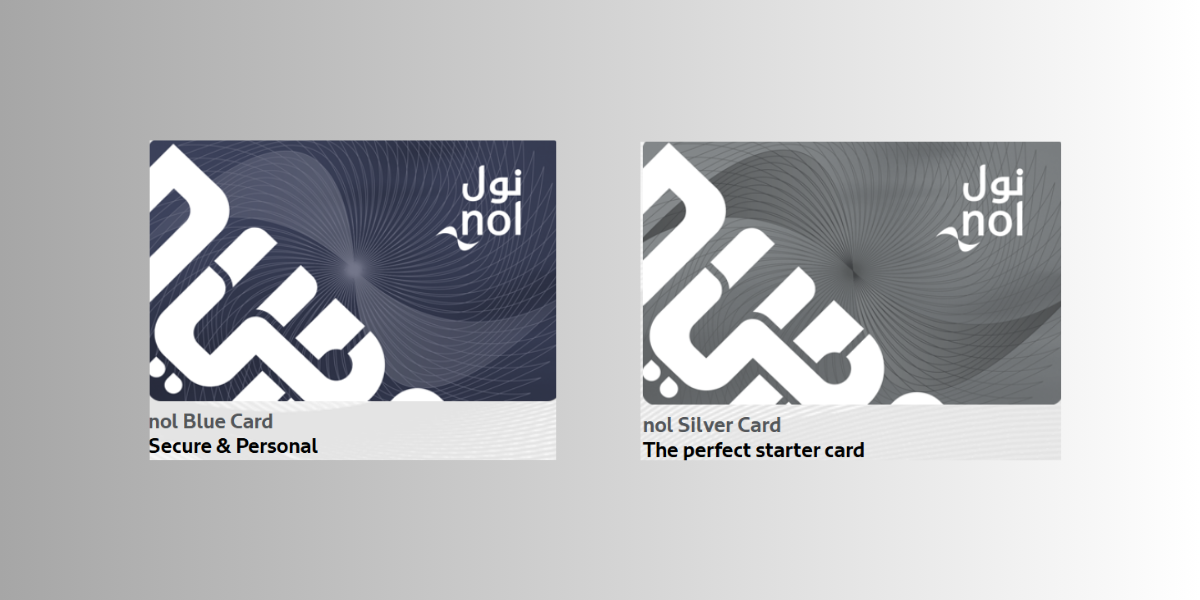
Developed by a Hong Kong-based company, NOL is an electronic ticketing card introduced by the Roads and Transport Authority (RTA) of Dubai. The credit-card-sized NOL card helps those Dubai commuters depending on public transportation. This card can be used by residents and visitors alike while traveling on metro trains, buses, and water buses. It can also be used for parking. The contactless smartcard allows you to check your balance by tapping it before entering the metro train or bus platforms. But what if you want to urgently check your NOL card balance? This guide will assist you on how to check your NOL card balance if you are nowhere near any metro platforms. All you need is a stable internet connection.
Install the RTA mobile app from the Google Play Store or Apple App Store.
Open the app and drag it to the bottom.
Select “NOL” from the main menu.
From the Public Transportation Users section, select “Check your NOL balance”.
Enter your NOL card tag ID.
Click on “Check Balance” to check your current balance.
You can also directly check your NOL card balance by clicking on the following balance checker link “Roads & Transport Authority – Home”.
If you don’t know this yet, there are four types of NOL cards in four colours. Each has its purpose and varies in terms of cost, validity and benefits. The NOL card helps you travel carefree and rewards you with fare discounts.
The NOL silver card is for the starters. You can avail of this from any ticket office for AED 25. The silver card is valid for up to 5 years.
The NOL gold card is also available at any ticket office for AED 25. The card valid for up to 5 years comes with an extra privilege of accessing Metro’s Gold Class seats.
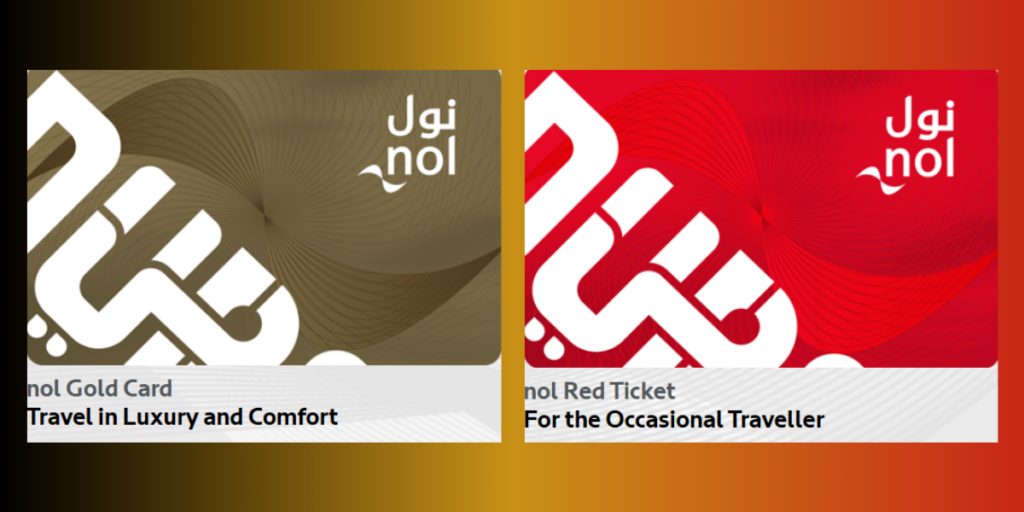
The NOL blue card is available for AED 70. The card can be used for concession by students, senior citizens and the differently abled. It offers secure online services.
A red NOL card or Red Ticket is only valid for 90 days. It costs only AED 2. It can be used occasionally (preferably allows you to use one mode of transport at a time).
You can purchase it easily from any ticket office at Dubai Metro and bus stations, from RTA authorized sales agents or via RTA’s website.
If you are applying for any NOL card, you need a valid ID. You have to fill out an application form. If you want a personalized blue card, you’ll need a passport-sized photo. Now that you have the best guide, we hope you get your NOL Card, check the balance and enjoy your hassle-free travel.


Reduce Input Lag on a Gaming Monitor: fixing it usually means working through your settings systematically rather than blaming any single piece of hardware.

How to Fix Common Wi-Fi and Router Problems at Home: A slow or unreliable Wi-Fi connection does not necessarily mean that your router needs to be replaced.
Getting a new SIM card in the UAE is a straightforward process, but every number must be registered against valid identification before it can be activated.
 GDGTME Team