
5 UGREEN Charging Accessories to Consider for Your Next iPhone
5 UGREEN Charging Accessories to Consider for Your Next iPhone
Updating all of your apps on an iPhone running iOS 16 can be done quickly and easily using the App Store.
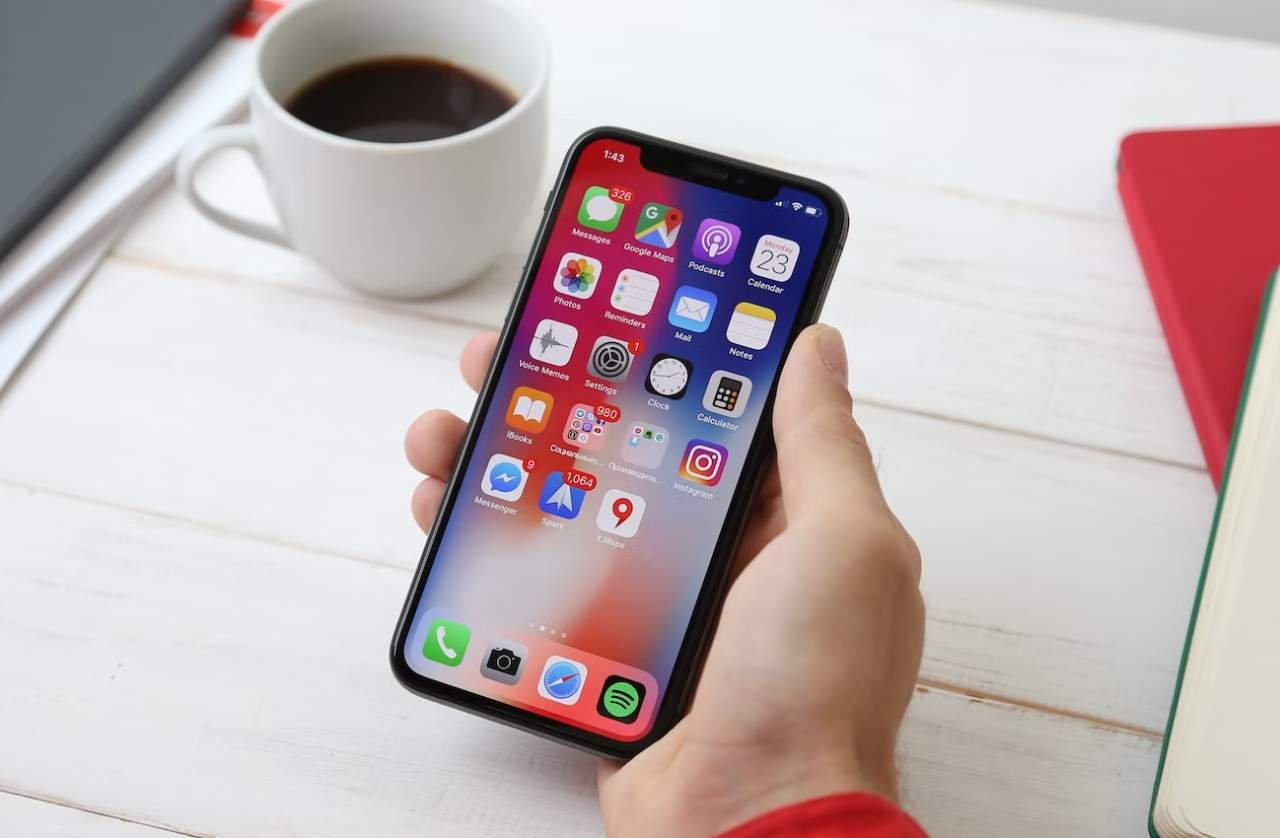
Keeping your apps up to date on your iPhone is important for ensuring that they are running smoothly and have all the latest features and bug fixes. Updating all of your apps on an iPhone running iOS 16 can be done quickly and easily using the App Store.
In this guide, we will walk you through the steps to take to update all of your apps at once, or update them one at a time. We will also show you additional ways to update your apps, such as automatic downloads, downloading updates only over Wi-Fi, and receiving notifications when updates are available.
By following this guide, you will be able to update iPhone apps on iOS 16:
Additionally, there are some other ways to update your apps:
In conclusion, updating all of your apps on an iPhone running iOS 16 is a quick and easy process. You can use the App Store to update all of your apps at once or update them one at a time. Additionally, you can set your iPhone to automatically update all your apps, download updates only over Wi-Fi, or receive notifications when updates are available. By keeping your apps up to date, you will ensure that they are running smoothly and have all the latest features and bug fixes.


5 UGREEN Charging Accessories to Consider for Your Next iPhone

Reduce Input Lag on a Gaming Monitor: fixing it usually means working through your settings systematically rather than blaming any single piece of hardware.
How to Fix Common Wi-Fi and Router Problems at Home: A slow or unreliable Wi-Fi connection does not necessarily mean that your router needs to be replaced.
 GDGTME Team