
How to Reduce Input Lag on a Gaming Monitor or PC
Reduce Input Lag on a Gaming Monitor: fixing it usually means working through your settings systematically rather than blaming any single piece of hardware.
If you are concerned about how to post high quality reels on Instagram without losing quality, we’ve got you covered!

Instagram has now become one of the leading platforms for content creators. It allows users to post a variety of content, such as reels. However, Instagram compresses the quality while uploading. Such scenarios infuriate creators — particularly if they have already taken high-quality photographs or videos. It’s undeniably frustrating. But don’t worry, you’re not the only one. Almost all of us are subjected to this disappointment. We put in so much time and effort to create a phenomenal video, but the results are sorely lacking when we share it.
If you are concerned about how to post reels on Instagram without losing quality, we’ve got you covered!
Instagram’s video upload quality has improved since a recent update. You can now upload higher-quality videos without fear of them being compressed. In this article, we’ll show you how to do it by following some simple steps.
Instagram Reels are vertical videos with a maximum length of 60 seconds. This famous video feature is available in the US as well as in 50 other countries.
What sets Reels apart from other Instagram content is that instead of only seeing Reels from accounts they follow; users can now see Reels from any Instagram account on the Reels tab.
Instagram Reels have gotten a lot of attention from both creators and audiences. They are mostly shot with the Instagram app to take advantage of the available effects and transitions.
Instagram will automatically upload reasonably high-quality content to its platform. However, you’ll be surprised to know that there are a few tips and tricks that allow you to upload even higher-quality reels.
To keep the reels at their highest resolution, you must frame them using the recommended settings.
According to the recommended settings of Instagram reels:
Within the settings area Instagram, there’s an option that allows you to upload higher-quality reels. However, the majority of Instagram users are unaware that the high-quality uploads option is turned off by default. If you only use mobile data, this option will be disabled. But you can easily enable it in the app’s settings. To enable this option, you need to follow the given simple steps:
From now on, whenever you upload a reel, it will be of much higher quality. Remember that it will consume your data much faster than usual.


Reduce Input Lag on a Gaming Monitor: fixing it usually means working through your settings systematically rather than blaming any single piece of hardware.

How to Fix Common Wi-Fi and Router Problems at Home: A slow or unreliable Wi-Fi connection does not necessarily mean that your router needs to be replaced.
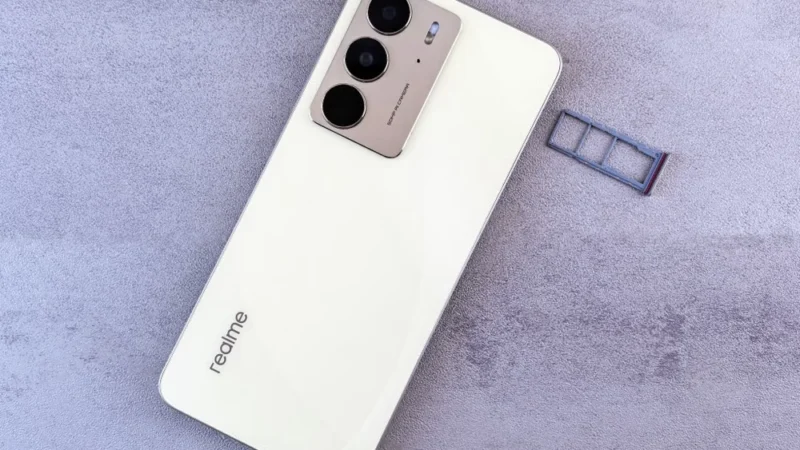
Getting a new SIM card in the UAE is a straightforward process, but every number must be registered against valid identification before it can be activated.
 GDGTME Team