
How to Reduce Input Lag on a Gaming Monitor or PC
Reduce Input Lag on a Gaming Monitor: fixing it usually means working through your settings systematically rather than blaming any single piece of hardware.
According to a Malwarebytes report, threats against Macs have risen by 400%. So how do you avoid unleashing a virus on your Mac?

It is a myth that Macs don’t get viruses. It is just as easy to put a virus on your Mac as it is on a Windows computer. According to a Malwarebytes report, threats against Macs have risen by 400%. So how do you avoid unleashing a virus on your Mac?
Read on as we go into Mac virus removal and prevention.
There are several signs that your Mac has a virus and you need to do something about it. Is your Mac:
Any or all of this can be caused by a virus.
When online it is a good idea to take an avoidance is better than removal attitude.
So:
This is all well and good but how do you get rid of a virus if you’re unlucky enough to get one?
If you download an app that was just a package of unholy virus rubbish delete it straight away. So, take no prisoners:
Malware and viruses like to hang out in your browser extensions. They can be extremely annoying and it’s best to evict them at your earliest convenience.
Safari
Chrome
Firefox
Viruses love login items as they launch automatically when you switch on your Mac. As such, it is a good idea to review these items and prevent them from launching unless you need them.
So:
For more information on viruses visit Apple Support.

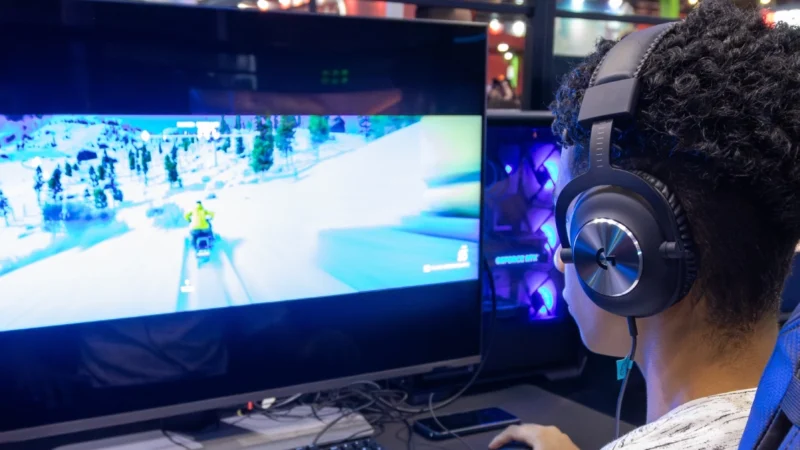
Reduce Input Lag on a Gaming Monitor: fixing it usually means working through your settings systematically rather than blaming any single piece of hardware.

How to Fix Common Wi-Fi and Router Problems at Home: A slow or unreliable Wi-Fi connection does not necessarily mean that your router needs to be replaced.
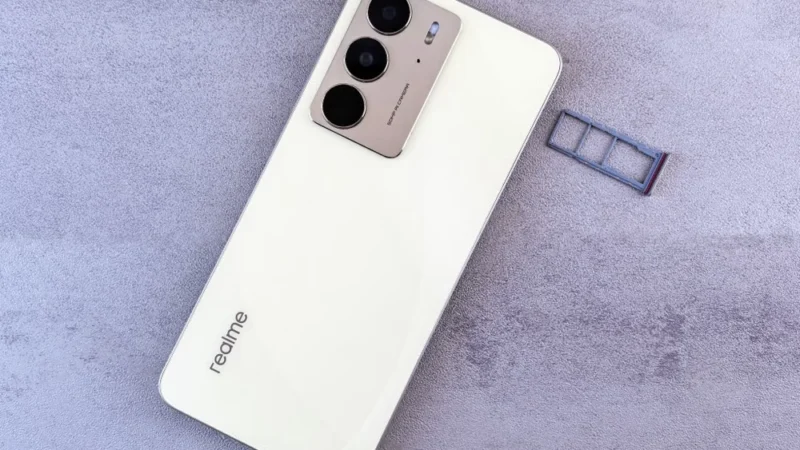
Getting a new SIM card in the UAE is a straightforward process, but every number must be registered against valid identification before it can be activated.
 GDGTME Team