
SteelSeries Apex Pro TKL Gen 3 Review
We review the SteelSeries Apex Pro TKL Gen 3, featuring OmniPoint 3.0 Hall Effect switches, adjustable actuation, Rapid Trigger, OLED display and RGB lighting.
Its build quality and included accessories add value, making it a solid choice for professionals and casual users alike.
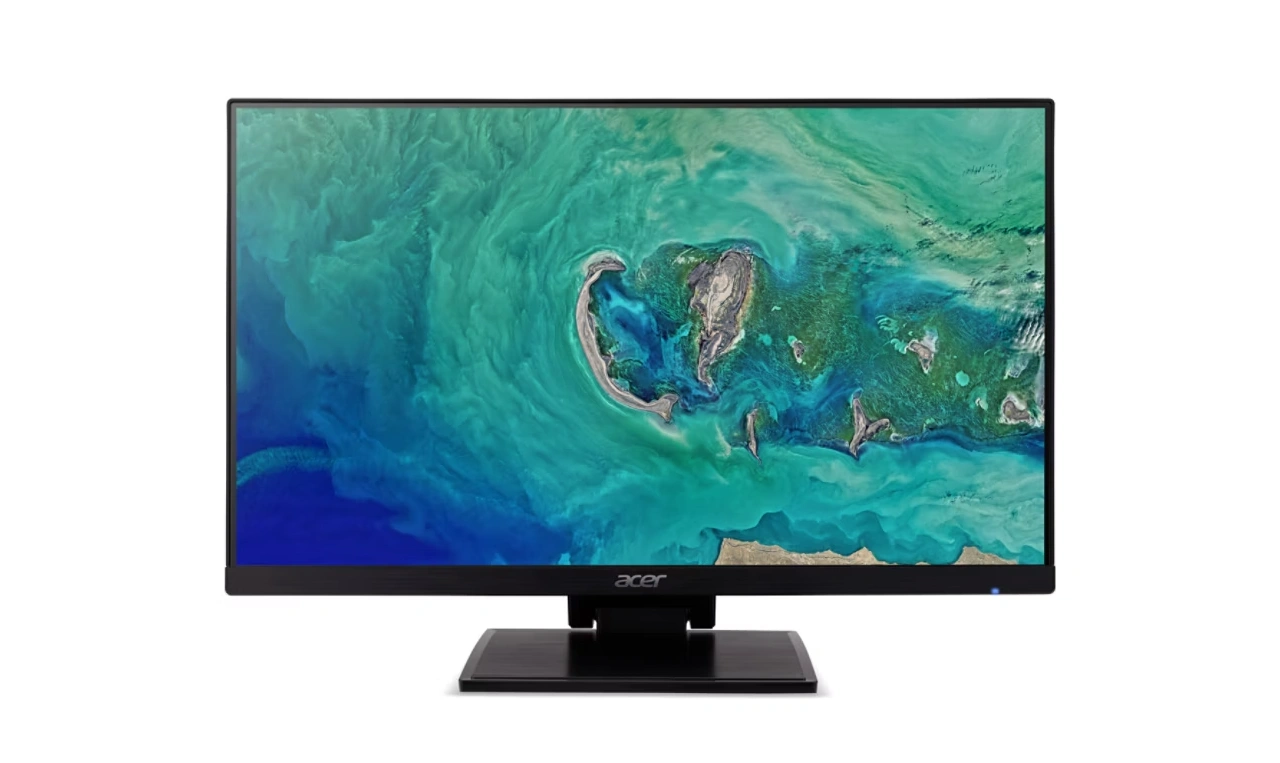
The Acer UT241Y is a 24-inch Full HD touchscreen monitor designed for both professionals and enthusiasts. Its IPS panel delivers vibrant colors, 16.7 million color support, and sharp visuals with a 72% NTSC color gamut. With a 10-point multi-touch screen and a 90Hz refresh rate, the monitor is impressively responsive, making it ideal for interactive tasks, productivity, and casual gaming.
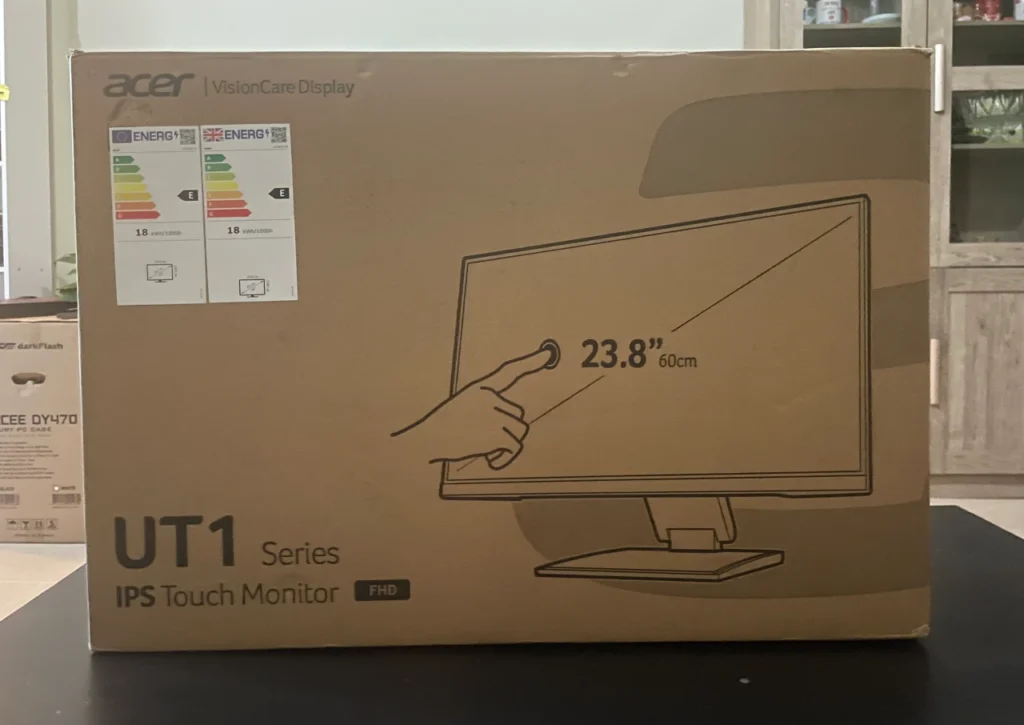
The monitor features a sleek design with slim bezels and a flexible stand that supports height and tilt adjustments, you can tilt the display to -3°~ 88°. It also includes built-in 2W stereo speakers, which are sufficient for casual audio use but not suitable for bass-heavy content. Black is the only color option available.
The UT241Y includes a range of ports:
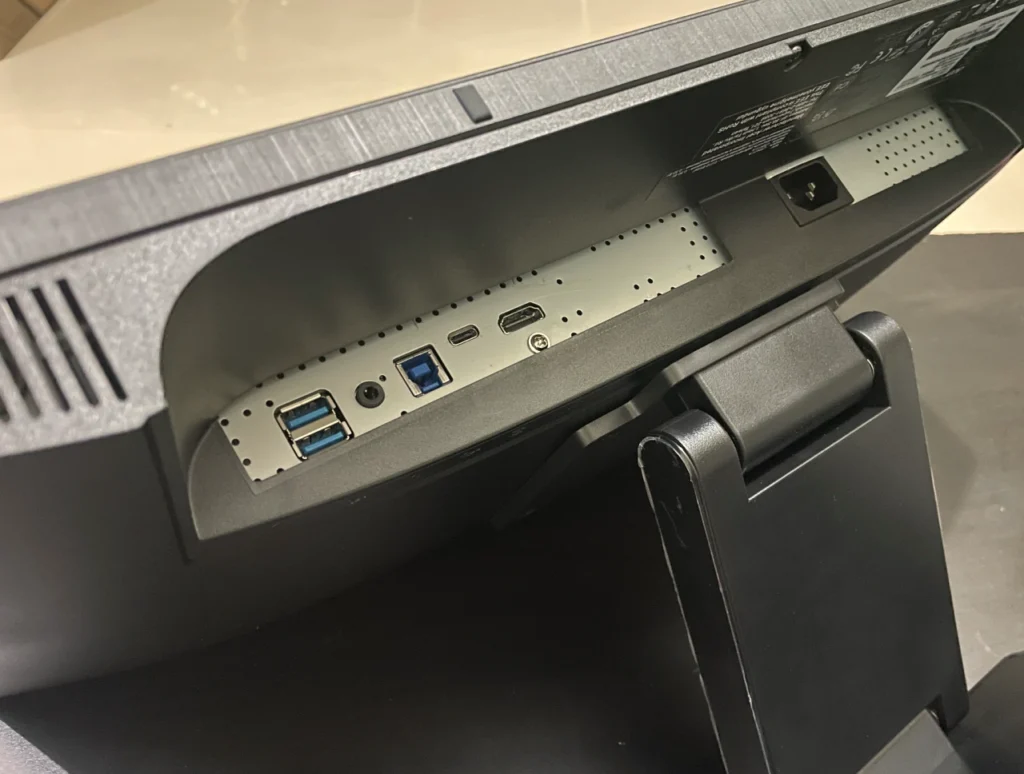
Connecting the touch function requires a USB-C cable, as HDMI alone doesn’t support touch commands. The monitor supports easy switching between devices, making it an excellent choice for multitasking with PCs, Macs, or other compatible systems. All necessary cables are included in the box.
The touch functionality is smooth and responsive, and the monitor works seamlessly as an extended display. Its ergonomic design and mounting options, including wall-mounting support, add to its versatility. The screen’s brightness (250 cd/m²) and Full HD resolution make it suitable for day-to-day tasks, although users with higher resolution requirements or outdoor use may find limitations.
The built-in speakers are basic and lack depth, best used for reference audio rather than immersive media experiences. External speakers are recommended for enhanced sound quality. The joystick-style menu control at the back simplifies settings adjustments.
Retailing at approximately $300, the Acer UT241Y offers a compelling mix of features for those seeking a responsive touchscreen monitor with broad connectivity options. While not ideal for gaming or intensive multimedia tasks, it excels as a versatile tool for productivity and multitasking. Its build quality and included accessories add value, making it a solid choice for professionals and casual users alike.
Also Read: KTC G27P6 OLED Gaming Monitor Review

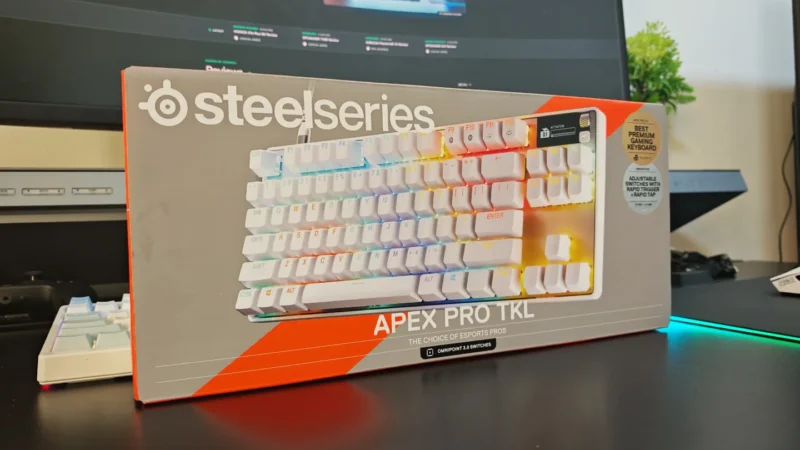
We review the SteelSeries Apex Pro TKL Gen 3, featuring OmniPoint 3.0 Hall Effect switches, adjustable actuation, Rapid Trigger, OLED display and RGB lighting.
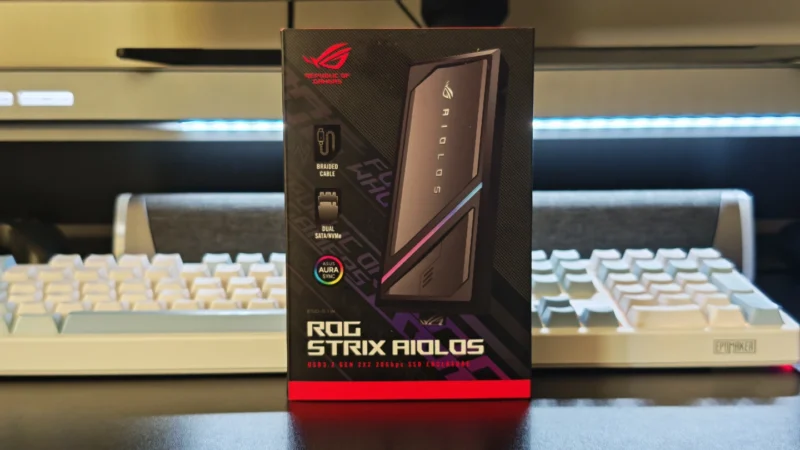
Our ASUS ROG Strix Aiolos review examines its 20Gbps USB 3.2 Gen 2×2 performance, design, cooling, tool-free installation, RGB lighting and value.
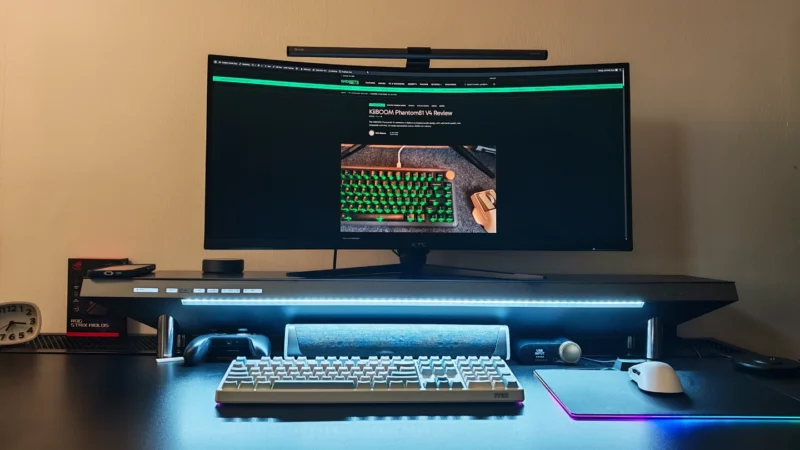
Our Hexcal Studio review examines its premium build, cable management, eight AC outlets, USB connectivity, wireless charging and integrated task lighting.
 Joshua James